-
-
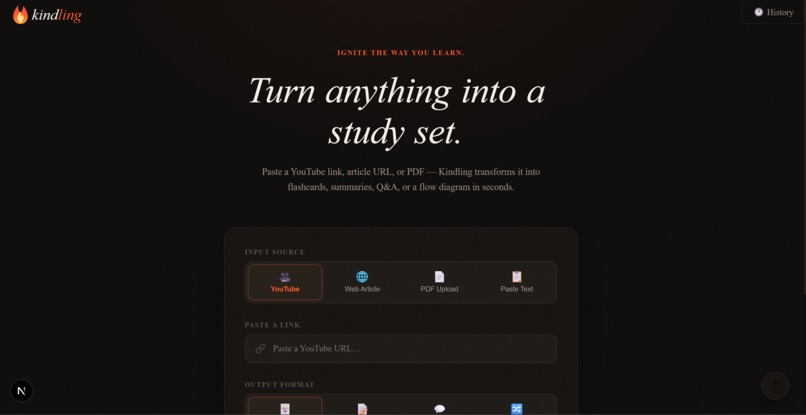
Home Page
-
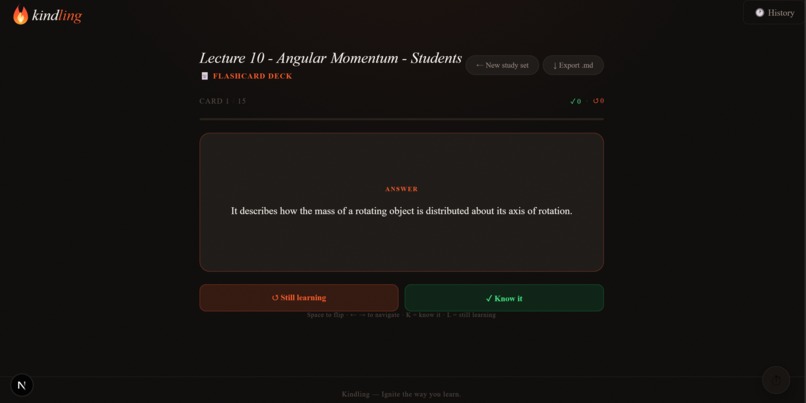
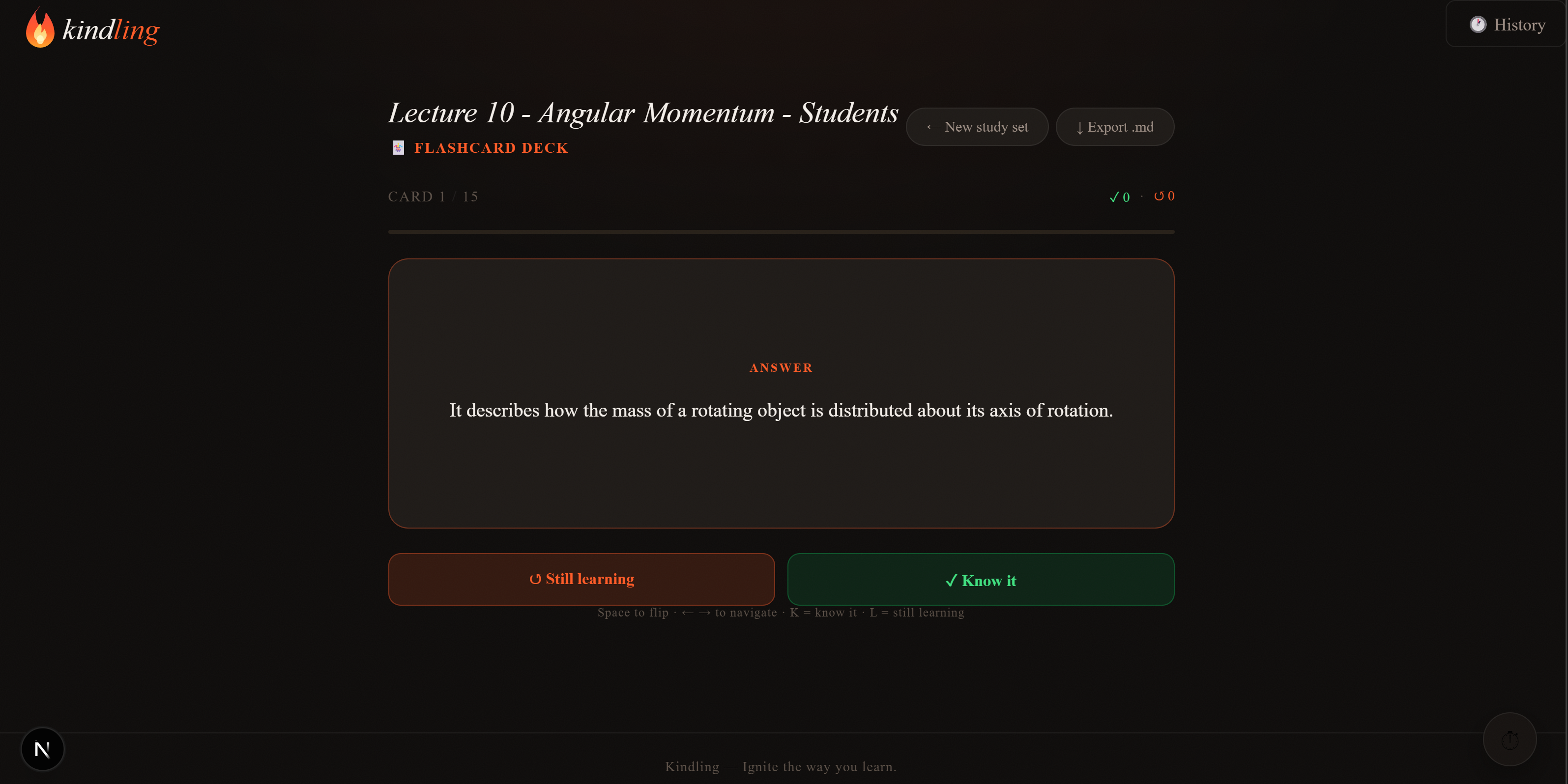
Flash card view (physics lecture notes)
-
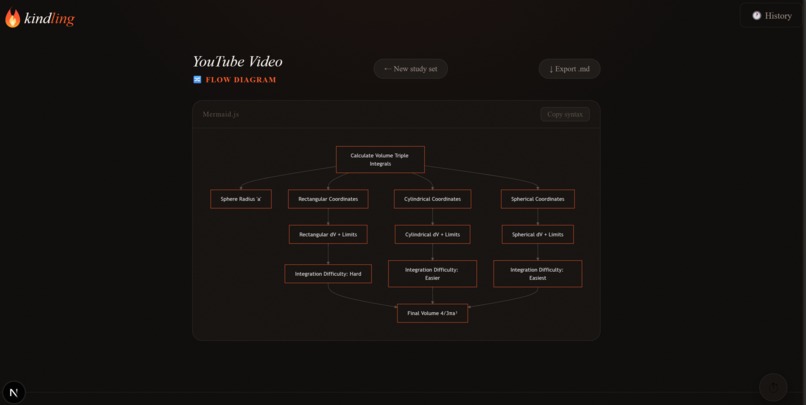
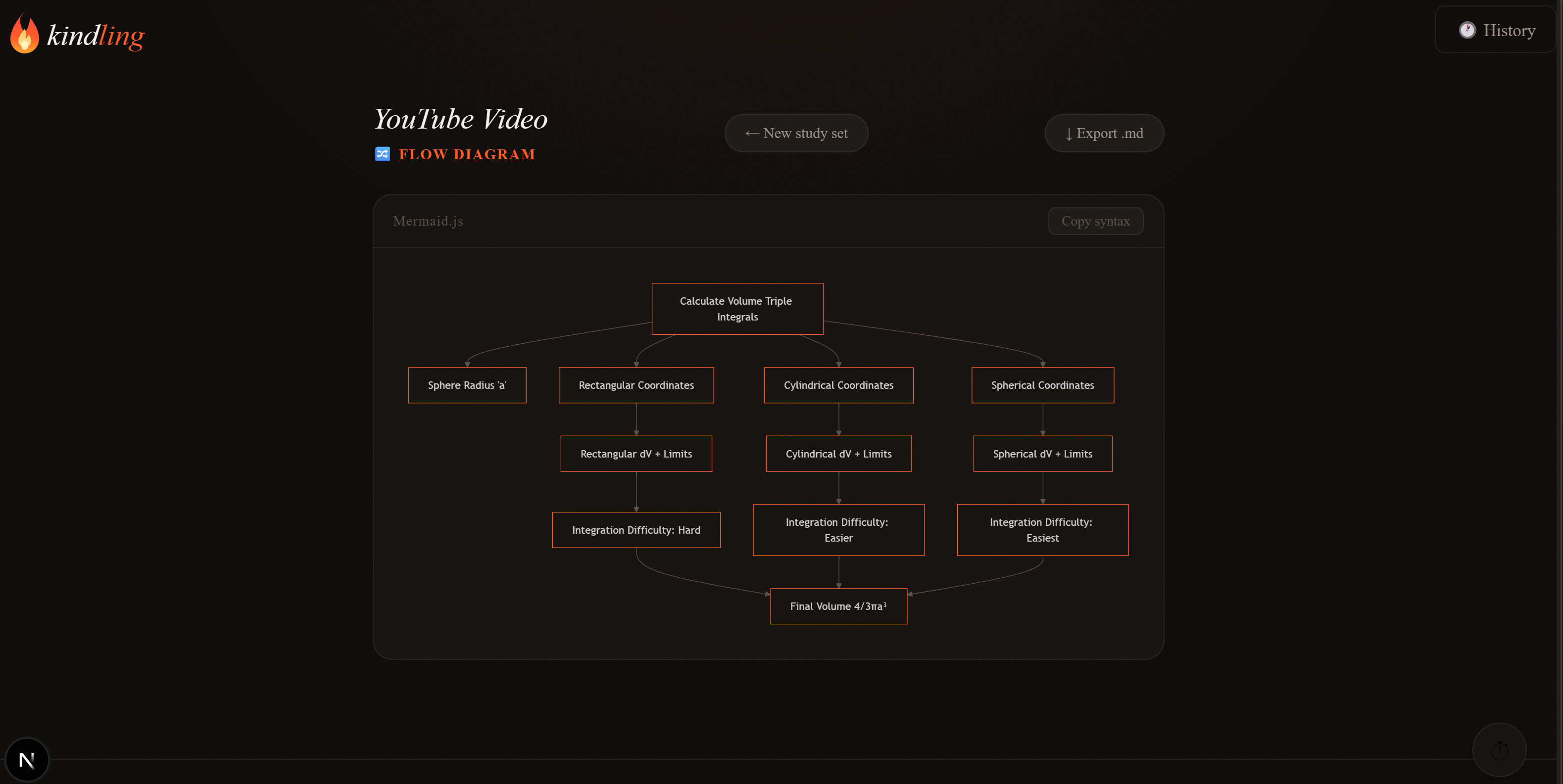
Flow Chart (calc 3 video)
-
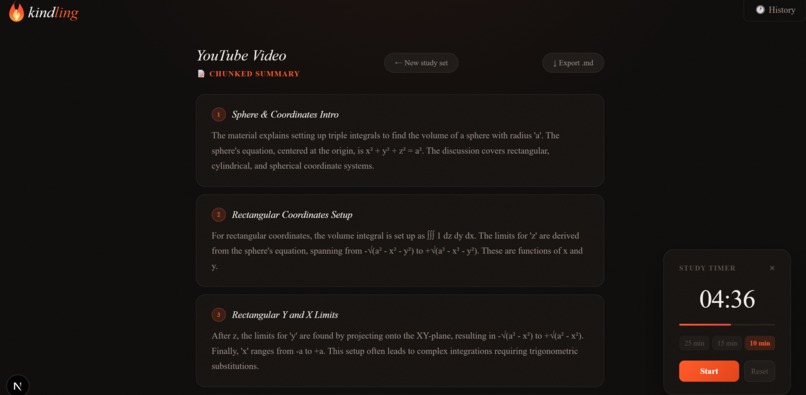
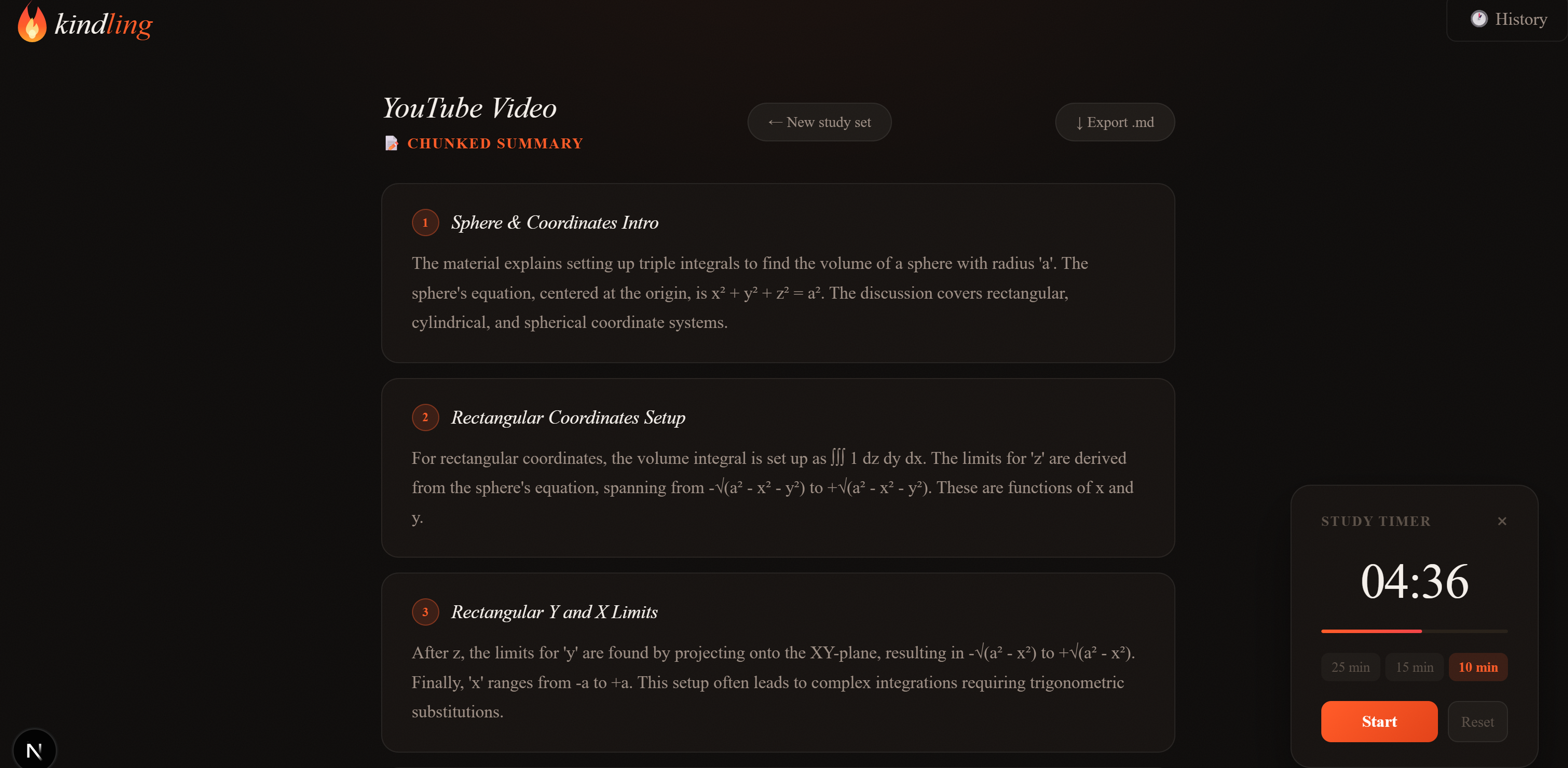
Summary view (calc 3 video)
-
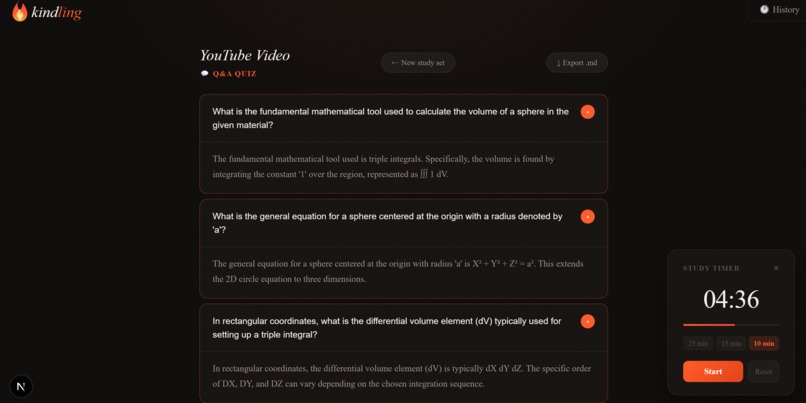
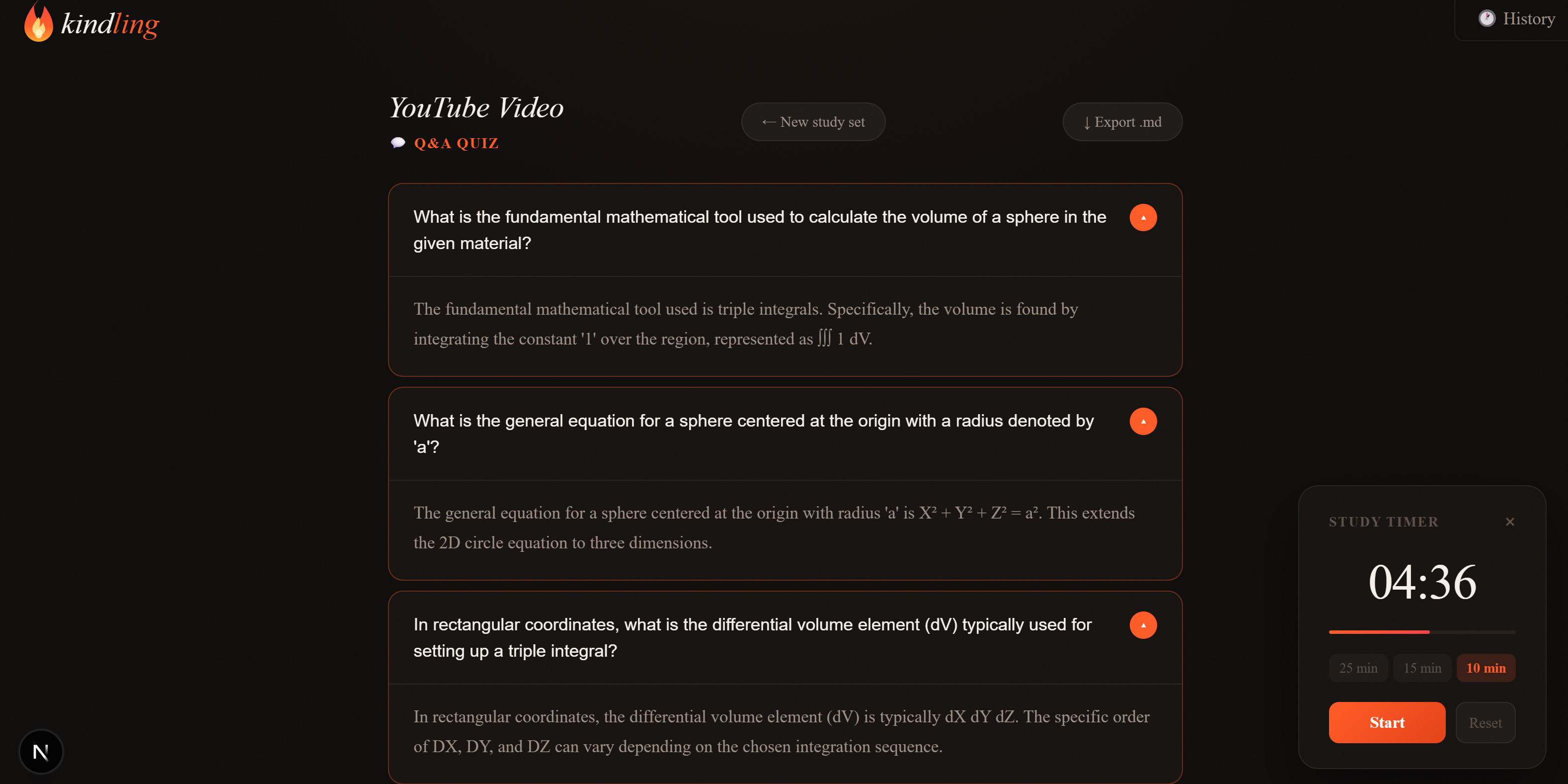
Q/A view (calc 3 video)

Inspiration
We've all been there: a two-hour lecture recording the night before an exam, a 40-page PDF you need to absorb in an afternoon, a dense article your professor swears is "essential reading." The problem isn't access to information, it's that converting raw content into something you can actually study from takes almost as long as learning the material itself. We wanted to close that gap. Tools like Anki and Quizlet are great, but they require you to do all the heavy lifting of creating the cards. We asked: what if you could drop in any YouTube video, article, or PDF and have a full study set including flashcards, a chunked summary, a Q&A quiz, or a flow diagram, and have it ready in seconds? That question became Kindling.
What it does
Kindling transforms any learning resource into a structured study set, instantly. You paste a YouTube URL, an article link, or upload a PDF/text and choose your output format:
🃏 Flashcards: a flip-card deck with spaced-repetition-style self-scoring (Know it / Still learning), keyboard shortcuts, and a session summary
📝 Chunked Summary: the source material broken into digestible, labeled sections
💬 Q&A Quiz: accordion-style questions with AI-generated answers you can reveal one at a time
🔀 Flow Diagram: a visual Mermaid.js diagram mapping the key concepts and their relationships
Additional features include a Micro Mode toggle for shorter, simpler output, a History drawer to revisit past sessions, and Markdown export for any result.
How we built it
Kindling is a Next.js 16 app with a custom fire-themed design system built entirely in inline styles and Tailwind CSS utility classes. Frontend:
Next.js 16 (App Router, Turbopack) React with dynamic imports for heavy components (Mermaid.js, flashcard deck) Fully custom UI - no component library, hand-crafted flame SVG logo, CSS variable-driven dark theme with warm ember accents
Backend (API routes):
/api/ingest - handles YouTube transcript extraction, article scraping, and PDF text parsing /api/synthesize - sends the extracted text to the Claude API with format-specific prompts, returning structured JSON (flashcard arrays, summary chunks, Q&A pairs, or Mermaid syntax)
AI:
Claude API (Anthropic) for all synthesis - flashcard generation, summarization, Q&A, and flow diagram creation Carefully engineered prompts for each output format to produce clean, parseable JSON
Other tools: Mermaid.js - flow diagram rendering, with a custom sanitization layer to handle LLM-generated syntax quirks localStorage - backed session history Markdown export utility
Challenges we ran into
Getting Mermaid diagrams to render reliably was the most stubborn problem. Language models occasionally produce subtly malformed Mermaid syntax, unclosed brackets, smart quotes, missing diagram type declarations, nested parentheses inside node labels. We built a sanitizeMermaid() pre-processing function that strips code fences, normalizes quotes, cleans up node label syntax, and defaults to flowchart TD when the type is missing. Even then, we gracefully fall back to a friendly error state with a raw syntax viewer rather than crashing. JSX structural bugs from iterative agent-driven development, building fast under time pressure meant catching several cases where sibling JSX elements were returned without a fragment wrapper (<>...</>), which the parser rejects. Systematic debugging across components fixed these. Prompt engineering for consistent JSON output, getting Claude to reliably return structured arrays (not prose, not markdown-wrapped JSON) required tight system prompts with explicit format instructions and example shapes for each output type.
Accomplishments that we're proud of
The full pipeline works end-to-end, paste a YouTube link, get a flippable flashcard deck in under 10 seconds Four genuinely useful output formats that serve different learning styles and content types A polished, cohesive UI built entirely from scratch under hackathon time constraints, the flame emblem, the ember color palette, the word-reveal hero animation, all of it custom Robust error handling throughout, the app degrades gracefully when Mermaid fails, when ingestion errors, when synthesis is slow The Micro Mode toggle actually works, a small thing, but fixing the broken anchor point on the toggle knob and getting the animation right felt satisfying
What we learned
Mermaid.js is powerful but brittle with LLM output, you need a sanitization layer between the model and the renderer; you can't trust the syntax to be clean Prompt structure matters as much as prompt content, being explicit about JSON schema, using examples, and forbidding markdown wrapping made the difference between reliable and unreliable output Design systems pay off fast. Spending time upfront on CSS variables (--ember, --surface, --border-hover, etc.) meant every new component looked consistent without extra thought Fragment wrappers (<>...</>) save lives, when moving fast, always check that JSX returns have a single root
What's next for Kindling
Spaced repetition scheduling: track which flashcards you marked "still learning" across sessions and resurface them automatically Chrome extension: highlight any article or video page and send it straight to Kindling without copy-pasting a URL Collaborative decks: share a study set link with classmates Voice input: record a lecture or meeting and generate a study set from the transcript LMS integrations: export flashcards directly to Anki, Quizlet, or Notion Progress analytics: track retention over time across subjects and card sets
Built With
- css
- localstorage
- mermaid.js
- next.js
- node.js
- react
- tailwind
- transcript
- turbopack
- typescript
- youtube


Log in or sign up for Devpost to join the conversation.