Problem statement
People living with dementia are cared for by a constantly changing group of home-care workers, nurses, respite workers and volunteers. Most of them walk in knowing only the medical side of the person, if anything, and nothing about who they are: what to call them, what calms them, what upsets them or what they love to talk about. Without that, visits go badly: the person becomes confused or agitated, and care quality drops. Families end up repeating the same backstory to every new face. Existing fixes don't stick: paper "This is me" profiles often go unfilled (only 1 in 3 completed in one hospital study), can't be updated and end up in a drawer, and care-team apps need an install and invite code that one-time visitors never get.
Our solution
KinCard is a 30-second care card for every caregiver who walks through the door.
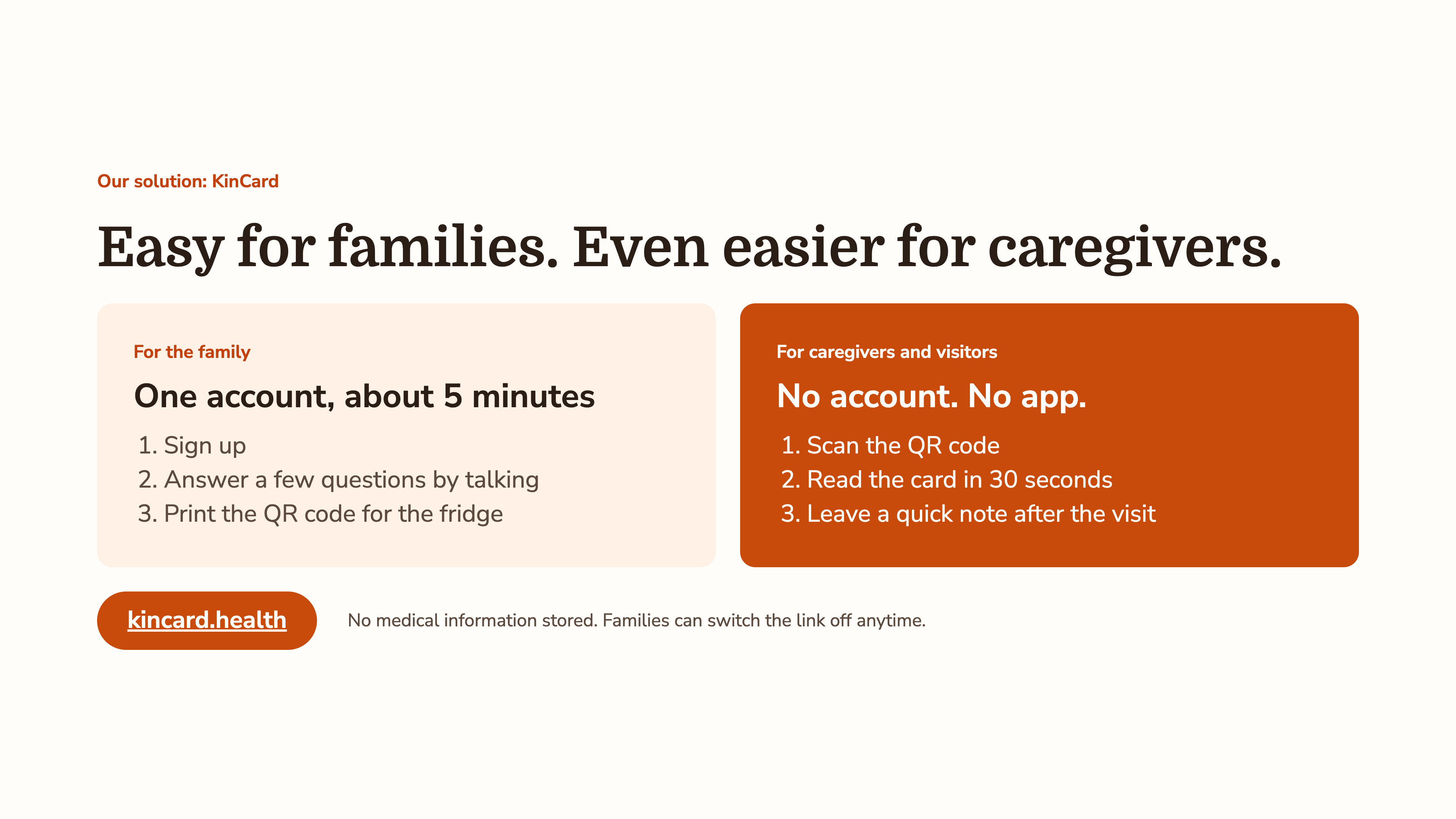
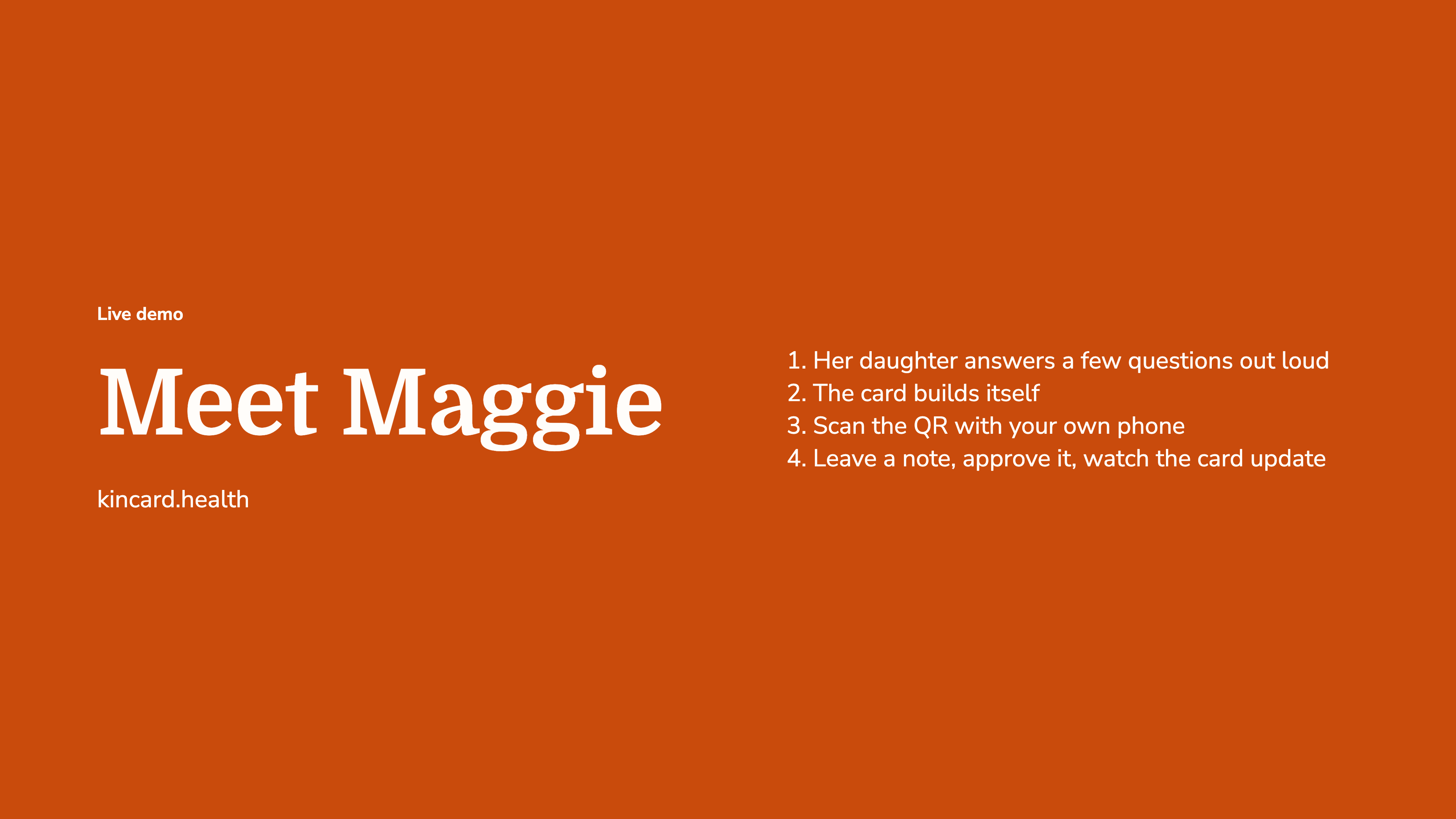
- Families set it up once, by talking. One account and about 10 minutes. They describe their loved one in their own words, a privacy review removes sensitive details, and Gemini organizes it into a short card that the family approves.
- Caregivers need nothing. No app and no account. They scan a QR code on the fridge and see what to call the person, what calms them, what to avoid, what to talk about and their routine, translated into their language with one tap.
- It gets better every visit. Caregivers leave a quick note, Gemini turns it into a suggested update, and the family approves every change.
Why it fits the problem: it removes the two barriers that make today's tools fail. Families don't have to fill out a form, and caregivers don't have to install or sign up for anything.
Impact statement
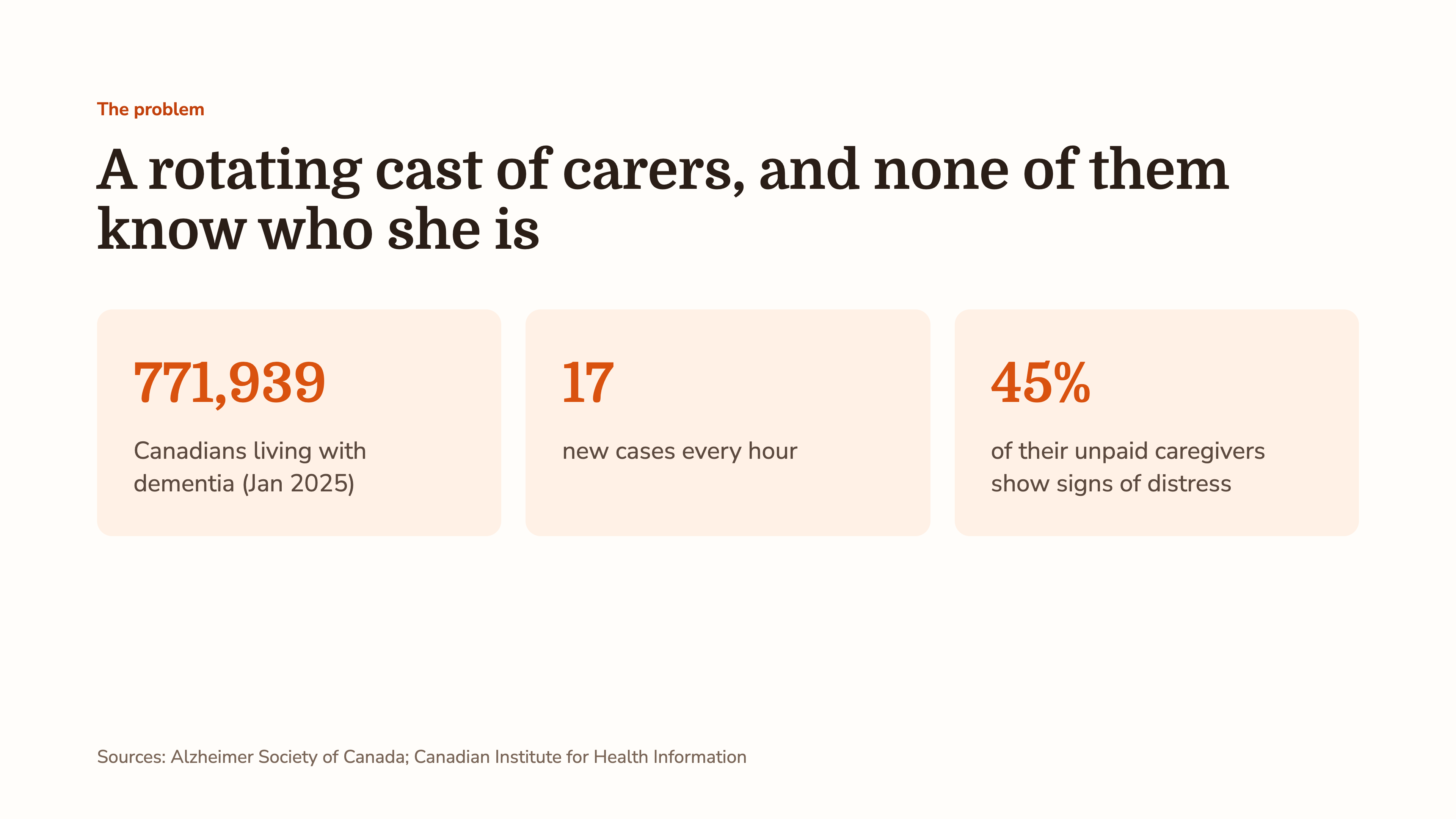
More than 770,000 Canadians live with dementia, and 17 more develop it every hour, while home care and volunteer programs are stretched thin. KinCard helps make every visit count. People living with dementia get calmer, more personal care from whoever shows up. Caregivers and volunteers, including the many who work in a second language, stop walking in blind. And families, 45% of whom show signs of distress, no longer have to repeat the same story to every new person. Because it needs only a phone camera and a printed QR code, it can reach anyone, in any home, with no setup for the people giving care.
Inspiration
KinCard started with something one of our teammates, Hamza, saw firsthand. Before studying computer science he worked in healthcare, and he volunteers with adults living with dementia. He kept seeing the same problem: people with dementia are cared for by a rotating cast of home-care workers, nurses, respite workers and volunteers, and most of them only know one dimension of the person. They might know the medications and the care plan, but not that she taught kindergarten for 30 years, that she calms down when you mention her dog, or that bringing up her late husband will upset her for the rest of the day.
When caregivers don't know the person, visits go worse. People with dementia get confused, anxious or agitated, and the quality of care drops, not because anyone is careless, but because nobody handed them the most important information.
When Hamza brought this to the team, it clicked for all of us. And it's only getting harder. More than 770,000 Canadians are living with dementia, and 17 more develop it every hour. Canada's health system is already stretched, it's hard enough to get people in to see them at all, and volunteer programs are struggling to recruit. With so few hands, every visit has to count. Families pay the price too: 45% of unpaid dementia caregivers show signs of distress, partly from repeating the same backstory to every new person.
What it does
KinCard is a simple care card that tells any caregiver who someone really is, in 30 seconds.
- For the family (one account, about 10 minutes): they describe their loved one in their own words, by typing or dictating. A privacy review strips out details like phone numbers, addresses and health-card numbers. Gemini turns the story into a short card: what to call them, what calms them, what to avoid, what to talk about and their routine. The family reviews and approves it, then prints a QR code for the fridge.
- For caregivers and visitors (no account, no app): they scan the QR code and the card opens in their phone's browser. They can translate it into 12 languages, including Punjabi, Tagalog and Simplified and Traditional Chinese, since many care aides in BC work in a second language.
- It gets better after every visit: a caregiver can leave a quick note ("she loved talking about her garden"). Gemini turns it into a suggested update, and nothing changes until the family approves it.
How we built it
- Frontend: React and TypeScript, built mobile-first for caregivers on their phones
- Backend: Cloudflare Workers with a D1 (SQLite) database through Drizzle, plus Databricks storage
- Sign-in: Auth0 with Google sign-in for families
- AI: the Gemini API with structured output. The model only reorganizes what the family said into fixed fields, and its output is validated before anything is saved
- Privacy screening: a local check that removes common identifiers before anything is saved or sent to Gemini
- Voice: on-device speech recognition only, so microphone audio is never uploaded
- QR sharing: a random link token the family can replace at any time, which immediately kills the old link
- Testing: automated tests covering the full flow, including Gemini failures like bad keys, timeouts and invalid responses
Challenges we ran into
- Auth0 with Google sign-in. We wanted families to log in with their Google account instead of making yet another password. Wiring up the redirect flow, callback URLs and sessions between Auth0, Google and our Cloudflare backend was much trickier than expected, especially with the app running on a local address during development.
- Setting up Databricks. Getting the warehouse, access token and table set up was the easy part. The harder part was making sure two people editing at once couldn't overwrite each other's changes, so every save checks a revision number before writing.
- Gemini quietly falling back. Our first version had a local preview mode for when there's no API key. When a real Gemini call failed (a bad key, an unavailable model, running out of quota), the app sometimes fell back to the preview and looked like it had worked. For a card about a real person, a fake success is worse than an error. Now, once a key is set, any Gemini failure shows a clear error, the family's story is kept so they can retry, and the approved card is never replaced by bad output.
- Keeping the AI honest. We didn't want a chatbot, and we didn't want the model inventing facts about someone. We limited Gemini to two narrow jobs and validated every response against a schema.
- Privacy versus usefulness. If a family says "she's diabetic and needs a snack at 3," the diagnosis doesn't belong on a card any visitor can see, but the snack does. Working out what to keep and what to strip shaped the whole design.
- Scoping. We explored location tracking and a wandering-alert bracelet, then realized tracking apps already exist and a stranger won't know to scan a bracelet. We cut them and focused on the moment a caregiver walks through the door.
Accomplishments that we're proud of
- A complete loop that works end to end: story → privacy review → AI card → family approval → QR → caregiver view → note → approved update
- No app and no login for caregivers, which is what makes it usable by the people who need it most
- Privacy built in from the start rather than added at the end
Accessibility
- Caregivers need nothing but a phone camera: no app, no account
- One-tap translation into 12 languages for care aides working in a second language
- Voice input for families who find typing hard
- Large text, high contrast, plain language and short sections, so the card can be read in seconds at the door
What we learned
- The best features came from understanding the people who do this work, not from adding more technology
- Good AI design is mostly about limits: what the model is allowed to do, and what happens when it fails
- Privacy is a design decision, not a checkbox
- How to build, test and ship as a team with Git in 24 hours
The team
- Hamza Riaz:
- Darsh Sood:
- Alexander Lee:
- Kevin Akita Kang:
What's next for KinCard
- Polish Auth0 sign-in and give every family their own private space
- Let families fully pause sharing, not just replace the link
- A pilot with a BC volunteer program or home-care agency
- A view for care agencies to see cards across their clients
- Adding a gallery feature
- A proper privacy review under BC's privacy law (PIPA) before handling any real data
All demo data is fictional. KinCard is a hackathon prototype and isn't ready for real patient information.
Built With
- auth0
- cloudflare
- css
- databricks
- gemini
- github
- html
- javascript
- nextjs
- node.js
- react
- tailwind
- typescript
- vite
