-
-
KidsLearn Logo
-
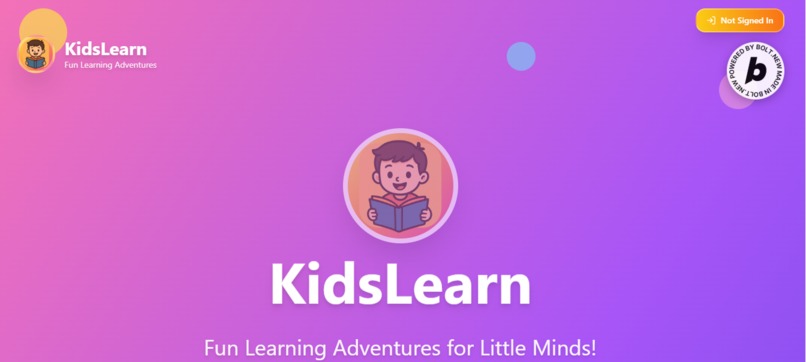
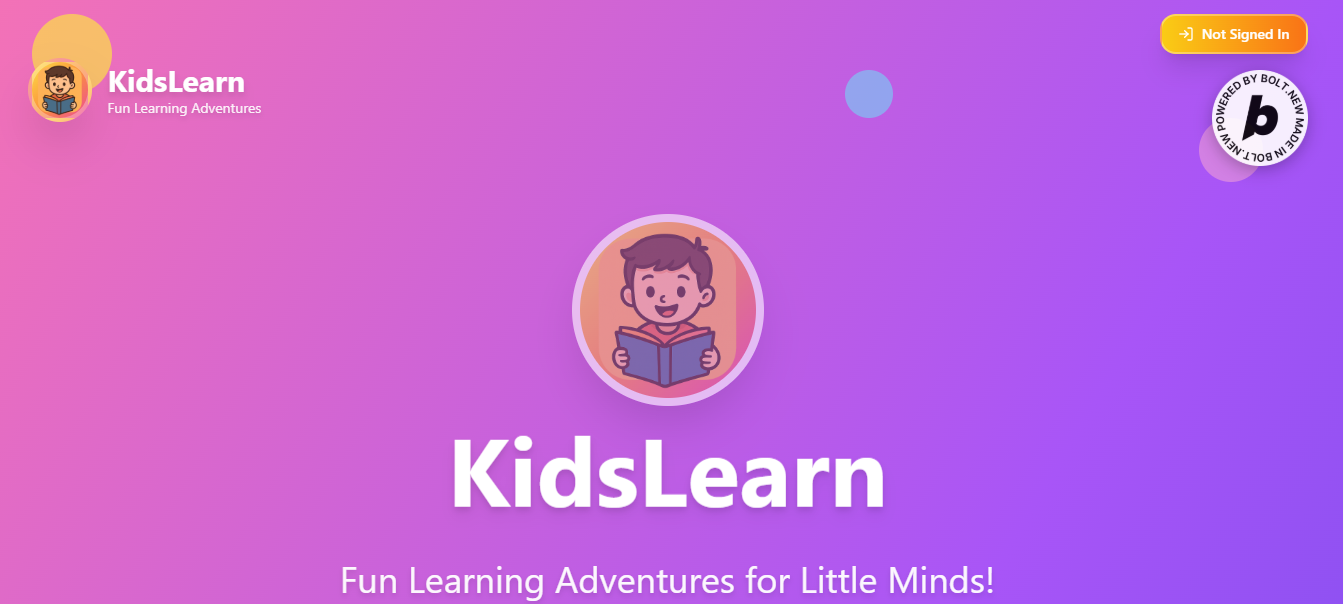
KidsLearn Page
-
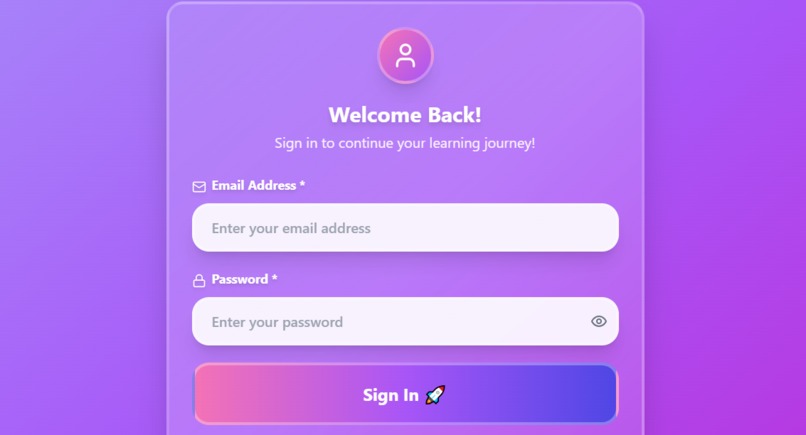
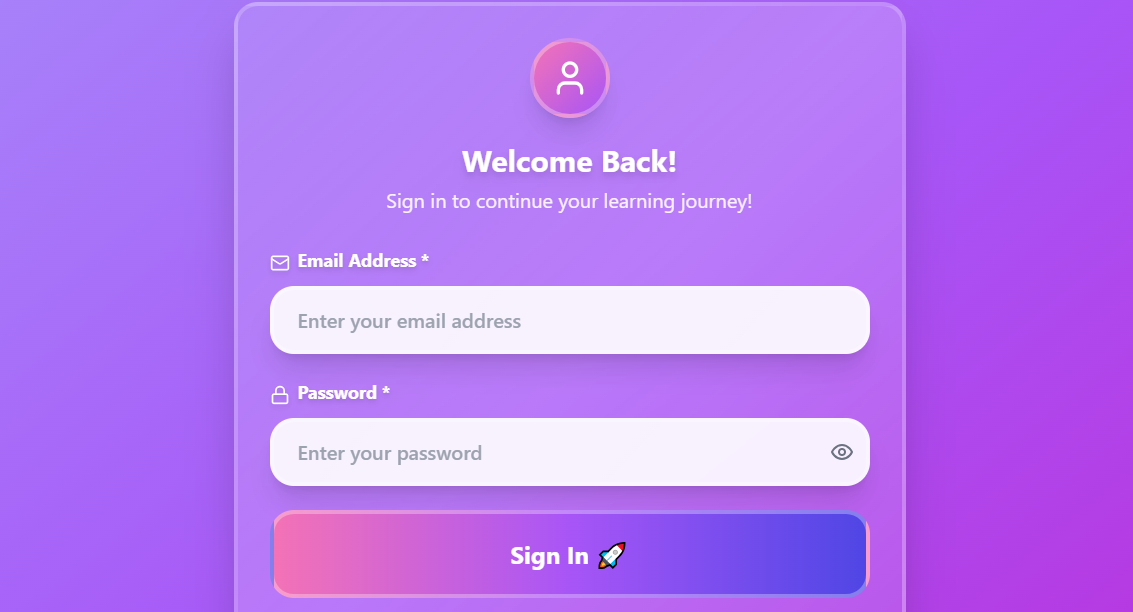
Sign In Page
-
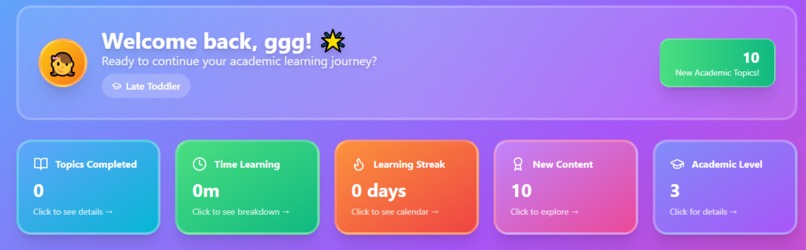
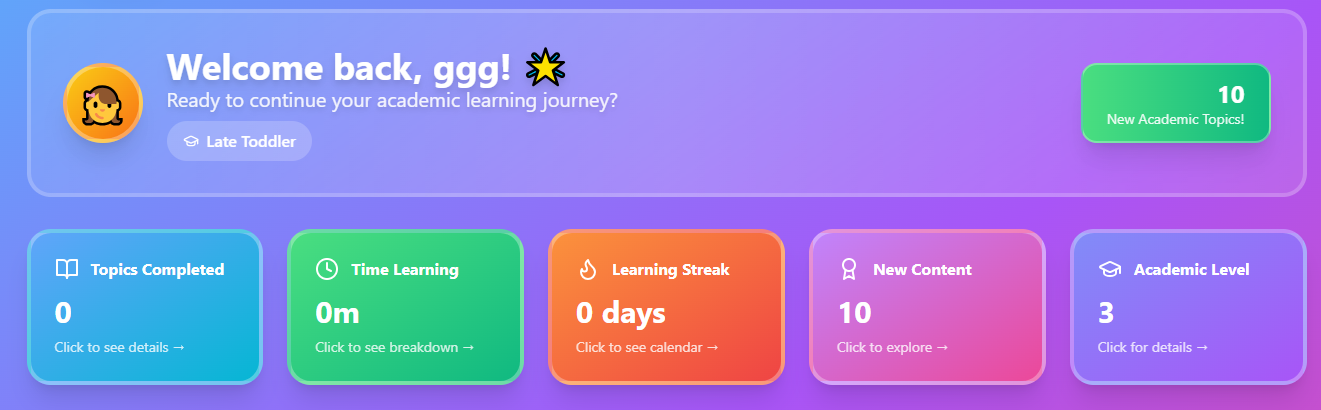
A Registered Kid's Dashboard
Inspiration
As an educator with firsthand experience teaching children, I have often observed that many students struggle academically not because they are not smart, but because they had a poor academic foundation. I realized that a lot of academic challenges faced by learners today begin from their early years. When children don’t build a strong understanding of basic subjects at an early age, it becomes difficult for them to catch up as they move to higher classes.
This inspired me to create KidsLearn App—a web-based learning platform designed to help kids between the ages of 1 to 15 build a strong academic foundation during their formative years. I wanted a solution that not only teaches kids appropriately but also supports their parents or guardians in guiding and monitoring their learning journey.
What it does
KidsLearn App is a digital learning platform that provides age-appropriate academic content in a simple and engaging way for children. The app is designed to support kids in learning foundational subjects through fun, accessible content.
Some of the main features include:
- Parent/Guardian Dashboard: Allows adults to register and manage one or multiple kids.
- Learning Progress Tracker: Parents can monitor their children’s time spent learning and topics completed.
- AI Learning Assistant and Research Engine: Helps kids learn more effectively and independently.
- Email Authentication: Ensures secure access through verified sign-up.
- Content Refresh & Tracking: Kids get new content when they return, but the system still remembers what they previously learned.
- Security & Safety: The app is secured to prevent kids from accessing inappropriate or irrelevant content.
- Academic Level Grouping: On registration, the system automatically groups kids according to their academic level for personalized learning.
How we built it
I built KidsLearn App using Bolt.new AI, a tool that allows you to create web apps using natural language commands. I gave the AI prompts on what I wanted in the app, and it helped bring the idea to life.
Some key steps in the building process included:
- Using AI prompts to create different parts of the app interface and logic.
- Integrating email authentication with Supabase, ensuring that only registered users can access the app.
- Deploying the app on Netlify, a platform for hosting websites and web apps.
- Creating a custom domain on Netlify to give the app a professional web address.
- Adding features like an AI Learning Assistant, tracking system, and child-safe filters with the help of AI-powered instructions. Despite not being a programmer, I was able to achieve a lot using the AI tool and learning step by step.
Challenges we ran into
Building KidsLearn App was not without its difficulties. Some of the challenges I faced included:
- Understanding code: As someone without a programming background, understanding technical code-related issues was quite tough.
- Error messages: Sometimes, when I gave prompts to the AI to add certain content or features, I received error messages that I didn’t fully understand.
- Tool Learning Curve: Learning how to use new tools like Supabase, Netlify, and AI-based builders took time and effort. However, I didn’t give up. With determination and continuous learning, I was able to overcome many of these hurdles.
Accomplishments that we're proud of
I am proud of several things we accomplished with this app:
- Successfully integrating AI Learning Assistant and Research Engine to help kids learn better.
- Adding email authentication to keep accounts secure.
- Ensuring the app can track children’s progress—topics completed, time spent, and academic level.
- Creating a safe digital space for kids by filtering out irrelevant materials.
- Making the app user-friendly for parents with the ability to register and monitor multiple kids at once.
These features bring the vision of KidsLearn App to life—helping children build a strong foundation and making parents part of their learning journey.
What we learned
Throughout this project, I learned so much:
- How to write clear and effective AI prompts to build applications.
- How to use technical tools like Supabase for authentication and Netlify for deployment.
- I gained a better understanding of how web apps are structured and how features are added step by step.
- Most importantly, I learned that you don’t need to be a professional programmer to bring your ideas to life—if you are willing to learn and try, great things can happen.
What's next for KidsLearn App
Now that the hackathon version of KidsLearn App is ready, here’s what’s next:
- Complete full development of the app with more content and improved features.
- Launch it on App Stores (Google Play Store and Apple App Store) to reach more users.
- Start global marketing campaigns and adverts to let more parents and schools know about the app.
- Continue improving the app based on feedback from real users—kids, parents, and educators.
This is just the beginning. KidsLearn App has the potential to become a powerful tool for shaping the future of young learners.
Built With
- bolt.new
- netlify
- supabase

Log in or sign up for Devpost to join the conversation.