-
-
About section
-
Calling feature
Inspiration
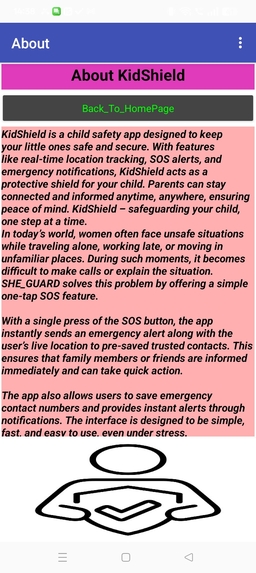
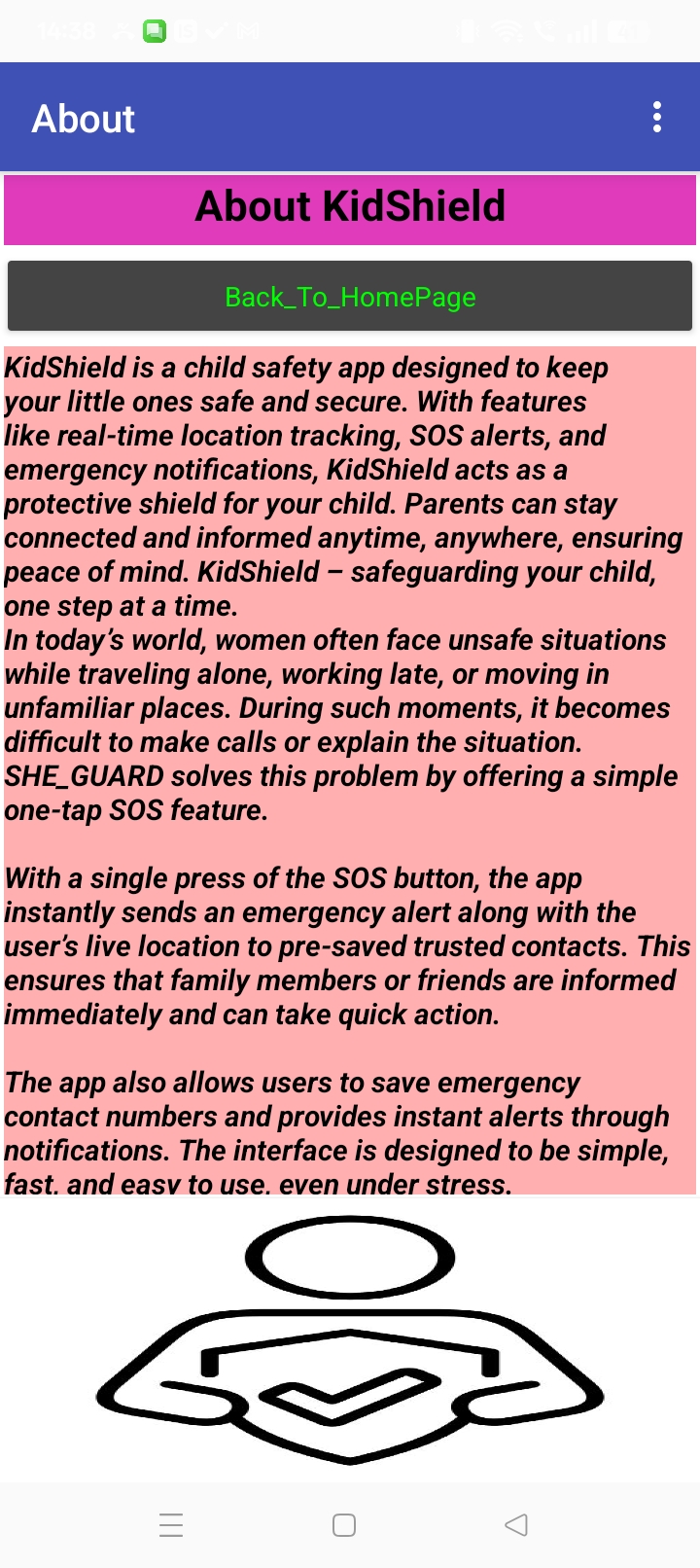
🌟 Inspiration Behind KidShield KidShield was inspired by the growing need for child safety in a digital and real-world environment. With increasing cases of lost children, unsafe situations, and delayed emergency response, we wanted to build a solution that empowers both kids and parents. Our goal was simple: Create a smart safety companion that protects children anytime, anywhere. We believed technology could bridge the gap between danger and instant help.
What it does
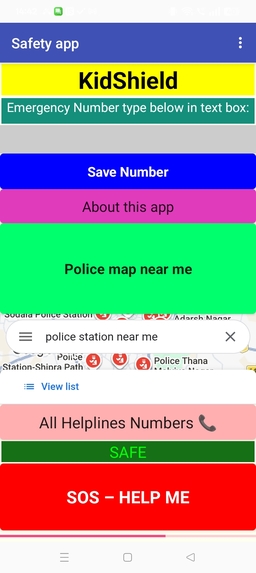
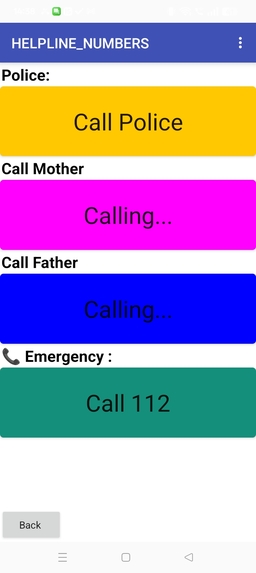
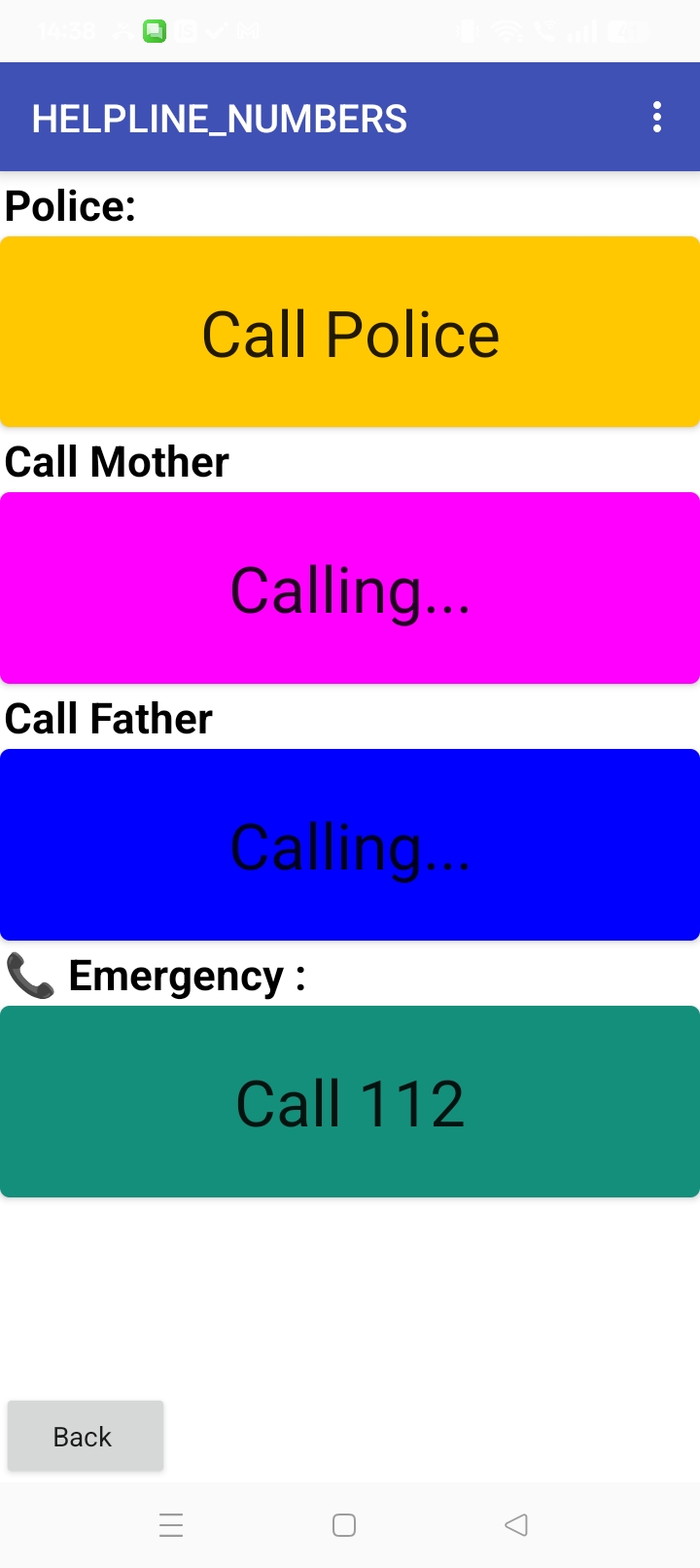
📍 Live Location Tracking: Sends the child’s real-time location to parents. 🚨 SOS Emergency Button: One tap sends alert and calls parents instantly. 📞 Quick Calling: Direct call to mother, father, or emergency services. 🔔 Instant Alerts: Notifies parents if the child is in danger. 🧭 Safety Monitoring: Helps parents track and ensure their child’s safety anytime
How we built it
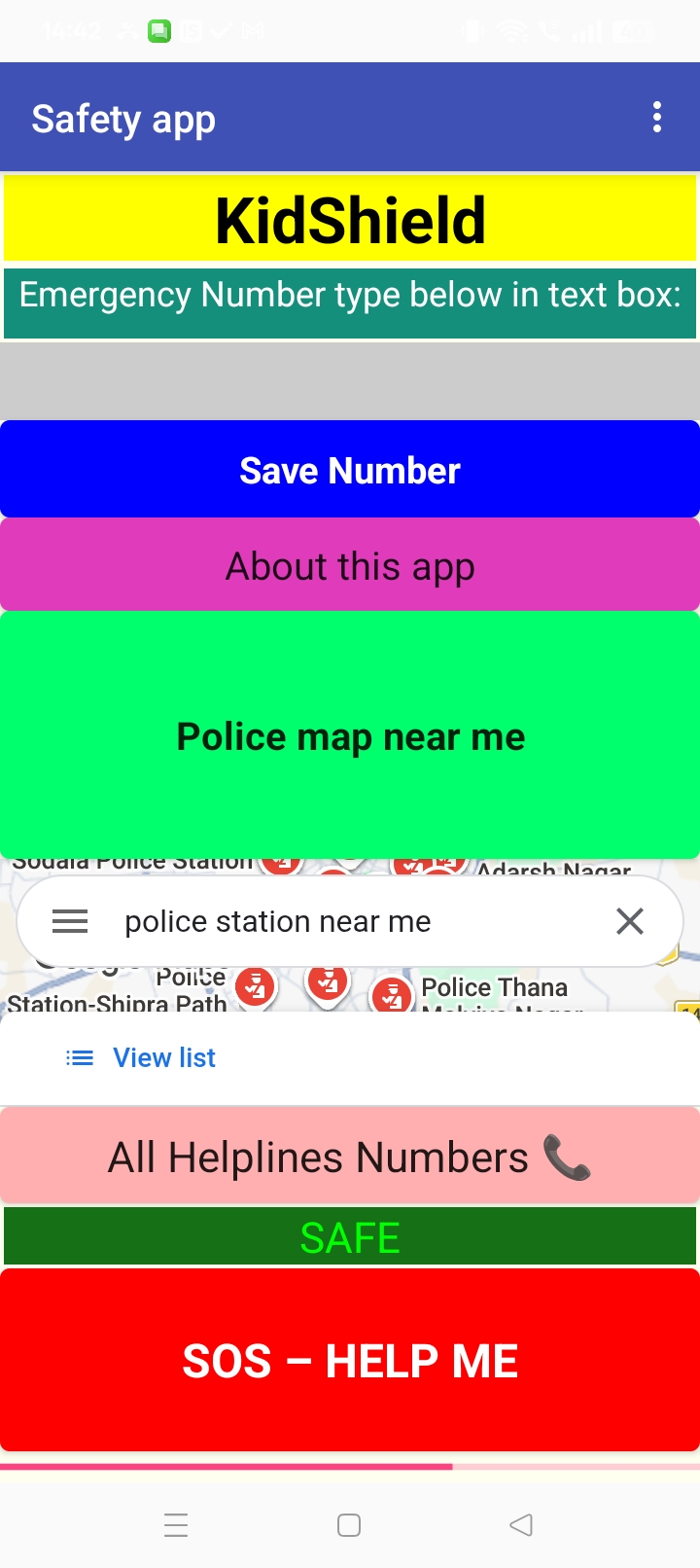
We built KidShield as a simple and powerful child safety app using mobile app development tools and logical block programming. 1️⃣ Planning the Idea First, we planned features that are most important for child safety: SOS emergency button Live location sharing Parent calling system Safety alerts We designed the app to be easy for kids to use in emergencies. 2️⃣ Designing the App We created a clean and simple interface: Big square SOS button Call buttons for mother and father Clear safety status messages Child-friendly layout The focus was on one-tap emergency action. 3️⃣ Development Process We used block-based mobile app development (like MIT App Inventor): Stored parent phone numbers in database Connected buttons to calling feature Added GPS/location component Created SOS logic to send alerts and location Basic working logic: When SOS button pressed → Call parent Send location Show alert message 4️⃣ Testing & Improvements We tested the app multiple times to: Fix calling errors Improve button design Make UI faster and clearer Ensure emergency features work instantly 5️⃣ Final Result KidShield became a smart child safety app that helps: Parents track kids Kids call for help quickly Provide instant emergency support It was built with the aim of using technology to create a safer environment for children.
Challenges we ran into
While building KidShield, we faced several challenges that helped us learn and improve the app. 🔧 Technical Challenges Difficulty connecting call and SOS features properly Issues with saving and retrieving parent phone numbers Location feature sometimes not updating correctly Buttons not responding instantly during testing 🎨 UI/Design Challenges Making the interface simple for children Designing large, clear emergency buttons Keeping the app fast and easy to use in panic situations 🧠 Learning Challenges Understanding app logic and block programming Fixing errors and debugging step-by-step Managing multiple features in one app 🚀 How We Overcame Them Tested each feature many times Improved UI step by step Fixed logic errors patiently Learned new development skills during the process
Accomplishments that we're proud of
🏆 Accomplishments We’re Proud Of Building KidShield has been an exciting journey, and we are proud of what we achieved: 🌟 Successfully Built a Child Safety App We turned a simple idea into a working safety application that helps protect children and connect them with parents instantly. 📱 Implemented Real Emergency Features One-tap SOS alert system Instant calling to parents Live location sharing Safety notifications These features make KidShield a real-world useful safety solution. 🎨 User-Friendly Design We created a clean and simple interface that: Is easy for kids to use Works quickly in emergencies Has clear and large buttons 🧠 Learned New Skills Through this project, we gained: Mobile app development experience Problem-solving and debugging skills UI/UX design understanding Confidence in building real-world tech solutions 🚀 From Idea to Reality The biggest accomplishment is turning our vision into a functional app that can make children safer and give parents peace of mind. We are proud that KidShield is not just a project — it’s a meaningful solution for child safety.
What we learned
Working on KidShield taught us many valuable technical and personal lessons. 💻 Technical Skills How to build a mobile app using block-based development Integrating features like SOS alerts, calling, and live location Storing and retrieving data such as emergency contacts Testing and debugging app errors Designing a smooth and responsive user interface 🧠 Problem-Solving We learned how to: Fix technical issues step by step Improve features when they didn’t work properly Think of real-world solutions using technology Stay patient while debugging
What's next for KidShield
Add AI-based safety alerts Voice-activated SOS feature Smartwatch connectivity Real-time parent monitoring dashboard Improved design and faster emergency response
Built With
- blocks
- logic
- platform:-mit-app-inventor-(android-app-development)-language/logic:-block-based-programming-database:-tinydb-(for-storing-parent-phone-numbers)-apis/features:-gps-location-service

Log in or sign up for Devpost to join the conversation.