Inspiration
As a parent in the US, I saw how hard it was to find engaging, age-appropriate learning tools that balanced fun and structure for my 5-year-old. Many platforms either lacked parental visibility or felt like "work" for kids—so I set out to build something that merged play with purpose, grounded in COPPA guidelines to keep it safe for young users across North America and Europe.
What it does
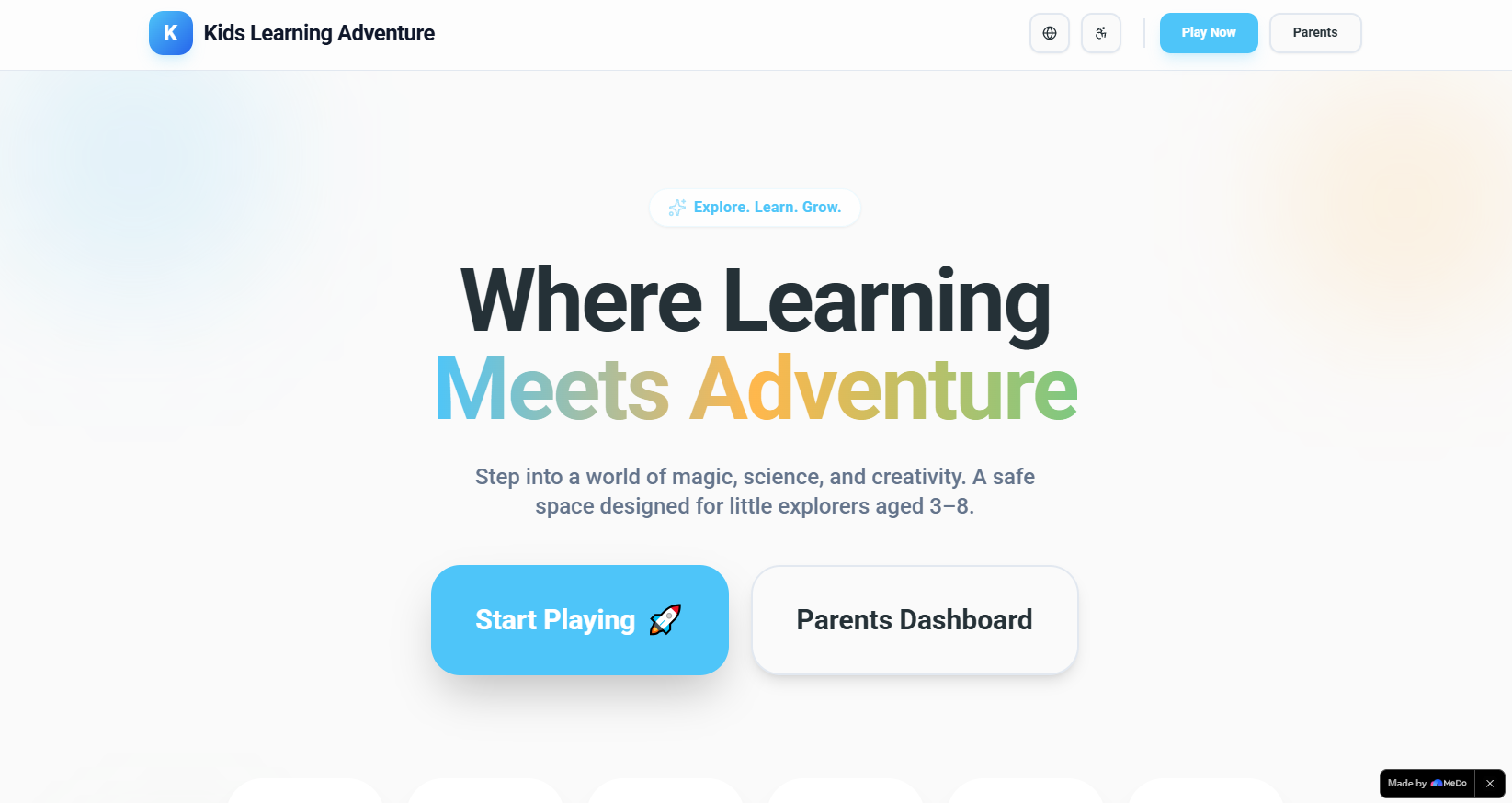
Kids Learning Adventure is a web app for 3–8 year olds that delivers adaptive, gamified learning paths (Reading, Math, Science, and more) with short, attention-friendly activities. Parents get a dashboard to track progress, set screen time limits, and access printable offline activities—all in a bright, intuitive interface designed for little hands and busy caregivers.
How we built it
We started with core frontend tech (HTML/CSS/JavaScript + React) to keep the app lightweight and fast. We used LocalStorage to cache content for offline use and persist parent settings (like screen time limits). We integrated PrintJS for worksheet printing, and custom CSS animations for reward/badge unlocks—no flashy strobing, just smooth, kid-friendly loops. We chose Nunito (for kids) and Roboto (for parents) for readability, and built a toggle for EN/ES/FR to serve diverse households.
Challenges we ran into
The biggest hurdle was balancing adaptivity with simplicity—designing content that auto-matches age groups (3–4, 5–6, 7–8) without overcomplicating the UI. We also had to ensure screen time controls were effective but not frustrating: the "Pause Access" feature needed to restrict child mode instantly while still being easy for parents to reverse. Additionally, making audio narration accessible (and hiding it gracefully if unavailable) required careful testing across browsers.
Accomplishments that we're proud of
We created a seamless toggle between child/parent modes, a responsive design that works on tablets and laptops, and a COPPA-compliant environment with no third-party tracking. The reward system (badges, level-ups) keeps kids motivated, and parents love the clear progress reports—all while keeping load times under 2 seconds for quick access.
What we learned
We learned how critical user-centric design is for young kids: large, rounded buttons, positive audio/visual feedback, and short activity sessions make all the difference. We also gained insight into regional compliance (COPPA) and multilingual support for diverse European/North American households—small details that make the app feel inclusive.
What's next for this project
We plan to add full account authentication (for secure parent access), integrate a real backend to track long-term progress, and expand offline activities with more DIY and outdoor task cards. We also want to add German and Italian language support to serve more European families, and test the app on more devices to ensure it works for all caregivers.
Built With
- css
- html
- javascript
- localstorage
- react

Log in or sign up for Devpost to join the conversation.