-
-

App Icon
-
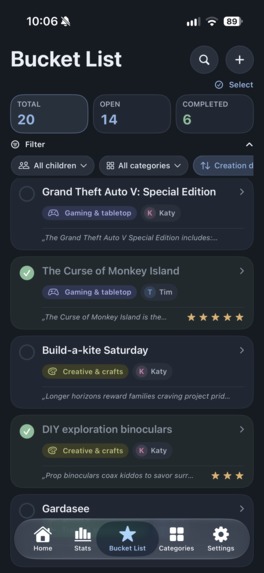
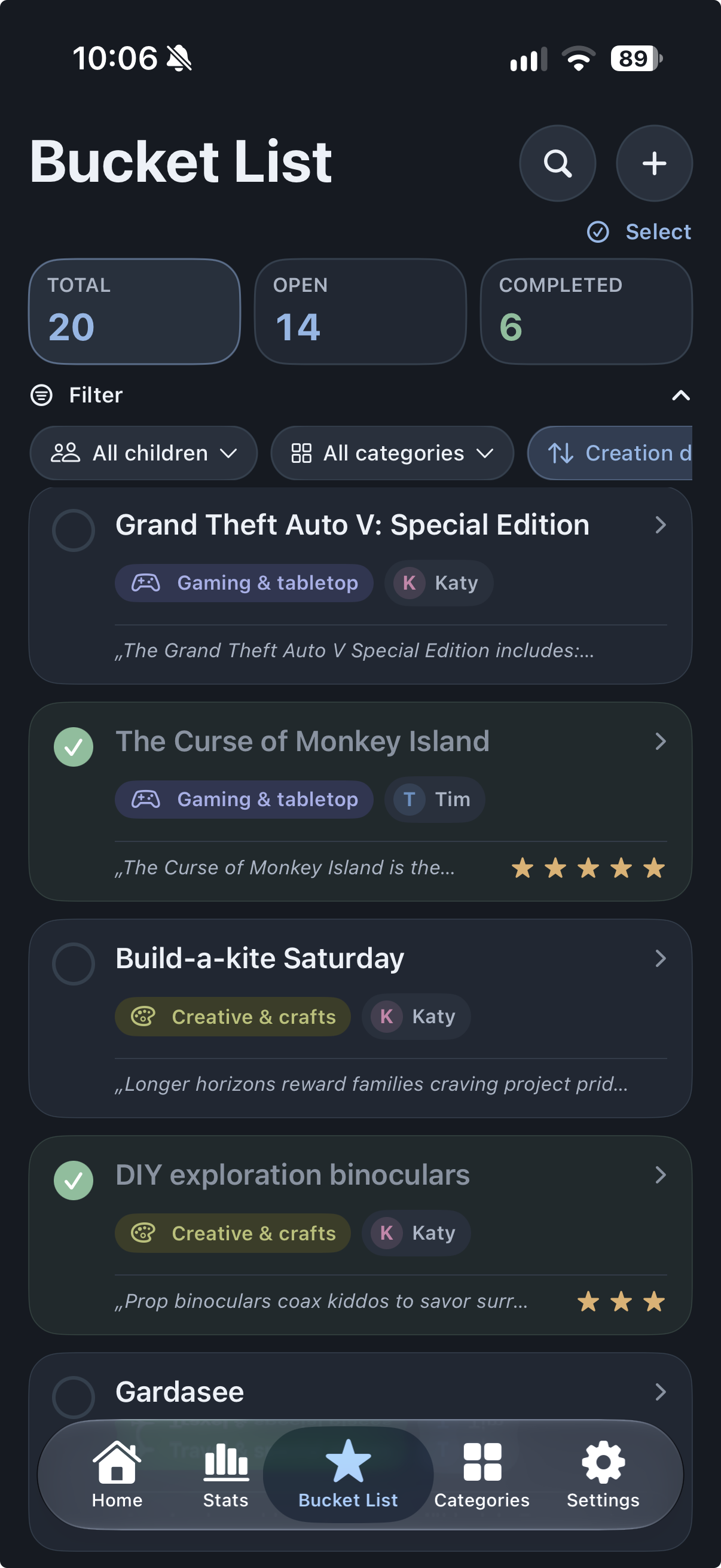
bucket list with all planed activities
-
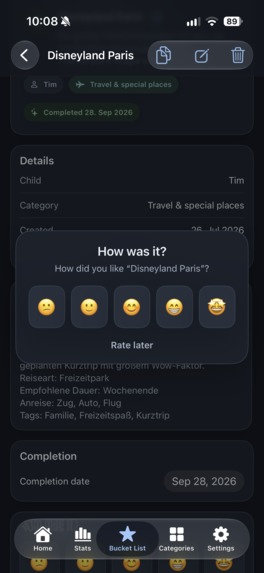
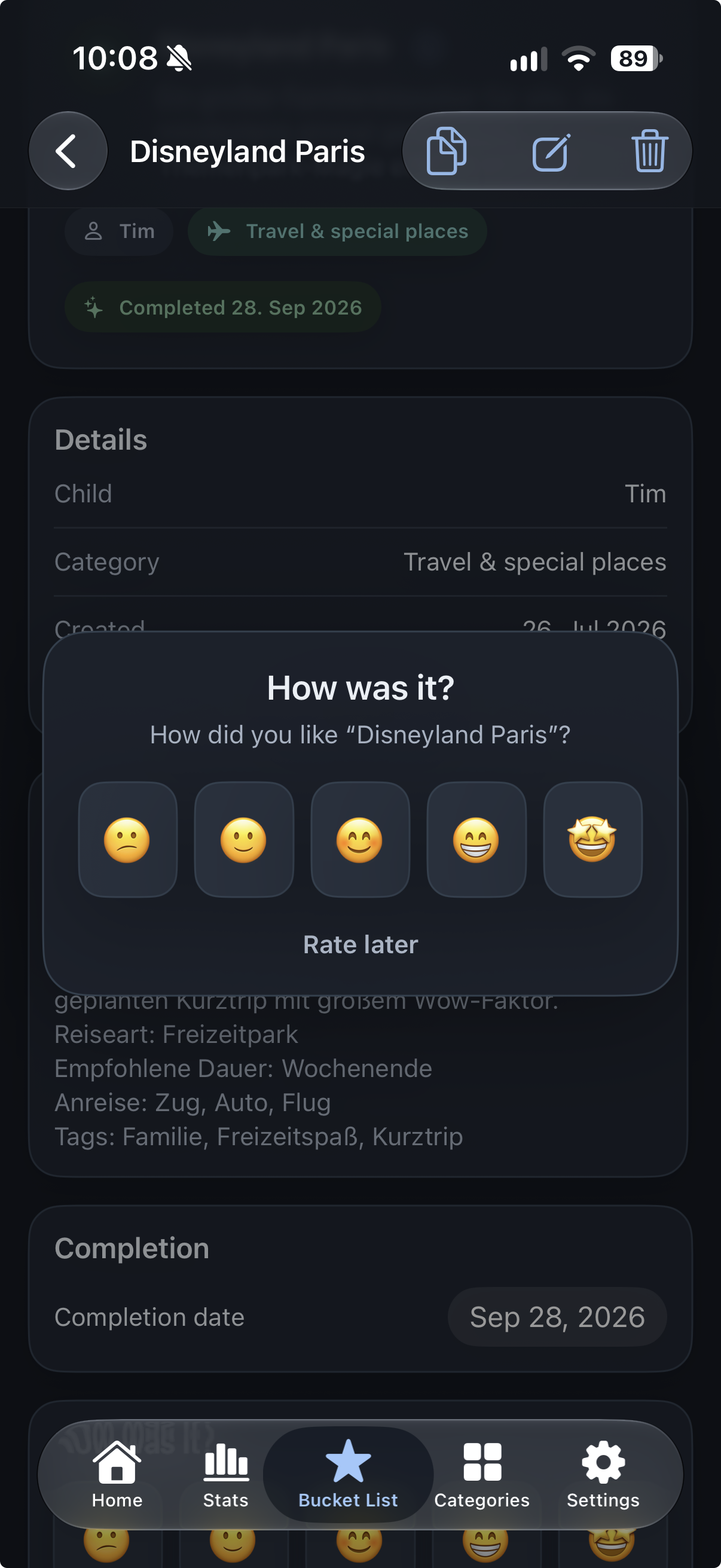
Rate an activity
-
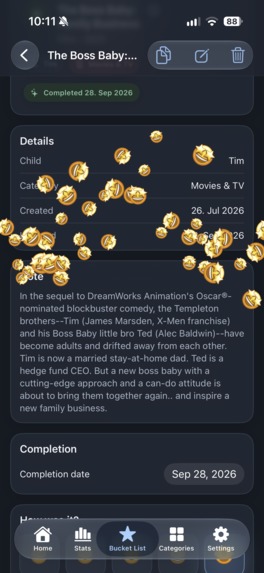
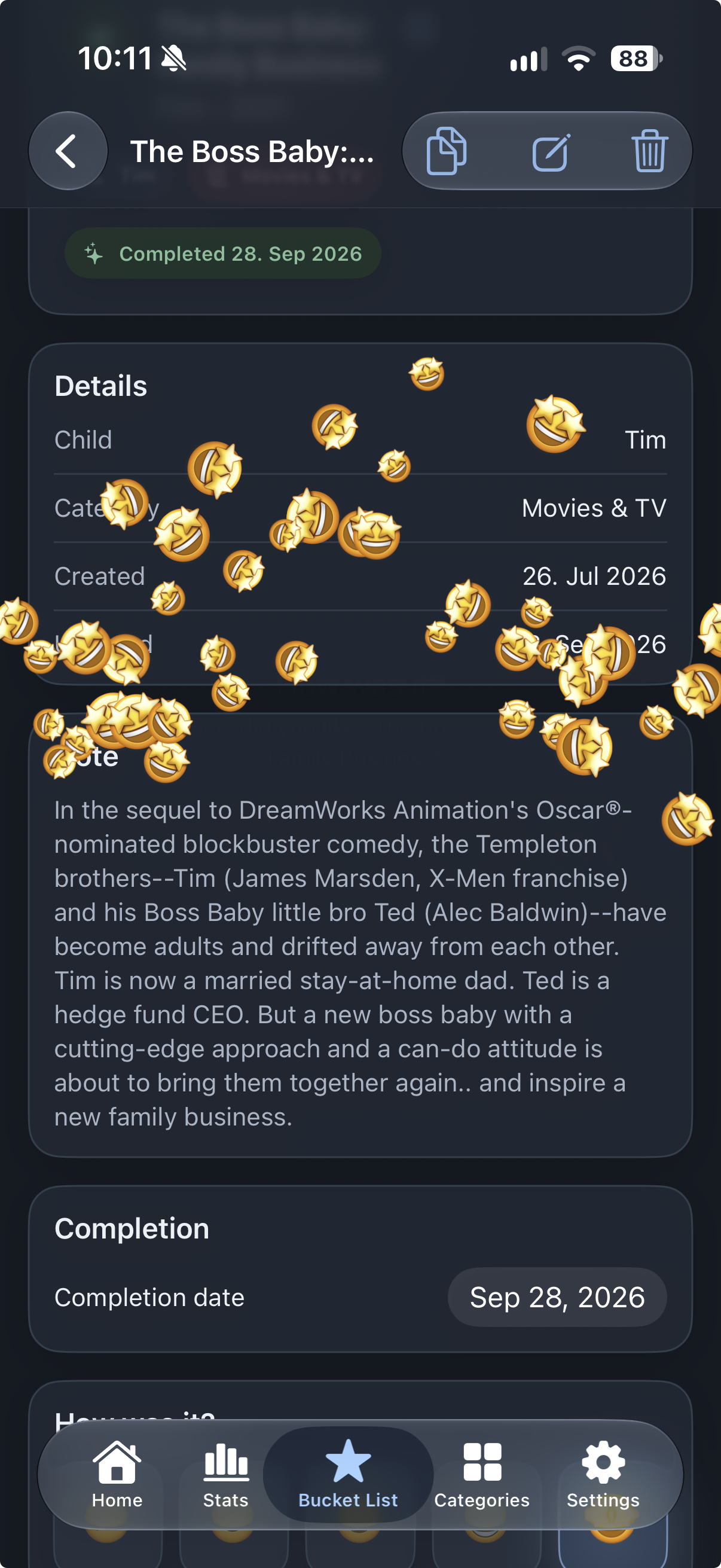
Get an animation for rating
-
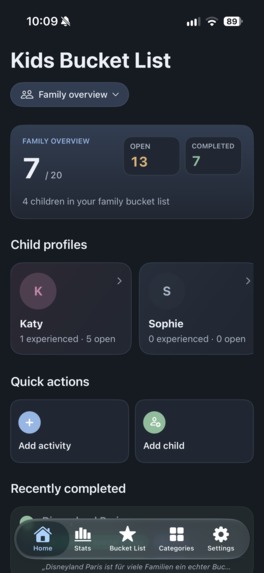
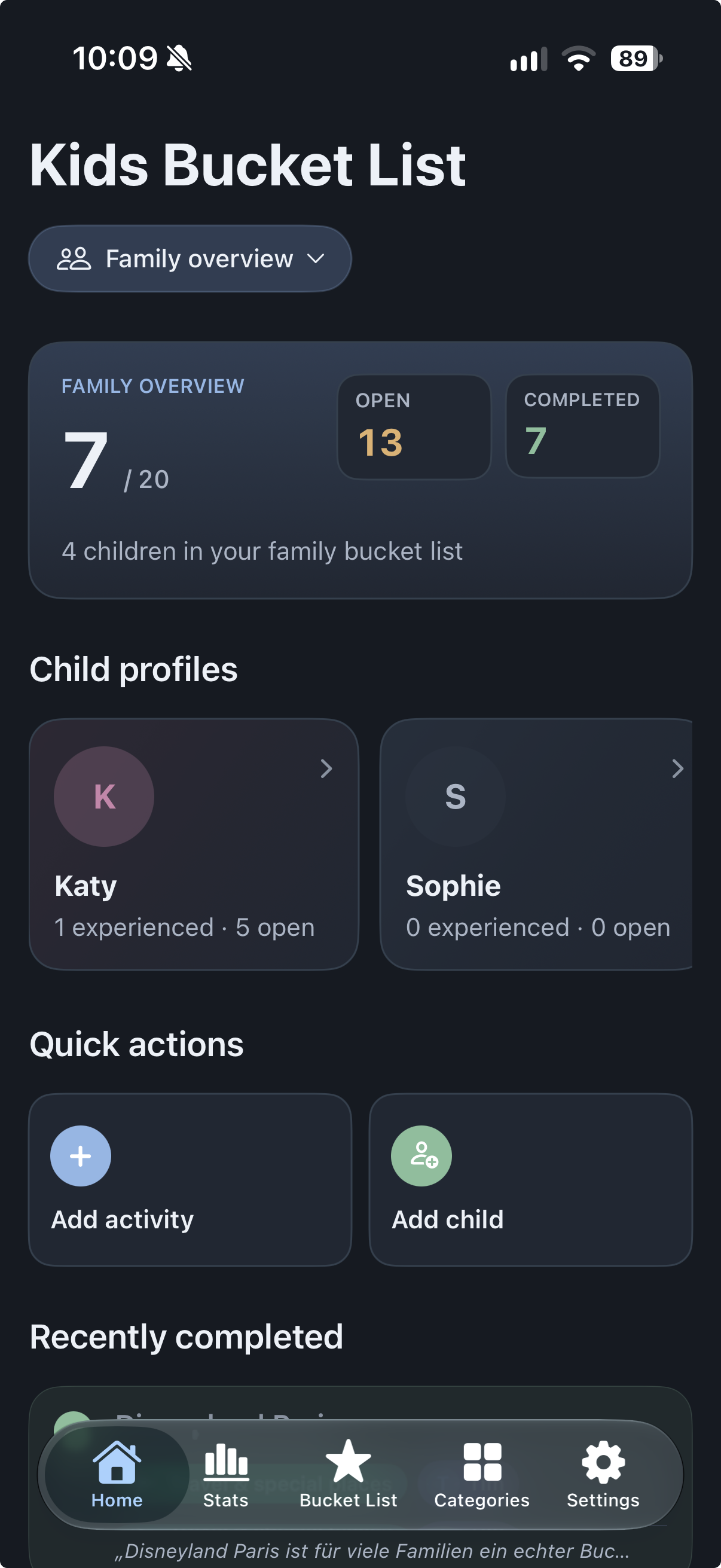
dashboard for overall overview
-
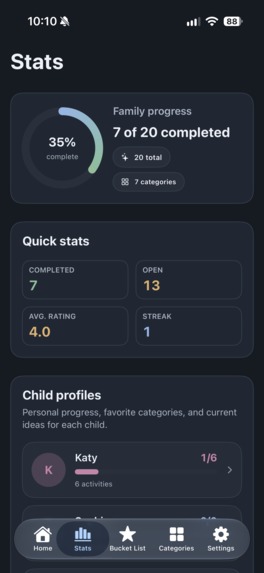
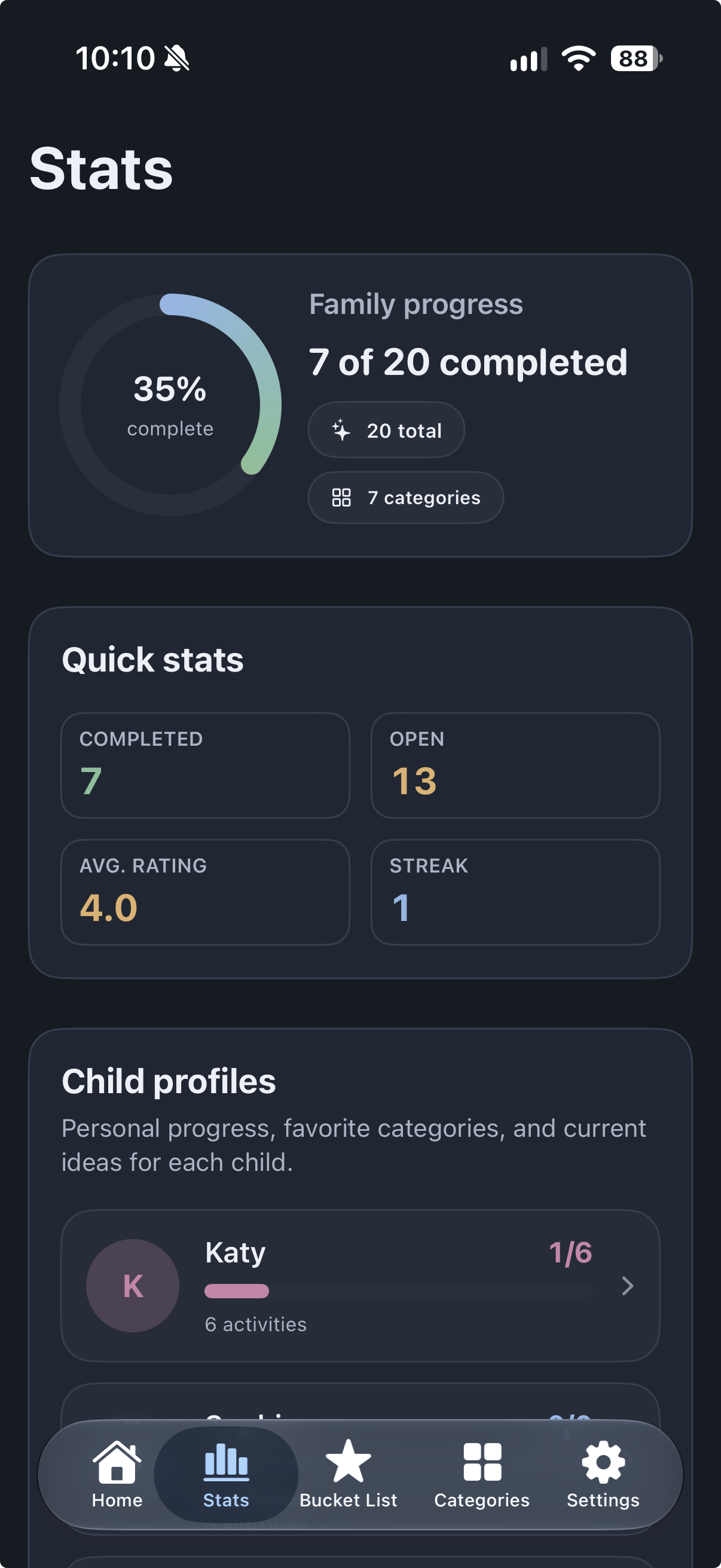
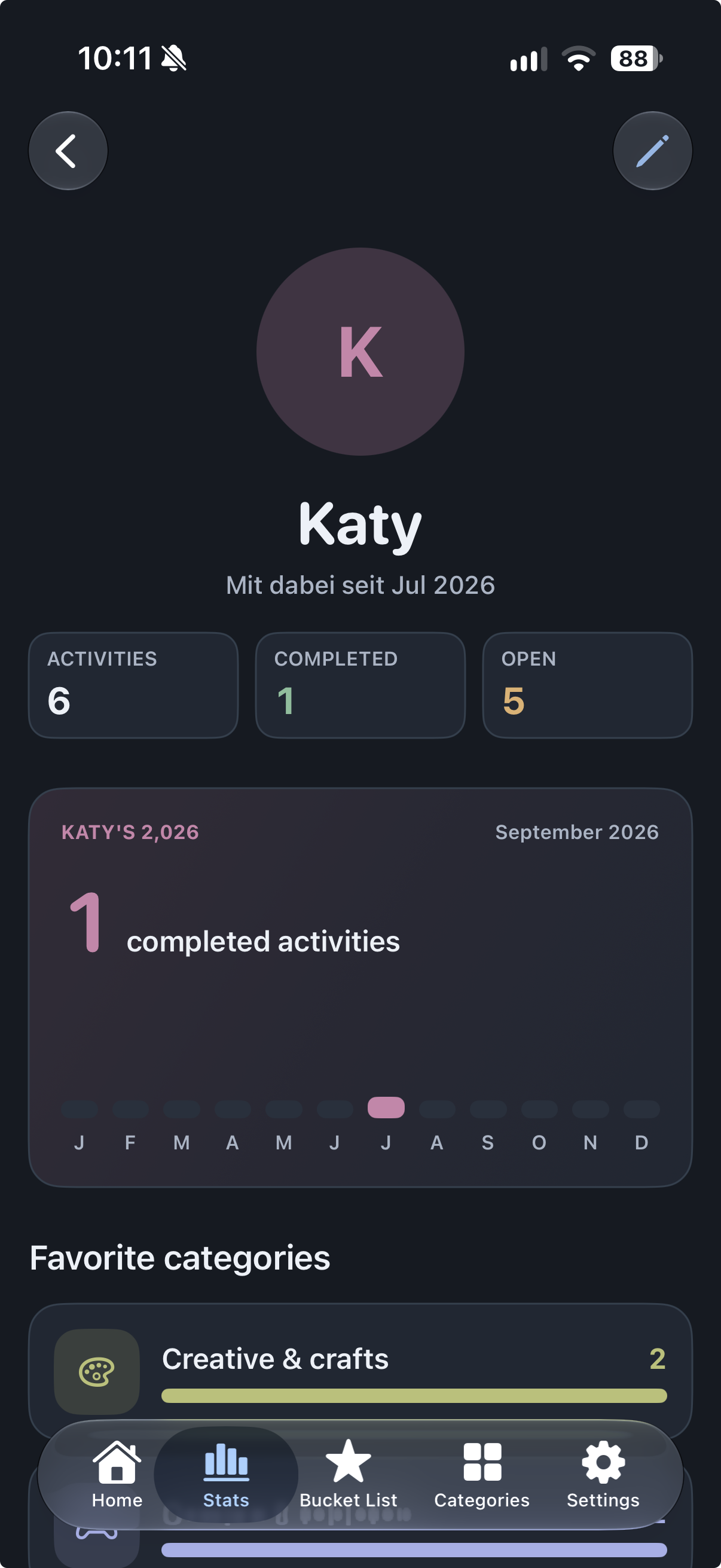
stats overview
-
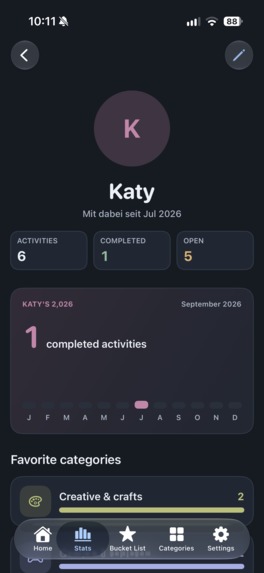
stats for each child
-
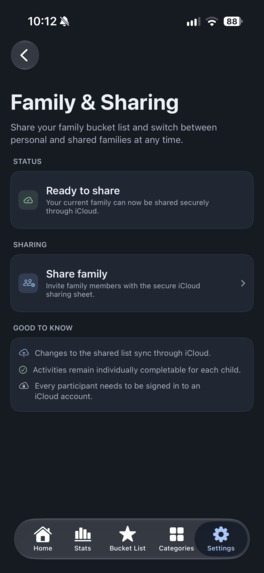
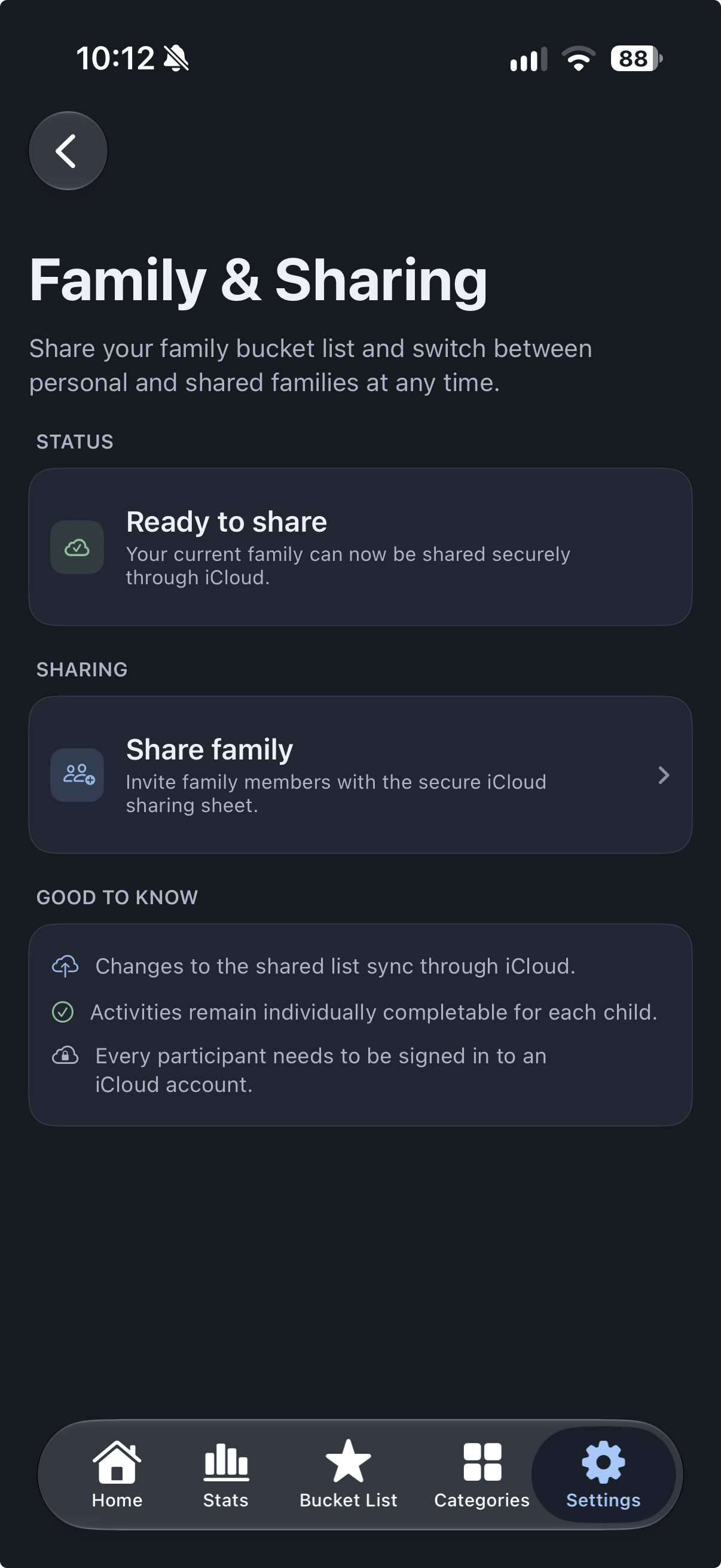
share your list with family and friends

Inspiration
As a father, I realized that many of the experiences I wanted to share with my son simply weren't possible yet because he was still too young. Every time I discovered a great movie, book, board game, hiking trail, or place to visit, I thought, "I want to remember this for when he's older."
Those ideas quickly became scattered across notes, messages, and conversations—and many were forgotten.
Kids Bucket List was created to give families one place to collect those future ideas, plan experiences for the right moment, and eventually turn them into lasting memories together.
What it does
Kids Bucket List helps families collect experiences for both today and the future.
Whether it's a movie your child is too young to watch, a hiking trail for next summer, a board game for when they're older, or a dream day trip, everything can be saved in one place until the time is right.
Families can organize activities into categories, assign them to one or multiple children, track completed experiences, add their own ideas, and keep everything synchronized across iPhone, iPad, and Mac with iCloud.
Activity lists can also be shared with family members through iCloud, allowing multiple people to contribute to and manage the same bucket list together.
The app offers a generous free tier, while an optional Premium subscription unlocks support for larger families and additional customization.
How I built it
Kids Bucket List is built entirely with SwiftUI and uses CloudKit to securely synchronize data across Apple devices.
CloudKit Sharing powers collaborative family lists, while JSON export and import provides an additional way for users to back up and restore their data.
I integrated RevenueCat to simplify subscription management while supporting Apple's Family Sharing, making Premium easy to manage across the household.
My goal was to create an app that feels completely native on iPhone, iPad, and Mac, with privacy and simplicity at its core.
Challenges I ran into
The biggest challenge was building reliable synchronization across multiple Apple devices. Making sure data stays consistent while handling subscriptions, offline usage, device changes, and shared CloudKit data required much more work than expected.
Adding collaborative iCloud sharing introduced another layer of complexity, especially around ownership, permissions, and keeping shared data consistent between family members.
Designing a free experience that is genuinely useful while offering meaningful Premium features without frustrating users was another important challenge.
What I learned
This project taught me a great deal about CloudKit, CloudKit Sharing, StoreKit, RevenueCat, and building polished multi-platform SwiftUI applications.
It also showed me how valuable early community feedback can be. After the initial release, feedback directly influenced the next version of the app, including the ability to share and collaboratively manage lists through iCloud.
More importantly, it reminded me that the best products often come from solving problems we experience in our own everyday lives.
What's next
Kids Bucket List is already evolving beyond its initial release. My next steps are to expand the collection of activities, improve personalization, explore smarter recommendations, and continue making it easier for families to collect ideas and turn them into memories—whether that's this weekend or years from now.


Log in or sign up for Devpost to join the conversation.