
🎬 Kiddometer — What age is this video actually for?
The world's first 100% client-side engine that quantifies sensory overload, hyper-pacing and flashing in children's media — and turns it into a science-backed age rating, without a single byte leaving the device.
Machine Learning / AI · Built solo by Daniyal Khan · Build window: October 13–15, 2026
🧭 Inspiration — the blind spot hiding in plain sight
Every parent has done this: you hand a toddler a tablet, a video autoplays, and you think "it's a cartoon, it must be fine."
Then you check the rating. TV-Y. All ages. PG.
Here's the uncomfortable truth I couldn't stop thinking about: those ratings judge plot and profanity. They are completely blind to the thing that actually reshapes a developing brain in real time — how the video is built:
- 🔪 A new shot every 1–3 seconds
- 🔊 Jumpscares and sound stings 15 dB over the rest of the track
- ⚡ Strobing and flashing that breaches the seizure-safety limit
- 🌈 Extreme saturation and edge density that overloads a young visual system
In 2011, Lillard & Peterson showed that a fast-paced cartoon (~5.5 cuts/min) produced measurable executive-function deficits in 4-year-olds — immediately after watching, compared to a slow-paced one. A 2025 meta-analysis (Hinten et al., Developmental Science) confirmed the pattern across the literature.
And yet, in 2026, no consumer tool tells a parent the pacing, the loudness spikes, or the flash rate of the video in front of them.
I wanted to build the tool that answers the question parents actually ask: "Is this right for my kid?" — with data, not vibes.
💡 What it does
Current age ratings judge plot and profanity. Kiddometer quantifies the sensory signals that hijack early cognitive development.
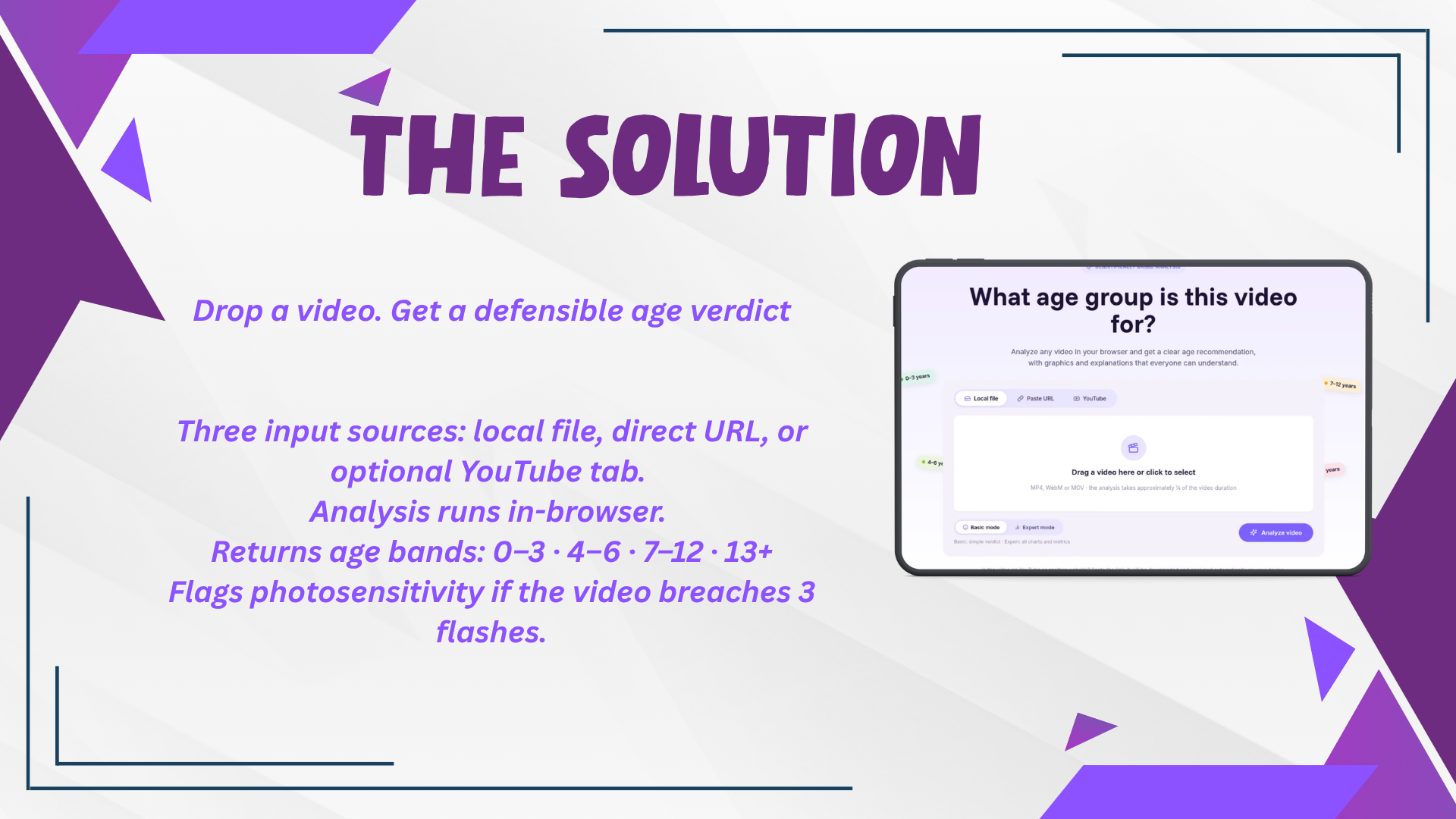
Drop in a video — a local file, a direct URL, or a YouTube/Vimeo/TikTok link. In roughly ¼ of the video's runtime, Kiddometer decodes the audio-visual stream entirely inside the browser and returns:
| Output | What it is |
|---|---|
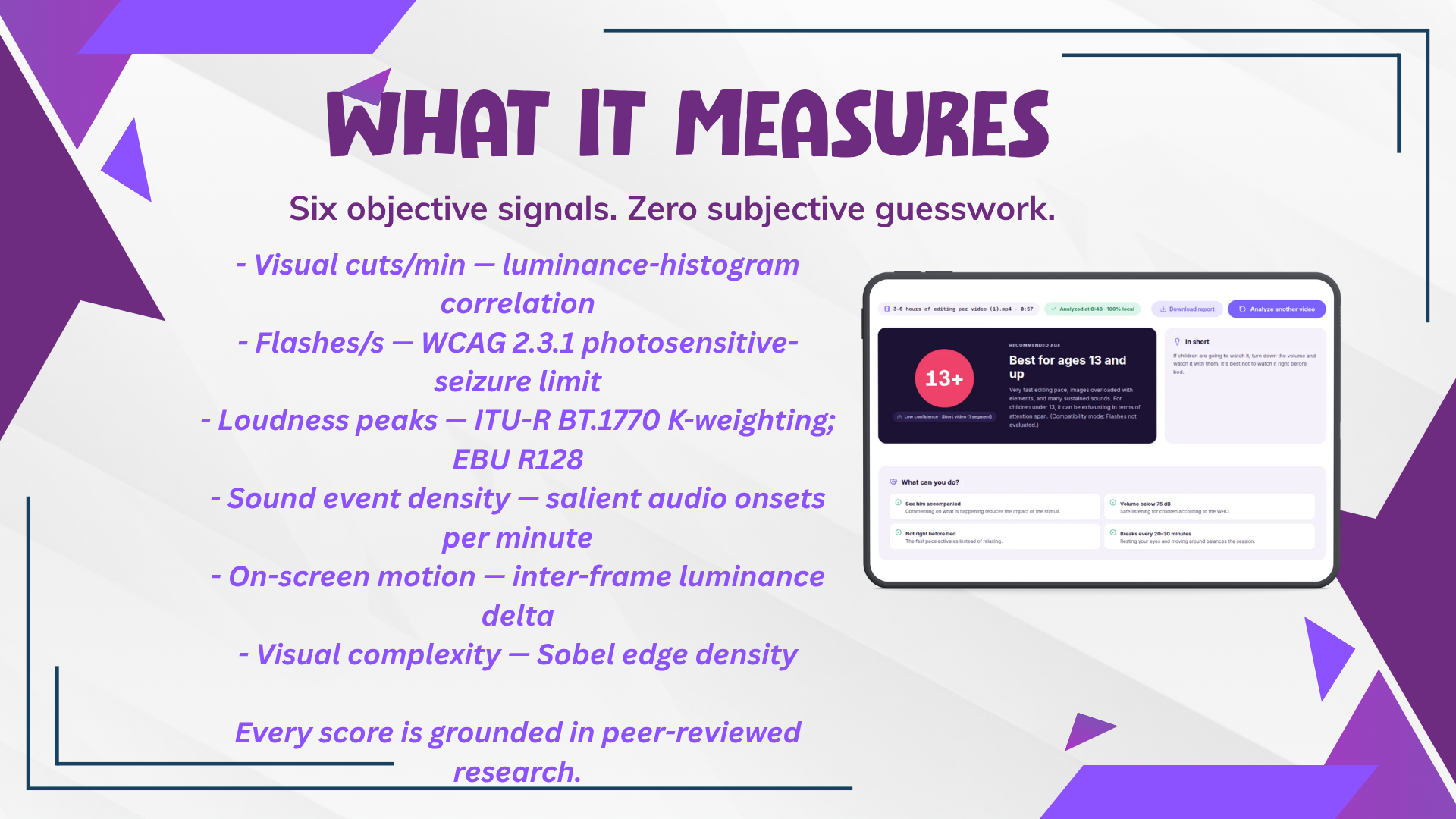
| 🎯 A recommended age | 0–3 · 4–6 · 7–12 · 13+ — driven by the strictest signal present |
| 📊 Six quantified metrics | Cuts/min, flashes/s, loudness peaks, sound-event density, on-screen motion, visual complexity |
| ⚠️ A photosensitivity alert | Raised automatically if the video exceeds 3 flashes/s (WCAG 2.3.1) |
| 🕐 An intensity timeline | Minute-by-minute color-coded breakdown of where the video gets hard |
| 🔥 "Most intense moments" | The exact segments to skip, in mm:ss ranges |
| 💬 Plain-language advice | "Turn the volume down, watch it with them, skip 4:12–5:00" |
| 📄 A downloadable report | Self-contained HTML with the full per-segment table |
The verdict is not a black box: every number is traceable to a published standard, and the UI explicitly labels which thresholds are peer-reviewed and which are calibrated heuristics. The system performs automated feature extraction and classification across two modalities (vision + audio), replacing what a human rater would otherwise do manually — the same pattern used in modern content-moderation pipelines.
🔬 How it works — the science and the signal processing
The six metrics, and exactly how each is computed
| Metric | Technique (real implementation) | Scientific basis |
|---|---|---|
| Visual cuts / min | Frames downsampled to 160×90, converted to luminance, binned into a 32-bin histogram, and compared frame-to-frame with Pearson correlation; a correlation below 0.6 is a shot change | Lillard & Peterson (2011) — ~5.5 cuts/min impaired executive function in 4-year-olds; Hinten et al. (2025) meta-analysis |
| Flashes / s | Luminance tracked in 3×3 zones; a transition is a swing ≥ 0.1 in relative luminance that reverses direction with a dark side < 0.8; a flash = 2 opposing transitions; max counted in any sliding 1-second window, per zone (so one full-frame cut can't be miscounted as nine flashes) | WCAG 2.3.1 / ITU-R BT.1702 — 3 flashes/s is the photosensitive-seizure limit at any age |
| Loudness peaks | Audio decoded, downmixed to mono @ 22 050 Hz, K-weighted with highpass (38 Hz) + highshelf (1681 Hz, +4 dB) biquads per ITU-R BT.1770, measured in 400 ms short-term windows (EBU R128 style) | ITU-R BT.1770 / EBU R128; WHO safe-listening (< 75 dB) |
| Sound-event density | Onset detection via energy-flux peaks over a 50 ms envelope, with an adaptive threshold (median + 1.5 × (p90 − median)) and a 3 %-of-peak floor; events deduplicated at 1 s | Christakis et al., PNAS (2018) — early audiovisual overstimulation and later attention problems |
| On-screen motion | Mean absolute luminance change within shots (0–100 index) | Calibrated heuristic |
| Visual complexity | Sobel edge density per frame (0–100 index) | Calibrated heuristic |
The aggregation engine — where most "AI rating" tools quietly go wrong
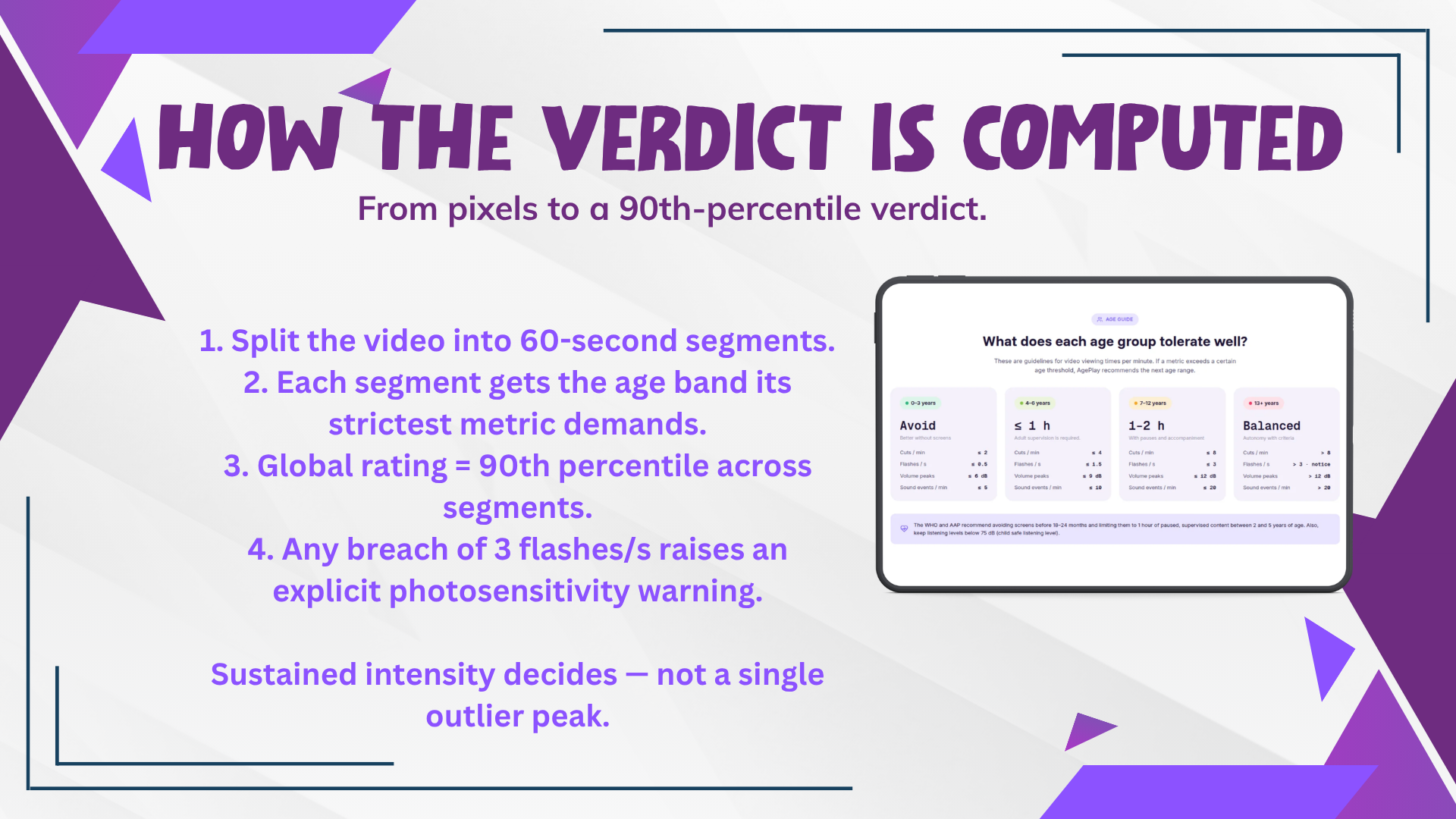
- The video is split into 60-second segments.
- Each segment receives the age band demanded by its strictest metric.
- The global rating is the 90th percentile across segments — sustained intensity decides, so a single outlier minute can neither inflate nor deflate the verdict. Outliers are surfaced separately as intense moments.
- Any breach of the 3 flashes/s limit escalates to an explicit ⚠️ photosensitivity warning, regardless of the percentile.
🔍 Why this matters: the legacy version of Kiddometer used the mode (most common band) across segments. That meant a video with a few toddler-safe minutes and a majority of hyper-paced minutes could be rated toddler-safe. The 90th-percentile rollup was a deliberate correctness fix — and it's the kind of subtle scoring bug that separates a demo from a tool.
🔐 Privacy by architecture — not a policy, a physics fact
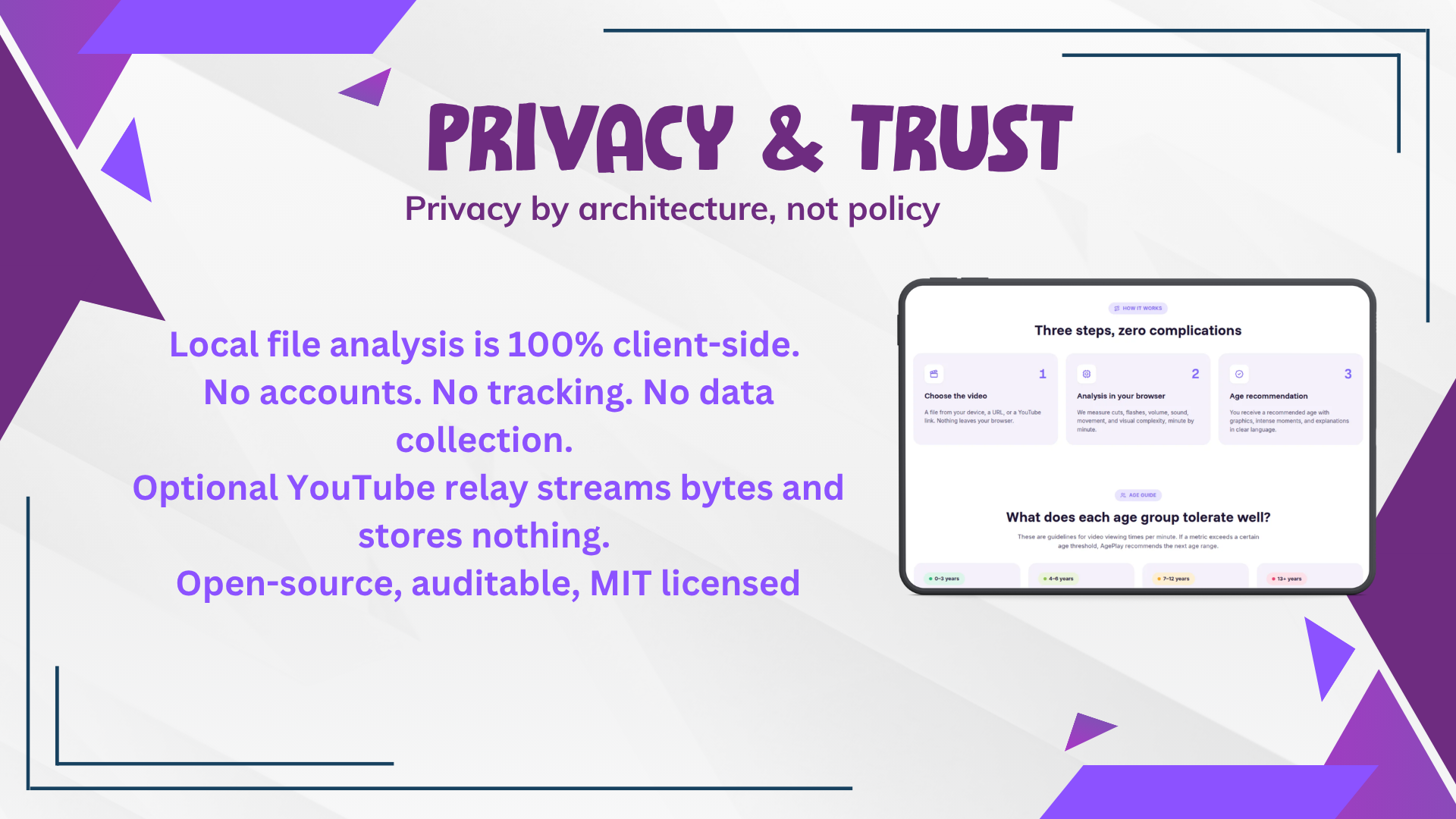
The video never leaves the device. Decoding, frame inspection, signal analysis and scoring all execute 100 % locally in the browser using native platform APIs.
This isn't a checkbox — it's the core design decision, and it solves the hardest problem in child-safety tooling:
| Typical approach | Kiddometer |
|---|---|
| Upload the child's media to a cloud server | ❌ Nothing is uploaded — there is no server to breach |
| Store analysis history tied to an account | ❌ No accounts, no tracking, no database |
| COPPA / GDPR-K exposure by design | ✅ Compliance risk eliminated by construction |
| Parents must trust a privacy policy | ✅ Parents can read the source and verify it |
The optional backend exists for one reason: streaming platforms don't allow cross-origin video fetches. It relays bytes and stores nothing — no disk write, no log of content, no retention. And without it, everything else still works.
🏗️ Technical execution
Zero-build, zero-dependency vanilla JavaScript (ES modules). No frameworks, no bundlers, no WebAssembly blobs. ~2 600 lines of hand-written code that does real DSP on the client.
Kiddometer
├── docs/                          # 🌐 Static web app
│   ├── index.html                 #    Home · analysis · methodology · references
│   ├── css/styles.css             #    Design-token system (from design/desgin.pen)
│   └── js/
│       ├── video-analyzer.js      # 🎞️ Histogram cuts · Sobel edges · per-zone WCAG flashes
│       ├── audio-analyzer.js      # 🔊 BT.1770 K-weighting · short-term loudness · onsets
│       ├── scoring.js             # 📐 Age thresholds · 90th-percentile aggregation
│       ├── insights.js            # 🧠 Data-driven verdict, advice, tips, moments
│       ├── main.js                # 🎛️ Orchestration, rendering, report export
│       └── config.js              # ⚙️ Optional backend URL
├── backend/                       # ☁️ Optional FastAPI + yt-dlp byte relay (HF Space)
├── design/                        # 🎨 Pencil design source
└── app.py / core.py               # 🕰️ Legacy Streamlit reference
Engineering details I'm proud of
requestVideoFrameCallbackfast path — the video plays muted at 4× speed in a tiny off-screen element, sampling every presented frame for accurate flash detection.- Deterministic seek fallback — if the browser presents too few frames (headless, throttled, exotic codecs), the analyzer detects it via a pair-coverage check and re-runs a seek-based pass at fixed ⅓-second steps. That pass can't sample fast enough for WCAG flash detection, so flashes is honestly reported as "not evaluated" rather than faked.
- Background-throttling resistance — Chrome pauses muted media in occluded tabs, stalling long analyses. The analyzer force-resumes playback on pause and requests a Screen Wake Lock so the OS doesn't suspend the tab.
- Audio/video bucketing parity — both analyzers independently merge a degenerate tail interval (< 5 s) into the previous segment, so the two pipelines produce index-aligned interval arrays that can be zipped safely.
- Multi-layer anti-blocking backend — PO Token provider sidecar, Chrome TLS impersonation, a 4-client fallback chain, ffmpeg merge fallback for DASH-only streams, and 12-hourly yt-dlp self-updates.
- Graceful degradation everywhere — no audio track? Say so. Degraded video path? Say so. No backend configured? Explain how to proceed manually instead of failing silently.
🎨 Design and usability
- 🧒 Basic / Expert modes — a plain, warm verdict for a tired parent at 9 p.m.; full charts, sparklines, a distribution donut and a per-segment table for the curious.
- ♿ Accessible by construction — semantic roles, aria-labels, keyboard-focusable dropzone, color-blind-safe band palette.
- 🎯 Copy generated from the data — the verdict, the advice and the tips are assembled from the actual measurements and drivers, never hardcoded.
- 📱 Responsive — works on the phone in a parent's hand.
- 🌍 Free, open source, MIT-licensed, with an explicit disclaimer that it's an orientation tool, not a medical device.
🧩 Which challenge areas does Kiddometer address?
The brief asked for solutions to the sociotechnical challenges of protecting children in an age of AI. Kiddometer tackles three head-on:
| Challenge area from the brief | How Kiddometer delivers |
|---|---|
| ✅ AI-powered content safety — detect or filter harmful / age-inappropriate content | Automated computer-vision + audio-signal analysis flags sensory-toxic content that human ratings structurally miss |
| ✅ Parental and educator tools — support safety without excessive surveillance | Fully client-side; guidance comes from the parent's own file. No accounts, no tracking, no data collection, no monitoring of the child |
| ✅ Trustworthy AI systems — evaluate, audit, or improve the safety of AI products used by children | An auditable, open-source, standards-cited scoring engine anyone can inspect, re-run and challenge — including honest flagging of heuristic thresholds |
🌍 Impact — measurable, scalable, lasting
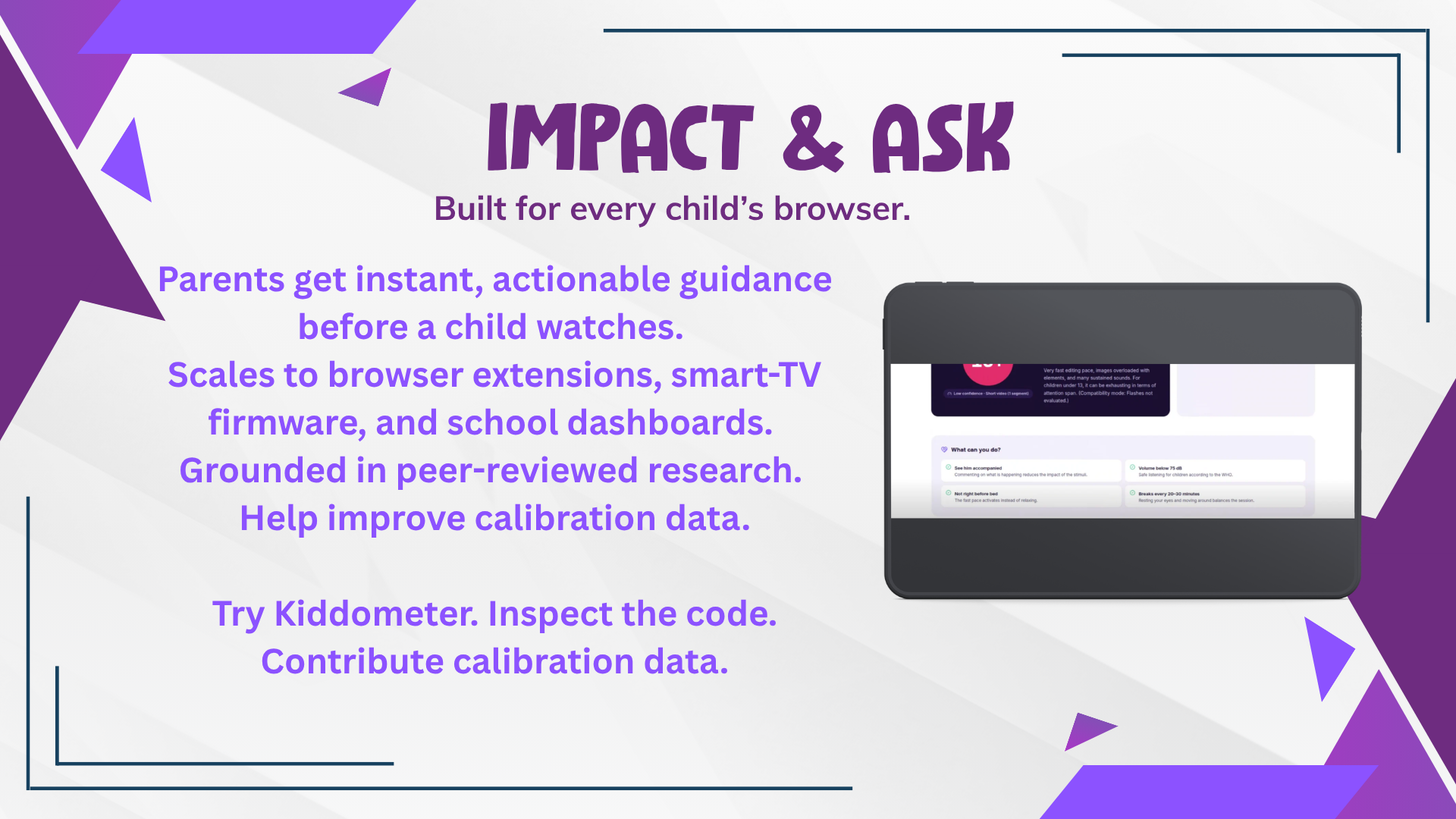
- Immediate: a parent gets an actionable verdict before the child watches — no account, no upload, no waiting.
- Scalable to zero marginal cost: static files on any CDN. One video or ten million, the server bill is the same: $0.
- Embeds anywhere: the same engine can drop into a browser extension, a smart-TV firmware layer, a school LMS, or a streaming platform's "watch with kids" mode — because it's dependency-free and runs on the client.
- Compounding value: every heuristic threshold is a tunable parameter with a documented evidence: flag, and the repo explicitly invites calibration data and studies. The tool is designed to get more correct over time, in public.
Why it's a real "AI for child safety" contribution: it doesn't add another chatbot between a child and the world. It audits the media itself — using computer vision and audio signal processing — and hands the judgement back to the adult who knows the child.
⚙️ Built with
HTML5 Canvas · Web Audio API (OfflineAudioContext) · requestVideoFrameCallback · Screen Wake Lock API · Vanilla JS ES Modules · CSS design tokens · Python · FastAPI · yt-dlp · Docker · Hugging Face Spaces · GitHub Pages · Pencil (design)
🚀 Try it
git clone https://github.com/digiflowhelp-stack/Kiddometer
cd Kiddometer/docs
python -m http.server 8000
# → http://localhost:8000
No build step. No dependencies. Just a browser (Chromium-based recommended for full requestVideoFrameCallback support). Drop a video, wait ~¼ of its duration.
🏅 Judging criteria — where Kiddometer scores
| Criterion | Weight | Where Kiddometer delivers |
|---|---|---|
| Technical Execution | 25 % | Real client-side DSP: histogram-correlation cut detection, per-zone WCAG flash analysis, BT.1770 K-weighted loudness, Sobel edge density — all in dependency-free vanilla JS, with a self-healing degraded path and an anti-blocking streaming backend |
| AI Relevance | 20 % | Automated computer-vision and audio-feature extraction replace manual human review; the system classifies content the way a human rater cannot — at scale and in milliseconds |
| Usefulness | 15 % | Answers the exact question a parent has, before the child watches, with concrete "skip this segment" guidance |
| Impact | 15 % | Zero-cost, zero-data, standards-cited, and portable into extensions, TV firmware and school platforms |
| Creativity | 15 % | Reframes content rating from subjective human opinion and text tags to quantitative sensory-signal telemetry — and fixes the aggregation flaw that made the naive version unsafe |
| Presentation | 10 % | Dual-mode UI, rich diagnostics, downloadable report, and a demo that shows the verdict changing on real footage |
🎥 Demo
▶ Watch the 2-minute demo — drop a hyper-paced cartoon, watch the flash warning fire, then drop a calm documentary and see the verdict flip to 0–3.
Code: https://github.com/digiflowhelp-stack/Kiddometer
🙏 What I learned
That the most important safety signal in children's media was never measured — not because it's hard, but because nobody thought to look at the pixels and the waveform instead of the script. That client-side compute is now powerful enough to run broadcast-grade loudness standards in a browser tab. And that "privacy by design" is far more convincing when it's architecturally impossible to leak data than when it's a paragraph in a policy.
Built with ❤️ and a lot of ☕ by Daniyal Khan for the Child Safety in AI hackathon.
🛡️ 100% local · 🚫 0 bytes uploaded · 📖 peer-reviewed methodology · 🌍 built for every child's browser

Log in or sign up for Devpost to join the conversation.