-
-
Kid Spell
-
Simulator Echo Show Display
-
Cards in Alexa Web App
Inspiration
When kids are learning to write letters, they quickly start asking how to spell words, so they can write them down. It takes kids at this stage a lot of time and concentration to write each letter, so a standard spelling skill speaks the letters too fast for them.
What it does
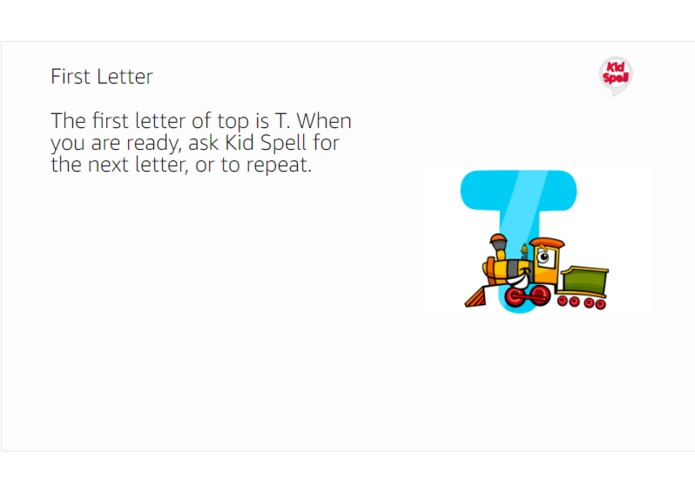
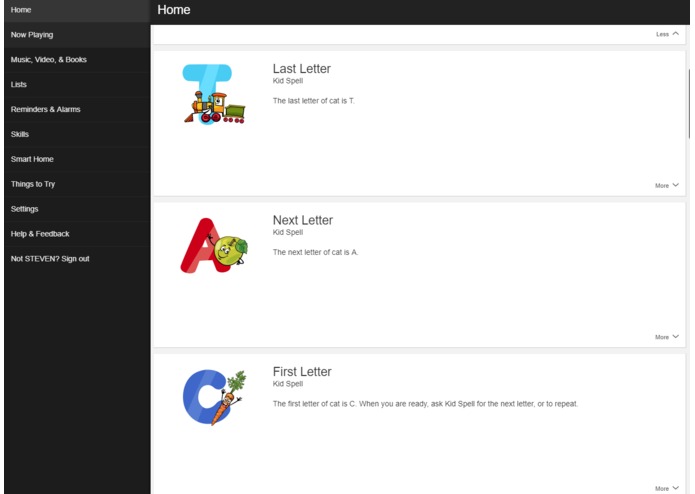
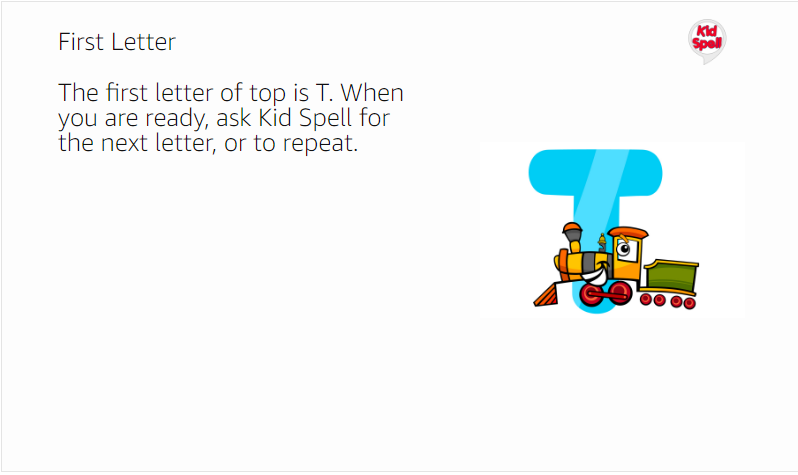
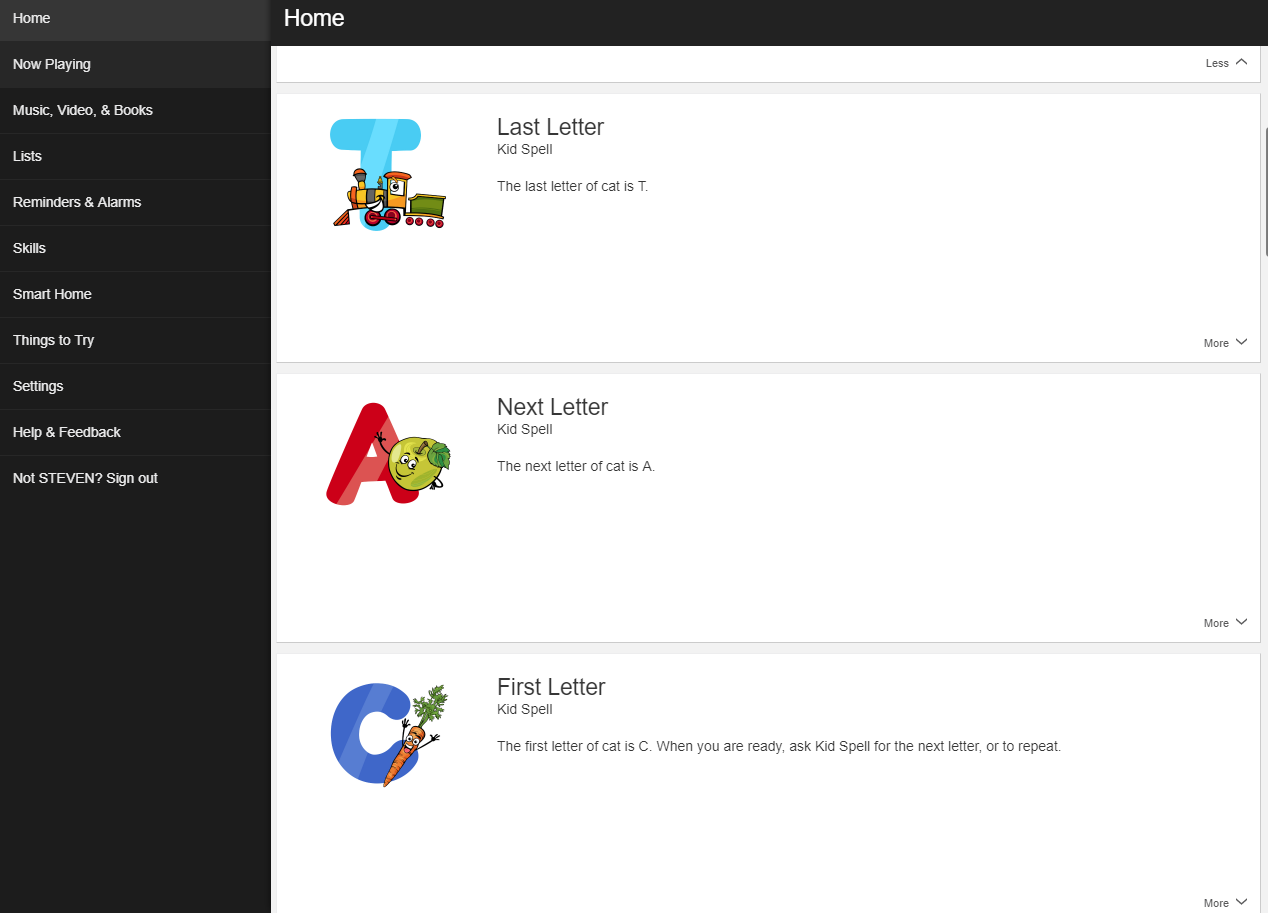
Kid Spell can spell words one letter at a time, allowing the child to ask for the next letter (and repeat it), so that they can write them down at their own pace. The skill also displays a fun picture of each letter to Echo Show devices and to the Alexa companion app. This helps the child remember how to write each letter.
Kid Spell leverages the WebPurify Profanity Filter API to filter all word requests for profanity in order to avoid spelling inappropriate words for kids.
Kid Spell is simple to use. To get started say, "Alexa, ask Kid Spell to spell dog." The skill will speak the first letter - D. To hear the next letter, say "Alexa, ask Kid Spell for the next letter." Continue asking for the next letter until the end of the word. To repeat a letter, say, "Alexa, ask Kid Spell to repeat."
How I built it
I designed, built and tested this skill with my two kids: Erin (9) and Emily (6). Our original design was to do interactive spelling within a session, but then we realized that the response wait time in a session was too short for kids to write down a letter. We ultimately decided to spell the words across sessions, leveraging a cache to store the word state for users.
Once we had the base skill working, my 6 year old, Emily, had the idea to display images of each letter that we say to Echo Show devices and to the companion app. We found a set of images that we liked and purchased the rights to use them. Building and testing that part was fun and it was great to see my kids contributing beyond the level that I expected!
Challenges I ran into
After we built and tested the base features, we realized that we needed to prevent the app from spelling profane words.
My first cut at this leveraged an excluded words file, but I quickly realized that this approach was not robust enough to cover such an important feature for a kids skill.
After a bit of research, I found WebPurify's Profanity Filter API and it was a perfect fit for our use case as it let's you manage white and black lists in addition to the out-of-the-box checks that it provides.
Accomplishments that I'm proud of
This skill is a fantastic education tool for kids who are just getting interested in writing words. And it really shines when you use the letters that it displays to Echo Show devices or the companion app.
Beyond building a really great skill, I'm proud that I built this with my daughters. They were surprisingly excited about it and I loved how much they contributed in terms of design and testing. Building this with them was amazing!
What I learned
While I had created a skill in the past, this was my first time creating a skill using the Java Alexa Skills Kit SDK which did not exist yet when I did my previous work. Skill development using the SDK was MUCH easier than what I had done in the past.
This was also my first project using Redis. I found integration with it incredibly simple using the Spring Data Redis library.
Finally, while I had developed another skill in the past, this was the first skill that I pushed through the certification process, so prepping a skill for a successful certification was new to me.
What's next for Kid Spell
We have some additional features that we will be implementing that will further leverage the display capability of Echo Show devices.
Built With
- alexa-skills-kit-java
- java
- redis
- spring
- spring-data-redis
- webpurify-profanity-filter
- words-api

Log in or sign up for Devpost to join the conversation.