Inspiration
Designers often want to experiment with different color moods, but manually changing colors in an image is time-consuming and repetitive. We were inspired by the idea of making color experimentation instant and visual. With Adobe Express being widely used for quick designs, we wanted to build an add-on that helps creators explore color variations without re-editing their designs from scratch.
What it does
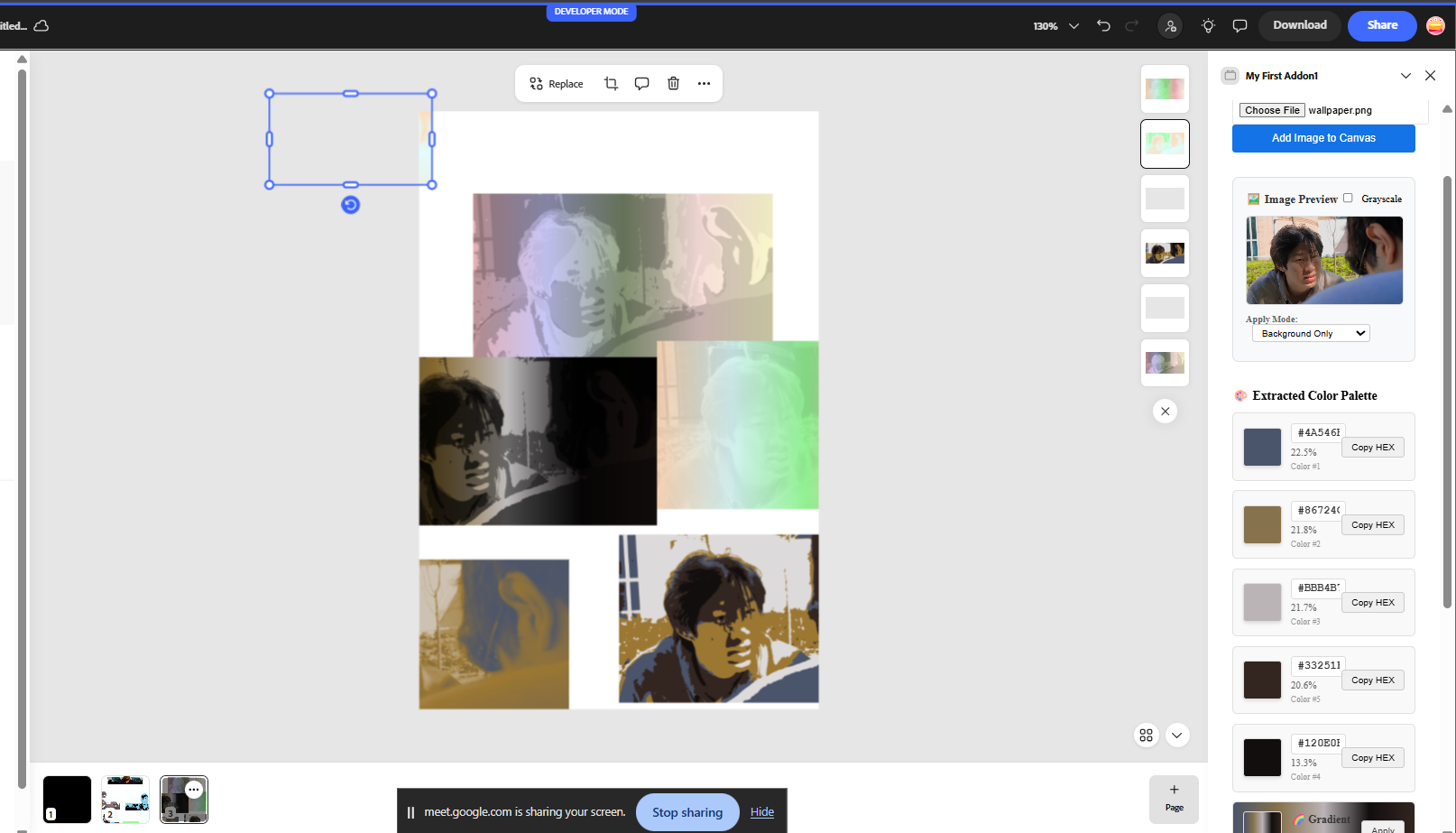
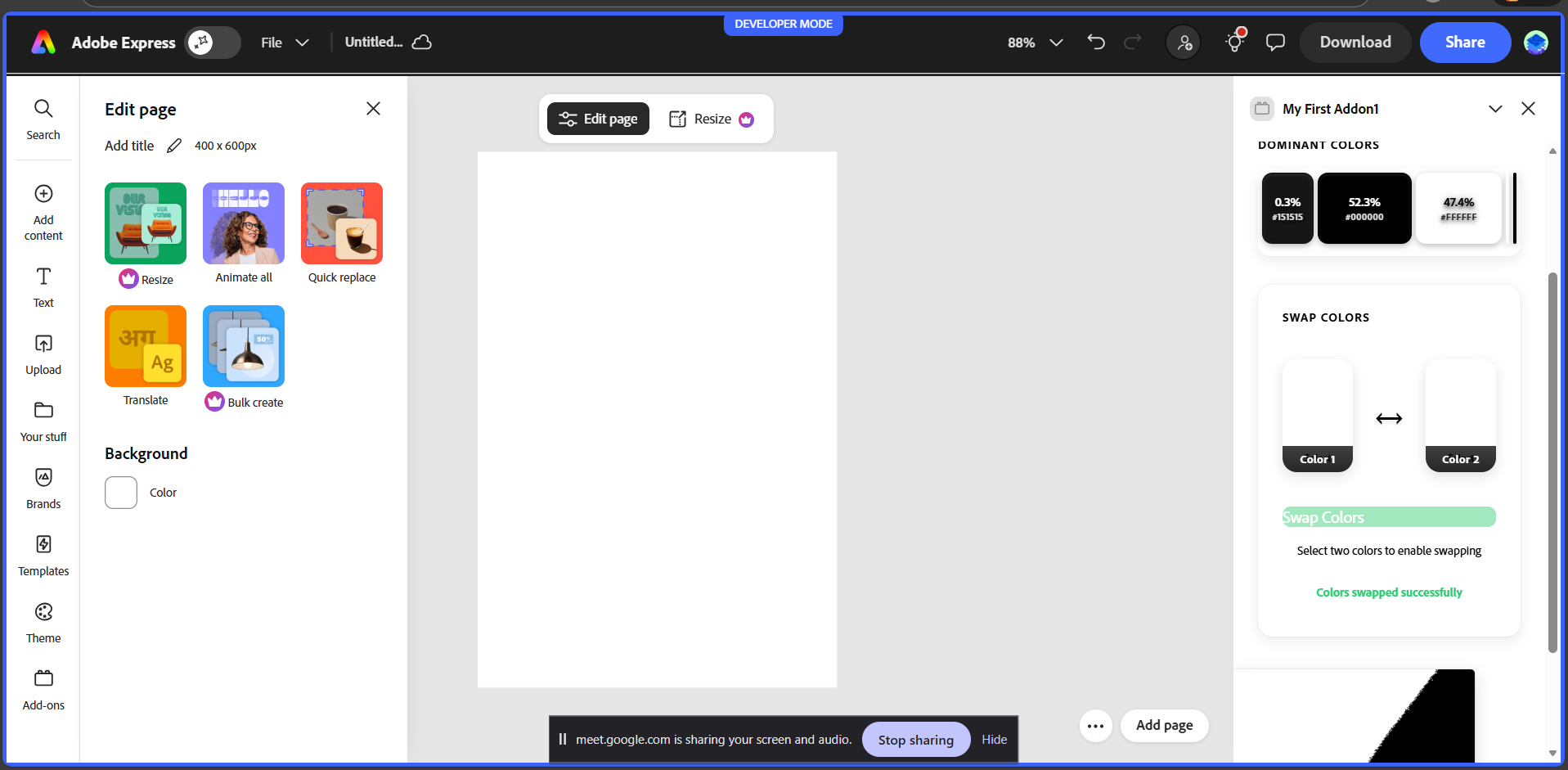
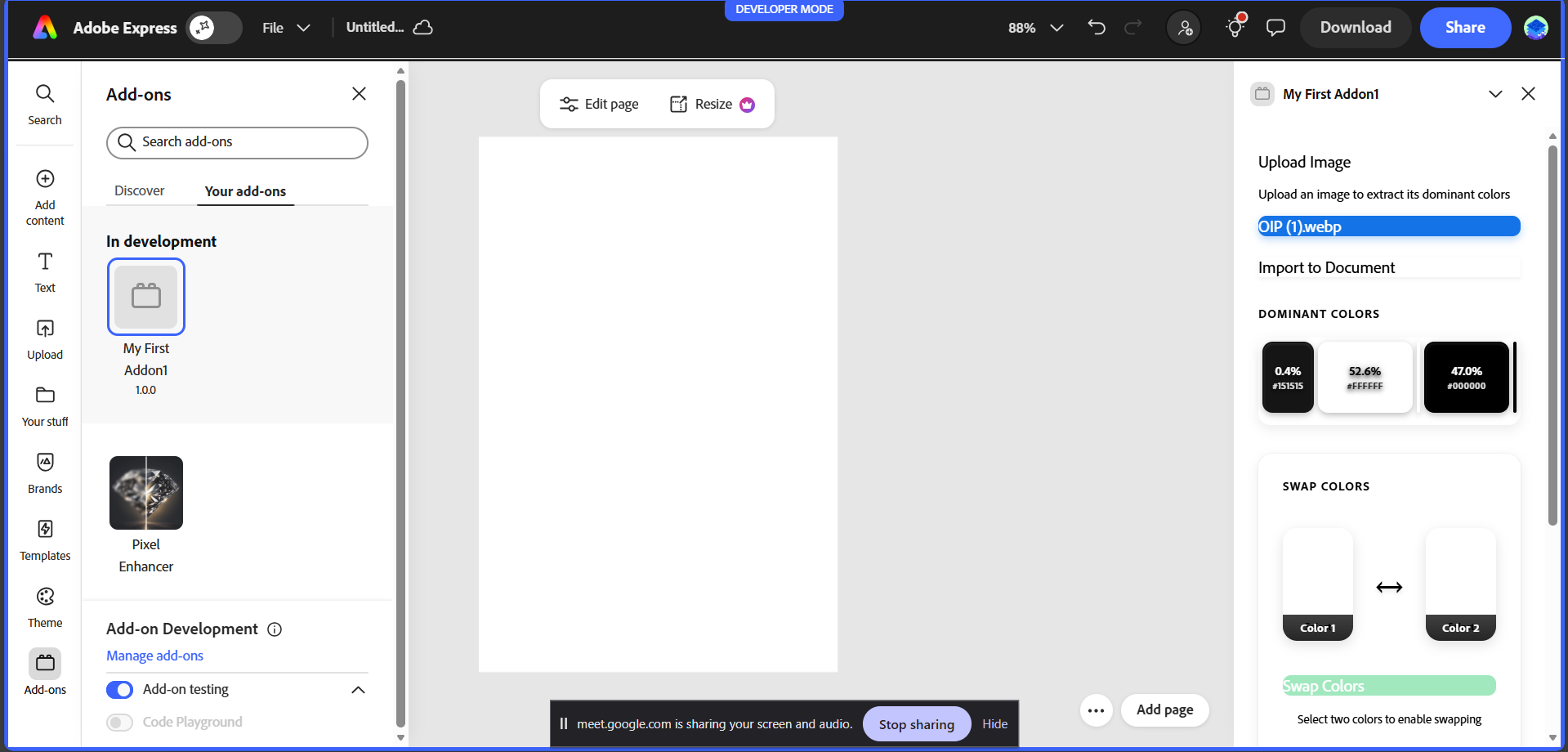
ColourPaletteSwap is an Adobe Express add-on that extracts the dominant colors from any uploaded image, shows their exact percentage distribution, and allows users to visually swap any two colors in real time. This enables designers to instantly change the mood, tone, or style of an image with just a few clicks.
How we built it
The add-on is built using the Adobe Express Add-on SDK with a JavaScript document sandbox. Images are analyzed using an HTML canvas to extract pixel data and calculate dominant colors and their percentages. A clean UI was designed using Adobe Spectrum Web Components to ensure consistency with Adobe Express. The color-swap functionality works at pixel level, replacing one dominant color with another while preserving the image structure.
Challenges we faced
One of the main challenges was accurately calculating color dominance and swapping colors without distorting the image. Handling UI states correctly with Spectrum components—especially button enable/disable behavior—also required careful state management. Ensuring the add-on felt intuitive, responsive, and visually polished within the limited add-on panel space was another key challenge.
What we learned
Through this project, we gained hands-on experience with the Adobe Express Add-on ecosystem, Spectrum Web Components, and canvas-based image processing. We also learned the importance of UX polish in hackathon projects—small details like visual feedback and interaction clarity can significantly improve the overall experience.
What's next for ColourPaletteSwap
In the future, ColourPaletteSwap can be extended to apply swapped colors directly to selected elements in the Adobe Express document, support multiple color swaps at once, and offer AI-based color harmony suggestions to help designers choose better palettes automatically.
Built With
- adobe-express-add-on-sdk
- adobe-spectrum-web-components
- css3
- html5
- javascript


Log in or sign up for Devpost to join the conversation.