-
-

Logo
-
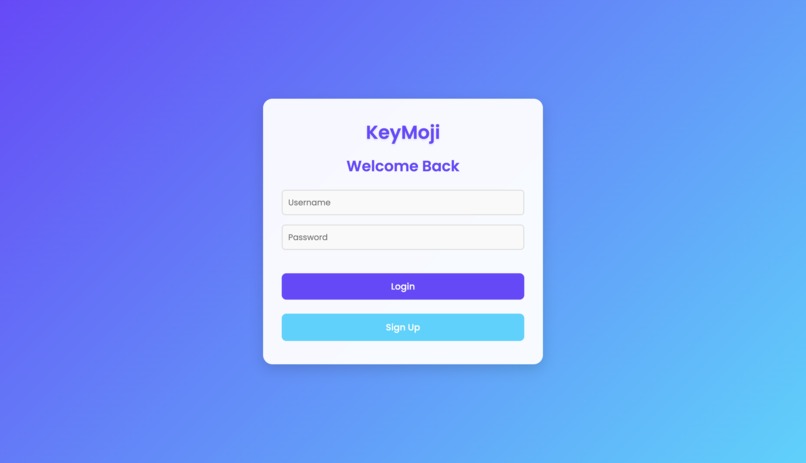
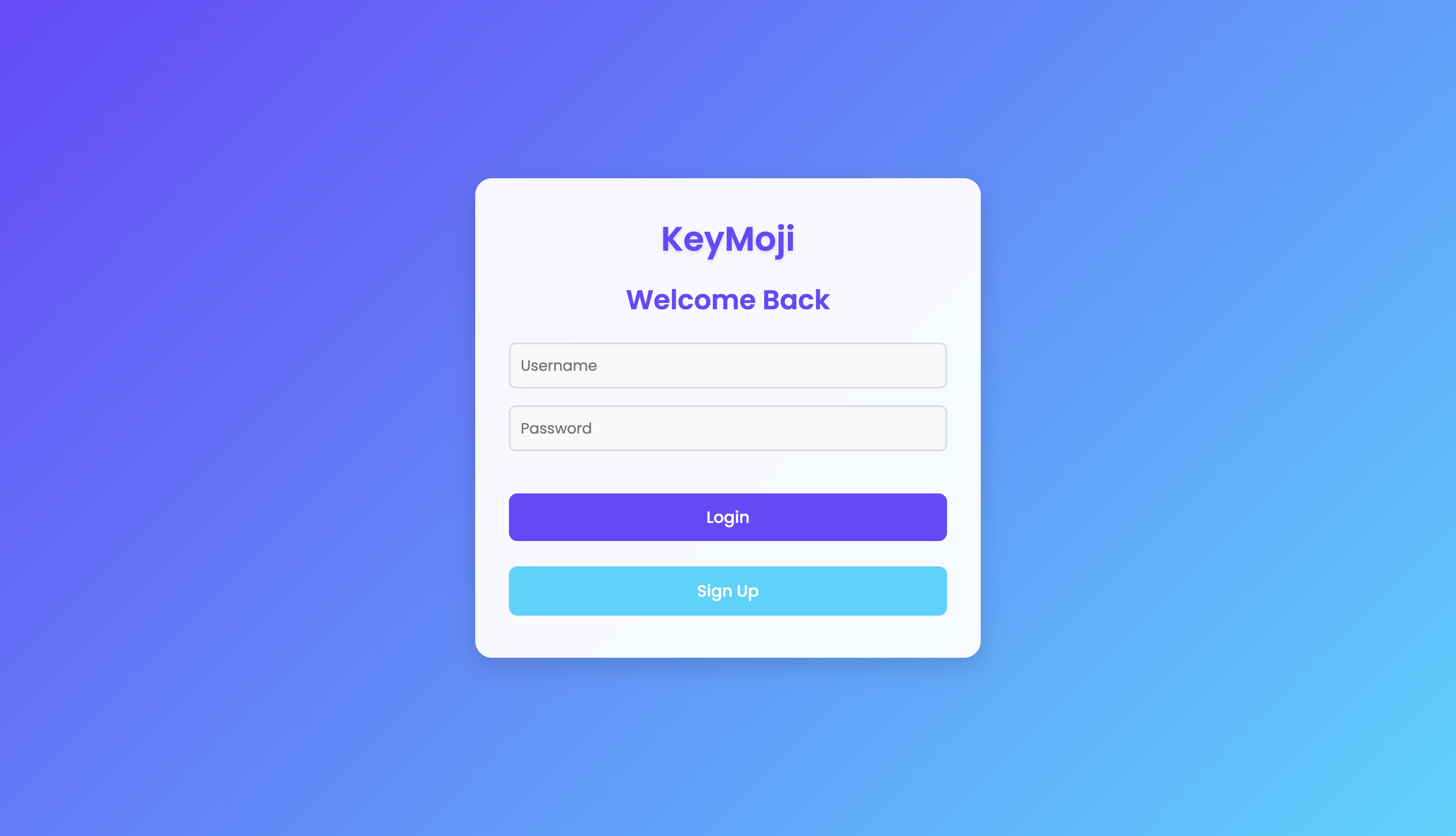
Sign In.
-
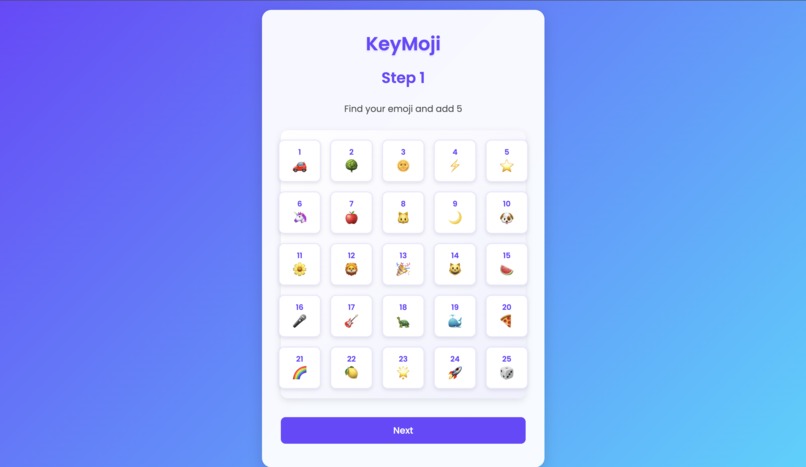
Verification.
-
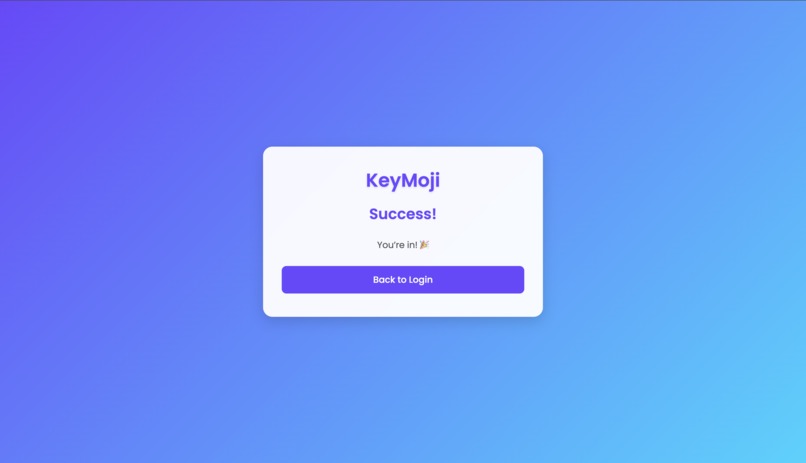
Complete.

Inspiration
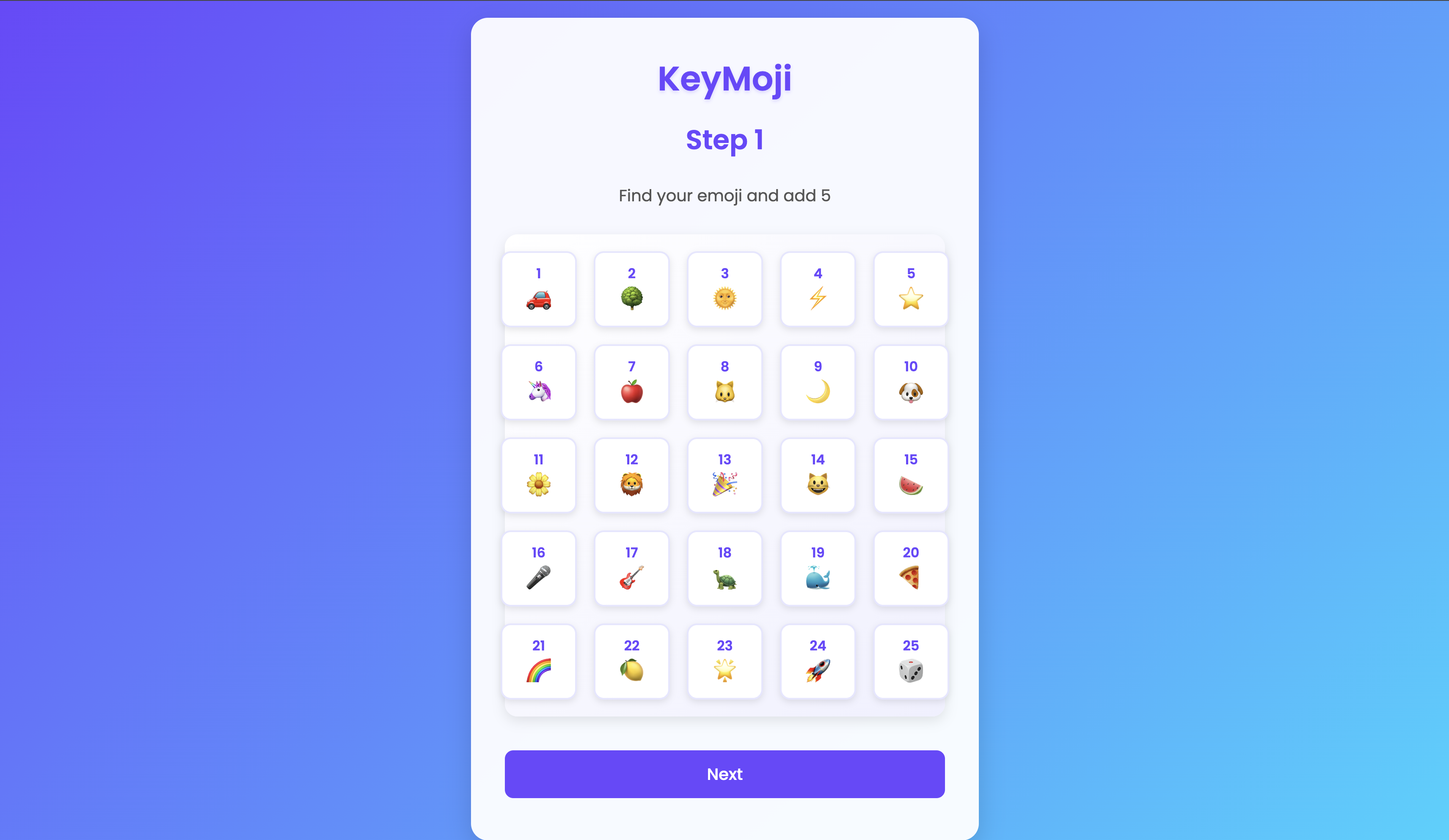
We were inspired by current ReCaptcha's image recognition and wanted to incorporate that into authentication. We implemented this with the use of emojis as our image.
What it does
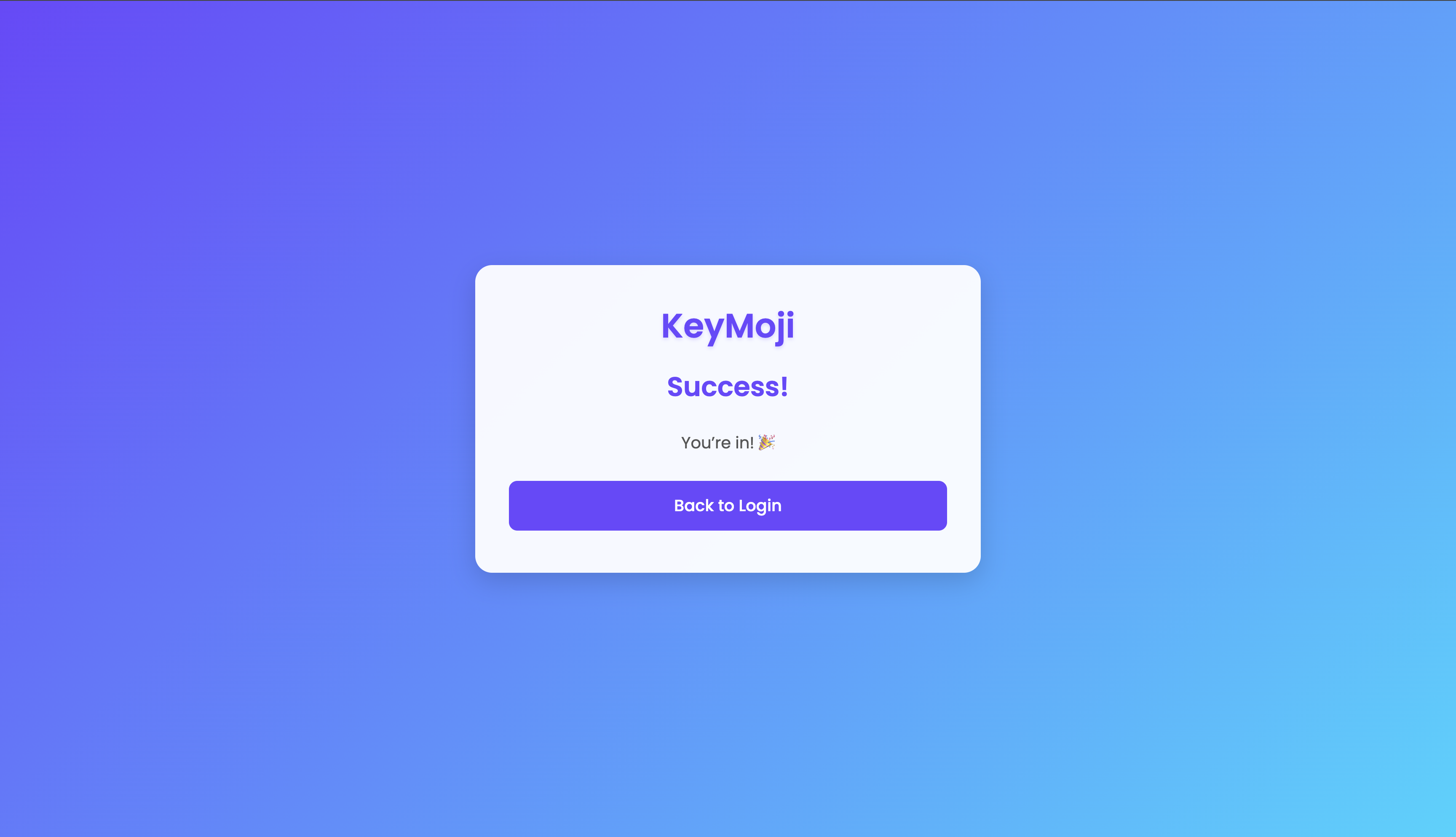
When the user creates their account, they get assigned 2 key emojis. These are the things they will use to log into their account. After putting in their username and password, they will select their emoji twice (once for each key), and then they will get access to their account.
How we built it
We built it using a combination of python, html, css, and javascript. We used pycharm as our IDE in the beginning and then we transferred it into python anywhere to create an actual app (linked down below). We used flask as the framework of our website.
Challenges we ran into
The biggest challenge we ran into was the coding logic. No matter how hard we tried, the code didn't understand how to correlate an emoji to a specific number. After a lot of hard work, we finally fixed it.
Accomplishments that we're proud of
The biggest accomplishment that we're proud of is how nice the website came out. It took a lot of work to do the css and javascript to add animations and we're proud of how nice it came out.
What we learned
The biggest thing we learned was critical thinking skills. The biggest challenge we faced were the coding logic issues and we had to learn a lot to actually figure out how to solve them.
What's next for KeyMoji
We hope for KeyMoji be the stepping stone for users into the world of 2FA. Only 10% of users actually use it and we hope that KeyMoji is easy enough for people to get used to it and start using it.


Log in or sign up for Devpost to join the conversation.