Inspiration
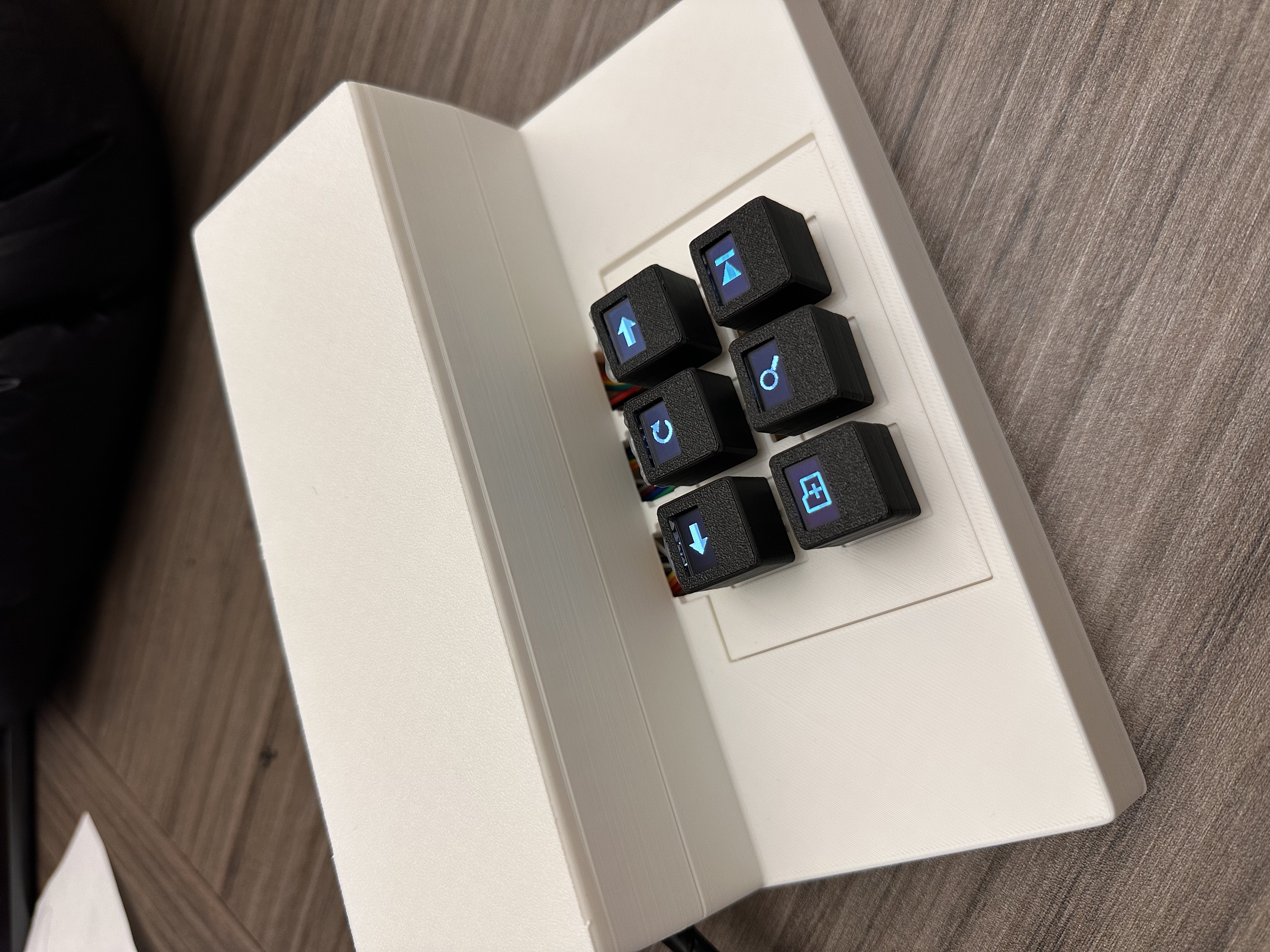
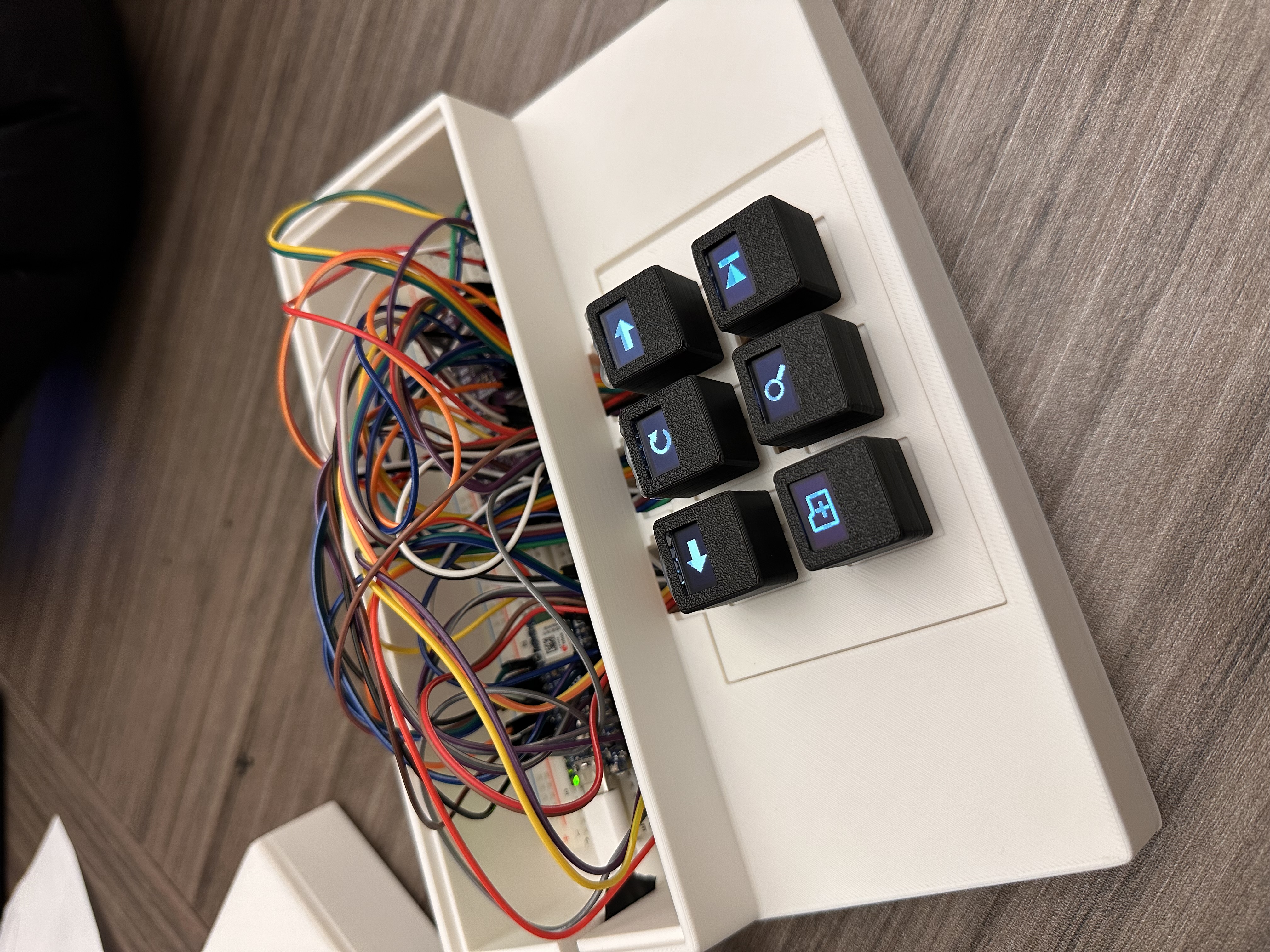
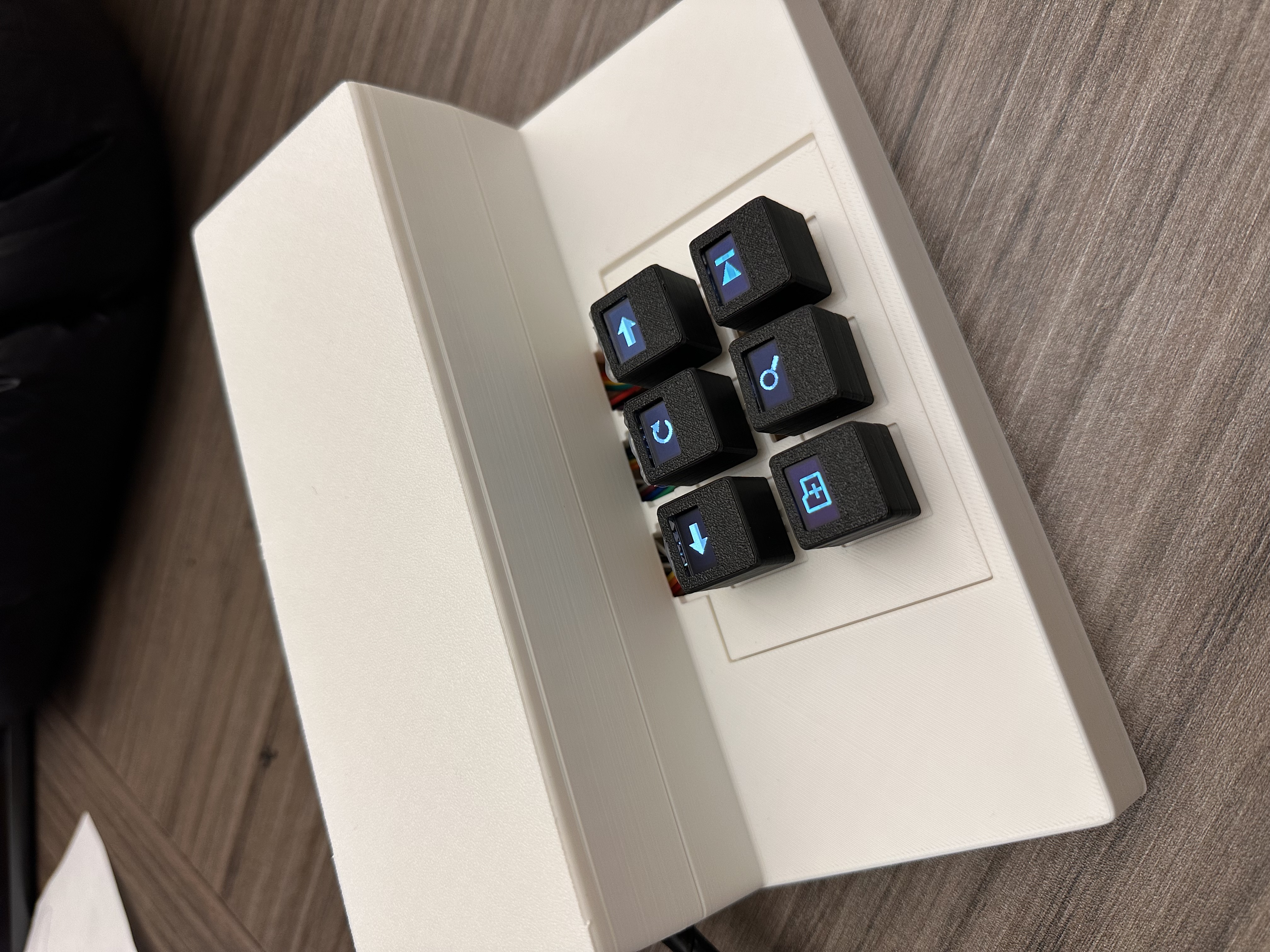
Imagine a mechanical keyboard with an OLED display built into each keycap, where every key can change based on what you’re doing.
That was the idea behind Keymaeleon. Instead of memorizing shortcuts or reaching for different controls in every app, we wanted the keyboard itself to understand the current context and show the actions that matter most.
For developers, that means the keys can react to things like running tests, debugging, Git changes, or errors, and surface useful actions right when they’re needed.
What it does
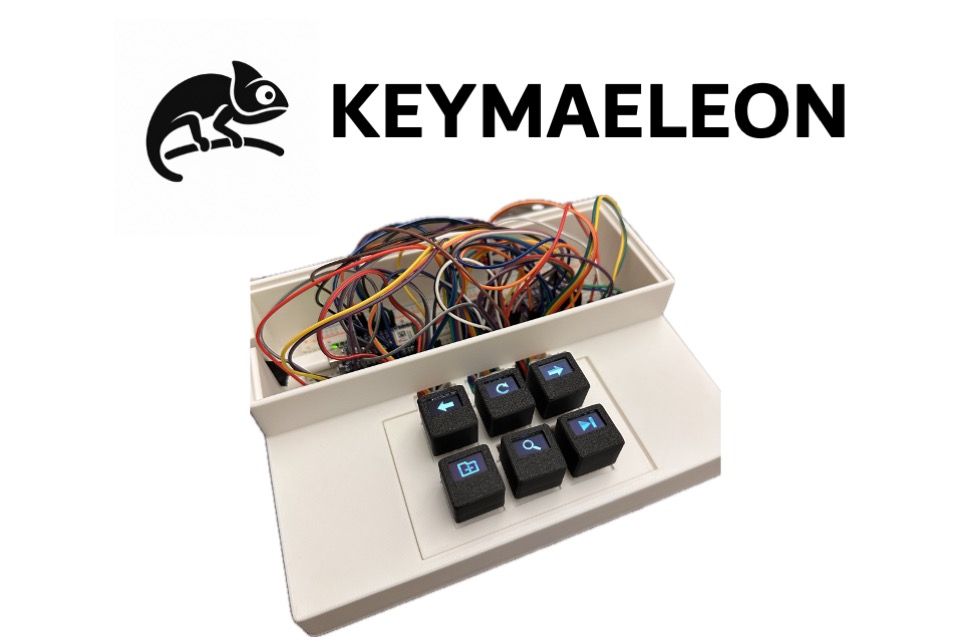
Keymaeleon is a mechanical keyboard with an OLED display built into each key.
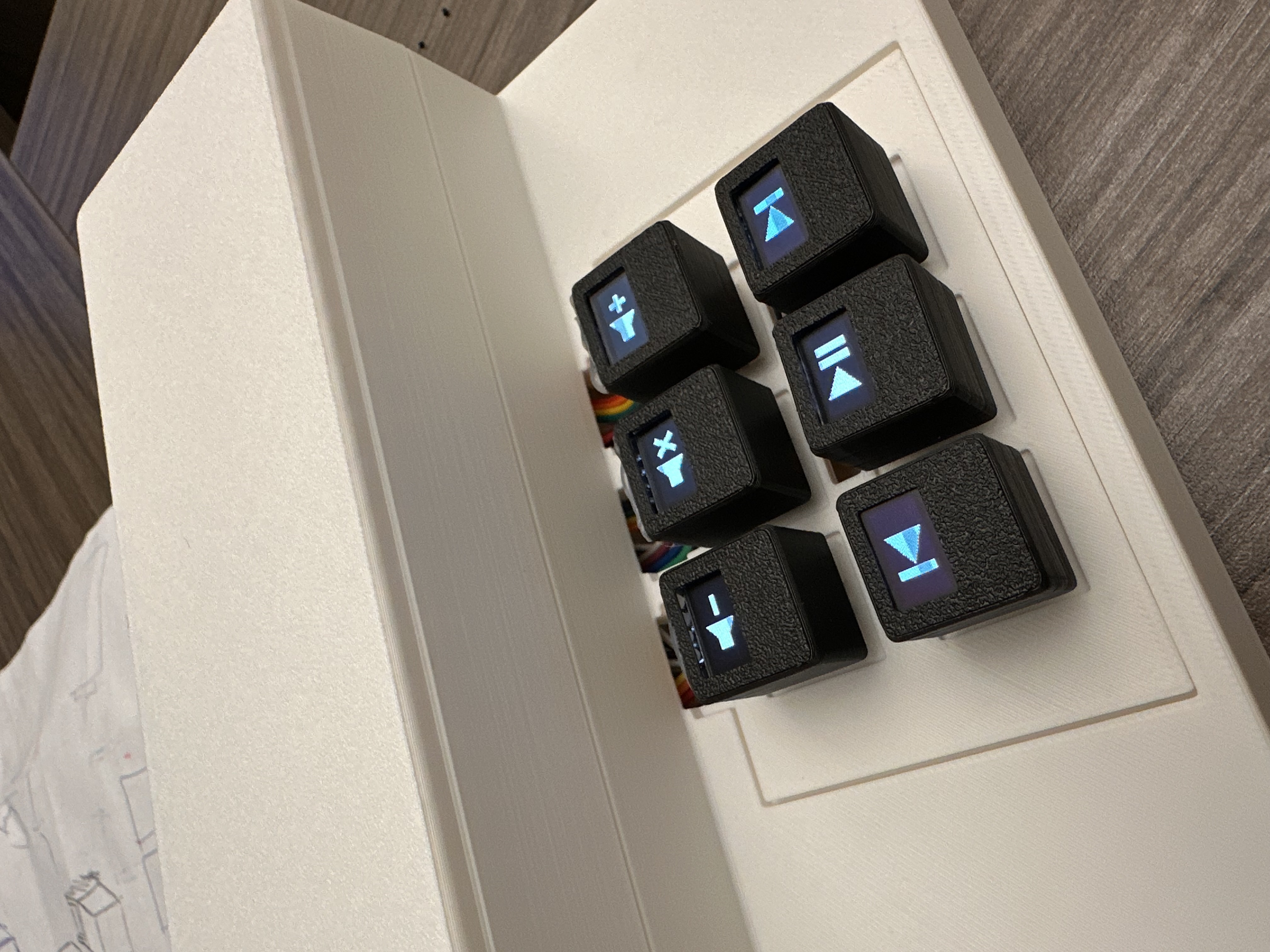
A desktop app keeps track of what application is currently active and changes both what the keys display and what they actually do.
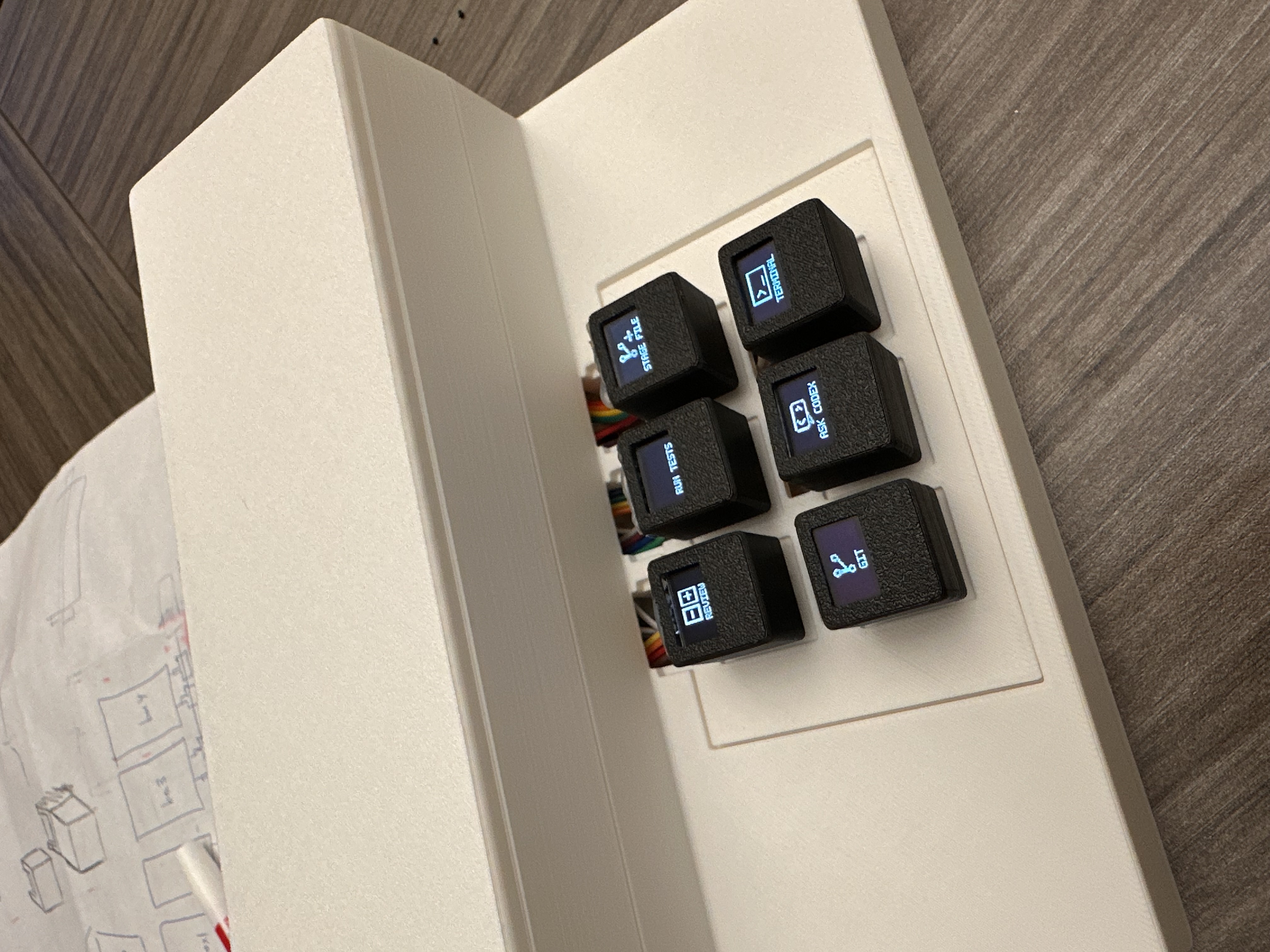
We focused a lot on VS Code. Depending on what’s happening while you’re coding, the keyboard can show actions like:
- Run Tests
- Debug
- Explain
- Fix
- View Diff
- Approve
- Reject
- Commit
The cool part is that the keyboard can react to more than just which app is open. It can also react to what’s happening inside that app.
For programs we haven’t specifically built support for, we use the OpenAI API to generate a control profile and suggest actions that might be useful.
How we built it
On the hardware side, we used an Arduino Nano ESP32 connected to mechanical switches and individual OLED displays.
The Arduino is responsible for reading key presses, updating the OLEDs, communicating with the computer over USB serial, and sending keyboard/media HID events.
On the computer, we have a Python service that acts as the main bridge between the keyboard and the software running on the machine.
For VS Code, we built an extension that can see things like the active file, Git state, test results, terminal activity, debugging state, and other workspace information.
That context gets sent to the Python service, which decides what should be shown on the keyboard. We can also use OpenAI to help pick actions that make sense for the current situation.
Challenges we ran into
One of the hardest parts was figuring out what the keys should actually show.
Knowing that VS Code is open is easy. Knowing that the user just ran a test, got an error, and would probably benefit from a “Fix” or “Explain” button is much harder.
That’s why we ended up focusing heavily on developers and building a VS Code extension. It gave us much better context about what the user was actually doing instead of just knowing which window was in focus.
Another challenge was making the keyboard useful outside of the few programs we had time to build integrations for.
We didn’t want Keymaeleon to only work with a small list of supported apps, so we added a system that detects the active window and can use the OpenAI API to come up with useful controls for unfamiliar applications.
That gave us a way to make the keyboard useful in a lot more situations without manually building a profile for every program.
Accomplishments that we're proud of
The part we’re most proud of is that Keymaeleon actually exists as working hardware.
It’s not just a mockup of what an adaptive keyboard could look like. The physical keys really update while you use the computer, and their functions can change in the middle of a workflow.
Seeing a real key change from something like “Run Tests” to “Fix” after an error happens is probably the moment where the project started to feel real.
What we learned
A big thing we learned is that more options don’t automatically make an interface better.
At first, it was tempting to put as many actions as possible on the keyboard. But the more useful version was usually the one that showed a small number of actions that made sense right now.
We also learned a lot of very different things while building this: VS Code extensions, serial communication, USB HID, OLED rendering, WebSockets, and how to use AI in a way that’s constrained enough to produce predictable controls instead of random suggestions.
What's next for Keymaeleon
There are a lot of directions we’d like to take it.
We want to go deeper on developer workflows with better Git and debugging controls, more Codex integration, and things like Sentry-powered incident workflows.
We’d also like to improve browser awareness and make automatically generated profiles for unsupported applications more capable.
And, eventually, we want to try larger keyboard layouts.
The main idea would stay the same though: instead of having one fixed keyboard for every task, the keyboard should change with what you’re doing.


Log in or sign up for Devpost to join the conversation.