-
-
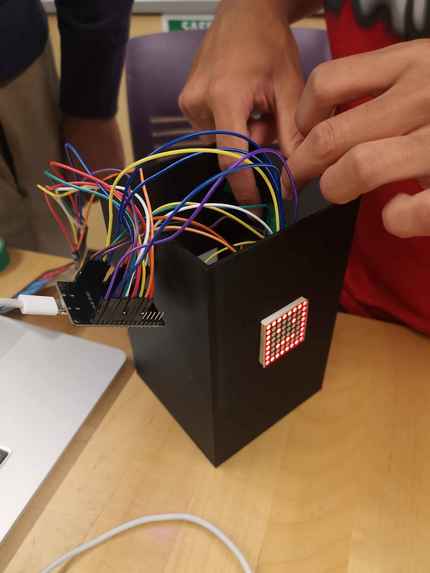
Assembling the machine
-
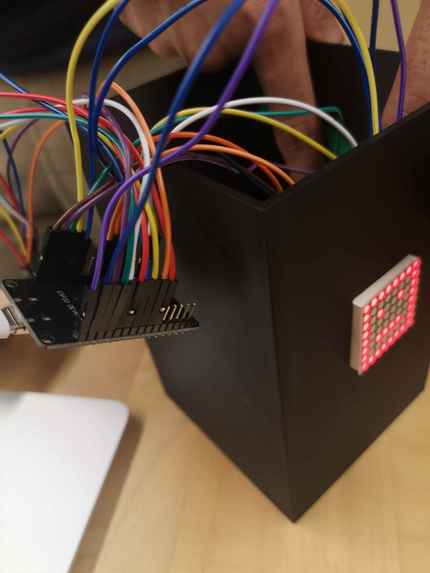
More assembly
-
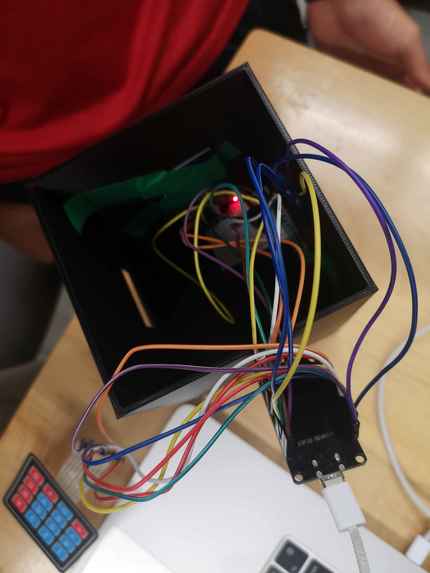
Interior wiring
-
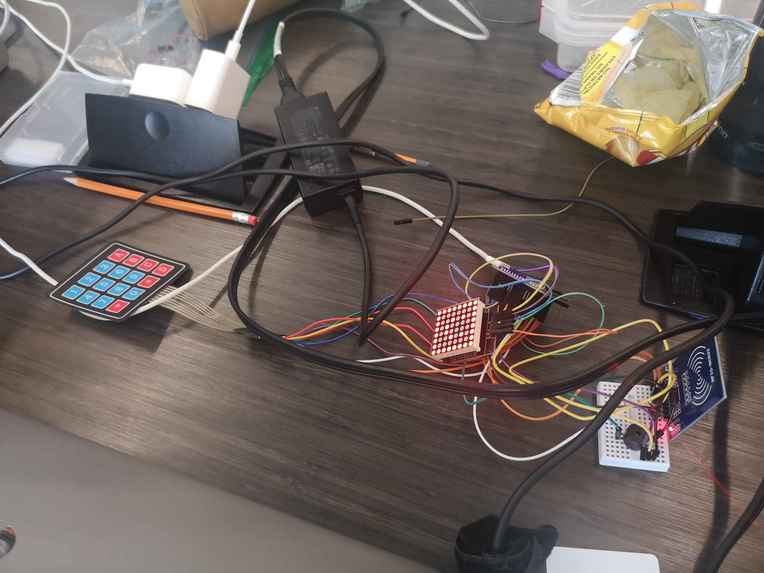
'Raw' view of all the wires and components
-
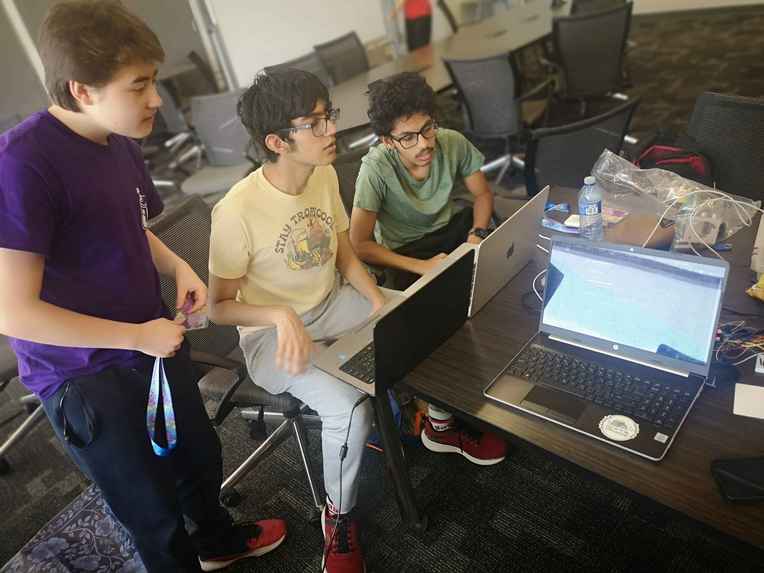
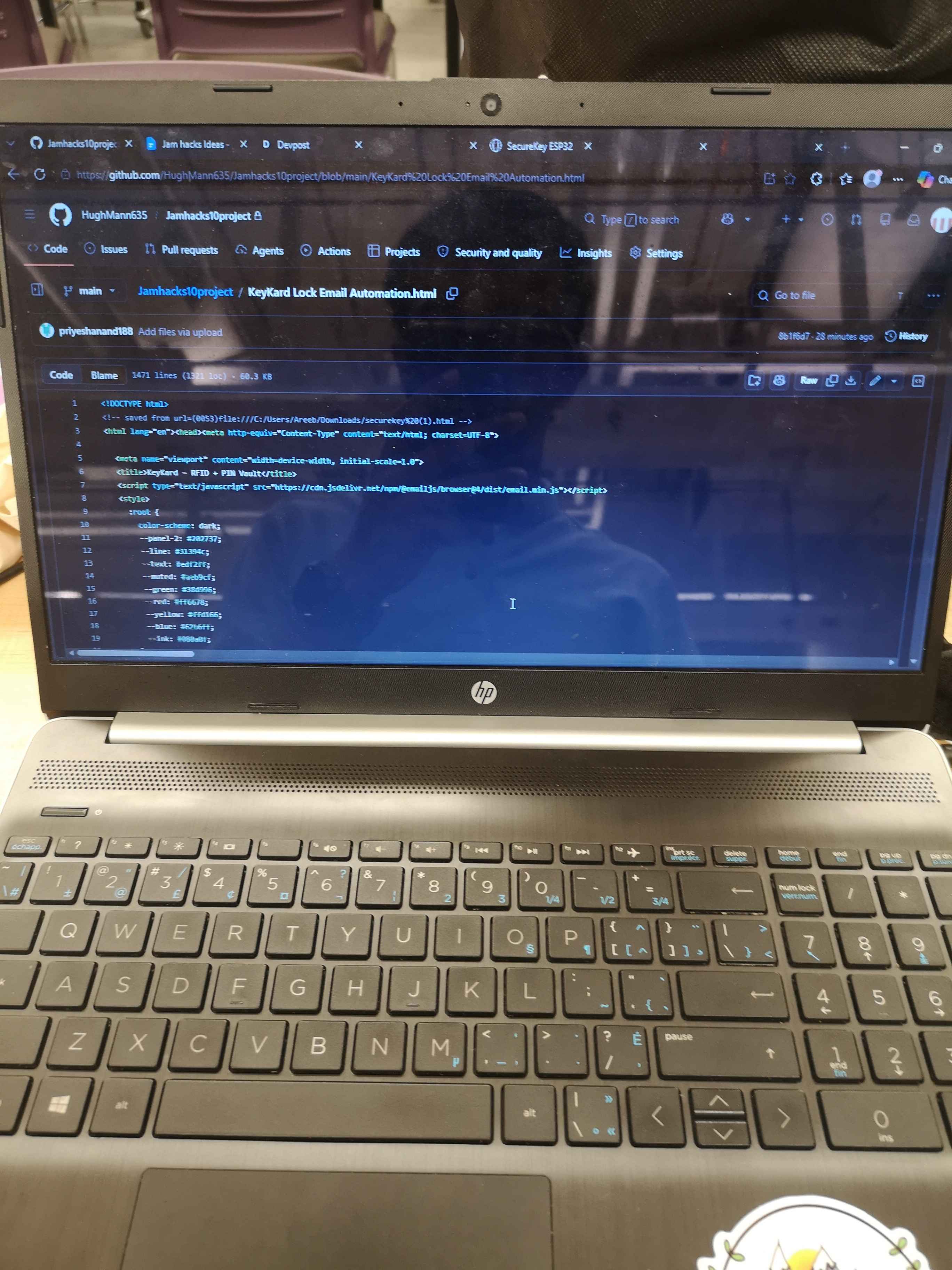
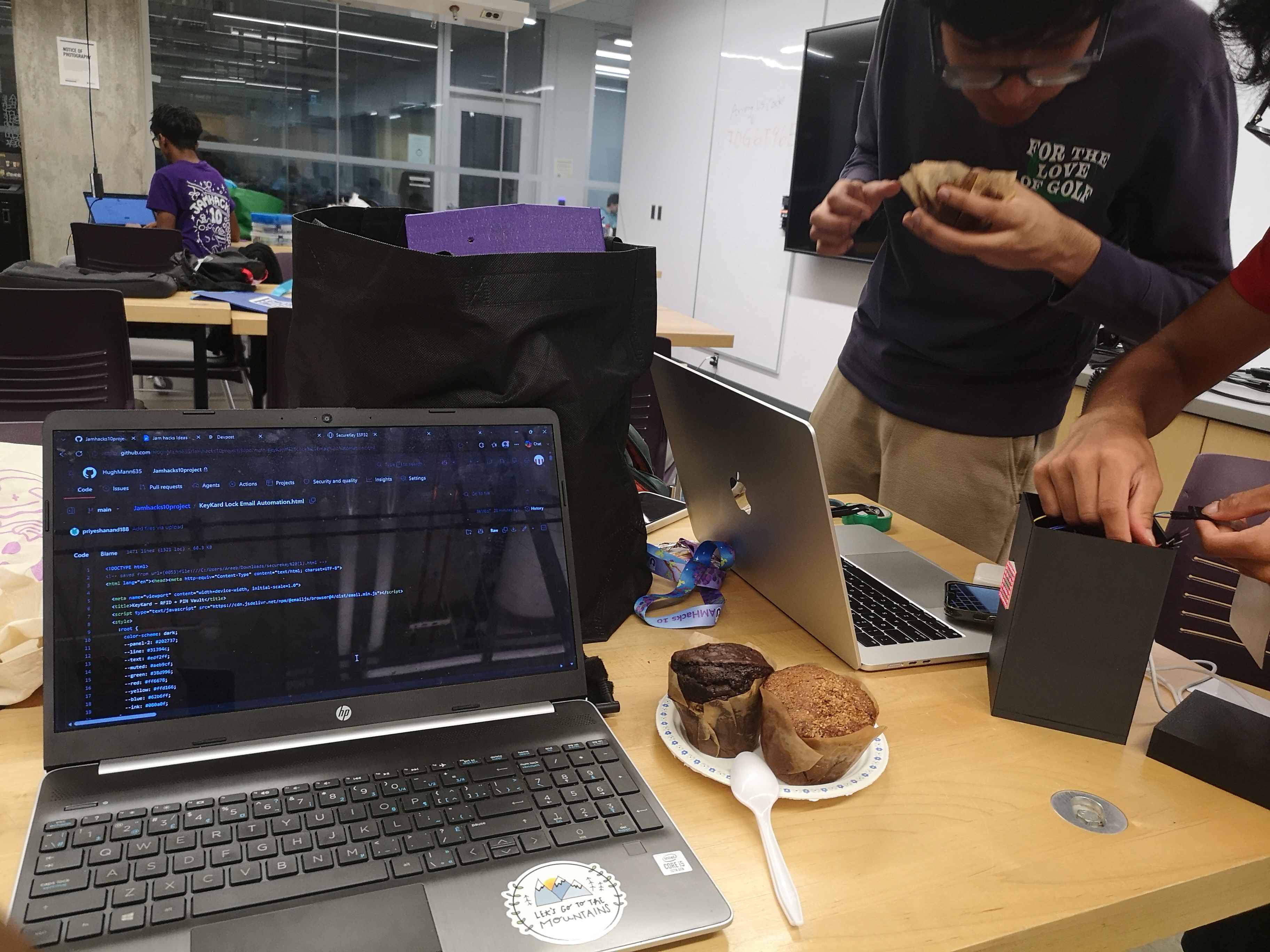
Collaborating on the site
-
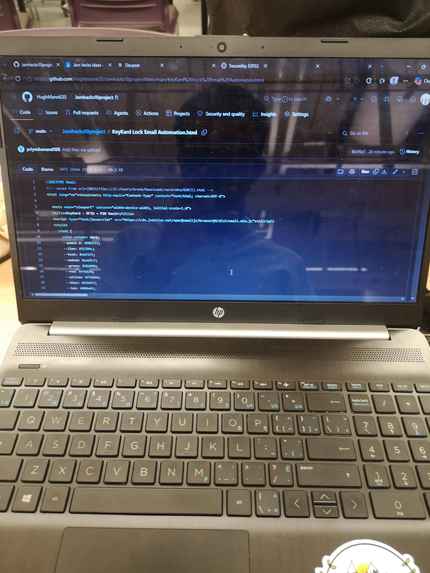
Site code
-
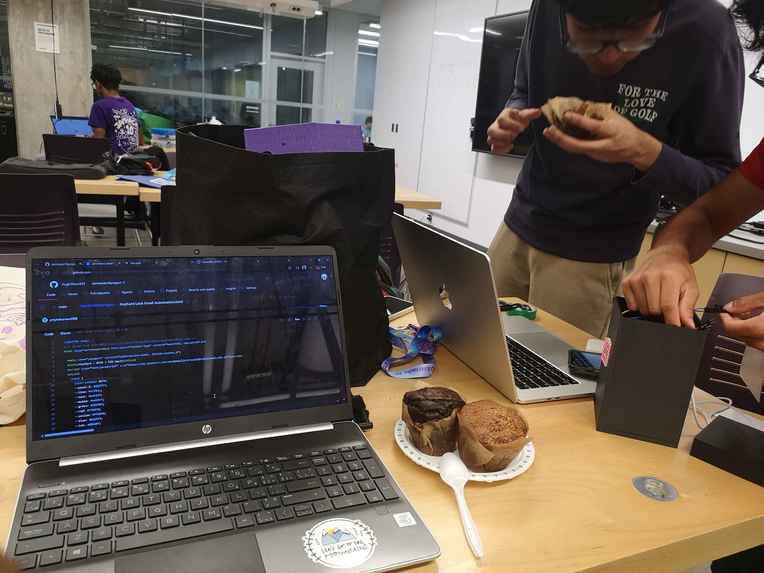
Final touches
Inspiration
Let’s be honest: traditional file encryption is a headache. It usually forces you to memorize impossibly long master passwords or fumble around with slow, distracting authenticator apps on your phone. We looked at how seamless physical security is in the real world, like swiping a badge to step into a secure room. Cybersecurity has always been a topic of interest among our members. We wanted to build a high-security digital file vault that is physically tied to your desk using an RFID reader and a hardware numpad, turning a chore into a tangible, satisfying interaction.
What it does
KeyKard bridges your physical desk with your web browser to securely lock away your files. When you connect your hardware setup over Bluetooth, your sensitive documents are completely locked out. To get in, you have to pass two physical checkpoints: tap an authorized key card or fob, and then punch your PIN into the mechanical numpad. Once you're authenticated, KeyKard unlocks local AES-GCM encryption. You can safely download your encrypted files or even use physical shortcut keys on your numpad to instantly overwrite and swap out original files right on your computer.
How we built it
We had to get comfortable working on both sides of the hardware-software divide:
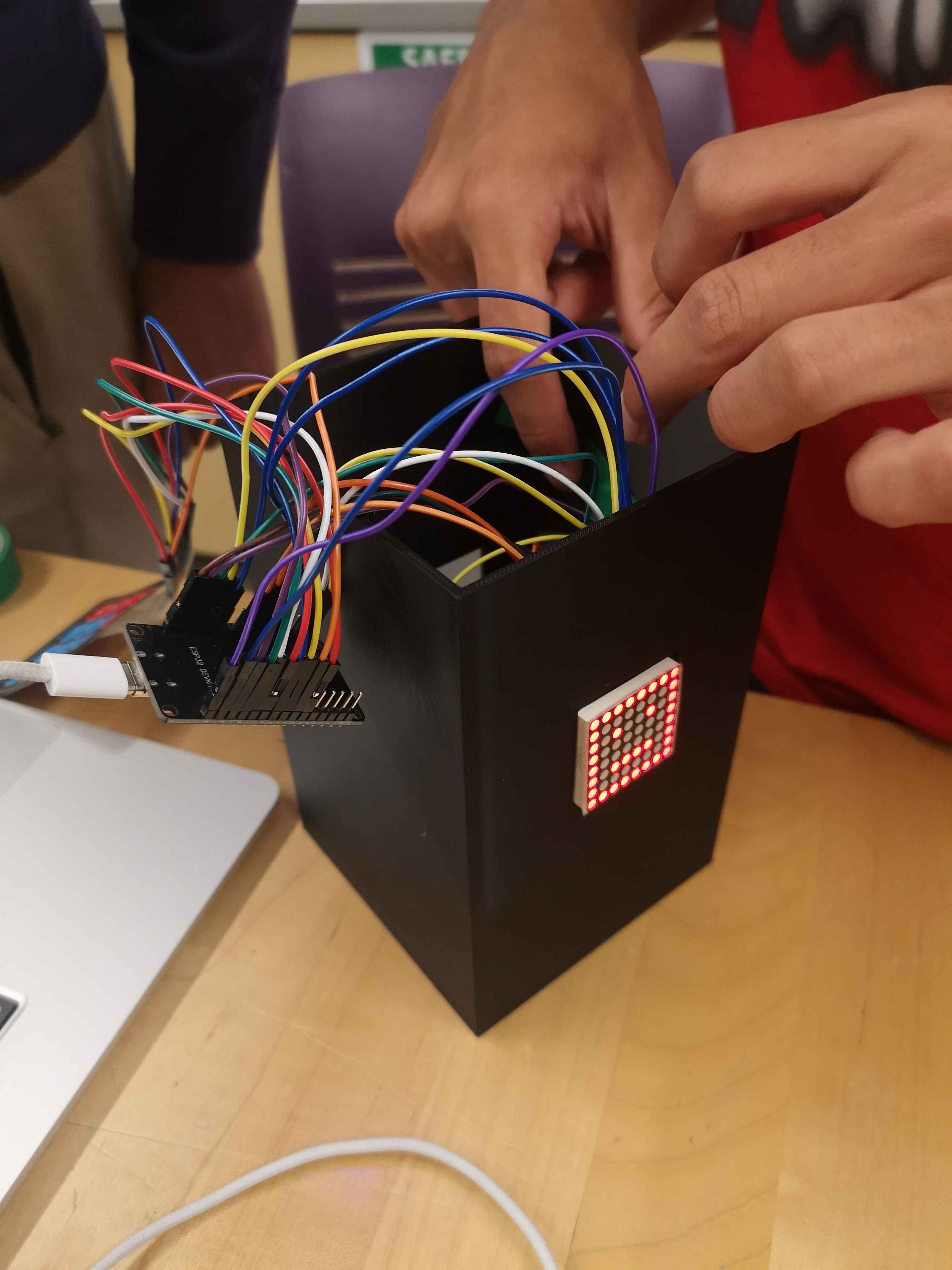
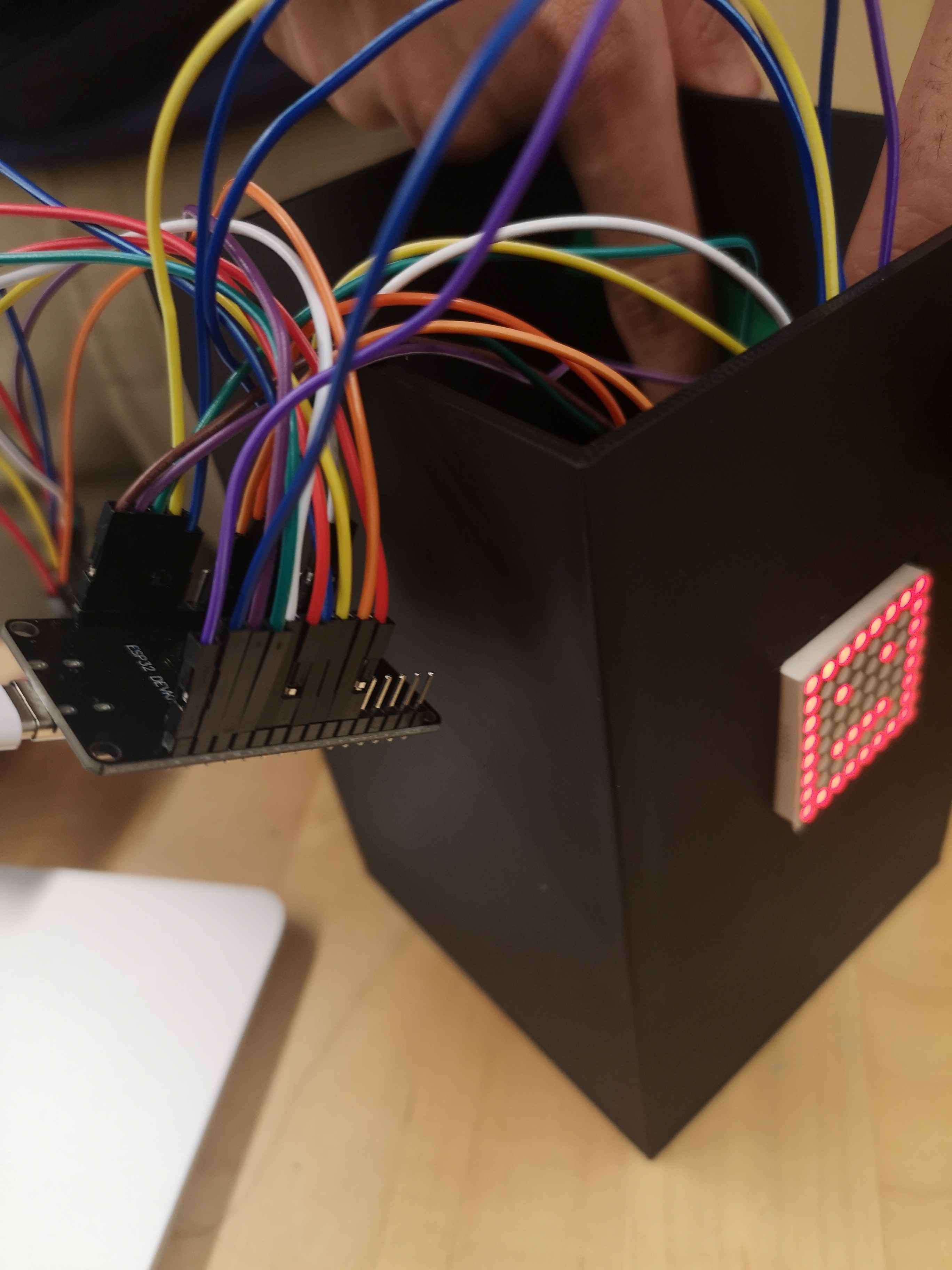
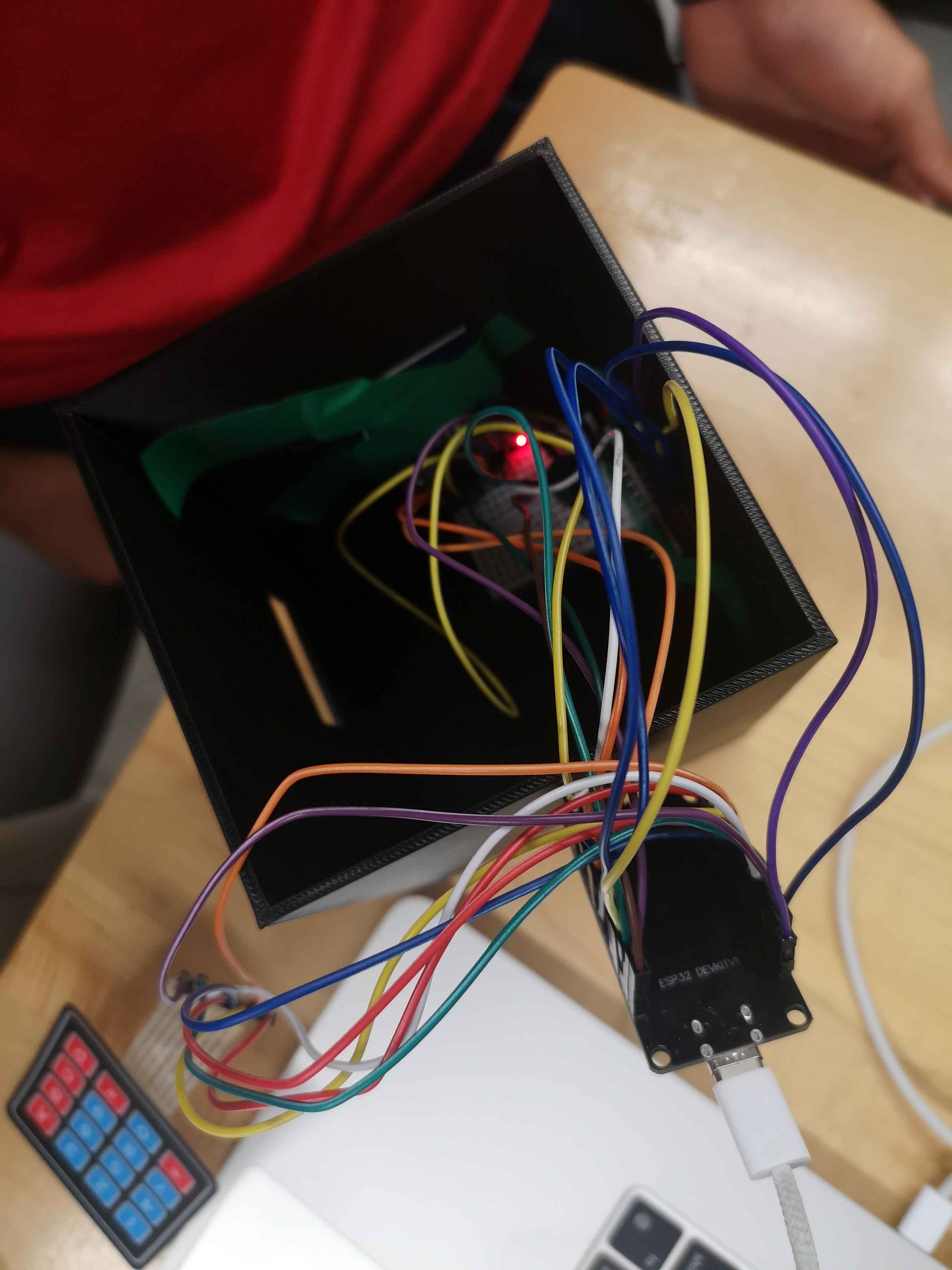
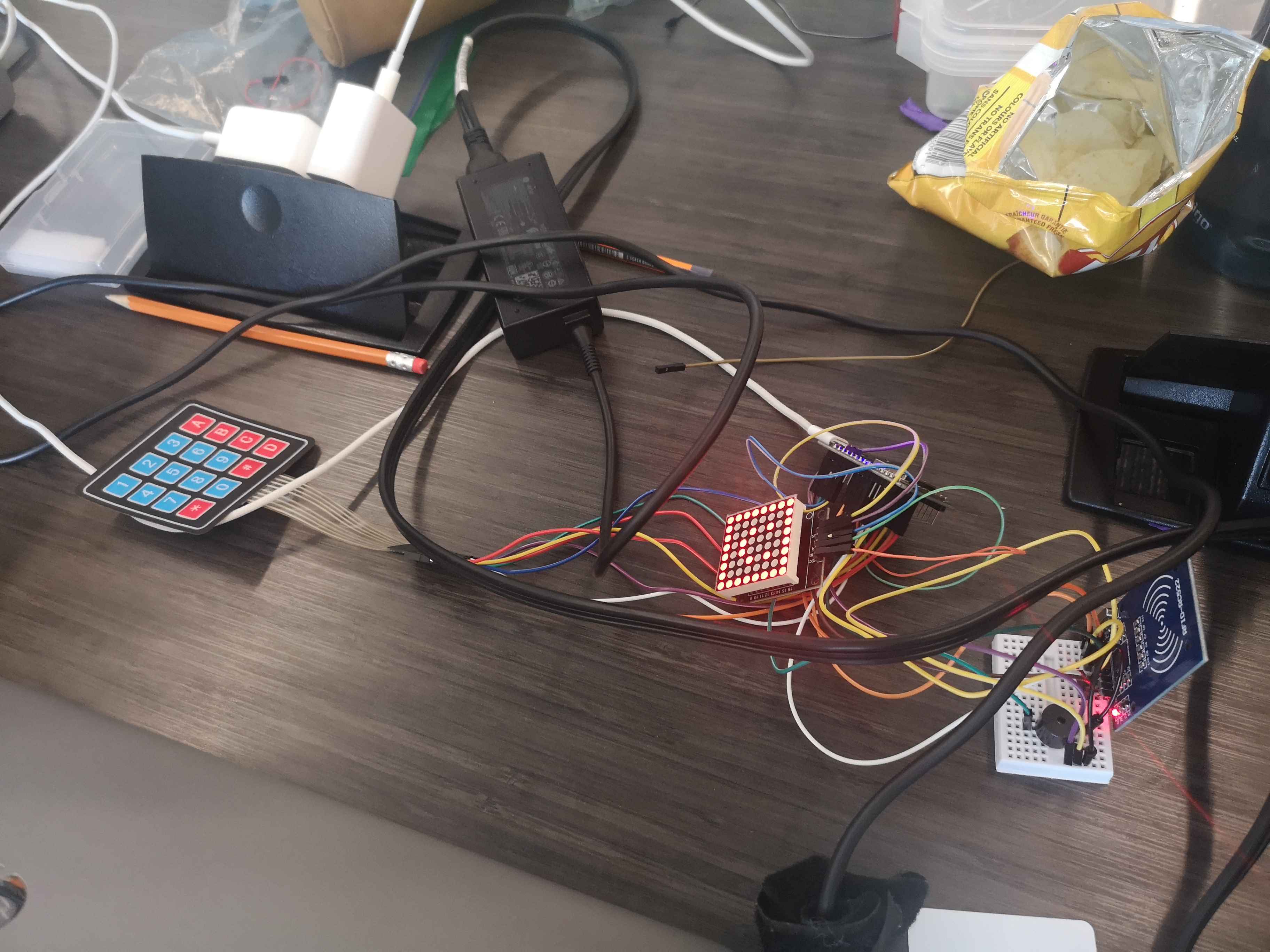
- The Hardware: We wired up an ESP32 microcontroller to an RC522 RFID scanner and a mechanical keypad matrix, programming it to handle the secure authentication states and talk wirelessly over custom Bluetooth Low Energy (BLE) channels.
- The Web Dashboard: We designed a beautiful, minimalist dark-mode web app right out of a sci-fi UI—clean, glassmorphic, and entirely zero-dependency.
- The Crypto Engine: Everything runs locally. We leveraged the browser's native Web Crypto API (
crypto.subtle) for localized file encryption, and hooked into the modern File System Access API so users could modify local files directly from the hardware buttons.
Challenges we ran into
Building a bridge between the browser's security sandbox and custom hardware brought some serious friction. Our biggest roadblock was a browser security rule called Transient User Activation. Browsers hate when a website tries to write files to your hard drive unless a human literally clicked the screen a millisecond prior. Because our numpad commands arrived via Bluetooth, the browser blocked them as suspicious background scripts. We had a real "aha!" moment when we realized we could bypass this by proactively demanding read/write permissions the moment the user clicks "Choose File," smoothly priming the system so the physical numpad could do its job.
We also battled with wireless telemetry: Bluetooth data loves to fracture into random broken fragments mid-air. We had to write a custom line buffer on the frontend to seamlessly stitch those incoming data chunks back together before processing any actions.
Accomplishments that we're proud of
- A Real Hardware-to-Web Bridge: Creating a custom device that talks to a standard web browser so smoothly that it feels like a native extension of your computer's operating system.
- Zero-Trust Privacy: The entire ecosystem is client-side. Your files, keys, and personal data never leave your local machine or get shipped to a mysterious cloud server.
- Physical Shield: As software continues to evolve, and hackers gain access to even more tools, this physical key will be increasingly useful to deter attackers; they need the physical key, and they can't just brute force their way into your files.
What we learned
This project pushed us deep into the weeds of browser security models, async state management, and the workings of the File System Access API. We realized that creating a seamless hardware-software interface requires an understanding for how users move back and forth between a physical desk and a digital screen...and a lot of creative troubleshooting to keep the browser's security rules happy.
What's next for KeyKard
- Going Fully Standalone: Turning KeyKard into a Progressive Web App (PWA) so you can install it on your machine and run it entirely offline with zero internet connection.
- Multi-Card Rules: Building a split key system where it takes two or three completely different physical cards tapped simultaneously to decrypt a master folder.

Log in or sign up for Devpost to join the conversation.