-
-
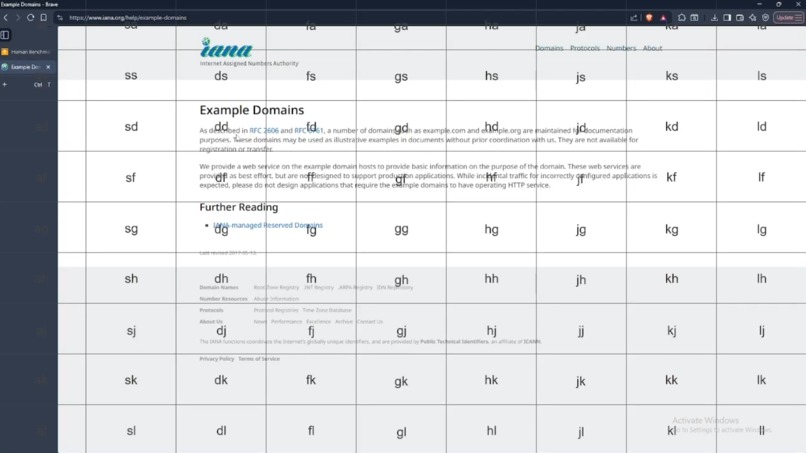
Grid mode
-
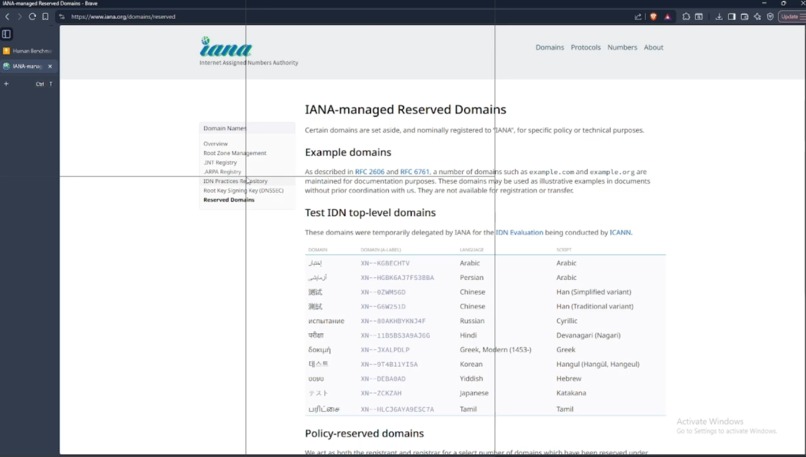
Bisect mode
Inspiration
Key based movement present in video games and vim.
What it does
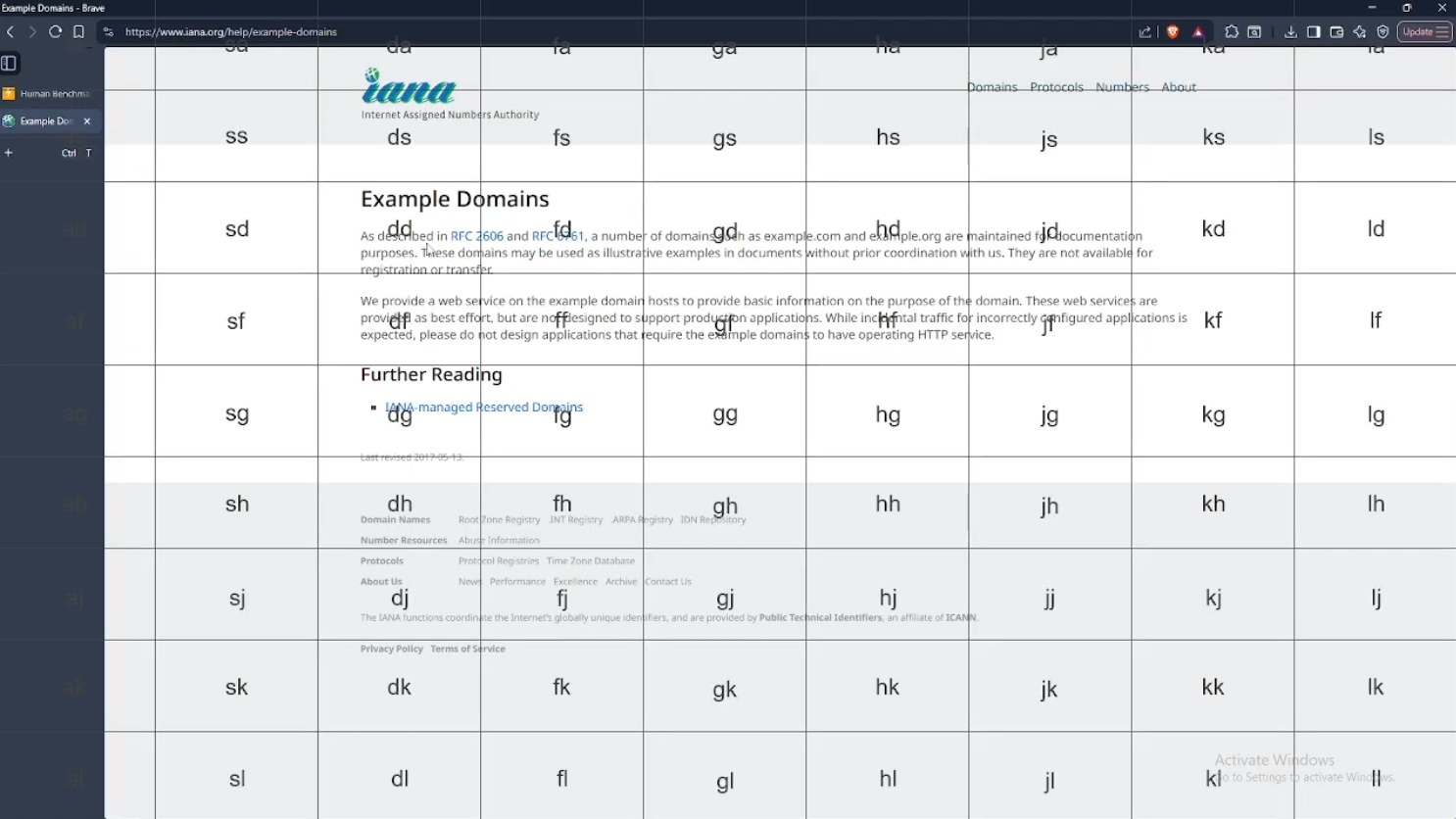
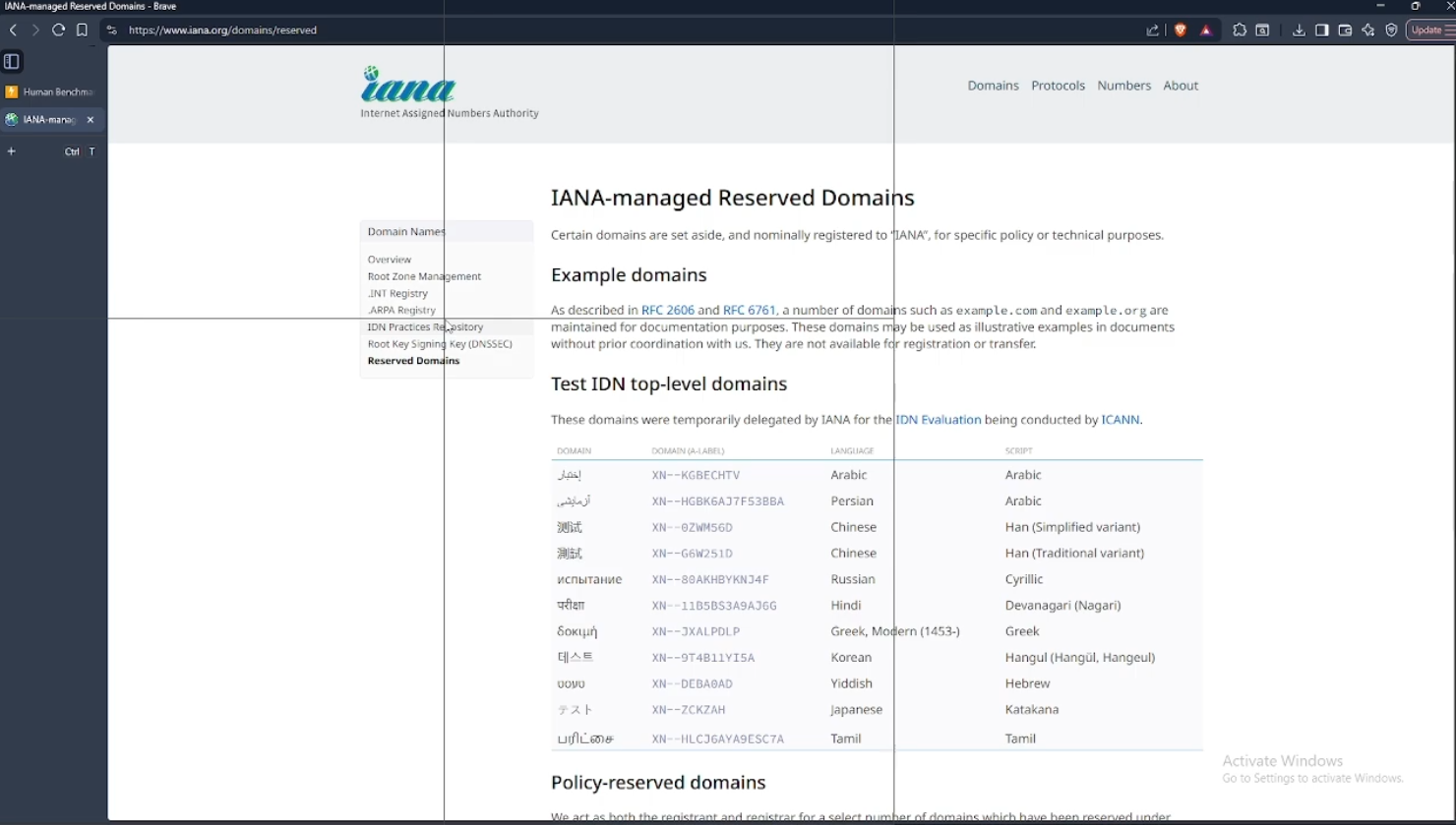
Gives you control over your mouse using your keyboard, with various modes to try to catch up to the mouse's speed and accuracy. It can't replace workflows where you are constantly on the mouse, but in workflows where you primarily use keyboard and find yourself switching to mouse from time to time, this tool should find its niche.
How we built it
We used Python because it was a language we were comfortable with, allowing us to focus more on the structure of the code rather than struggling too much with implementation. To support as many systems as possible, we needed a diverse backend to cover for many scenarios, which we created with a modular approach: splitting display managers, input/output management, and modes into their own packages. This allows us to swap between different display and input/output systems based on what the OS needs.
Challenges we ran into
The Linux/Wayland side of the project was the most challenging. Wayland, by design, isolates applications for security purposes, so it was challenging to find a way to circumvent this and create an application that could both take key inputs and send mouse outputs globally, outside of Wayland's boundaries. What we eventually found is that we needed to create low level hooks with uinput, stealing and sending inputs at the kernel level before Wayland could block them. Though this makes our tool require root permissions to run, it was the only way to implement our project in Wayland.
Accomplishments that we're proud of
We are proud of building something full, cohesive, and useful. This was the first project for most of us, so we're happy to have completed something and learned a lot, even if the project itself wasn't so grand or complex.
What we learned
We learned a bit of project design, teamwork, and a lot about team leadership.
What's next for KeyCursor
There are plenty of nasty bugs that need fixing, especially since this is a high risk tool; if something wrong happens at the wrong moment, you could lose access to your keyboard and need to move over to your dreaded mouse to close the program and regain keyboard access. We'd like to fix these major bugs and work towards the stability of this tool overall.
Built With
- gtk
- pycairo
- pynput
- python
- python-ydotool
- pywin32

Log in or sign up for Devpost to join the conversation.