
Inspiration
Most AI tools still feel trapped inside a chat box.
You ask a question, copy the answer, switch apps, paste it somewhere, rewrite it, open another tab, search for something, and repeat the same tiny actions all day. The AI may be smart, but the workflow still feels manual.
keyboard.wtf was built from one simple question:
What if your computer could understand what you want — and actually help you do it?
The goal was not to build another chatbot. The goal was to build a new command layer for the modern PC: a voice-triggered assistant that feels less like typing into a prompt box and more like saying, “Do this,” and watching your computer respond.
For decades, the keyboard has been the main bridge between human intention and computer action. But most of what we do on computers is not really about typing — it is about getting things done: writing, searching, opening, replying, organizing, remembering, and switching between tools.
keyboard.wtf reimagines that interaction.
Instead of making users memorize shortcuts, click through menus, and jump between apps, it turns the keyboard into a trigger for something much more powerful: a voice-powered AI layer across your PC.
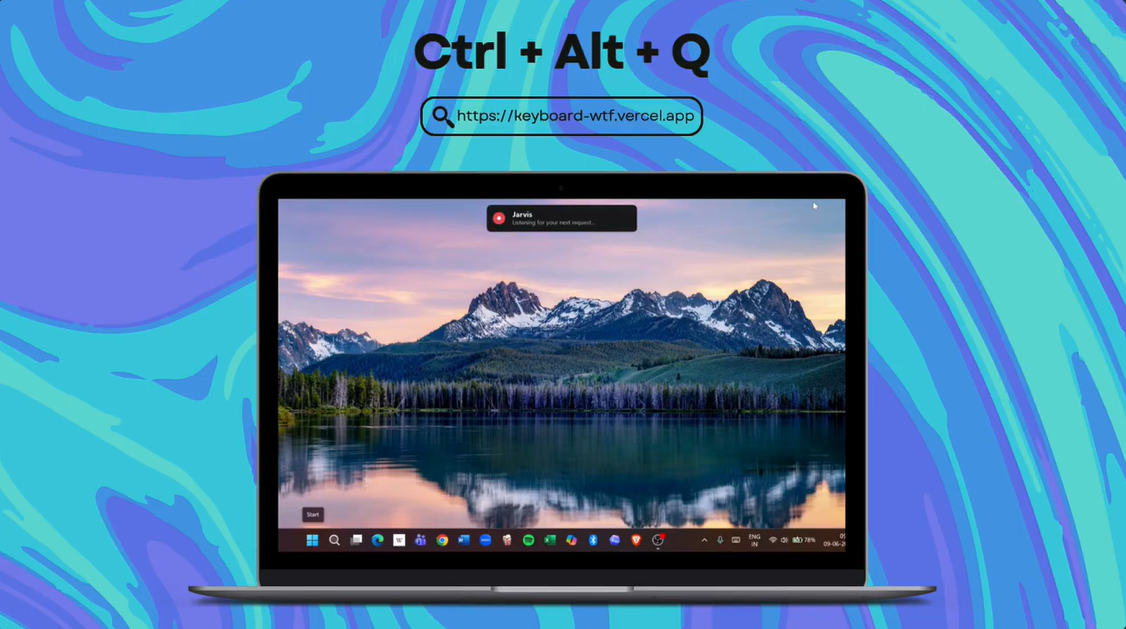
In simple words, it is like having a lightweight Jarvis on your computer.
We wanted keyboard.wtf to make everyday computer work dramatically faster: opening websites, controlling browser tabs, preparing emails, rewriting selected text, translating, searching YouTube or Spotify, opening files, remembering useful links, answering questions, and helping with replies.
For this hackathon, we rebuilt that idea around Gemini, Google Cloud Agent Platform, Google Cloud Run, and Elastic. The result is not just a desktop assistant — it is an agent with memory. Gemini acts as the brain, the Windows desktop bridge acts as the hands, and Elastic acts as the assistant’s long-term memory layer.
But we also wanted it to feel safe. A real desktop assistant should not secretly listen, constantly watch your screen, mix different users’ memories, or click dangerous things in the background. So privacy, permission, user control, and memory isolation became core parts of the product — not afterthoughts.
What it does
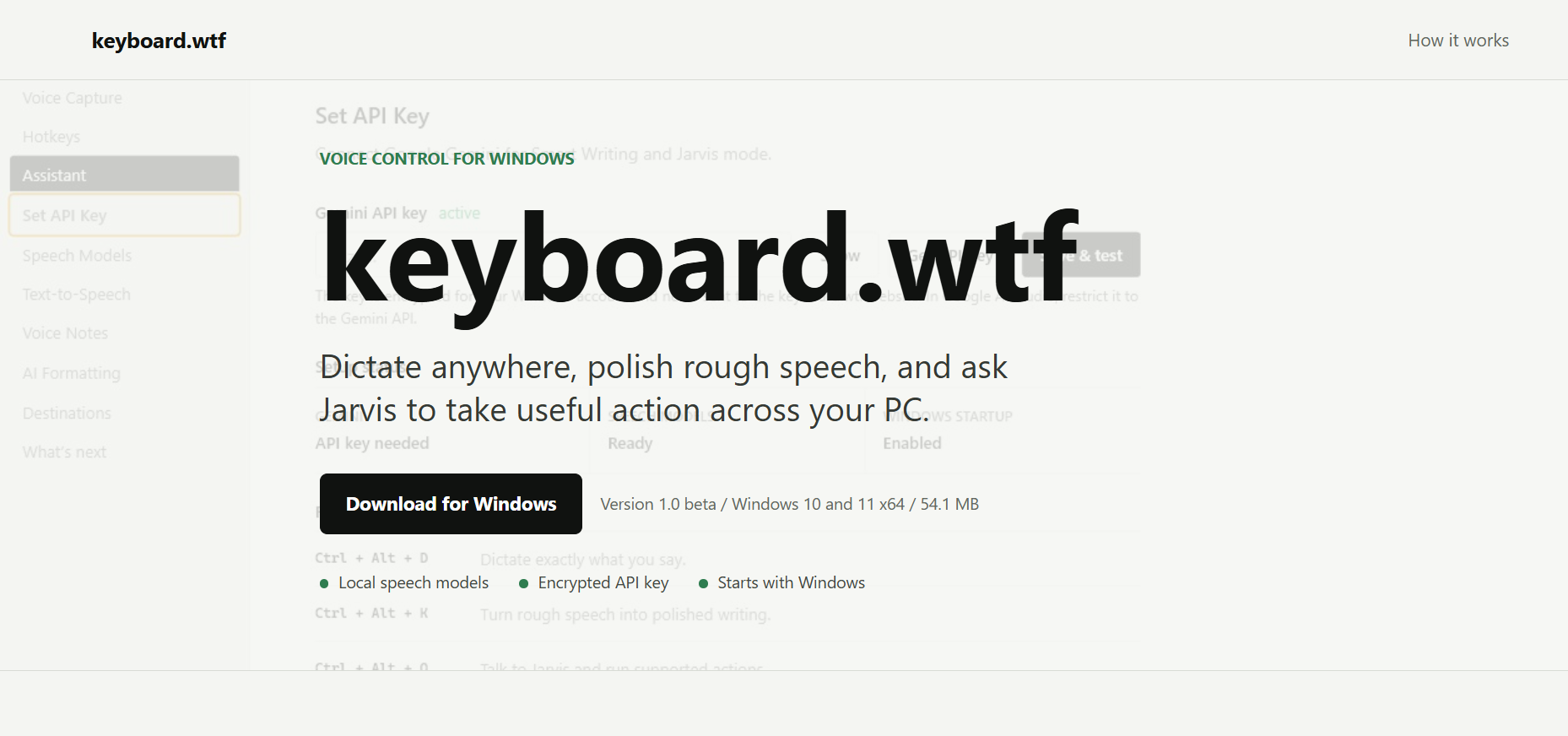
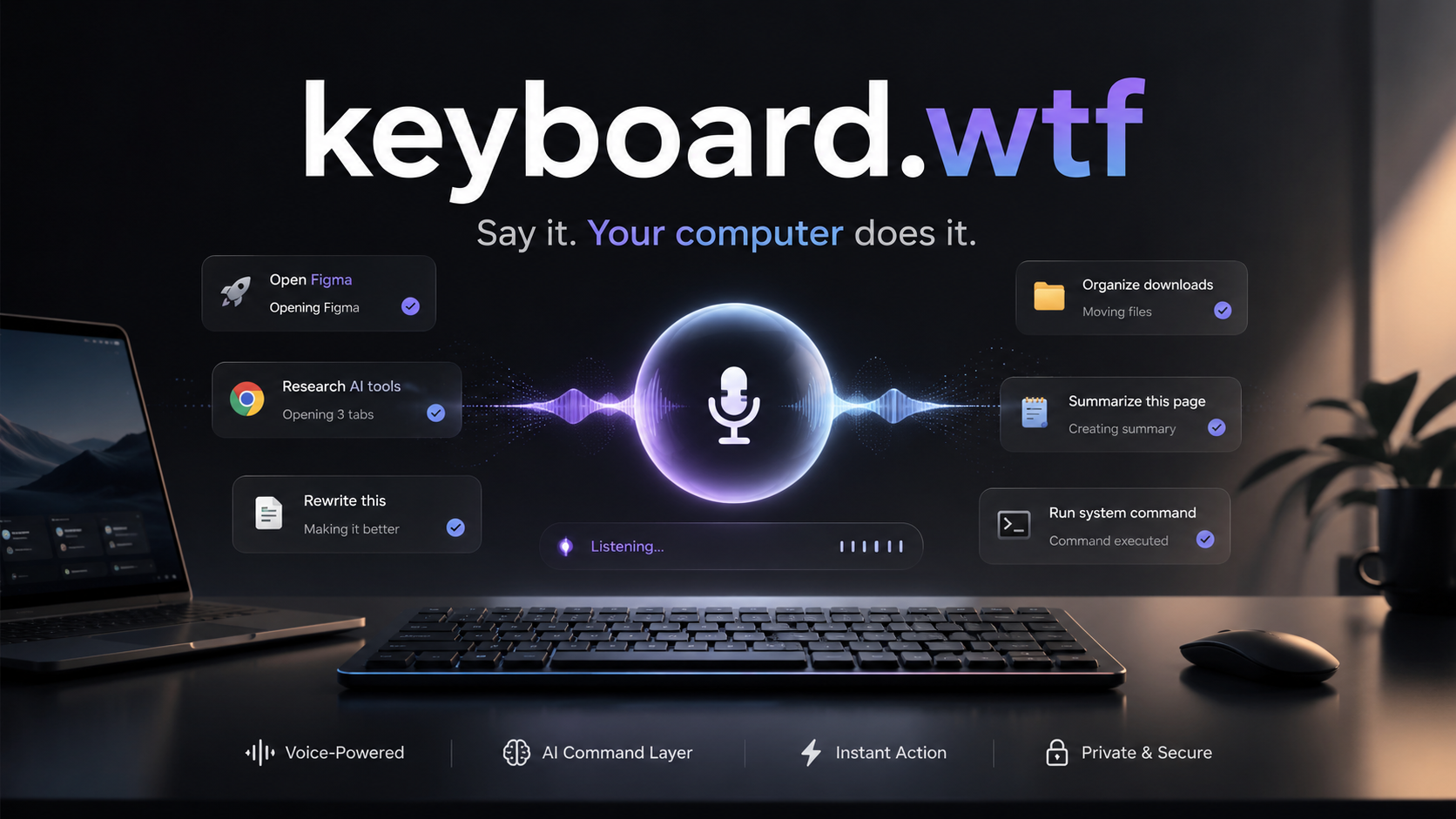
keyboard.wtf turns your keyboard into a voice-powered AI command layer for Windows.
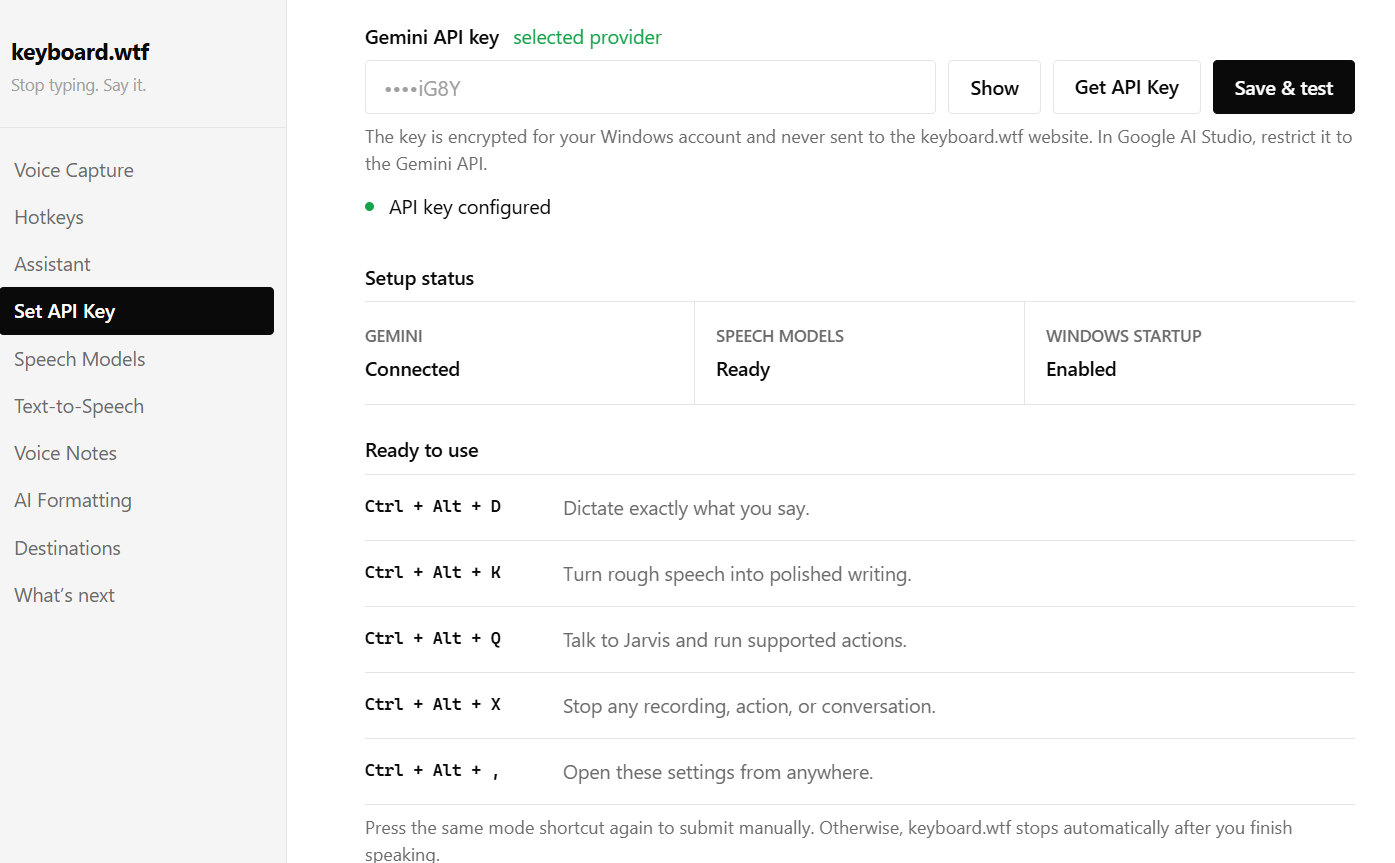
With a few global shortcuts, users can:
- Dictate text into any app.
- Turn rough spoken thoughts into polished writing.
- Ask Jarvis-style questions and get spoken answers.
- Open websites, apps, files, folders, and settings.
- Control browser tabs.
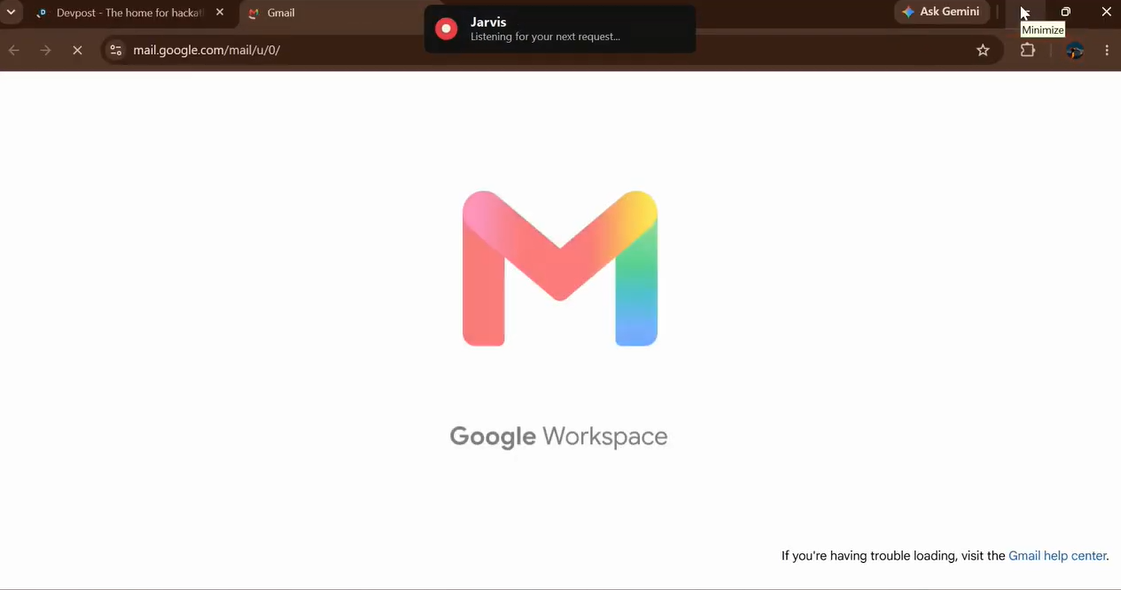
- Prepare Gmail drafts for review.
- Generate Discord or message replies from selected text.
- Rewrite text in structured English.
- Translate selected text into another language.
- Search YouTube, Spotify, Amazon, and other services.
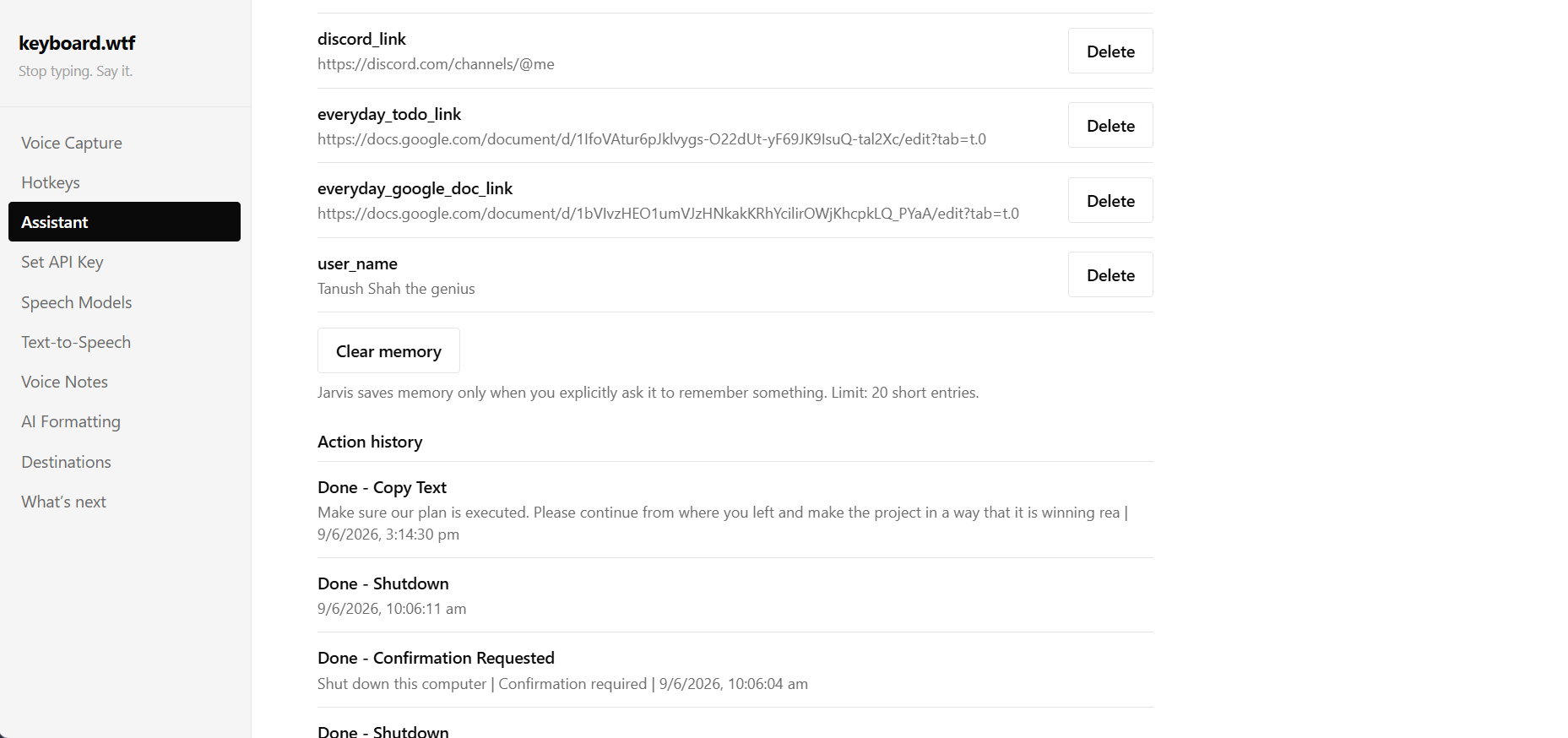
- Remember useful links, preferences, chats, actions, and failed attempts through Elastic Super Memory.
- Reopen saved links later with natural commands, such as “Open my to-do link.”
- Ask what it worked on earlier using cloud-backed action and chat history.
- Search saved memories and past actions through Elasticsearch.
- Run custom workflows like coding mode, study mode, or hackathon mode.
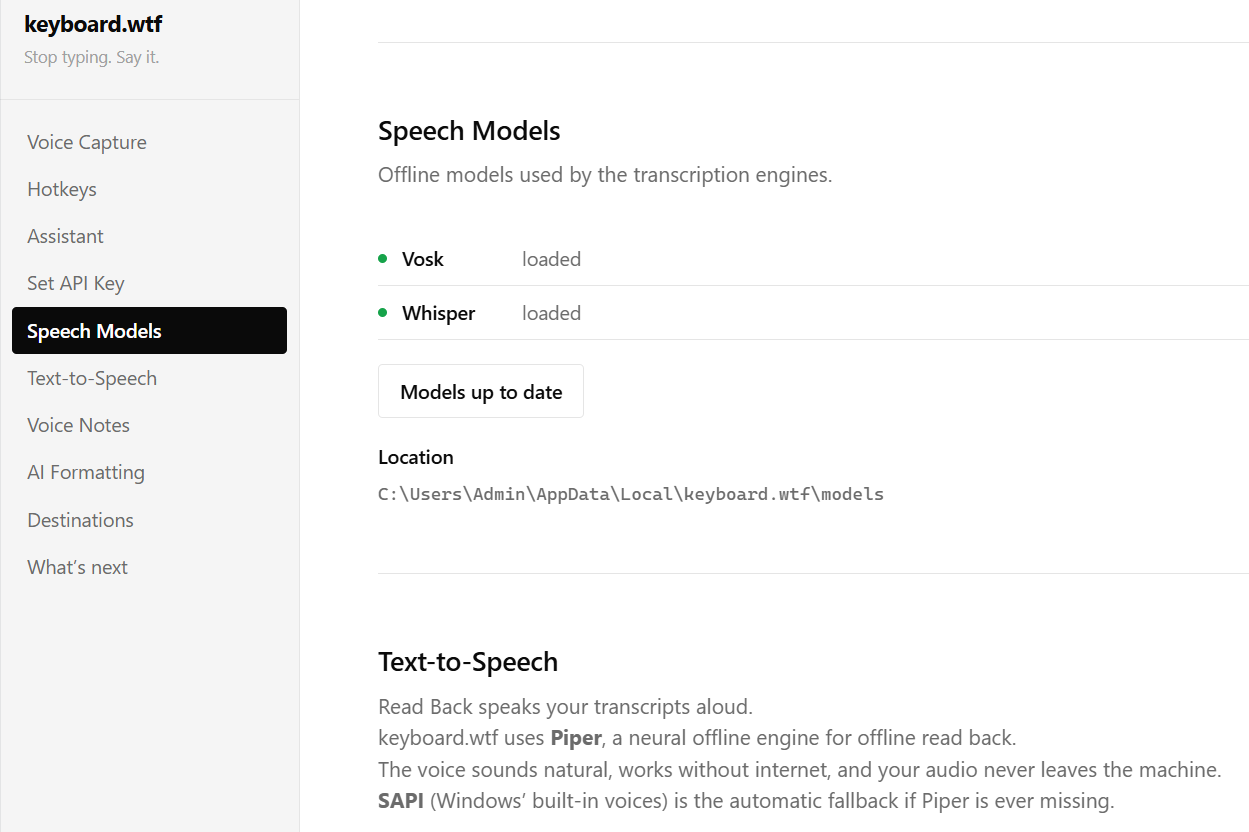
- Use local speech models and encrypted API-key storage.
- Trigger sensitive actions only with explicit permission.
One of the most powerful parts of keyboard.wtf is Elastic Super Memory. Instead of forcing users to remember exact URLs, file paths, repeated preferences, workflow names, or past actions, the assistant can save user-approved memories into Elasticsearch and retrieve them later through natural language.
For example:
“Remember this as my to-do link.”
“Open my to-do link.”
“What did I work on today?”
“What failed last time?”
Behind the scenes, keyboard.wtf stores useful memories, chat summaries, action history, saved links, and failed action attempts in Elastic. Every memory is tied to a user_id and device_id, so different users’ memories stay separated. Jarvis only retrieves the most relevant memories when needed instead of dumping everything into the prompt.
This turns memory into a real agent superpower: Jarvis can remember what the user explicitly asked it to remember, search past actions, learn from failures, and bring back useful context at the right moment.
The important part is that keyboard.wtf is not always watching or always listening.
It only listens when the user triggers it, and screen, file, browser, memory, and system actions are designed around permission and safety. This makes it powerful enough to boost productivity, but controlled enough to feel trustworthy.
Try the hosted dashboard here: https://keyboard-wtf-agent-866230084016.asia-south1.run.app
How we built it
keyboard.wtf is built around a clear split:
- A Windows desktop bridge that can safely perform real PC actions.
- A Google Cloud Run dashboard that gives judges a hosted web experience.
- Gemini as the reasoning model.
- Elastic as the cloud-backed super memory layer.
The desktop app has three main modes:
1. Dictation Mode
This mode captures the user’s voice and types the raw transcript into the active app. It is designed for fast, low-friction speech-to-text from anywhere on the computer.
2. Smart Writing Mode
This mode takes messy spoken thoughts and turns them into clean writing. It removes filler words, fixes punctuation, improves structure, and types the polished result directly where the user is working.
3. Jarvis Mode
This is the agentic layer.
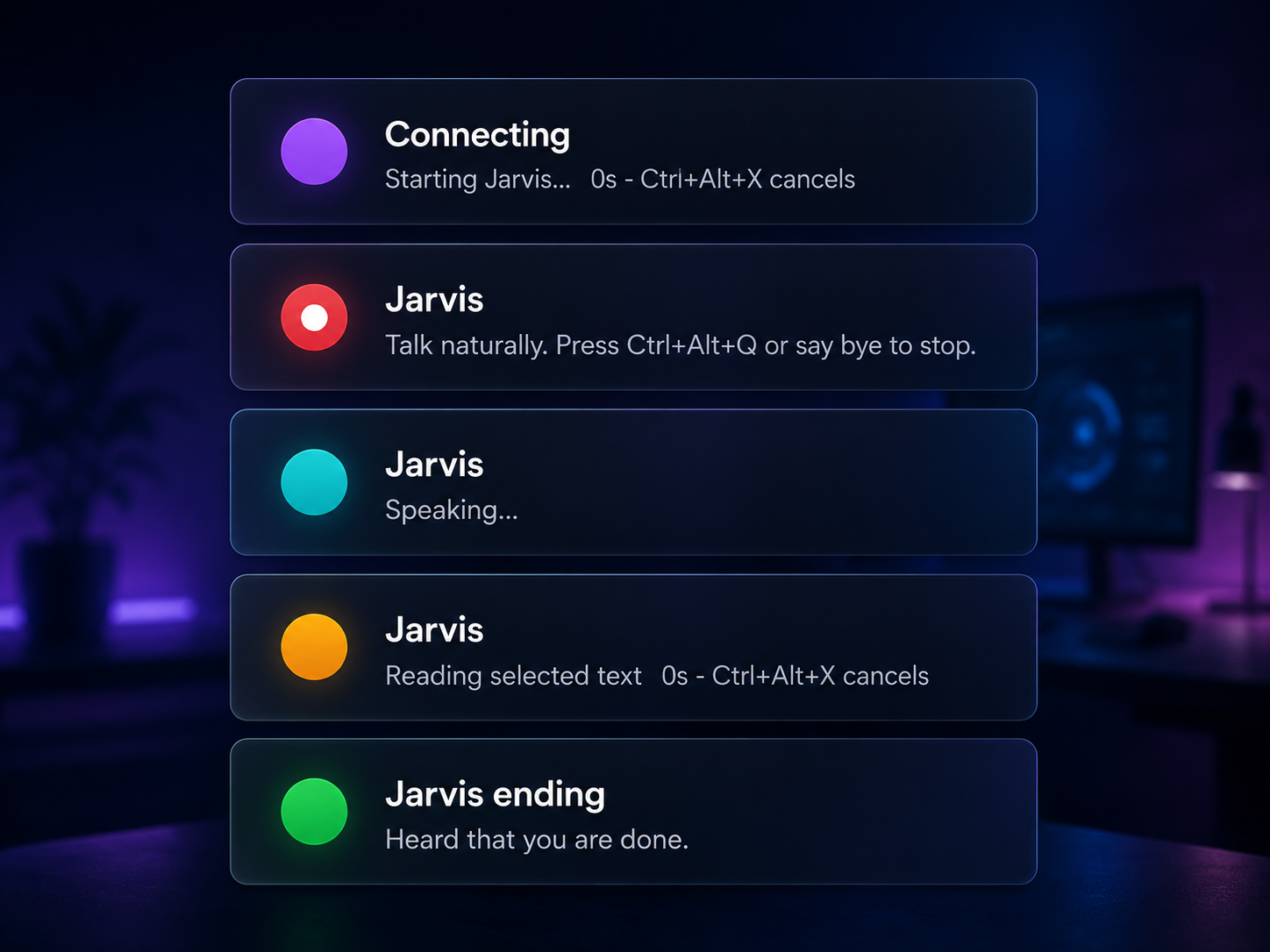
Jarvis uses live AI conversation, Elastic memory retrieval, and a controlled set of desktop tools to understand commands and act on them. It can open apps, search the web, control browser tabs, prepare drafts, manage saved memories, open files, run workflows, and explain what it can or cannot safely do.
Under the hood, the project combines:
- Gemini as the core reasoning model for understanding commands and planning safe actions.
- Google Cloud Agent Platform / Agent Builder as the hackathon agent layer.
- Google Cloud Run for the hosted judge-facing web dashboard.
- Elastic Cloud Serverless + Elasticsearch for cloud-backed agent memory, search, action history, chat summaries, and failure logs.
- Elastic Agent Builder / Elastic MCP endpoint to connect the agent workflow to Elastic’s tool layer.
- .NET 8 / Windows desktop app for the main system integration.
- Local Windows desktop bridge for real PC actions such as opening apps, controlling browser tabs, launching files, and preparing drafts.
- Global hotkeys for triggering different modes from anywhere.
- NAudio for microphone recording and audio handling.
- Vosk and Whisper for local speech recognition support.
- Gemini Live for real-time spoken Jarvis conversations.
- Cloud Run dashboard for viewing Elastic memory, action logs, bridge status, demo commands, and hackathon compliance.
- Strict
user_idfiltering so cloud memory never mixes data between users. - Local settings UI for API keys, assistant voice, tone, hotkeys, startup, workflows, and memory.
- Windows DPAPI encryption for securely storing API keys on the user’s machine.
- Allowlisted desktop automation tools so Jarvis can perform useful actions without becoming unsafe.
Challenges we faced
The hardest part was balancing power and safety.
It is easy to make a demo assistant that claims it can do everything. It is much harder to make one that behaves responsibly.
For example, sending emails, clicking buttons, closing apps, taking screenshots, opening the camera, or changing system settings all need different levels of trust. A good AI assistant should be useful, but it should not be reckless.
So we designed keyboard.wtf with clear boundaries:
- It prepares Gmail drafts but does not secretly click Send.
- It can search Spotify, but it does not falsely claim playback unless a real authenticated playback path exists.
- It can open the camera or take screenshots only with permission.
- It can auto-execute routine actions while keeping sensitive actions protected.
- It does not claim unsupported browser automation as completed.
- It only listens when triggered by the user.
- It stores user-approved memories in Elastic with strict
user_idisolation. - It retrieves only relevant memories when needed instead of blindly loading everything.
- It logs completed actions and failed actions so the assistant can become more useful without becoming unsafe.
Another major challenge was making the assistant feel fast.
Voice products fail when every action feels delayed. We had to tune recording, pause detection, transcription, live voice response, hotkeys, and UI feedback so the app feels responsive instead of clunky.
A third challenge was the web-versus-desktop split. A hosted web app cannot directly open or close apps on a user’s PC because browsers are sandboxed. So we designed keyboard.wtf as two connected parts: a Cloud Run dashboard for the hosted project experience, and a local Windows bridge for real desktop actions. If the local bridge is offline, the dashboard still works for memory search, logs, status, and demo mode, but it does not pretend that PC actions succeeded.
Packaging was also a big challenge. A hackathon prototype is one thing; a real downloadable Windows app with a cloud dashboard is another. We had to build an installer, handle startup registration, preserve settings, load local speech models, support API-key setup, connect to Elastic, prepare Google Cloud Run deployment, and keep the public demo safe for judges.
What we learned
We learned that the future of AI assistants is not just better answers — it is better action.
A useful assistant needs four things:
- Context — it should understand what the user is doing.
- Control — it should be able to take real action.
- Memory — it should remember useful user-approved details.
- Consent — it should act only within clear user-approved boundaries.
We also learned that memory becomes much more powerful when it is searchable, structured, and safe. Elastic made it possible to turn memory into an actual agent layer: saved links, chat summaries, action logs, failed attempts, and useful user preferences can all be searched and retrieved when relevant.
That means Jarvis does not just respond to the current command. It can remember what the user asked it to save, find past actions, summarize what happened earlier, and avoid repeating failed steps.
We also learned that small daily tasks matter.
Opening a tab, rewriting a message, preparing an email, searching a song, remembering a link, or pulling up a file may look simple individually, but together they represent a huge amount of everyday friction.
keyboard.wtf tries to remove that friction.
It boosts productivity by reducing clicks, context switching, repetitive typing, app switching, manual copy-paste work, and the need to remember every link or workflow manually. The result is a computer that feels faster, more natural, and more aligned with what the user actually wants to do.
Why it matters
The keyboard has been the default way to control computers for decades. But most people do not think in keyboard shortcuts. They think in intentions:
“Open my to-do list.”
“Make this sound professional.”
“Search this on YouTube.”
“Reply to this message.”
“Close Chrome.”
“Remember this link.”
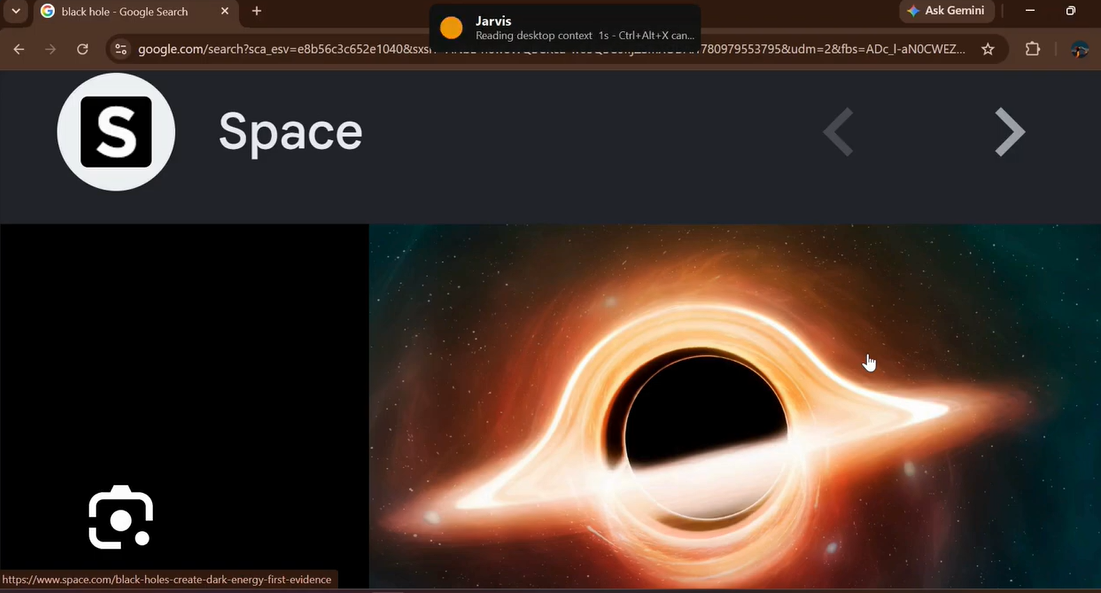
“What is this on my screen?”
“What did I work on today?”
“What failed last time?”
keyboard.wtf turns those intentions into action.
It is not just a voice assistant. It is a new interaction layer for the computer — one where the keyboard becomes the trigger, voice becomes the interface, Gemini becomes the reasoning layer, Elastic becomes the memory layer, and the local desktop bridge becomes the hands that safely act on the computer.
Modern PCs are powerful, but using them still requires too much clicking, typing, switching, searching, and remembering. keyboard.wtf changes that by making the computer feel more conversational, more responsive, and more human.
It brings the feeling of Jarvis to everyday computing.
Final vision
Our vision for keyboard.wtf is simple:
Say it. Your computer does it.
We believe the next generation of productivity tools will not live inside one app. They will work across the entire operating system, helping users move faster everywhere they work.
keyboard.wtf is our first step toward that future — a private, voice-triggered, AI-powered command layer that reimagines the keyboard, boosts everyday productivity, remembers what the user wants it to remember through Elastic Super Memory, and brings the feeling of Jarvis directly to your PC.
Gemini is the brain.
Elastic is the super memory.
Google Cloud Run is the hosted dashboard.
The Windows desktop bridge is the hands that safely act on the computer.
Don’t just imagine it.
Try it yourself: https://keyboard-wtf-agent-866230084016.asia-south1.run.app Try it yourself: https://keyboard-wtf.vercel.app/
Built With
- .net-8
- action-history
- agent-memory
- agentic-ai
- ai-agent
- allowlisted-actions
- browser-automation
- chrome-tab-control
- cloud-run-dashboard
- csharp
- desktop-agent
- desktop-automation
- elastic
- elastic-agent-builder
- elastic-cloud
- elastic-cloud-serverless
- elastic-mcp
- elastic-super-memory
- elasticsearch
- express.js
- failure-memory
- file-explorer-automation
- gemini
- gemini-live
- gmail-drafts
- google-agent-builder
- google-agent-platform
- google-cloud
- google-cloud-run
- hybrid-search
- inno-setup
- local-desktop-bridge
- local-speech-recognition
- mcp
- multi-user-memory-isolation
- naudio
- node.js
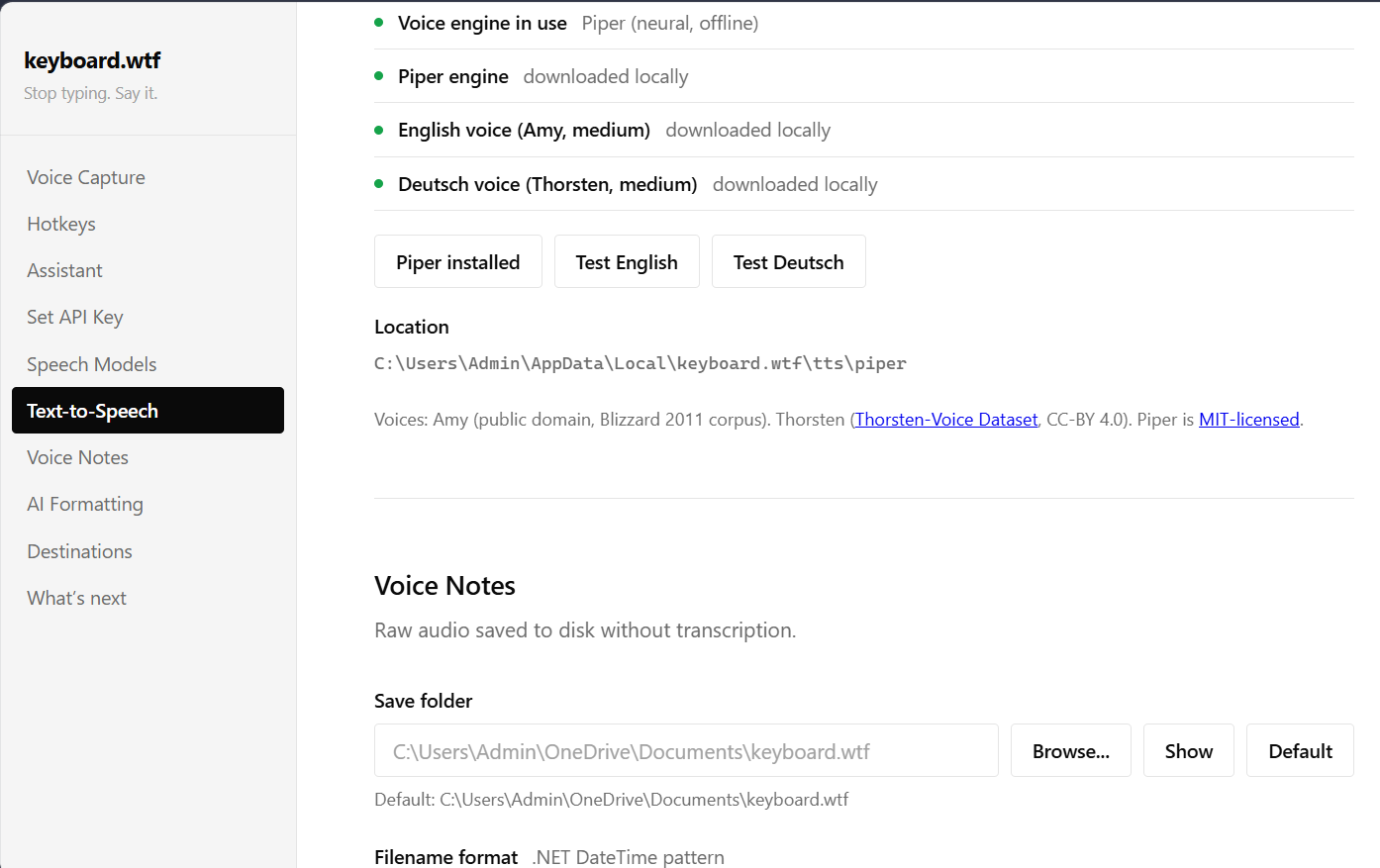
- piper-tts
- powershell
- safe-ai-actions
- semantic-search
- text-to-speech
- typescript
- user-id-filtering
- vosk
- whisper
- whisper.net
- windows-desktop-app
- windows-dpapi
- windows-forms
- windows-global-hotkeys
- windows-sapi


Log in or sign up for Devpost to join the conversation.