-
-
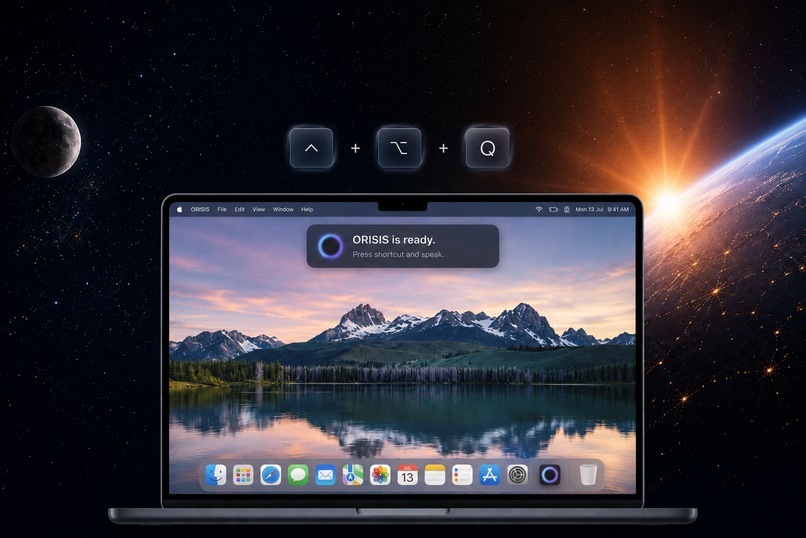
MAC- VERSION
-
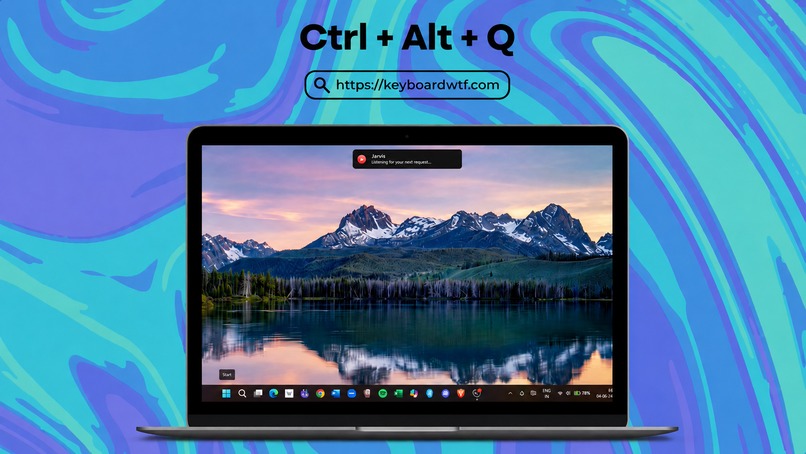
WINDOWS -VERSION
-
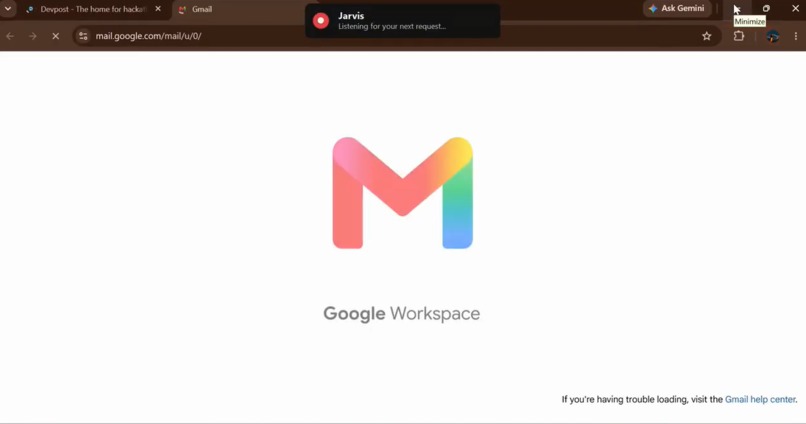
SEND EMAILS WITH A COMMAND
-

ACTIVATE YOUR VERY OWN JARVIS
-
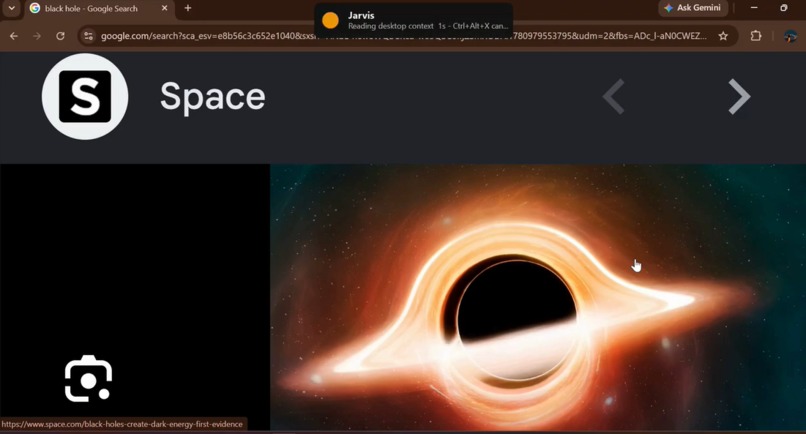
ANALYZE IMAGES
-
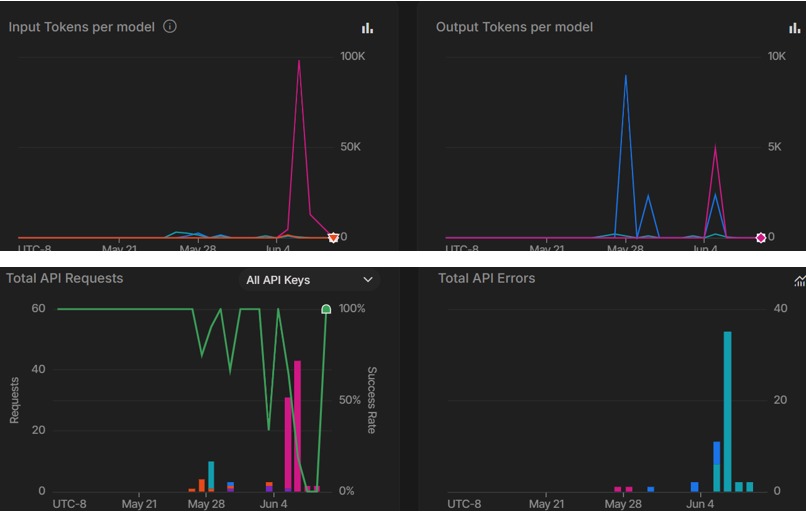
USAGE GRAPHS
-
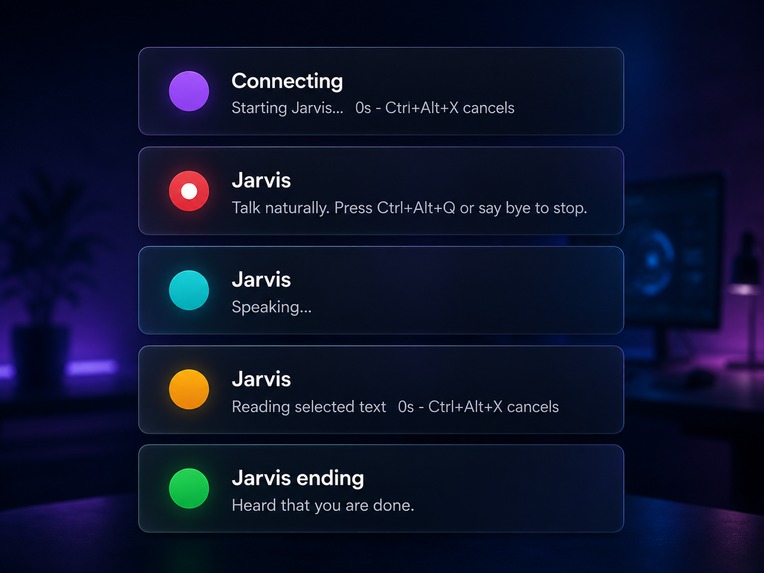
VARIOUS MODES
-
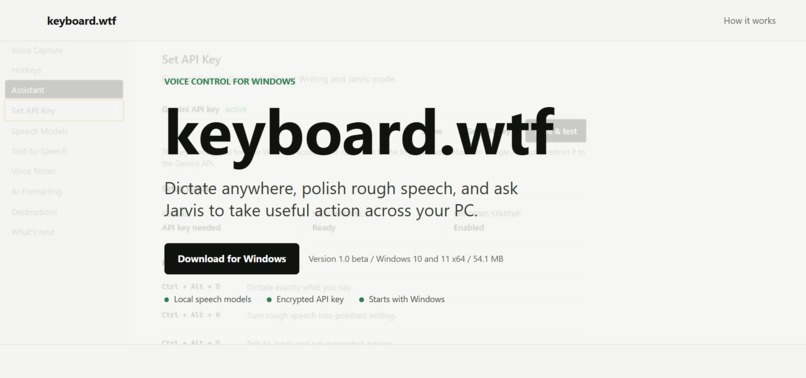
WEBSITE
-
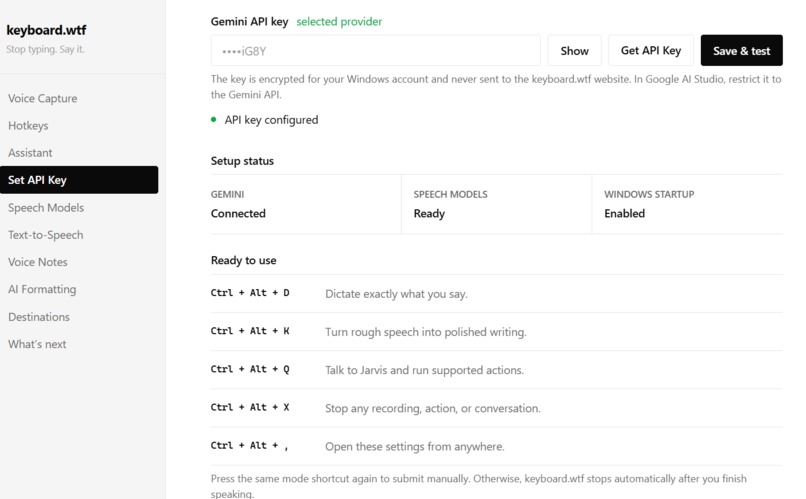
CUSTOMIZE SETTINGS
-
-
-

Inspiration
For decades, computers have become faster, thinner, smarter, and more powerful.
The screens changed.
The chips changed.
The internet changed.
AI changed almost overnight.
But the way we use a computer?
Not nearly enough.
We still translate every thought into a chain of tiny mechanical actions: find the right app, click the right button, switch tabs, copy something, paste it somewhere else, rewrite it, search again, drag a window, reopen the same files, and repeat.
In 2026, that started to feel absurd.
We now have AI that can reason, speak, see, write, understand context, and plan actions — yet our computers still wait for us to operate them one click at a time.
That was the thought I could not get out of my head:
What if the computer understood intent instead of waiting for instructions one click at a time?
What if I could simply say:
“Open Chrome, Spotify, and my project folder.”
“Make this selected message sound professional.”
“Translate this to French.”
“What am I looking at on my screen?”
“Open YouTube and search for the new MrBeast video.”
“Find this product on Amazon.”
“Explain this error.”
“Help me do this on the website.”
...and my computer actually helped me do it?
Not inside another chatbot tab.
Not by giving me six steps that I still have to perform myself.
But from wherever I am already working.
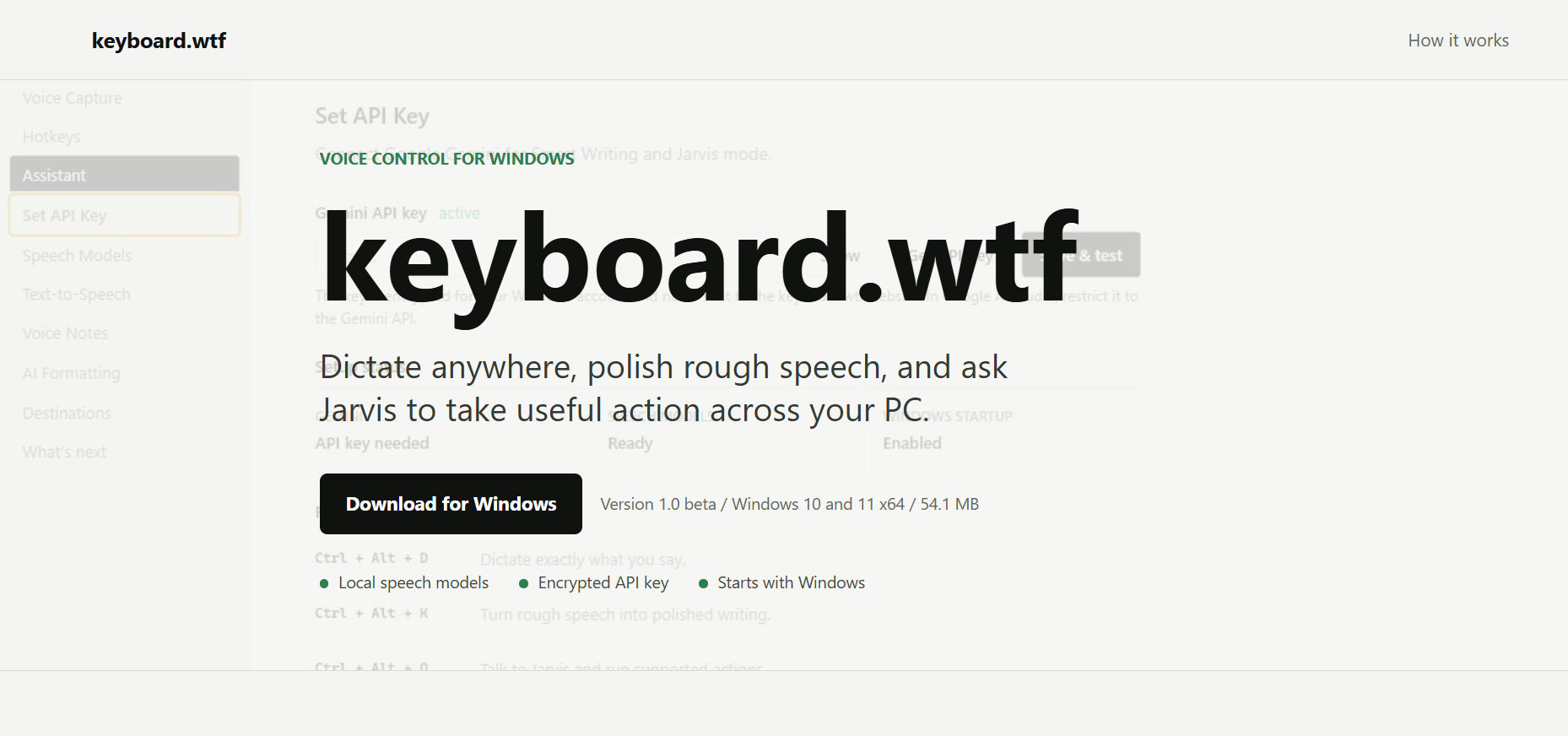
That idea became keyboard.wtf.
Say it. Your computer does it.
The goal is ambitious but simple:
make the computer move closer to the speed of human thought.
What keyboard.wtf feels like
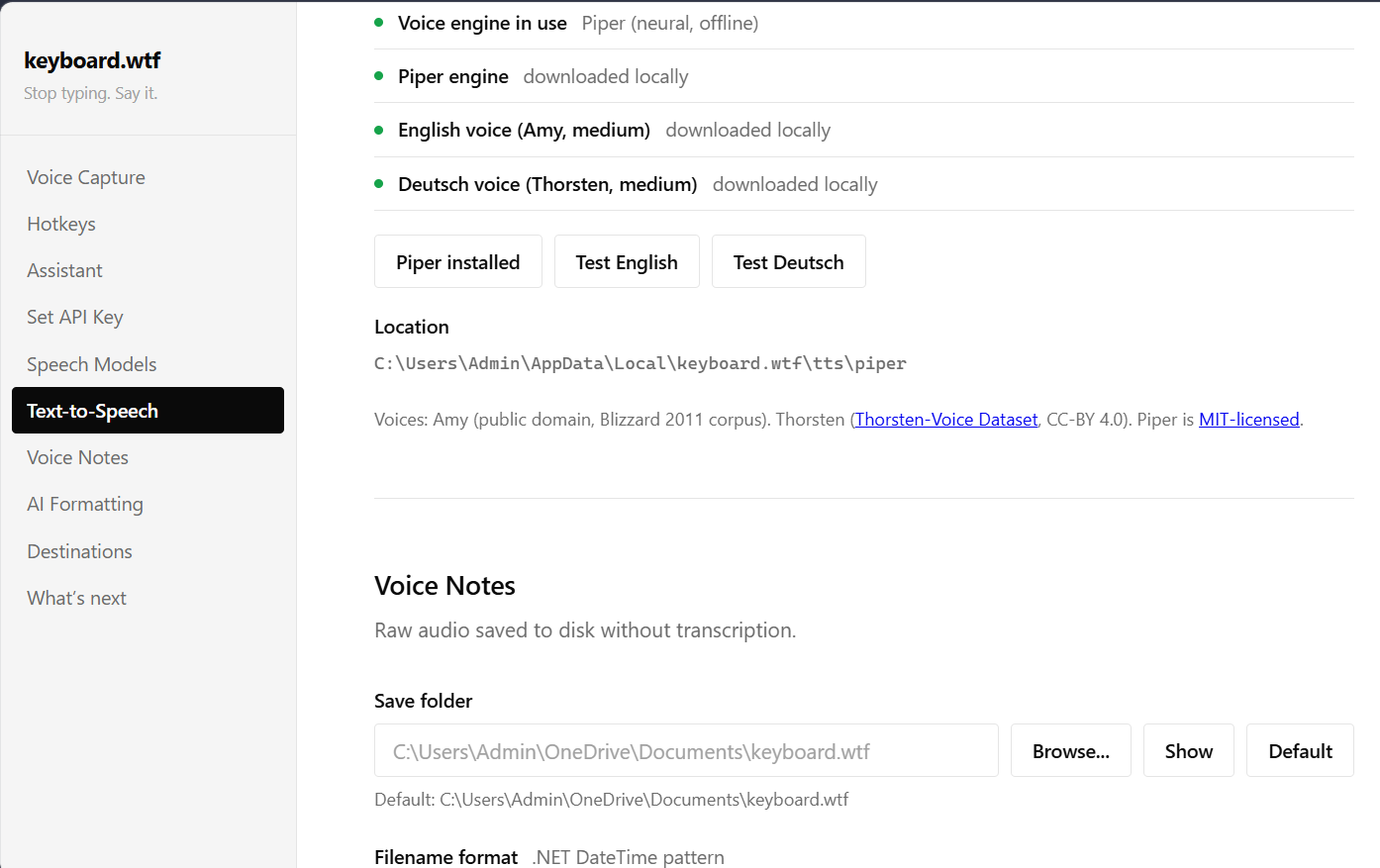
keyboard.wtf is a voice-first AI action layer for your computer.
You do not have to open an AI website before every interaction. The assistant sits across the operating system and can be triggered from wherever you are working.
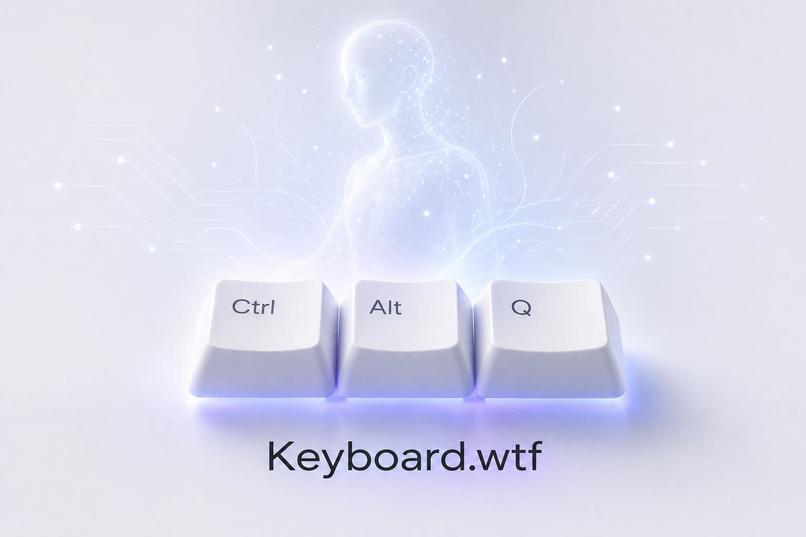
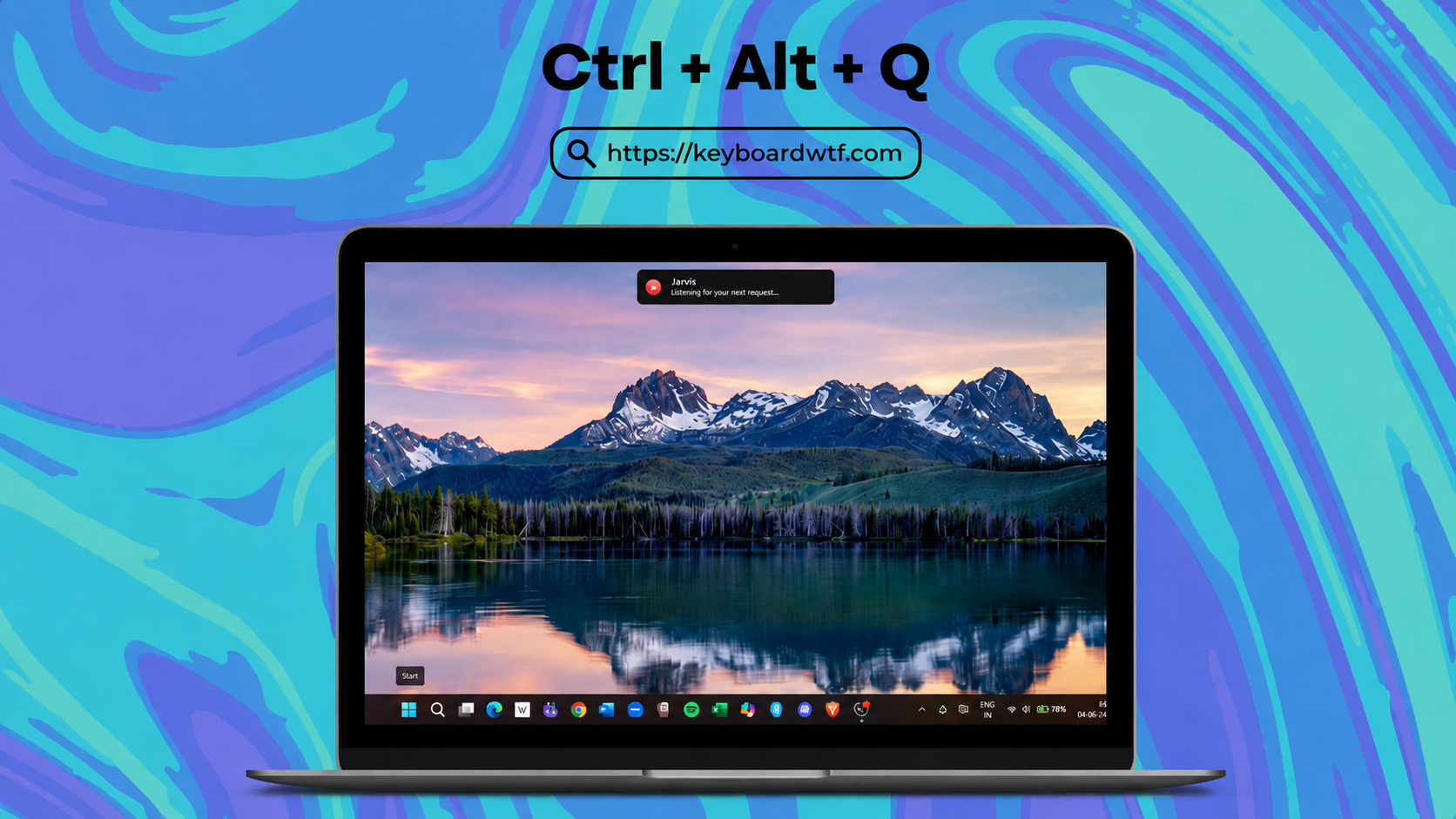
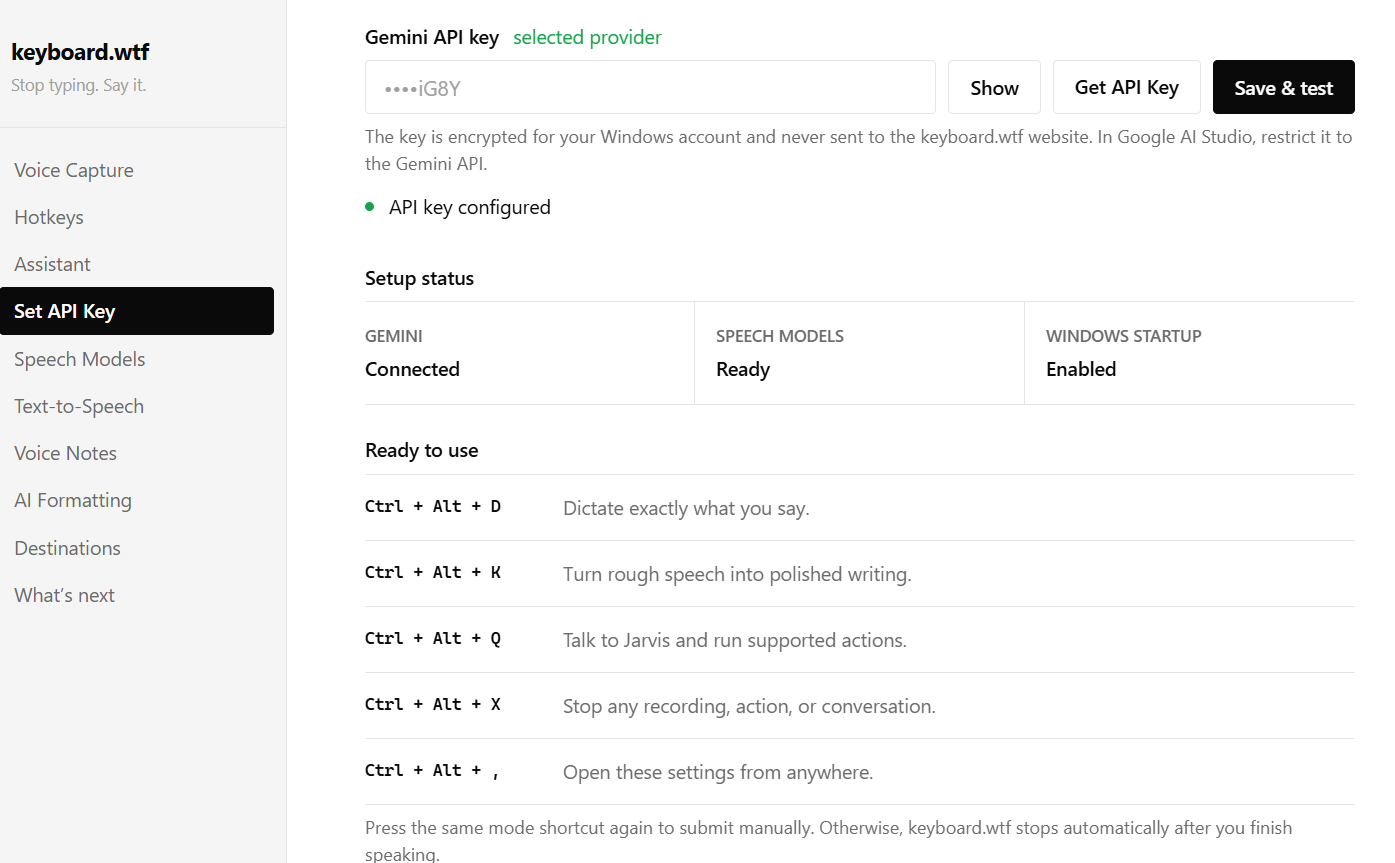
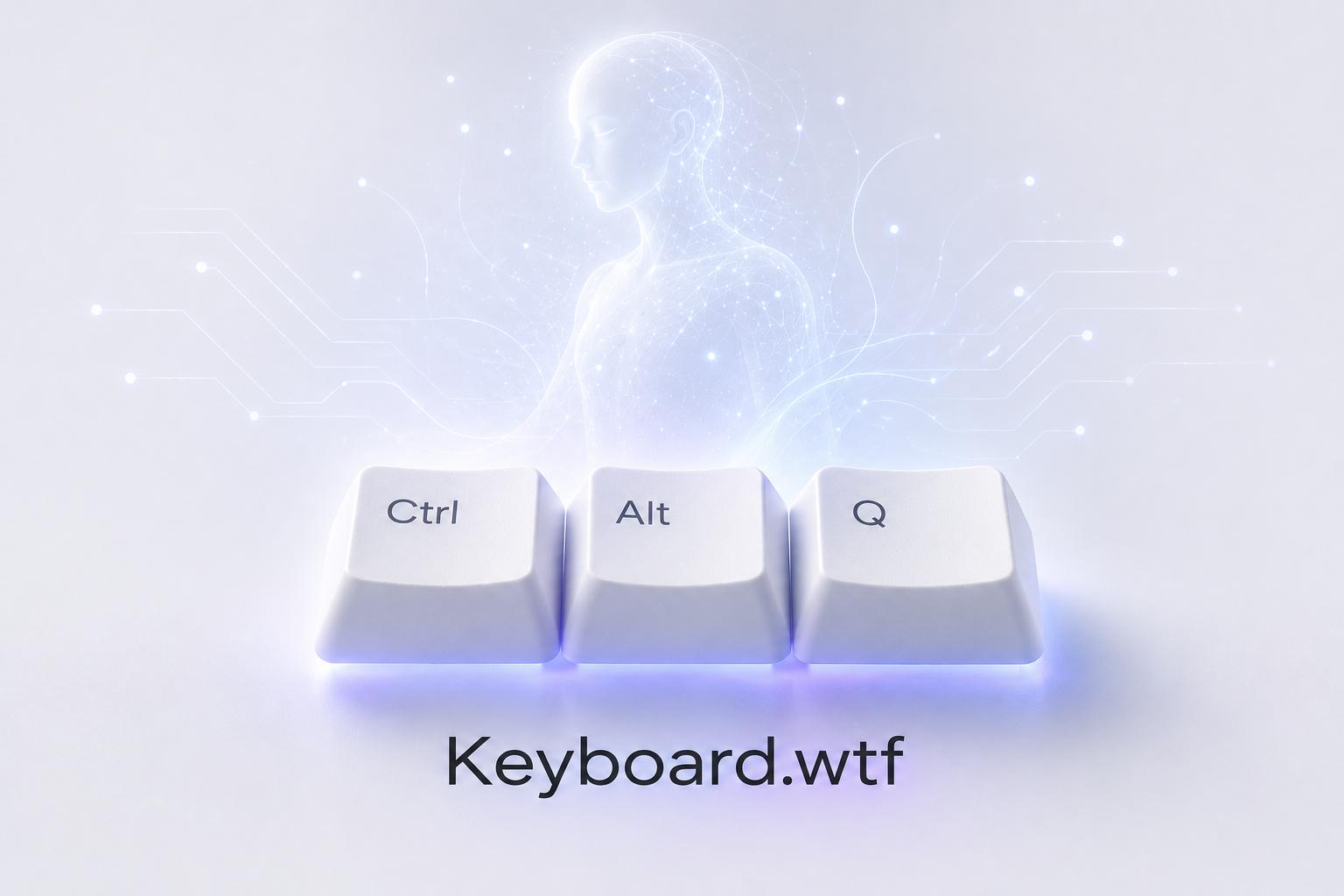
Press Ctrl + Alt + Q, speak naturally, and Jarvis Mode wakes up.
Imagine starting your day with:
“Open Chrome, Spotify, VS Code, and my project folder.”
Or being halfway through an email, highlighting an awkward paragraph, and saying:
“Make this more professional.”
Instead of copying it into an AI chatbot, explaining the context, copying the answer back, and fixing the formatting, keyboard.wtf already knows what “this” refers to.
Highlight something and ask:
“Explain this.”
“Summarize this.”
“Translate this to French.”
“Make this shorter.”
“What should I reply?”
The selected text becomes the context.
Now imagine staring at a confusing error, chart, image, form, or webpage.
Instead of taking a screenshot, uploading it somewhere, and explaining what you are looking at, you can ask:
“What does this error mean?”
“What am I looking at?”
“What should I do next?”
“What animal is in this image?”
When the user explicitly asks for screen understanding, keyboard.wtf can reason about what is visible and respond in the context of the current task.
The idea is not merely voice + AI.
It is:
voice + context + reasoning + real action
Three modes for three completely different moments
One of our most important product decisions was realizing that every voice interaction should not behave the same way.
Sometimes I want the computer to think.
Sometimes I just want it to write better.
Sometimes I want it to type exactly what I said.
So keyboard.wtf separates those experiences.
Jarvis Mode — when I want the computer to understand and act
Jarvis is the actual assistant.
It can reason about natural requests and use supported tools across apps, windows, files, selected text, screen context, and the browser.
You can say:
“Open YouTube and search for MrBeast.”
“Open Amazon and search for MX Master.”
“Open my Downloads folder.”
“Minimize this window.”
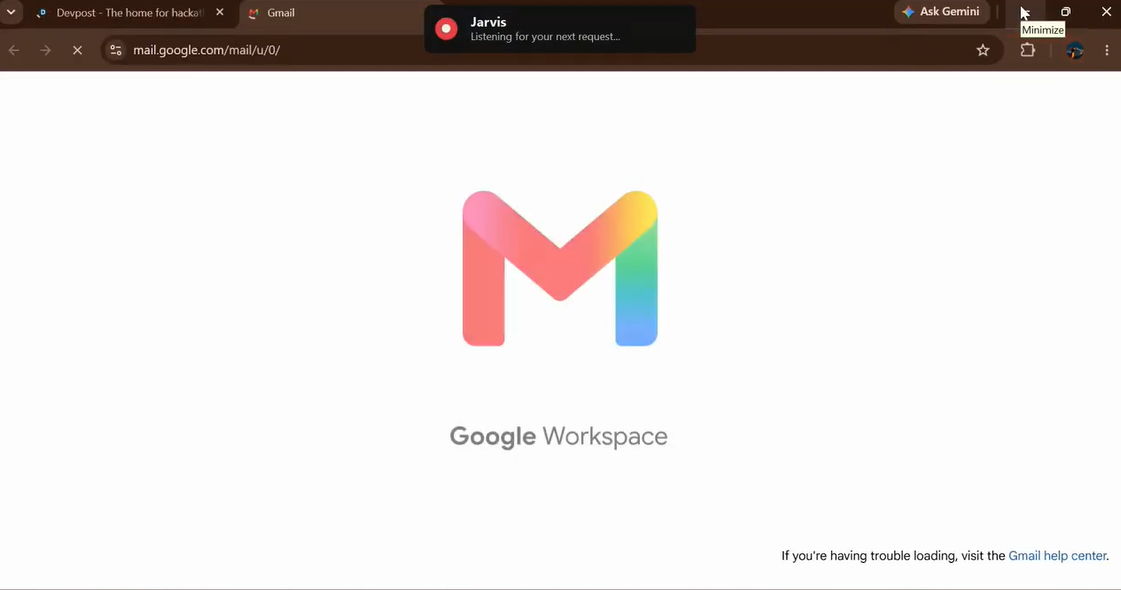
“Prepare an email draft.”
“Explain the paragraph I selected.”
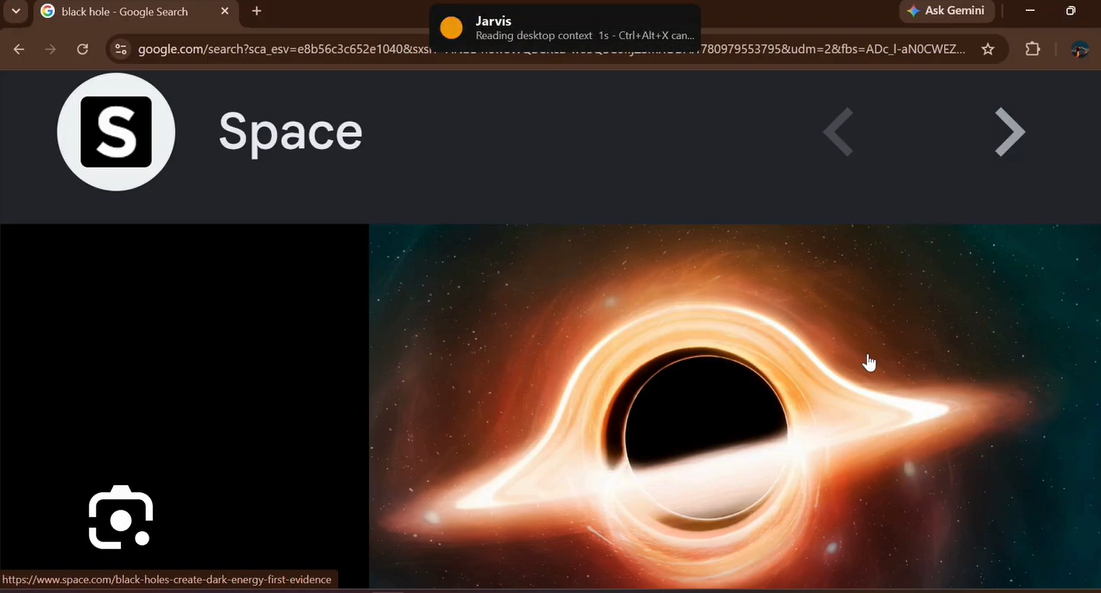
“What is on my screen?”
“Help me navigate this page.”
The important part is that Jarvis is not supposed to merely describe what should happen.
Where keyboard.wtf has a safe, supported action path, it should actually help perform it.
Smart Writing — when my thoughts are faster than my typing
People do not speak in polished paragraphs.
We say things like:
“Hey um tell him I'll send it tomorrow — actually tomorrow evening — and make it sound polite because I'm late.”
Smart Writing understands the false starts, correction, intention, and tone, then turns that into something like:
“Hi, I'll send the file by tomorrow evening. Thank you for your patience.”
It removes filler words, understands corrections, fixes punctuation, improves structure, and writes the polished result directly where the user is already working.
Emails. Messages. Notes. Reports. Replies. Ideas.
You speak roughly.
keyboard.wtf writes clearly.
Dictation — when I want exactly what I said
Sometimes AI should simply get out of the way.
Dictation captures your speech and types the transcript into the active application without trying to rewrite your ideas.
No stylistic transformation.
No unnecessary reasoning.
Just fast speech-to-text.
That gives keyboard.wtf a simple mental model:
Dictation: my exact words.
Smart Writing: better words.
Jarvis: understand what I mean and help do it.
The browser changed everything
A modern computer assistant cannot stop at the desktop.
So much of our actual work happens inside Chrome: Gmail, Docs, GitHub, dashboards, shopping, research, forms, productivity tools, and hundreds of other web apps.
Opening a website is easy.
Actually operating one reliably is not.
Pages rerender. Buttons move. Authentication changes the interface. Tabs become stale. Controls appear dynamically. A plan that was correct one second ago may be wrong after the page updates.
That led us to build the keyboard.wtf Chrome Helper:
View the keyboard.wtf Chrome Helper →
The browser system follows a much more deliberate loop:
Intent → Observe → Plan → Act → Verify
Instead of treating the screen like a giant collection of coordinates and blindly clicking somewhere that looks right, keyboard.wtf can work with structured browser information, reason about relevant controls, perform an action, then observe what actually changed.
That means a request can evolve from:
“Open Amazon.”
into something much more useful:
“Search Amazon for an MX Master mouse.”
And eventually into multi-step tasks where the agent must navigate, understand the current page, choose a relevant control, interact with it, observe the result, and continue.
For sensitive actions, the goal is not maximum autonomy at any cost.
The goal is useful autonomy with visible control.
A confident agent that clicks the wrong thing is worse than an honest agent that says:
“I need you to confirm this step.”
From a cool prototype to something strangers can actually use
There was a point in this project where the hardest question stopped being:
“Can Jarvis do this?”
and became:
“Can someone who has never seen my laptop download keyboard.wtf, sign in, pay for it, use it, restart their computer tomorrow, and still have everything work?”
That question completely changed the project.
A hackathon demo can have a developer API key hidden somewhere and a button that works once.
A real product cannot.
So keyboard.wtf evolved into an actual account-backed service.
Today, a new user can go to:
keyboardwtf.com
download the Windows application, sign in using Google, connect the desktop app to their keyboard.wtf account, and subscribe to Jarvis Monthly for ₹999/month (approximately US$10.50/month).
The USD value is an approximate reference conversion; exchange rates, taxes, and payment-provider fees may vary.
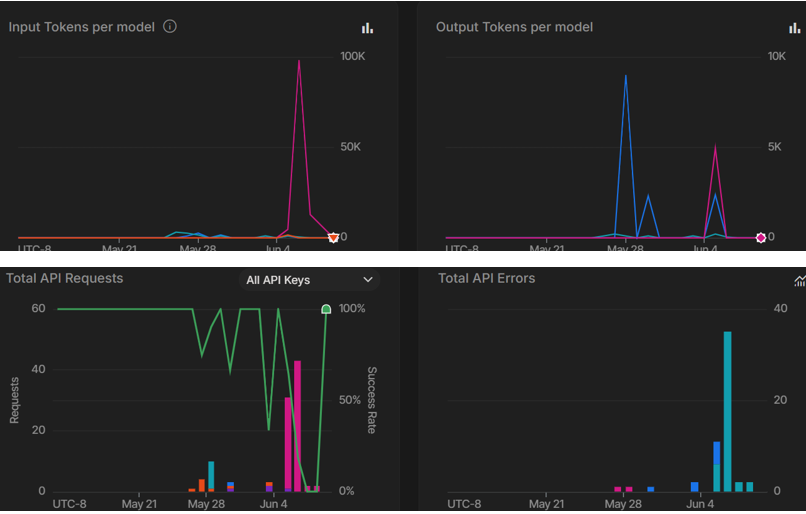
The same account tracks the user's plan, billing cycle, remaining allowance, usage history, payment history, and connected devices.
That sounds like ordinary SaaS infrastructure.
For an AI desktop agent, it became one of the hardest and most important parts of the build.
Making paid AI trustworthy
Once real payments entered the system, we could no longer let the desktop simply hold a production AI key and trust itself.
That would mean every installed copy of keyboard.wtf could potentially contain the credentials to our entire AI bill.
It would also make reliable metering almost impossible.
So we rebuilt the production architecture around a simple principle:
The client can request. The server decides.
The production path is roughly:
keyboard.wtf desktop app
↓
Google/Firebase-authenticated user
↓
keyboard.wtf backend
↓
entitlement + safety checks
↓
Gemini through Vertex AI
↓
provider usage evidence
↓
authoritative settlement
Production AI credentials stay server-side.
The desktop does not get to decide its own balance.
The desktop does not decide whether a payment was valid.
And changing a number in a local file cannot magically create more paid allowance.
This allowed us to connect the entire real business flow:
Identity → Payment → Entitlement → AI → Usage → Settlement → Account history
Why metering became surprisingly difficult
AI billing is not as simple as subtracting one credit every time someone presses a button.
What happens if the model request fails?
What happens if the user presses Cancel while a request is running?
What happens if a real-time voice session is opened but the user says nothing?
What happens if a payment webhook is delivered twice?
What happens if the system reserves capacity for a task but the provider consumes much less?
Those edge cases matter when every model call has a real cost.
So keyboard.wtf uses a bounded flow around paid AI work:
reserve → execute → measure → settle → release
A request can reserve a safe amount before dispatch. After the provider returns real usage information, keyboard.wtf settles the actual measured work and releases unused reservation.
Behind that are protections for idempotency, duplicate payment events, stuck reservations, rate limits, concurrency, per-user limits, global provider exposure, reconciliation, and emergency payment/AI kill switches.
We even specifically tested that simply opening Jarvis or producing silence does not become a paid AI interaction.
This part of the system may never appear in a flashy demo.
But it is what allows us to eventually give the product to real people without being terrified of the cloud bill.
How we built it
keyboard.wtf is not one giant prompt connected to a microphone.
It is several systems working together.
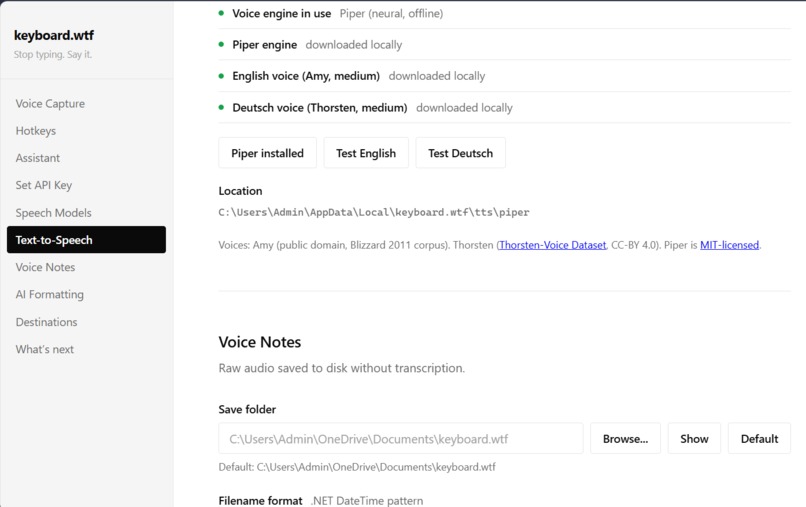
The Windows desktop application, built in .NET, owns local capabilities: global hotkeys, microphone input, transcription, active-window context, selected text, clipboard interaction, typing, applications, windows, files, screenshots, workflows, cancellation, startup, and communication with the browser helper.
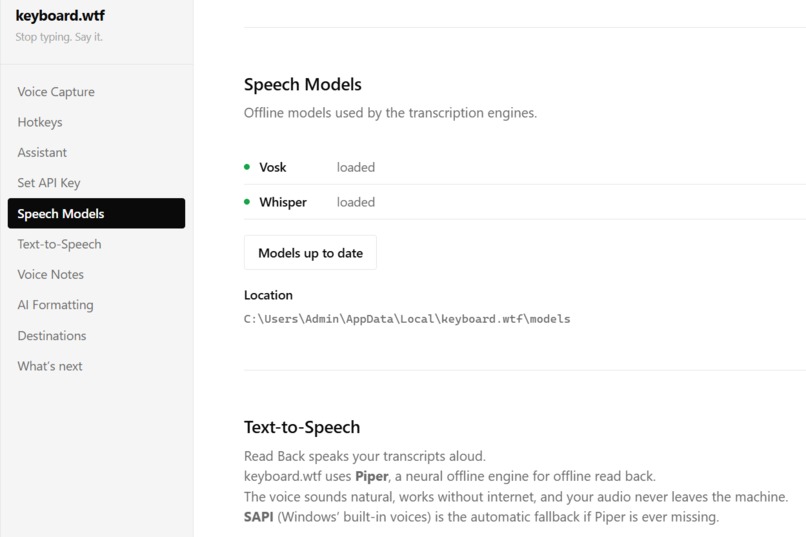
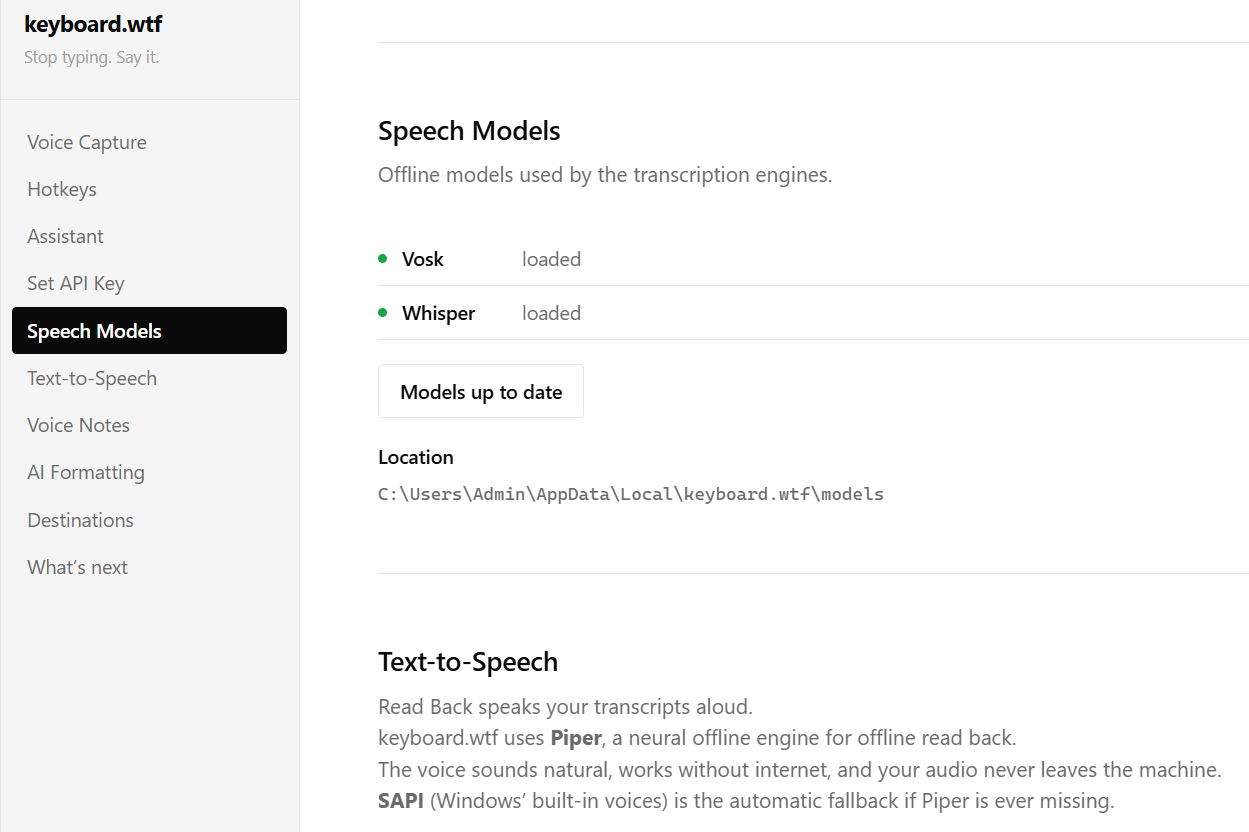
Speech can remain local-first where appropriate using Vosk and Whisper, especially for fast dictation.
The higher-level intelligence runs through Gemini and Vertex AI.
Gemini handles language and reasoning tasks such as Smart Writing, selected-text understanding, screen reasoning, command interpretation, structured planning, and browser intelligence.
Gemini Live powers Jarvis's real-time spoken conversations, where users can speak naturally instead of treating every interaction like a one-shot prompt.
The cloud layer handles identity, entitlement, AI routing, accounting, monitoring, and production safety.
The Chrome Helper handles browser execution.
And the desktop bridge handles the actual computer.
That separation became essential.
A payment service should not control browser tabs.
A browser planner should not decide a user's balance.
A language model should not decide whether its own action succeeded.
Each layer has one job — and each layer verifies the next.
The hardest challenge: power without fear
The magical version of an AI computer assistant is obvious.
You say something.
The computer does it.
The dangerous version is also obvious.
The computer misunderstands you... and still does it.
That tension shaped almost every design decision in keyboard.wtf.
We deliberately differentiate between safe convenience and sensitive action.
Jarvis can prepare a Gmail draft, but should not secretly press Send.
Selected-text transformations can return or copy the result instead of silently destroying the user's original work.
Screen reasoning happens when the user intentionally requests it; keyboard.wtf is not designed around silently watching everything the user does.
Browser automation verifies state instead of assuming every planned click worked.
And there is a dedicated Cancel Anything path because, for an agent operating a real computer, “stop” has to actually mean stop.
The microphone may be listening.
A model may be thinking.
Audio may be playing.
A browser action may be pending.
A late result may arrive after the user has already changed their mind.
Cancel has to cut through all of it.
No late typing.
No surprise click five seconds later.
No fake “done.”
That taught us something important:
Trust is not a policy page. Trust is product behavior.
Speed is emotional
We also learned that voice interfaces have a brutally small patience budget.
A response can be technically correct and still feel terrible if the user spends several seconds wondering whether the computer heard them.
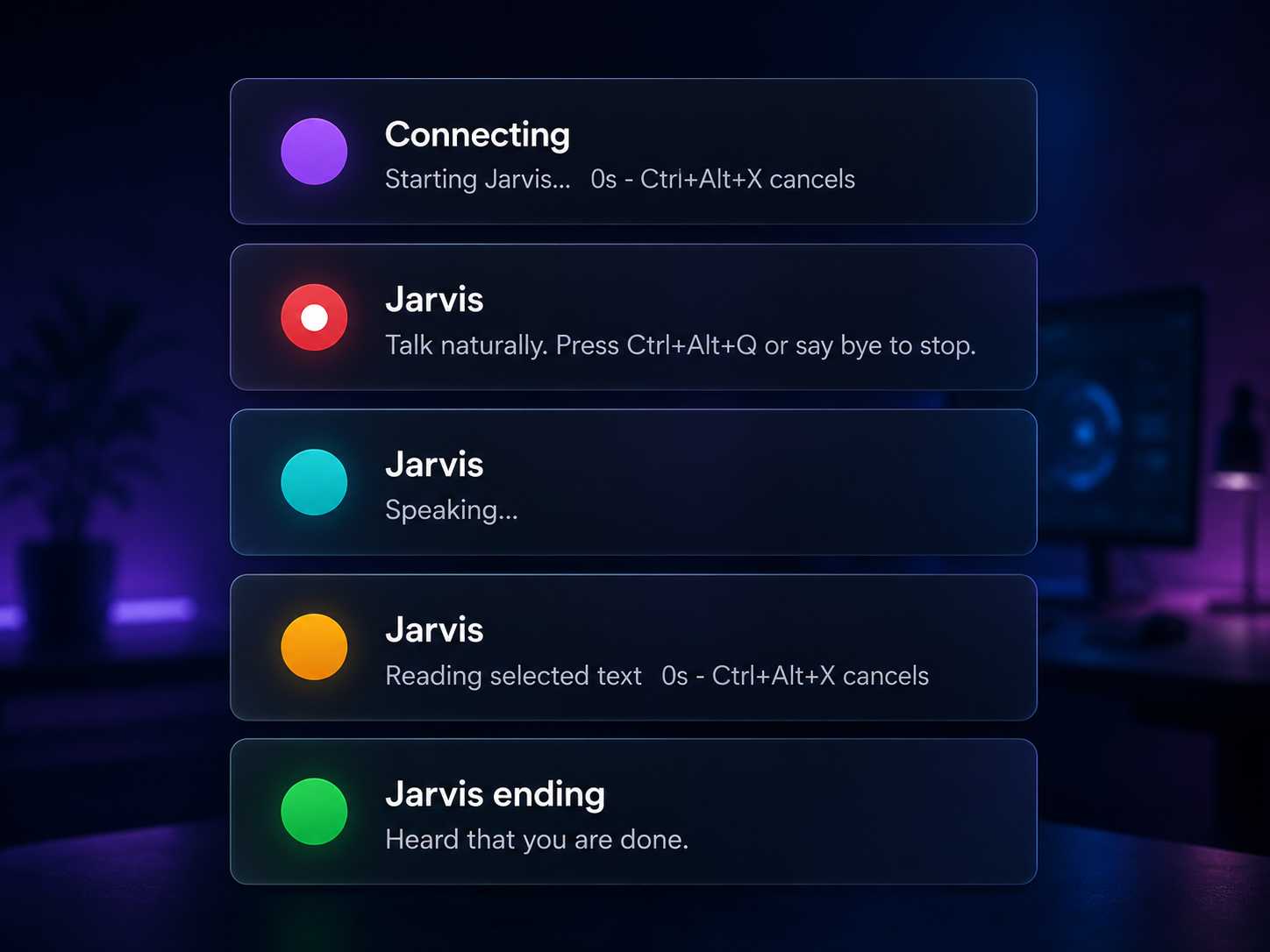
So a lot of engineering went into things most users will never notice individually: recording state, silence detection, transcription timing, status transitions, Live response latency, audio interruption, hotkey registration, startup behavior, and the small status UI that tells the user what Jarvis is currently doing.
When it works well, the interaction almost disappears.
You press the shortcut.
You speak.
The computer moves.
That feeling is the product.
Shipping was harder than building the first demo
Making keyboard.wtf work once was exciting.
Making it survive someone else's computer was much harder.
A real Windows release has to handle things like:
hotkey conflicts, restarts, persistent login, startup registration, browser-helper reconnects, Google account switching, account synchronization, installer identity, updates, stale sessions, payment failures, cloud timeouts, and users doing things in an order we never expected.
So the project eventually grew far beyond the original assistant loop.
We built automated desktop and backend test suites, real Firestore integration tests, payment reconciliation, account isolation checks, package hashing, signed update metadata, cloud monitoring, deployment verification, and production safety gates.
That process changed our definition of “done.”
A feature is not finished when it works on my laptop. It is finished when it survives someone else's.
What we are proud of
The thing I am most proud of is not one individual feature.
It is that keyboard.wtf increasingly makes the entire computer feel like one intelligent surface.
When the system works, the user stops thinking:
“Which AI website should I open?”
“Where do I paste this?”
“Which menu contains that?”
“Which tab was I using?”
“How do I phrase this perfectly?”
“How do I explain what I'm looking at?”
They can simply express the intention.
Sometimes that means:
“Make this better.”
Sometimes:
“Explain this.”
Sometimes:
“Open my project.”
Sometimes:
“Search this on YouTube.”
Sometimes:
“What is wrong on my screen?”
And sometimes:
“Do this in the browser.”
The system behind those sentences is complicated.
The sentence itself should not be.
That is exactly the point.
What we learned
Building keyboard.wtf taught us that the future of agents is not just about making the model smarter.
A useful computer agent needs several things at the same time:
Context — What is the user referring to?
Capability — Can the system genuinely perform the requested action?
Verification — Did the action actually happen?
Control — Can the user interrupt or correct it?
Identity — Who is requesting the action?
Economics — Who pays for the intelligence being consumed?
Trust — What should the agent refuse to do?
Remove any one of those and the experience starts to break.
The most important lesson was this:
The future interface is not just chat. It is intent connected to action.
What's next
Windows is the first production platform for keyboard.wtf.
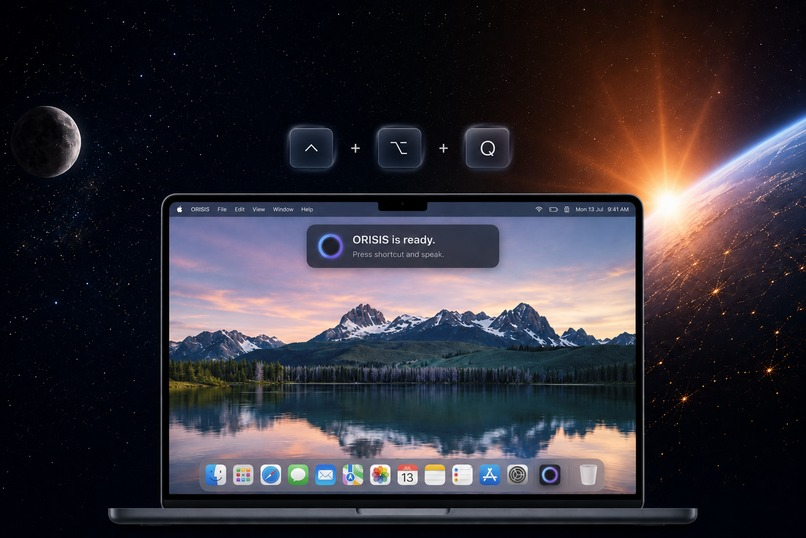
A macOS version is already being built and will connect to the same broader keyboard.wtf account and cloud system rather than becoming a separate product.
Browser automation will keep becoming more capable: better understanding of complex web apps, longer multi-step tasks, stronger recovery when pages change, and smoother collaboration between the user and Jarvis when a task reaches a sensitive step.
But the long-term vision is bigger than Windows, macOS, or even voice.
We want keyboard.wtf to become the layer between what a person means and what their computer does.
No unnecessary AI tab.
No translating every thought into twelve clicks.
No pretending that an answer is the same thing as an action.
Just a computer that finally understands a little more of the intention behind the person using it.
Say it. Your computer does it.
Try keyboard.wtf
Website: keyboardwtf.com
GitHub: github.com/UnknownGod2011/keyboard.wtf
Chrome Helper: Chrome Web Store
Jarvis Monthly: ₹999/month (approximately US$10.50/month)
Approximate USD equivalent for reference only; exchange rates, taxes, and payment-provider fees may vary.


Log in or sign up for Devpost to join the conversation.