-
-
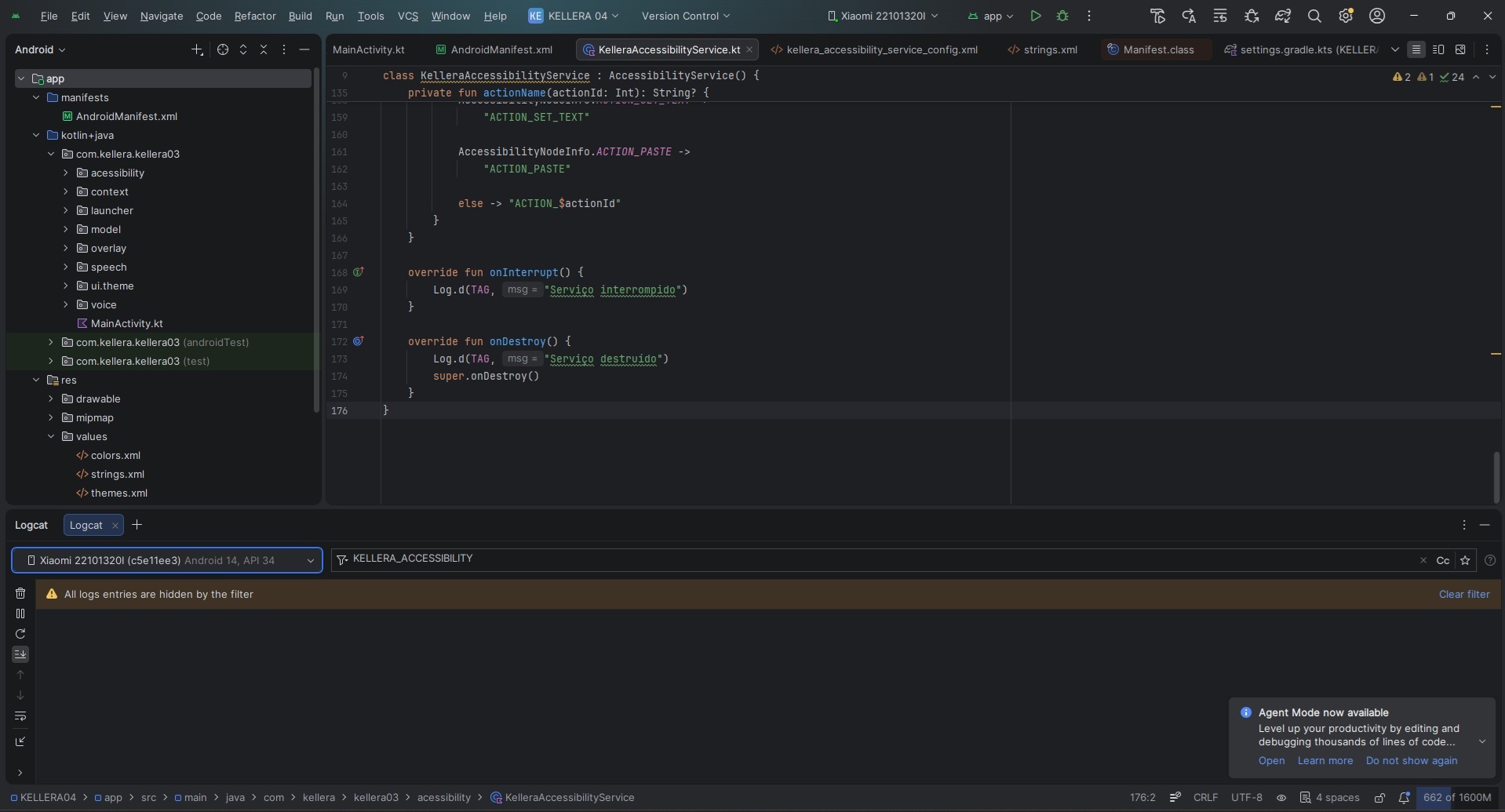
Logo Kellera - AI voice assistant helping blind users navigate Android smartphones independently.
-
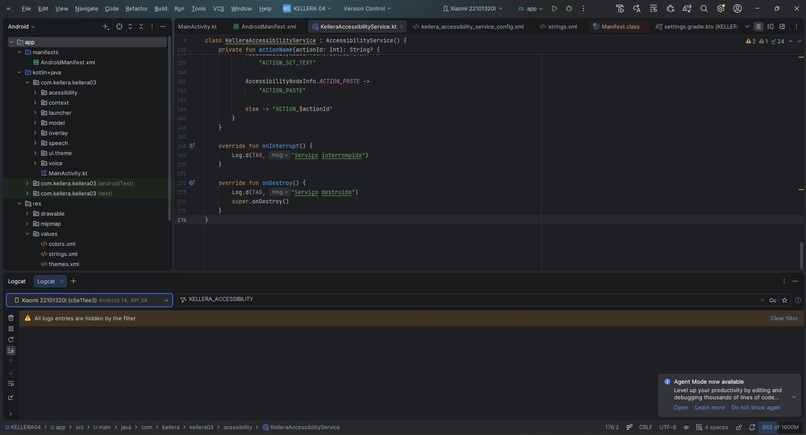
Building KELLERA Built with Kotlin, Jetpack Compose, Speech Recognition, TTS and Android Accessibility.
-
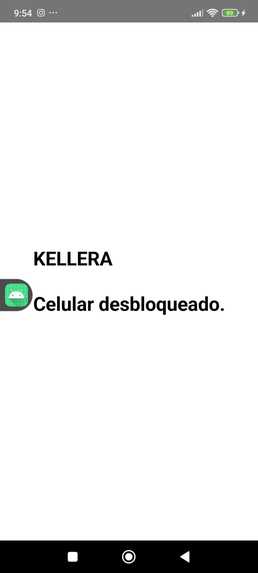
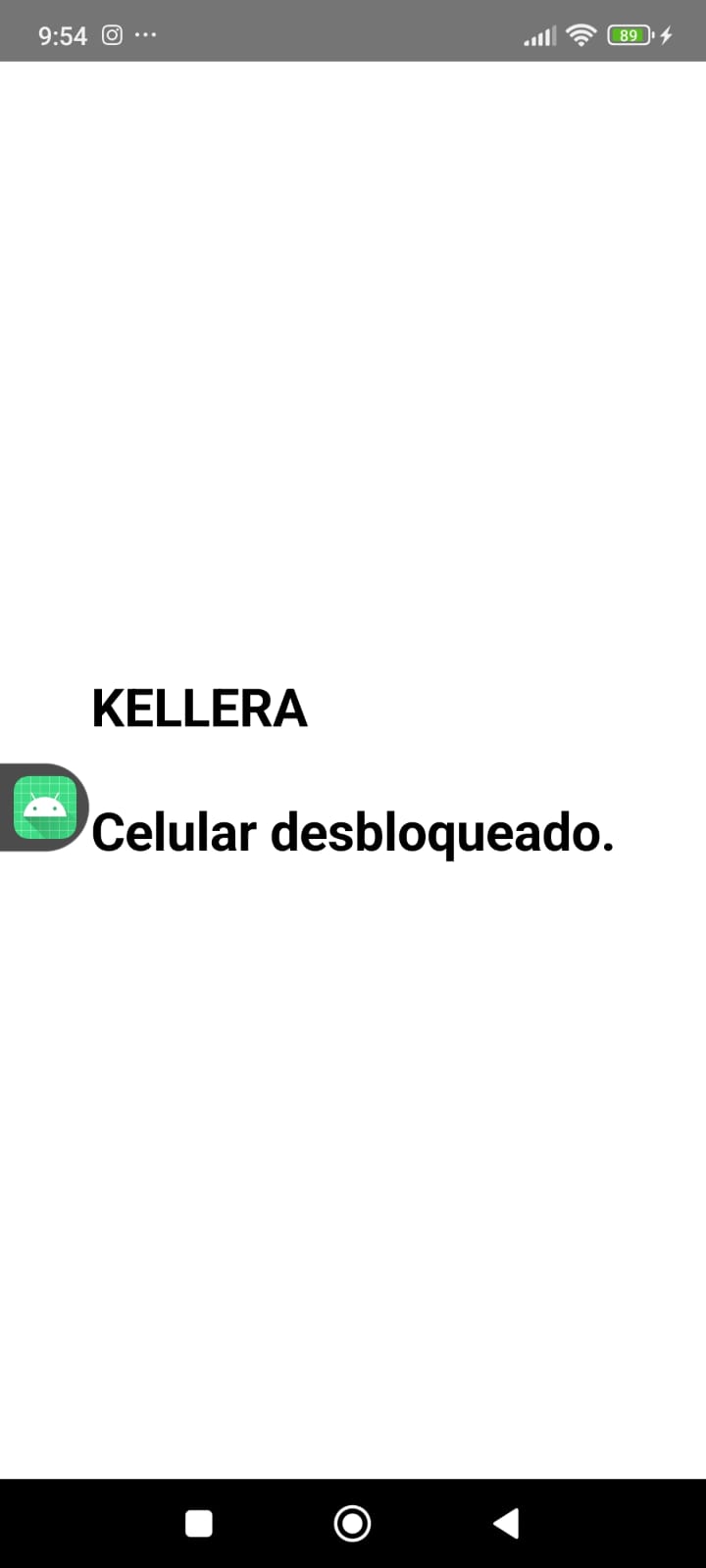
Device Ready - KELLERA starts voice interaction automatically after the device is unlocked.
-
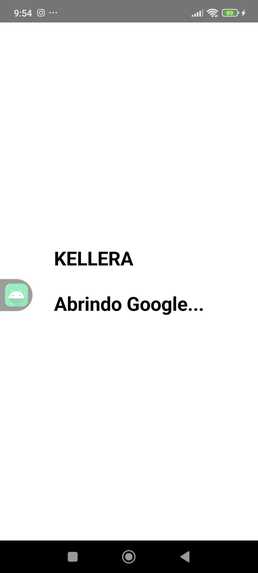
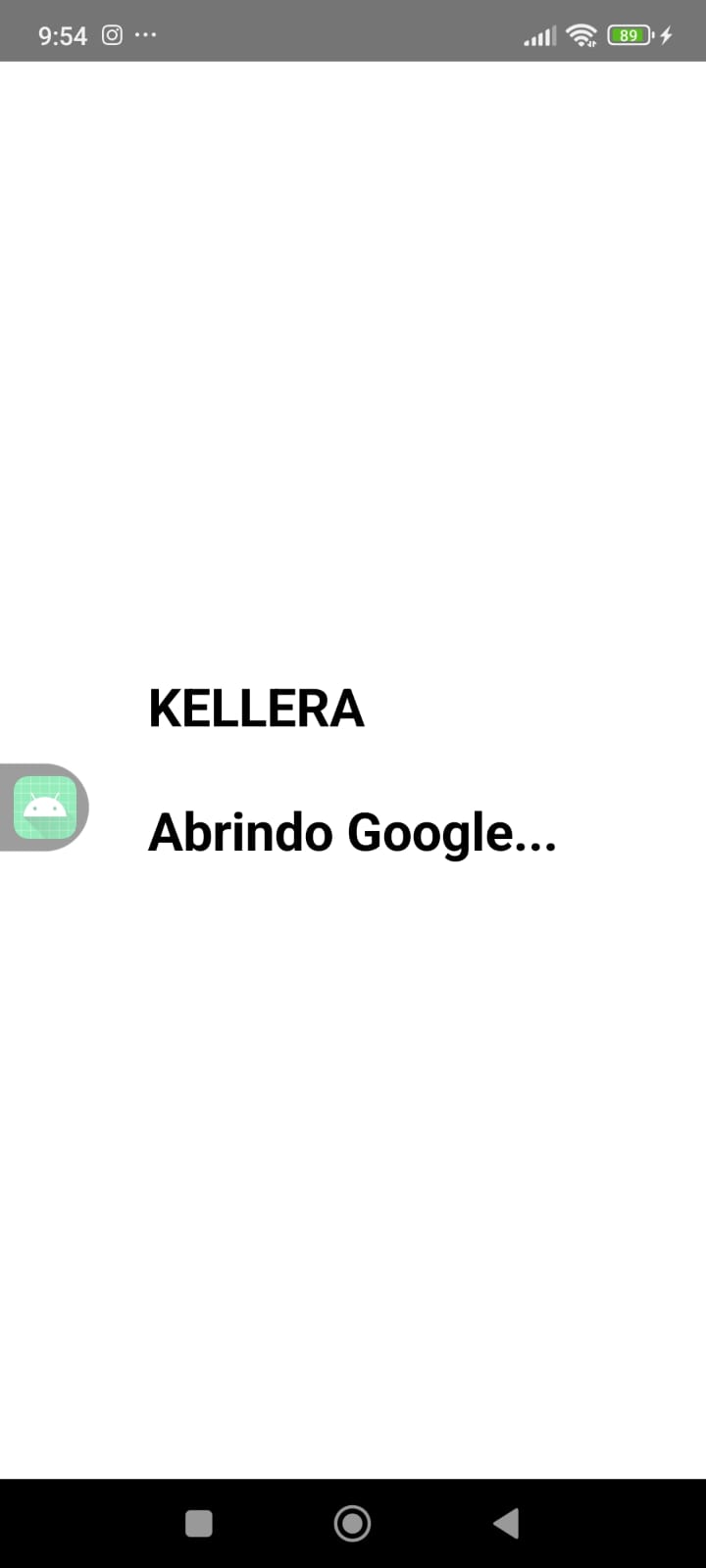
Opening Google - Google is launched automatically after a recognized voice command.
-
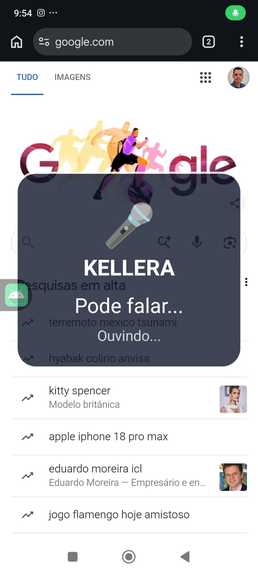
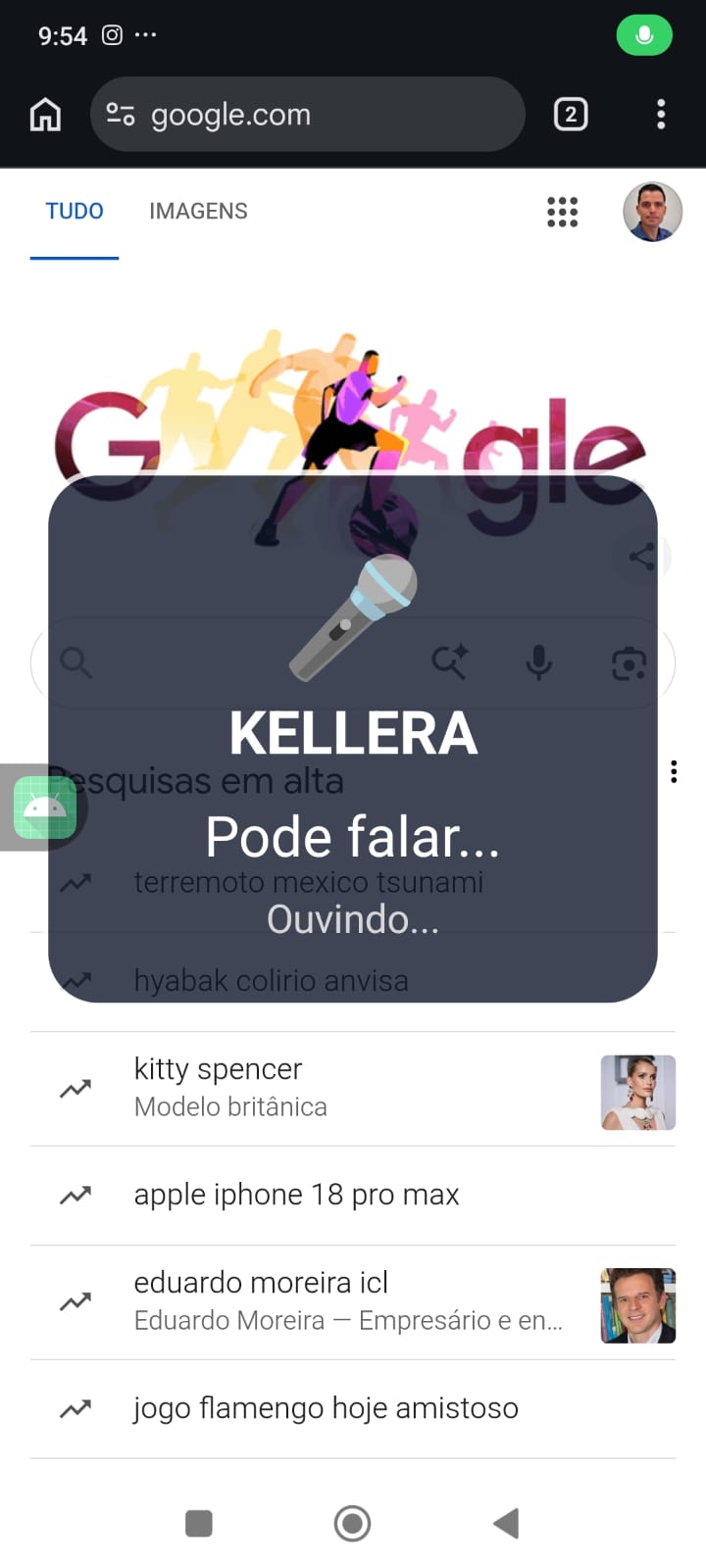
Voice Overlay - KELLERA keeps listening above Google without requiring screen touch.
-
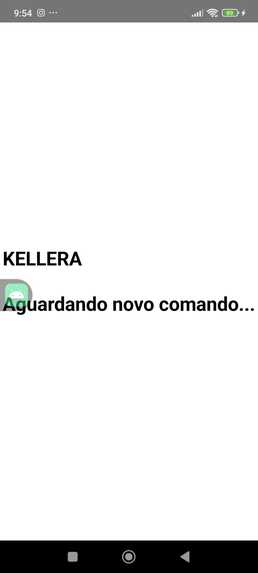
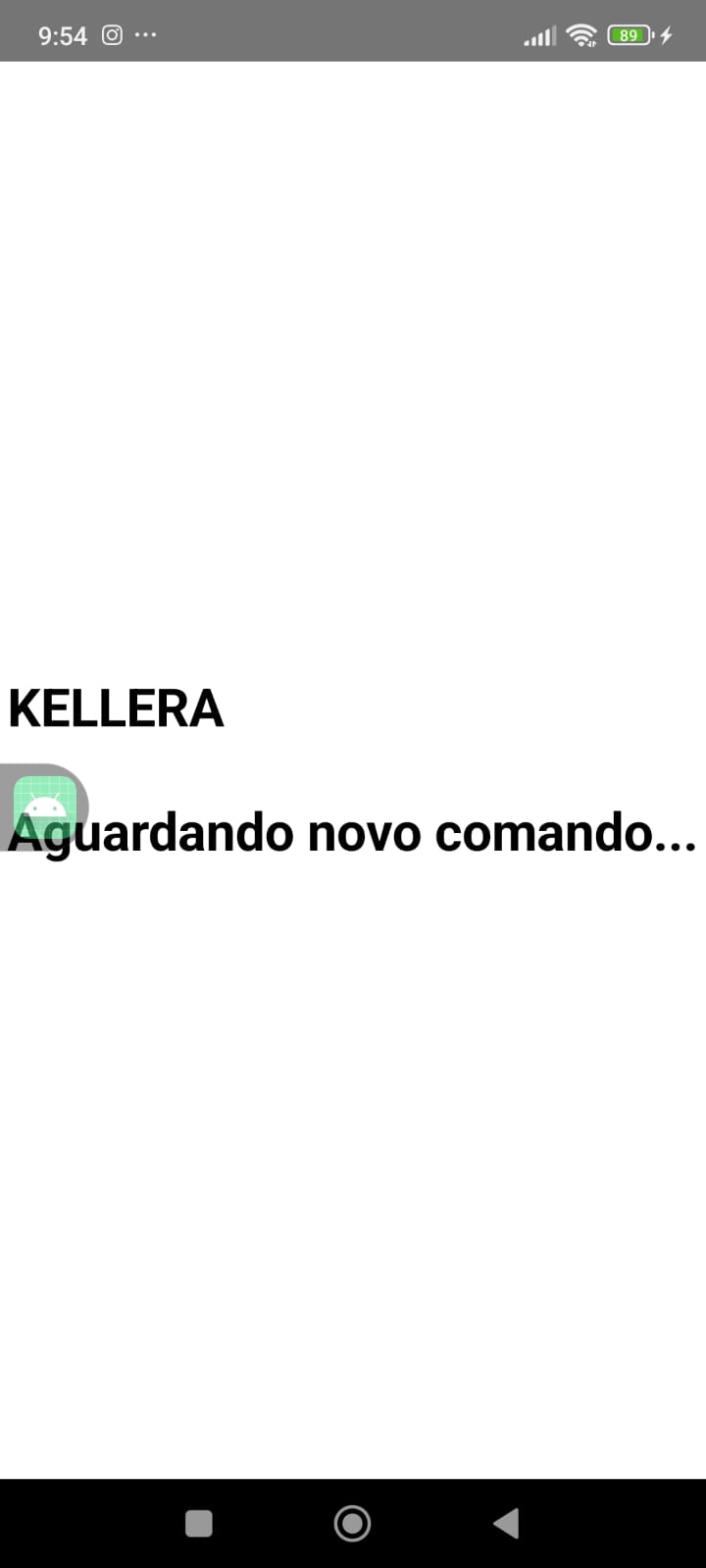
Ready Again - KELLERA returns to listening mode after completing each action.
-
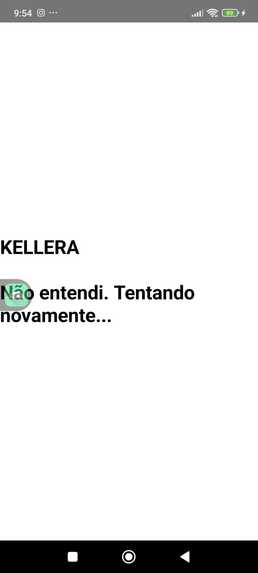
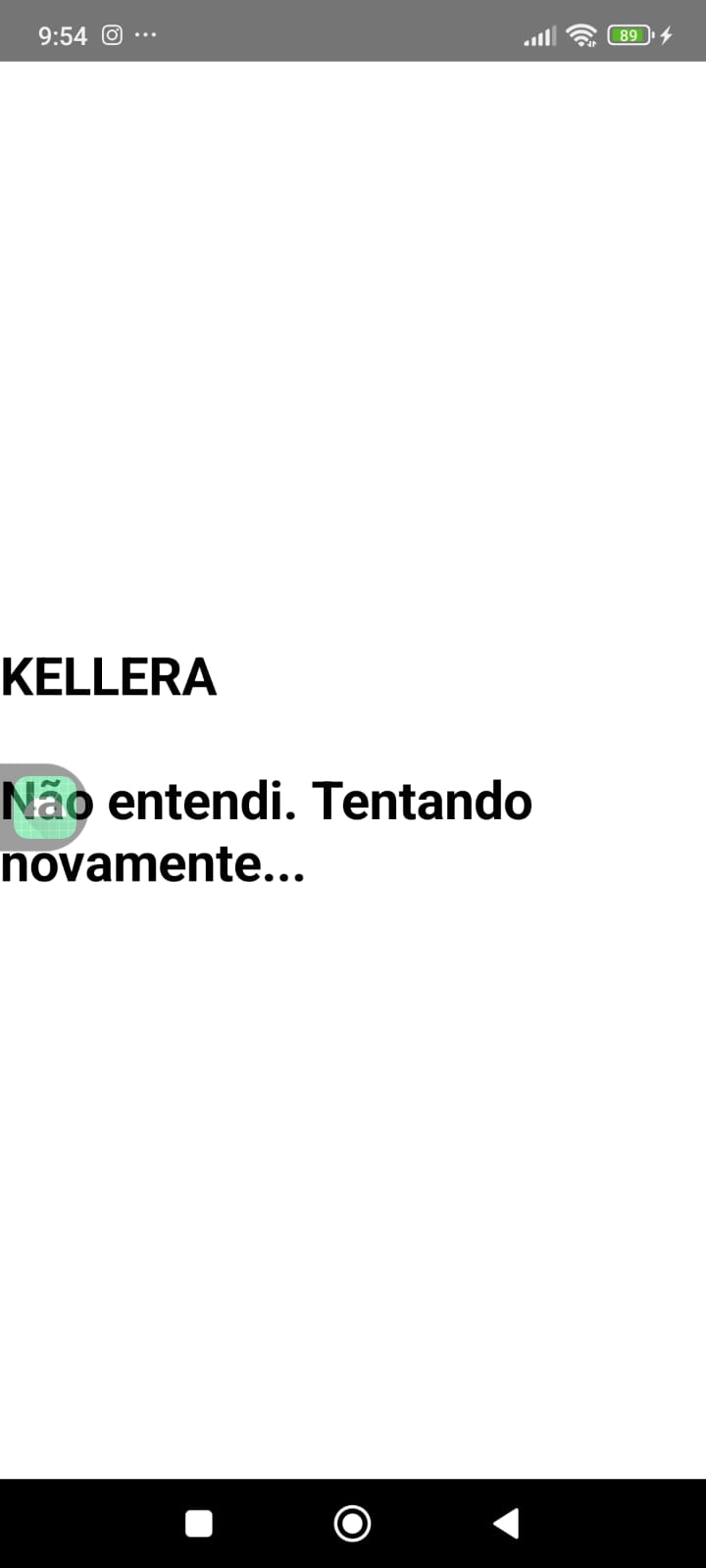
Error Recovery - Voice feedback is provided and listening restarts automatically.
Inspiration
KELLERA was inspired by a simple question:
What if a smartphone could interact with a blind user through natural conversation instead of requiring gestures and screen touches?
Existing accessibility tools are extremely valuable, but many interactions still require users to learn gestures or adapt to the device.
KELLERA explores a different approach by allowing the user to communicate with the smartphone naturally, as if talking to another person.
The project is inspired by Helen Keller and her legacy of overcoming barriers through accessibility, education, and determination.
What it does
KELLERA is an AI-powered conversational accessibility assistant for Android.
The current MVP allows users to interact with the device entirely through voice.
It can:
- recognize voice commands;
- detect device unlock;
- open Android applications;
- provide contextual voice guidance;
- maintain a continuous conversational interaction.
Rather than only reading screen content, KELLERA aims to understand the current context and guide users naturally.
How we built it
KELLERA was developed using:
- Kotlin
- Android Studio
- Jetpack Compose
- Android Accessibility Service
- SpeechRecognizer API
- TextToSpeech API
- OpenAI GPT-5.6
- OpenAI Codex
Artificial intelligence supported software architecture, implementation, debugging, documentation, and code review throughout development.
Challenges we ran into
One of the biggest technical challenges was creating a smooth voice-first interaction without requiring physical touches.
Managing Android permissions, Accessibility Services, speech recognition, application launching, overlays, and conversational flow required continuous experimentation and refinement.
Balancing accessibility, usability, and Android platform limitations was one of the most important parts of the project.
Accomplishments that we're proud of
The current MVP successfully demonstrates a complete conversational flow:
- device unlock detection;
- voice command recognition;
- automatic Google launch;
- contextual voice guidance;
- continuous interaction without relying on traditional touch navigation.
Most importantly, KELLERA evolved from an idea into a working prototype capable of demonstrating its core concept.
What we learned
Developing KELLERA showed that building accessibility solutions requires much more than software development.
It requires understanding real user needs, designing intuitive interactions, and balancing technical possibilities with usability.
We also learned how AI can significantly accelerate software development while keeping product vision and decision-making in human hands.
What's next for KELLERA
The next development phase focuses on improving contextual understanding and expanding conversational interaction across Android applications.
Future goals include:
- richer screen interpretation;
- smarter Accessibility Service integration;
- multi-application interaction;
- more natural conversational experiences;
- long-term accessibility solutions that promote greater independence and digital inclusion.
Built With
- acessibility
- android
- assistive-tecnology
- codex
- gpt-5.6
- inteligence-artificial
- jetpack-compose
- kotlin
- mobile
- openai
- speech-recognition
- text-to-speech
- voice-ui

Log in or sign up for Devpost to join the conversation.