-
-
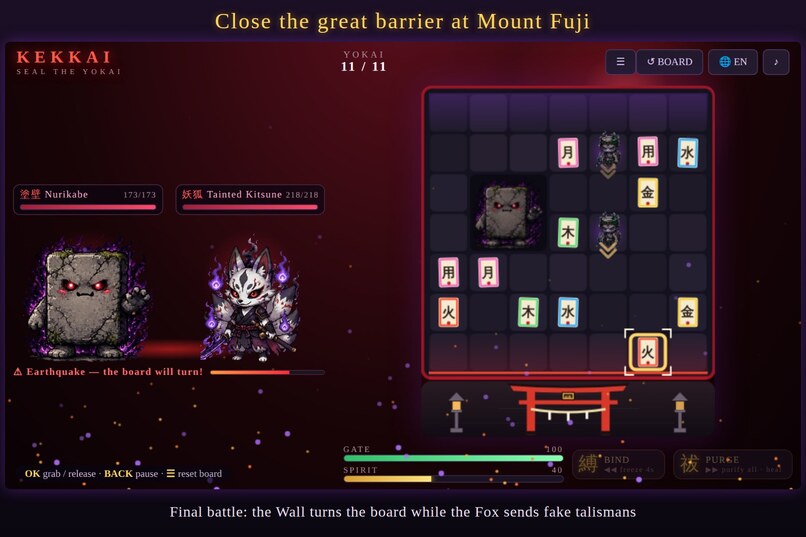
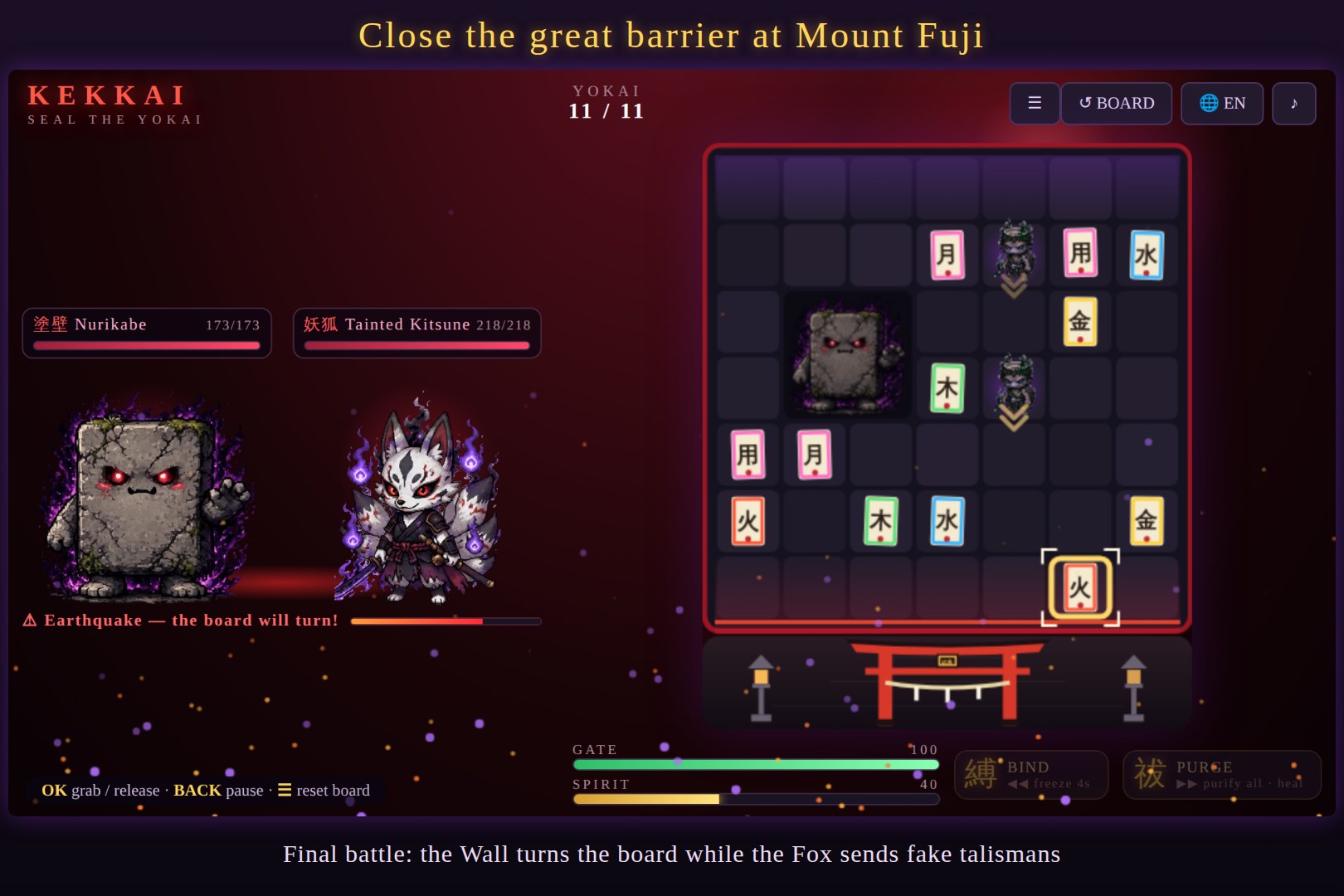
Final battle at Mount Fuji — the Wall turns the board while the Fox sends fake talismans.
-
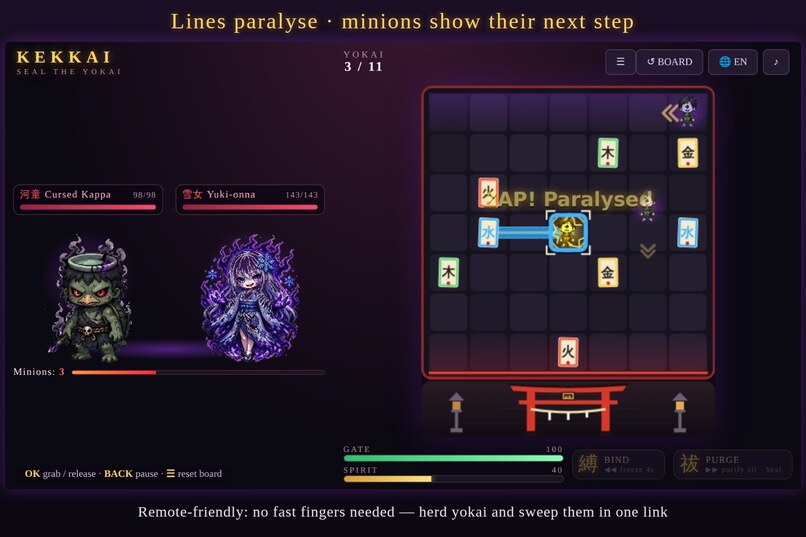
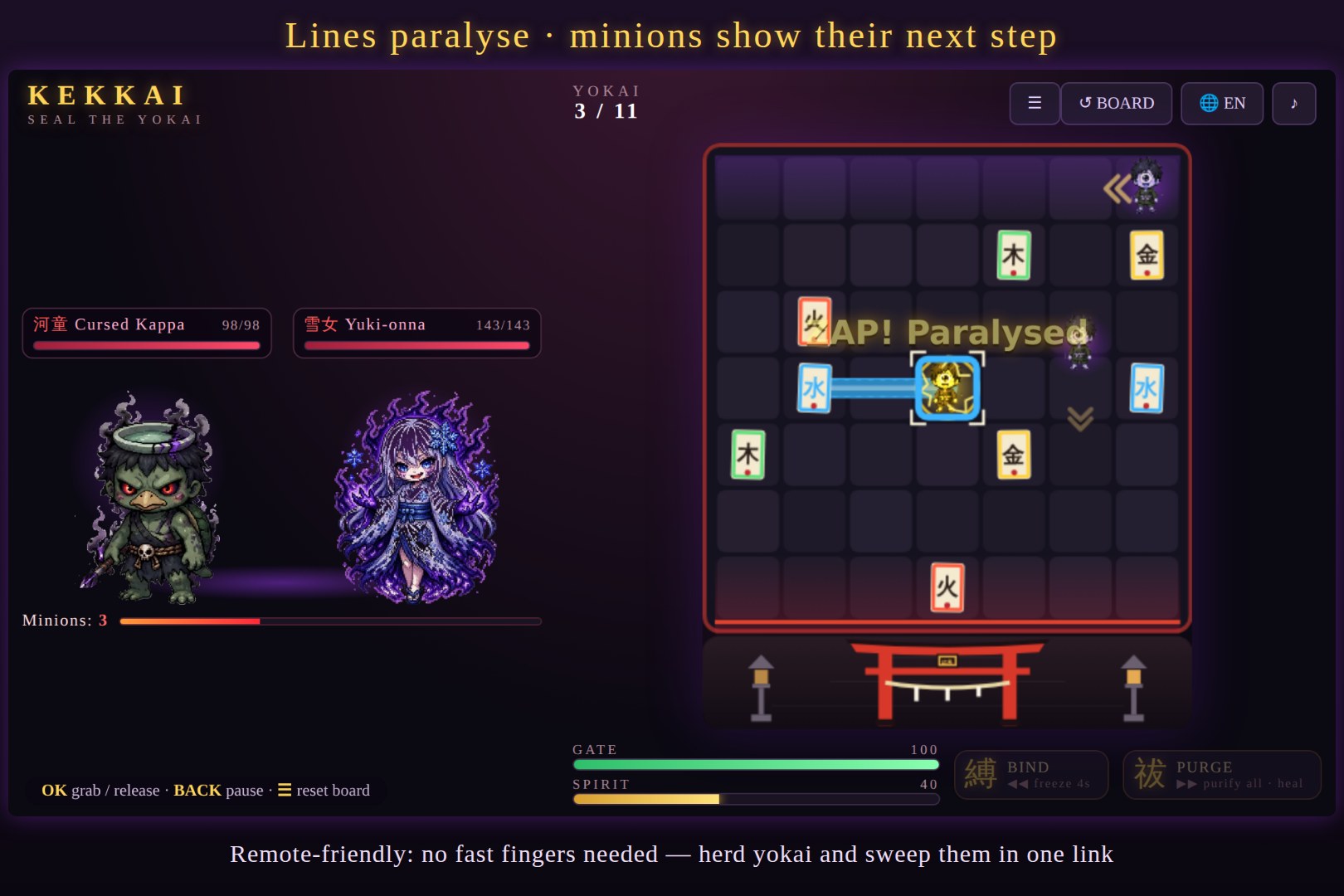
Lines paralyse minions on touch, and every minion shows its next step — herd them and sweep them in one link.
-
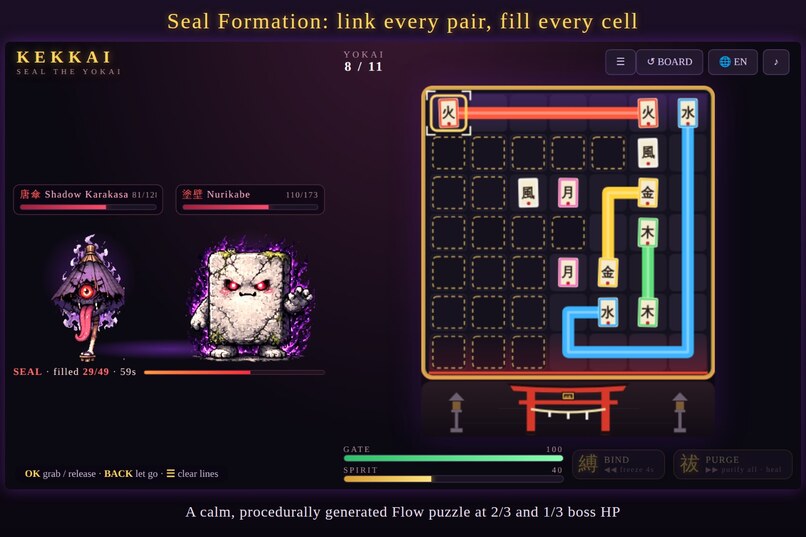
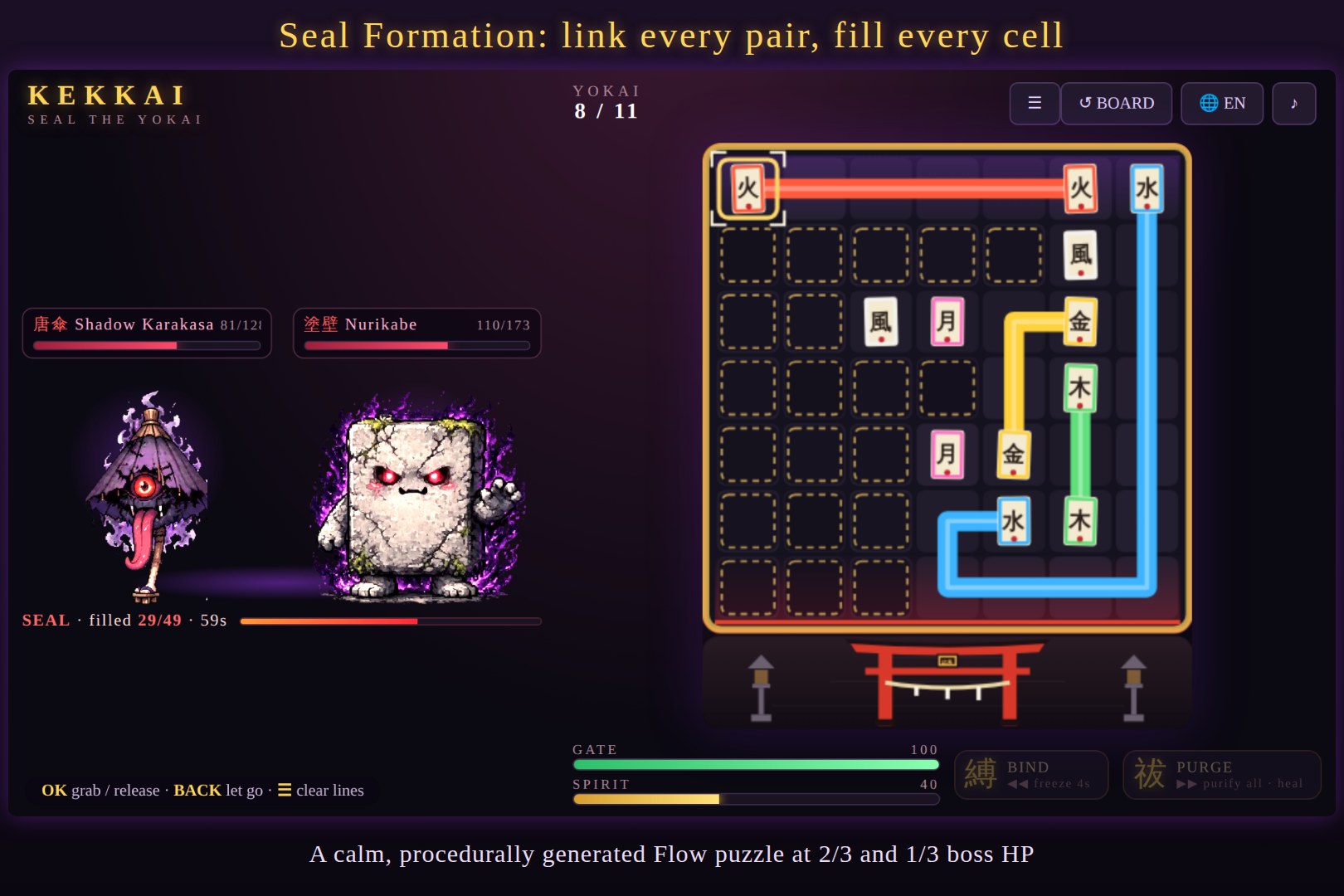
Seal Formation: a calm, procedurally generated Flow puzzle — link every pair and fill every cell for a huge blow.
-
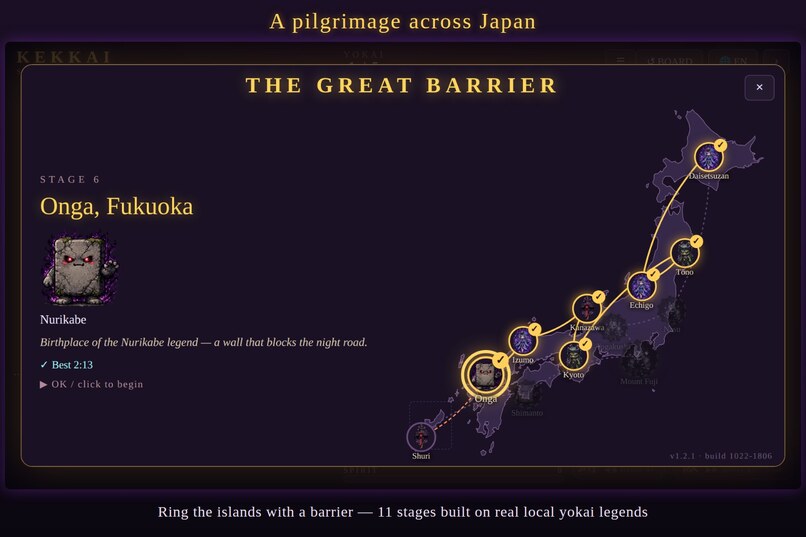
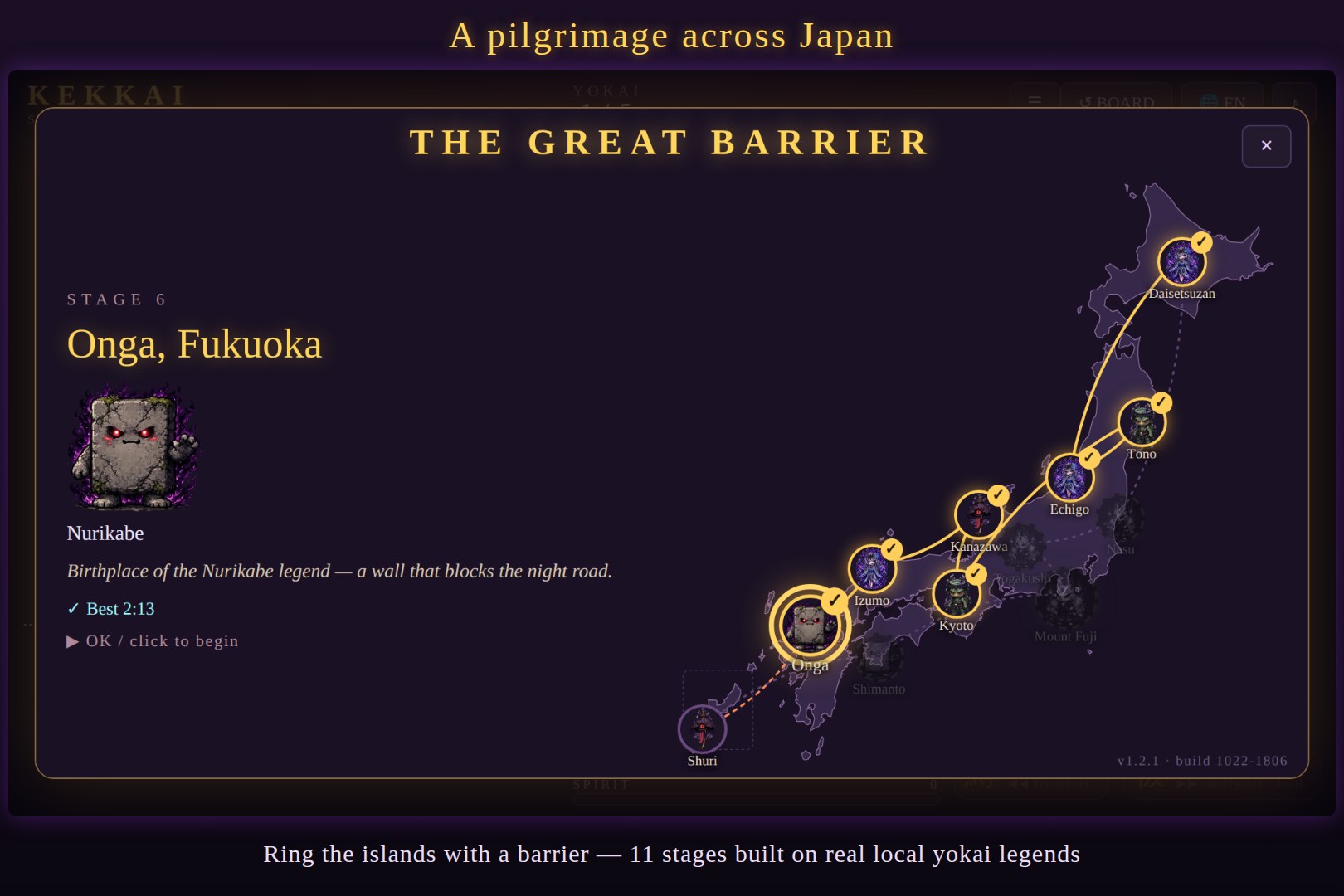
A pilgrimage across Japan: ring the islands with a barrier, from Hokkaido to Okinawa, and close it at Mount Fuji.
-
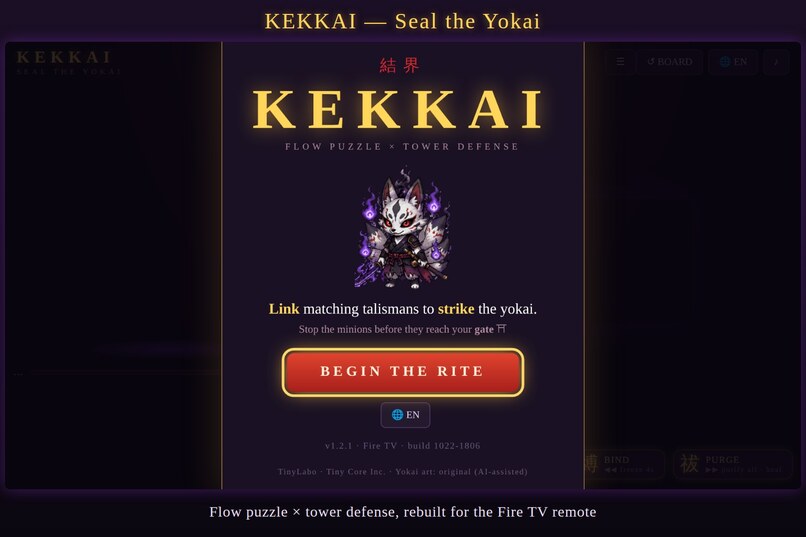
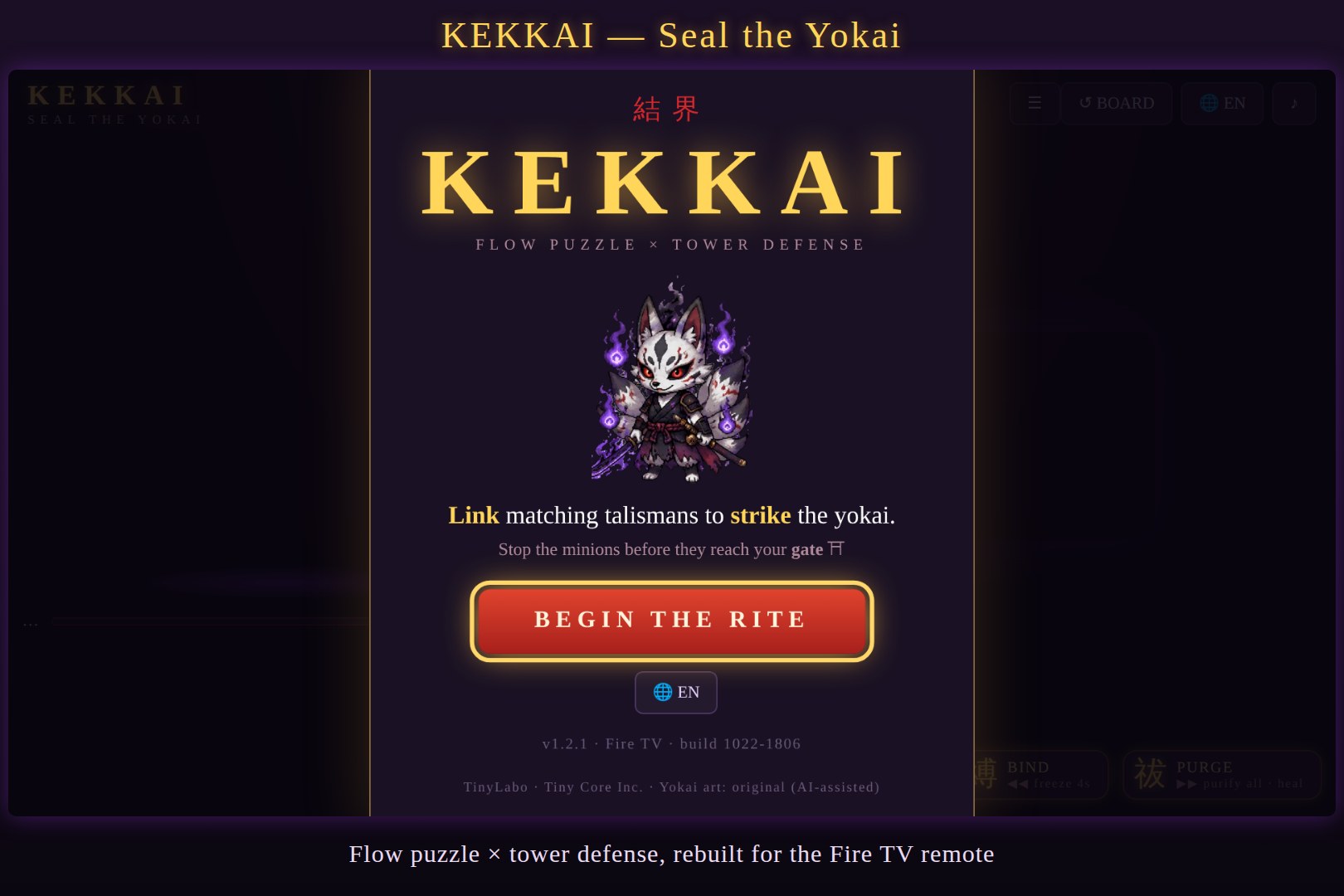
KEKKAI — Seal the Yokai. Flow puzzle × tower defense, rebuilt for the Fire TV remote.
-
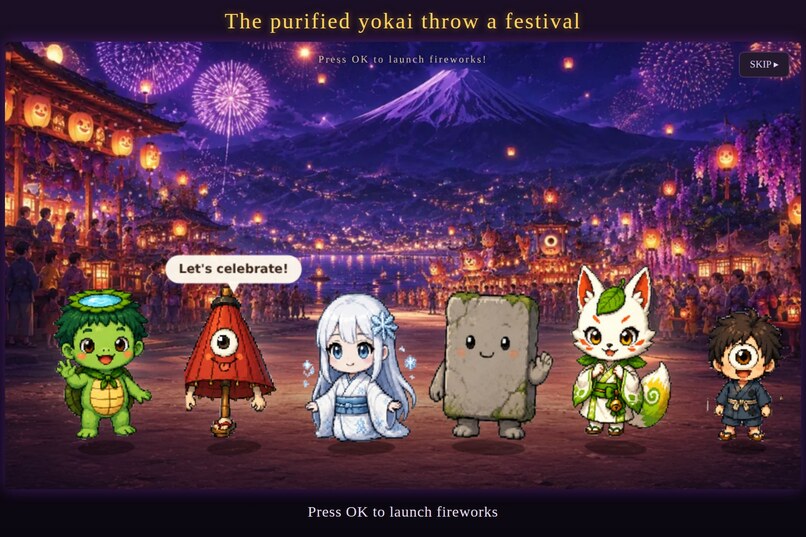
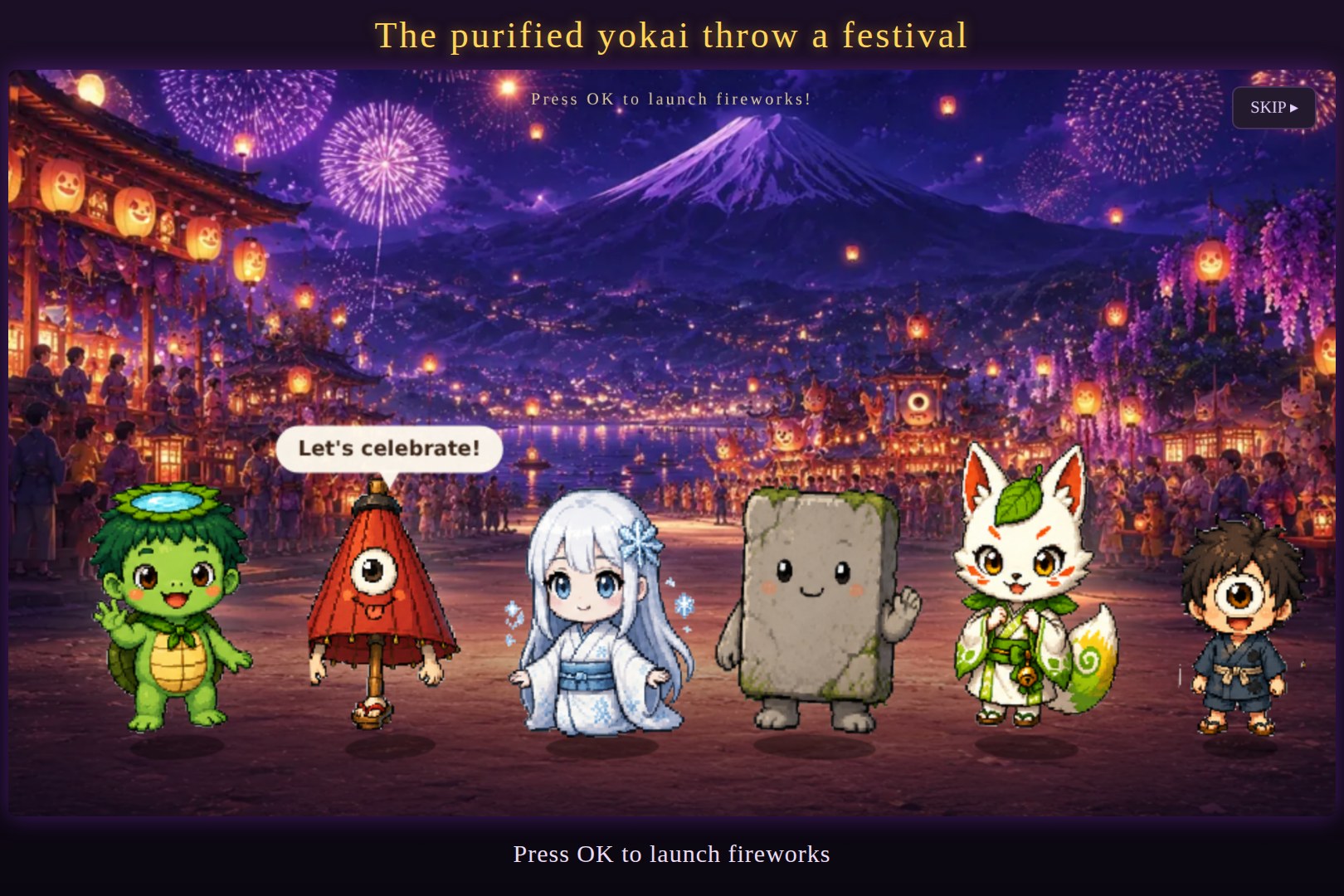
The purified yokai throw a festival — press OK to launch fireworks.
Inspiration
Most "remote-controlled games" on TV are touch or gamepad games with the D-pad bolted on — and they feel slow and clumsy. We wanted the opposite: a game whose rules are designed around the remote's limits. KEKKAI started as a browser game jam entry (flow-link puzzle × tower defense, with onmyōji talismans and yokai). On Fire TV we asked a simple question: if a player can only move one cell per button press, what should the game reward? The answer was planning instead of reflexes.
What it does
You are an onmyōji (exorcist) defending shrine gates across Japan.
- Link talismans with the D-pad. Move the cursor, press OK on a talisman, steer the line to its twin. A completed link vanishes and strikes the boss. Every minion on the line is destroyed — catch several in one stroke for a multi-kill.
- Lines paralyse. Because the remote is slow, a line that touches a minion paralyses it for 4 seconds. You don't need fast fingers — just finish the link before it wakes up.
- Every minion shows its next step. Minions follow fixed rules and display an arrow for their next move. A half-drawn line is a wall, so you can herd them into one place and sweep them all with a single link. It plays like a puzzle, not a reflex test.
- Seal Formations. At 2/3 and 1/3 of the boss's HP, the fight pauses and the board becomes a calm, pure Flow puzzle: link every pair and fill every cell. Solve it for a huge blow. There is no penalty for failing — it's a lean-back moment designed for the couch. Puzzles are generated procedurally and are always solvable.
- A pilgrimage across Japan. The stage select is a map of Japan. Your barrier rings the islands — north from Kyoto to Tōno, Echigo and Hokkaido, south through Kanazawa, Izumo, Fukuoka, Okinawa and Kōchi — and finally closes at Mount Fuji. Each stop uses a real local yokai legend: kappa of Tōno, the Nurikabe of Onga, the Killing Stone of Nasu where the nine-tailed fox was sealed.
- 11 stages plus a training stage, tag-team boss fights, a final battle at Fuji, and a festival ending.
- Remote-native controls: D-pad = move/steer · OK = grab/release · ◀◀ Rewind = BIND spell (freeze all minions) · ▶▶ Fast-forward = PURGE spell · ☰ = reset board · Back = cancel line / pause.
- 5 languages: English, 日本語, Español, Deutsch, Русский.
How we built it
- Game: a single self-contained HTML5 file — Canvas 2D + vanilla JavaScript, Web Audio for synthesized sound effects. No engine.
- Fire TV app: a native Android (Java) app hosting the game in a full-screen WebView, with a Leanback launcher banner. Arrow keys and OK reach the page directly. Back, Menu and media keys (Rewind / Fast-forward / Play-Pause) are intercepted in
dispatchKeyEventand forwarded to the game through a small JavaScript bridge. Home/screensaver pause the fight and the music. - Control redesign: the original drag input was replaced by a cursor + grab/release model. Menus use spatial focus navigation (nearest element in the pressed direction), and every screen — title, map, pause, results, ending — is fully playable with the remote.
- Seal puzzles: generated by building a random Hamiltonian path over the grid (backbite moves) and cutting it into segments, so every puzzle has a full-cover solution.
- Japan map: coastline from Natural Earth data (via world-atlas), simplified and projected at build time, with an Okinawa inset.
- Testing: automated Playwright bots play every stage with keyboard-only input (the remote's key events), verify menus, the seal formation flow and the earthquake rotation, and measure frame rates under CPU throttling.
Challenges we ran into
- Speed vs. the remote. Our first port was faithful to the browser version — and it was frustrating on TV. We redesigned the core rules (paralysis, telegraphed moves, seal formations) instead of tuning numbers.
- Performance on Fire TV. Per-frame
ctx.filteron sprites, canvasshadowBlurglows, CSS drop-shadows on animated images and a 2× device-pixel-ratio canvas made the game crawl on device. We pre-render filtered sprites once, render canvases at 1×, and skip DOM writes when nothing changed. In a 6× CPU-throttled test this went from ~3 fps to ~40–50 fps. - Flicker that only existed on device. Animated dashed strokes looked fine in desktop Chrome but shimmered on Fire TV when the whole board was covered in lines (seal puzzle). We made that overlay static and cached.
- Keys the WebView never sees. Back, Menu and media keys had to be captured natively and forwarded to JavaScript.
- The Wall's earthquake rotates the board mid-line; with the remote that used to drop your line. The line now stays held, and keys pressed during the rotation are queued.
Accomplishments that we're proud of
- It doesn't feel like a ported game: in our playtests on a Fire TV Stick, the controls went from "too slow" to genuinely comfortable after the redesign.
- The puzzle depth increased while the inputs stayed exactly the same — no extra buttons, no voice gimmicks.
- One codebase runs in the browser (mouse/touch) and on Fire TV (remote).
What we learned
- On TV, the best way to handle a slow input is to change what the game rewards: planning, reading and routing instead of speed.
- WebView games on Fire TV need a different performance budget than desktop browsers — especially for filters, blur and full-screen animation.
What's next for KEKKAI
- Publish on the Amazon Appstore with the first region free and the full pilgrimage as a one-time unlock.
- A daily Seal Formation puzzle (same puzzle for everyone each day) for families to compare times.
- More regions and local yokai legends (Tōhoku, Shikoku pilgrimage, Kyūshū).
Built With
- adb
- amazon-fire-tv
- android
- android-studio
- canvas
- fire-os
- fire-tv
- github
- gradle
- html5
- java
- javascript
- natural-earth
- playwright
- python
- web-audio-api
- webview

Log in or sign up for Devpost to join the conversation.