Inspiration
I have found that LLMs are great at summarizing and explaining text, but the journey of copy-pasting or taking screenshots and uploading the content to LLM apps is tedious and breaks the flow state I am in while reading a technical blog. Therefore, I built KeepWise, a Chrome extension.
What it does
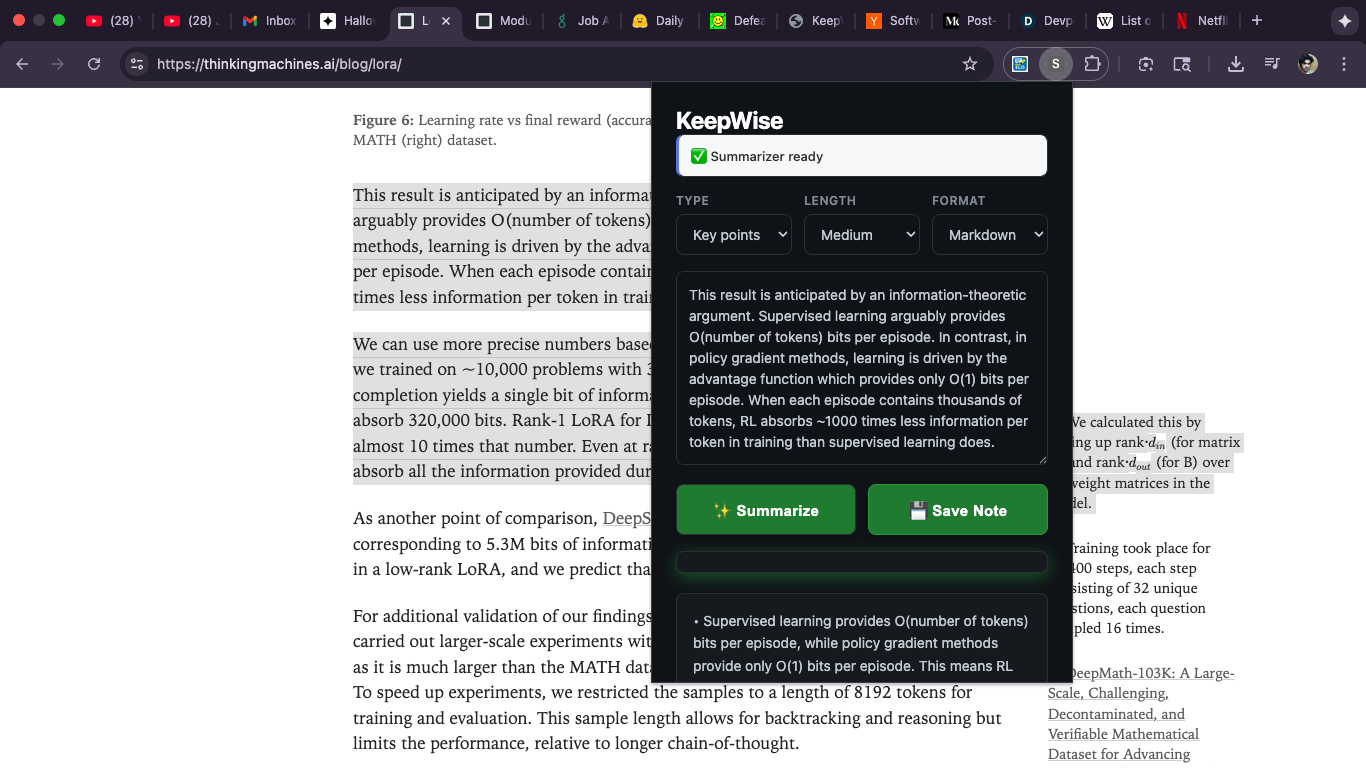
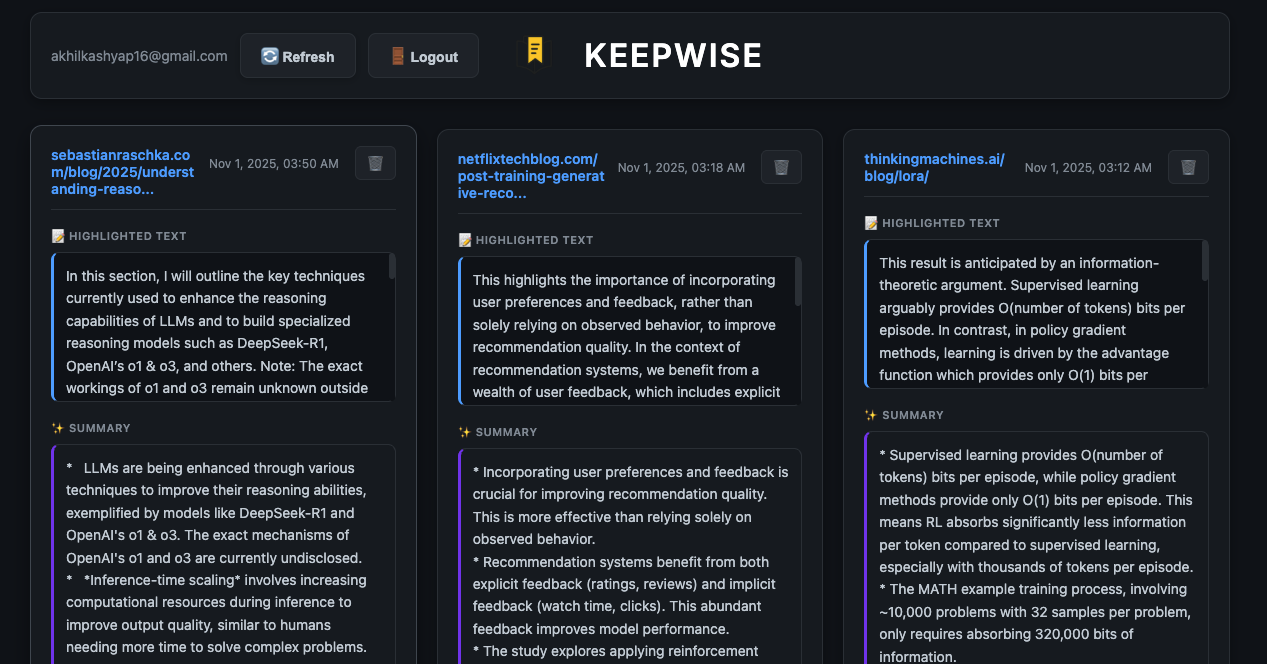
KeepWise, Chrome extension, summarizes the highlighted text in the tab, providing simple explanation. This is useful for people reading technical blogs with jargon and language that is otherwise difficult to parse. Users can also save these summaries to their notes and later view it on the KeepWise website.
How we built it
- The content script acts as a bridge between the web pages and extension. It automatically injects into all pages. It listens for messages from the extension popup, and extracts the selected text using
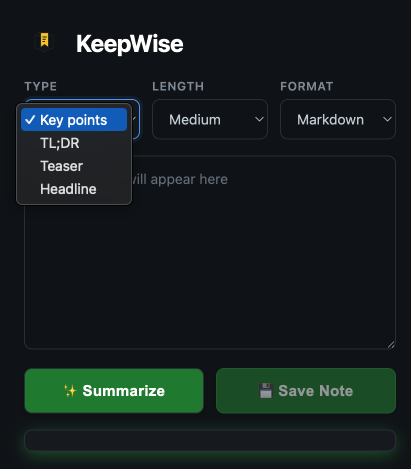
window.getSelection(). - Popup UI: The popup contains the text summarization interface, the save notes button, and customization options for the summary.
- Summarizer API: Chrome's built-in summarizer API powered by Gemini Nano provides the summary of the highlighted text. The highlighted text never leaves the browser for summary.
Challenges we ran into
DevTools panel runs in separate context from inspected page. Therefore, we can't directly access window.getSelection() from panel. We needed to use chrome.devtools.inspectedWindow.eval() for page access.
What we learned
Firebase's AI support is brilliant. I was able to navigate the complex dashboard through natural language with the help of Gemini. I learnt about local LLMs and the related offerings by Google.
What's next for KeepWise
I want to support images, too. Right now KeepWise only supports text since the Summarizer API allows only text as the input. I will expand the functionality by using a multi-modal API.


Log in or sign up for Devpost to join the conversation.