-
-
Opening frame of the KD Subs demo, built with Codex and GPT-5.6.
-
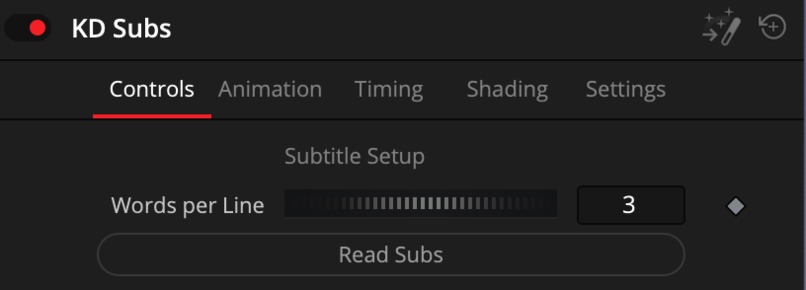
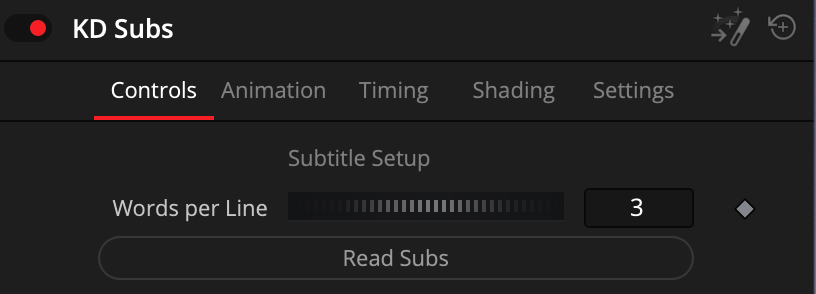
The initial KD Subs interface in DaVinci Resolve, before subtitle processing.
-
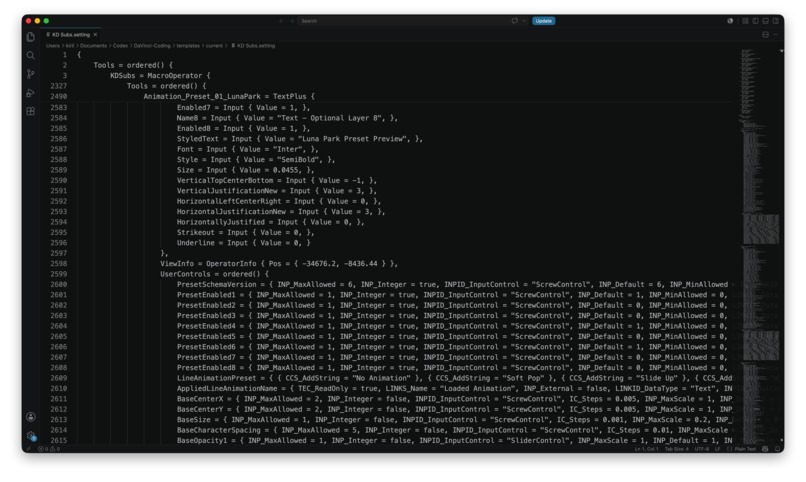
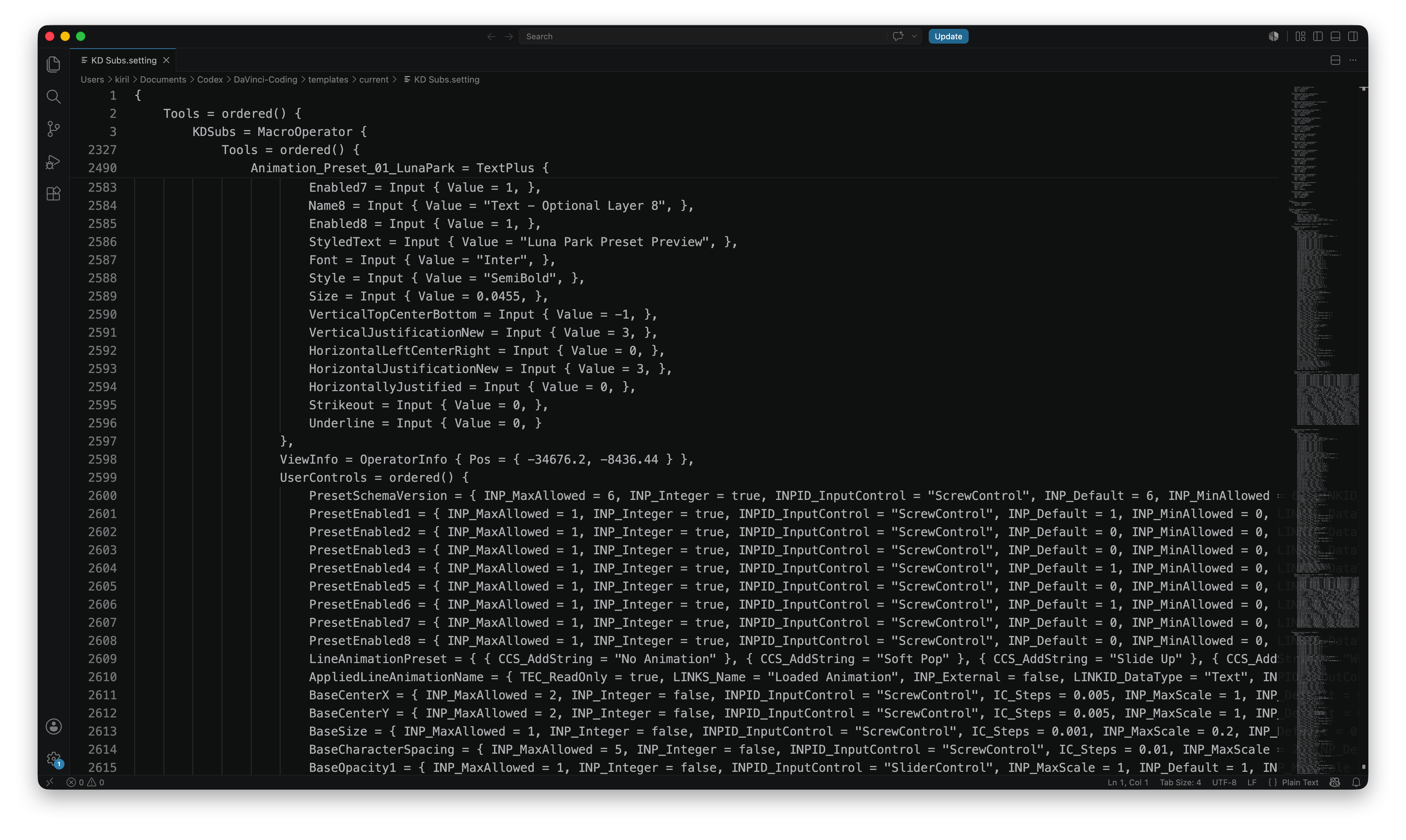
Embedded Lua and Fusion logic powering timing, highlighting, presets, and safeguards.
-
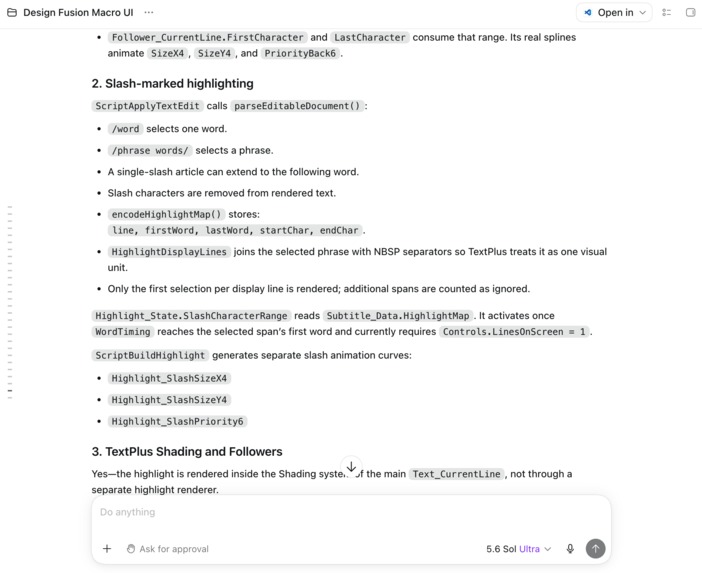
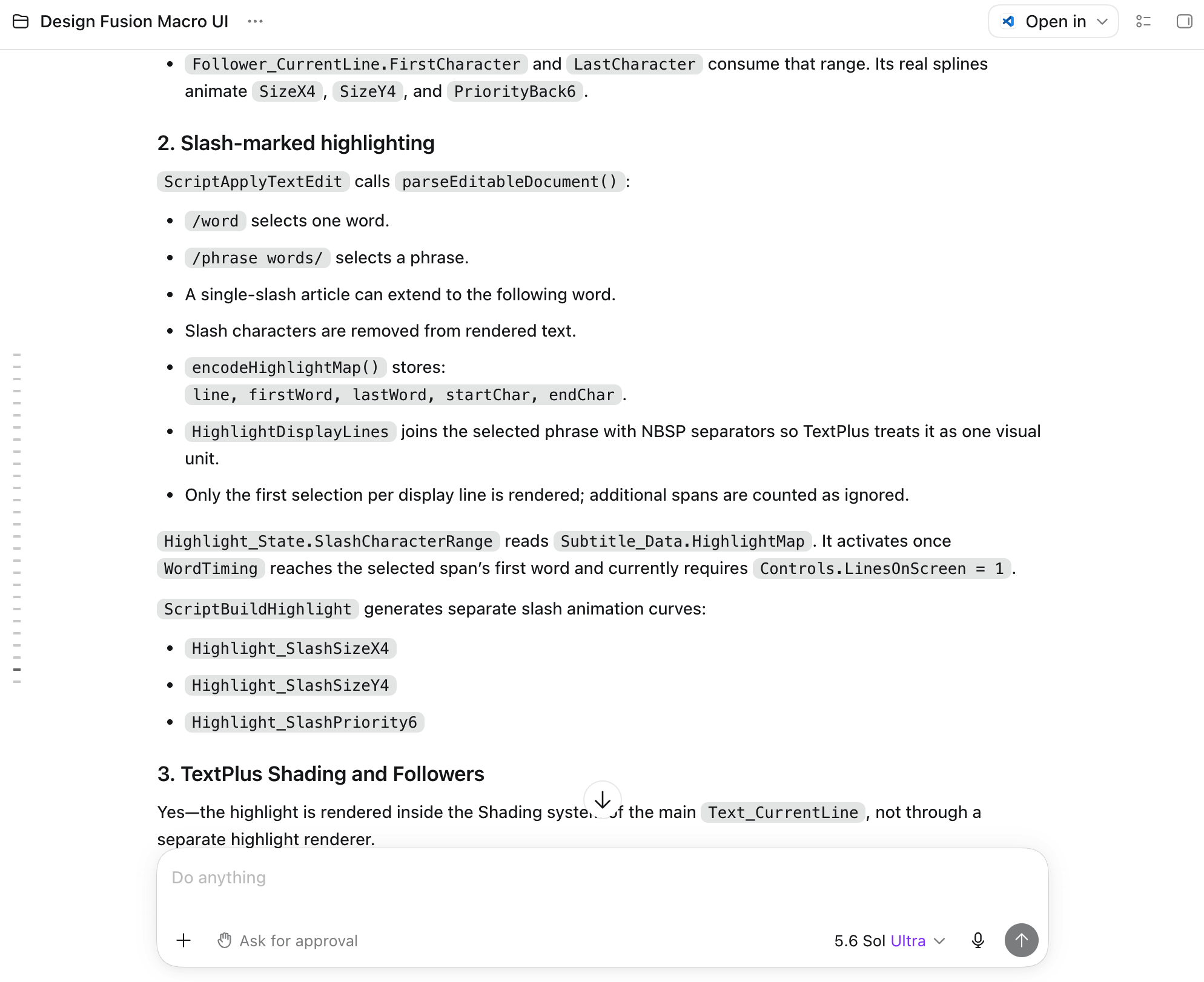
Codex analyzing the project architecture and proposing a controlled implementation plan.
-
KD Subs turns an existing subtitle track into editable, word-timed animated captions.
-
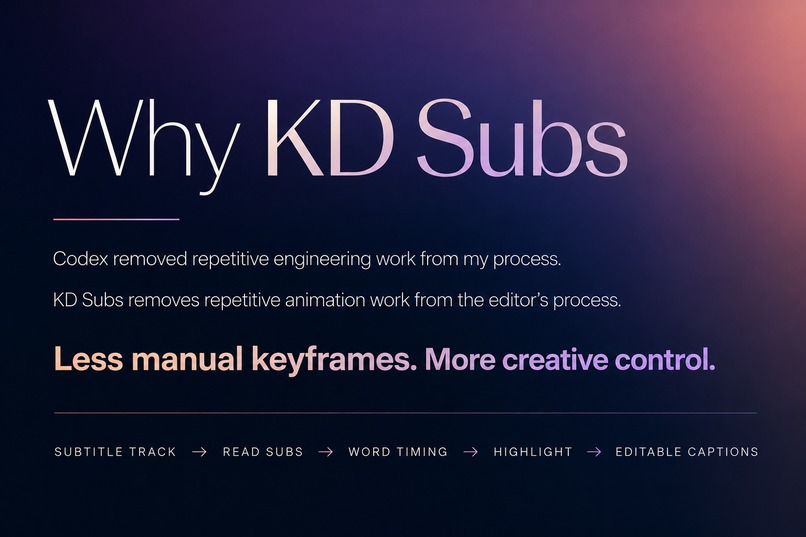
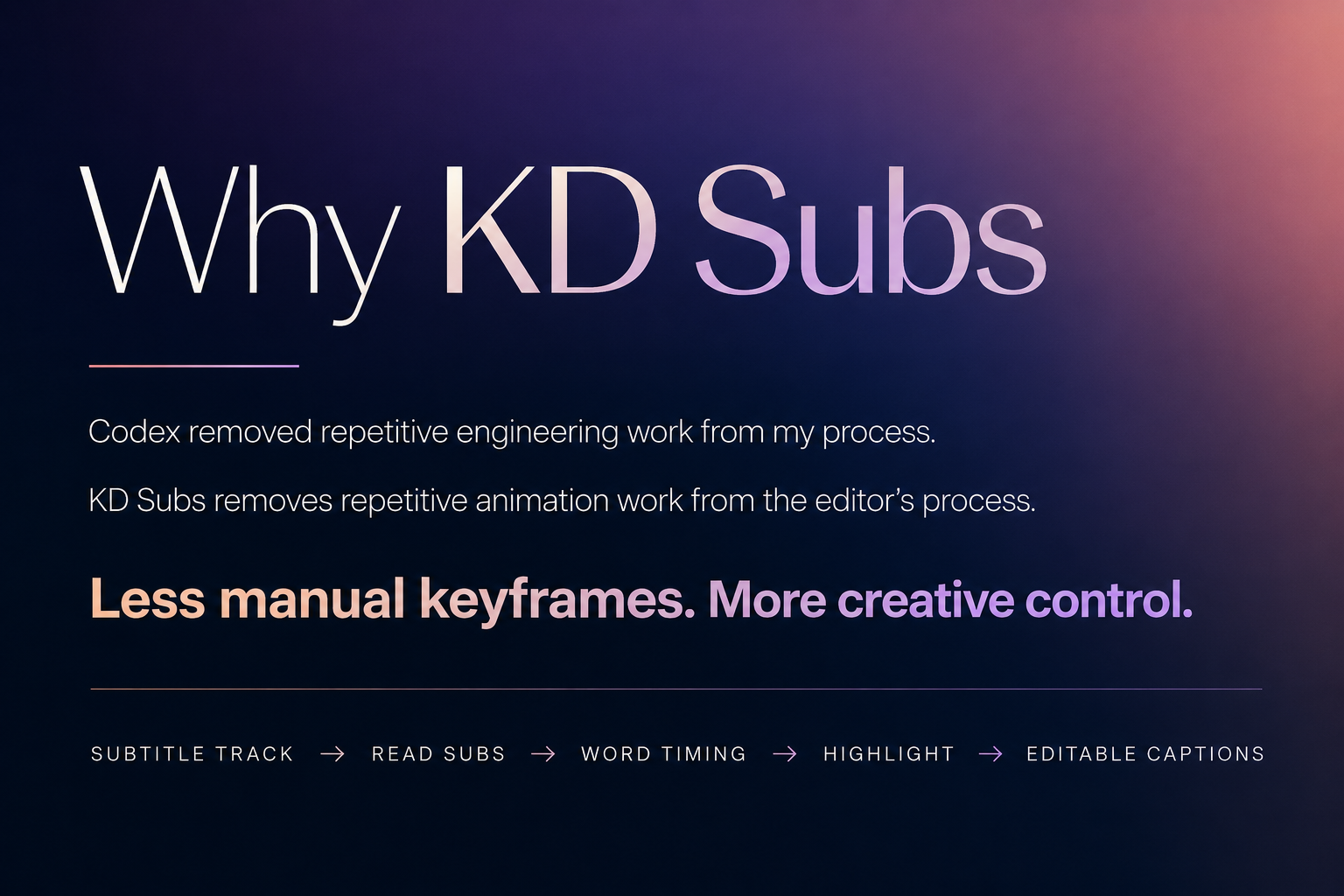
Codex automates engineering work; KD Subs automates repetitive subtitle animation.
Inspiration
KD Subs began as an idea several months before OpenAI Build Week.
As a motion designer working in DaVinci Resolve, I often create animated subtitles for short-form videos. From the outside, this kind of work can look simple: add some text, highlight the current word, and animate it.
In practice, professional subtitle animation requires a surprising amount of repetitive technical work. Every word or subtitle block must be timed, styled, animated, tested, and adjusted. Even a small change can mean finding the correct layer, expression, or group of keyframes and replaying the same few seconds again and again.
I already knew what kind of tool I wanted to build. The difficult part was implementing it inside Fusion. The project required a large interconnected node structure, Lua scripting, expressions, timing logic, UI controls, and repeated testing inside DaVinci Resolve. Because of that complexity, I kept postponing its development.
Before starting the main implementation, I prepared a dedicated development environment for Codex. I organized the project, documented its architecture, added reference templates and examples, extracted reusable patterns from my earlier Fusion projects, and wrote project-specific instructions.
That preparation changed my relationship with the project. Instead of spending most of my time fighting implementation details, I could focus on animation, usability, and the experience of the editor who would eventually use the tool.
What it does
KD Subs turns an existing DaVinci Resolve subtitle track into editable, word-timed animated motion graphics without requiring the editor to leave Resolve.
The editor places the template above an existing subtitle track and runs the subtitle-reading process. KD Subs then:
- reads the relevant subtitle clips;
- divides their content into individual words and display lines;
- calculates the timing of words and subtitle blocks;
- generates animated TextPlus output;
- synchronizes the active-word highlight with speech;
- rebuilds the animation and its keyframes from a single action.
The editor can then concentrate on the visual result: choosing fonts, colors, gradients, layout, highlight styling, and animation presets.
Without a tool like this, similar captions often require every word or block to be positioned and animated manually. Another common solution is to move the project into a separate application such as CapCut. KD Subs keeps the process inside DaVinci Resolve while preserving the control and editability expected from a professional Fusion template.
How we built it
I treated Codex as an engineering partner rather than as a replacement for product or motion-design expertise.
My role was to define:
- the editing workflow;
- the desired animation behavior;
- the user interface;
- Fusion-specific architectural constraints;
- the standard of visual quality;
- whether the result actually felt practical inside Resolve.
Codex helped with implementation, refactoring, Lua and Fusion syntax, understanding relationships across the project, maintaining documentation, and working through complex technical changes.
The development workflow was:
- Describe the feature and its intended user experience in project notes.
- Ask Codex to inspect the existing architecture and propose a plan.
- Review the plan and correct its assumptions where necessary.
- Let Codex implement the approved solution.
- Test the result manually inside DaVinci Resolve.
- Report visual, timing, or usability problems.
- Iterate and commit the stable version with Git.
The repository was prepared specifically to provide Codex with persistent context. It includes project instructions, architecture documents, implementation notes, reference templates, reusable snippets, examples, and research material.
GPT-5.6 was also used for deeper reasoning, reviewing architectural decisions, improving instructions, and helping create automated checks where the project format allowed them. Final validation still had to happen inside DaVinci Resolve because Fusion behavior, playback, UI controls, and visual timing cannot be fully verified outside the host application.
Internally, the template separates the process into several connected stages:
Subtitle Track → Speech Words → Display Lines → Word Timing → Block Timing → Highlight Map → TextPlus Output
This makes the system easier to understand, test, and extend than one large piece of tightly coupled subtitle logic.
Challenges we ran into
Building the highlight inside TextPlus
One of the most difficult features was the animated active-word highlight.
A technically straightforward solution would have been to create a separate rendering branch or additional node for the highlight rectangle. I rejected that approach because it would add unnecessary complexity to the Fusion composition.
Instead, I required the highlight to be generated through the Shading system of the same TextPlus node that renders the main subtitle. A Follower controls which part of the text receives the highlight and how that range changes over time.
Codex then had to find an implementation that respected this architectural constraint.
This is an example of how the collaboration worked: Codex proposed possible engineering paths, while my experience with Fusion determined which paths were appropriate for an actual editing template.
Removing unnecessary synchronization
Another architectural decision concerned a separate Text_Output node that could have remained as a reference for subtitle styling.
Keeping it would have required synchronizing its settings with the actual renderer. I questioned why the node was necessary at all and decided to move the relevant controls directly into Text_CurrentLine.
That reduced duplication and made the template easier to maintain.
Coordinating timing across the whole system
KD Subs does more than display subtitle text. It must keep several related timelines synchronized:
- the original subtitle clips;
- individual speech words;
- groups of words displayed together;
- block-level entrance and exit animation;
- the active-word highlight;
- the final TextPlus output.
A change in one part of the timing architecture can affect the entire animation. Codex was especially valuable here because it could follow relationships across multiple files, expressions, nodes, and UI controls without treating every change as an isolated code fragment.
Testing inside a visual host application
Many errors only become visible when the template is opened and played inside Resolve. Code can be syntactically correct while the animation still feels wrong, a control behaves unexpectedly, or a node relationship fails in a real composition.
For that reason, development required a combination of automated checks, code review, Git history, and repeated hands-on testing in Fusion.
Accomplishments that we're proud of
The main accomplishment is that KD Subs became a working creative tool rather than remaining an unfinished idea.
Without Codex, I believe I would eventually have returned to the project, but its scope would have been much smaller. It would probably have been limited to reading subtitles and displaying one word at a time.
The animated highlight system, its timing architecture, the broader user interface, and the more maintainable internal structure would likely not have been completed at this level.
I am particularly proud that KD Subs:
- solves a real problem from my own professional workflow;
- creates editable graphics rather than flattened output;
- keeps the editor inside DaVinci Resolve;
- synchronizes words, blocks, and highlighting through one system;
- rebuilds animation timing without manually moving subtitle blocks or keyframes;
- combines automation with meaningful visual control;
- is structured so that new styles and animation behaviors can be added later.
I am also proud of the development process itself. I did not send one large prompt and accept the first result. I built a documented environment in which Codex could understand the product, propose changes, receive corrections, preserve architectural decisions, and continue working across many development sessions.
What we learned
The biggest lesson was not simply that AI can write code faster.
Codex changed the level of technical difficulty I was willing to take on.
Before this project, I often evaluated a feature by asking whether implementing it would require too much manual engineering work. With Codex, the question became: what is the right way to build it?
It also became clear that strong AI-assisted development still depends on human expertise.
Codex could implement a Fusion architecture, but it could not independently know what would feel comfortable for a professional editor, which controls should be exposed, how an animation should behave, or when a technically valid solution would make the template harder to use.
The most productive division of work was:
- human expertise defining the product, constraints, and standard of quality;
- Codex handling implementation and maintaining engineering context;
- repeated testing connecting the two.
I also learned that the quality of the surrounding context matters enormously. Architecture documents, reference projects, examples, project instructions, and a disciplined Git workflow made Codex much more useful than isolated prompts ever could.
There is also a symmetry that I like in this project:
Codex removes repetitive engineering work from my development process, while KD Subs removes repetitive animation work from the editor's workflow.
In both cases, automation creates more room for creative decisions.
What's next for KD Subs
The next stage is to turn the current working system into a broader subtitle-design toolkit for DaVinci Resolve.
Planned directions include:
- additional entrance, exit, and word-animation presets;
- more active-word highlight styles;
- improved controls for line grouping and subtitle layout;
- a larger library of ready-to-use visual presets;
- further UI refinement based on real editing sessions;
- testing with different subtitle structures, languages, and frame rates;
- performance optimization for longer timelines;
- clearer installation and usage documentation;
- packaging the template for other DaVinci Resolve editors.
The long-term goal is not to remove creative control from subtitle design. It is to automate the repetitive foundation so editors can spend more time deciding how their subtitles should look and feel.

Log in or sign up for Devpost to join the conversation.