-
-
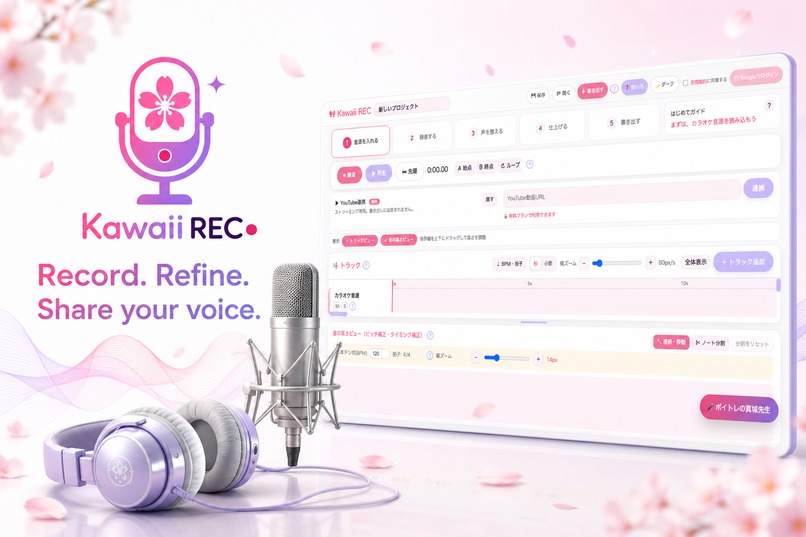
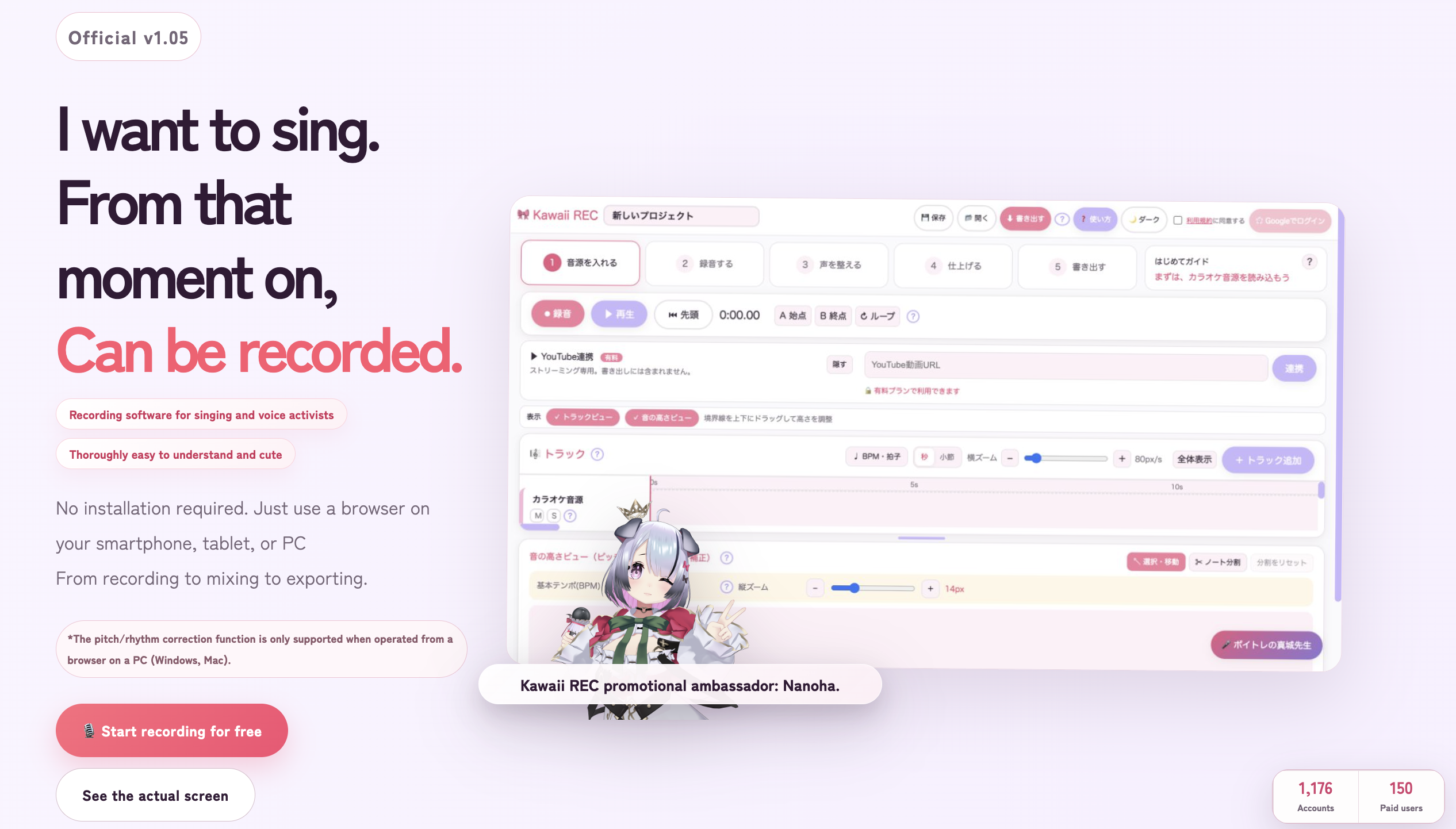
Kawaii REC — Record, refine, and share your voice from the browser.
-
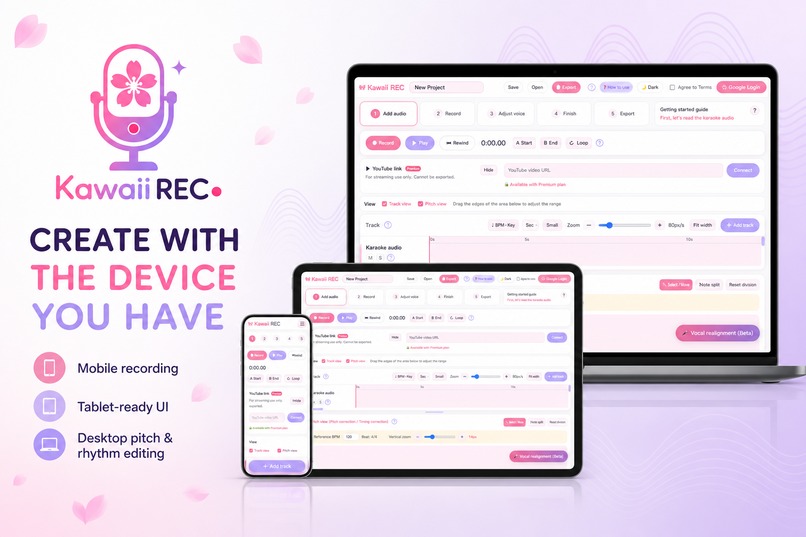
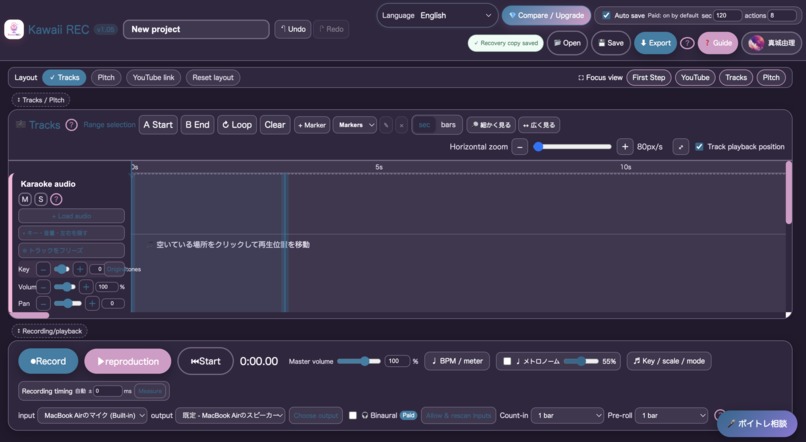
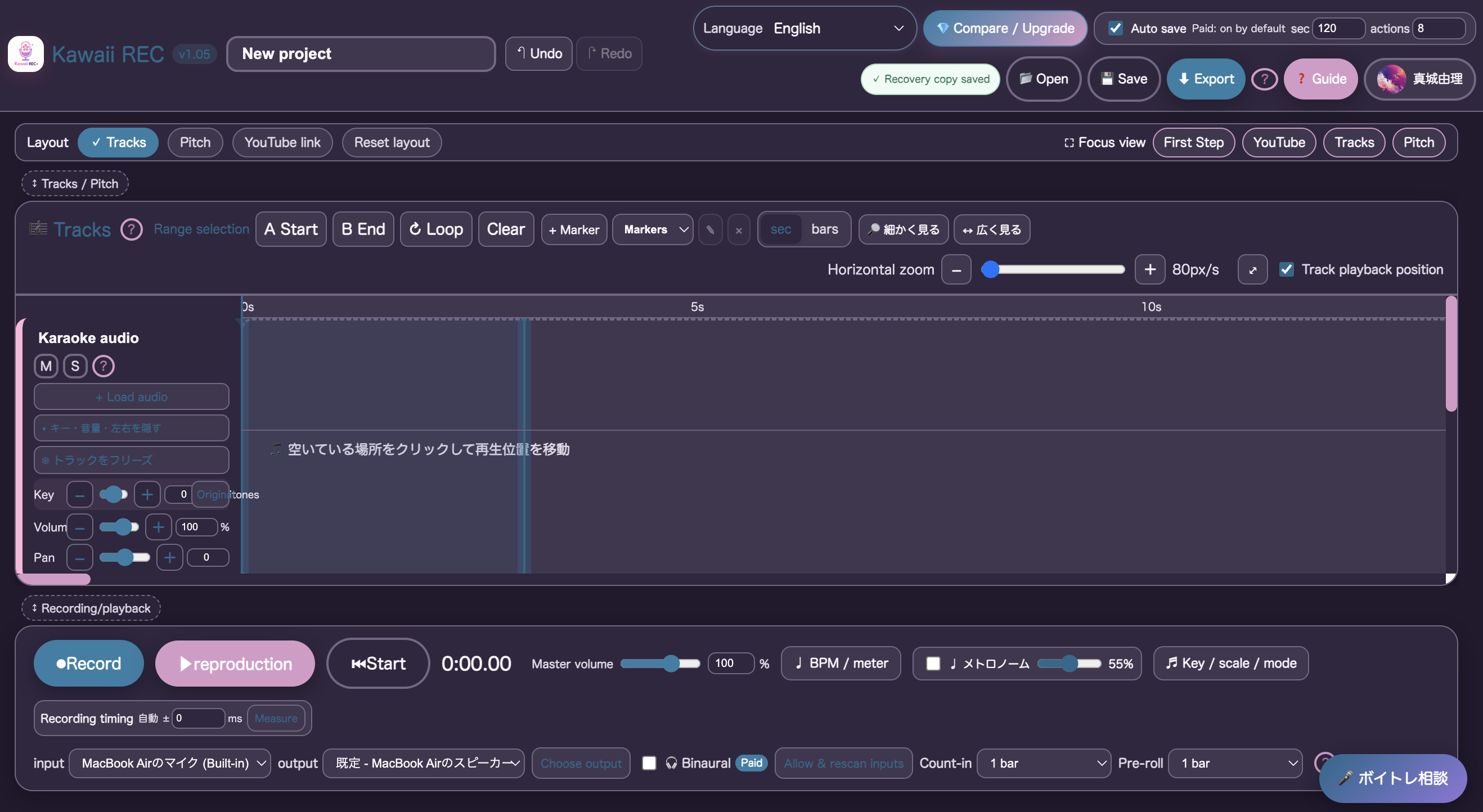
The production browser DAW: timeline, recording controls, latency tools, and device-aware processing.
-
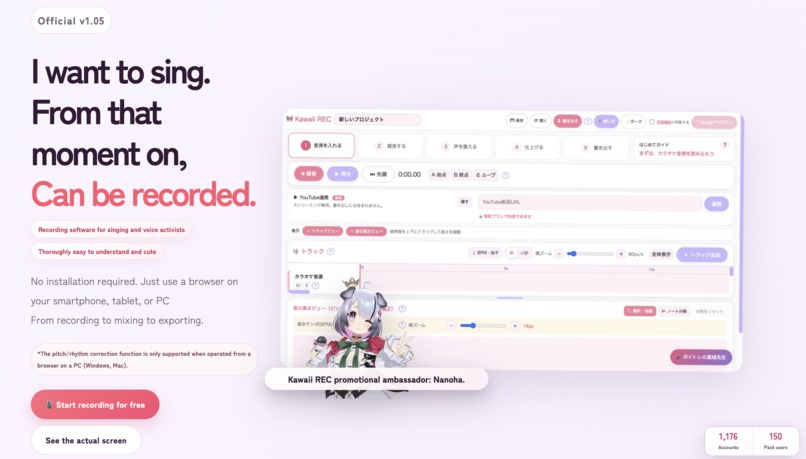
Website top page
-
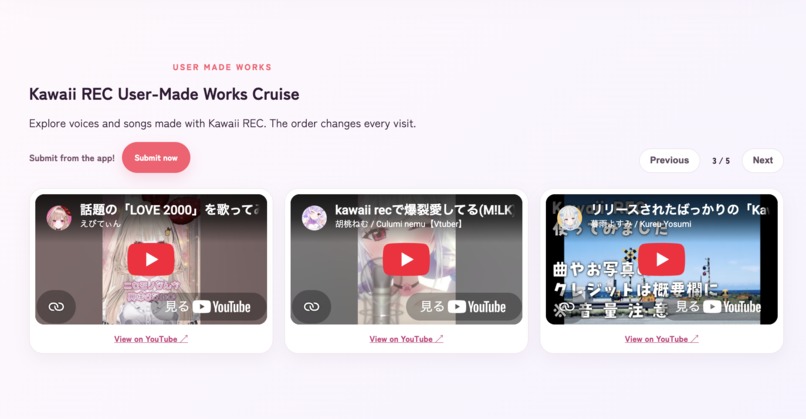
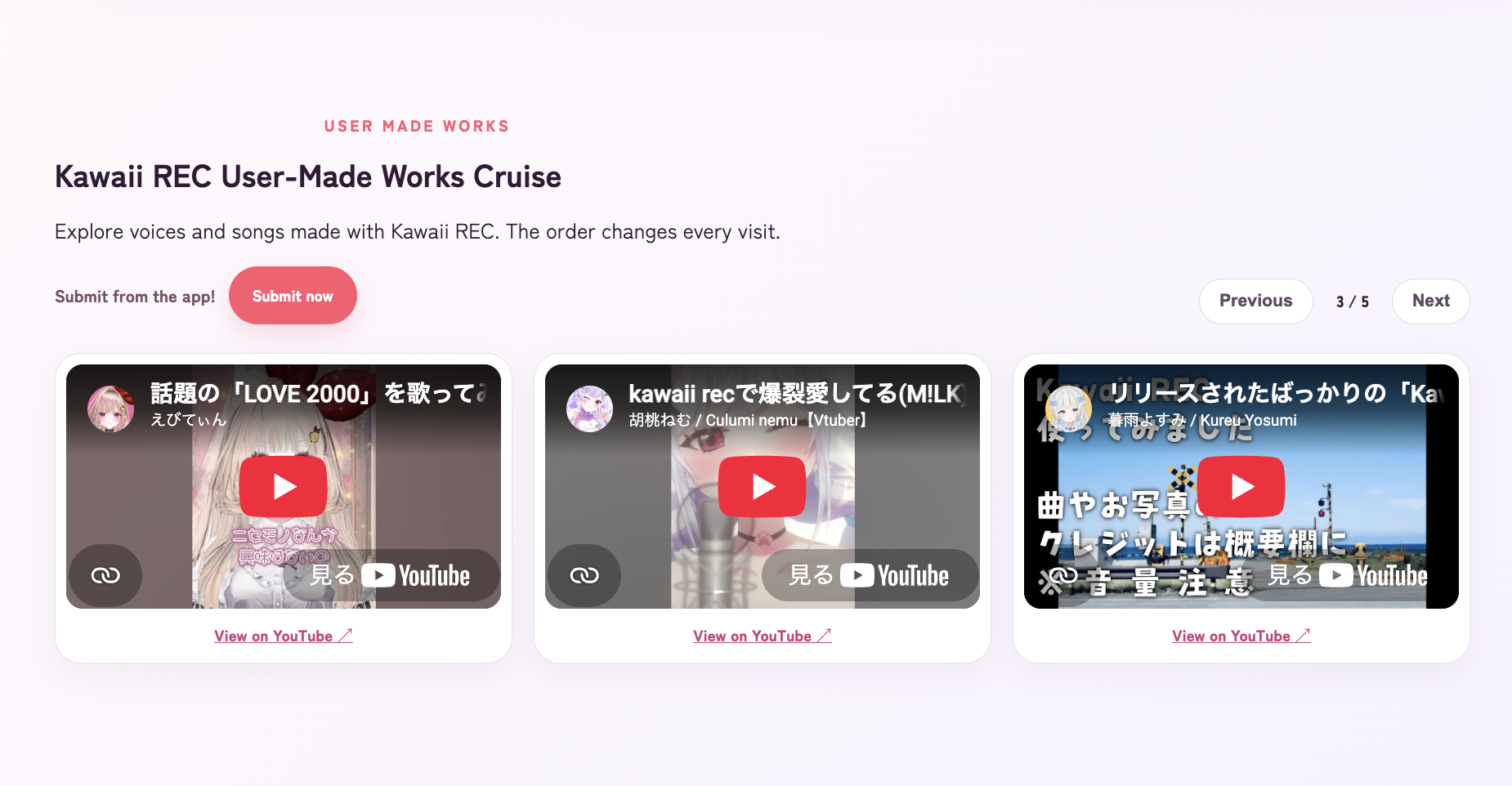
Kawaii REC User-Made Works Cruise
-
Cute and Cool Coloring
-
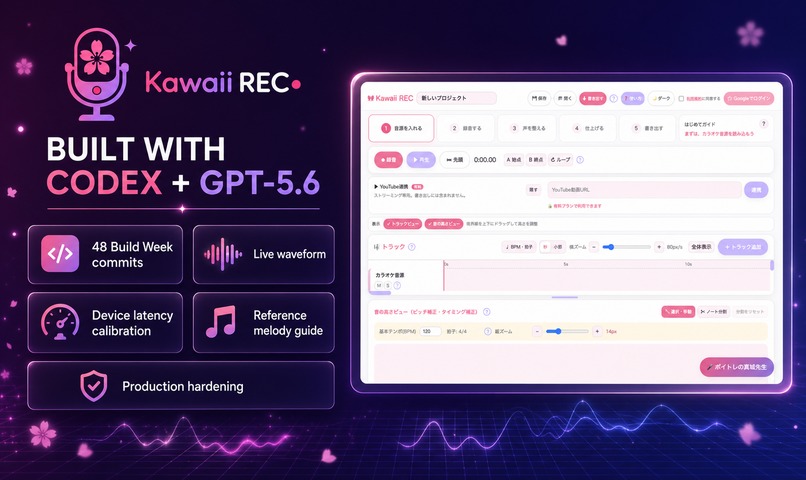
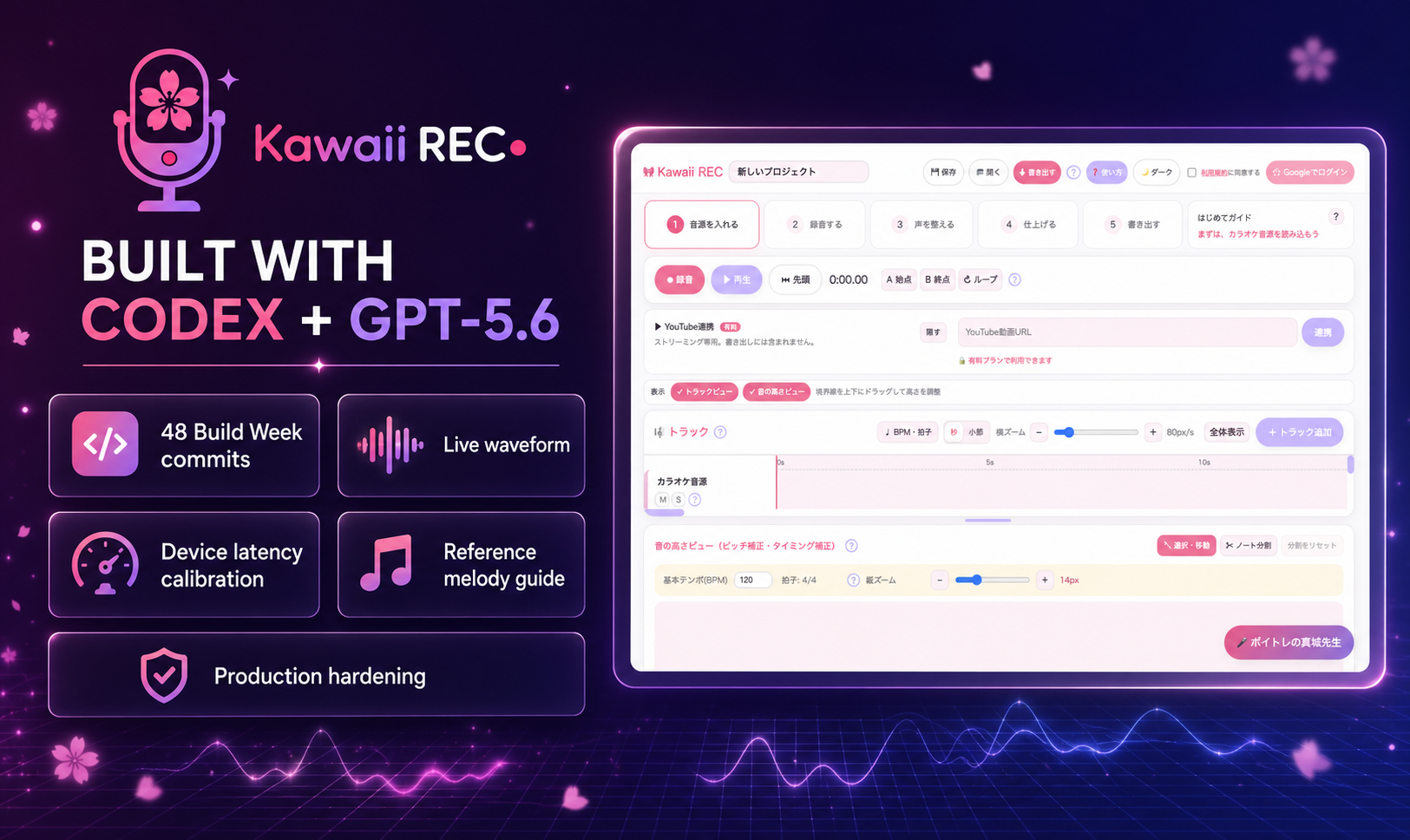
48 Build Week commits with Codex and GPT-5.6, focused on recording, vocal editing, and production reliability.
Inspiration
Voice creators—singers, VTubers, voice actors, and aspiring performers—often struggle with traditional digital audio workstations. Professional tools are powerful, but their complex setup, dense interfaces, and technical terminology can discourage beginners before they even start recording.
I created Kawaii REC with a simple belief:
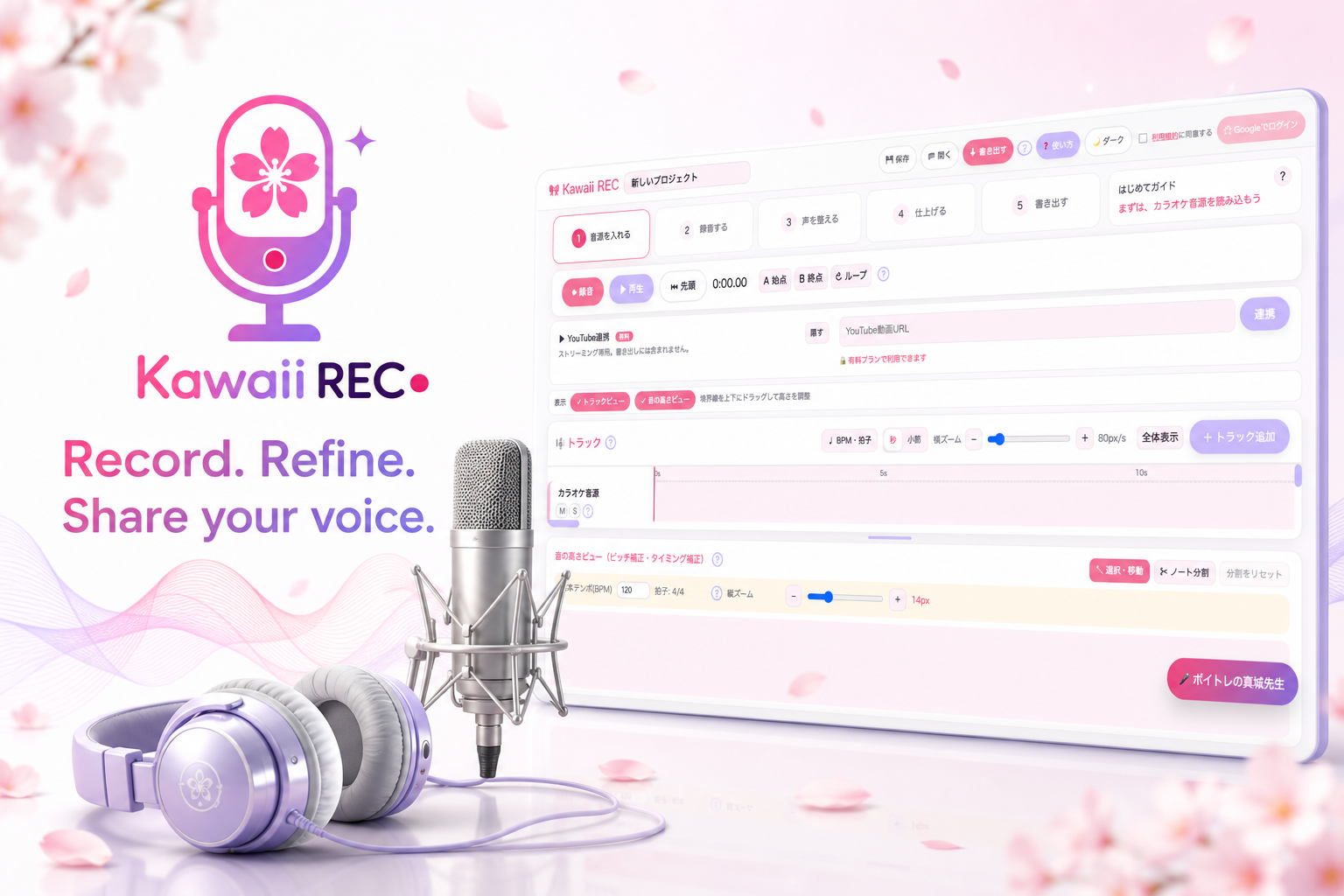
Recording software can be friendly, approachable, and cute—without giving up the tools creators actually need.
Kawaii REC is designed to help people open their browser, record their voice, refine it, mix it, and export a finished track without installing complicated software.
What it does
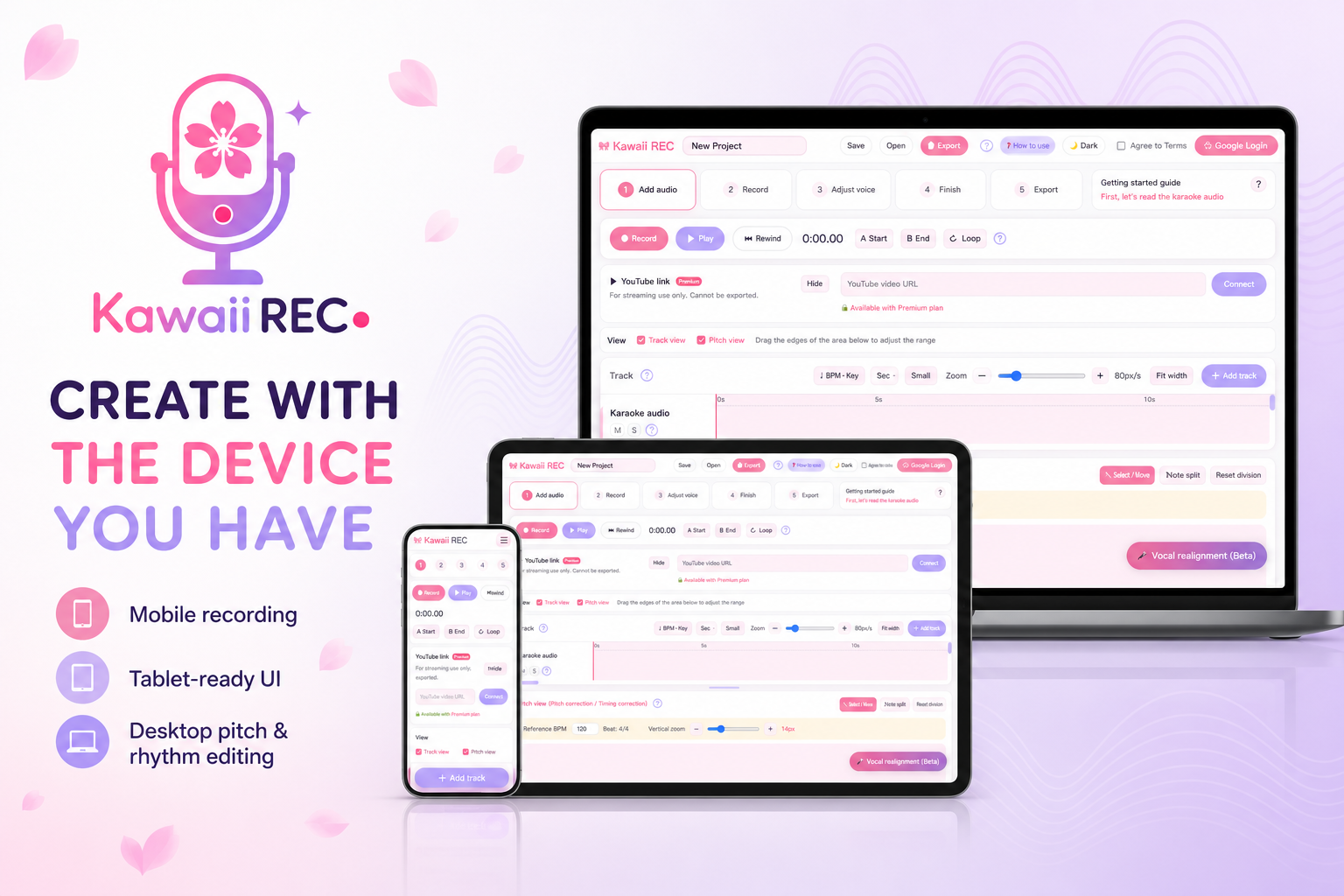
Kawaii REC is a browser-based vocal recording and editing studio for desktop, tablet, and mobile devices.
Its main features include:
- Multitrack vocal recording and editing
- Real-time recording waveforms
- Device-aware latency estimation and recording alignment
- Manual pitch and rhythm editing on a piano-roll interface
- Automatic pitch and rhythm correction
- Reference melody analysis for vocal practice
- Vocal-oriented automatic MIX presets
- Noise, lip-noise, and sibilance reduction
- Automatic harmony generation
- Metronome, tempo, meter, key, scale, and marker controls
- Stereo and binaural recording
- WAV and MP3 export
- Local and cloud project storage
- Responsive interfaces optimized for desktop, tablet, and mobile
- Three processing modes for different device capabilities
- A friendly vocal-training assistant
- Multilingual support
The product is already available as a working web application, so judges can try it without rebuilding or installing anything.
How I built it
Kawaii REC is built with React, TypeScript, Vite, Zustand, and the Web Audio API. Audio recording, playback, waveform rendering, pitch analysis, time correction, harmony generation, mixing, and offline export are handled inside the browser.
The backend runs on Cloudflare using:
- Cloudflare Pages
- Cloudflare Workers
- Cloudflare D1
- Cloudflare R2
The service also integrates Google OAuth for authentication and several payment providers for subscriptions, licenses, and gift codes.
I collaborated extensively with Codex and GPT-5.6 throughout the development process. Codex helped me inspect the full codebase, diagnose audio and UI problems, design implementation plans, write and refactor code, add tests, validate responsive layouts, deploy Cloudflare services, and repeatedly improve the application based on real user feedback.
Because Kawaii REC existed before OpenAI Build Week, I clearly separated the pre-existing product from the work completed during the submission period. During Build Week, the project was meaningfully extended through dozens of timestamped commits, including major improvements to recording reliability, latency compensation, real-time waveform visualization, device performance modes, vocal reference guides, mobile and tablet UX, background audio analysis, authentication security, operational analytics, and production stability.
Challenges
Browser audio timing
Browsers, devices, microphones, audio interfaces, and wireless headphones can all introduce different amounts of latency. Achieving reliable recording placement required combining AudioContext timing, measured input/output latency, scheduled playback, and non-destructive manual adjustment.
High-quality processing without native software
Pitch and rhythm correction can easily introduce robotic artifacts or damage vocal transients. I had to balance audio quality, responsiveness, memory consumption, and compatibility across devices.
Mobile UX for a DAW
Traditional DAWs assume a large screen, a mouse, and a keyboard. Kawaii REC needed an interface that remained understandable and usable with touch controls on a phone. The mobile workflow was redesigned around the actual journey from importing an instrumental track to recording and exporting a voice.
Performance and memory
Audio buffers, waveform data, pitch analysis, and corrected audio can consume significant memory. Heavy analysis was moved away from the main UI thread, caches were bounded, and multiple device processing modes were introduced so that users can choose between stability, speed, and higher-quality processing.
Building from real feedback
Many improvements came directly from singers, VTubers, and voice creators who tested the application. Codex allowed me to turn those reports into reproducible issues, implementation plans, verified fixes, and production deployments much faster than would normally be possible for a solo developer.
What I learned
I learned that making audio technology accessible is not simply a matter of hiding advanced controls. A successful beginner-friendly tool must guide users through an entire creative journey while still allowing deeper control when they need it.
I also learned how valuable AI-assisted development becomes when it is paired with human product judgment and real user feedback. Codex did not replace decision-making—it made it possible for one developer to investigate, implement, test, and refine a much larger product surface.
What is next
I plan to continue improving recording stability, pitch and rhythm quality, accessibility, onboarding, and device compatibility.
My long-term goal is to make Kawaii REC a welcoming first recording studio for voice creators around the world—especially people who have a voice they want to share but have been intimidated by traditional production software.

Log in or sign up for Devpost to join the conversation.