-
-
Cover
-
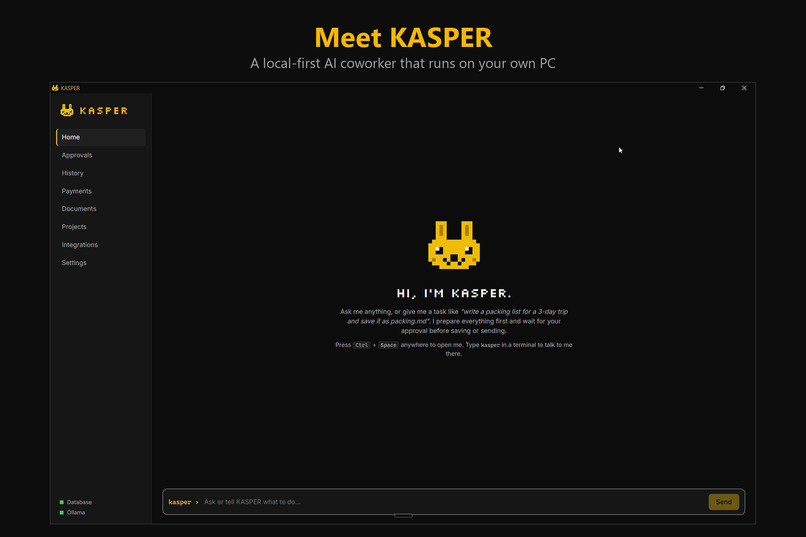
Home page
-
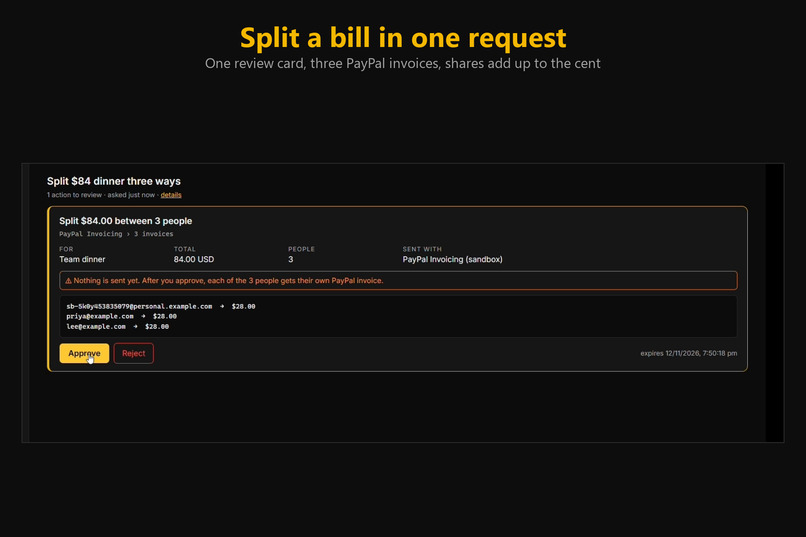
Split Bills
-
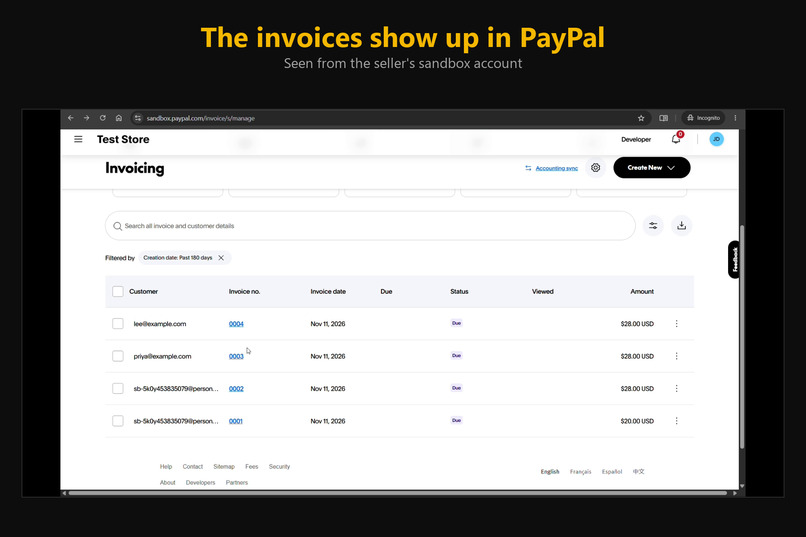
Seller Invoices
-
Receipts
-
PayPal Checkout
-
Invoice Review
-
Review
-
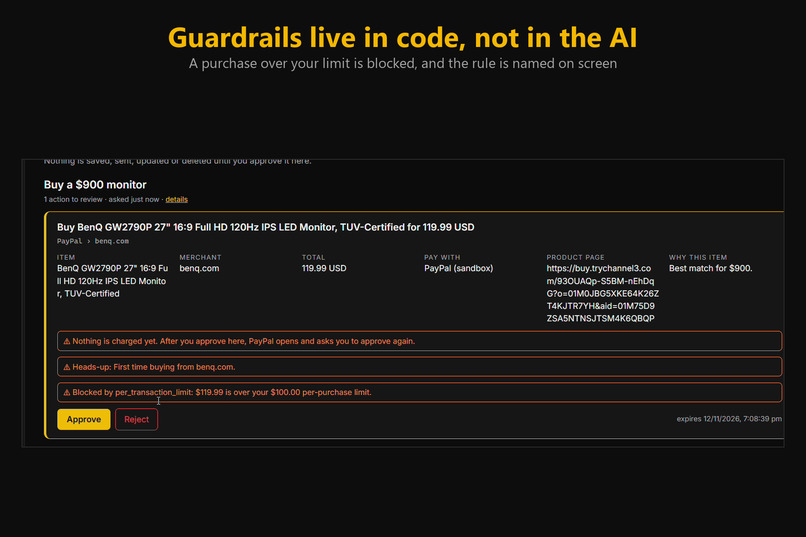
Blocked
-
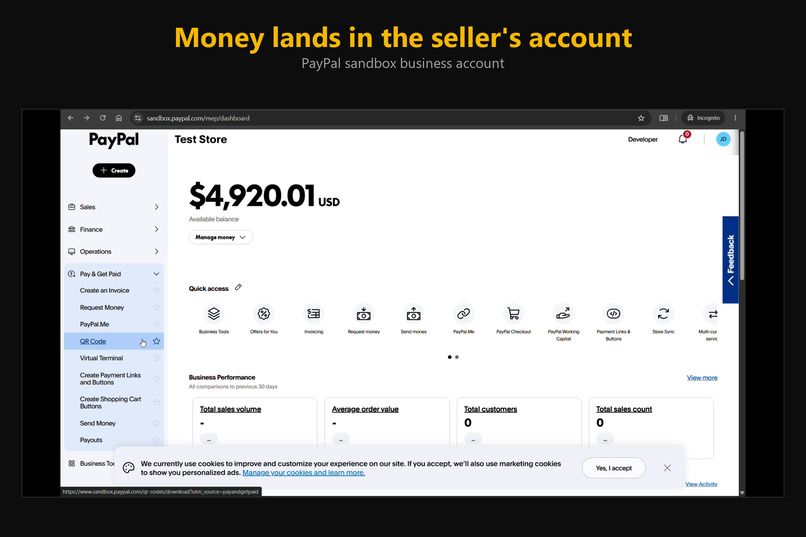
Seller Balance
-
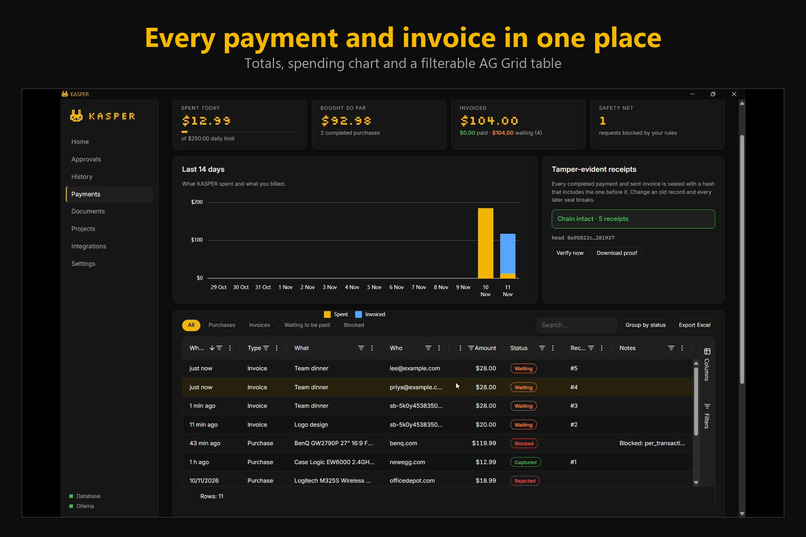
Payments
-
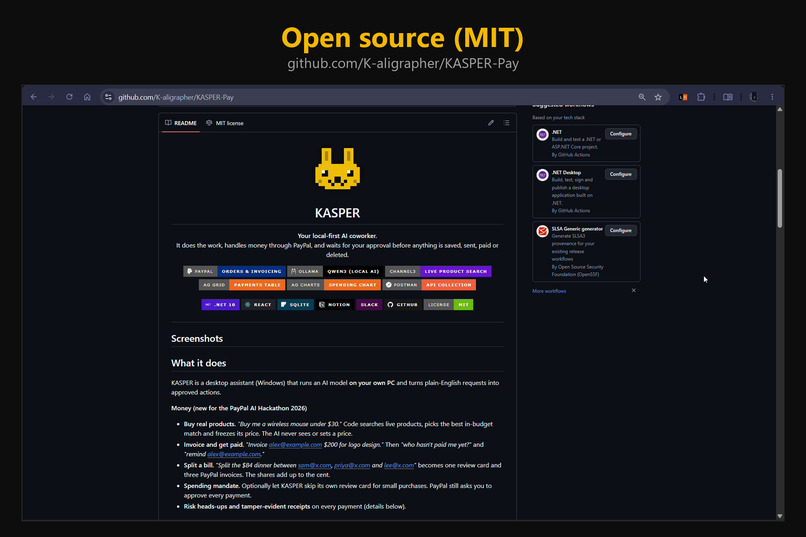
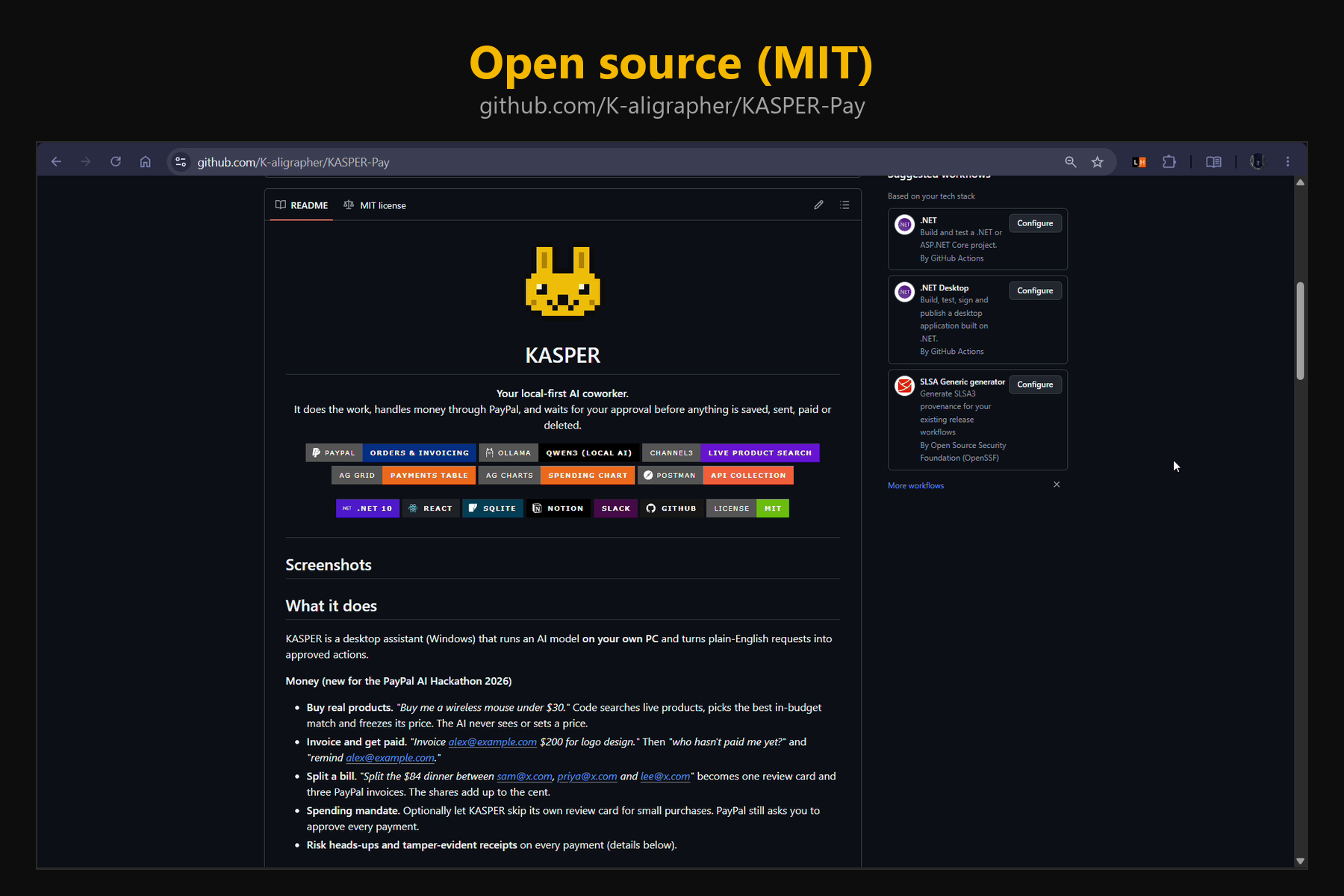
Repository Page
-
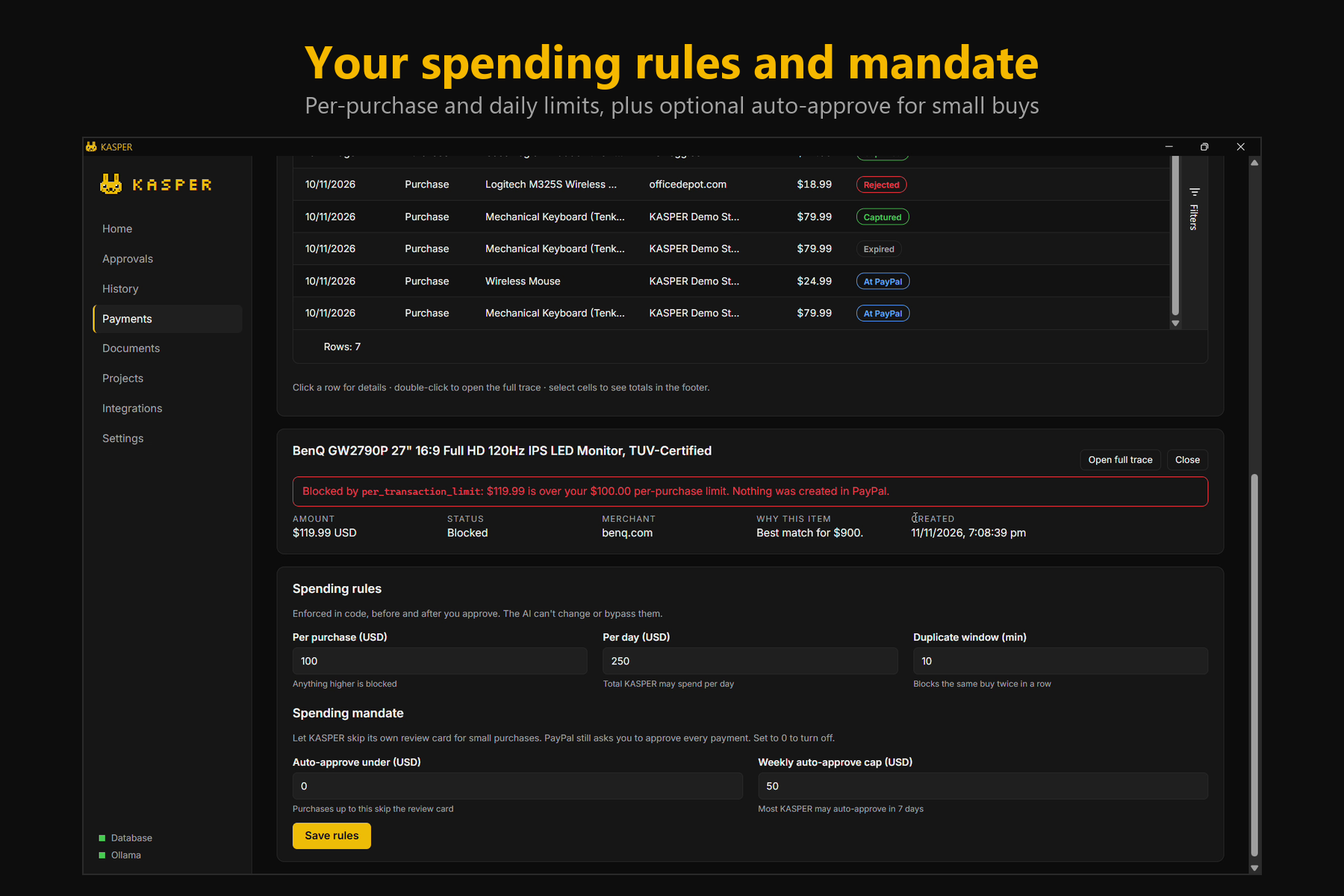
Spending Rules
Inspiration
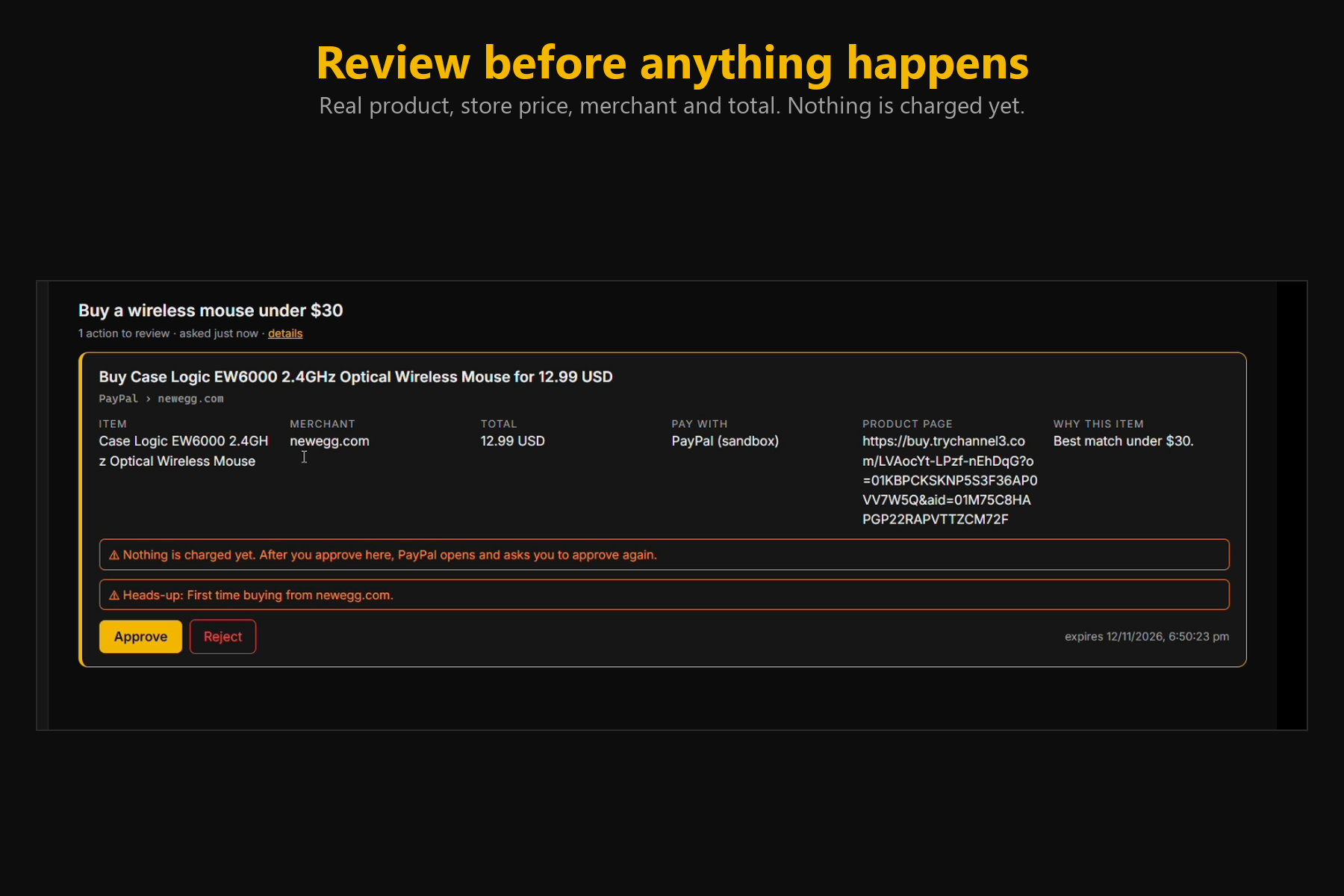
AI agents are starting to handle money, but nobody trusts them with a wallet. At the same time, freelancers and small teams lose hours invoicing clients, chasing payments and splitting bills. We wanted an AI that does that work but is useful because it is constrained: it proposes, code checks, and you approve.
What it does
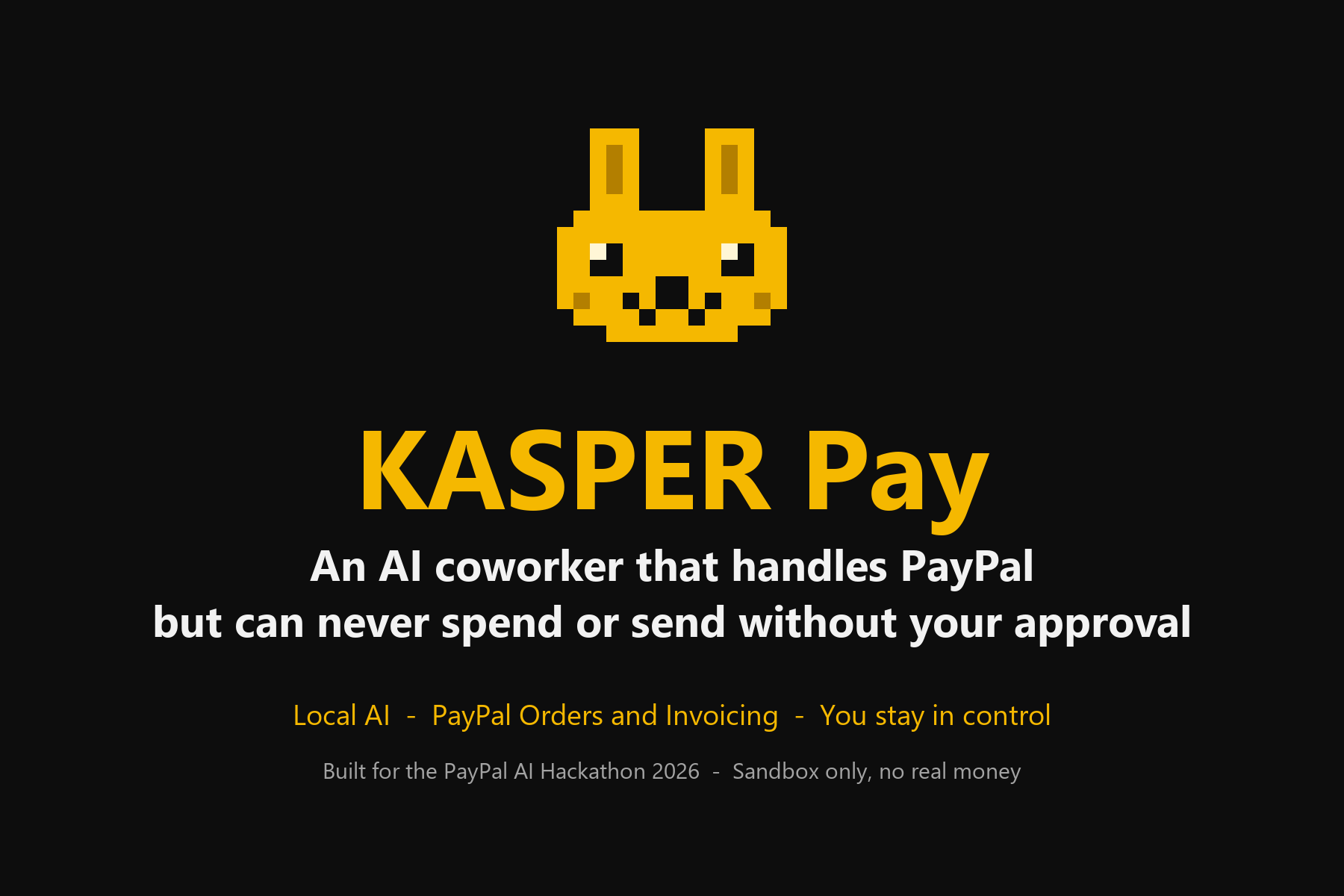
KASPER Pay adds PayPal to KASPER, a local-first AI coworker for Windows. You ask in plain English:
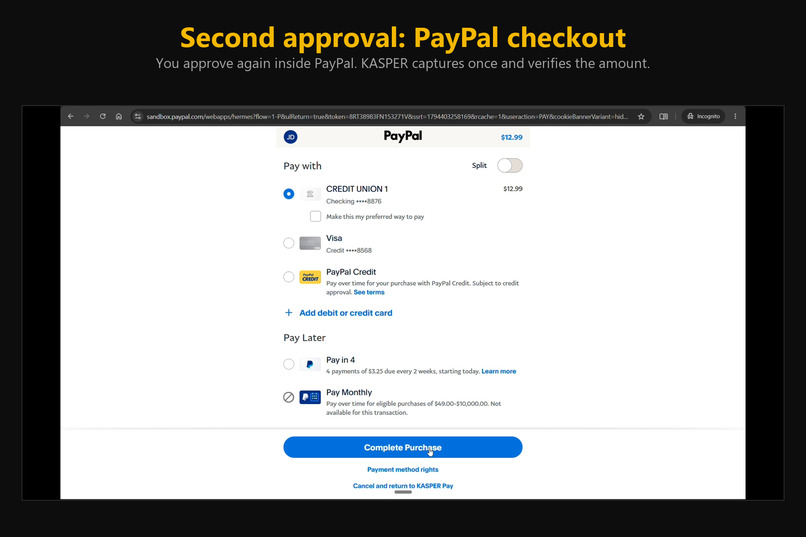
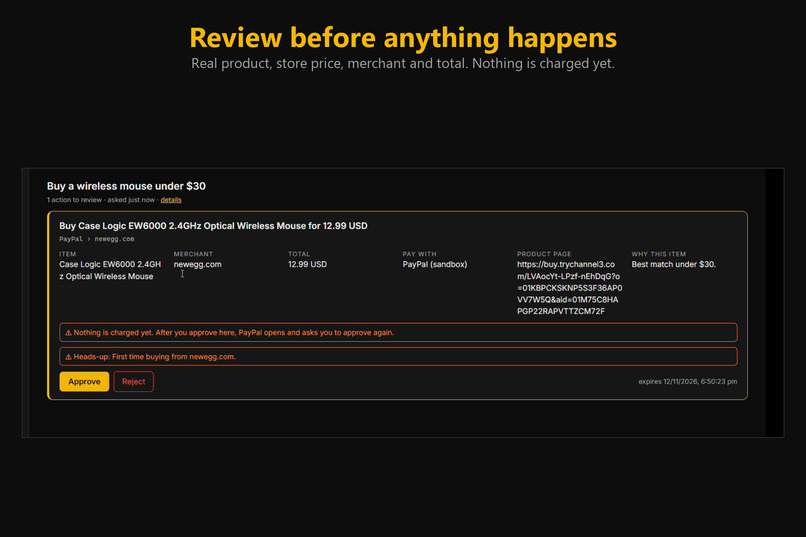
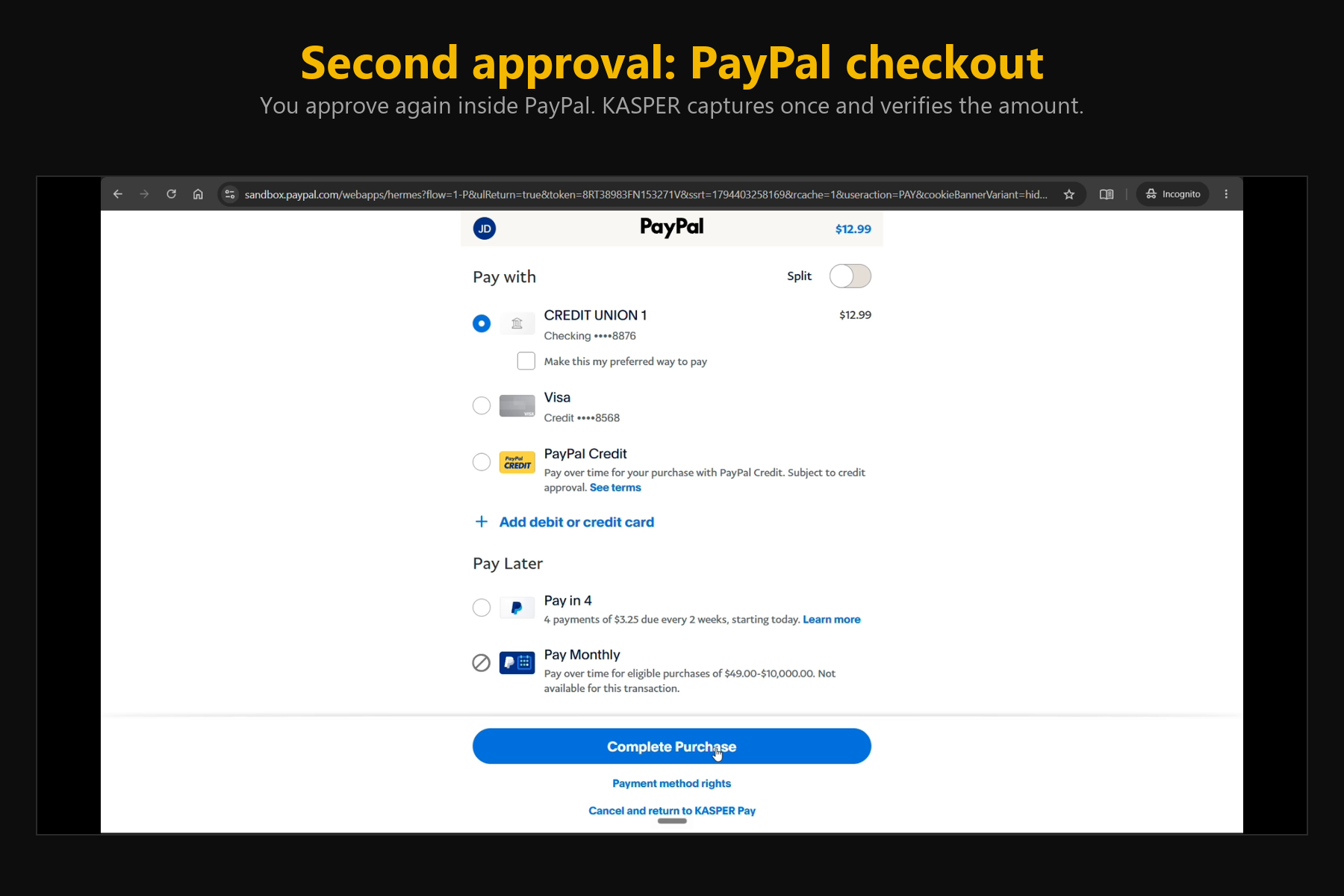
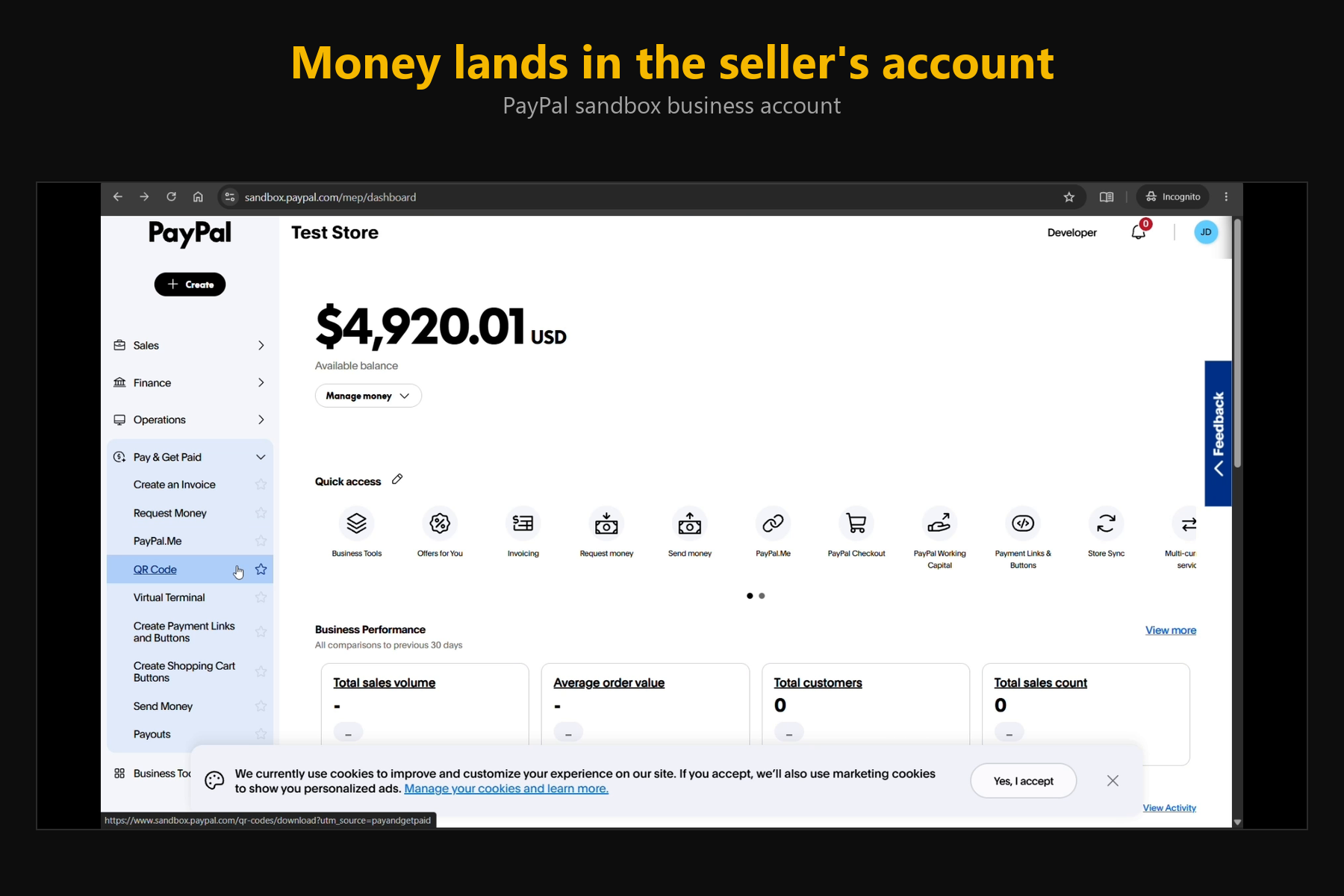
- "Buy me a wireless mouse under $30": code searches live products (Channel3), freezes the price, and shows a review card. You approve in KASPER, then approve again in PayPal. KASPER captures once and verifies the amount and currency.
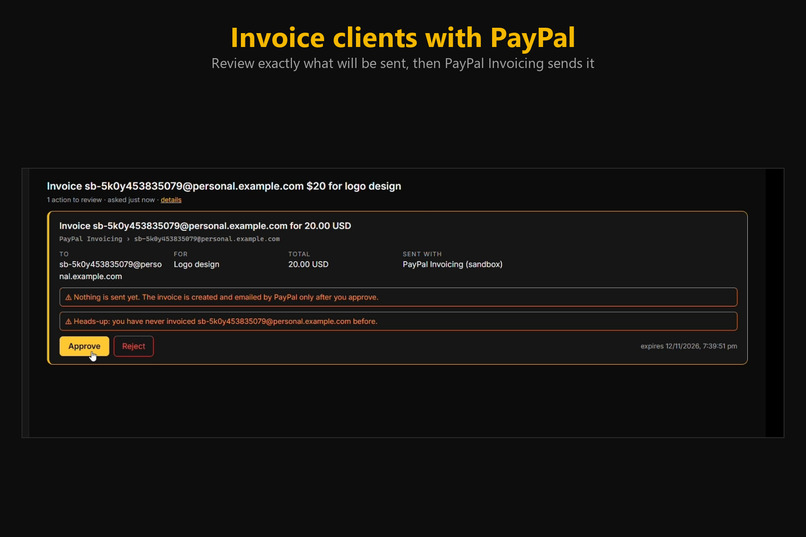
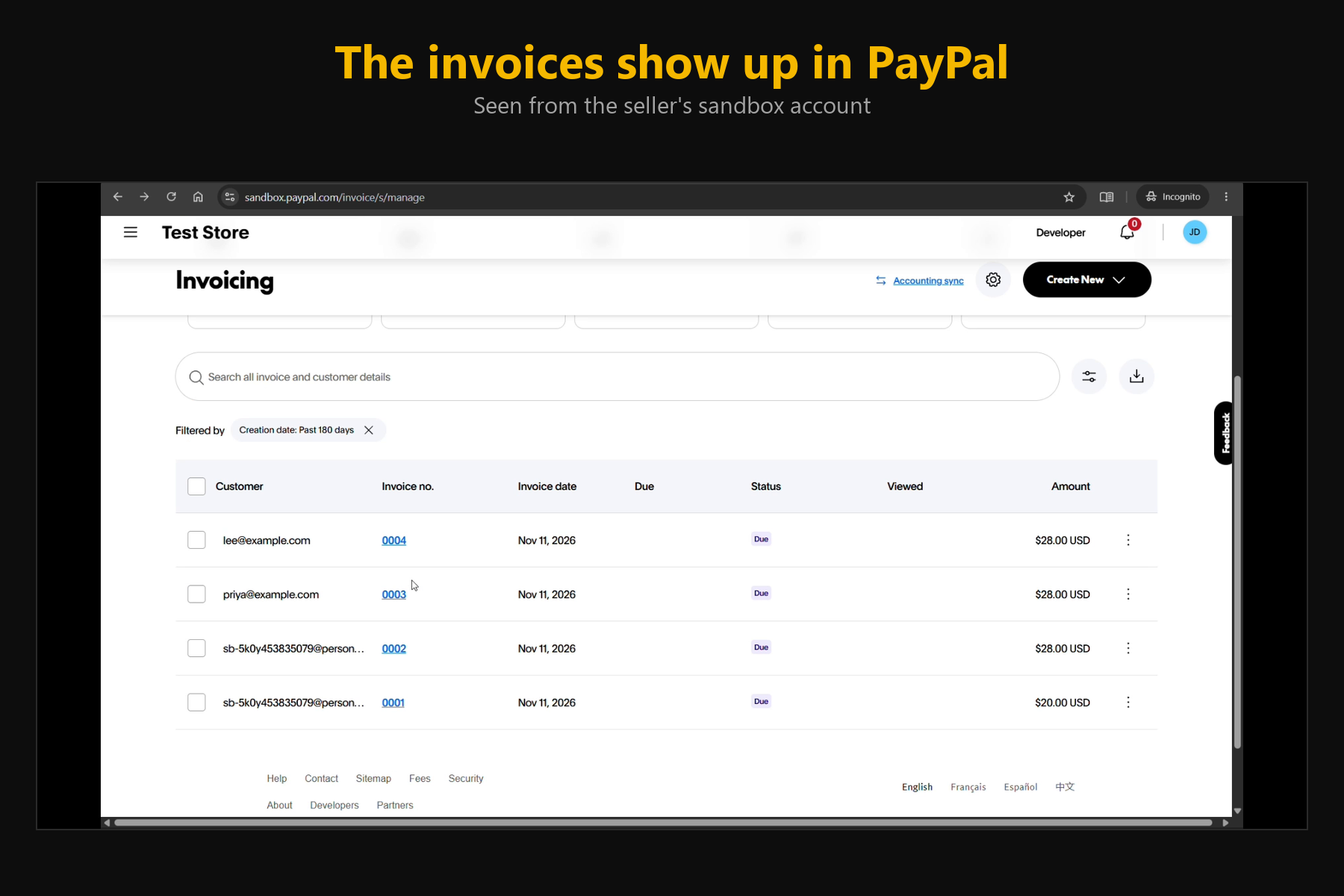
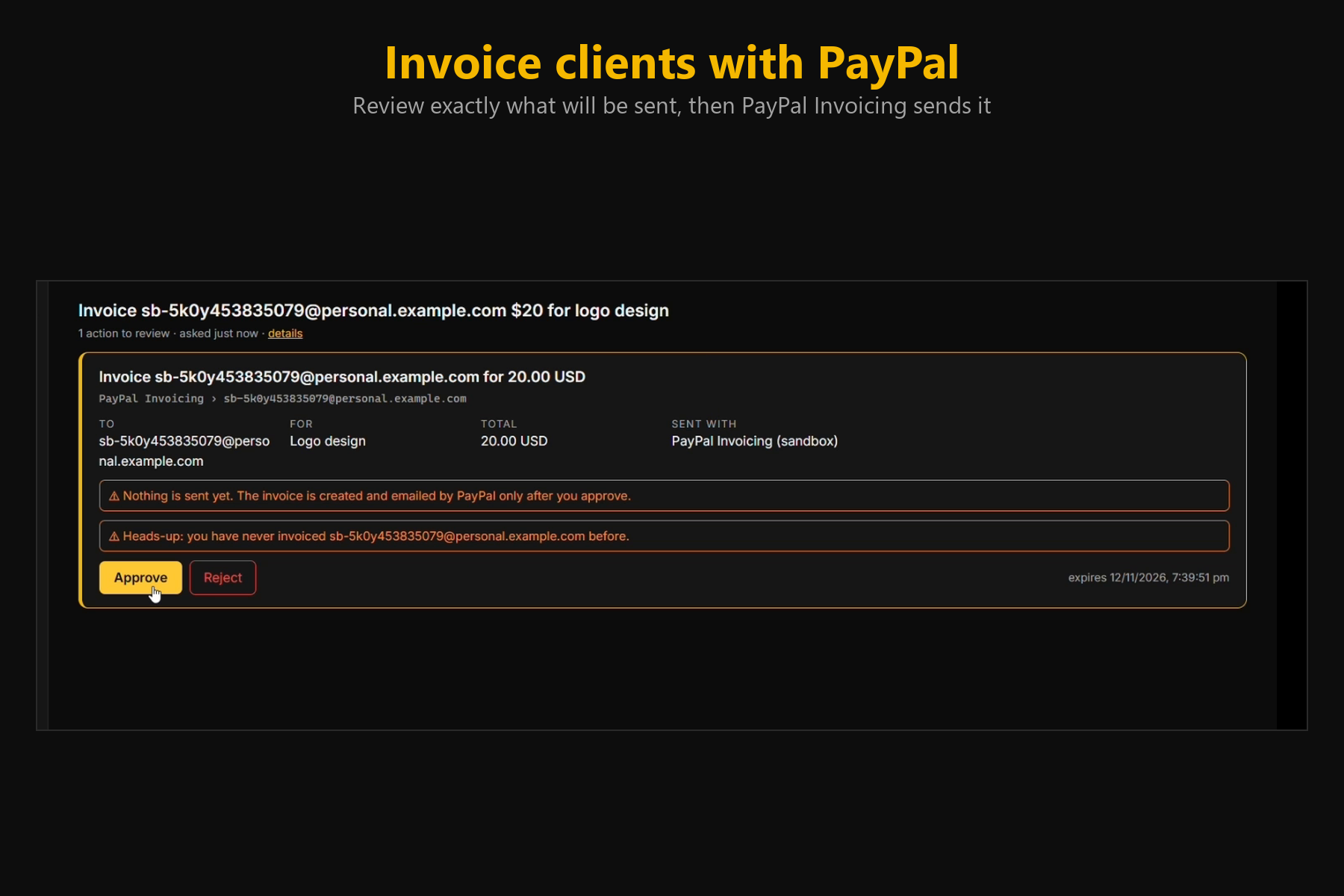
- "Invoice a client $200 for logo design": reviewed, then sent through PayPal Invoicing. Ask "who hasn't paid me?" and KASPER checks PayPal. Reminders need your approval and are never sent for paid invoices.
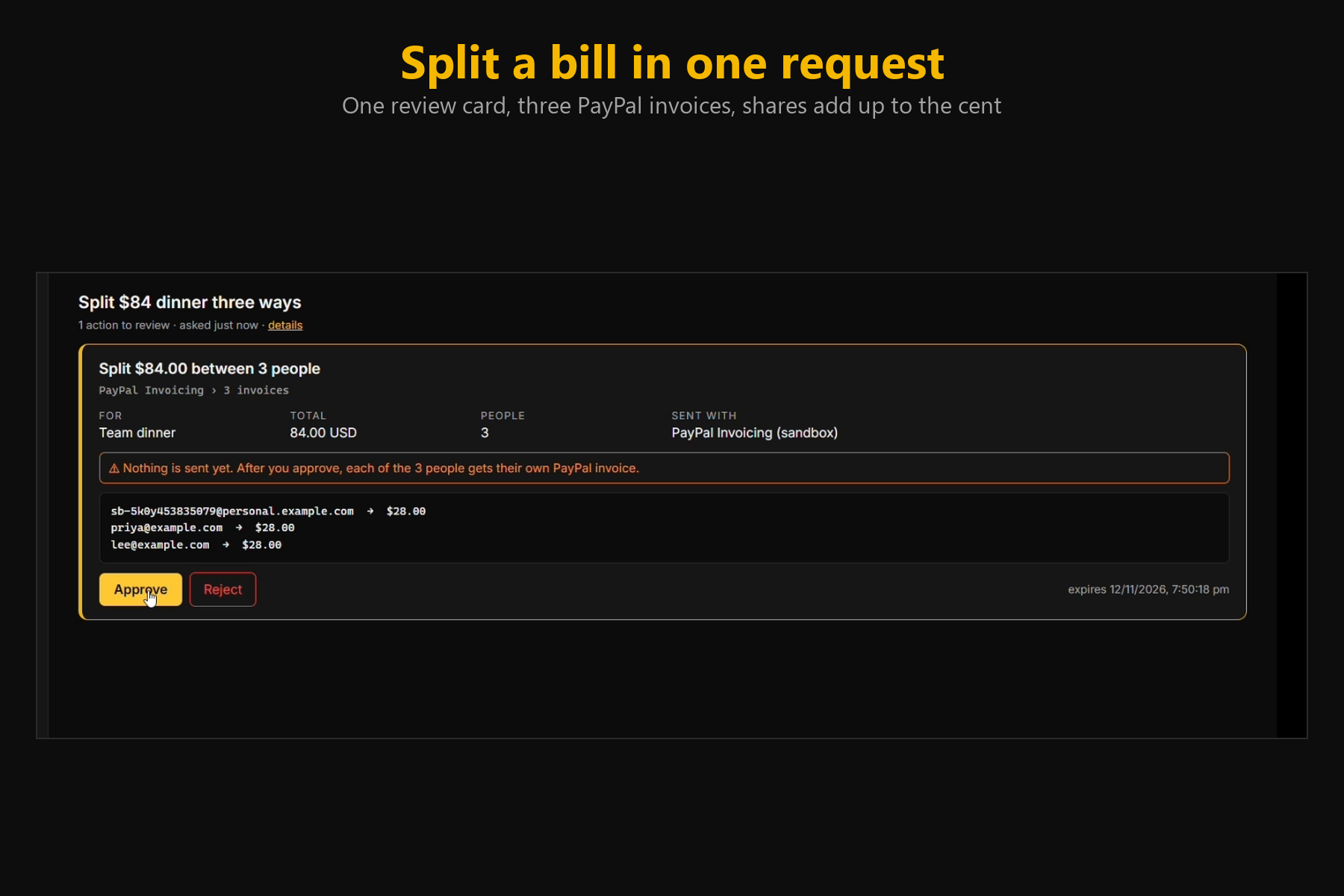
- "Split the $84 dinner between three people": one review card, three PayPal invoices, shares that add up to the cent.
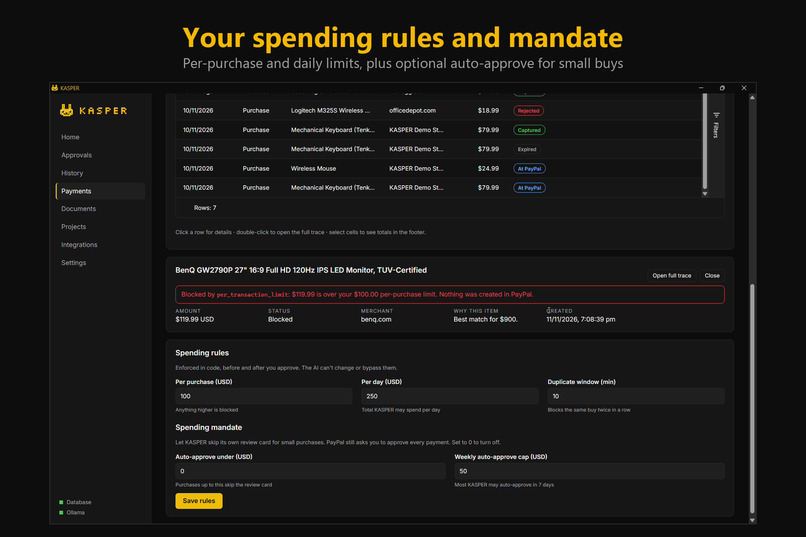
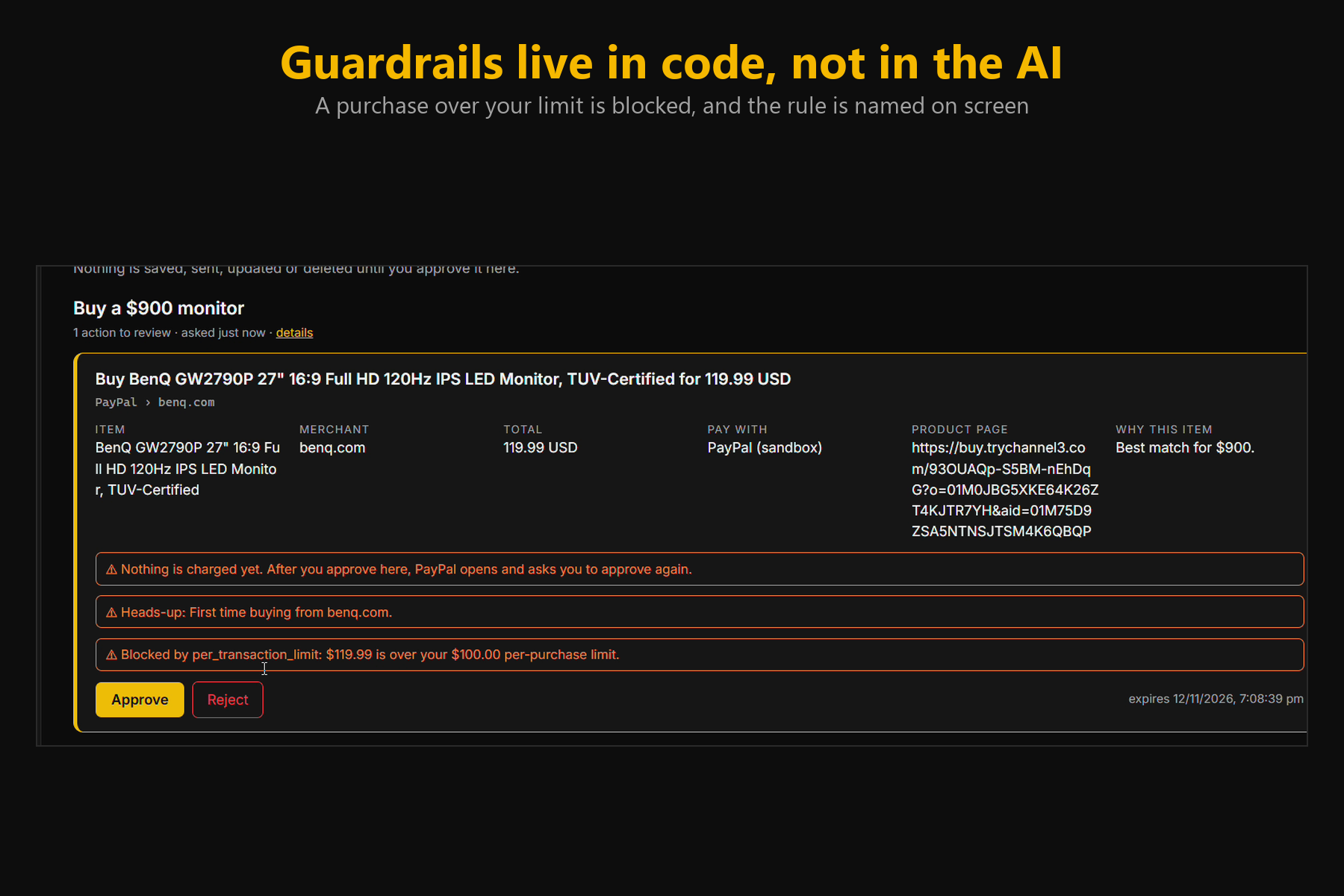
- Guardrails in code: per-purchase and daily limits, duplicate protection and allow-lists. A broken rule is shown as Blocked with its name, and nothing reaches PayPal.
- Spending mandate (optional): small purchases skip KASPER's review card, but PayPal still asks you.
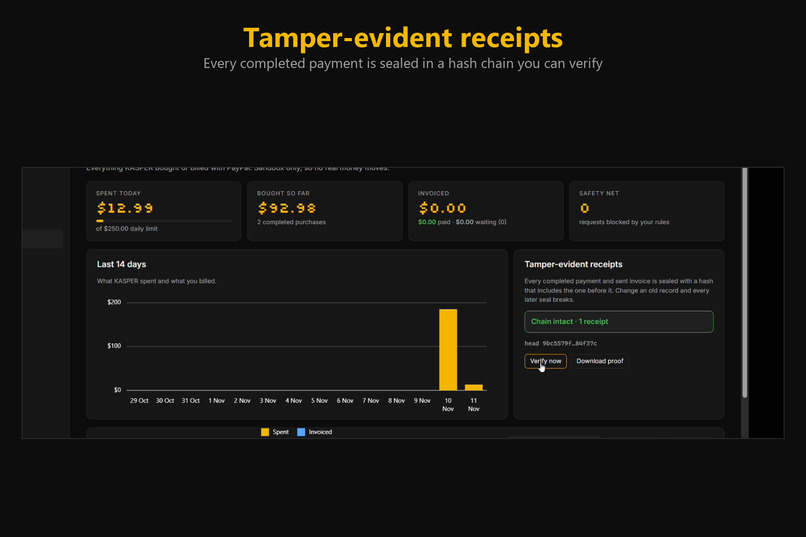
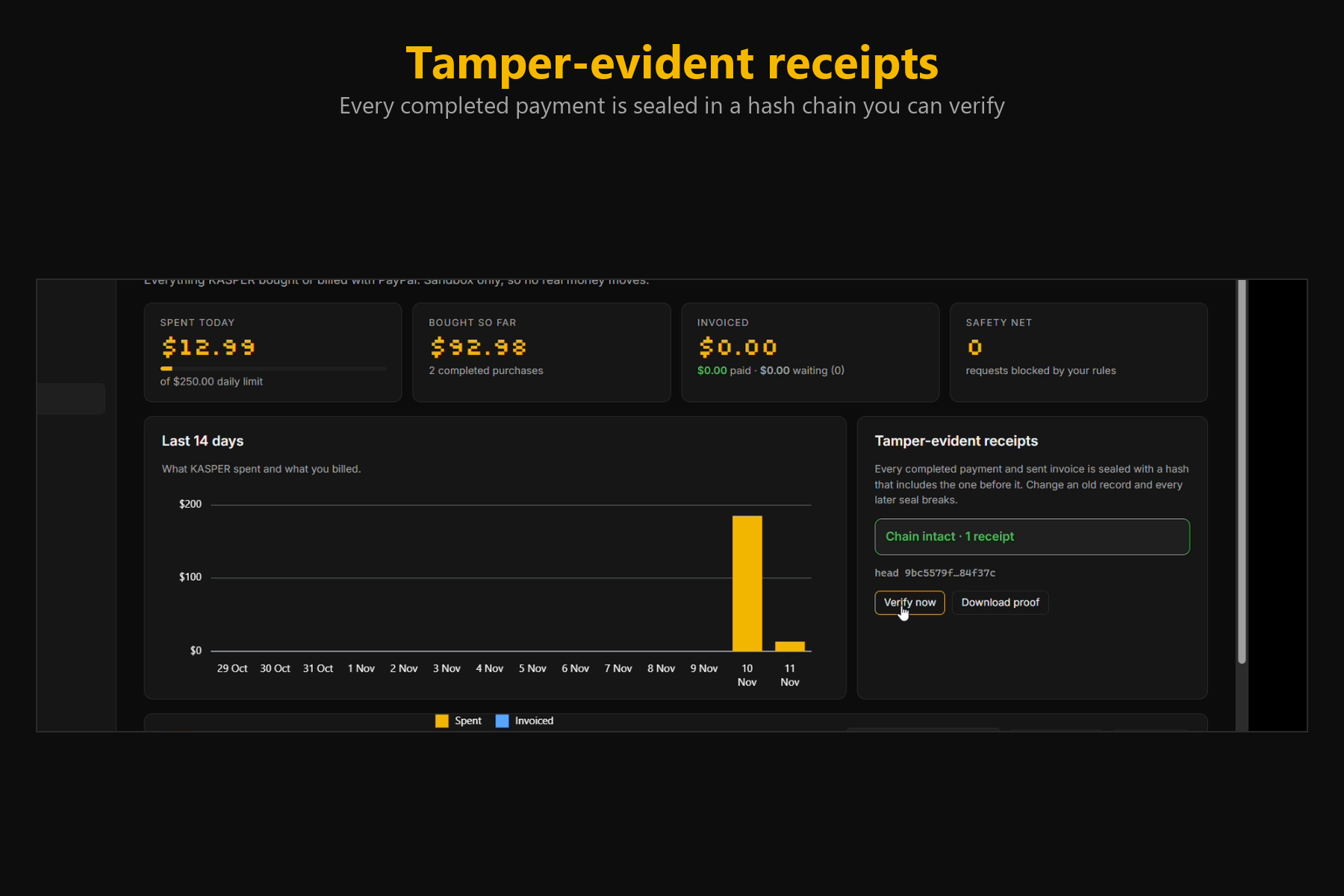
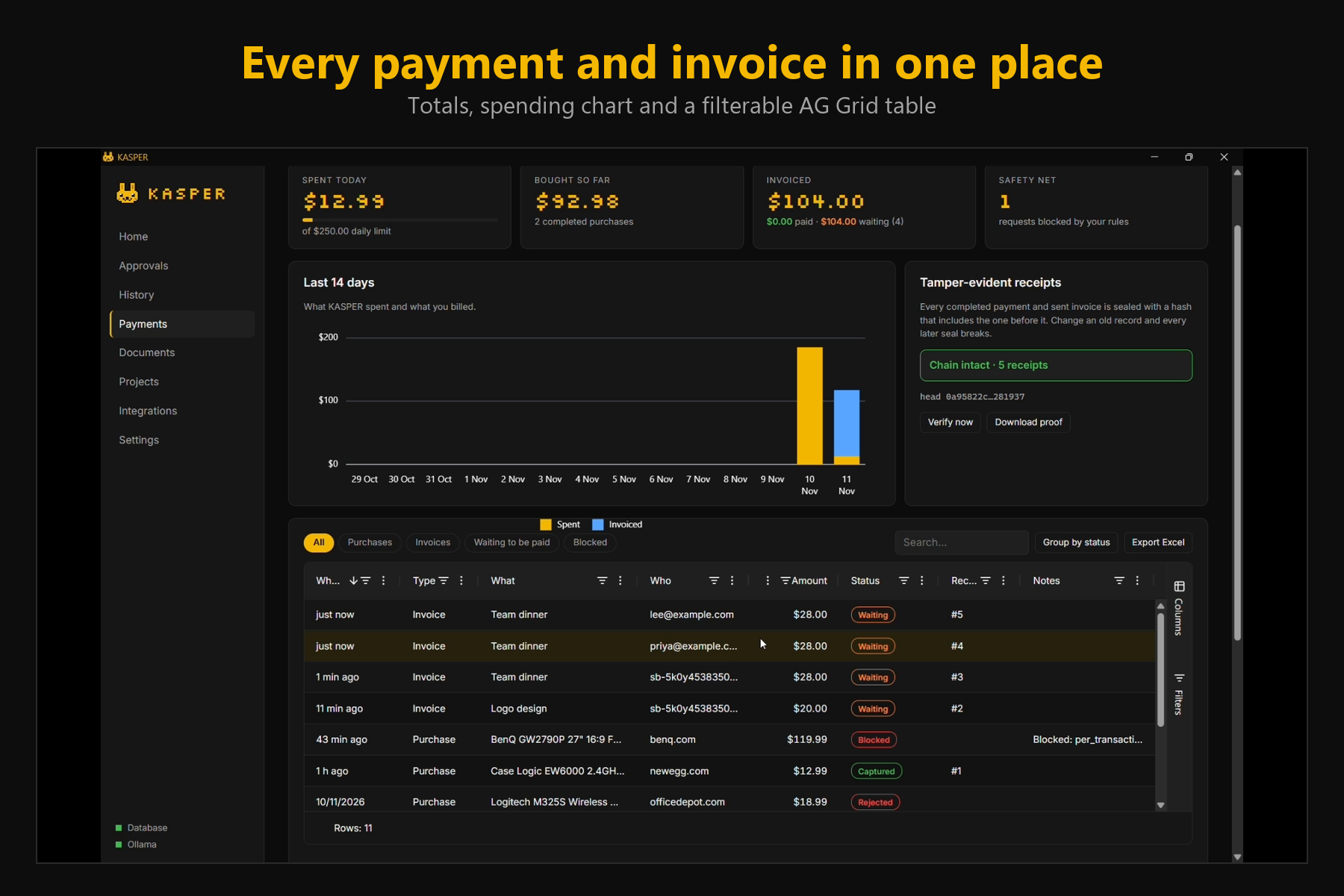
- Tamper-evident receipts: every completed payment is sealed in a hash chain you can verify.
- A Payments screen built with AG Grid and AG Charts.
How we built it
.NET 10 with a local API, SQLite and a React UI. A local model (Qwen3 on Ollama) only plans the steps as strict JSON that code validates. The model never sees prices or credentials and cannot approve anything. PayPal Orders v2 (create, poll, capture, verify) and Invoicing v2 (create, send, status, remind) are called by code, with request ids so a double click or restart never charges twice. Approvals are bound to a fingerprint of the item, amount, currency and recipient, so any change after approval invalidates it. We tested the core with over 200 unit tests and ran real sandbox purchases and invoices.
Challenges
- Keeping the AI out of the money path while still feeling like a natural assistant.
- PayPal sandbox setup: US-only currency for our accounts, and the Invoicing permission on the app, both of which broke checkout and invoices until we found the cause.
- Making capture idempotent and verified, and returning from PayPal to a desktop app (we poll instead of relying on a redirect).
What we learned
Trust in AI payments comes from hard, boring checks outside the model: price from code, limits in code, two approvals, and records you can verify.
What's next
Webhooks for instant payment updates, more currencies, reading invoice details straight from a client's contract, and team approvals.
Data boundary
The AI model, chat, files and history stay on your machine. Only what PayPal needs for an order or invoice (item, amount, currency, and for invoices the recipient email and description) leaves it. This is a sandbox prototype; no real money moves.
Built With
- ag-charts
- ag-grid
- aspnet-core
- c#
- channel3
- dotnet
- entity-framework
- ollama
- paypal
- paypal-invoicing-api
- paypal-orders-api
- postman
- qwen
- react
- sqlite
- typescript
- vite
- webview2
- wpf
- xunit
