-
-
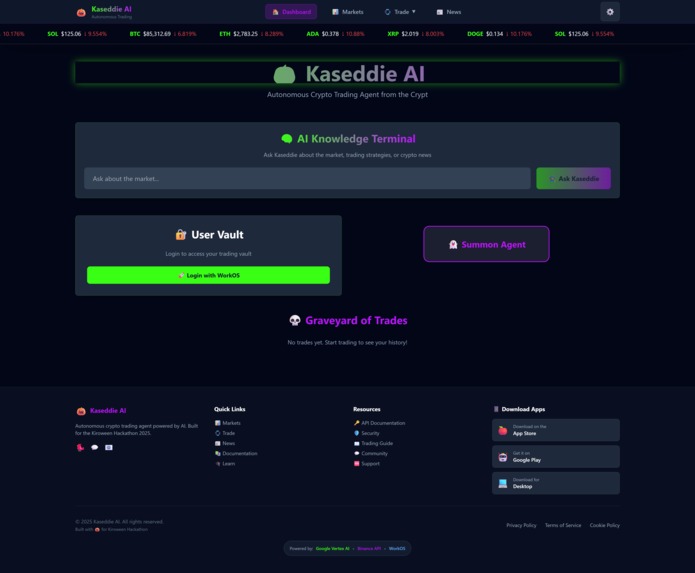
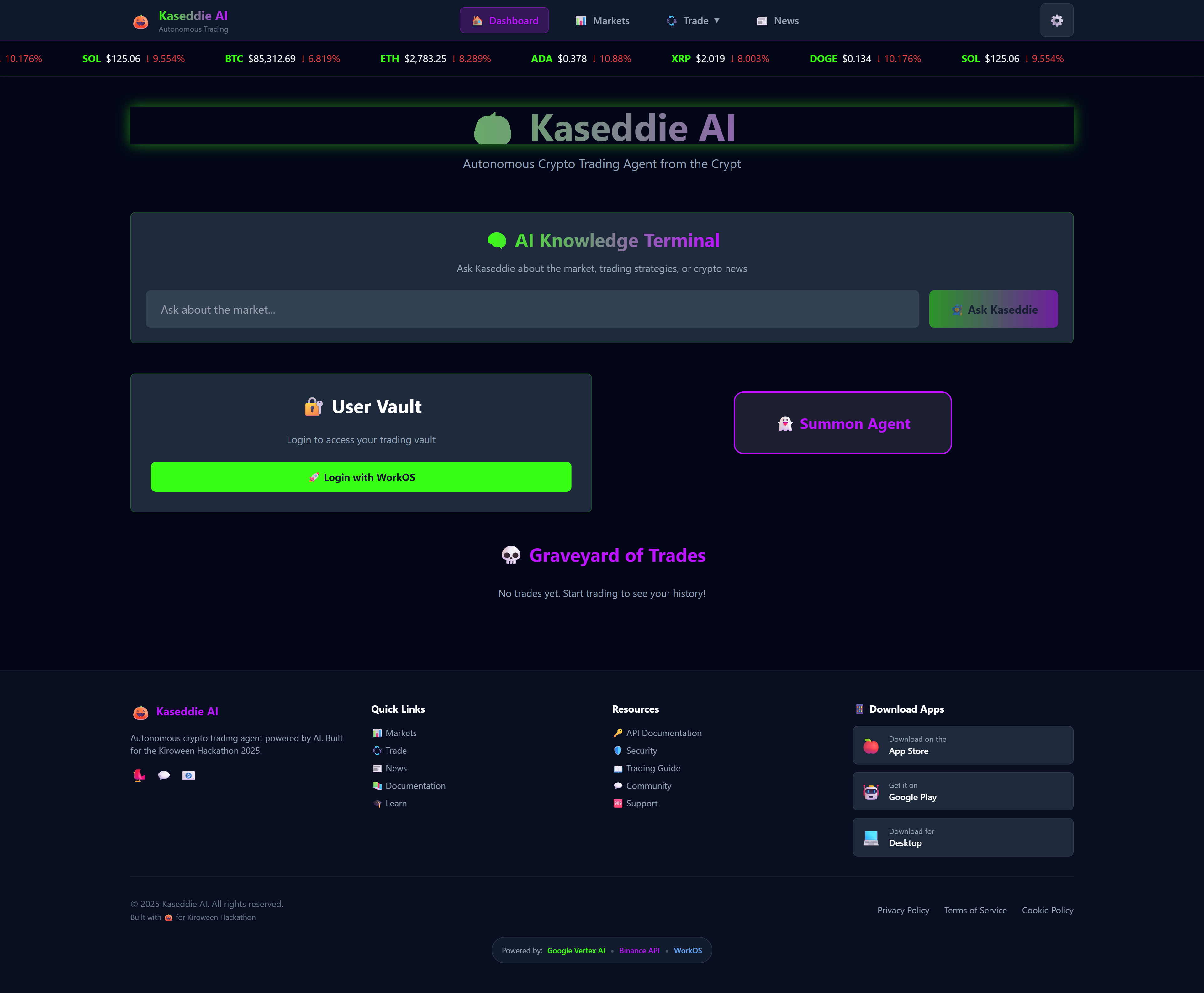
Platform login page. User must sign in to the User Vault via WorkOS to access crypto trading features
-
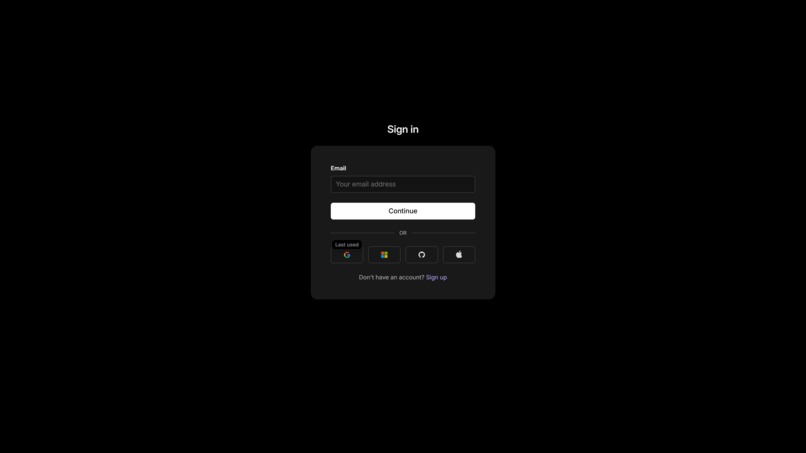
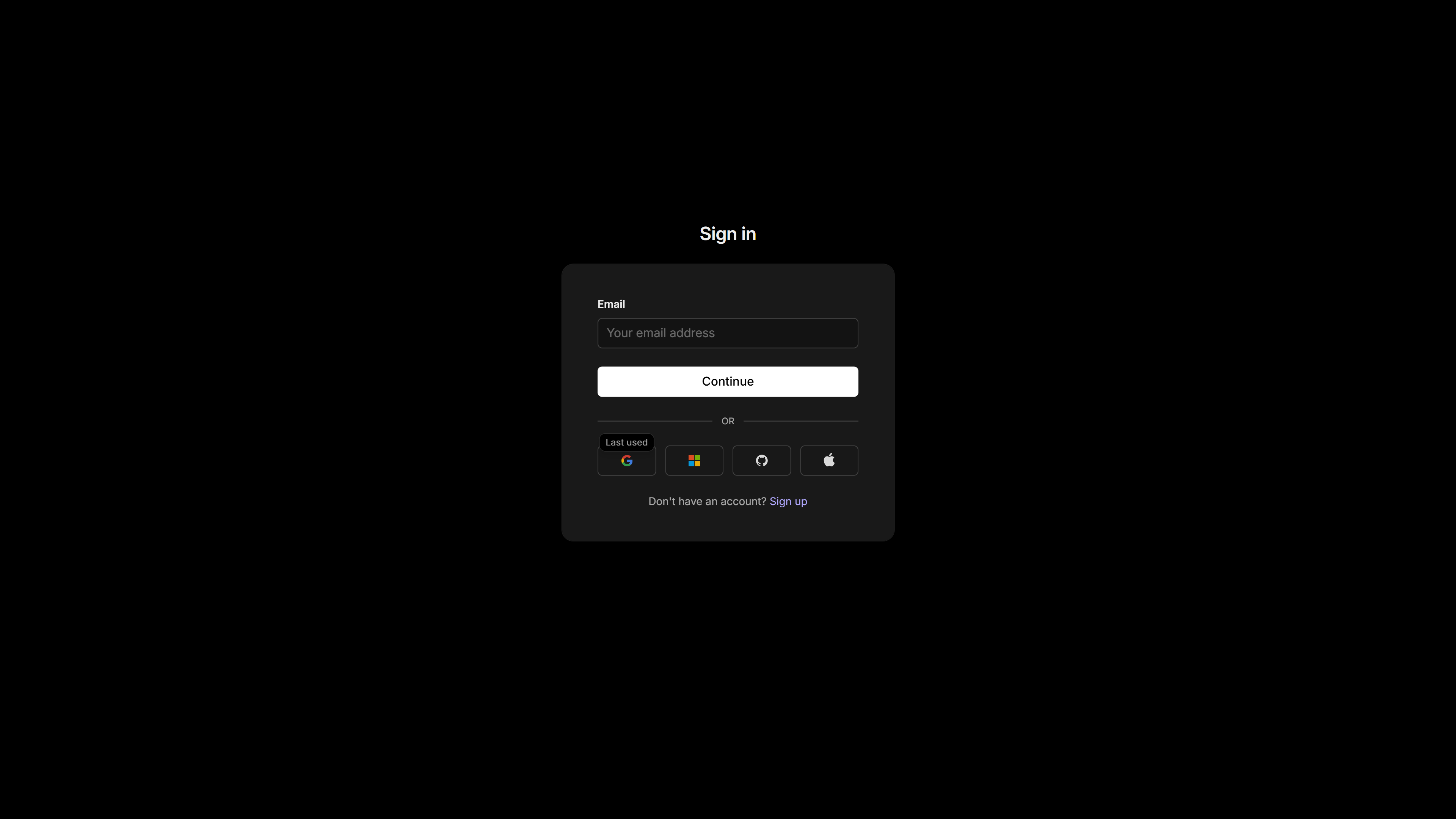
Universal sign-in screen. Continue with email or use social login options like Google, Microsoft, GitHub, or Apple.
-
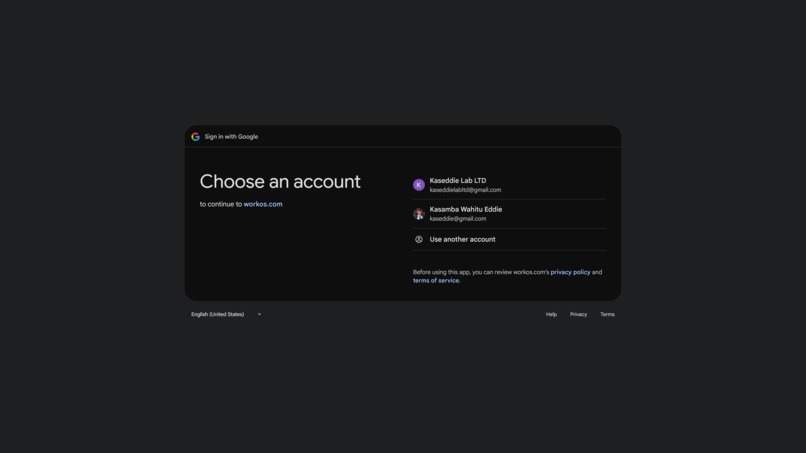
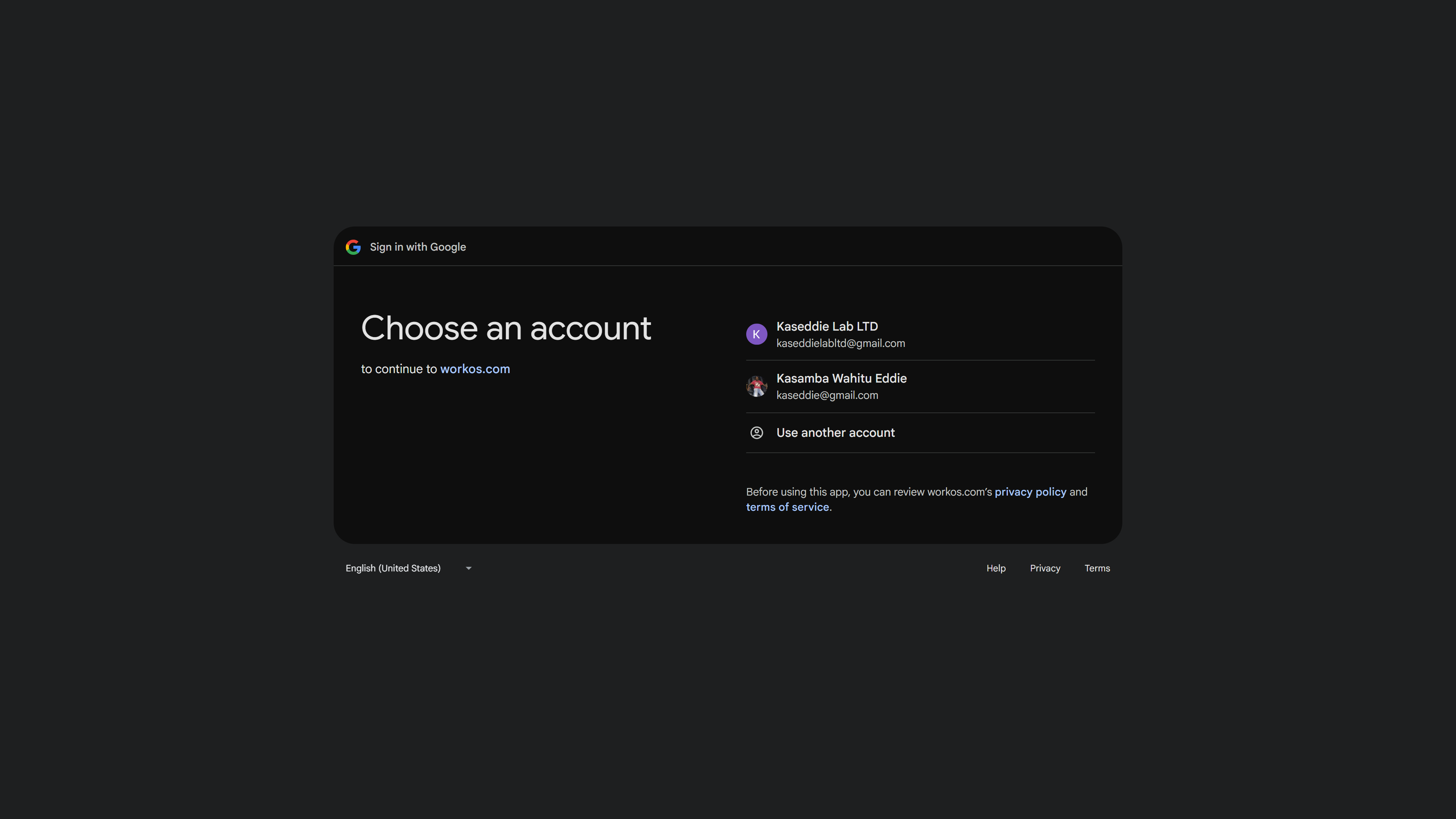
Google account selection screen. Choose an account to sign in and continue access to the workos.com application.
-
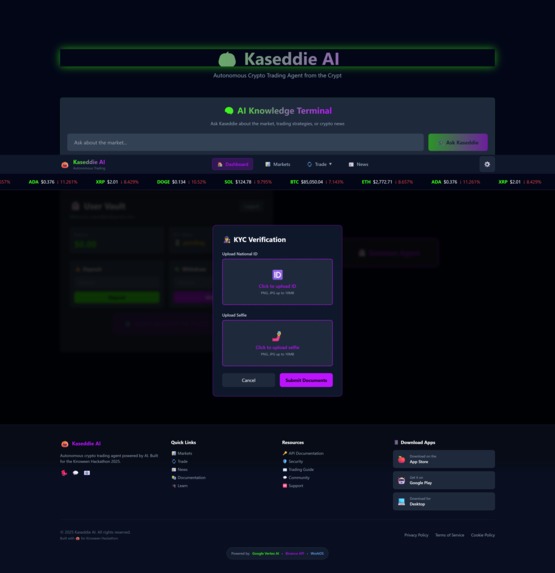
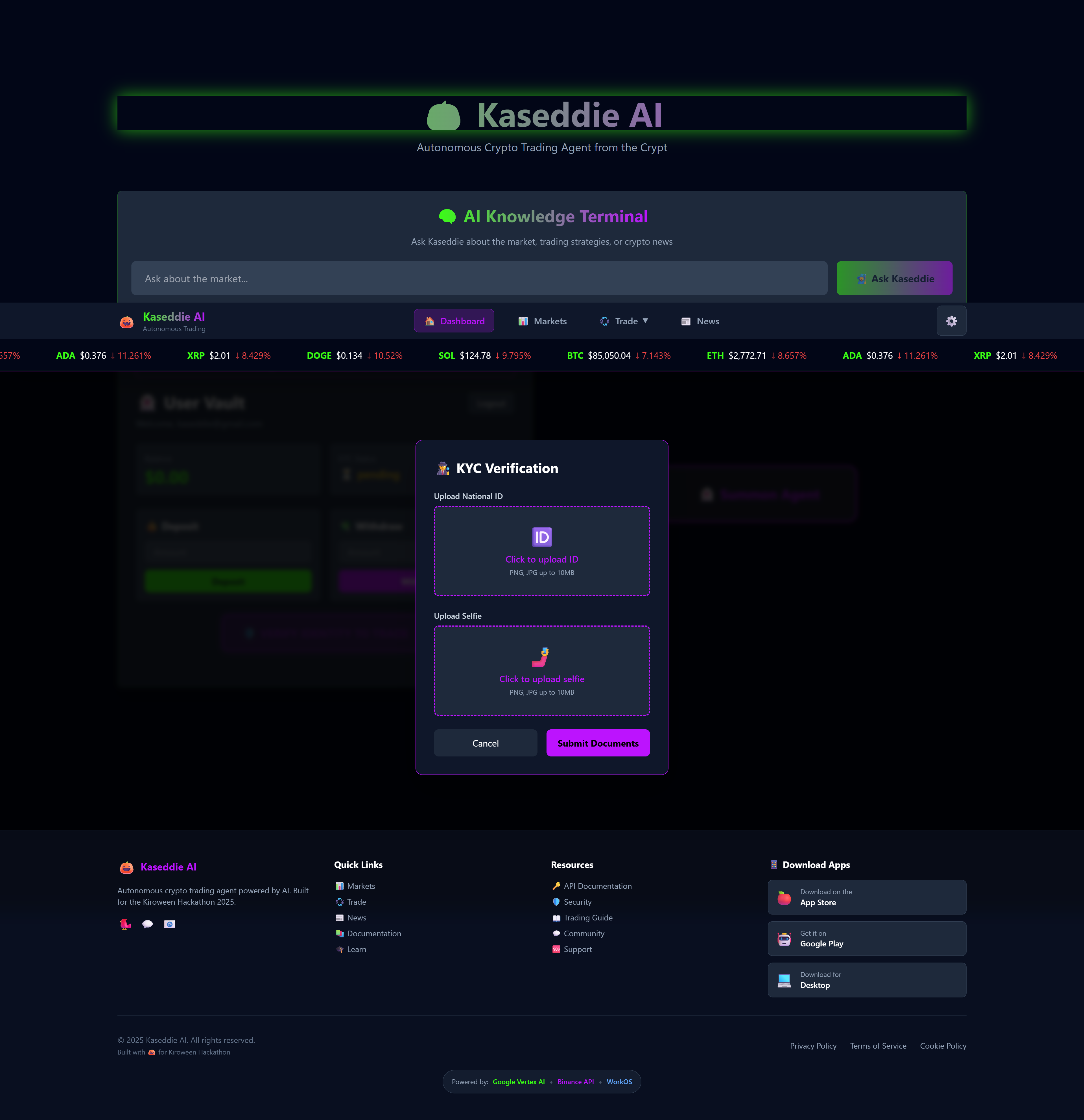
KYC Verification modal. Prompting the user to upload both a National ID document and a selfie for identity verification.
-
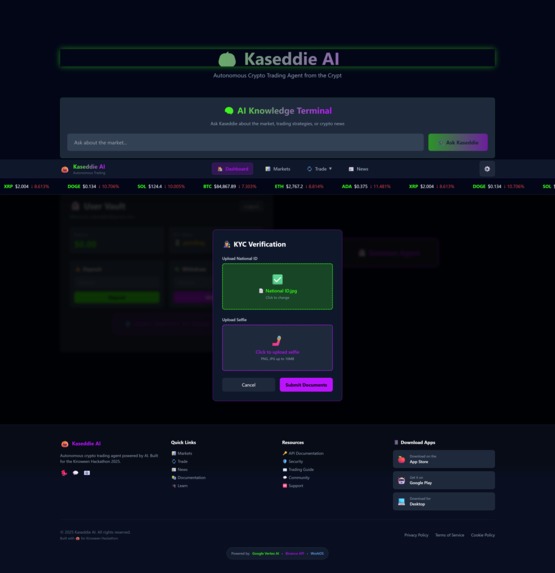
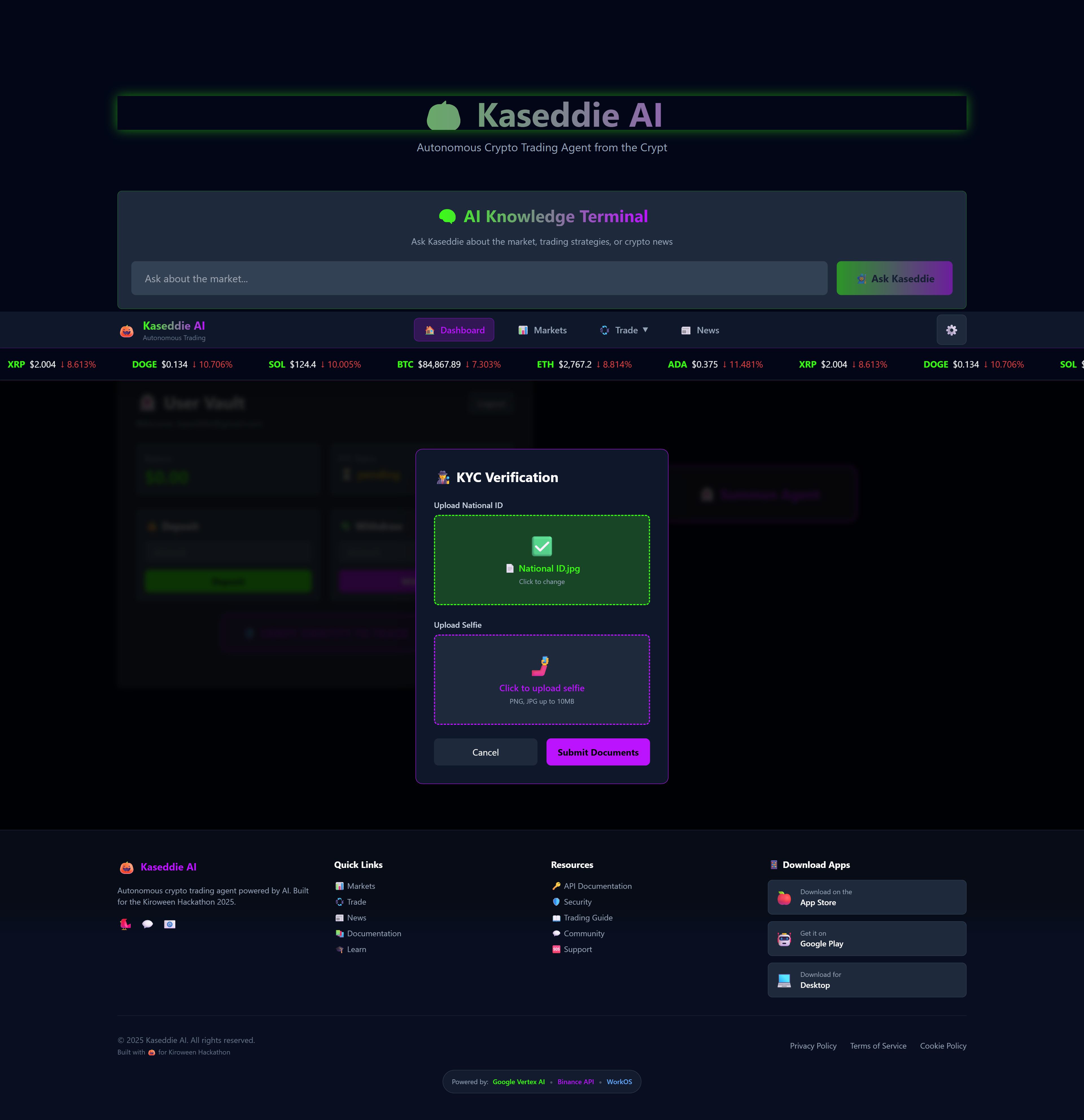
KYC Verification in progress. Shows the National ID has been uploaded successfully; awaiting the upload of the selfie.
-
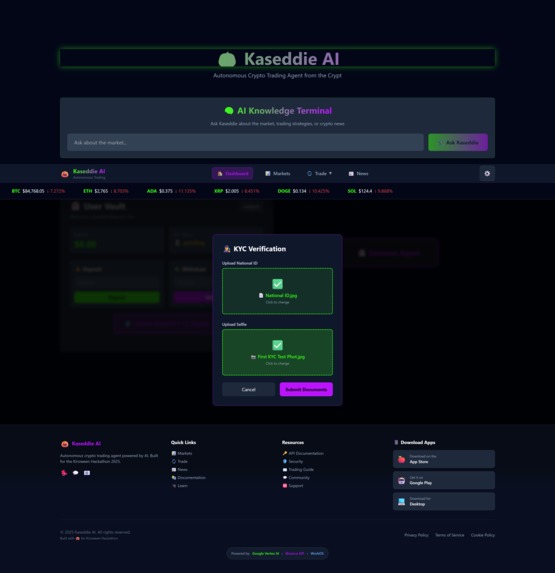
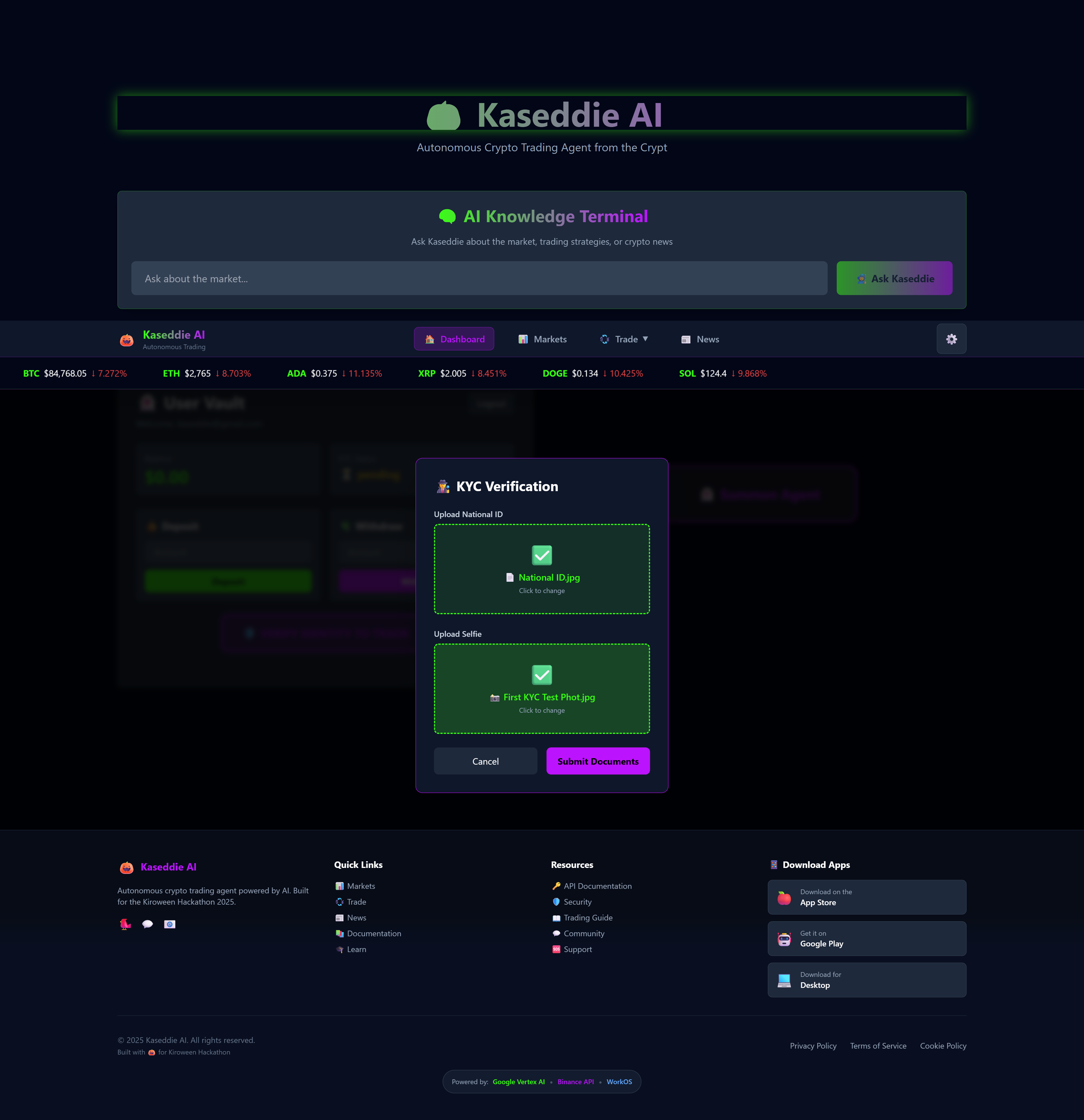
KYC Verification complete. Both the National ID and the selfie have been successfully uploaded, ready for final submission.
-
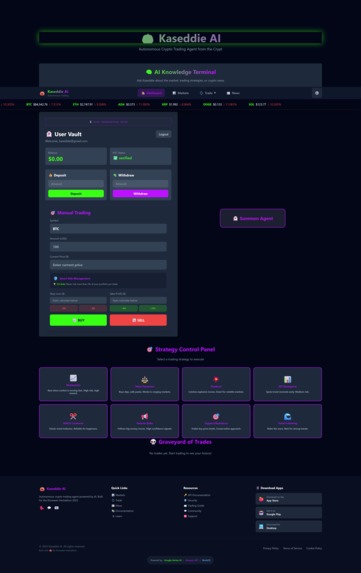
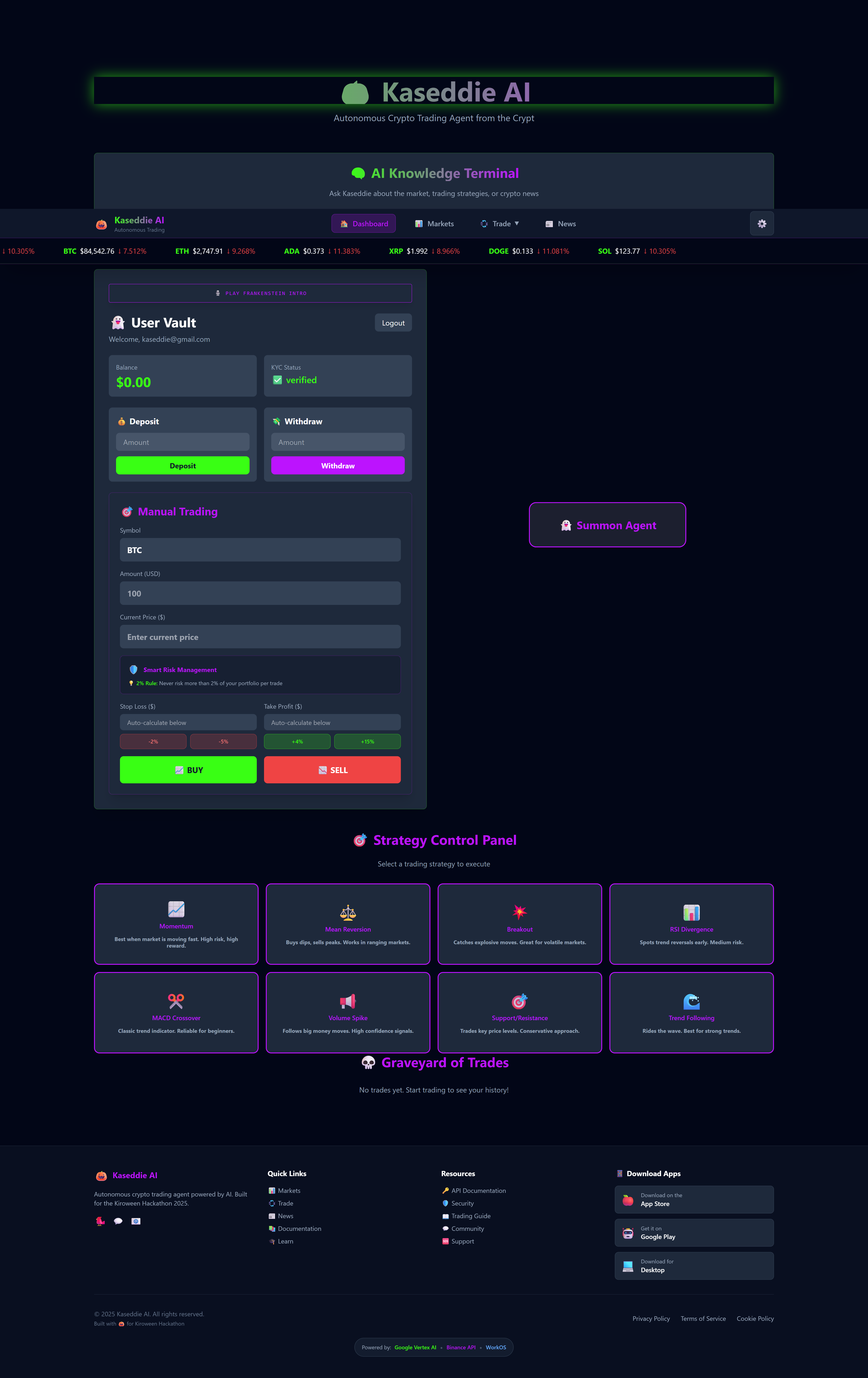
Dashboard with verified KYC. The User Vault shows a $0.00 balance after withdrawal, with trading options available.
-
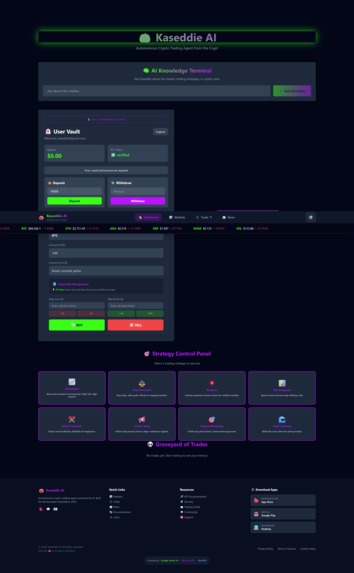
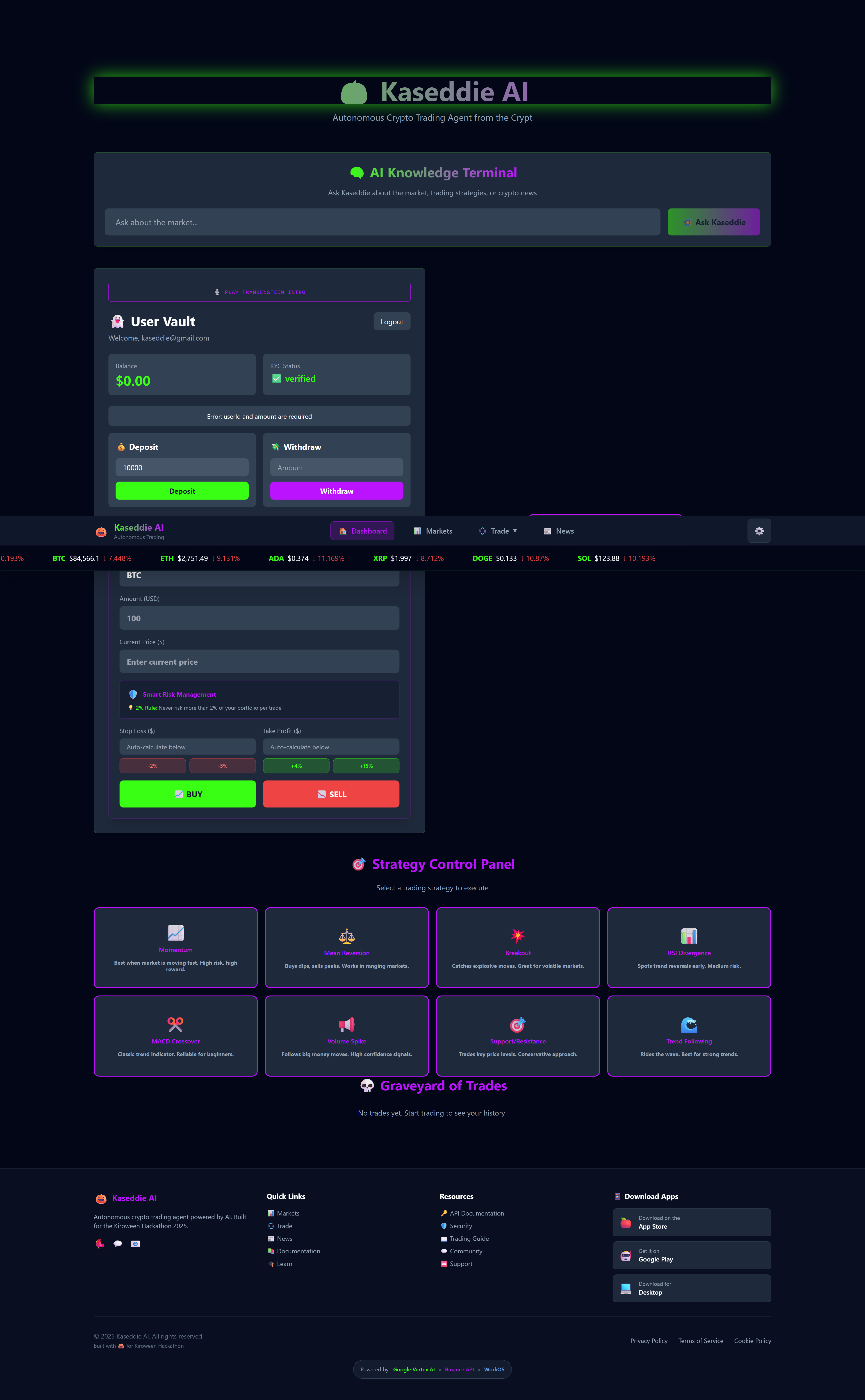
User Vault interface with Deposit and Withdraw options. Shows verified status and the current zero balance $0.00.
-
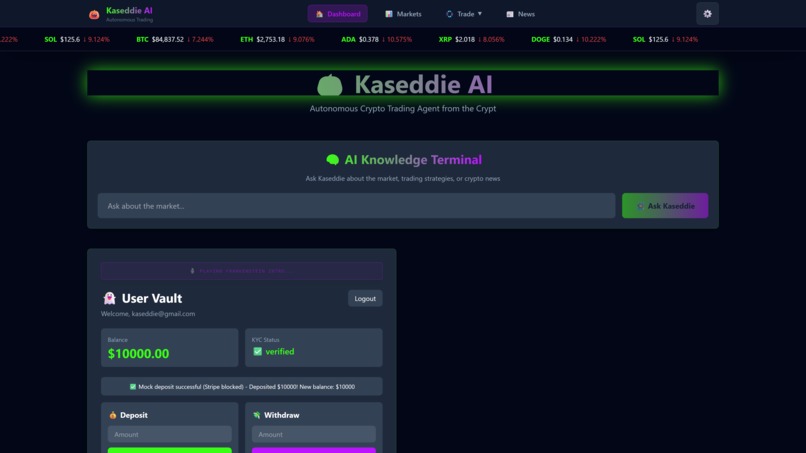
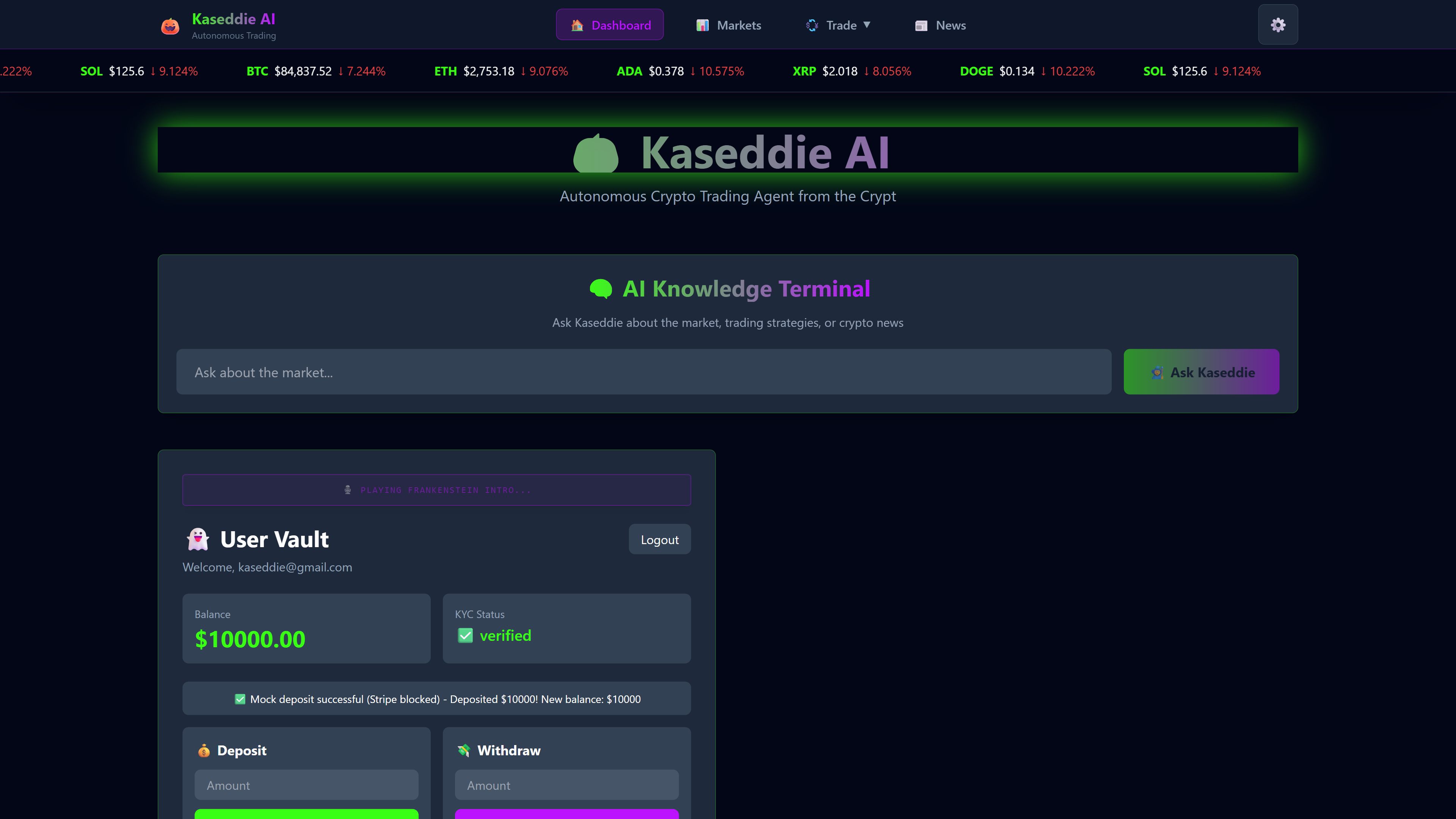
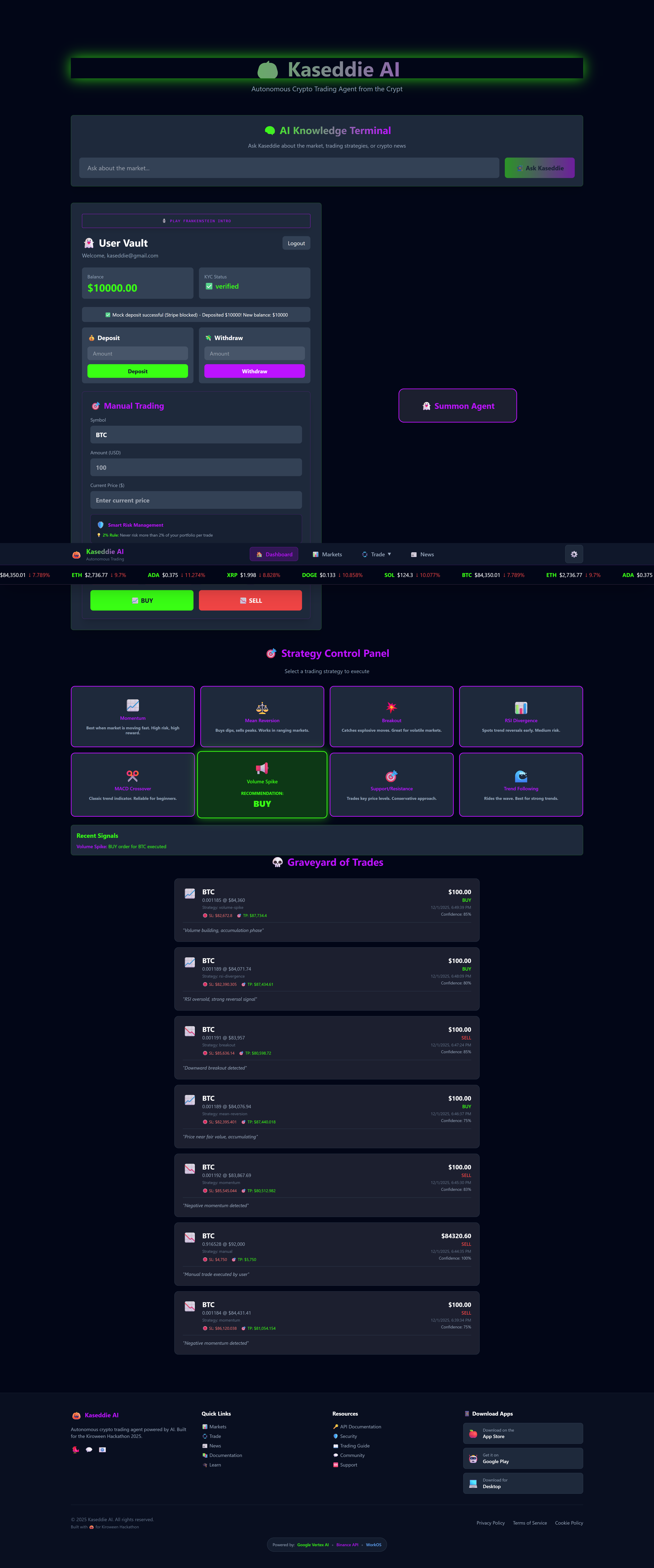
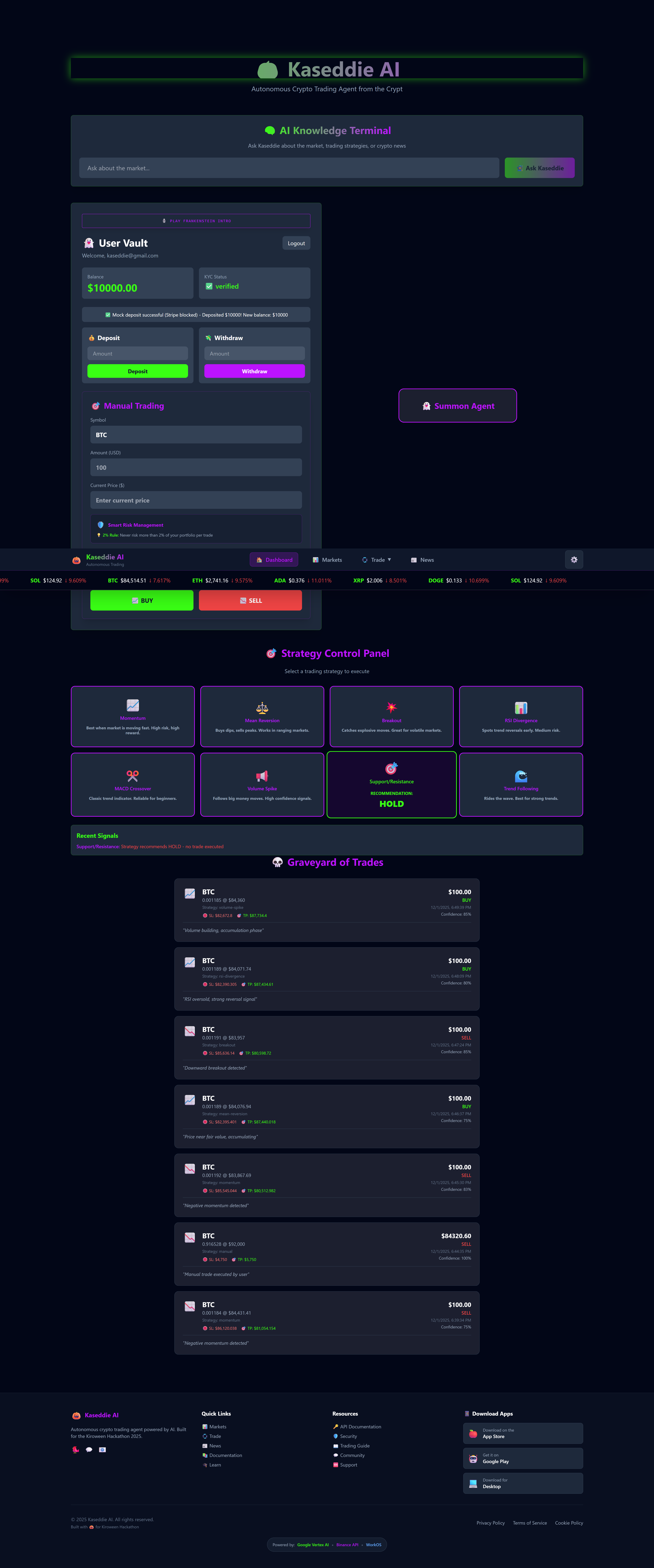
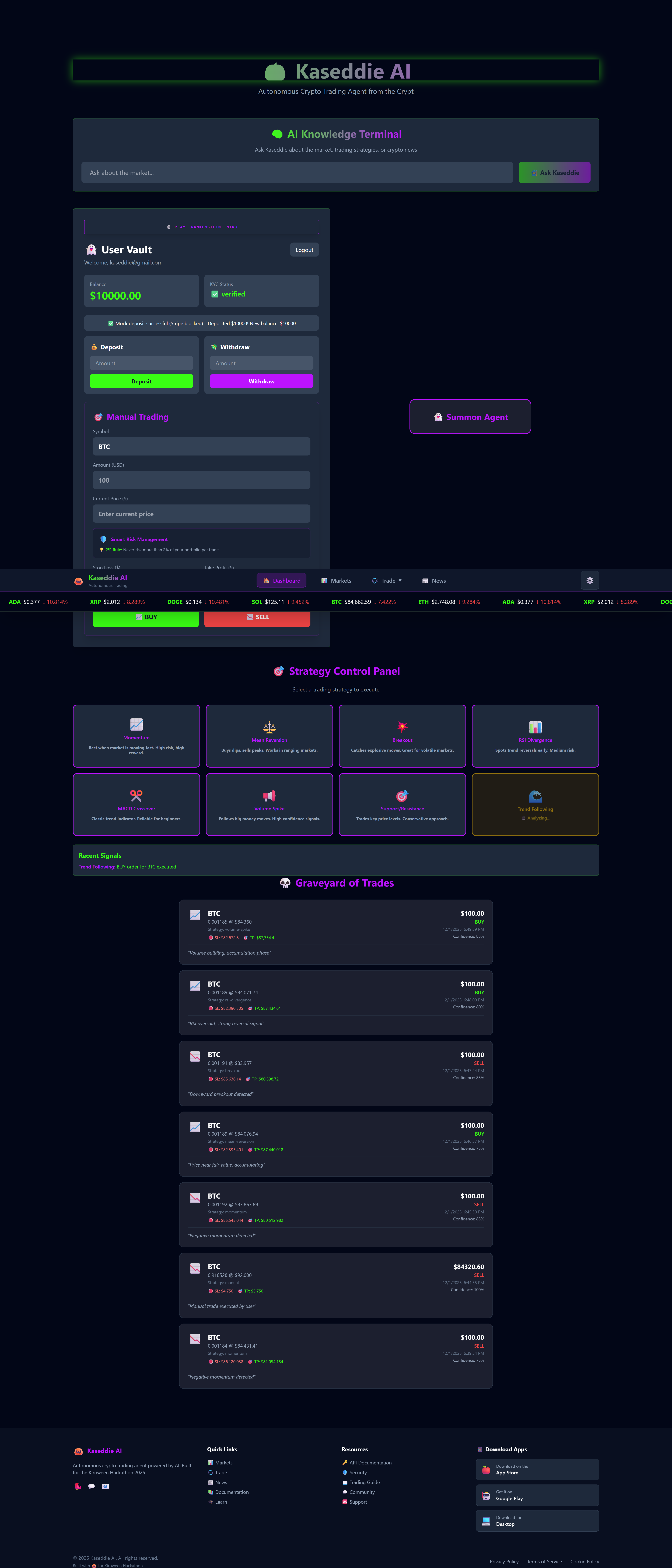
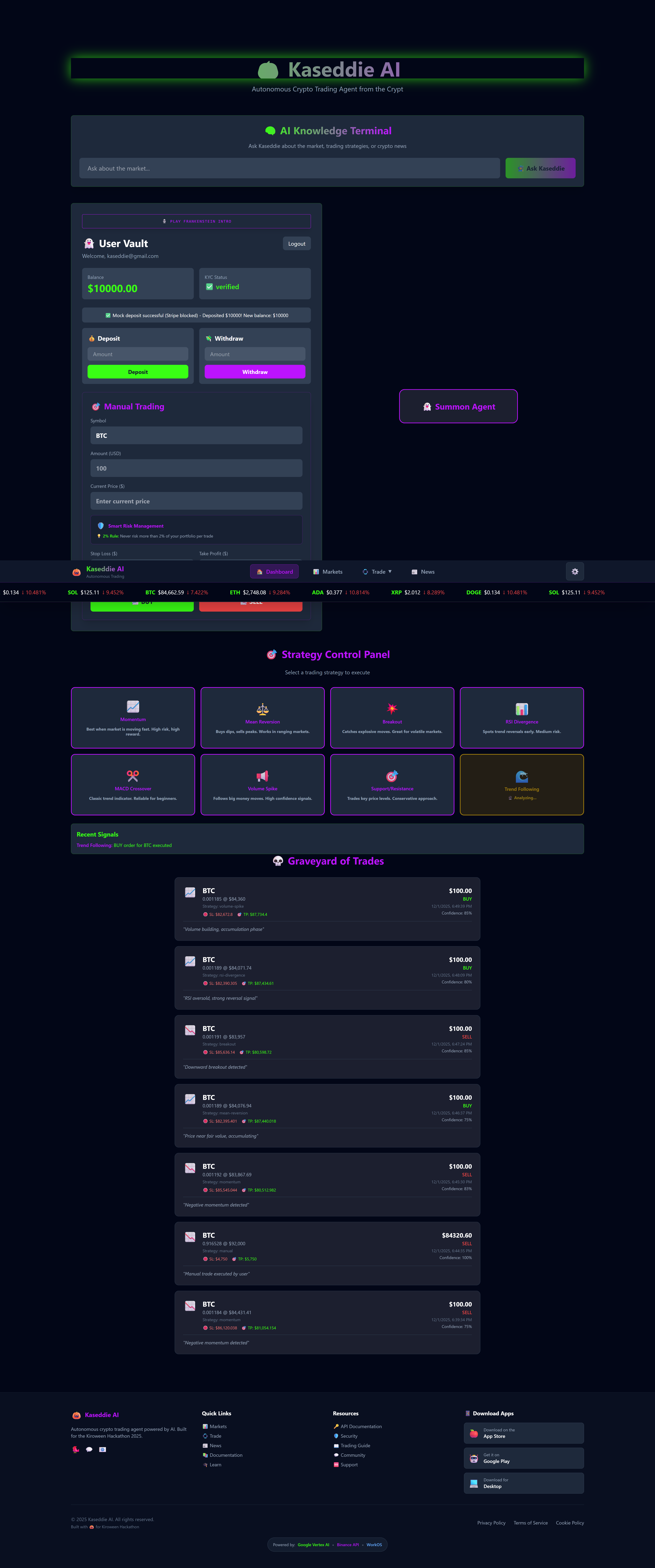
Main dashboard view. Shows verified KYC status, an AI Knowledge Terminal, and a mock deposited balance of $10,000.00.
-
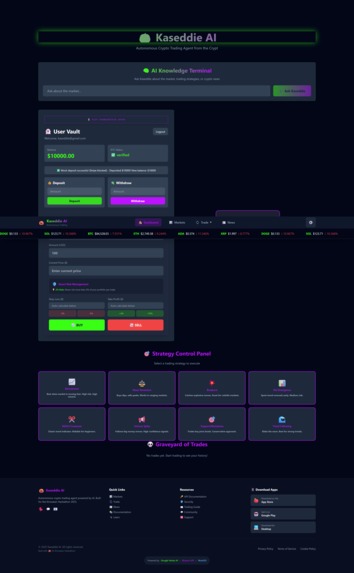
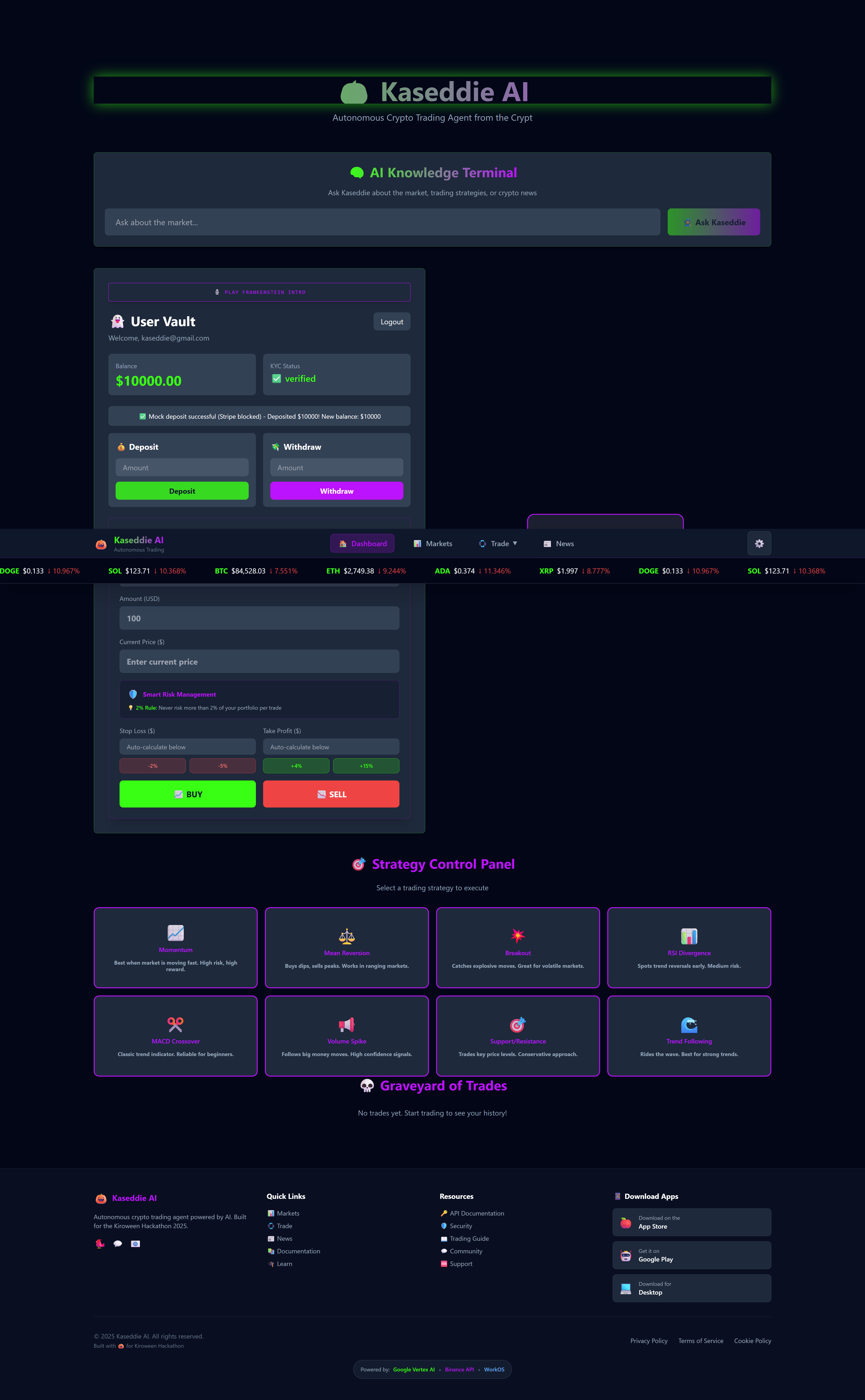
Manual Trading interface. Displays $10,000.00 balance, buy/sell options, and the selection panel for automated strategies.
-
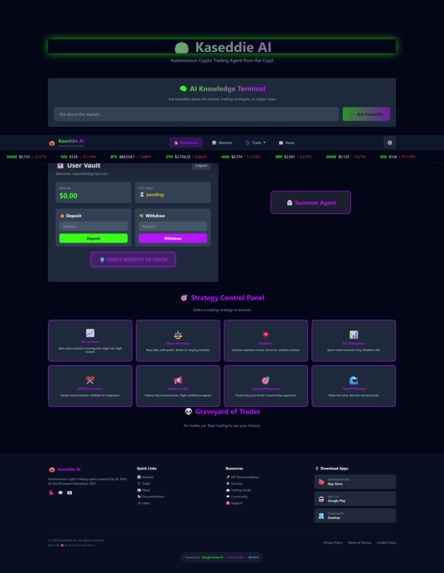
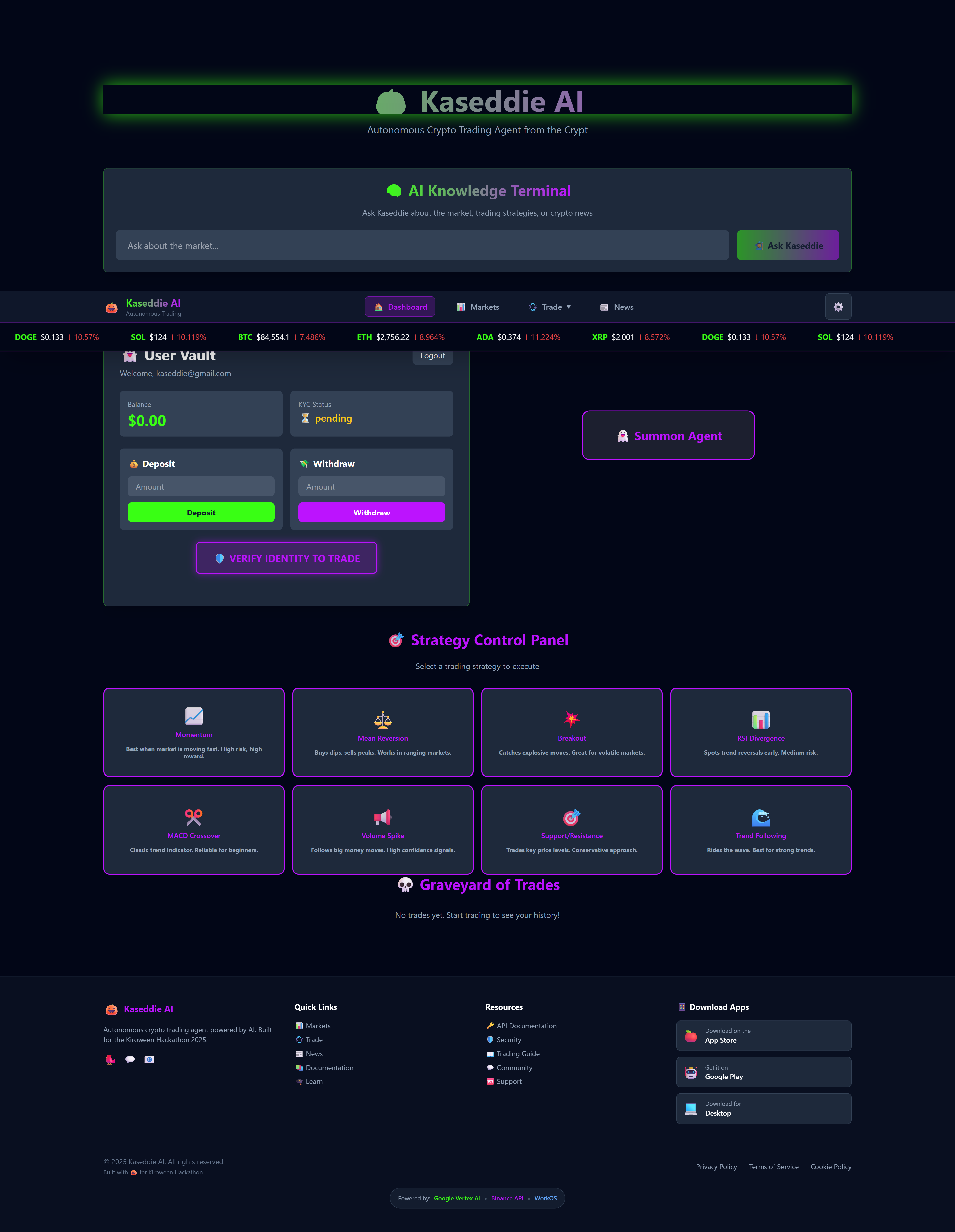
Initial login screen. Shows $0.00 pending balance and requires Verify Identity to Trade to activate trading functions.
-
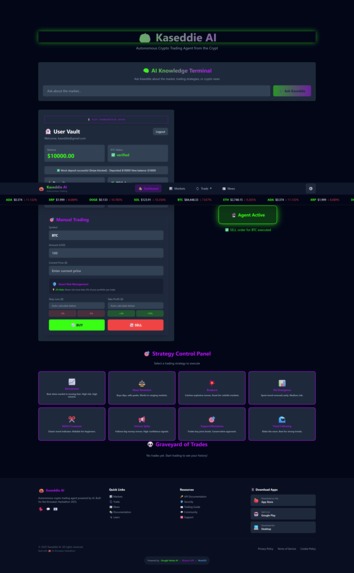
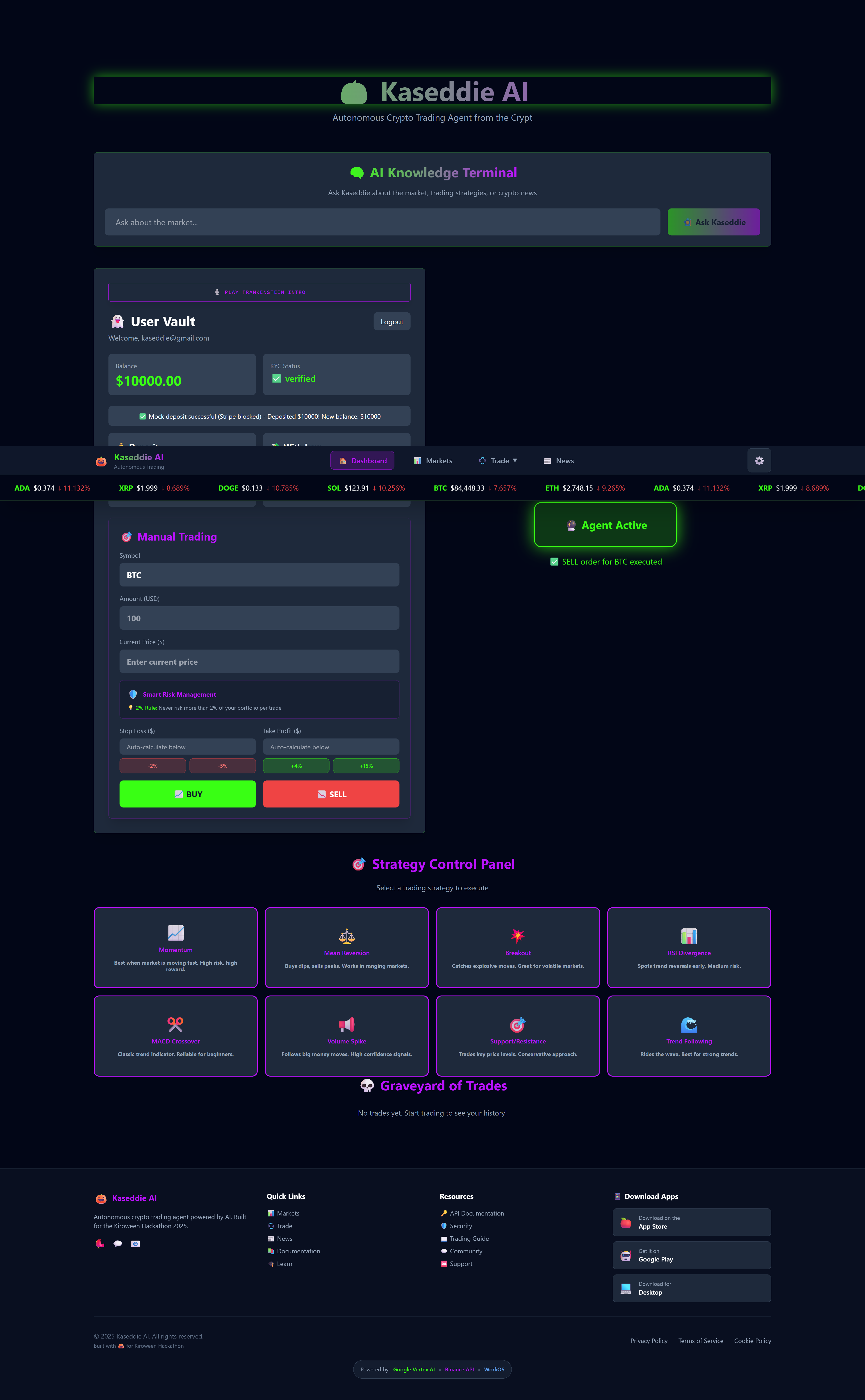
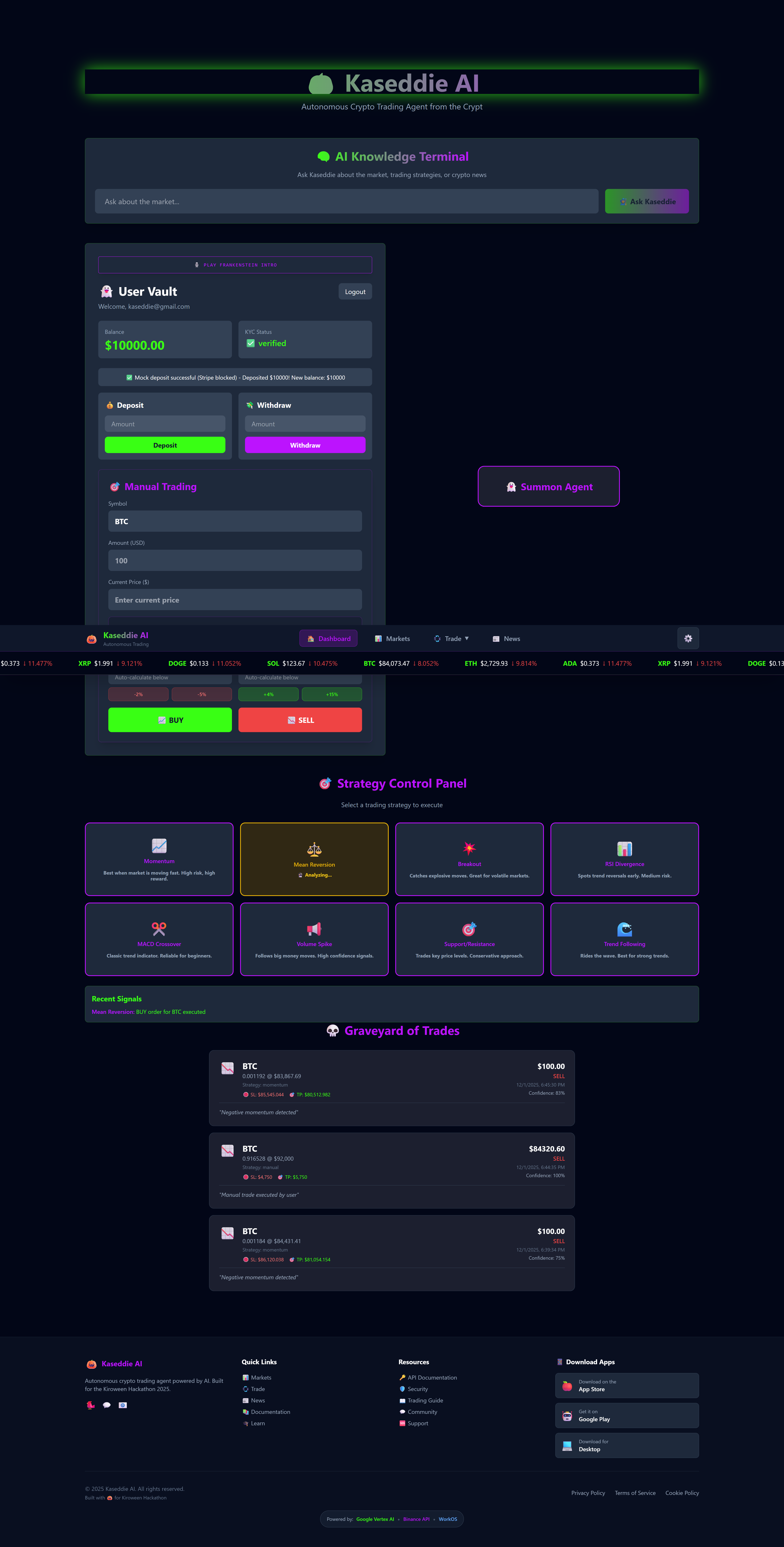
Trading interface showing an "Agent Active" status, indicating that an automated trading strategy is currently running.
-
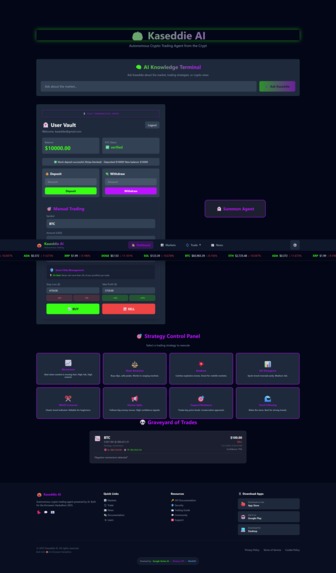
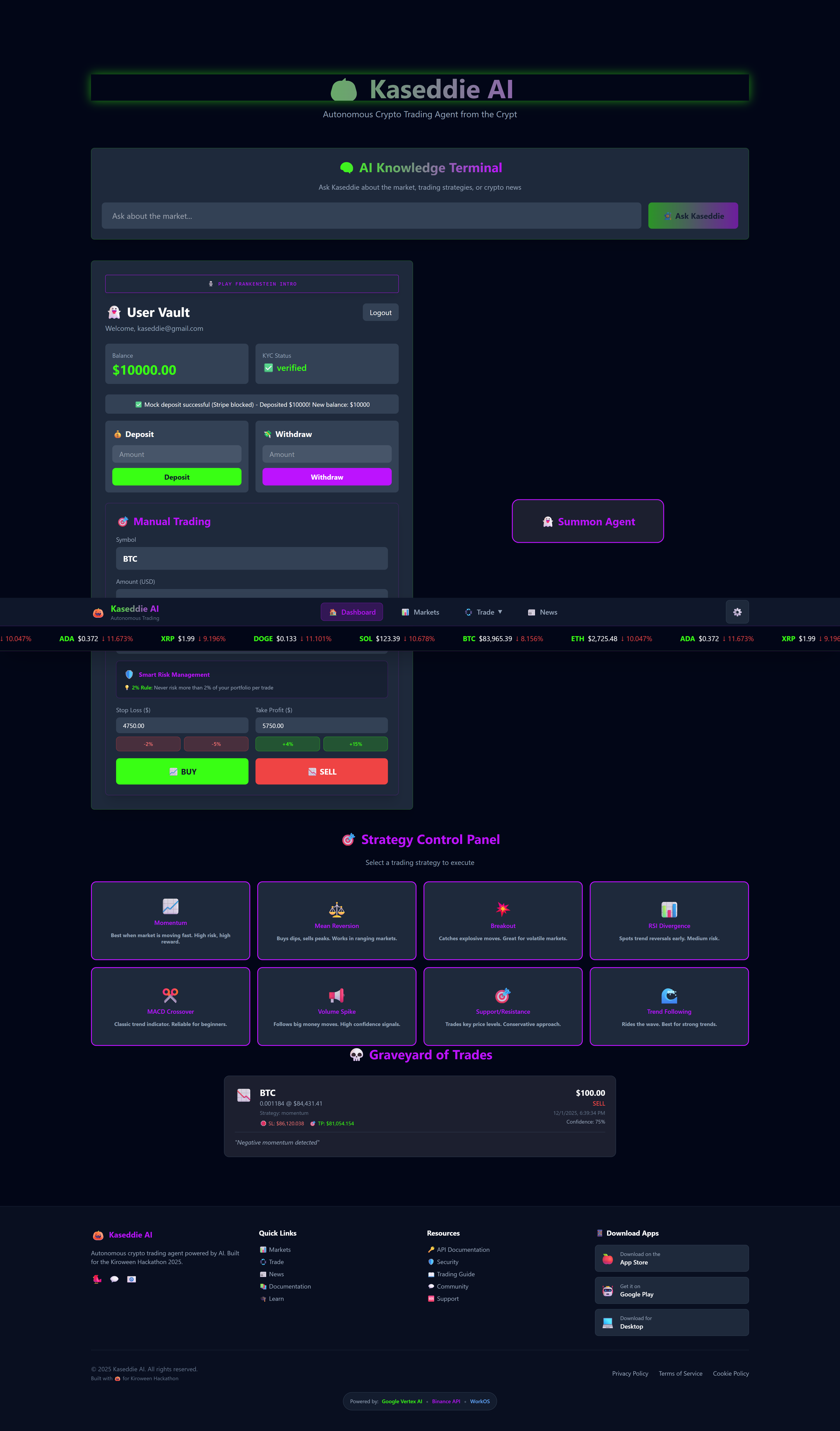
Dashboard with one open trade listed in the Graveyard of Trades. Shows verified balance and Manual Trading panel.
-
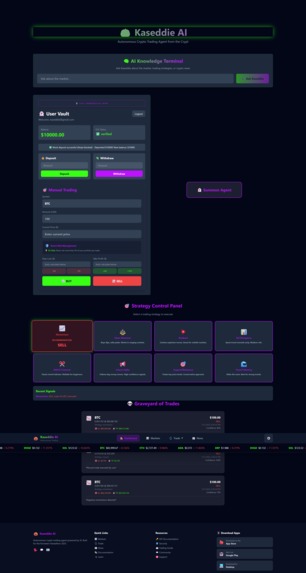
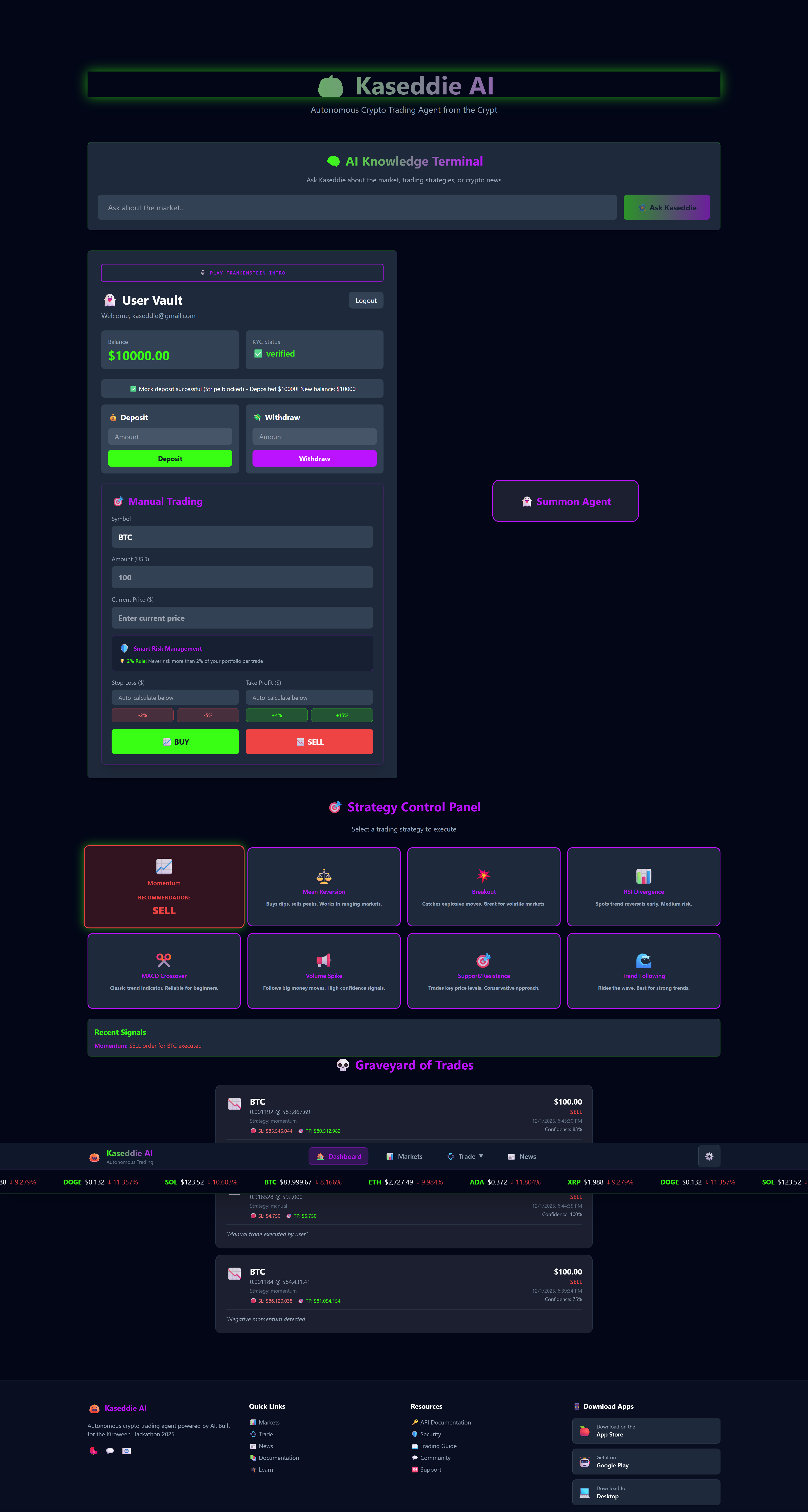
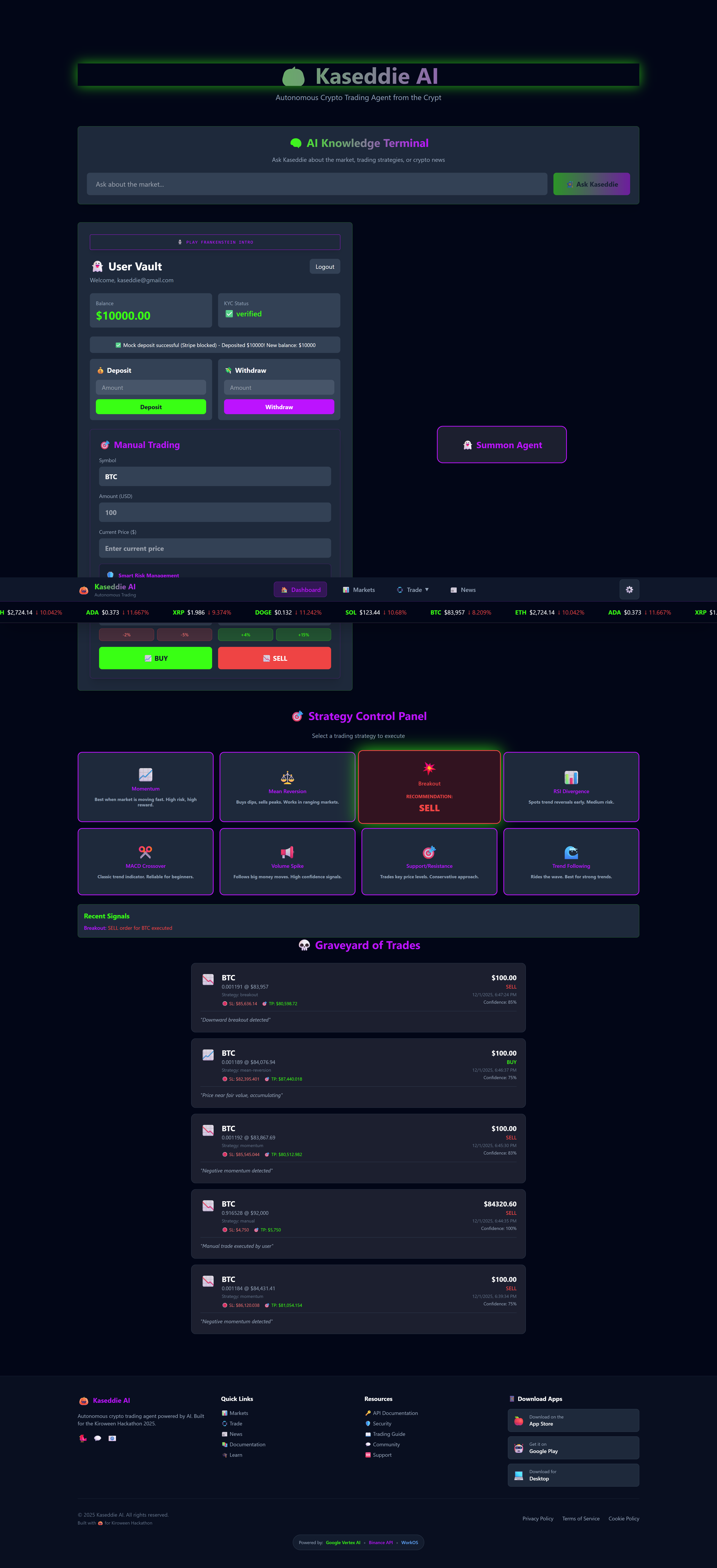
Strategy Control Panel highlight. Focus on the "Bear when market is running low" strategy and Manual Trading UI with SELL button..
-
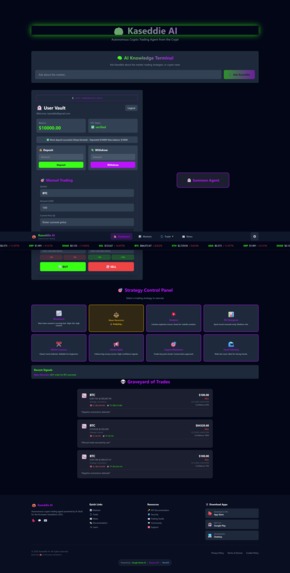
Strategy Control Panel highlight. Focus on the "Risk Trader SELL" strategy, with several trades visible in the Graveyard of Trades.
-
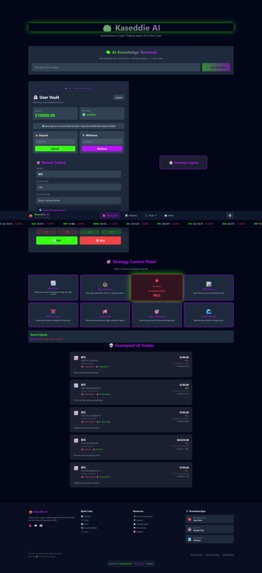
Trading panel showing the "Bearish Reversal SELL" strategy selected and highlighted red in the Strategy Control Panel.
-
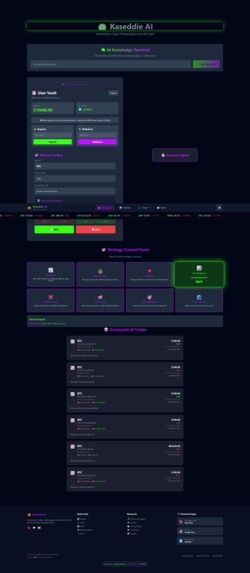
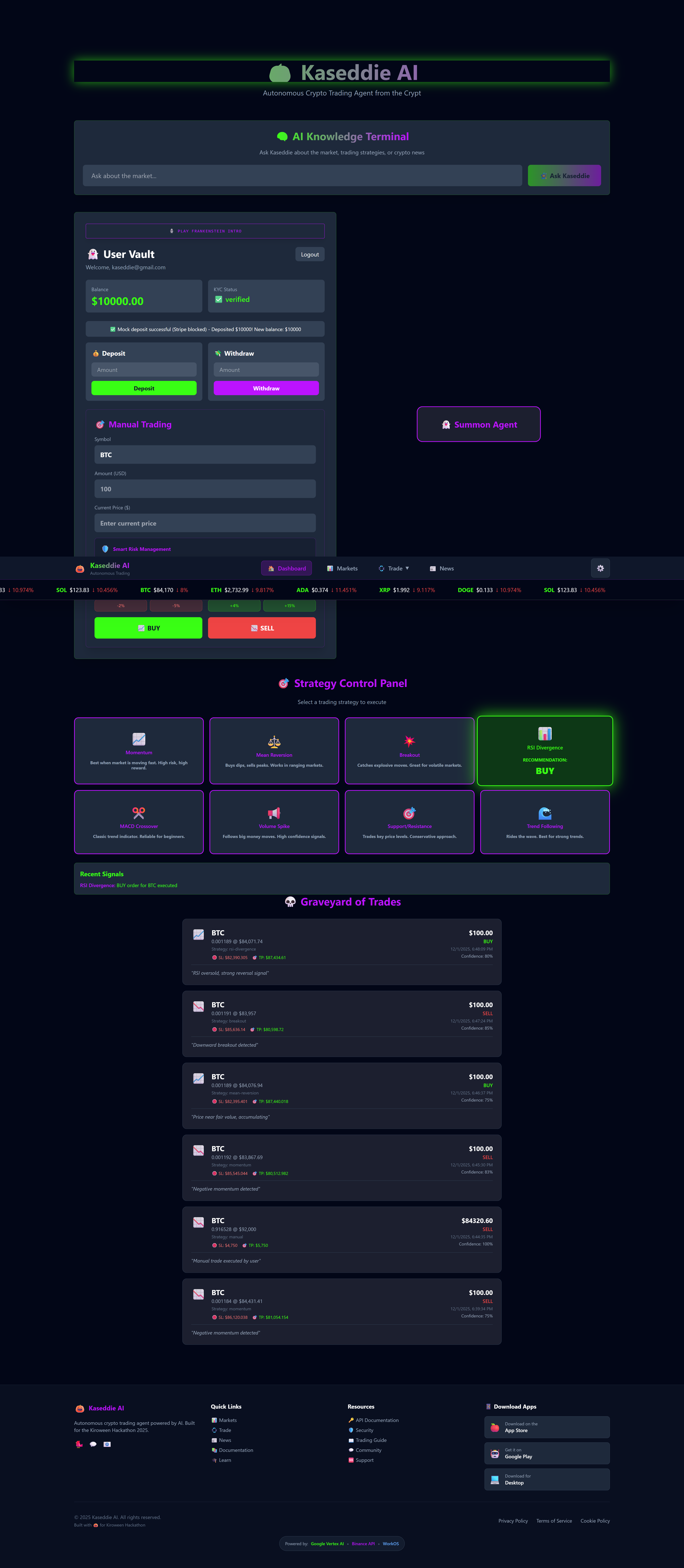
Trading panel showing the "Bullish Divergence BUY" strategy selected and highlighted in the Strategy Control Panel.
-
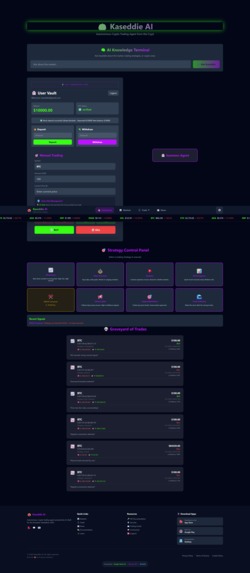
Trading panel showing the "Risk Trader SELL" strategy selected and highlighted in the Strategy Control Panel.
-
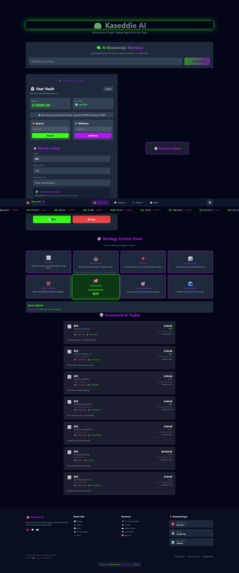
Trading panel showing the "Bullish Reversal BUY" strategy selected and highlighted green in the Strategy Control Panel.
-
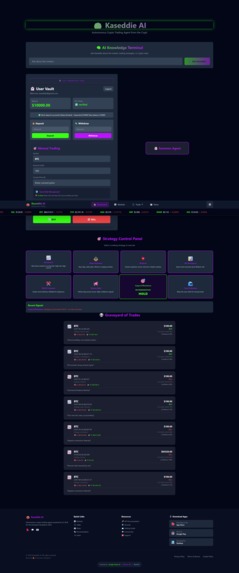
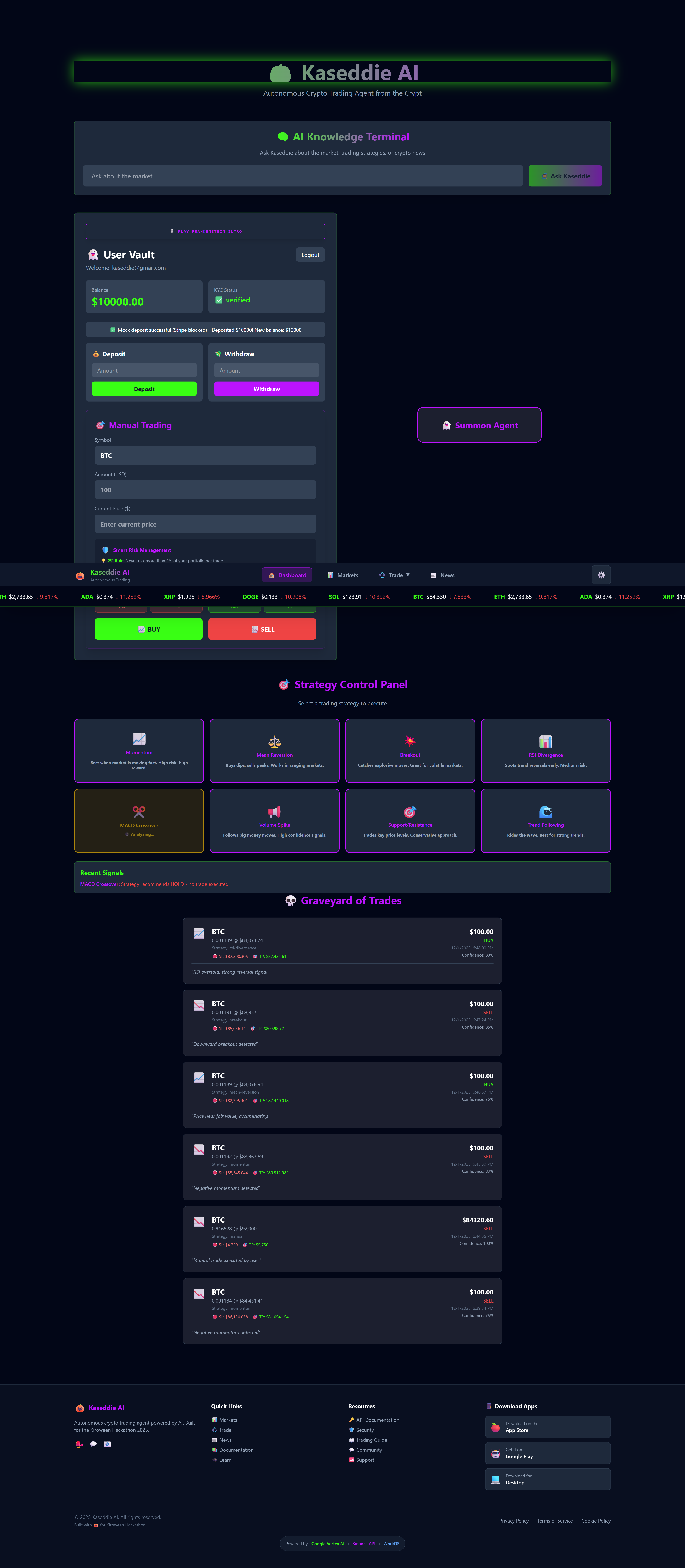
Trading panel showing the "Conservative Trader BUY" strategy selected and highlighted in the Strategy Control Panel.
-
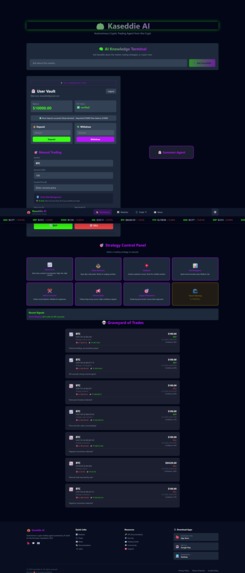
Graveyard of Trades displays a long list of historical trades. The "Scalper" strategy is selected in the Strategy Control Panel.
-
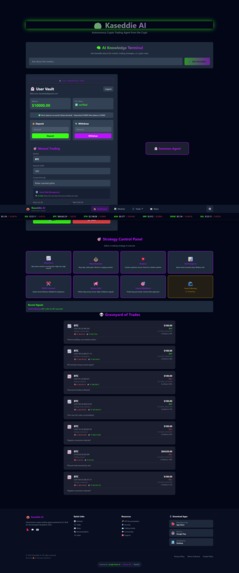
Graveyard of Trades shows extensive historical trade data. The Trend Following strategy is selected in the Strategy Control Panel.
💡 The Inspiration
Cryptocurrency markets operate 24/7, but human founders need sleep. I wanted to build a system that wasn't just a passive dashboard, but an active partner—an autonomous agent that could monitor price action, analyze sentiment using Generative AI, and verbally communicate strategies to me in real-time.
👻 What it does
Kaseddie AI is a "Frankenstein" creation, stitching together the web's most powerful APIs into a cohesive trading platform for solo founders.
- The Brain: Powered by Google Vertex AI (Gemini 1.5 Flash), it analyzes real-time news to generate market sentiment and trading advice.
- The Voice: Using Google Cloud Text-to-Speech (Journey Voice), the agent speaks its actions aloud, confirming trades ("Buying BTC") and explaining its reasoning naturally.
- The Eyes: It ingests real-time market data via the Binance API to visualize price movements via the "Crypto Pulse" ticker.
- The Nervous System: User identity is secured via WorkOS (SSO & KYC Verification), while financial operations are handled via Stripe.
- The Hands: A custom Trading Engine executes orders based on 8 distinct algorithmic strategies (e.g., Momentum, Mean Reversion) and automatically calculates Stop Loss/Take Profit levels to manage risk.
🏗️ How I built it (The Kiro Way)
This project was architected entirely within the Kiro IDE, utilizing its AI-native workflow to move from concept to cloud deployment in days.
- Spec-Driven Development (Backend): I used Kiro's Spec mode to define the complex backend logic. I wrote a requirements document for the
TradingEngineandUserVault, and Kiro scaffolded the Node.js/Express services, ensuring a clean separation between the AI logic (aiService.js) and the execution logic (trading.js). - Vibe Coding (Frontend): I used Kiro's Vibe Coding to build the React interface. I prompted for a "Spooky Dark Mode" with glassmorphism effects, and Kiro generated the Tailwind CSS components instantly. It was also crucial for debugging complex CORS issues between the frontend and backend.
- Cloud stitching: The app is deployed as a distributed system, with the Node.js backend on Render and the React frontend on Netlify, communicating via secure API endpoints.
🧠 Challenges I ran into
The biggest challenge was the "Chain Reaction" of latency. Because the system stitches together news fetching, AI analysis, and voice generation, requests sometimes took 30+ seconds. This caused frontend timeouts and server crashes.
Solution: I implemented a robust "Fail-Safe" architecture. The backend now uses AbortControllers and fallback data mechanisms to ensure the UI never crashes, even if an external API (like Binance) blocks the request due to geo-restrictions.
🏆 Accomplishments that I'm proud of
I am proud of migrating the voice engine from a limited tier to Google Cloud Text-to-Speech, giving the agent a professional, limitless voice. I successfully integrated WorkOS for enterprise-grade authentication, making the app feel like a legitimate fintech product from Day 1.
🚀 What's next for Kaseddie AI
The next phase is moving from "Paper Trading" (database simulation) to mainnet execution, connecting the strategy engine directly to decentralized exchanges (DEXs) via smart contracts.# Inspiration
Built With
- binance-api
- express.js
- google-vertex-ai
- kiro
- node.js
- react
- render
- stripe
- vite
- workos

Log in or sign up for Devpost to join the conversation.