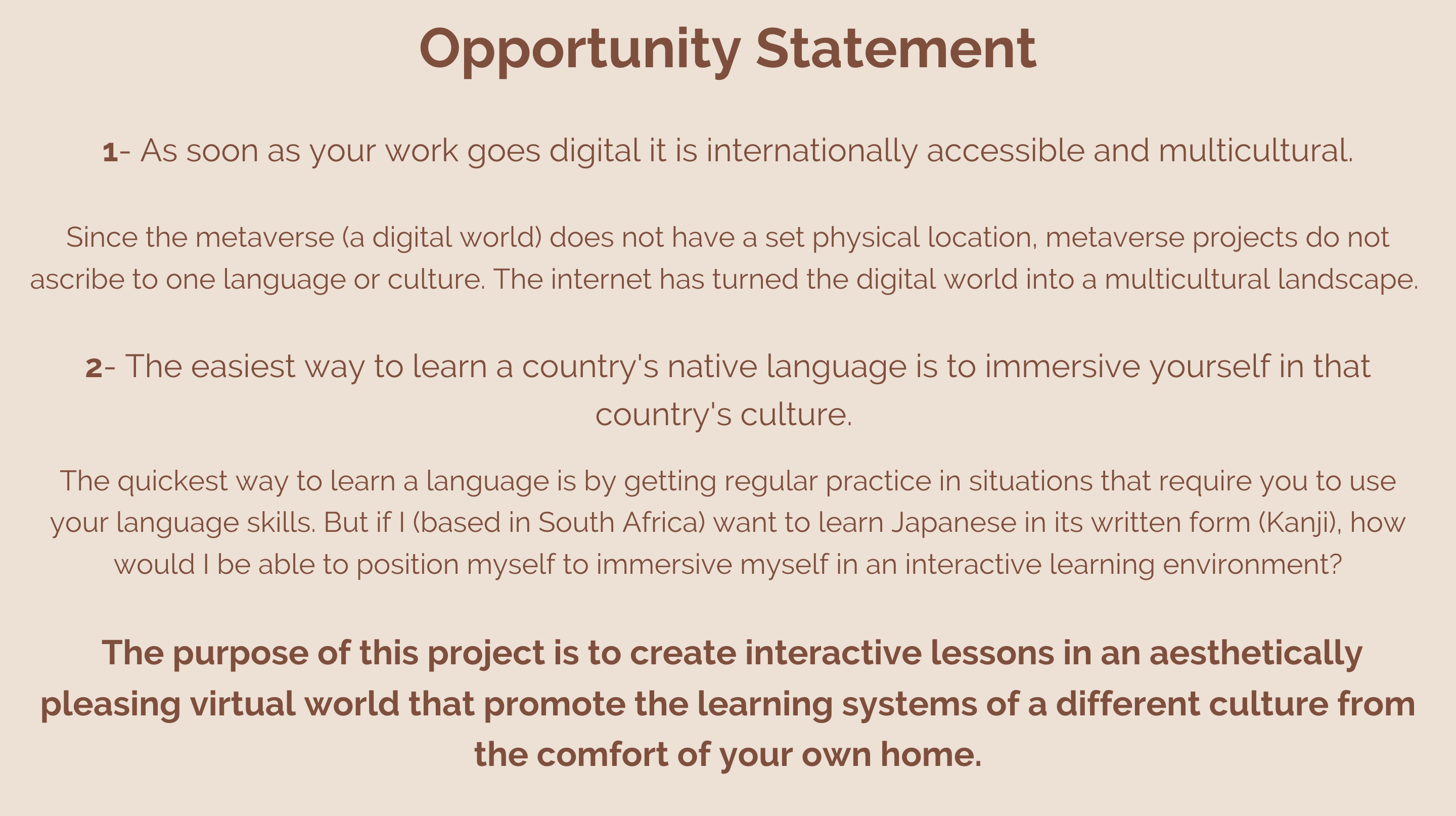
Inspiration Kanji School VR is a project built on the design principles highlighted by 2 statements: 1- As soon as your work goes digital it is internationally accessible and multicultural. 2- The easiest way to learn a country's native language is to immersive yourself in that country's culture.
Because the metaverse (a digital world) does not have a set physical location, metaverse projects do not ascribe to one language or culture. It is essentially a multicultural world. Thanks to the internet we can share, learn and appreciate one another's heritage and sharing learning materials at a quicker and easier rate.
It makes sense to understand that the quickest way to learn a language is by getting regular practice in situations that require you to use your language skills. But if I (based in South Africa) want to learn Japanese and it's written form (Kanji), how would I be able to position myself to immersive myself in an interactive learning environment? This was the purpose of this project. To create interactive lessons in an aesthetically pleasing virtual world that promote the learning systems of a different culture from the comfort of your own home.
A big critique I see people having with VR is that it requires you to shut off from the real world for extended periods of time, but if you can develop language/writing skills starting at 5-10 minutes a day, it makes buying into the concept of learning in VR more palatable.
Learning language skills is similar to physical exercise. It requires constant repetition of the same thing to come to people more naturally. The challenge is how can we make that repetitive process exciting and engaging? This project is an MVP with the first 3 pages of Grade 1 Kanji skills worksheets present in the demo. Since the structure, code and concept are all I place it will be much easier to now scale in a digital space to accommodate the other lessons and worksheets making sure that what is taught in a VR space aligns with skills taught with traditional learning materials.
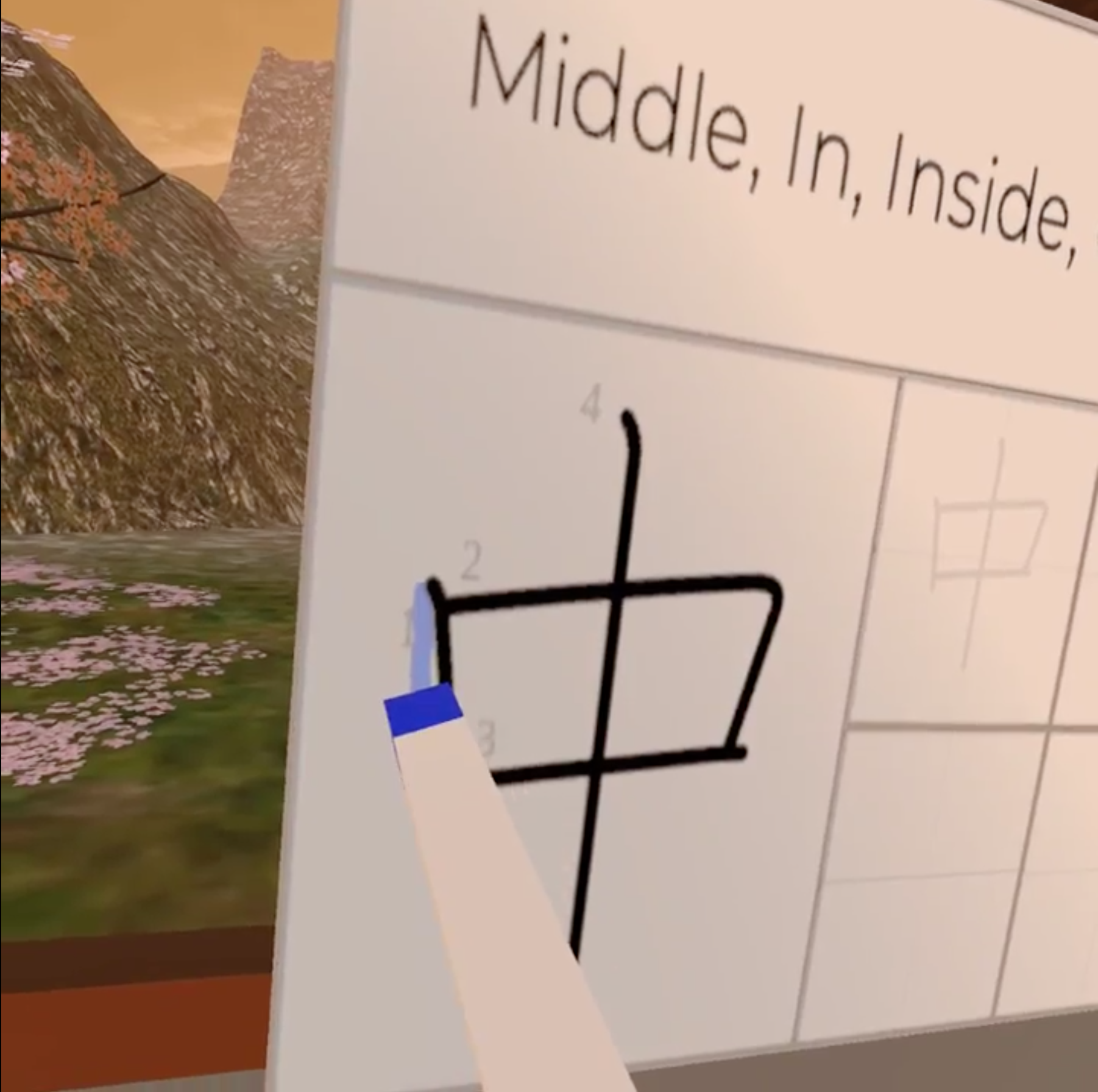
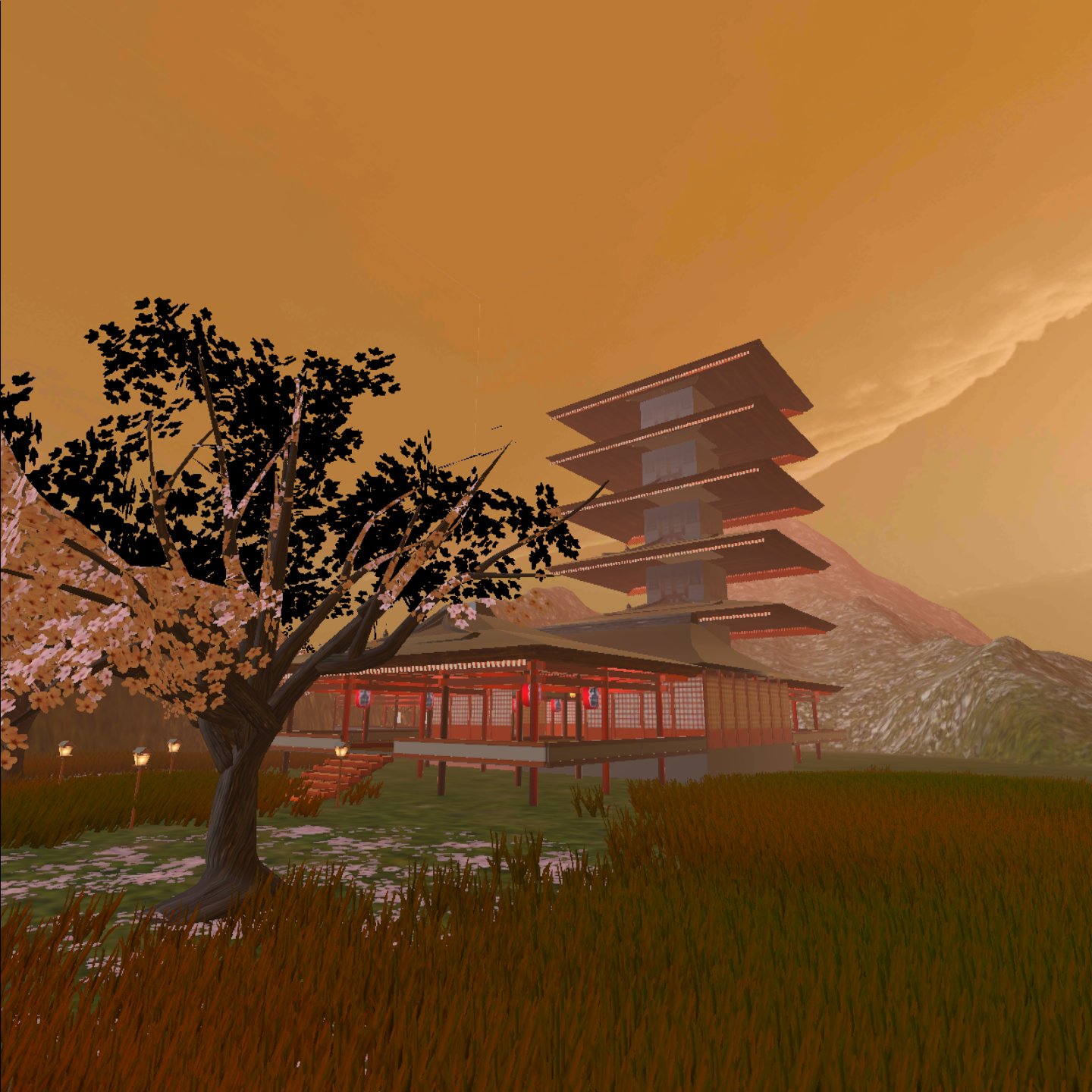
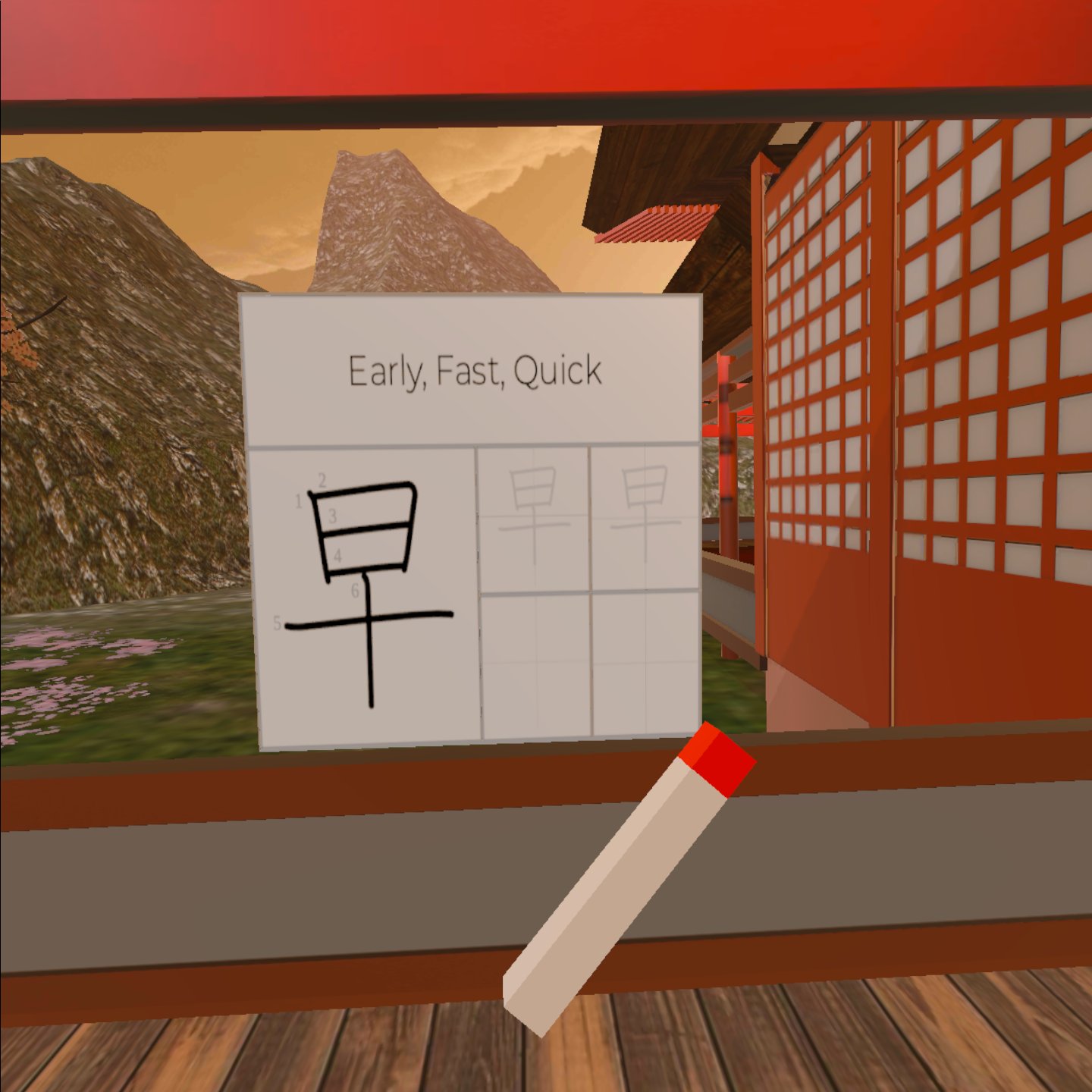
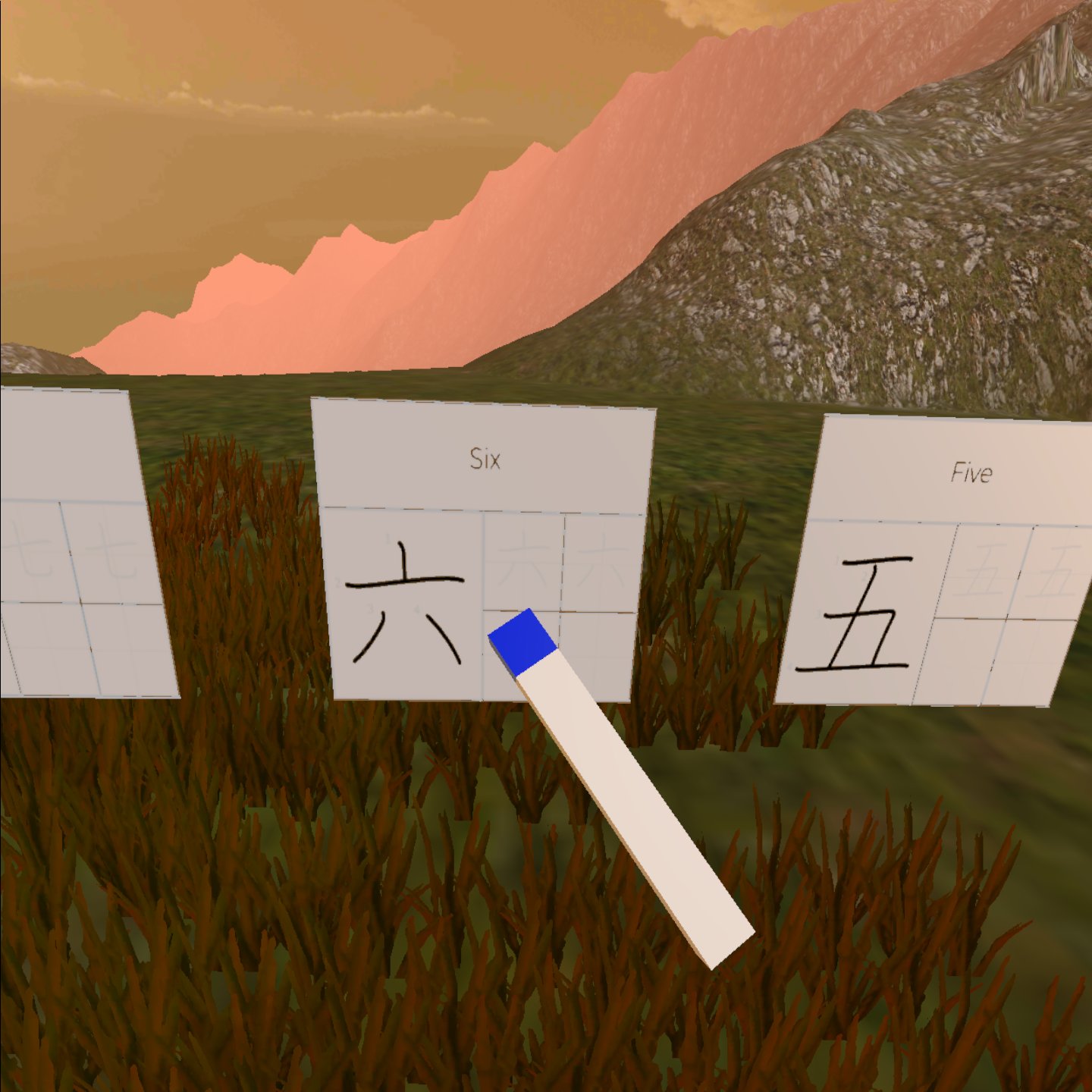
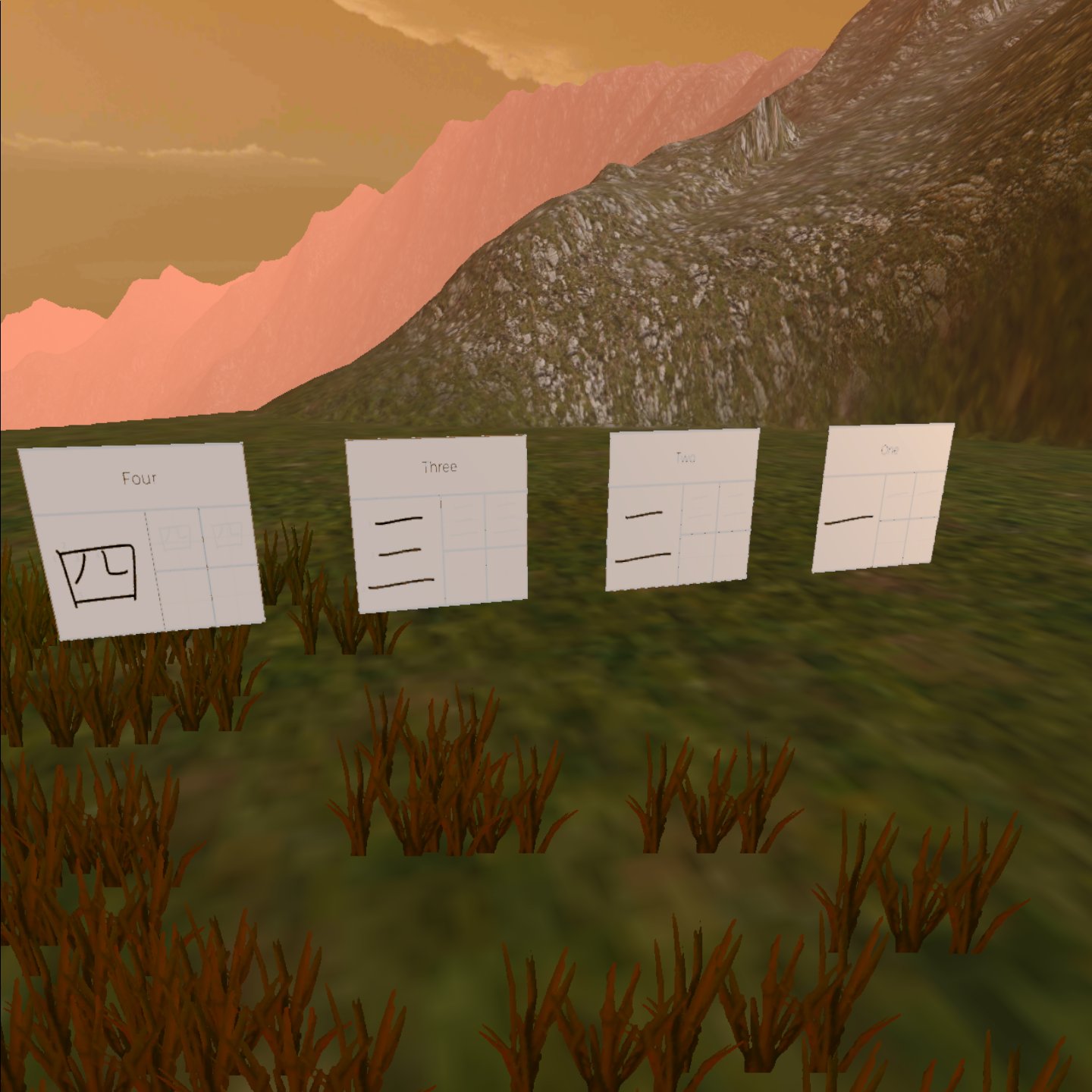
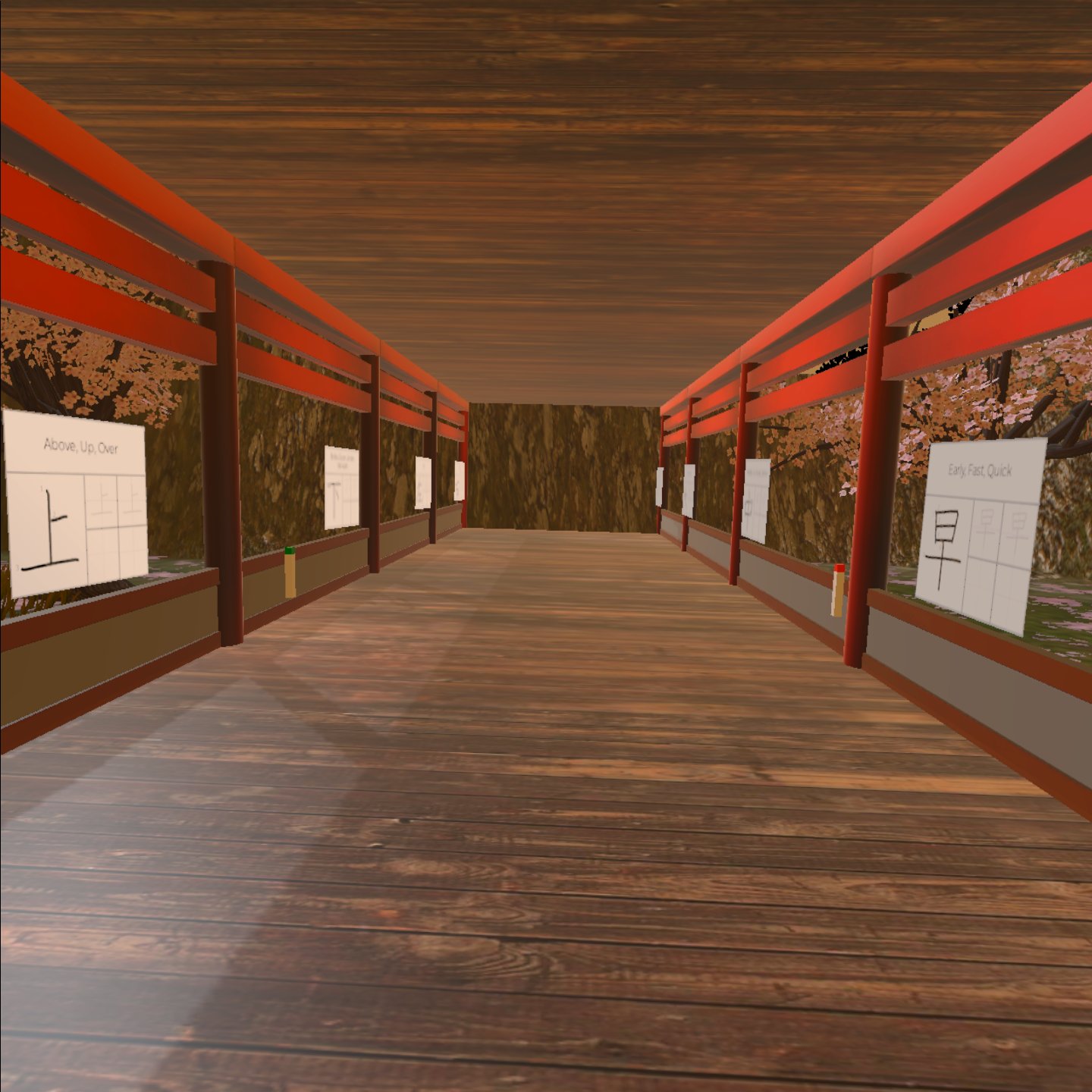
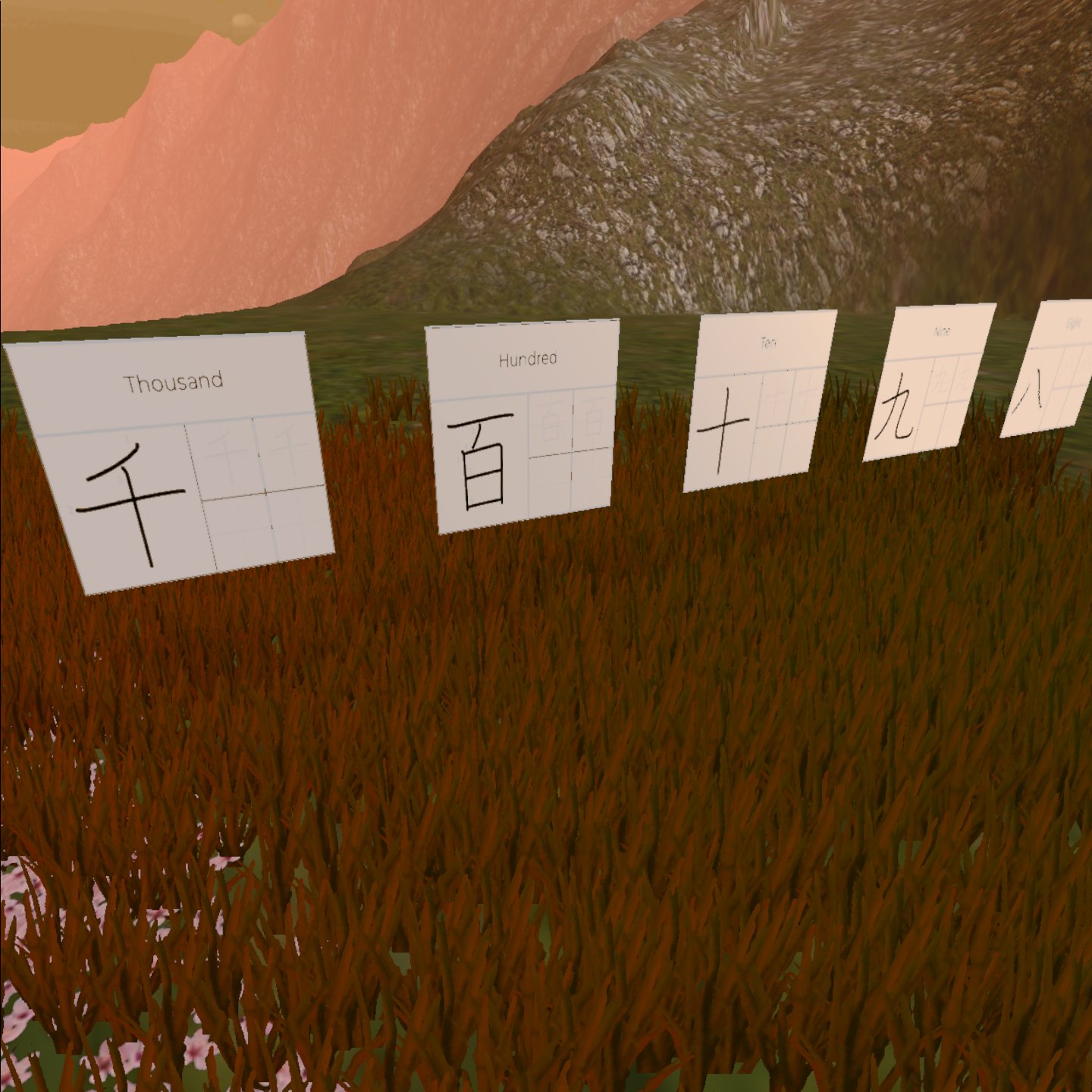
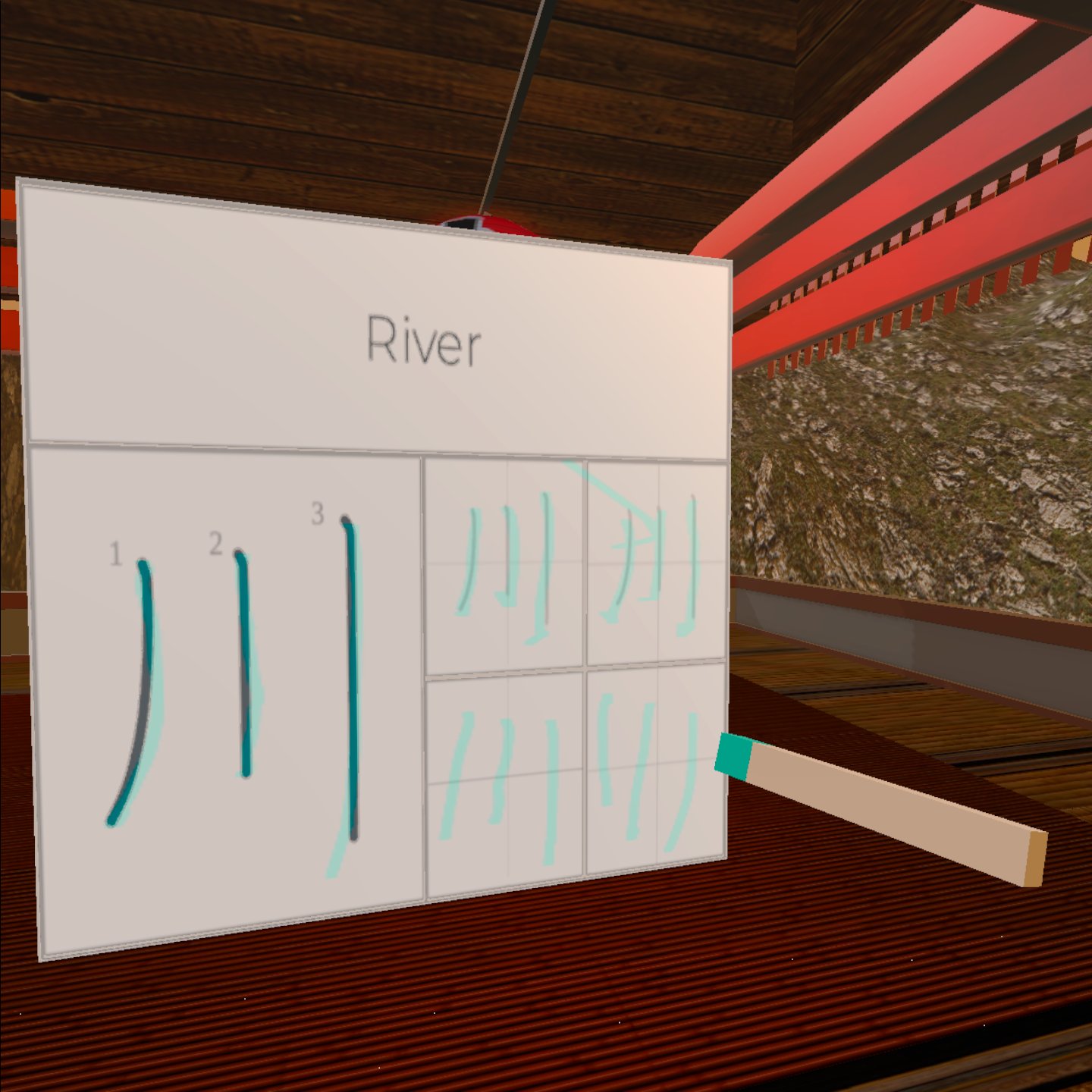
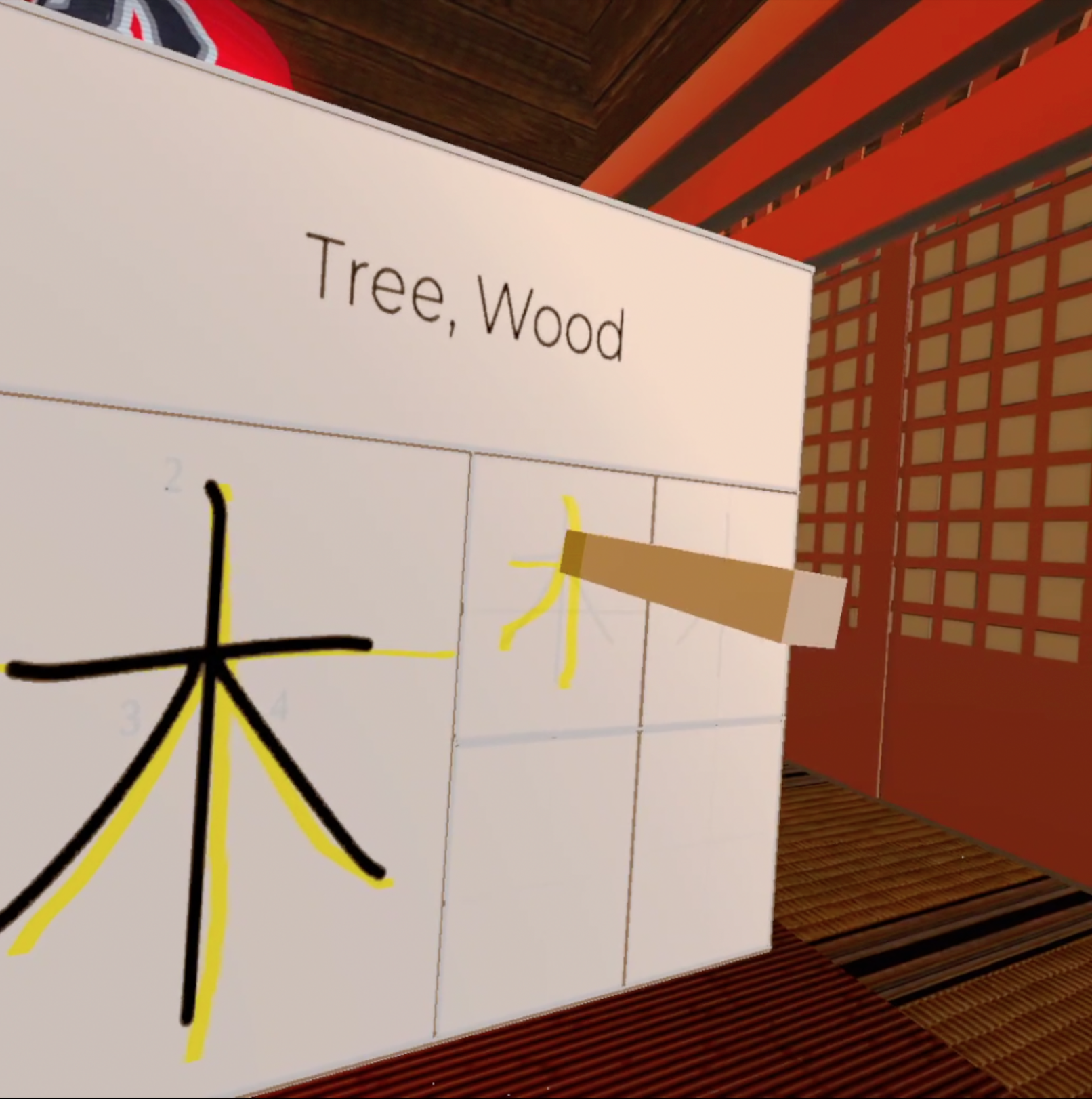
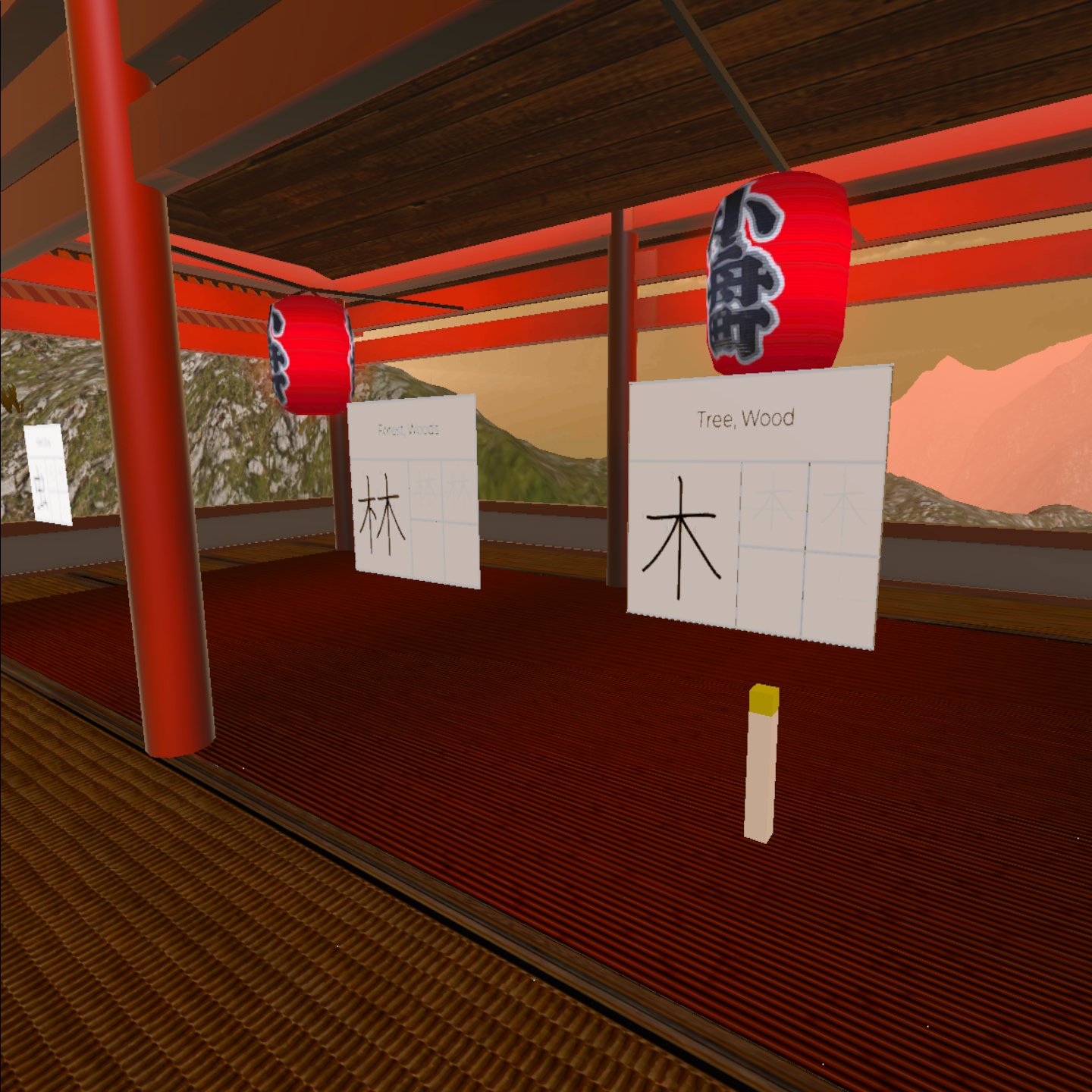
What it does Walk around a Virtual Reality immersive environment and explore a Japanese Temple. Along the way you pick up coloured markers and trace Kanji symbols mirroring the process you would leave Kanji from traditional learning materials. Your left joystick controls your camera movement (coupled with turning your head as is industry standard in VR), the right joystick controls player movement through the virtual space. Reach forward and press the shoulder trigger button on either controller to grab the marker (to accommodate either dominant handed user) and hold it down to maintain grab control. If you lose the marker, that's OK, there's more all around the level. From then, walk up to the desired symbol you with to practice writing and from then, just treat tracing as you would a wand. The marker will automatically snap to an 180° when you grab the marker, emulating the handshape of holding a brush, making sure the user's don't strain their wrists because there is a real limitation that how you hold an VR controller is not the same way you would hold a brush or pen. Each area of the temple covers a different set of Kanji (numbers, directions, nature), whether it's for 5 minutes or 30 minutes feel free to learn at your own pace. The best way to learn a new language is through repetition, Kanji School VR aims to make that process as interesting and interactive as possible.
How we built it The OpenXR plugin and XR interaction toolkit was used for the VR player framework and controller set up. Hurricane VR was used for the interactive elements. Hexbody for future player physics. The 'Whiteboards' and marker elements and their interactions with one another were all coded in C#, the 3D Temple was a purchased asset pack that I rendered out into a VR space. All built in Unity 2021 Game Engine for VR Hardware capabilities. (Attached is a google drive link to an APK file).
Challenges we ran into Building anything in VR is a challenge! Haha. The main issue (as mentioned in the video with an oculus controller as an example) is really hand positioning in the virtual space and how it interacts with virtual objects, making sure they're rotated on the right axis in relation to the player. The fact that the developer space is so new is both a strength and a weakness. Nothing on the market in terms of developer tools is made specifically for building in VR (let along specific device brands). It takes the right combination of plug-ins, ported controls, code not intended for its use case purpose and creativity to get anything to an MVP level. It's as exciting as it is frustrating. But I started developing VR because it is a forgiving space finding its feet which seemed primed for me to make a mark.
Accomplishments that we're proud of I'm a self taught developer and I'm enjoying working with VR where the community is new enough to appreciate any effort developers put in. Last year, myself and a co-developer received £10 000 in grant funding to develop immersive educational experiences. We then received a further £25 000 to be used over the next 2 years from an outside investor. It's extremely validating to have other companies validate your work, especially as an independent dev trying to make their way in the world.
What we learned The broad reach that VR has and instead of just selling the technology there is a human aspect behind every business proposal. Promoting digital spaces and physically unrestricted multi-cultural spaces seems to be a big selling point when it comes to getting people excited about immersive tech. Users are more likely to retain knowledge when they find the subject matter or learning environment interesting. That's why the 'lessons' are built into exploring a Virtual Japanese temple.
What's next for Kanji School VR Kanji School VR is a project I plan on continually iterating on and scaling to accommodate different levels of learning materials while adding more 3D learning environments.


Log in or sign up for Devpost to join the conversation.