-
-
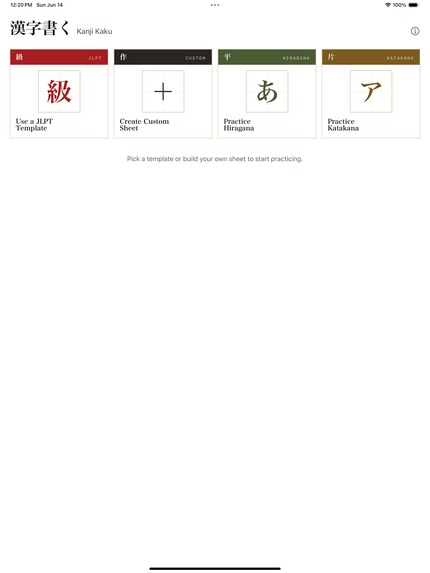
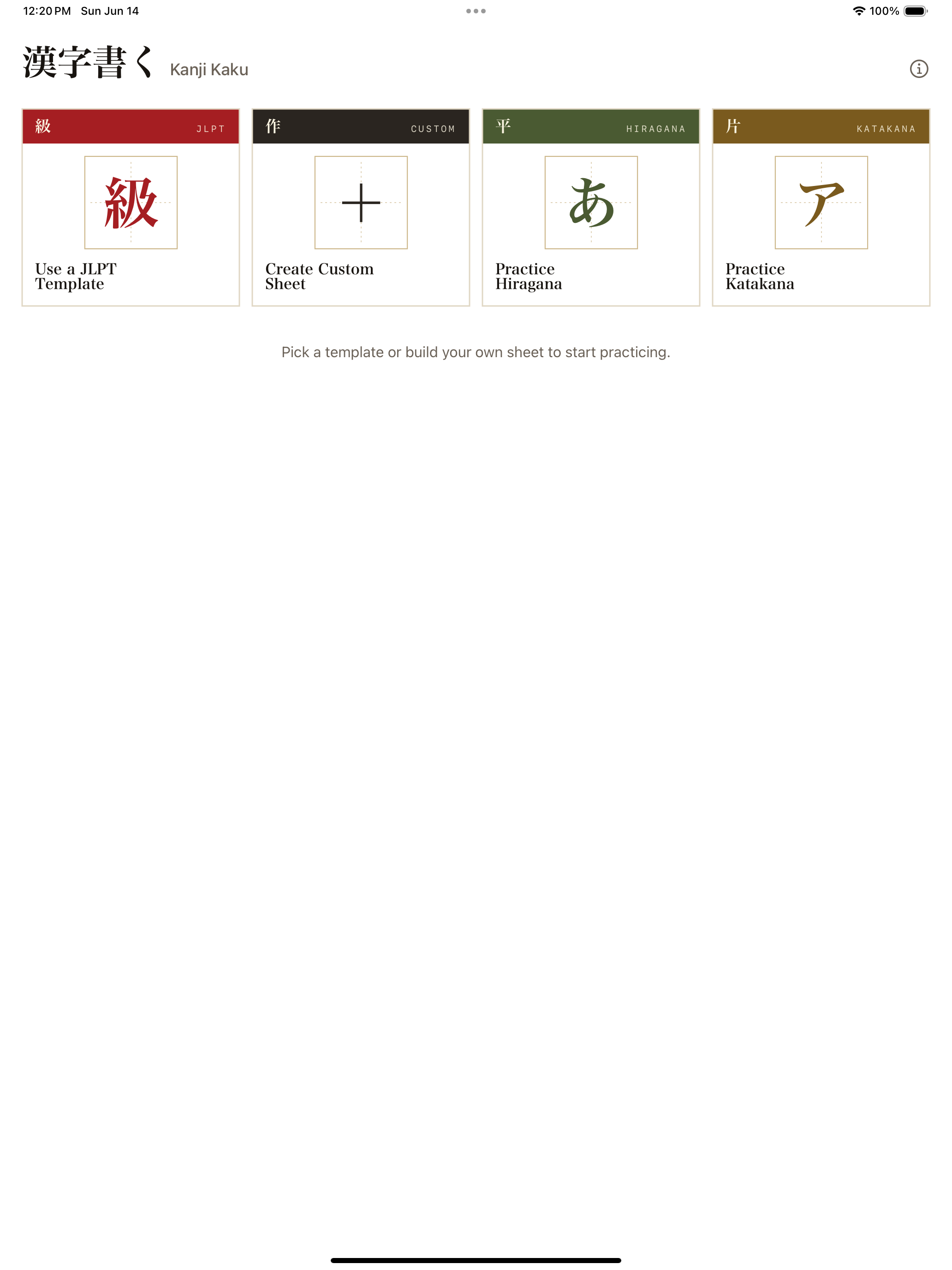
main page
-
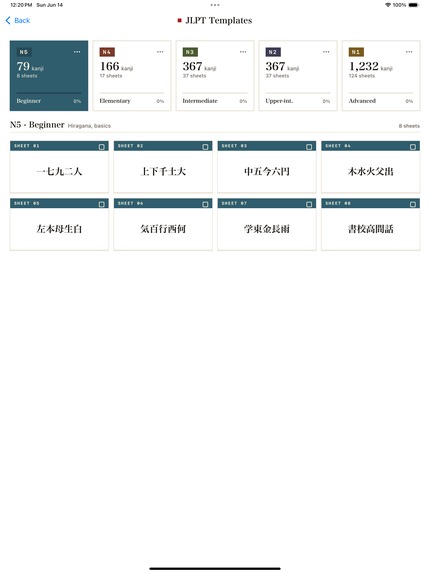
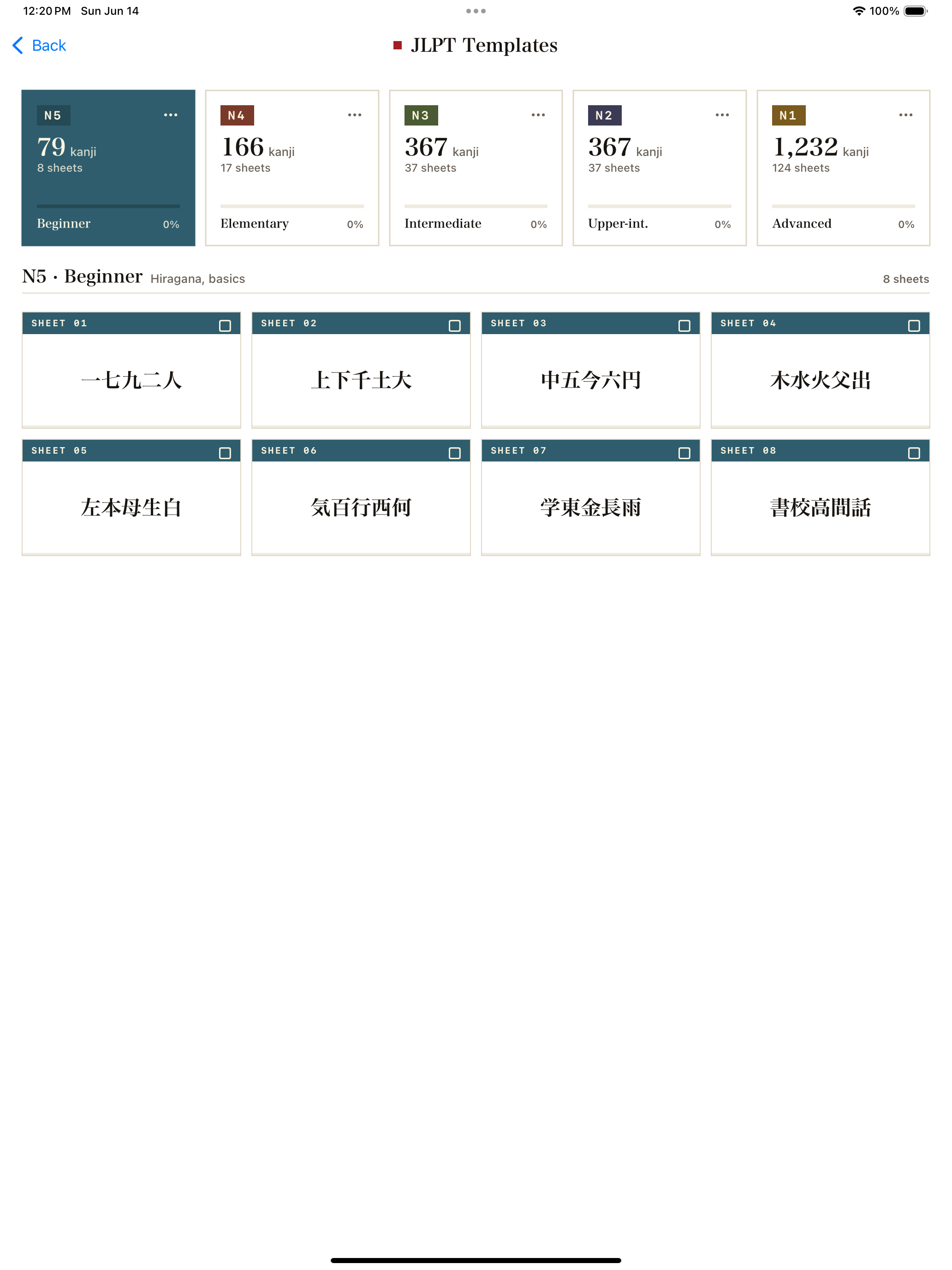
templates
-
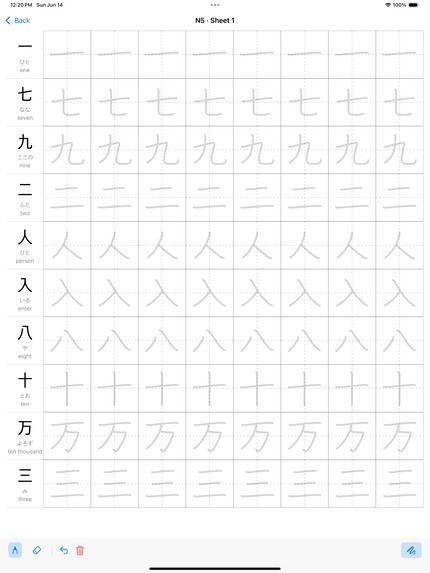
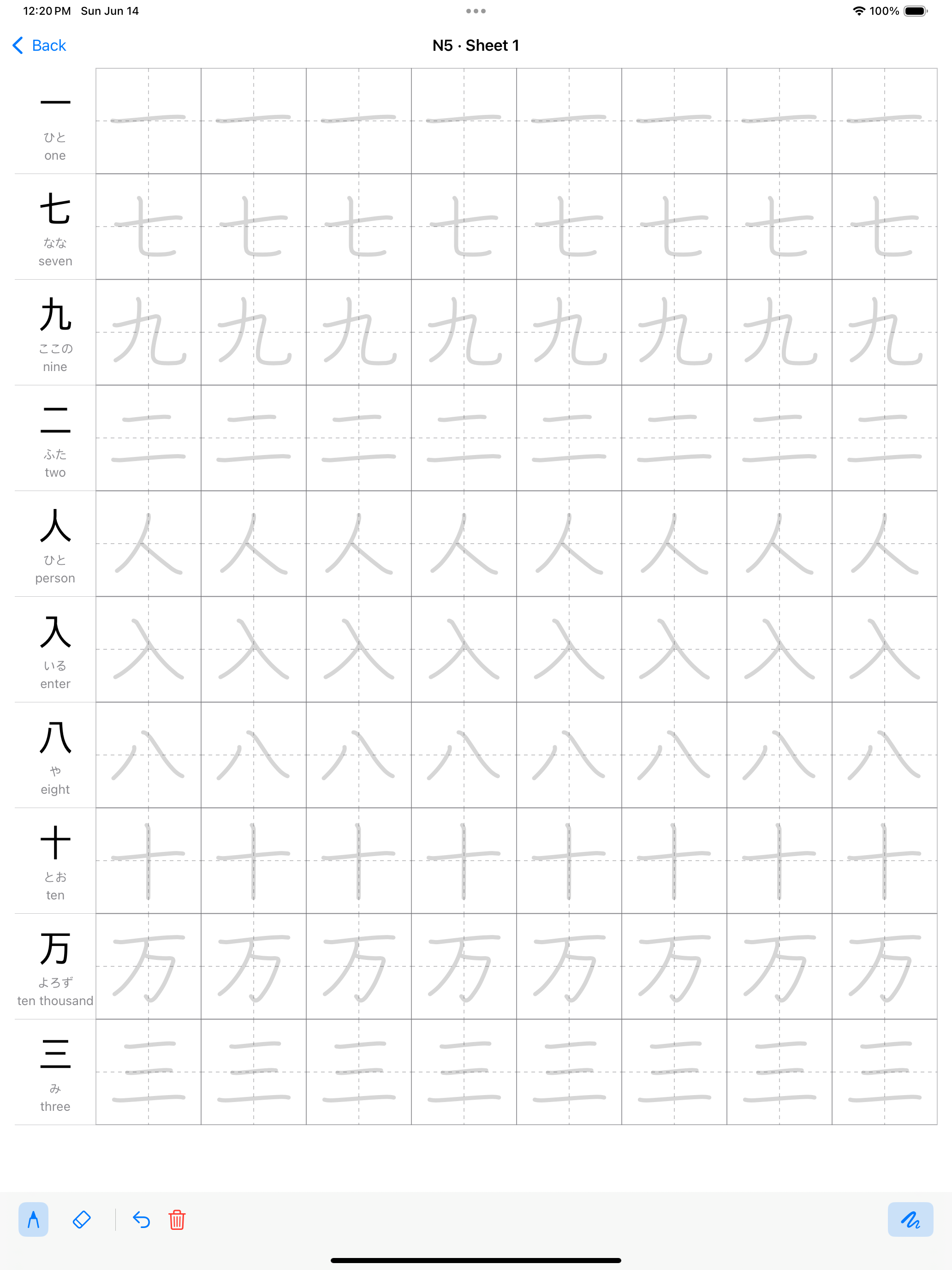
practice sheet
-
1024x1024 uncropped app icon
Inspiration
Learning a new language is difficult, but it's especially difficult when you have to learn thousands of characters in addition to all the other things that come with learning a new language. I wanted to make it easier to practice writing kanji, which are the Japanese version of Chinese characters. The best way to learn and memorize the characters is to write it over and over.
What it does
Kanji Kaku let's you use your tablet and pen to practice writing Japanese kanji characters. You can use templates or build your own.
How we built it
The project uses Swift, SwiftUI, and Claude to help build the app, and of course RevenueCat. It also uses KANJIDIC2 (EDRDG), KanjiVG stroke data (CC BY-SA 3.0), and community JLPT level lists -- these are all attributed in the app as well.
Challenges we ran into
One of the challenges was coming up with a nice design that fit the theme of the app but also worked for iPad. I'm used to building iPhone apps so it's nice to have a lot more space but you have to use it well or it looks too empty at times.
Accomplishments that we're proud of
A single scripted gate runs lint, build, and tests on an auto-resolved simulator, then reruns the contrast tests in Dark Mode, and it also runs in an isolated Tart VM and as a pre-push hook. Every external SDK sits behind a protocol with a fake, so the whole app runs and tests without RevenueCat, AdMob, or a network. Sixty-five Swift files with fifteen test files is solid coverage for a solo iPad app, and the project builds from a single XcodeGen file with no hand-edited project.
What we learned
It's important to test in conditions different from the ones you develop in! The core features worked for weeks and bugs were found in a trait when testing on device. If possible test on the target device as soon as possible as the simulator can act differently on iPhone vs iPad. Specifically there was a PencilKit dark-mode ink bug that wasn't caught until the app was tested on device.
What's next for Kanji Kaku
Currently Kanji Kaku only supports single characters but I plan on adding multi-character words. I can also let users share their study templates so others can easily practice kanji based on subjects like foods or medical terminology.

Log in or sign up for Devpost to join the conversation.