-
-
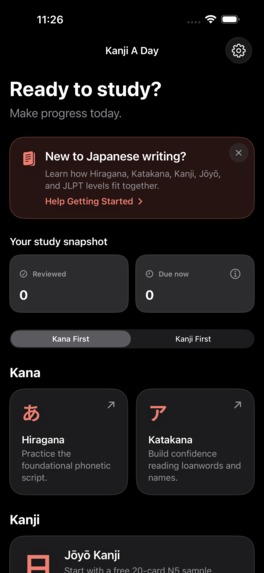
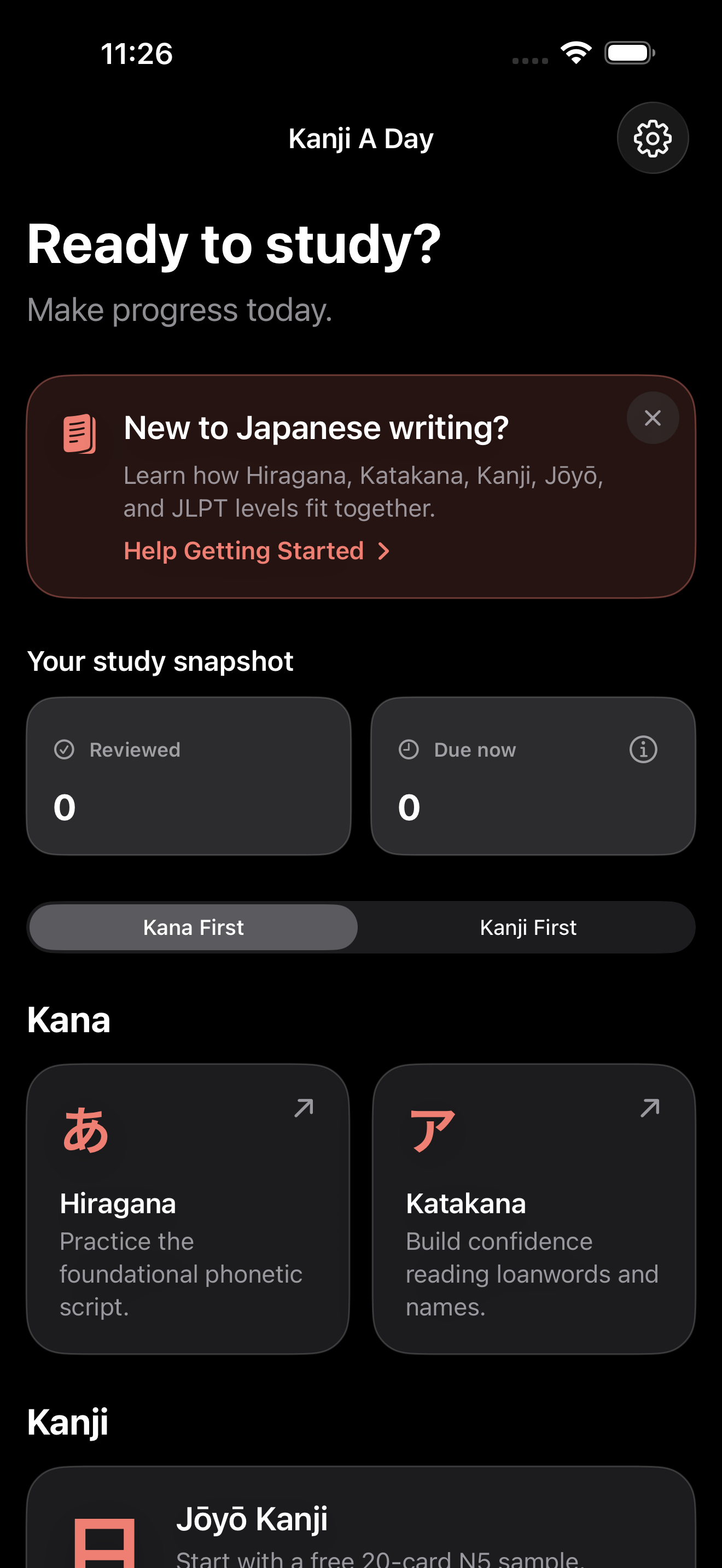
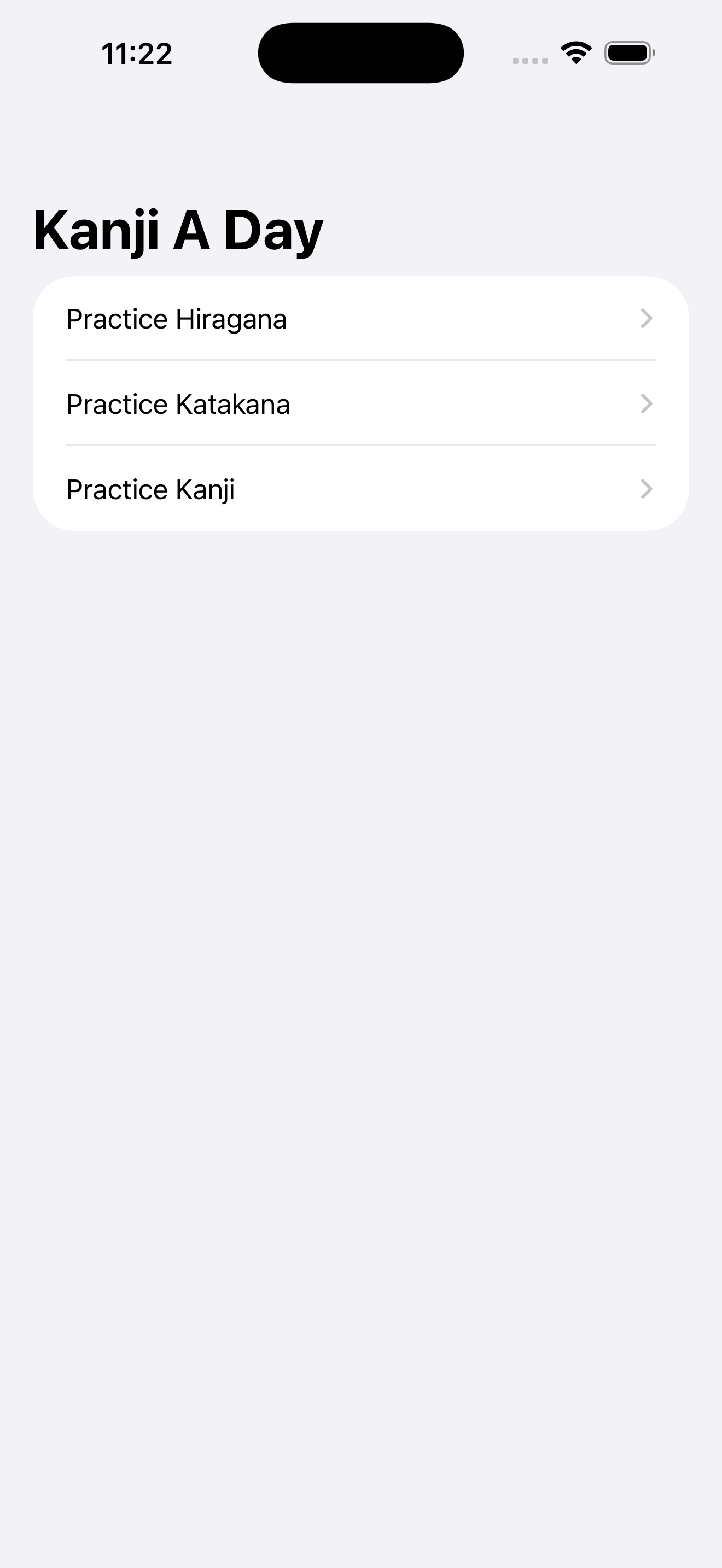
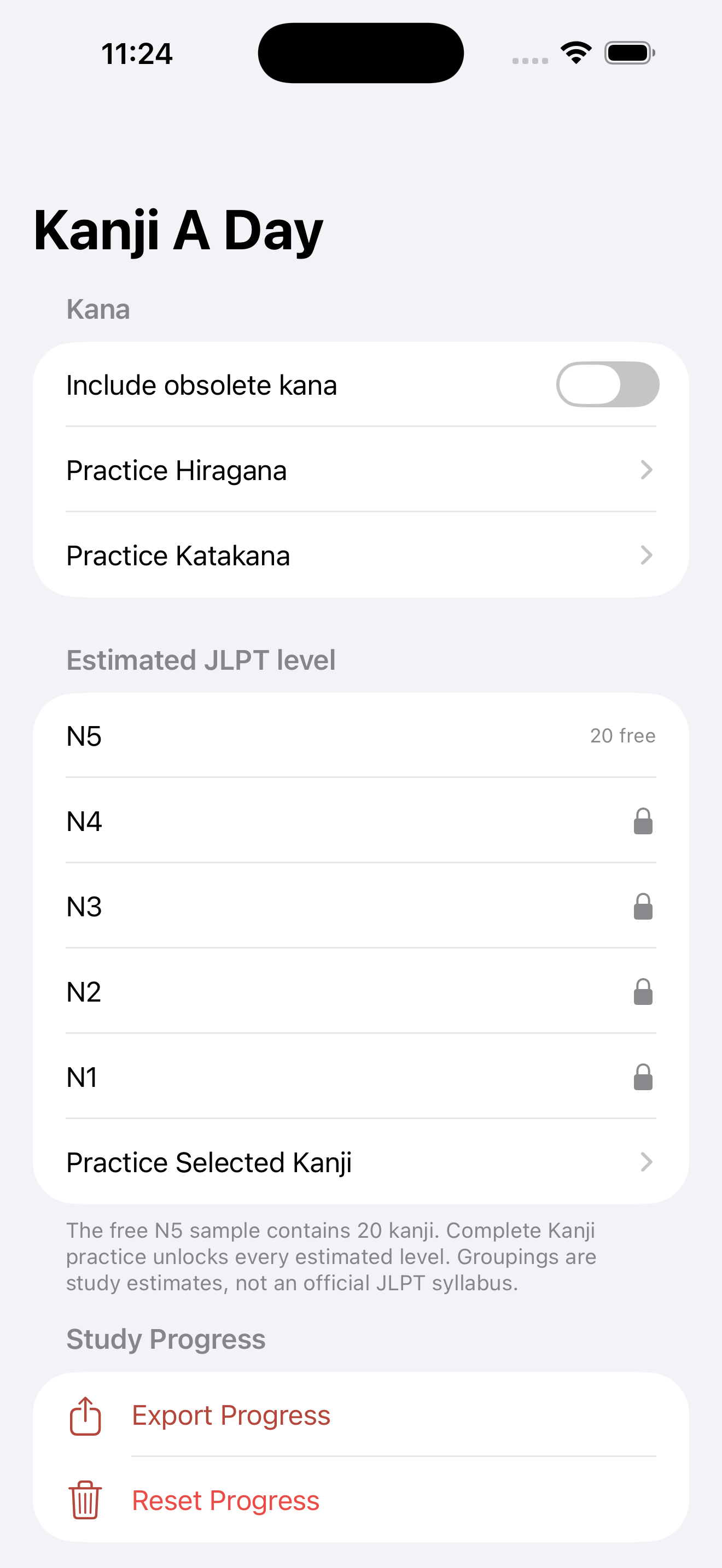
The main home view.
-
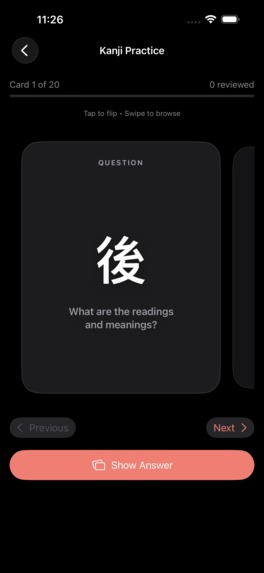
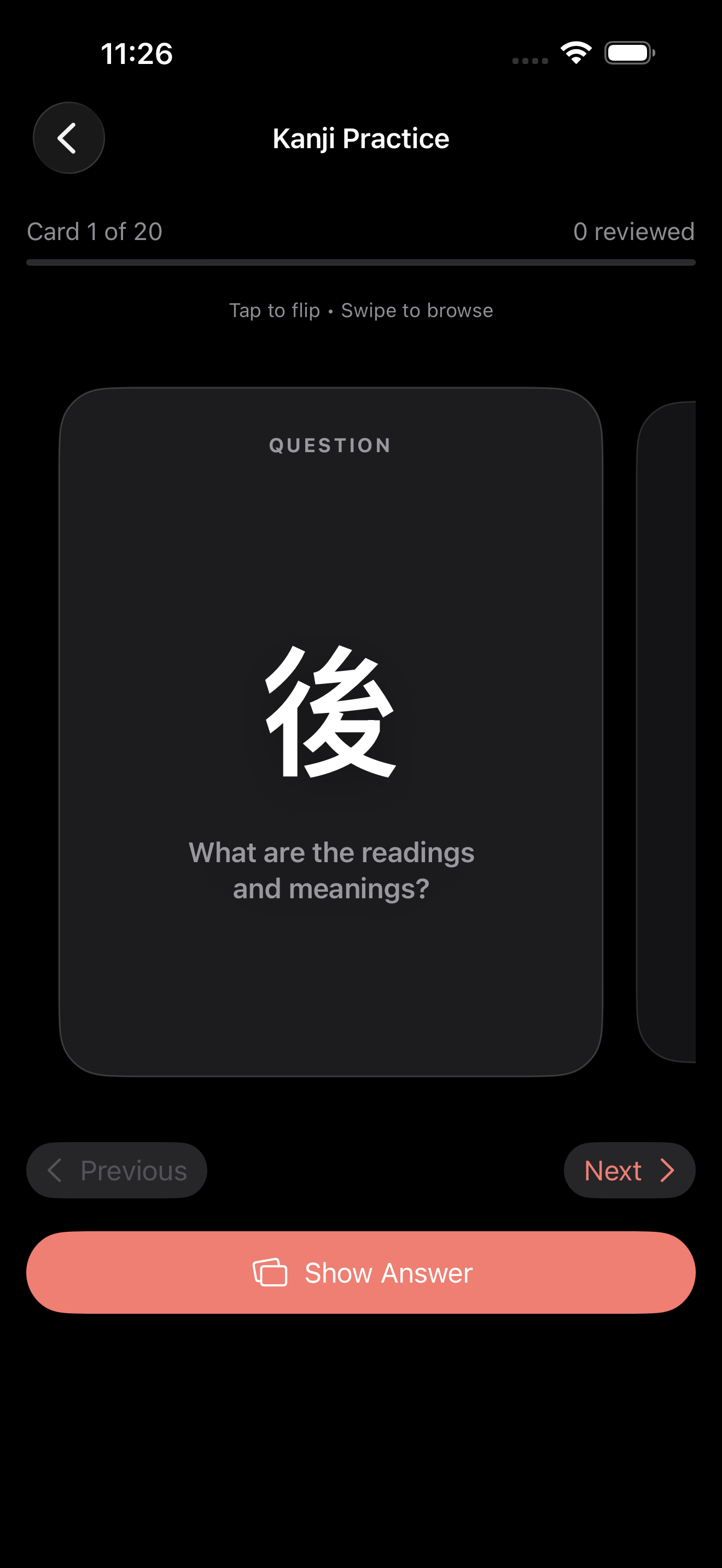
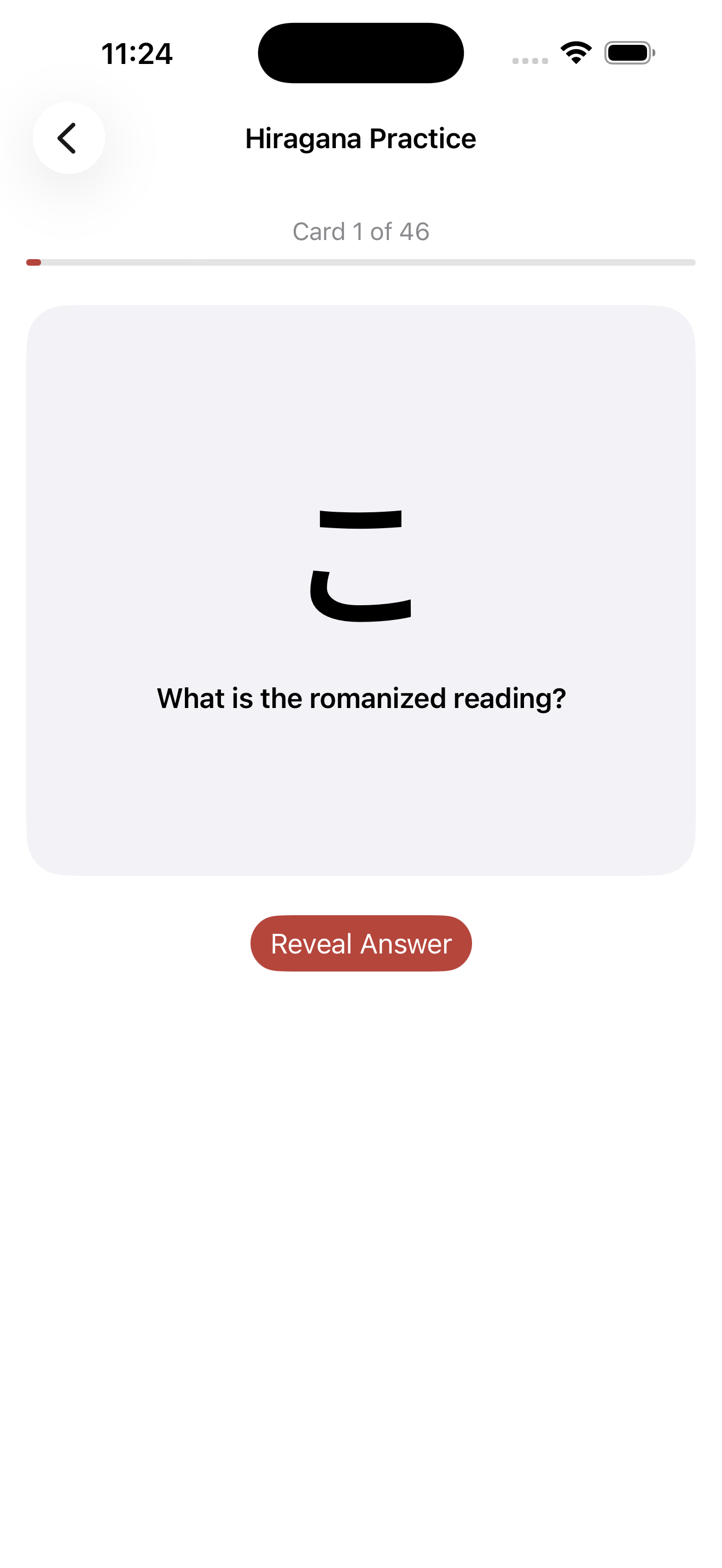
The flashcard view.
-
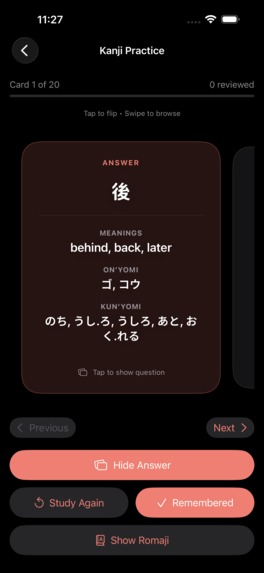
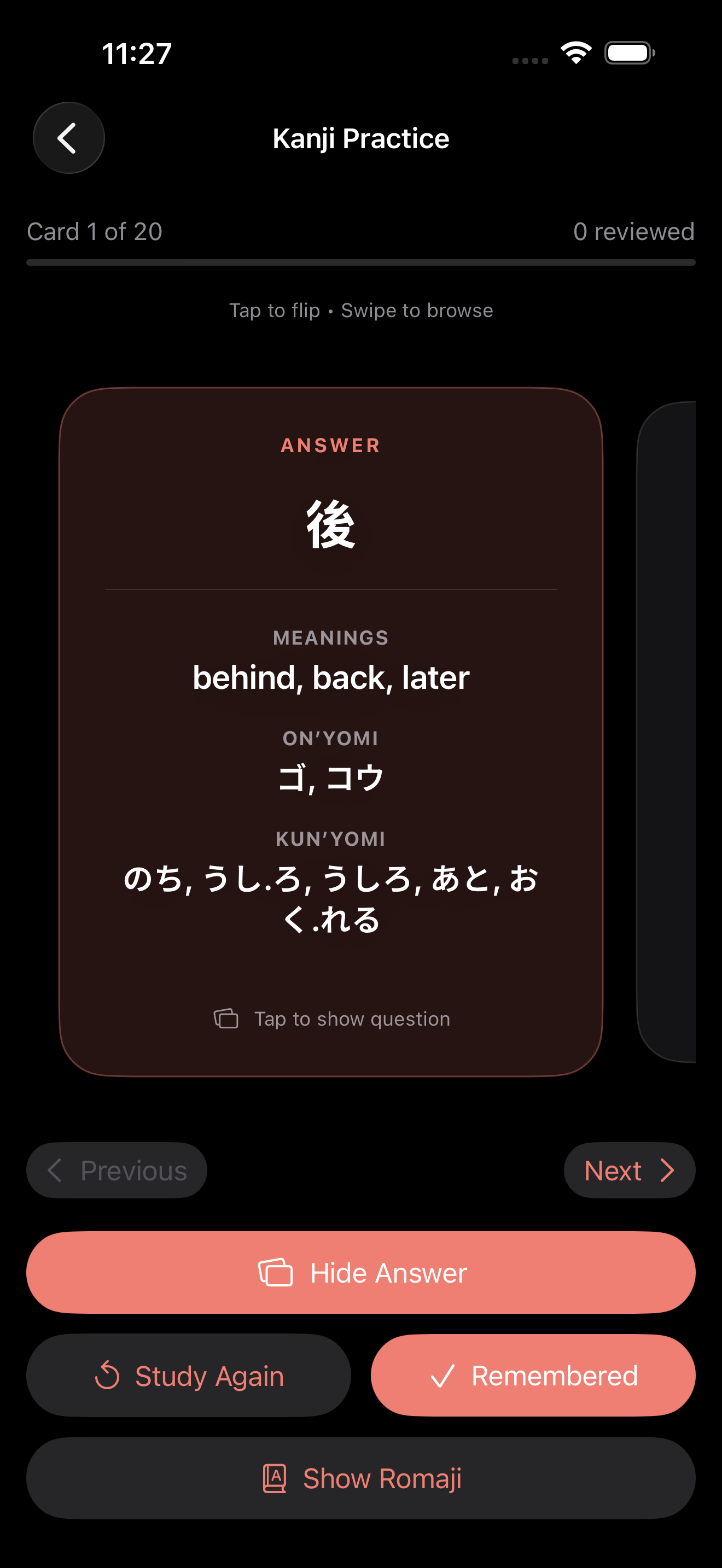
The revealed/flipped flashcard view.
-
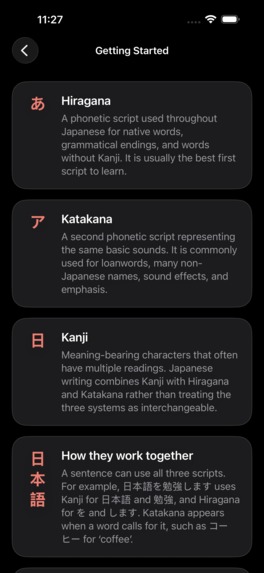
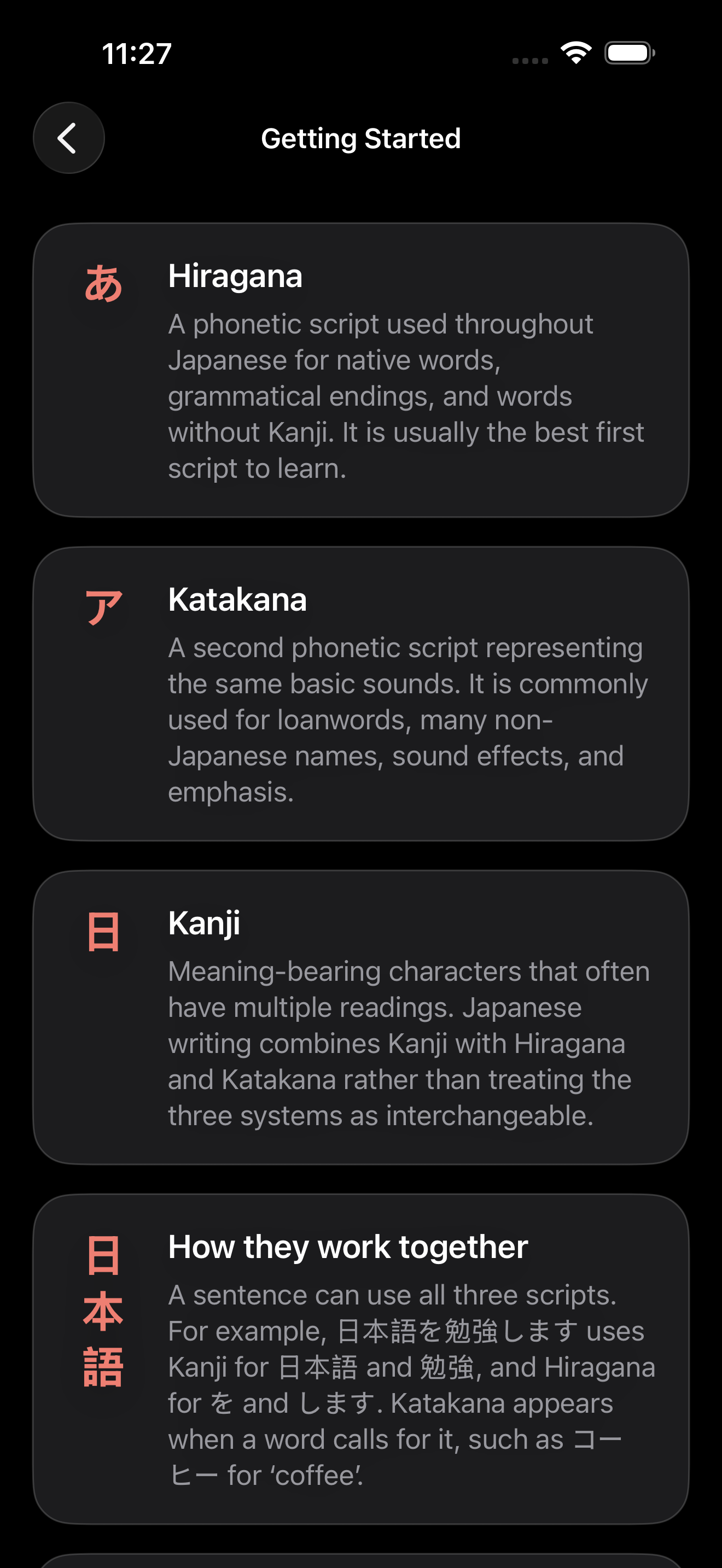
The onboarding/help view.
-
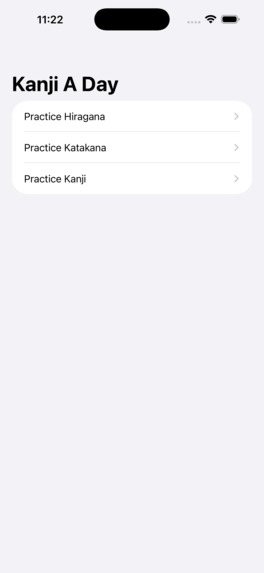
The initial V1 scaffolding app before Codex/GPT-5.6 was introduced. Yikes.
-
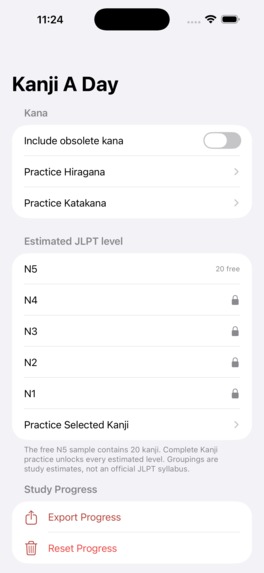
The main home view after some time working with Codex/GPT-5.6 before planning a UI/UX redesign ("V2").
-
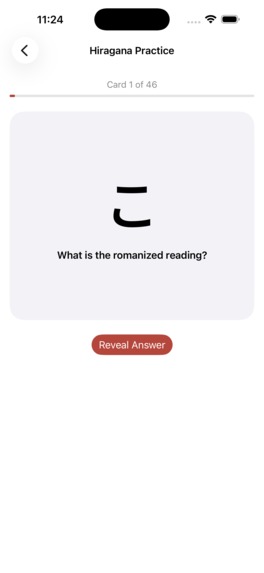
The flashcard view after some time working with Codex/GPT-5.6 before planning a UI/UX redesign ("V2").
-
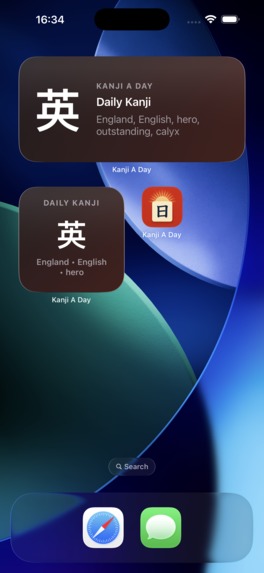
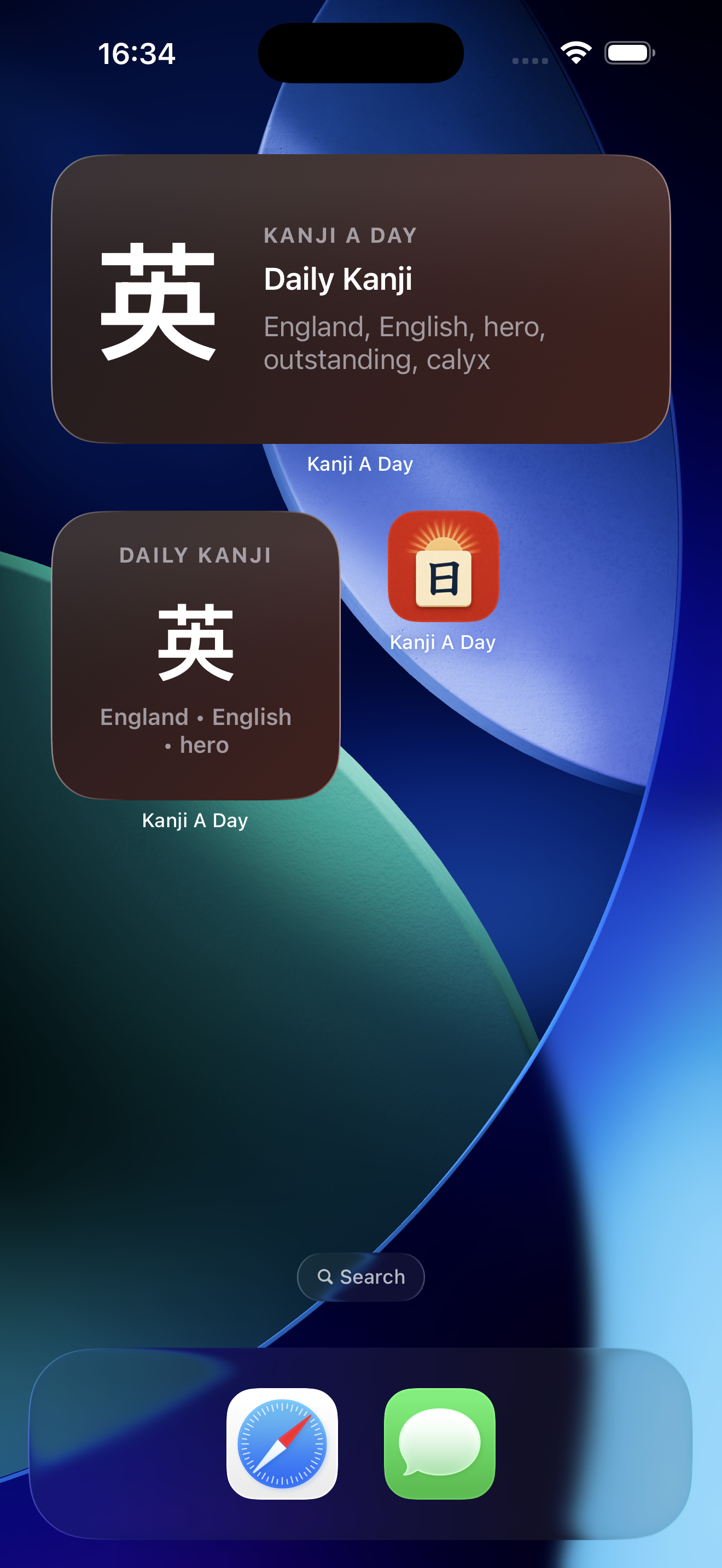
Widget in different sizes.
Inspiration
I have been learning Japanese on and off for years but finding a good Japanese flashcard app that is simple and easy to use is surprisingly difficult. On top of that, finding iOS apps that honor accessibility settings such as proper dynamic font sizing and reduced motion settings is not as common as it should be. I've had the idea for Kanji A Day for years now but finding the time to build it was always a challenge. As I've watched the GPT models become more capable and as Codex has become a tool that I use more and more every day, it became clear that my idea for Kanji A Day didn't have to be trapped in my Notes anymore: I could built it with the help of GPT-5.6 in days not months!
What it does
Kanji A Day allows people to study kana (Hiragana and Katakana) and over 2,000 different kanji flashcards. These are the Japanese characters that must be studied to learn Japanese for day-to-day reading and writing. Kanji A Day keeps things simple: people can get started right away with learning kana flashcards and a sample of kanji flashcards. If someone feels confident about a card they can mark it as "Remembered" or if they want more practice, "Study again." After a certain about of time, "Study again" cards will show up in a customized flashcard deck to be studied even more. Kanji A Day includes some information about how to get started and some external links about where to learn more.
How I built it
I have been building for iOS platforms for many years, so I wanted to use Codex and GPT-5.6 to help me accelerate my speed and make my idea come to life. So I started the project and setup a very simple structure with dependencies that I knew would work well this kind of iOS app (e.g. The Composable Architecture and SQLiteData). Then I collaborated with GPT-5.6 Sol on creating a plan (via a PLAN.md file) about all of the ideas I had for the app: what I wanted, didn't want, what I thought would work well, and what I knew could be potential issues. Then I asked GPT-5.6 to help fill in the blanks: what things did I forgot and what were some parts that I could stretch for a release or defer to a post-App Store release? After collaborating with GPT-5.6 on a solid plan, we started working piece by piece to make the app come to life! It was wild to see how quickly it could build the app (especially the UI!) almost exactly how I would build it. The pre-building collaboration with the plan was immensely important to get what I had in my mind to actually come to life. As we encountered issues, I would steer GPT-5.6 into fixing bugs, discovering edge cases, et cetera.
Animations were something that after a bit of steering GPT-5.6 Sol was especially good at. It didn't create SwiftUI animations that were hard to debug or difficult to read (from the code); it creating idiomatic, clean SwiftUI animations that a senior engineer would have created.
Codex and GPT-5.6 helped with creating the App Store Connect description, keywords, etc. This used to be a tedious process (and my least favorite part about releasing an app); but with Codex and GPT-5.6 having the full context and understanding of my app (especially with detailed documents like my PLAN.md) this was not only a simple prompt away but also VERY accurate: I felt like the descriptions that Codex and GPT-5.6 created were spot on.
I was also able to plan back and forth other important aspects of the app like the app's monetization strategy. The fact that Codex and GPT-5.6 Sol had the context of my app available during these important decisions made a huge difference when trying to come to accurate conclusions and solutions.
Challenges I ran into
The main challenges that I ran into was just various build and testing issues. These can be notoriously difficult to debug on iOS and Xcode in general. But one advantage of using an AI like GPT-5.6 is being able to supply an entire build log or long failure message and have Codex and GPT-5.6 work on fixing the issue automatically (and in parallel sometimes). Codex was even able to determine when to activate Computer Use to debug certain issues that weren't possible to fix via the command line. Watching Computer Use in action for debugging Xcode was certainly a "the future is now" moment.
Accomplishments that we're proud of
The main thing that I'm proud of is how quickly things came together. I was able to start this project on a Monday and submit to the App Store on Thursday the same week with a fully-functional app including persistence, CloudKit support, StoreKit 2 transactions, and more. Incredible speed! Additionally I'm proud of how well I was able to integrate the iOS accessibility APIs into the app. Codex and GPT-5.6 made adding accessibility a first-class focus which resulted in a much better user experience for those that use the various accessibility APIs, including myself.
What we learned
The main thing that I learned from this experience is how to use different planning documents to help keep track of what features I was working on at any given time. I mostly used a main PLAN.md file to drive the core development of the app, but in addition GPT-5.6 spawned various planning documents (e.g. STOREKIT.md) to keep track of various learnings and decisions that were made. Subagents were also a core feature of Codex that I took advantage of especially while using plan mode. Having a plan upfront allowed Codex and GPT-5.6, especially more powerful models like Sol, to really take advantage of subagents in plan mode. Watching GPT-5.6 Sol orchestrate subagents to complete a plan was great!
I also learned more about Computer Use and how to take advantage of it more for tasks such as taking App Store screenshots. A task that traditionally is rather tedious is now something that can be delegated to Codex with just a simple prompt; Codex doesn't need a lot of information to understand what you mean by "capture App Store screenshots for both iPhone and iPad." It figures out the correct Simulators to use, understands to ask for Computer Use permissions, and even knows which screens would be the best to show off in screenshots. Truly magical.
What's next for Kanji A Day
Kanji A Day is live in the App Store and ready for users to enjoy. Next I would like to add some useful features such as a widget and watchOS app. Additionally I would like to get feedback from users to know how they are using the app and see what features they could most benefit from.

Log in or sign up for Devpost to join the conversation.