
Inspiration
Video generation tools today often feel like a black box — you type a prompt and hope for the best. As filmmakers and visual storytellers, we wanted a tool that respects creative intent. KANJI was born from the idea that AI should be a collaborator, not a slot machine. Every cinematographer knows that camera choice, lighting, colour grade, and lens selection are what separate a home video from cinema. We wanted users to have that same vocabulary in an AI video generator.
What it does
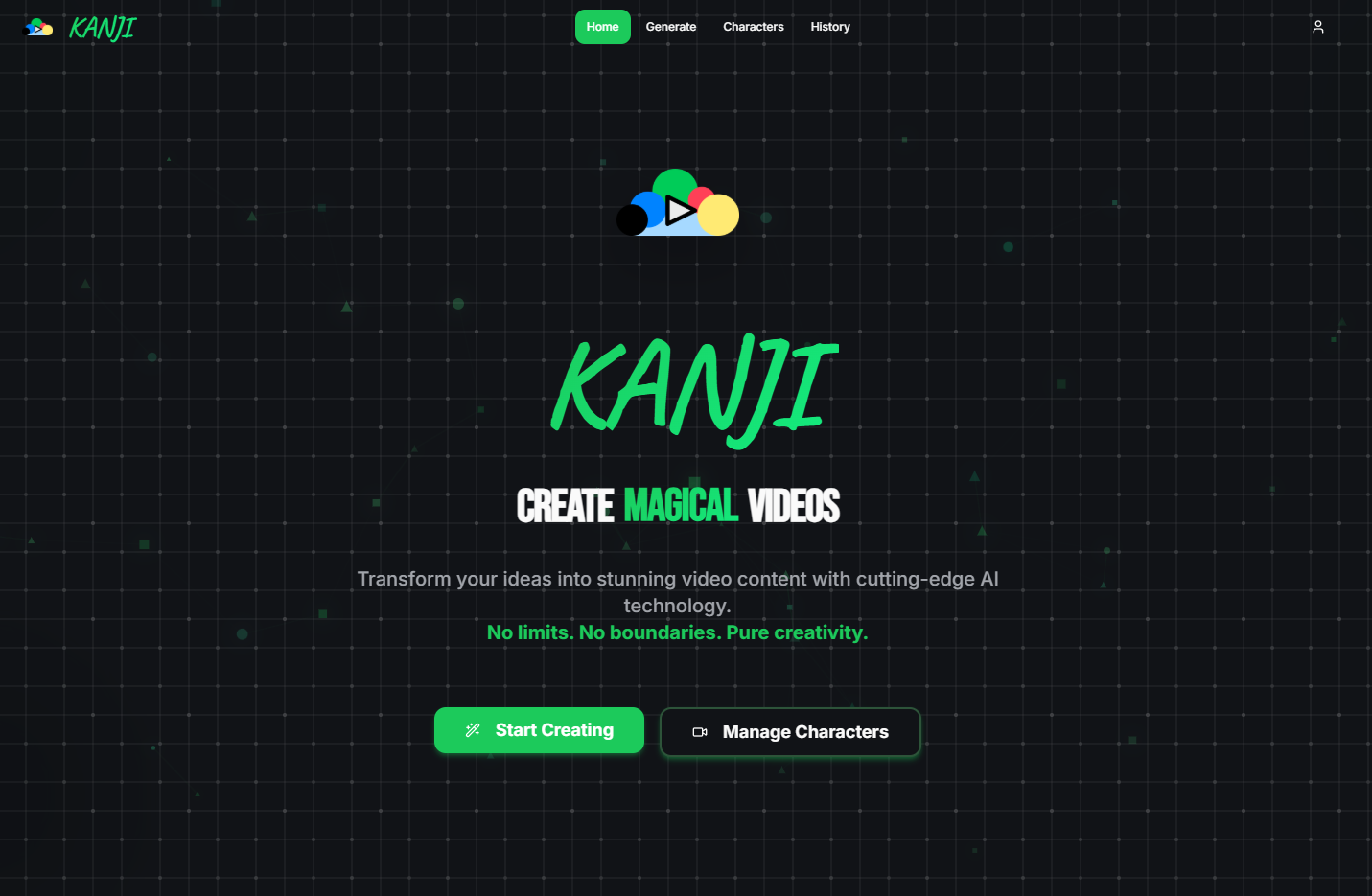
KANJI is a full-stack AI video generation platform where users craft videos with granular creative control:
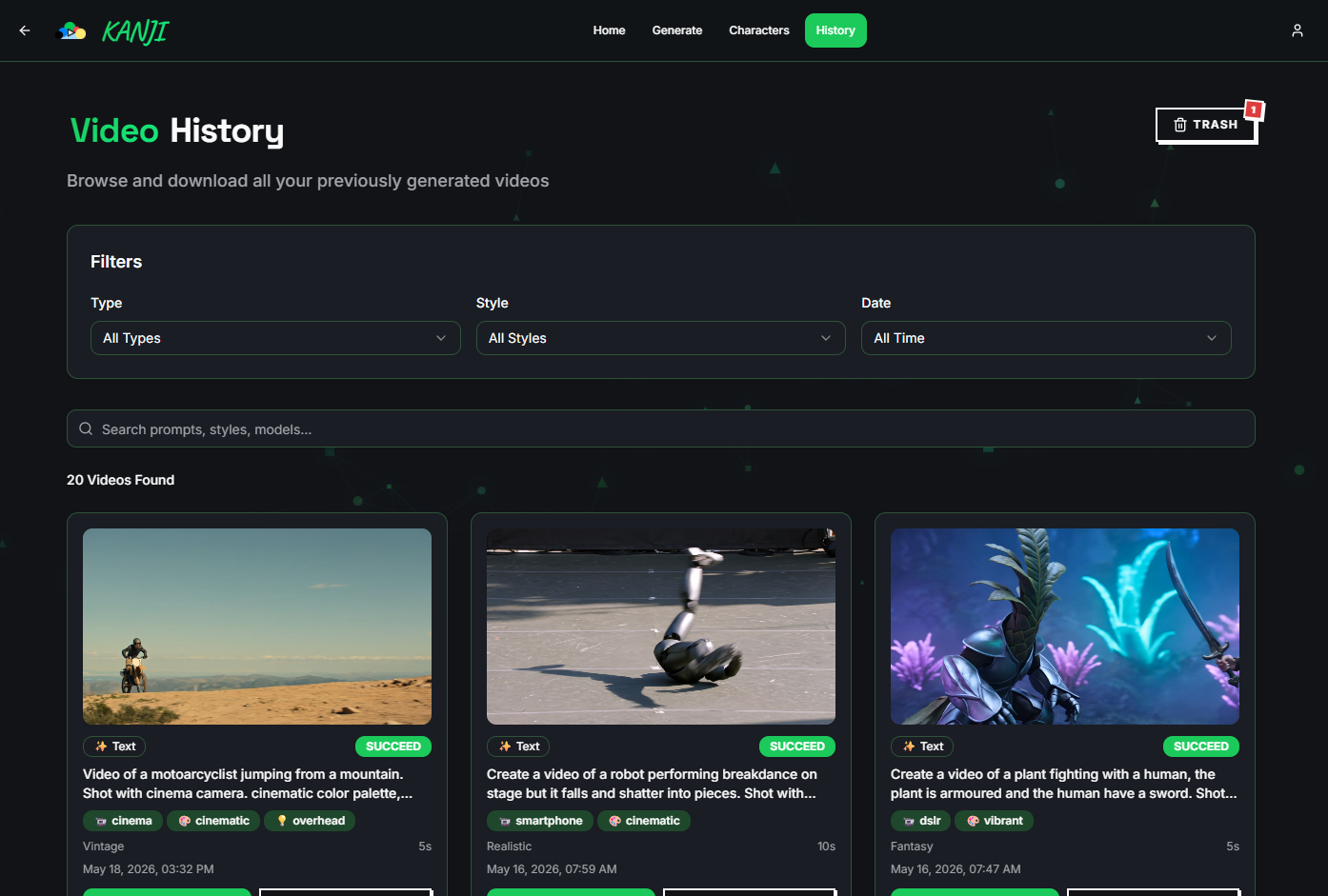
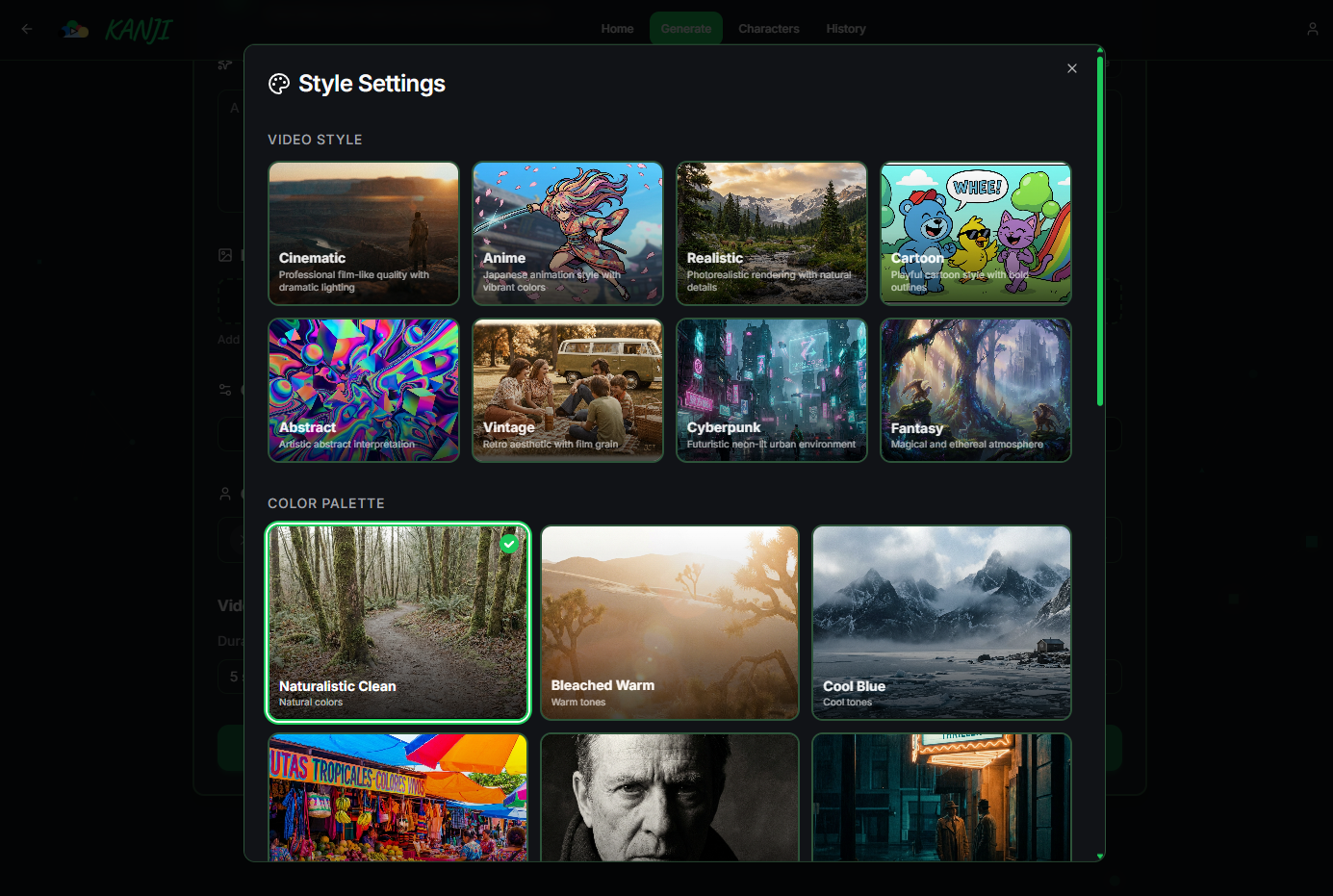
Text-to-Video — Describe a scene and generate a video. Image-to-Video — Upload an image and bring it to life. 8 Visual Styles — Cinematic, Anime, Realistic, Cartoon, Abstract, Vintage, Cyberpunk, Fantasy. 6 Colour Palettes — Naturalistic, Warm, Cool, Vibrant, Monochrome, Cinematic. 6 Lighting Scenes — Natural, Contre-Jour, Overhead, Dramatic, Soft Diffused, Neon Glow. 6 Camera Movesets — Static, Silent Machine, One Take, Handheld, Dolly Zoom, Orbit. Camera & Lens Selection — Choose between DSLR, Cinema, Smartphone cameras and Wide, Standard, Telephoto, Macro lenses. Focal Length & Aperture — Fine-tune the optical look. Reference Images — Upload up to 5 images to guide generation. Character Management — Create and reuse characters for consistent appearances. Presets — Save favourite camera + style combos for instant recall. Generation History — Browse, search, regenerate, and delete past creations. Real-time Progress — Live status updates with a visual progress indicator. Prompt Enhancement — One-click AI prompt refinement for better results. Dark Mode — Full light/dark theme toggle. Every option has an AI-generated thumbnail preview, making creative choices visual and intuitive.
How we built it
We started with a React + Vite + TypeScript frontend scaffolded on a modern component system. Tailwind CSS and shadcn/ui gave us a polished, accessible UI out of the box.
For the backend, Supabase handled everything — PostgreSQL tables for videos, characters, and presets; Row-Level Security for user data isolation; Storage buckets for uploaded images and generated videos; and Edge Functions to proxy every AI API call securely.
The generation flow works like this:
User fills in the prompt and creative settings. A Supabase Edge Function assembles the request and calls the Kling API with the user's secret API key stored in Supabase vault. The task ID is returned and stored in the database. A frontend polling loop queries an Edge Function every few seconds for task status. On success, the video URL is fetched and displayed; on failure, the error is shown gracefully. The visual preview system was built by generating one AI image per option, saving it to the public/ directory, and linking it inside the picker cards via a shared PreviewOptionCard component. A SettingsSummaryStrip component now shows all active choices as a compact chip row on the generation page.
Challenges we ran into
Visual Preview Generation at Scale Generating over 30 preview images meant balancing cost and quality. We had to write precise prompts for each option so the thumbnails actually convey the concept in a tiny 4:3 card — e.g., distinguishing "Soft Diffused" from "Dramatic" lighting in a small image.
Real-time Progress Without WebSockets Kling's API is poll-based, not push-based. We built a robust polling system with exponential back-off and timeout handling, ensuring users see accurate progress without hammering the API.
Keeping UI Clean with Dozens of Options With 8 styles, 6 palettes, 6 lightings, 6 movesets, 4 cameras, and 5 lenses, the settings dialogs risked becoming overwhelming. We solved this by showing image cards with overlay text inside modal dialogs, and a compact summary strip on the main page that only shows non-default selections.
Secure API Key Management We needed to call paid AI APIs from the frontend without exposing keys. Supabase Edge Functions solved this perfectly — all keys live in Supabase secrets, and the client only sees its own task IDs.
Accomplishments that we're proud of
30+ AI-generated preview thumbnails that make the entire settings system visual and intuitive — no other video generation tool we've seen lets you pick lighting by looking at it. A unified generation pipeline that handles text-to-video, image-to-video, and image generation through the same Supabase + Edge Function architecture. Granular creative control — KANJI gives users camera, lens, focal length, aperture, colour palette, lighting, and movement control in a single interface. Clean, minimal UI despite the sheer number of options — the Settings Summary Strip only surfaces active choices, keeping the main page uncluttered. Full persistence — history, presets, and characters are all stored and searchable.
What we learned
AI-generated previews are worth the effort. A single visual cue replaces paragraphs of explanation and drastically improves UX. Supabase Edge Functions are perfect for proxying AI APIs. Zero server setup, automatic scaling, and built-in secret management. Polling architectures can feel real-time if designed well — smooth progress indicators and clear status messages make the wait feel intentional. Brutalism with restraint works. High-contrast, bold typography, and geometric lines gave KANJI a distinctive identity without sacrificing usability. State management for complex UIs requires thinking about defaults carefully — showing only deviations from defaults keeps the interface clean.
What's next for KANJI
Video-to-Video — Upload an existing video and restyle it with a different look or character. Timeline Editor — Combine multiple generated clips into a single sequence with transitions. Audio Integration — Generate sound effects and background music that match the visual style. Social Sharing — One-click export and share directly to social platforms with optimised formats. Template Library — Pre-built scene templates (Product Showcase, Travel Montage, Interview) with recommended settings. Multi-character Scenes — Place multiple managed characters in the same generated video. API Access — Open the generation pipeline as a REST API for third-party integrations.
Built With
- and-edge-functions-for-serverless-backends.-lucide-react-?-consistent
- button
- card
- component-driven-ui.-vite-?-ultra-fast-dev-server-and-optimised-builds.-tailwind-css-?-utility-first-styling-with-full-dark-mode-support.-shadcn/ui-?-accessible
- composable-primitives-(dialog
- etc.).-supabase-?-auth
- file-storage
- postgresql
- react
- select
- supabase
- vite

Log in or sign up for Devpost to join the conversation.