-
-
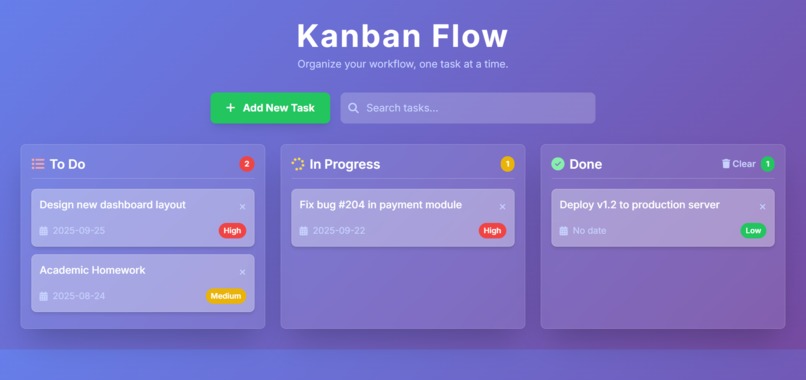
working prototype
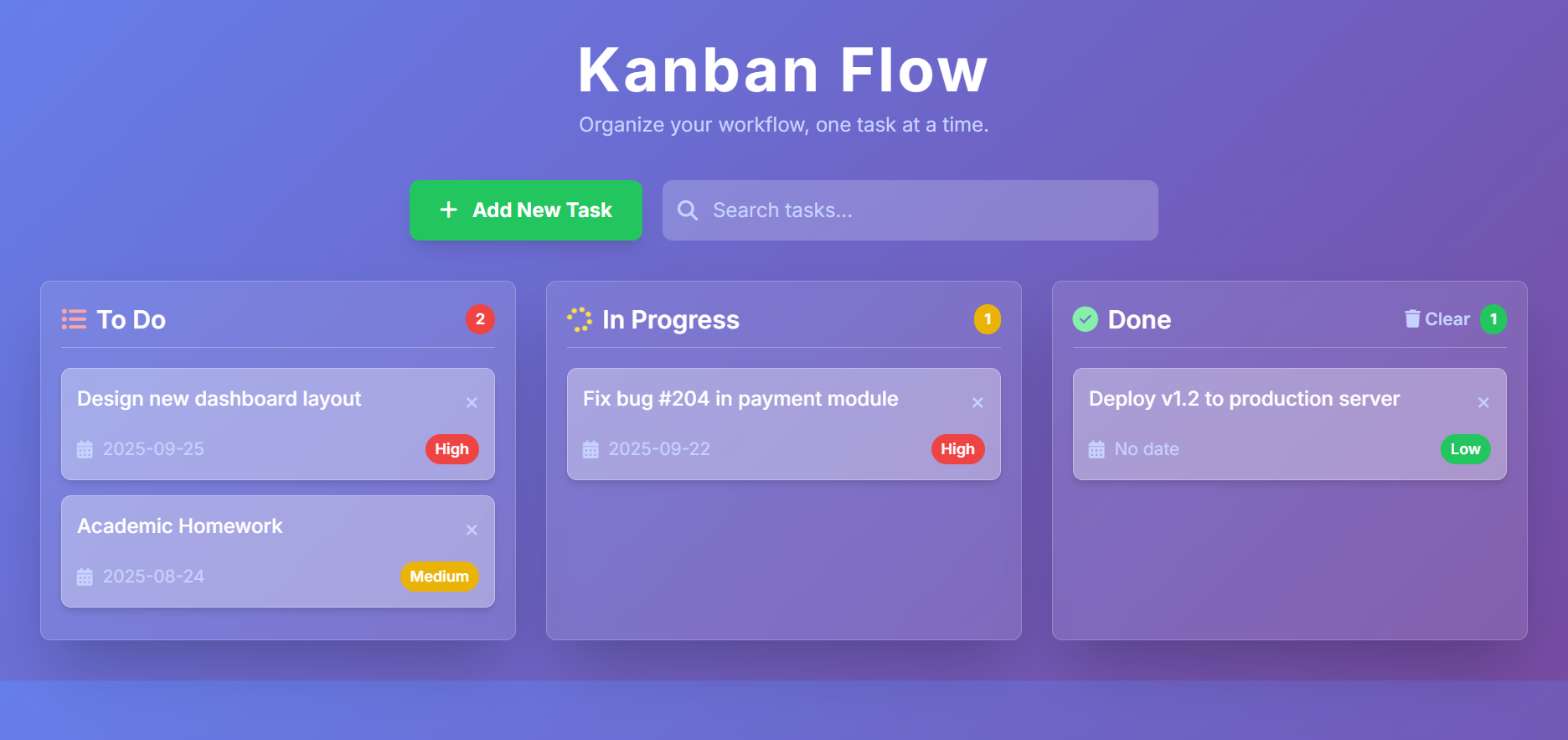
Inspiration
The project was an excellent opportunity to solidify core concepts in modern web development, particularly focusing on front-end frameworks and real-time data management.
inspiration
The idea for this project came from the need to visualize and manage tasks in a simple, intuitive way. Kanban boards, with their columns representing different stages of a workflow (like "To Do," "In Progress," and "Done"), are a highly effective method for this. The goal was to build a personal version of this tool, allowing users to create, move, and track tasks seamlessly across different stages, with the added benefit of real-time persistence. This provided a clear, self-contained goal to work towards.
How I built it
The project was built in a modular, step-by-step fashion:
Project Setup: I started by creating a new React application and setting up a Firebase project. The __app_id and __initial_auth_token were used to securely initialize Firebase in the hosted environment.
Component Structure: I designed the application with a clear component hierarchy: an App component as the container, and Column and Task components to represent the core UI elements.
UI Development: I used Tailwind CSS to style the application. I focused on making the layout clean, responsive, and visually appealing, with clear sections for each Kanban column.
Drag-and-Drop Implementation: This was a multi-step process. I added event handlers (onDragStart, onDragOver, onDrop) to the tasks and columns. The onDragStart handler stored the dragged task's data, and the onDrop handler updated the application's state by moving the task to its new location.
Firestore Integration: I connected to the Firestore database and created separate functions for each CRUD operation. The onSnapshot listener was set up to fetch the initial data and to update the UI in real-time whenever a change occurred in the database. I ensured the data structure was logical, with a tasks collection containing documents for each task, including a columnId field to link it to its respective column.
User Authentication: To make the application secure and personalized, I implemented a simple authentication flow using signInWithCustomToken with the provided __initial_auth_token. This ensured each user could only interact with their own data.
Challenges faced
While the project was rewarding, it came with its own set of challenges:
State Synchronization: The biggest challenge was ensuring the local React state and the remote Firestore database were always in sync. A minor mistake in the logic could lead to a visual bug where a task was moved on the screen but not correctly updated in the database. This was solved by ensuring every drag-and-drop action triggered a database update, and the UI always reflected the onSnapshot data.
Complex Drag-and-Drop Logic: The drag-and-drop functionality required managing complex state transitions and conditional rendering. For example, moving a task between columns involved deleting it from one part of the data model and adding it to another, which needed to be handled carefully to avoid errors.
Firestore Data Structuring: Deciding on the optimal way to structure the data in Firestore was an initial challenge. I ultimately chose a flat structure with a single tasks collection and a columnId field on each document, as this simplified the queries and updates required for the drag-and-drop functionality.
What I learned
Building this application was a comprehensive learning experience that reinforced several key skills:
React Fundamentals: I gained a deeper understanding of React's component-based architecture. I extensively used state management with useState to handle the tasks and columns, and useEffect to manage side effects, such as fetching data from the database on component load.
Real-time Data Persistence with Firestore: The most significant learning was the integration of Firebase Firestore. Using onSnapshot was a revelation, as it enabled the application to listen for real-time changes in the database. This allowed for an immediate and dynamic update of the UI whenever a task was added, moved, or deleted, providing a smooth and modern user experience.
Advanced UI/UX with Drag and Drop: Implementing the drag-and-drop functionality was a crucial part of the project. It required careful planning to handle the state updates correctly when a task was moved from one column to another or reordered within the same column. It taught me about managing different states (isDragging, draggedTask) and updating the data model in response to user interaction.
Building a Full-Stack Application: Even though it was a small-scale project, it covered the full scope of a web application: a dynamic front-end (React) and a back-end as a service (Firestore). This provided a practical understanding of how these two layers communicate and work together to deliver a functional product.

Log in or sign up for Devpost to join the conversation.