-
-
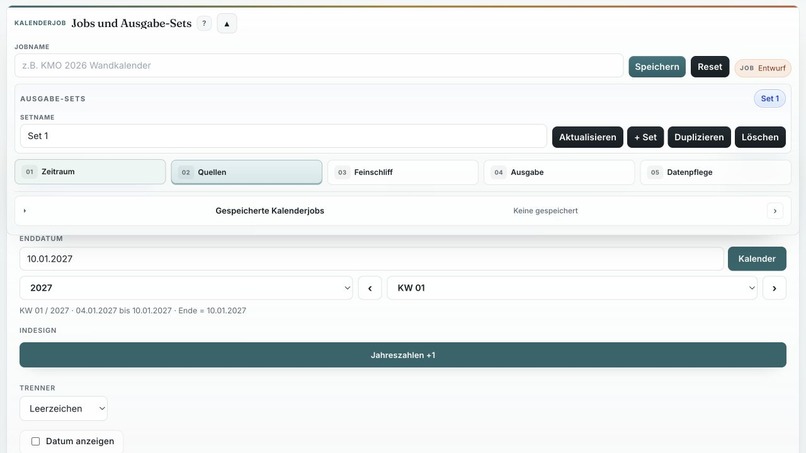
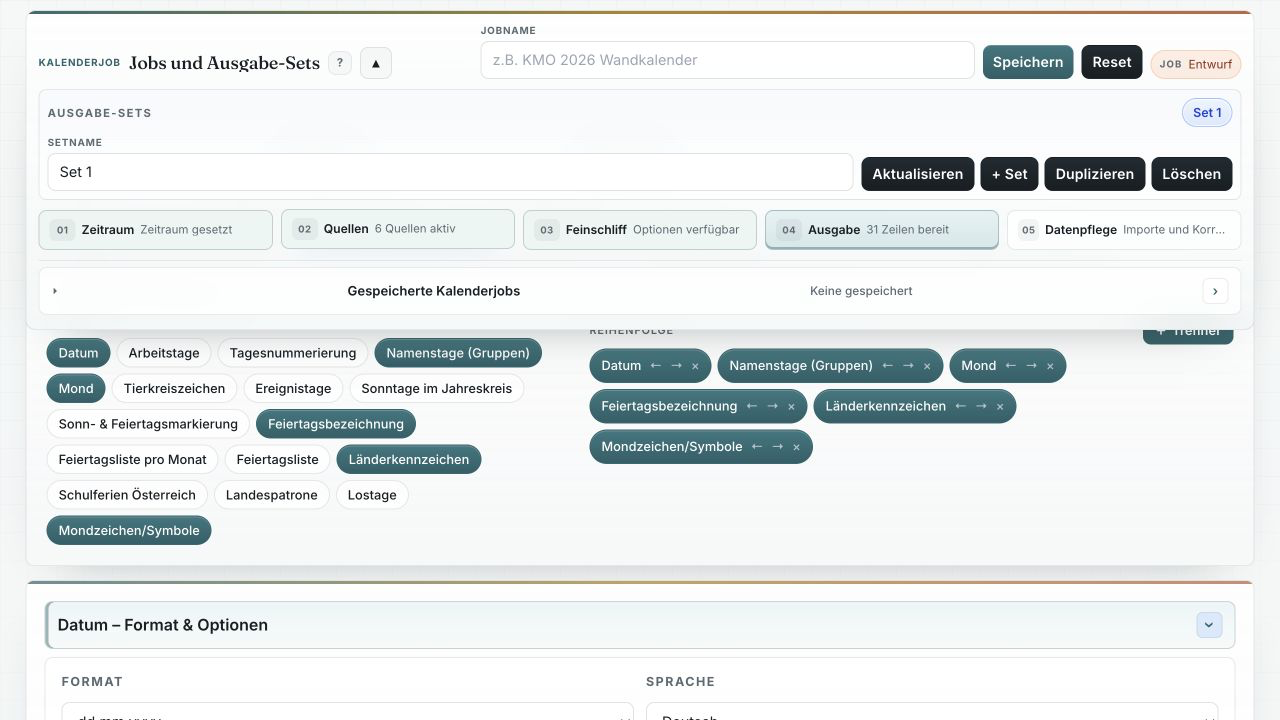
Exporter overview for configuring calendar jobs, output sets, and generated files.
-
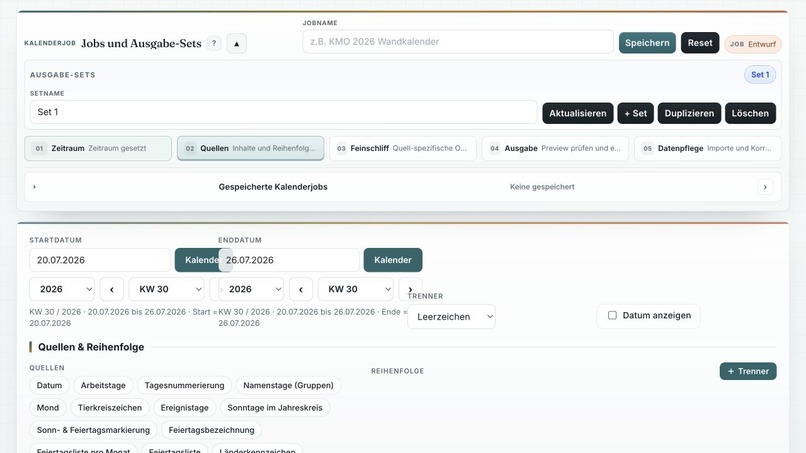
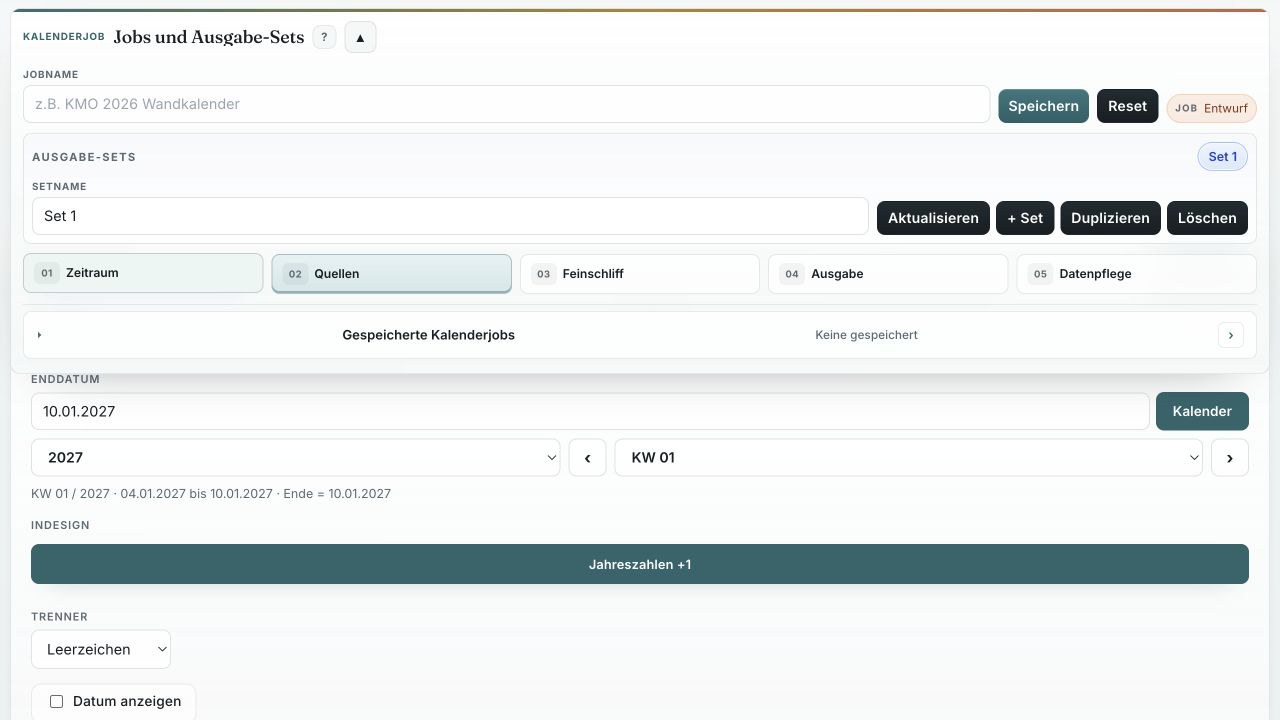
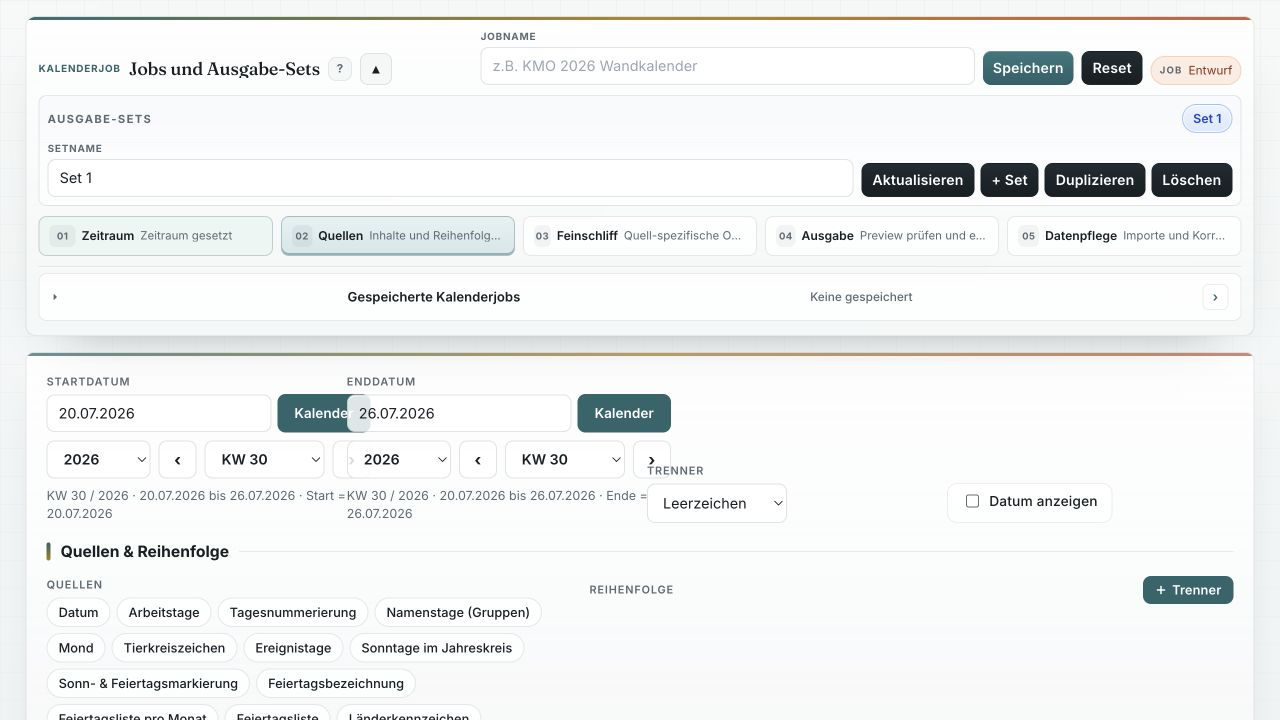
Calendar job setup with date range, language, region, and output settings.
-
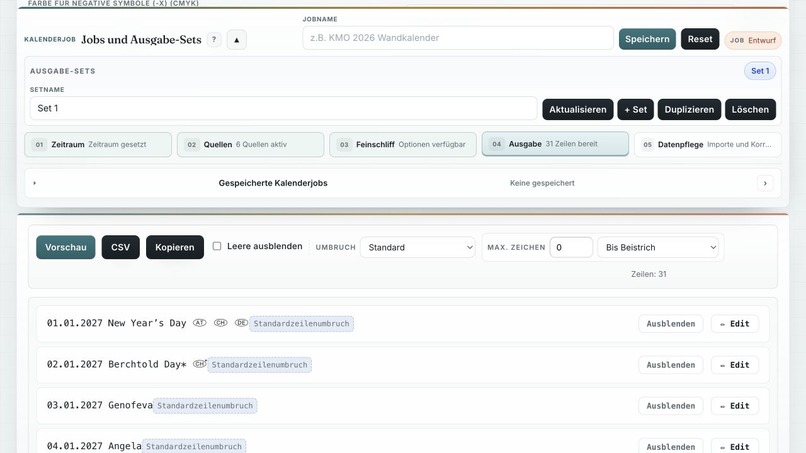
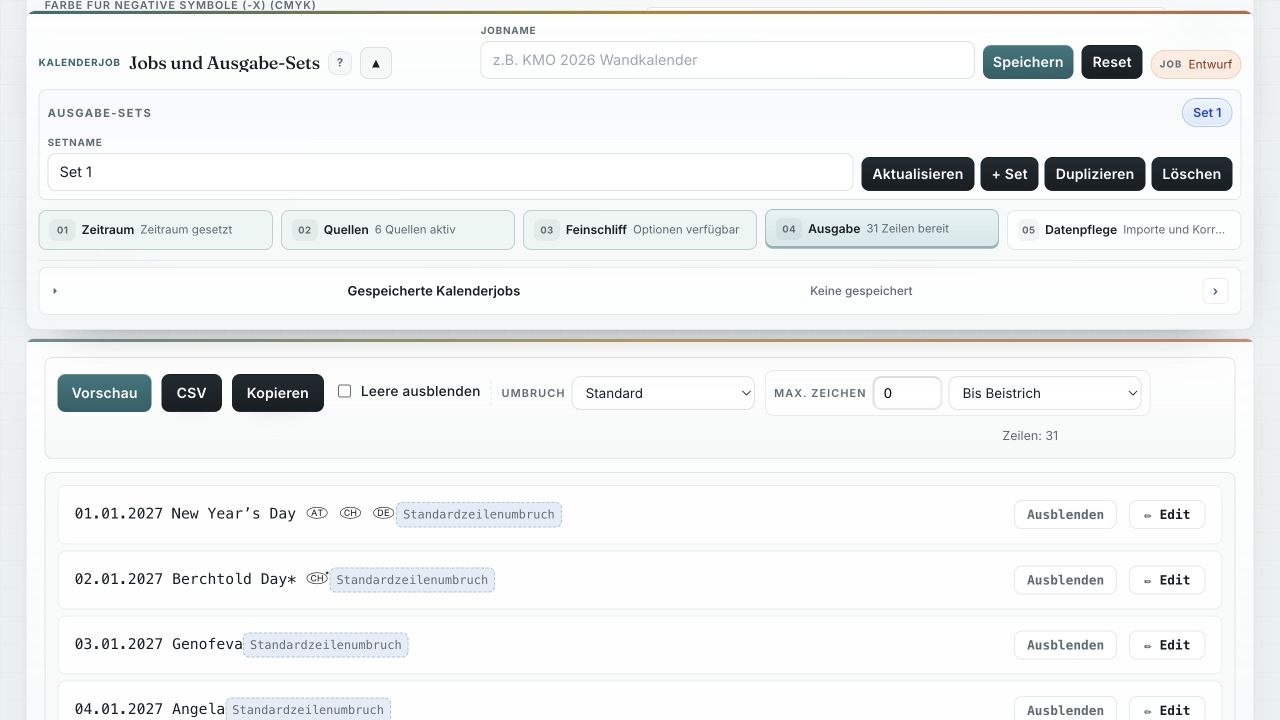
Review and edit structured calendar entries before exporting them to InDesign.
-

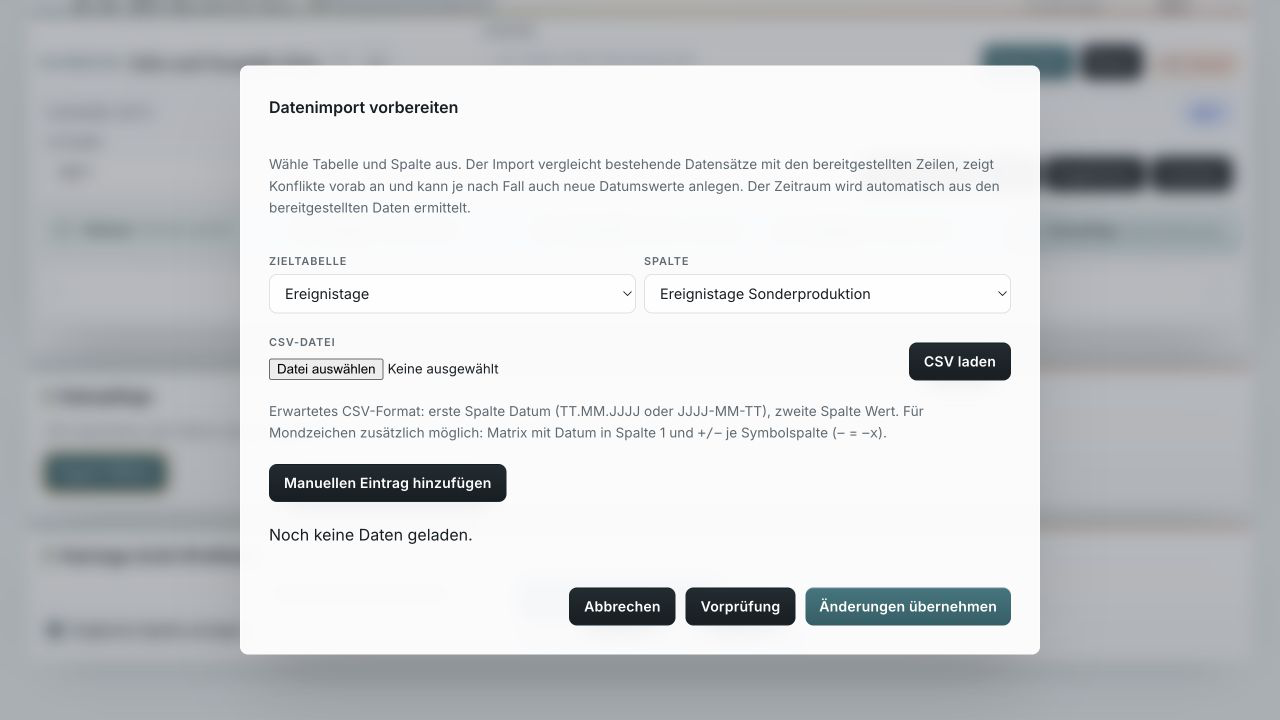
Import wizard for mapping spreadsheet data to the correct calendar fields.
-
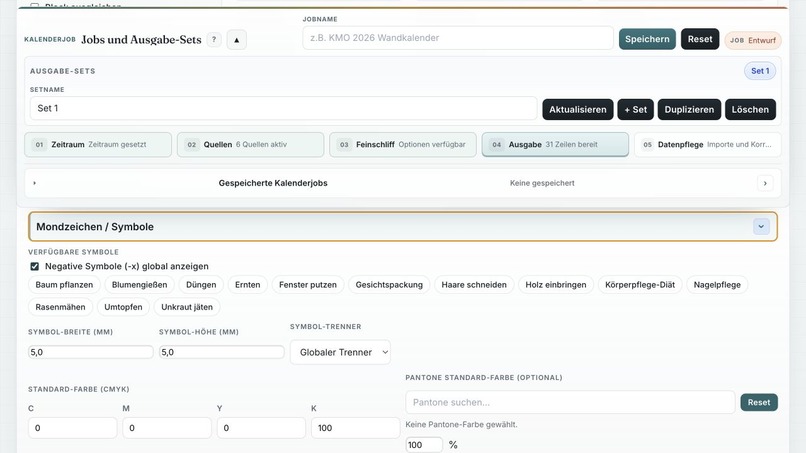
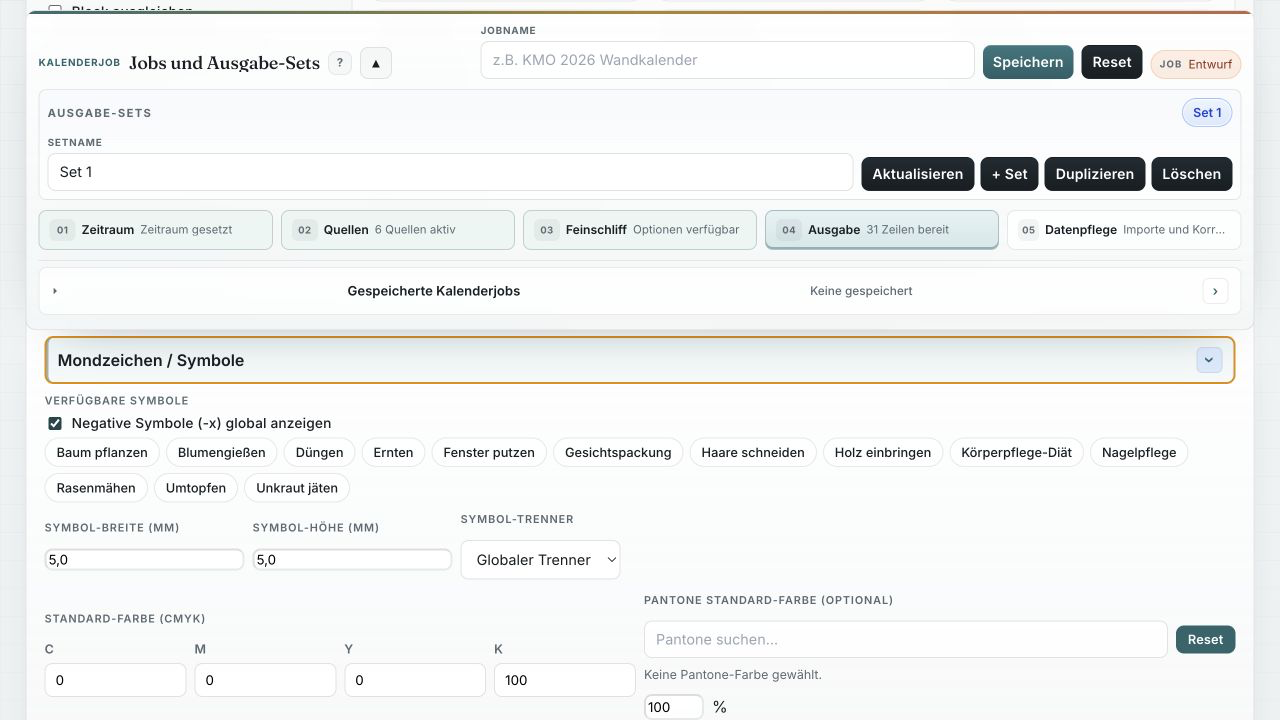
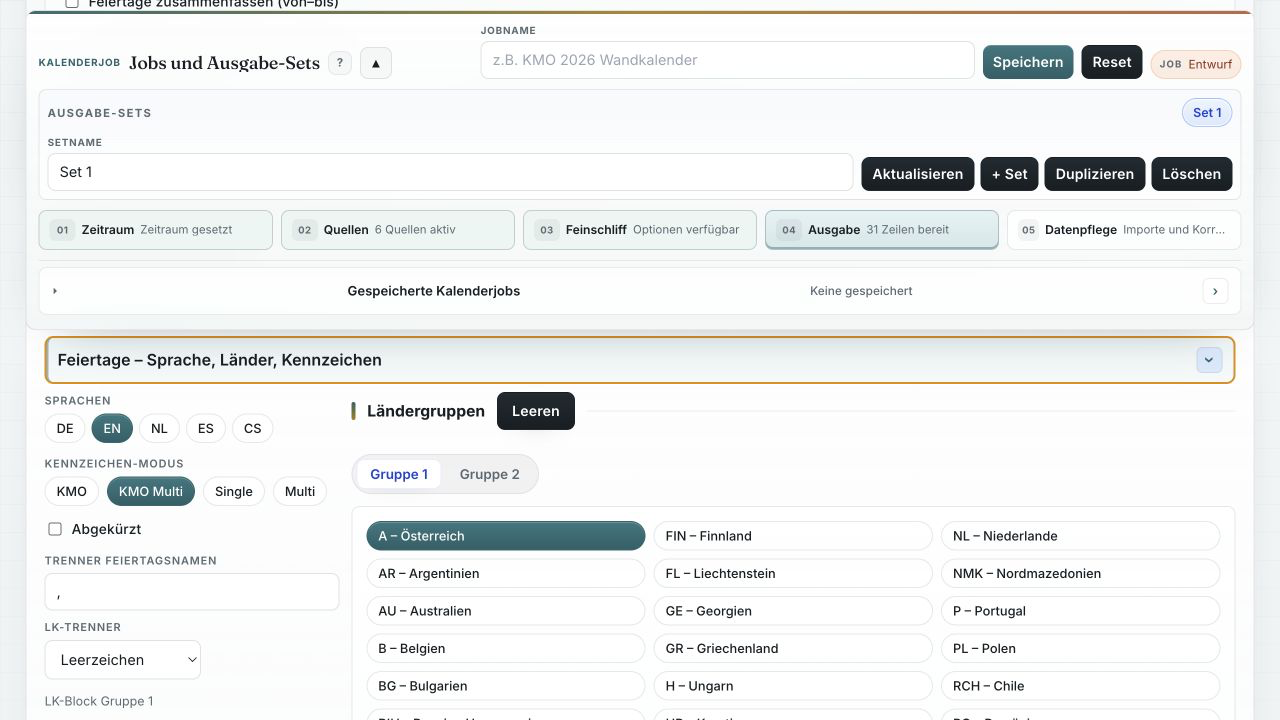
Regional rules, holidays, symbols, and school-break settings for each project.
-
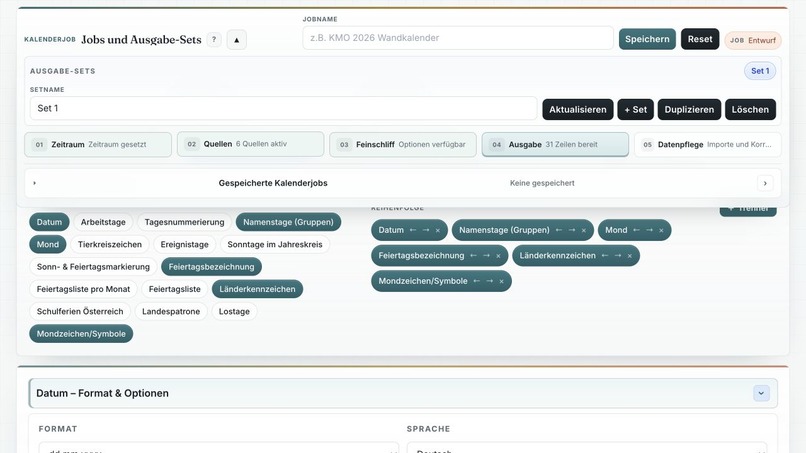
Reusable assignment groups and export rules keep complex calendars consistent.
-
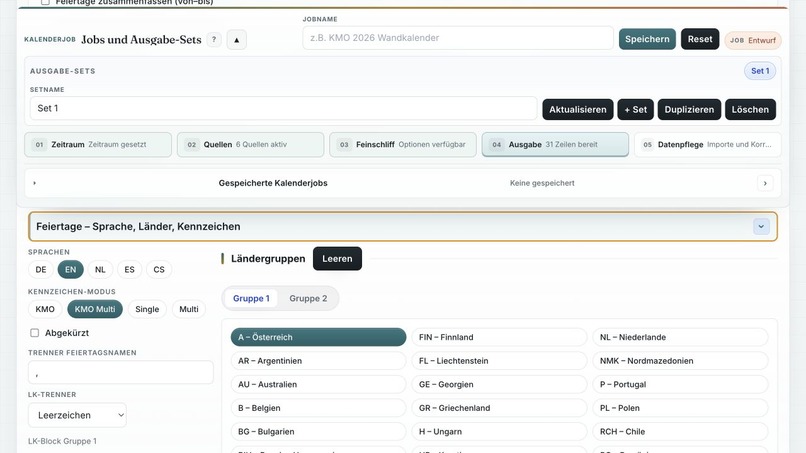
Holiday configuration by language, country, region, and symbol.
-
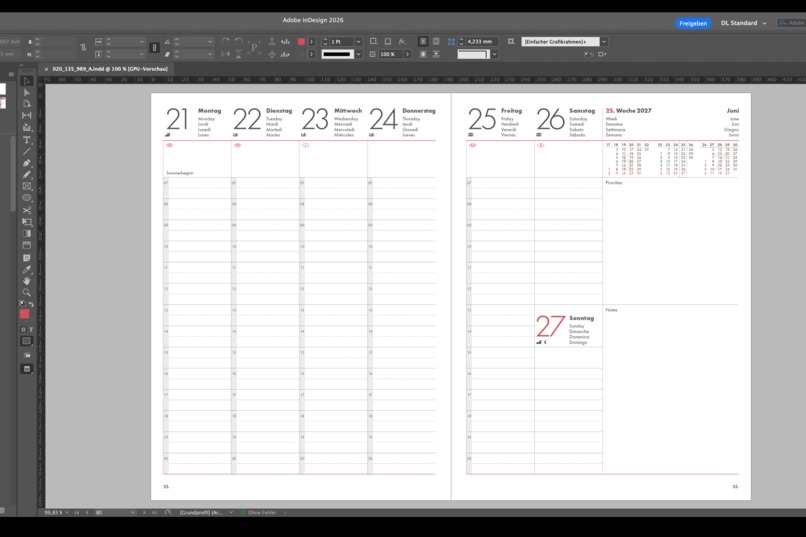
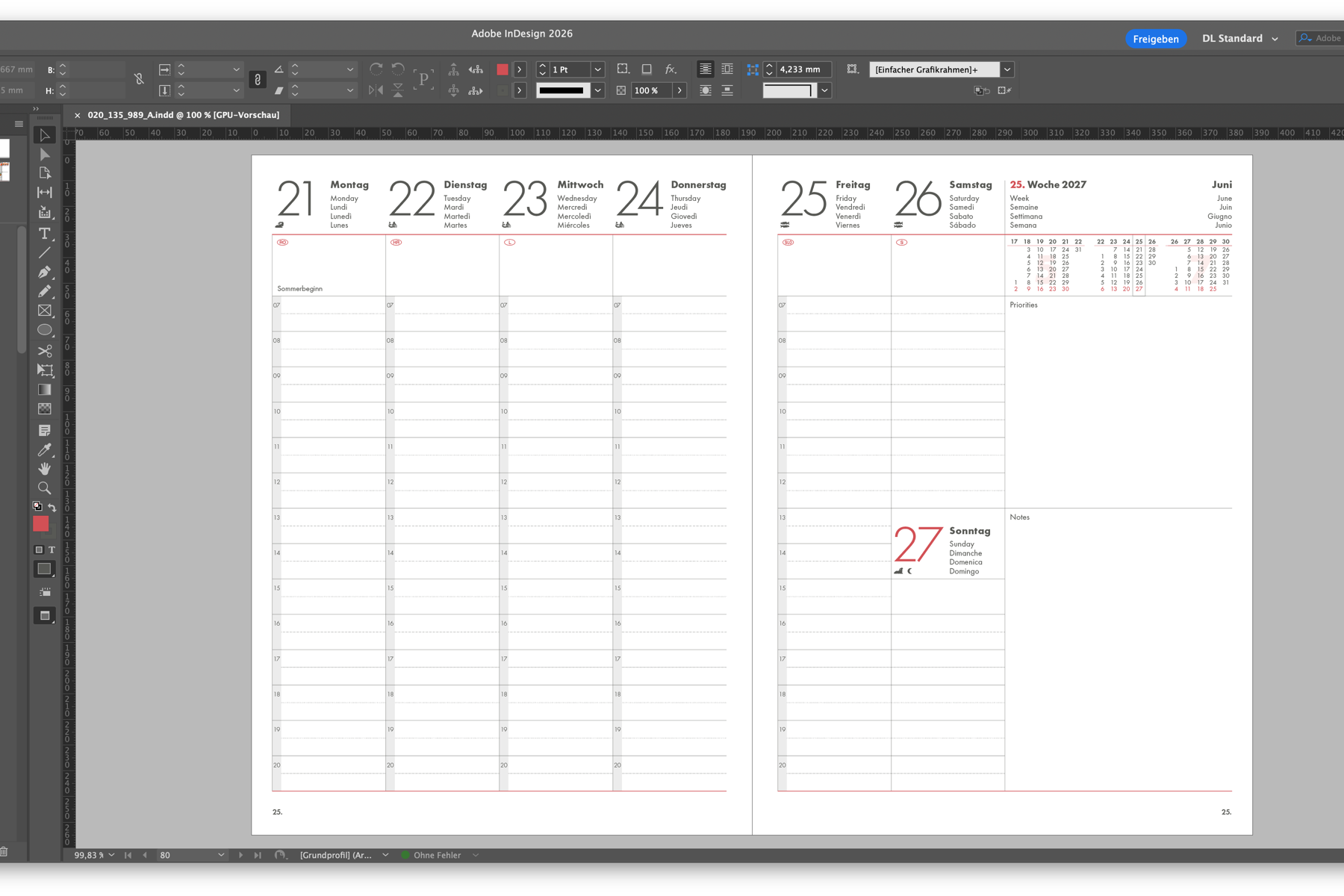
Generated weekly calendar spread in Adobe InDesign, populated from structured multilingual data.
Inspiration
I work in a calendar Company as graphic designer and make calendar by hand is a very annoying Job. i do this already for a long time and try to improve my workflow every year. I started with an Excel/Numbers Sheet with lots of formulas. Then came Codex and i saw the opportunity to make this a real working App/plugin for indesign.
What it does
It structures Data from a mysql database so that i can implement this data straight into indesign in my calendar templates. so i can make even big book calendars within minutes.
How we built it
This question is answered by codex: We built Kalender Importer as a small production pipeline around the tools already used in our calendar workflow. Calendar data lives in a MySQL database running locally through MAMP. A PHP API validates and transforms the records into predictable export structures, while an HTML/JavaScript interface is used to inspect and prepare the data. An Adobe UXP plugin then connects the result to InDesign and places the structured content into existing calendar templates, including the required symbols, fonts, and regional data.
We developed the project iteratively with Codex and GPT-5.6. Codex helped translate the real production process into code, refactor the PHP and JavaScript, trace data issues from MySQL to InDesign, and build small import and validation tools in Python. We tested each step with real calendar data and real InDesign documents, focusing on reliable output rather than a demo-only prototype.
Challenges we ran into
This question is answered by codex: The biggest challenge was turning years of organically grown calendar data into one reliable structure. Dates, holidays, name days, regional variants, abbreviations, and symbols all had to be normalized before they could be placed automatically. Small inconsistencies that are easy to fix by hand can break an entire generated calendar.
We also had to bridge several very different environments: MySQL and PHP in MAMP, a browser-based exporter, Adobe UXP, and InDesign's document model. Debugging a problem meant tracing it through the database, API response, plugin, and final layout. The final challenge was making the automation safe for production: preserving paragraph styles, fonts, symbols, and template geometry while processing large book calendars fast enough to remain useful.
Accomplishments that we're proud of
things that took me a whole day are now done an hour, sometimes in minutes
What we learned
This question is answered by codex: We learned that reliable automation starts with clean data, not with the final layout. Once dates, regions, languages, abbreviations, and symbols have a consistent model, generating an InDesign calendar becomes much simpler and safer.
We also learned to treat print-production constraints as part of the software design. Fonts, paragraph styles, symbols, and template geometry must be validated just as carefully as API responses and database records. Finally, working with Codex was most effective as an iterative collaboration: give it the real files and constraints, test the result in InDesign, and refine the workflow step by step. That turned a collection of spreadsheets and manual routines into a maintainable production tool.
What's next for Kalender Importer
Every Calendar i make is kind of unique, so i implement new features nearly weekly. it is a tool i use every day in my job.
Built With
- adobe-indesign
- adobe-uxp
- codex
- gpt-5.6
- html5
- javascript
- mysql
- php
- python
- svg
- xlsx
