-
-
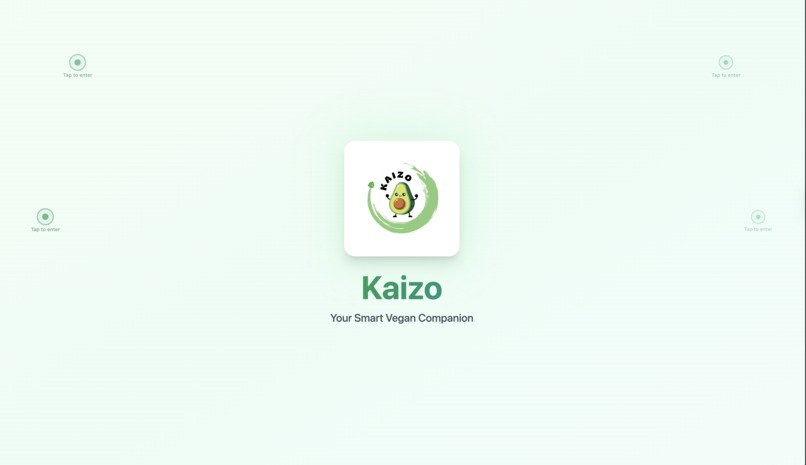
This is the Boot Screen. The user has to "Tap to Enter" in order to access the Apps full capabilities.
-
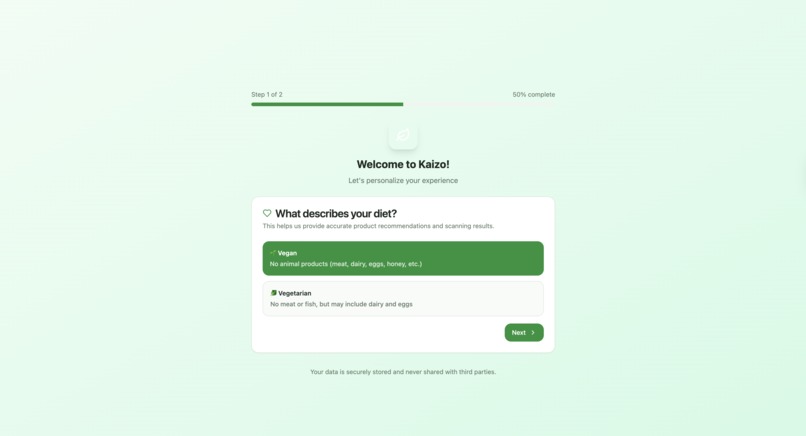
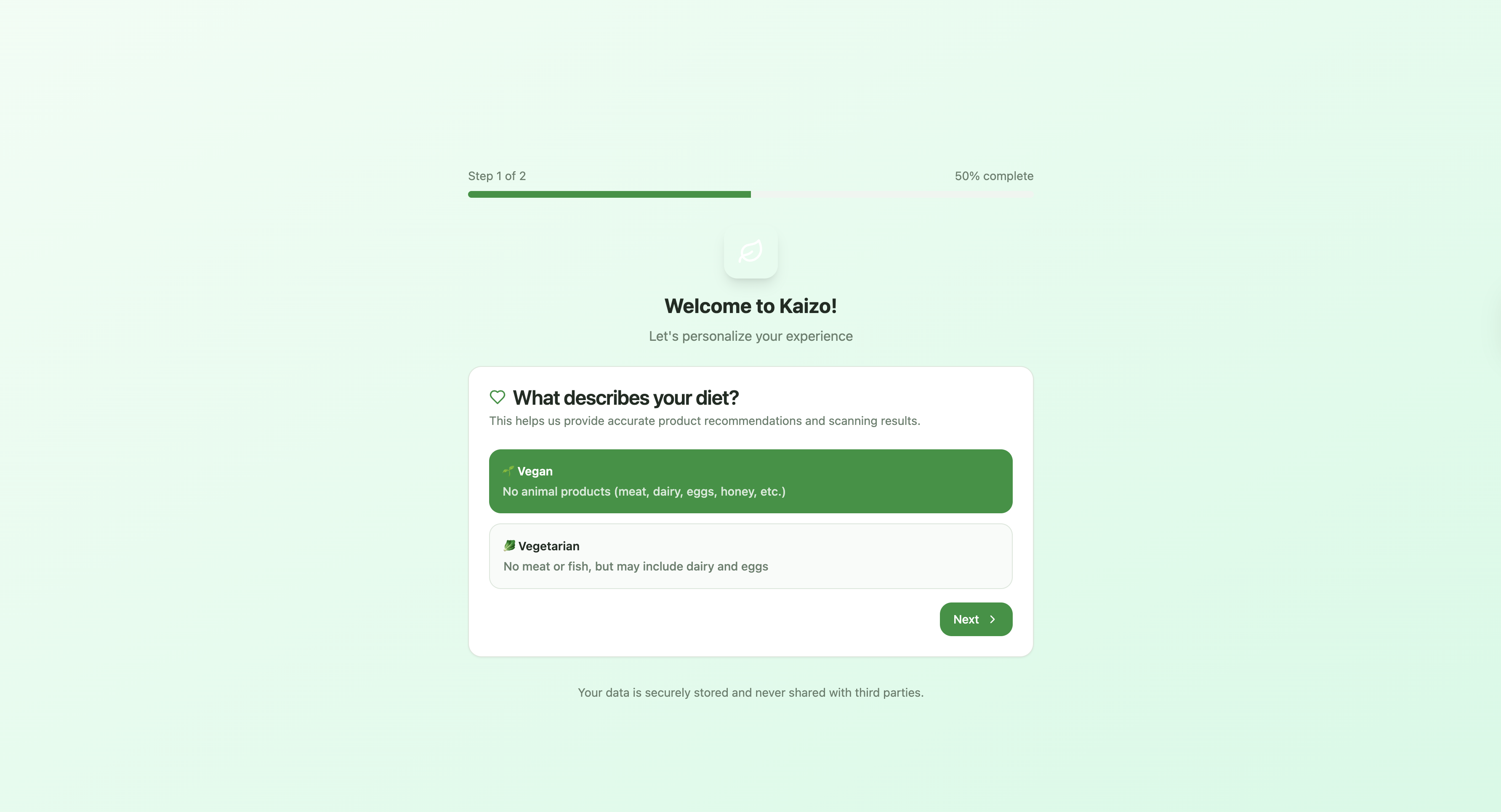
This is the 1st Question of the Onboarding. It asks the User if they are "Vegan or Vegetarian" to personalize their experience further.
-
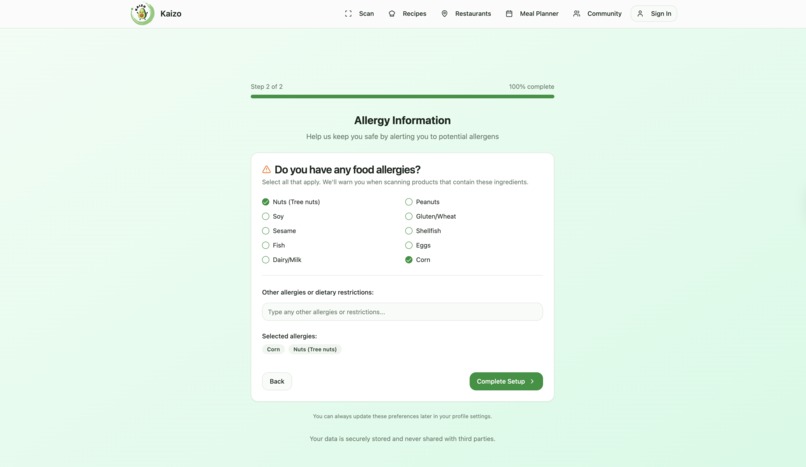
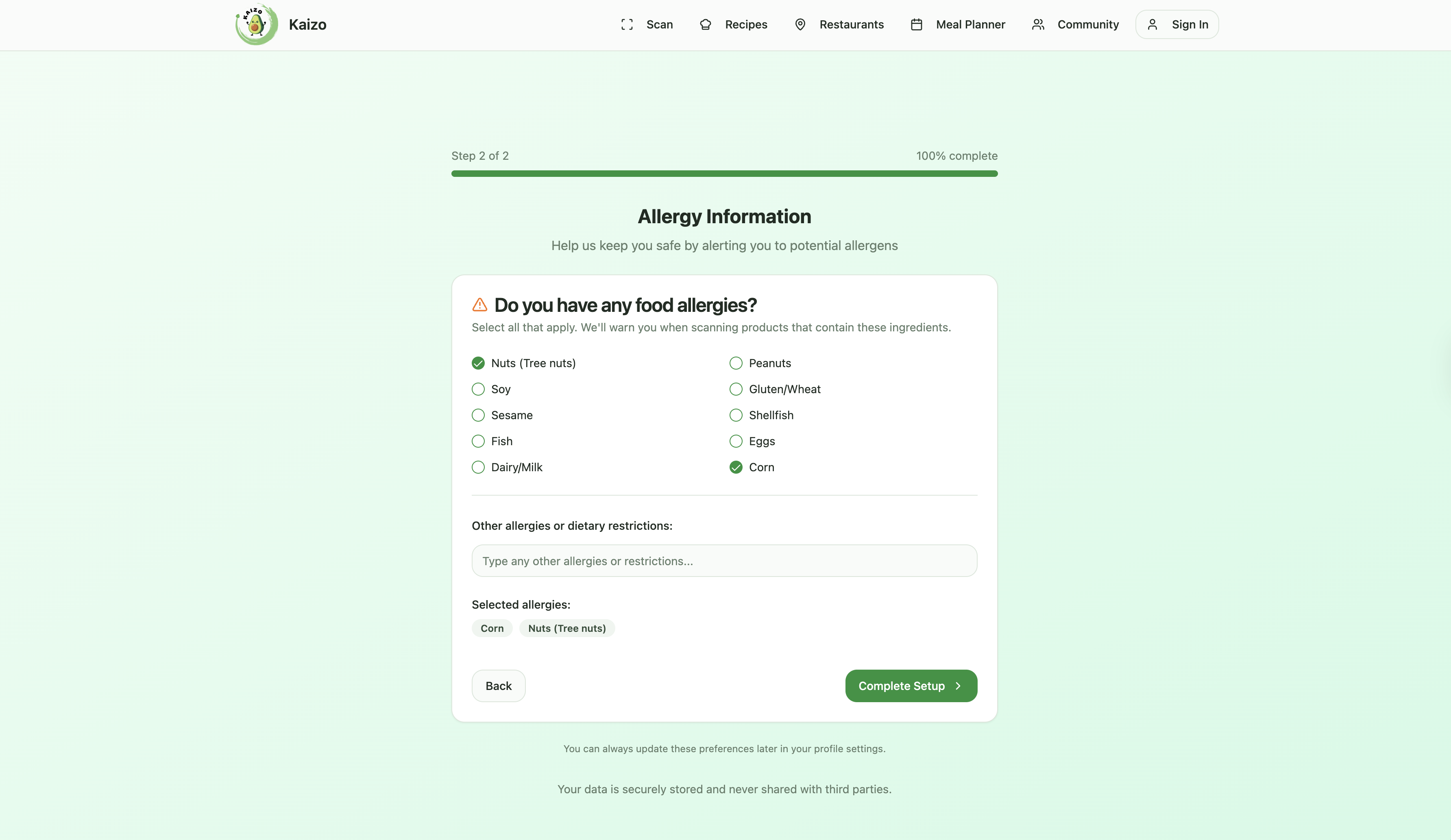
This is the 2nd Question of the Onboarding. It lets the User Input all their allergens to make their experience more personalized and safer
-
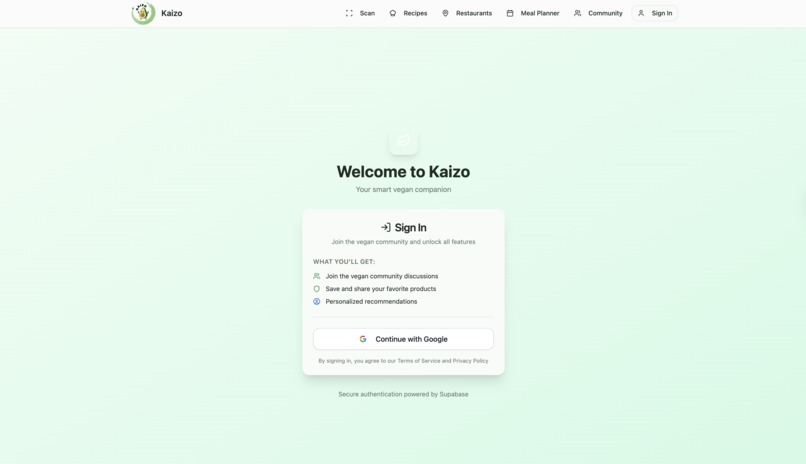
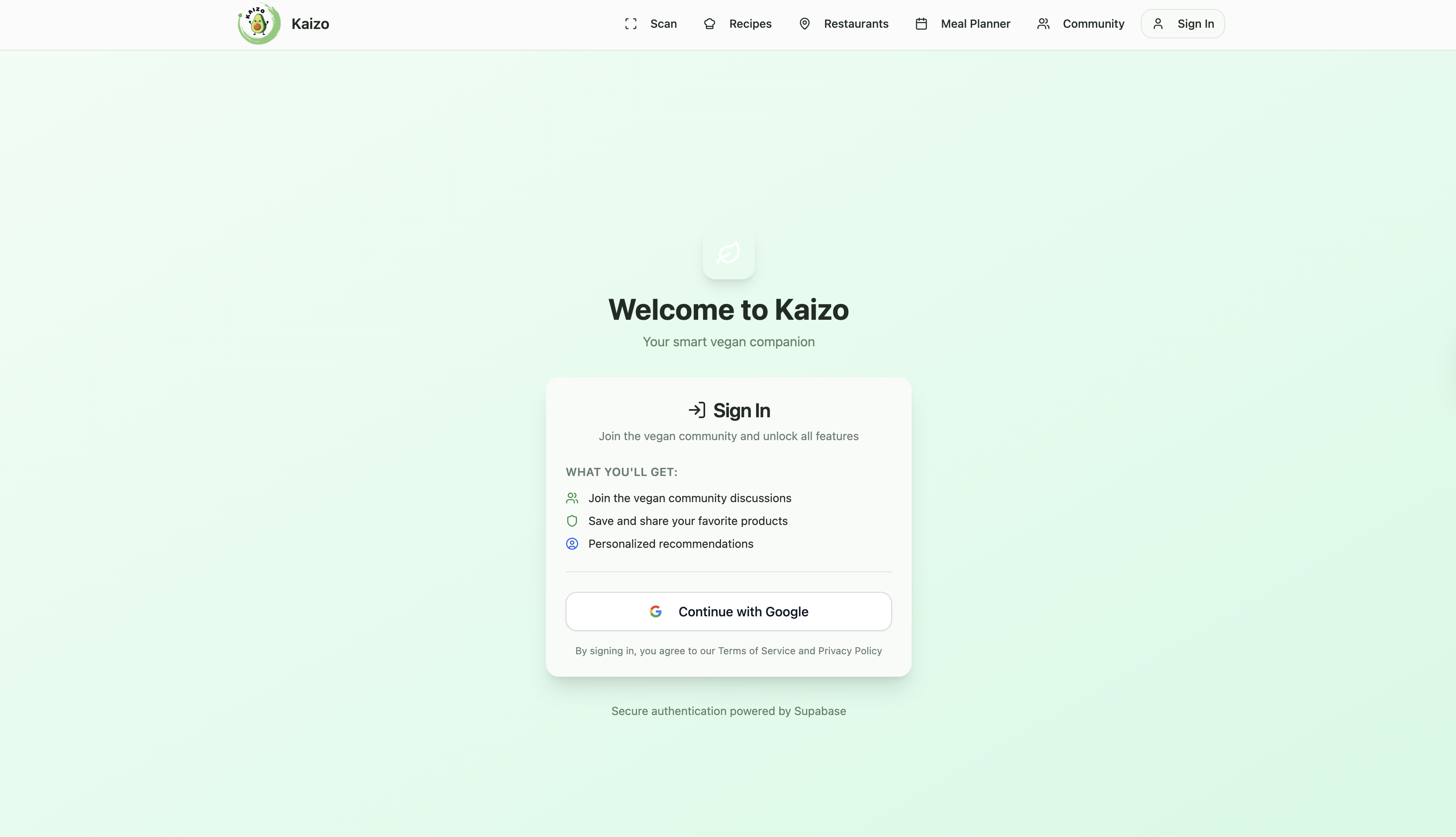
Through Google Authentication. The user can Sign In with their Google Account in order to save their progress after using the App.
-
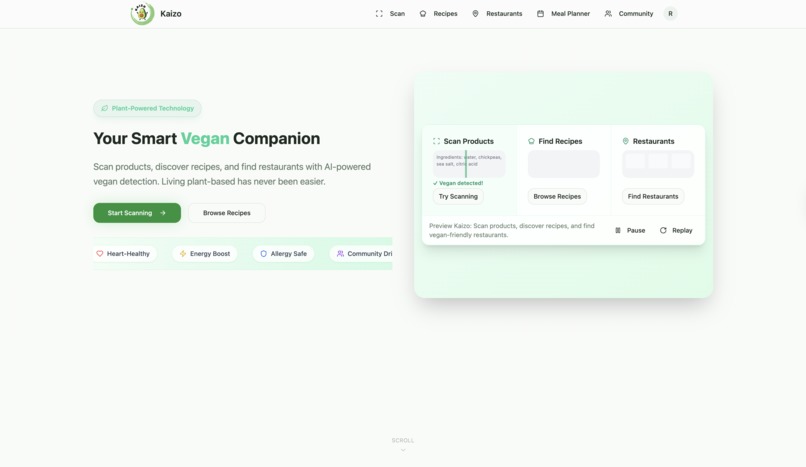
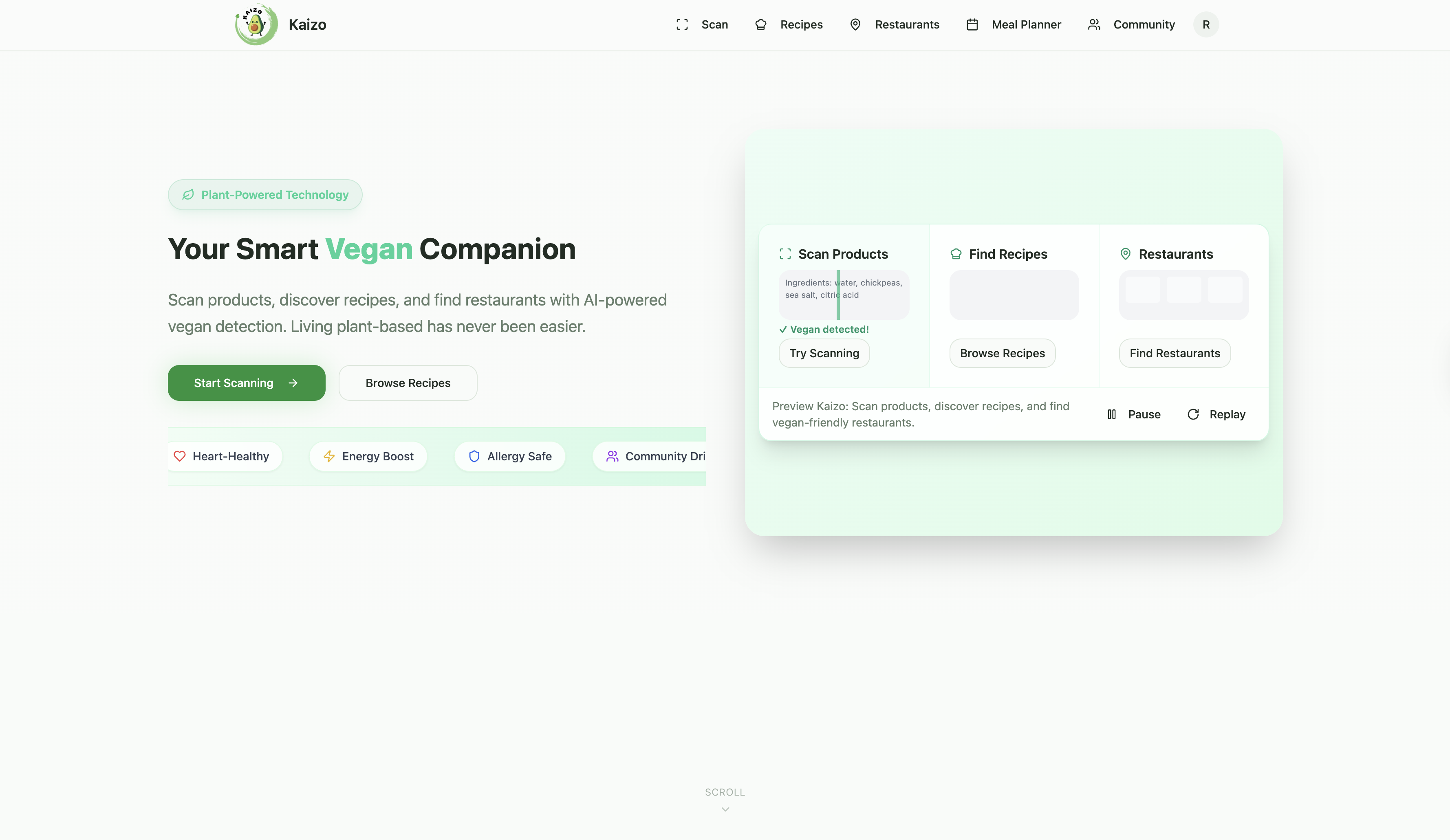
The Home Page showcases animated feature demos and clean visuals, creating a seamless and engaging experience for the user.
-
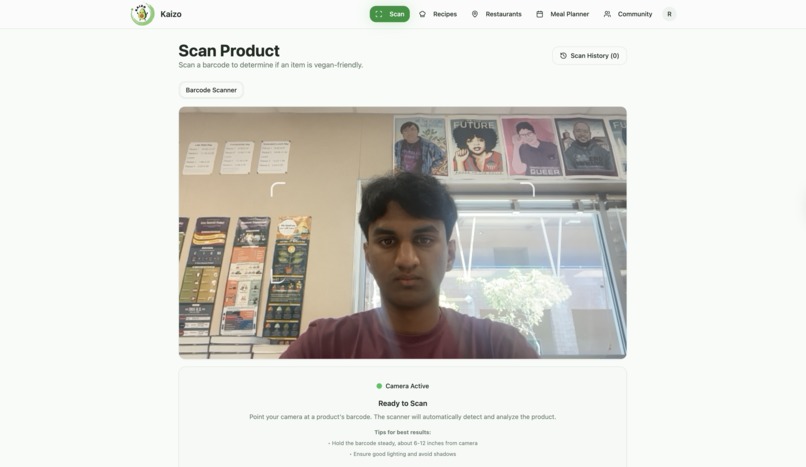
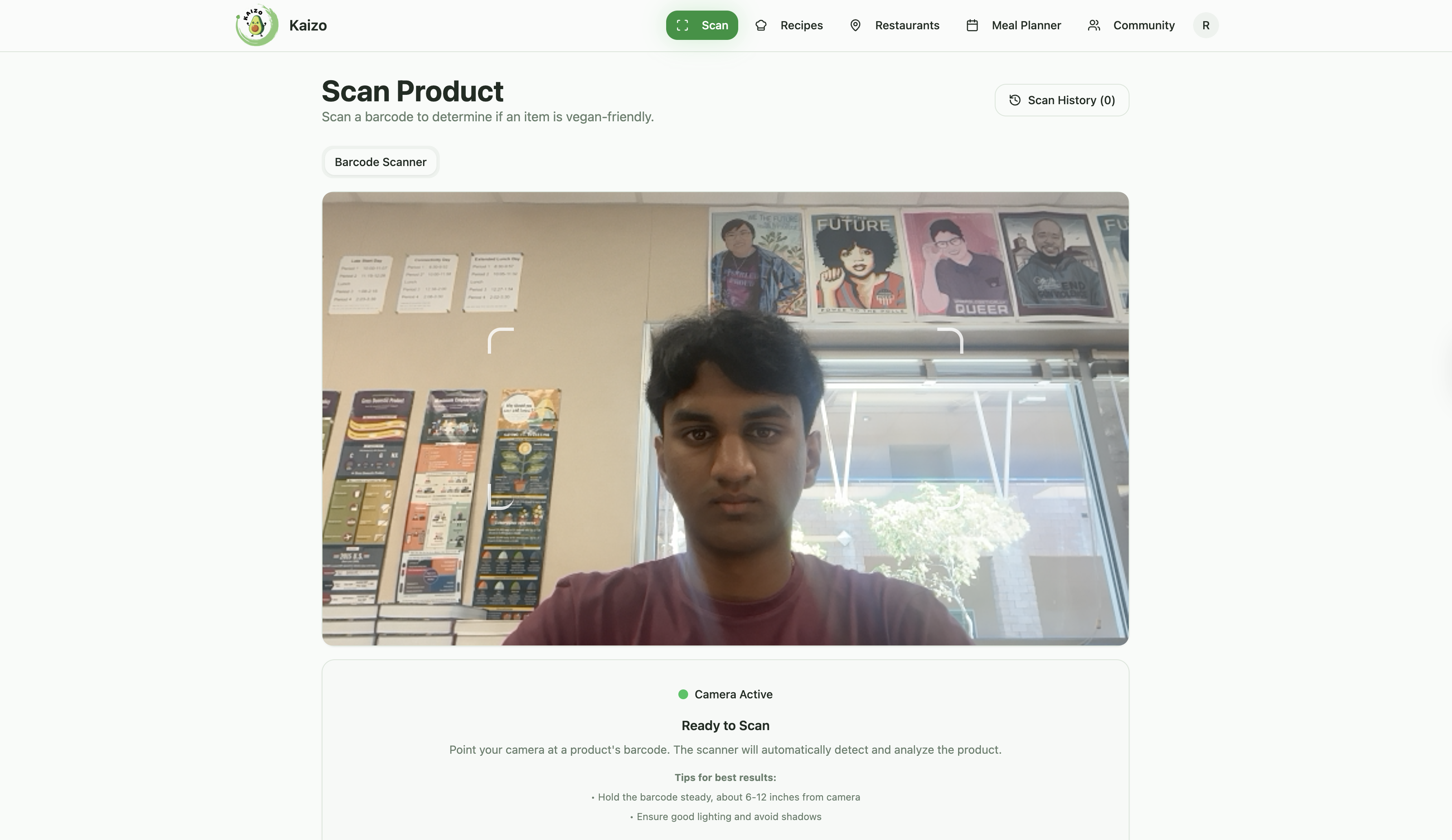
This is the Scan Feature. The user can Scan a Product to see if it is Vegan/Vegetarian, Health Score, Eco Score, and danergous ingredients.
-
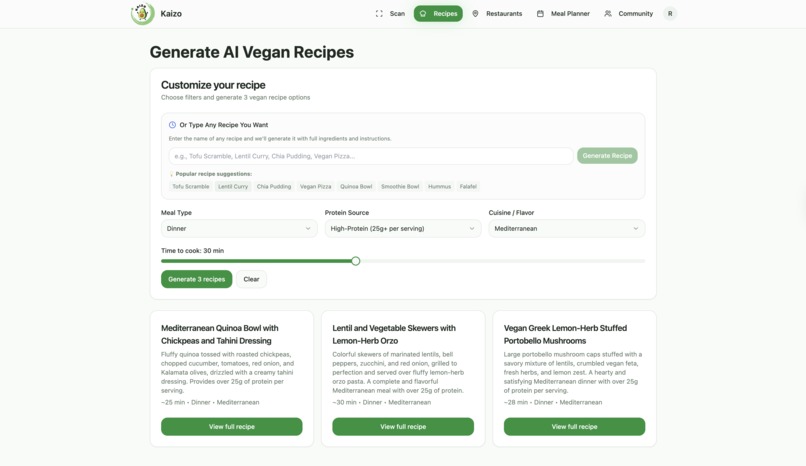
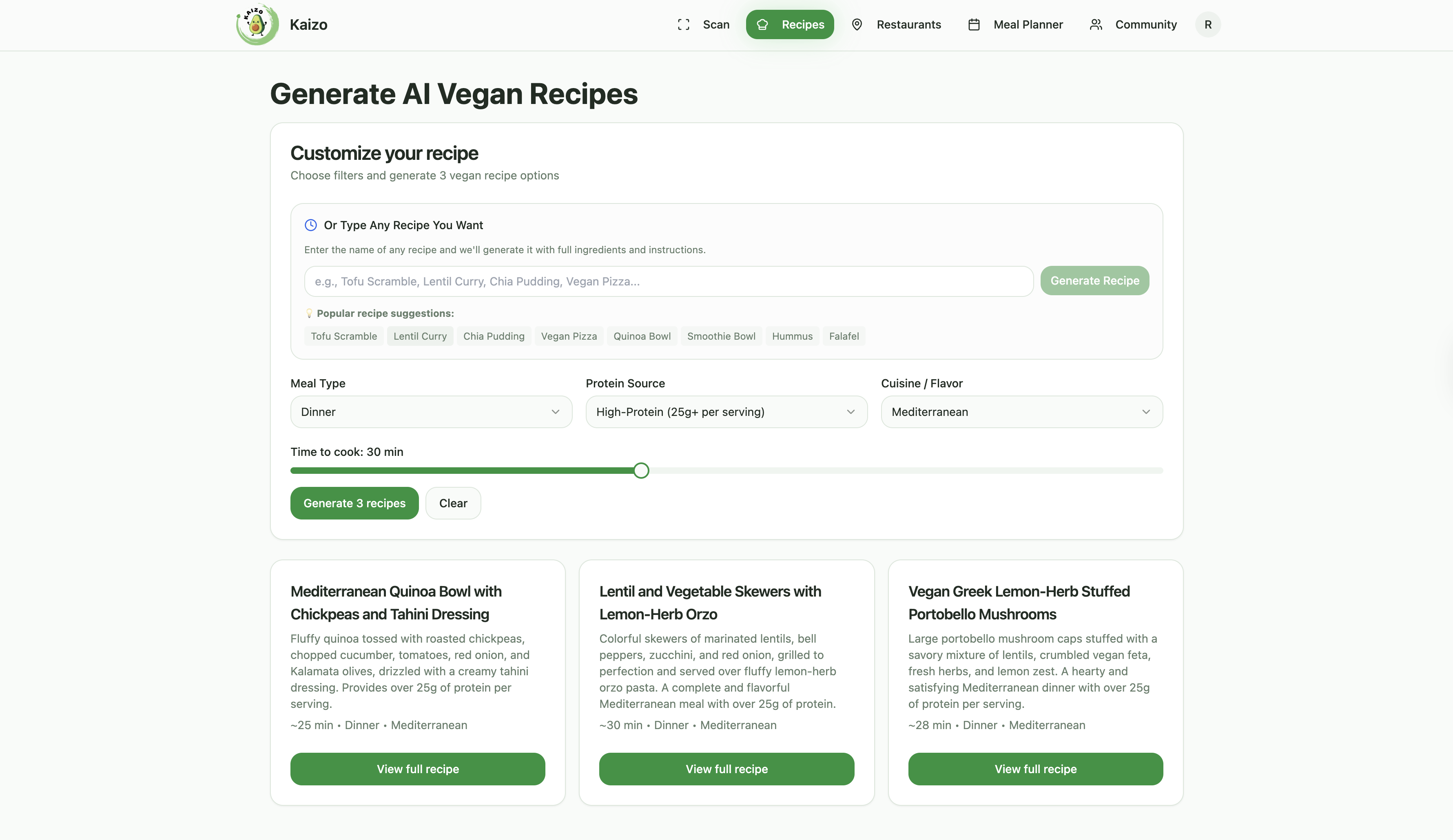
In the Recipe section, users can generate 3 random meals or input their own, making cooking simpler and more convenient.
-
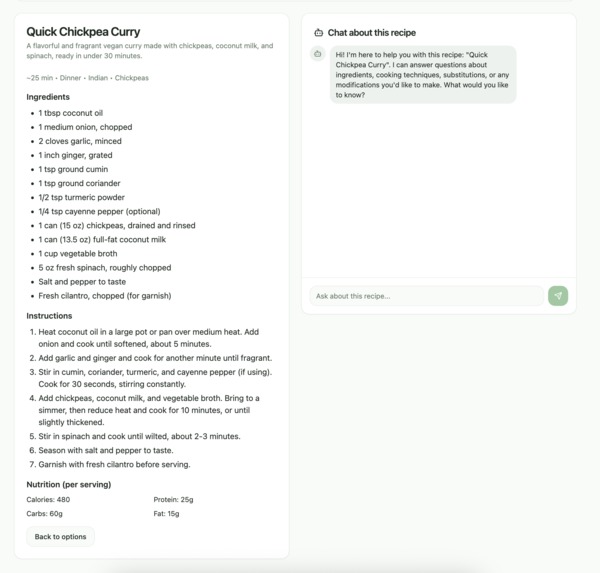
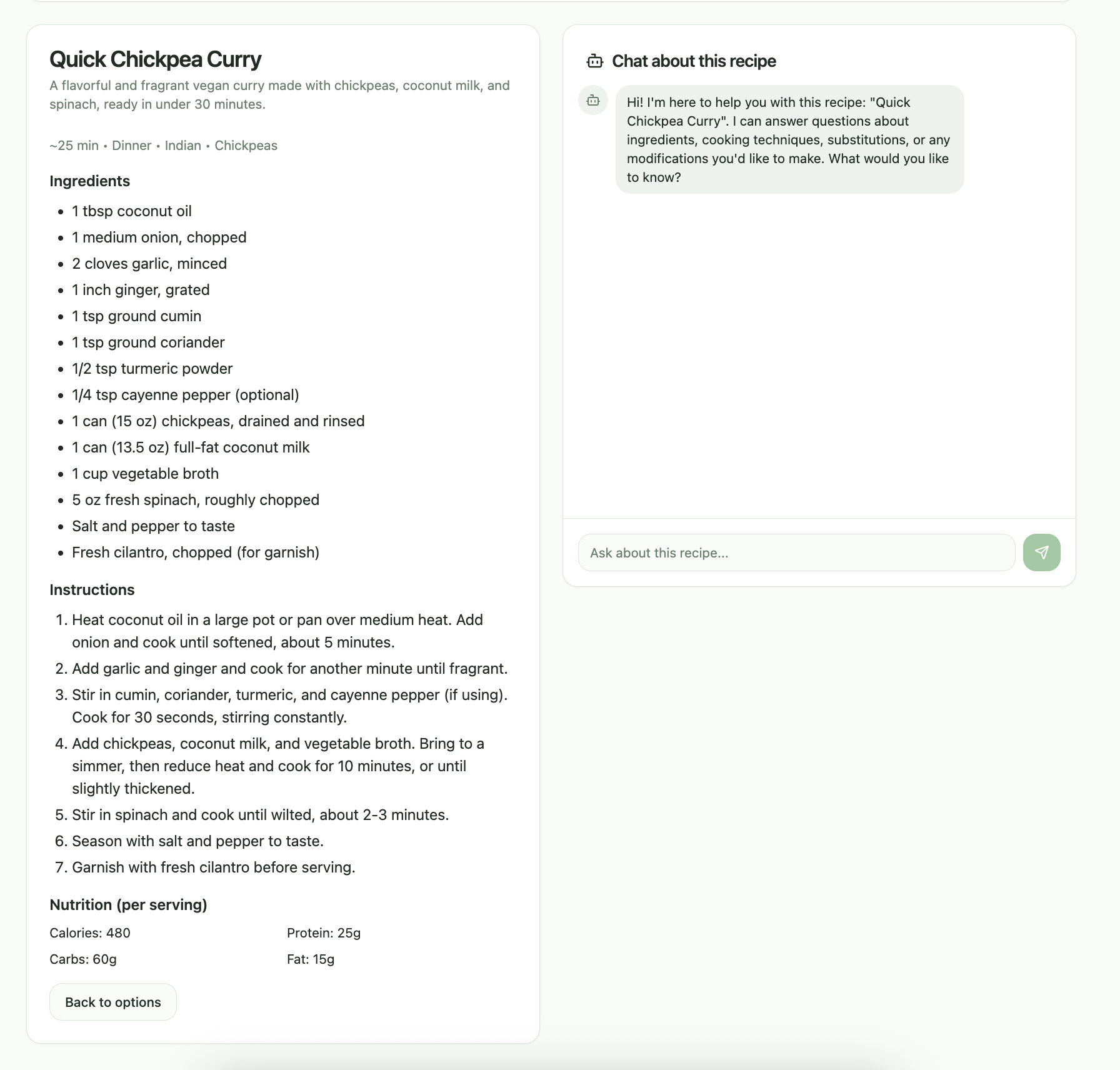
After choosing a recipe, users get ingredients plus an AI chat to guide them, making cooking easier and more enjoyable.
-
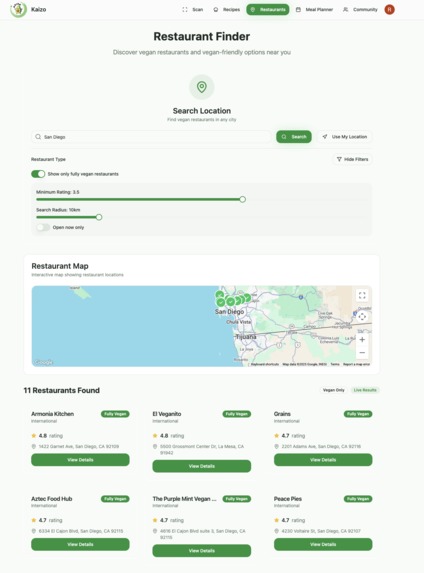
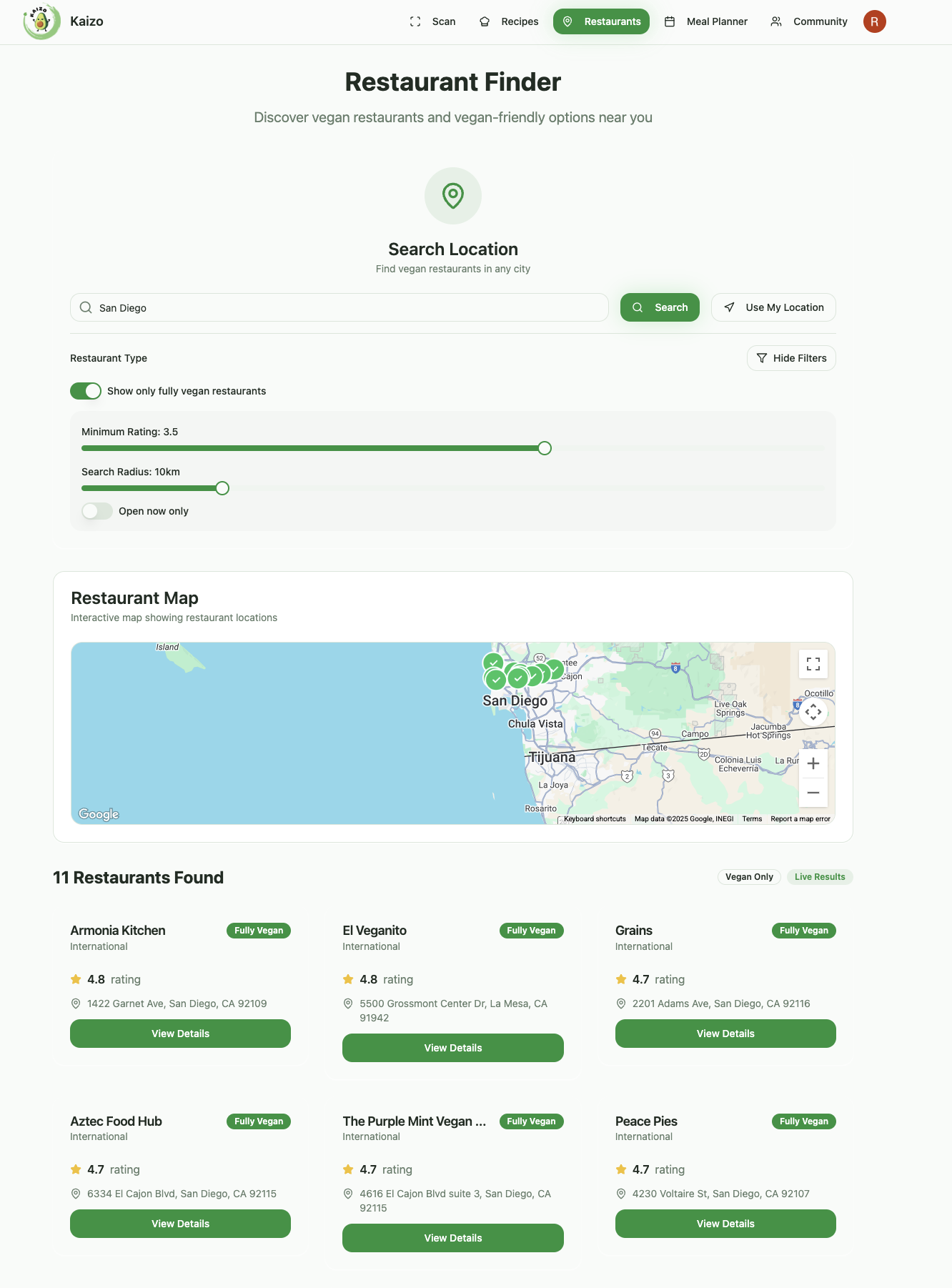
Finding vegan-friendly restaurants can be tough — our Restaurant Locator makes it simple, quick, and stress-free to discover great dining.
-
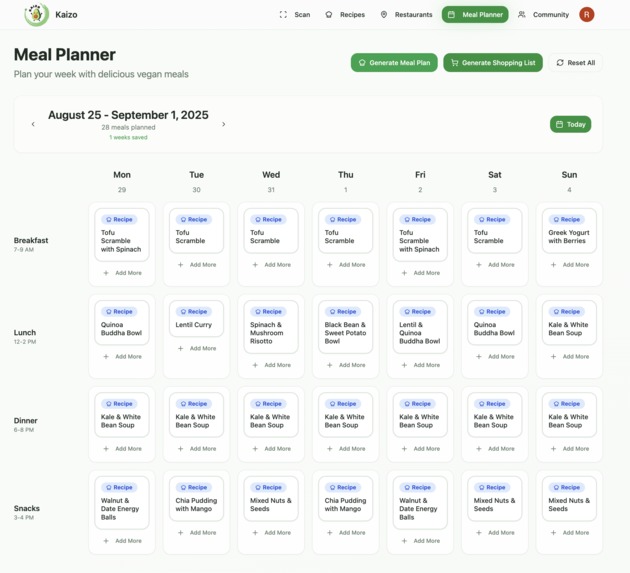
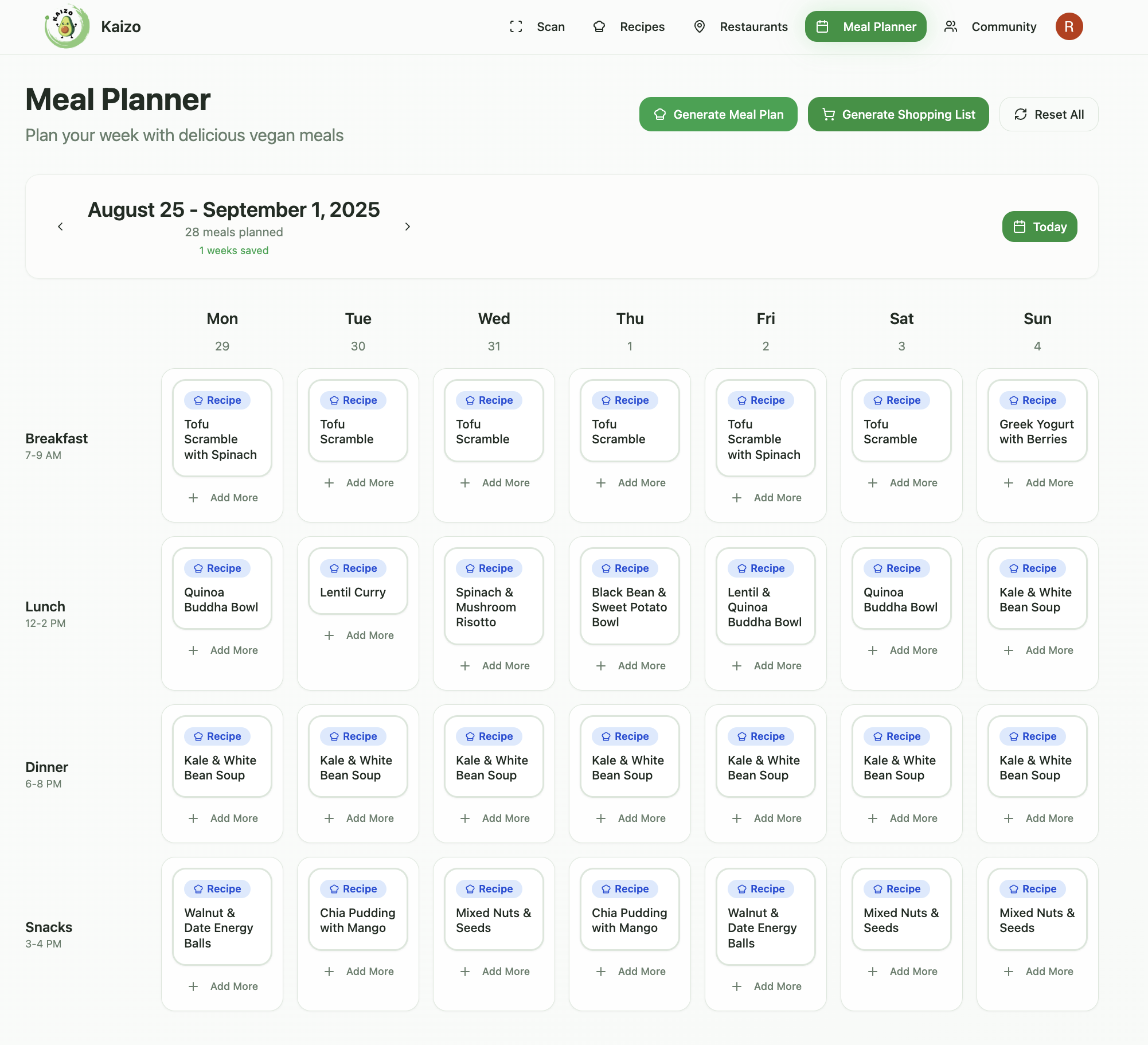
The Meal Planner lets users generate weekly meal plans, helping them stay organized and making everyday cooking easier.
-
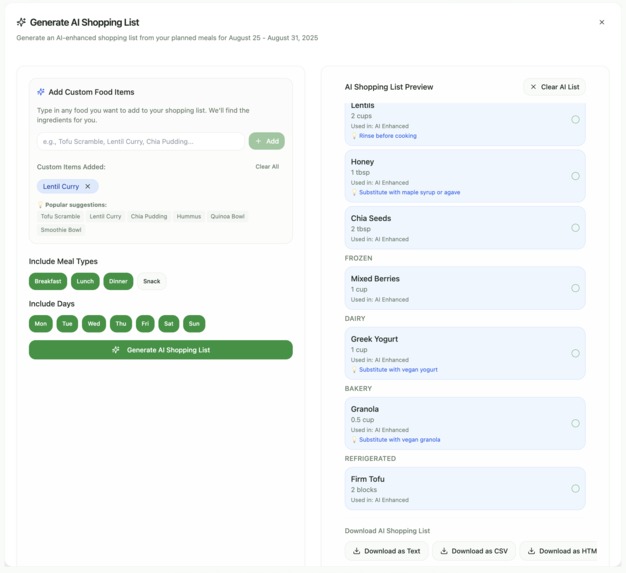
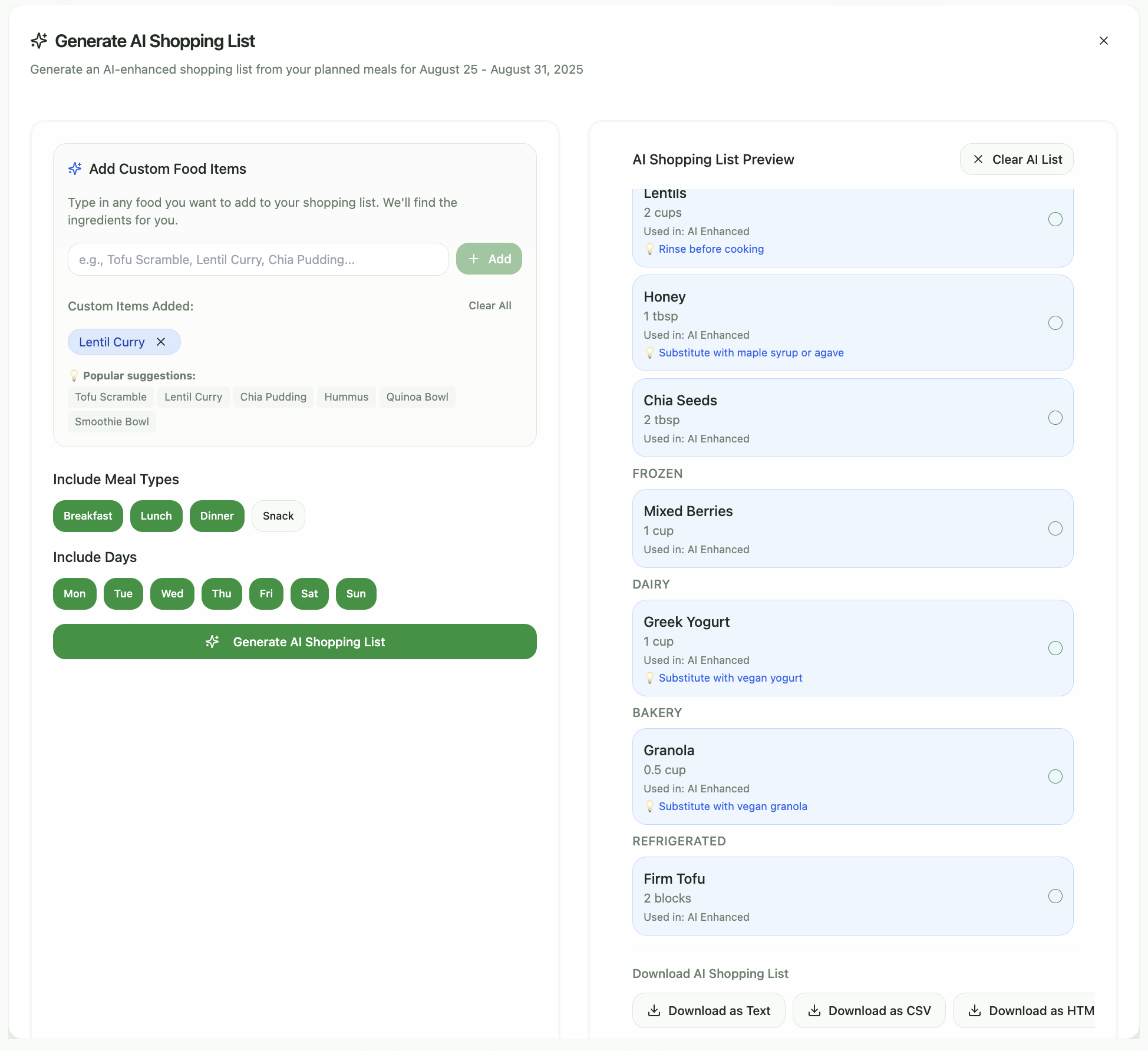
In the Shopping List section, users can generate a list from their meal plan and download it to take along to the market.
-
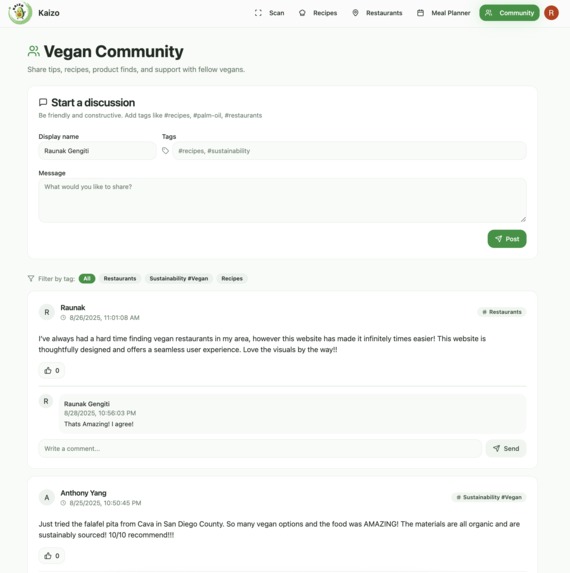
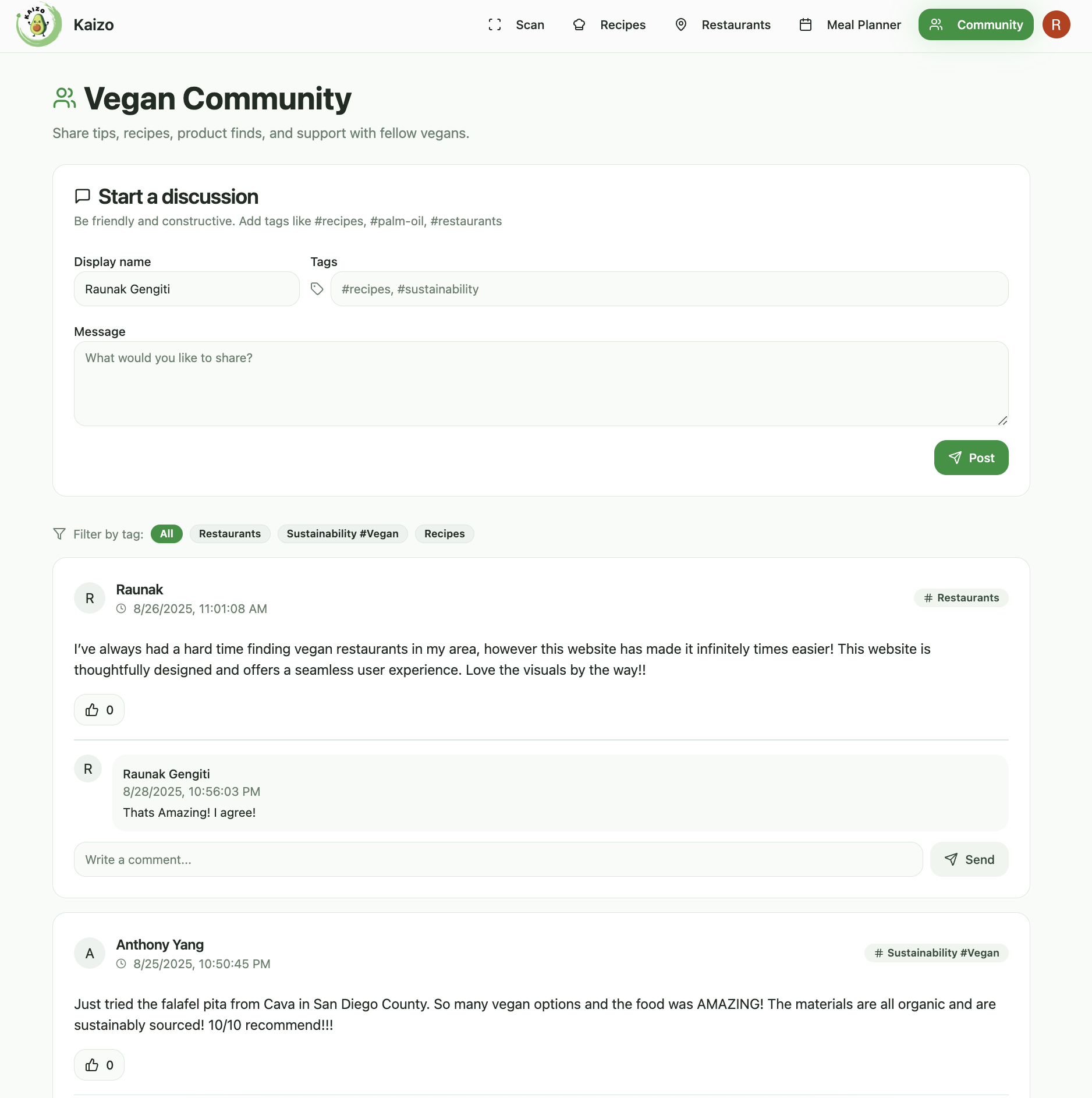
The Vegan Community connects vegans worldwide, making it easier to share ideas, discover new things, and support each other.
-
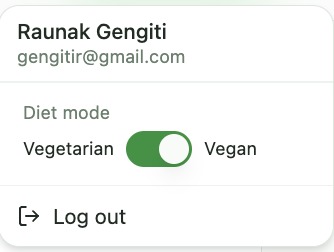
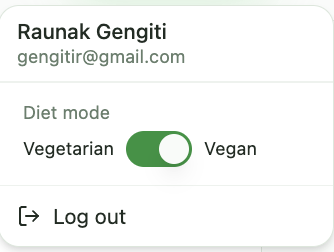
Users can switch between Vegetarian or Vegan modes to personalize their experience and adjust easily if their diet changes.
Inspiration We were inspired by friends and family who struggle to decode food labels, manage allergies, and make vegan or vegetarian choices on the go. Watching them stress over tiny ingredient lists and inconsistent “plant-based” claims made us want a simpler, kinder way to shop and eat. We built Kaizo to remove guesswork and give clarity in seconds.
What it does Scan a barcode or ingredient list and get an instant vegan or vegetarian verdict with plain‑language explanations. It flags allergens, highlights questionable ingredients, and shows an Eco Score to guide lower‑impact choices. You can discover nearby vegan spots and vegan‑friendly menus, plan meals, and generate smart shopping lists that match your preferences.
How we built it The app is built with React, TypeScript, and a modern UI kit for a fast, mobile‑friendly experience. We use OpenFoodFacts for product data, Google Maps for restaurants and details, and Gemini for multimodal OCR and ingredient reasoning. User preferences and caching make results quick and fluid.
Challenges we ran into Ingredient labels are messy, inconsistent, and often low‑quality in photos. Combining AI reasoning with rules while handling allergies and edge cases required careful design. We also navigated API limits, CORS quirks, and camera permissions to keep scanning reliable.
Accomplishments that we're proud of We deliver clear, trustworthy answers in seconds, not just a label. The Eco Score and explanations help users understand the “why.” The restaurant finder and planning tools turn insight into action, making everyday choices easier and more sustainable.
What we learned After testing the app with friends and family, we learned that people want confidence and context, not just a thumbs up or down. Speed and reliability matter as much as accuracy on mobile. Clear explanations build trust, and thoughtful design turns AI insights into real‑world decisions.


Log in or sign up for Devpost to join the conversation.