Kairos AI
Kairos AI is a secure infrastructure automation platform that uses AI agents to manage cloud and DevOps operations, reducing manual toil while keeping teams in contro
Updates

Kairos (INFRAai) — The Agent That Handles Ops While You Sleep
Inspiration
Most infrastructure failures are not hard to fix — they’re hard to detect quickly, triage correctly, and execute safely.
I was tired of the DevOps reality:
- getting woken up at 3 AM because a VM hit 95% CPU
- watching engineers scramble when production traffic gets blocked
- debugging incidents that follow the same repetitive playbook
DevOps today is mostly reactive: we wait for things to break, then scramble to fix them.
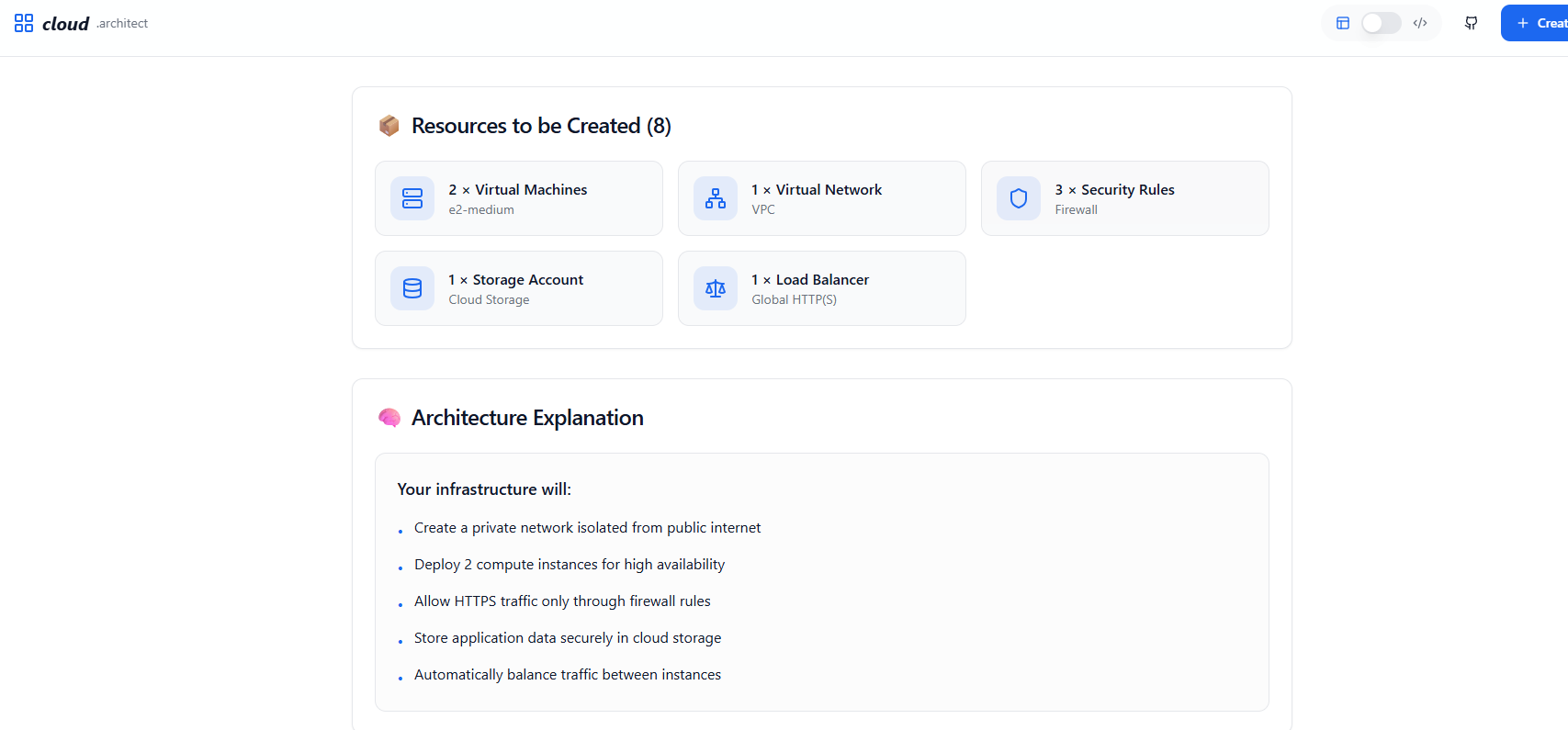
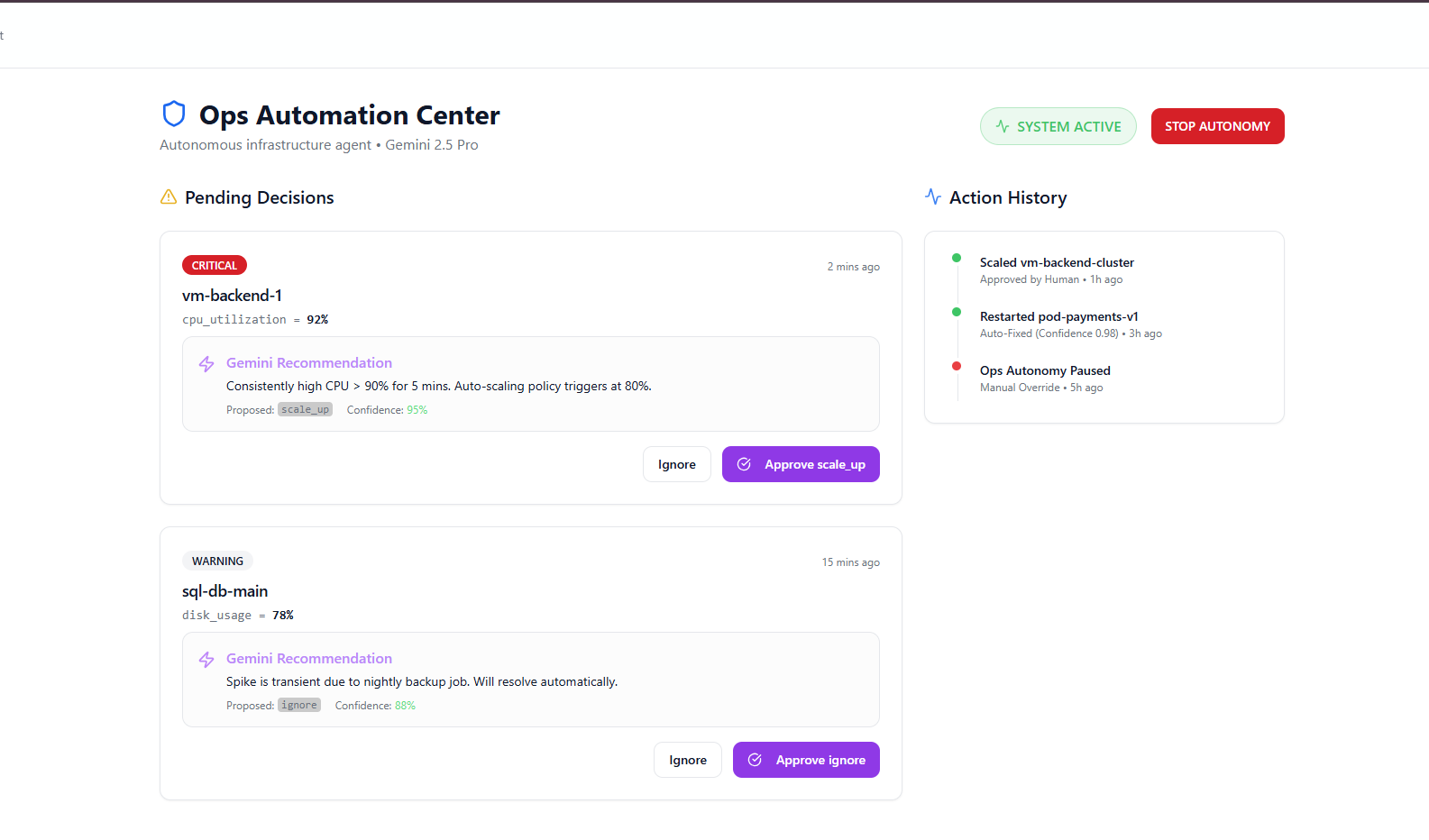
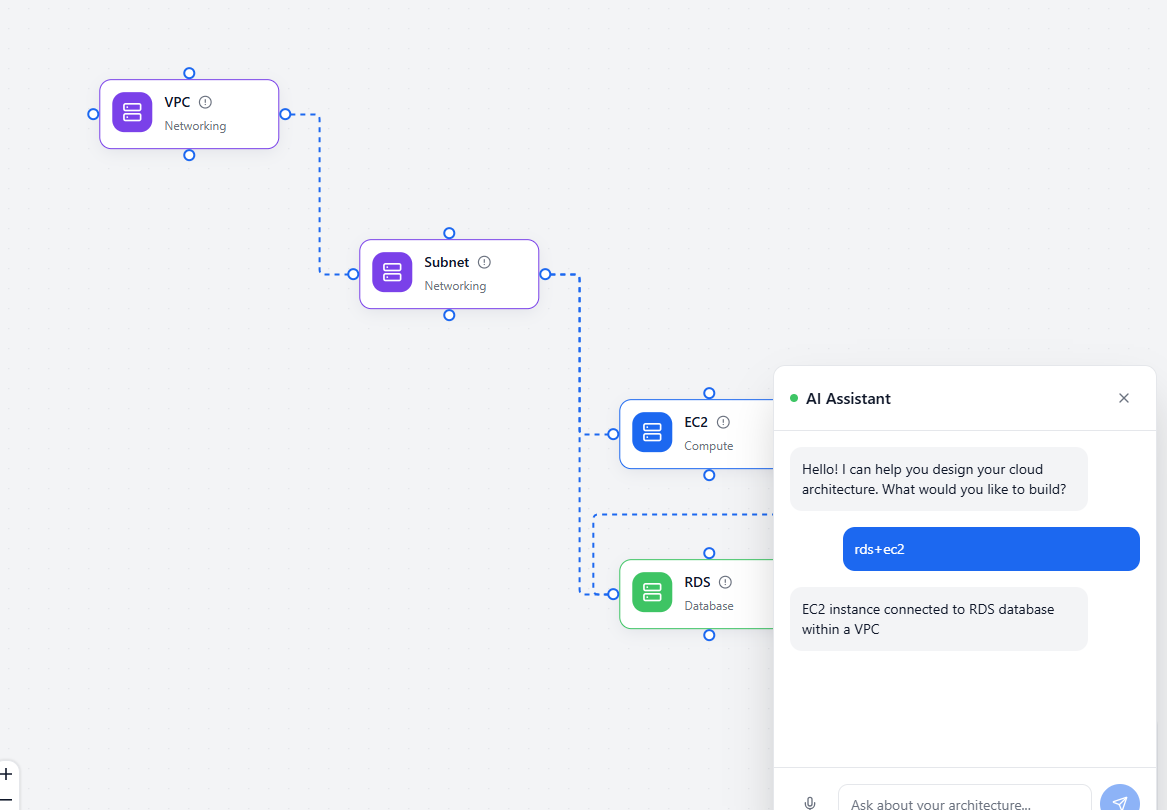
So I built Kairos (INFRAai) — a DevOps agent that monitors cloud infrastructure 24/7, detects incidents, recommends safe fixes, and can execute them autonomously with human approval.
What I Learned
This project taught me that agentic AI is not just prompting — real autonomy requires structure, state, safety, and feedback loops.
Key things I learned:
- How to design a human-in-the-loop system for risky infrastructure actions
- How to use structured JSON output from an LLM instead of unreliable text parsing
- How to build an alert → decision → action pipeline using Cloud Monitoring webhooks
- How to keep Terraform changes consistent with existing state (no regeneration chaos)
- How to verify actions using metrics, not assumptions
How I Built It
Kairos is designed as a pipeline of connected layers:
1) Monitoring Layer
- GCP Cloud Monitoring detects incidents (high CPU, downtime, firewall blocks)
- Alerts are sent to the backend using webhooks
2) Backend (FastAPI)
- Receives webhook payloads
- Normalizes them into a standard incident schema
- Stores incident logs and execution state in SQLite + Redis
3) LLM Decision Layer
- Gemini 2.5 Pro analyzes each incident and outputs a structured decision:
- severity (Low/Medium/High)
- recommended action
- reasoning
- confidence score
- whether approval is required
4) Human Approval Layer (Telegram)
- High-risk actions are sent to Telegram
- The user can approve by replying
"1" - The user can stop all autonomy instantly using
"STOP AUTONOMY"
5) Execution Layer
- Executes actions via:
- Terraform modifications (state-preserving)
- direct GCP API calls (fast operational actions)
6) Feedback Loop
After every action, Kairos checks metrics again to confirm the problem is actually resolved.
Challenges I Faced
1) LLM Output Reliability
Early versions sometimes produced JSON that looked correct but had missing or hallucinated fields.
I solved this using strict Pydantic schema validation and enforcing structured outputs.
2) Terraform State Consistency
Scaling or changing infra safely required preserving Terraform state.
I avoided regeneration and made the agent perform targeted modifications only.
3) Cloud Monitoring Webhook Complexity
GCP monitoring alerts come as deeply nested JSON and vary across incident types.
I built a normalization layer that consistently extracts:
- policy name
- resource
- metric
- value
- timestamp
4) Trust and Safety
The biggest challenge was making an autonomous infra system that users can trust.
I solved this using:
- human approval gates
- confidence scores
- reasoning logs
- a kill-switch that halts execution instantly
Math / Monitoring Logic
Kairos triggers a CPU incident using a simple threshold rule:
$$ CPU_usage = \frac{\text{busy_time}}{\text{total_time}} \times 100 $$
An alert triggers when:
$$ CPU_usage > 90\% $$
After applying an action (like scaling), Kairos re-checks the metric and confirms recovery.
Future Improvements
- Multi-cloud support (AWS + Azure)
- Predictive incident prevention using historical metrics
- Rollback intelligence if an action makes things worse
- Cost optimization agent for continuous rightsizing
- Slack + Teams integration
Built With
- Gemini 2.5 Pro
- Terraform
- Google Cloud Platform (Compute Engine, Cloud SQL, VPC, Monitoring)
- FastAPI + Pydantic
- SQLite + Redis
- Telegram Bot API
- React + TypeScript + Monaco Editor
- Docker + ngrok
Leave feedback in the comments!
Log in or sign up for Devpost to join the conversation.
Log in or sign up for Devpost to join the conversation.