Inspiration
I type constantly, essays, code comments, messages, forms, but my thoughts often come faster than my fingers. Tools like voice dictation exist, but most feel clunky: you have to switch apps, fix "um"s and false starts, and manually copy-paste the result.
I wanted something that feels invisible, hold a key, speak, and polished text appears wherever you're already typing. That’s how JustSayIt was born.
What it does
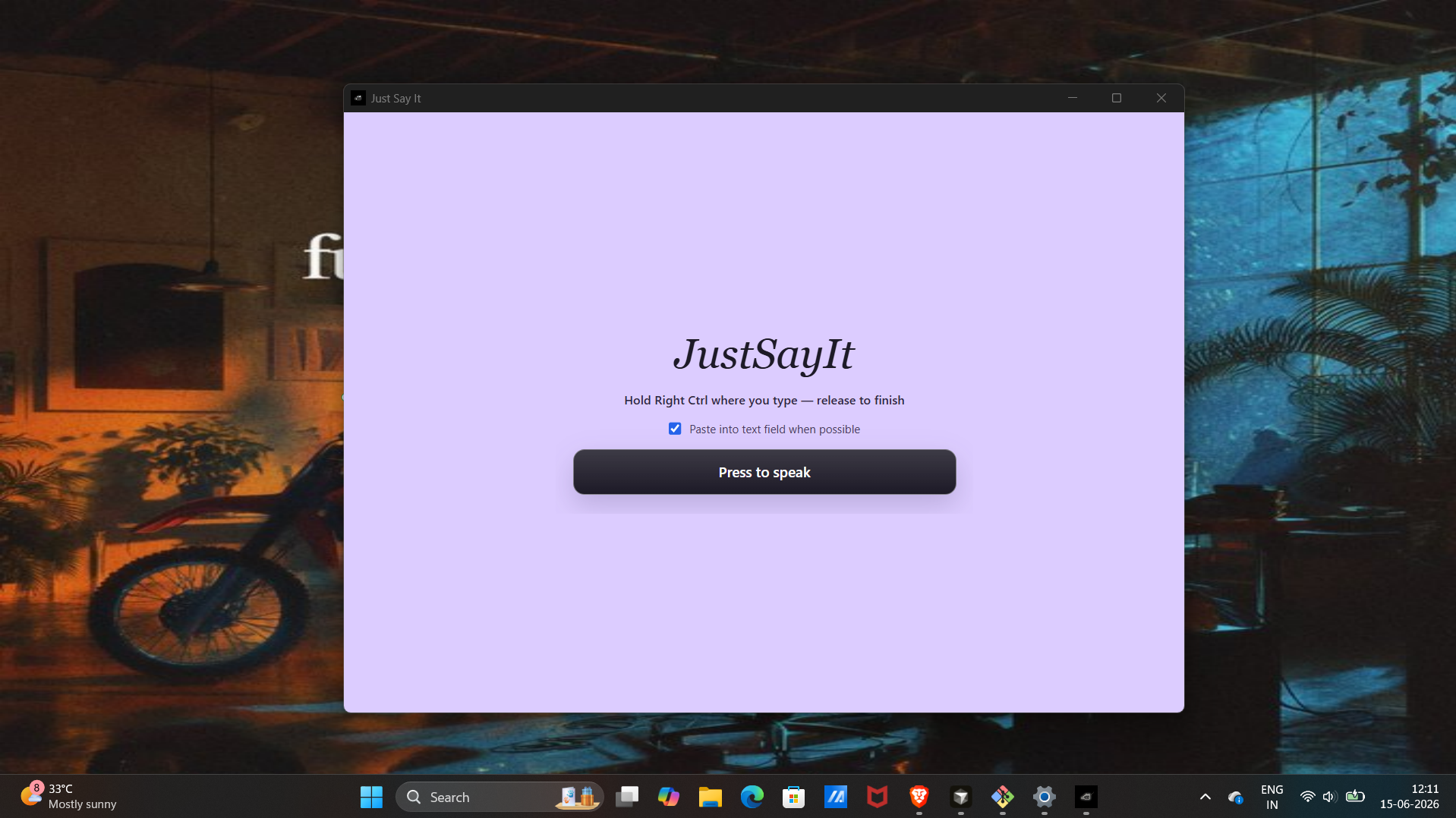
Just Say It is a desktop voice typing utility for Windows. You hold Right Ctrl(or click to record), speak naturally, and the app:
- Transcribes your speech in real time using Deepgram
- Cleans the transcript with Google Gemini removing filler words, fixing grammar, keeping your tone
- Delivers the result by auto-pasting into your active app, or showing a minimal floating card if paste isn’t possible
A small cursor overlay shows what’s happening: Listening → Cleaning → Pasting → Done.
How I built it
The app is an Electron + React + TypeScript desktop application in a Turborepo monorepo.
Frontend (renderer)
- React hooks manage the full voice session lifecycle
- Real-time audio streams to Deepgram over WebSocket (
nova-3) - Minimal, utility-style UI inspired by tools like Raycast and Wispr Flow
Backend (Electron main process)
- IPC bridges transcription, AI cleanup, and text delivery
- Global push-to-talk via
node-global-key-listenerand a Windows Right Ctrl poller - Auto-paste uses the clipboard + simulated
Ctrl+V, with logic to detect whether the focused window is safe to paste into - Three renderer surfaces: main window, cursor overlay HUD, and floating result card
AI pipeline
- Deepgram: live speech-to-text
- Google Gemini: transcript cleanup with a custom system prompt tuned for natural, sendable text
What I learned
- Building system-level desktop UX is very different from web apps, window focus, global hotkeys, and paste timing all matter
- Real-time transcription needs careful state management (recording → cleaning → pasting → idle) so the UI never fights the pipeline
- The best voice tools stay out of the way, small overlays and whitespace beat big dashboards
Challenges
- Global hotkey reliability on Windows, Right Ctrl needed a dedicated poller alongside the key listener to feel responsive
- Paste without breaking focus hiding the overlay, restoring the target window, and timing clipboard writes before simulating
Ctrl+V - Latency vs. quality: streaming transcription for speed, then a separate Gemini pass for polish before delivery
- Graceful fallback: when auto-paste isn’t possible, showing cleaned text in a floating card instead of failing silently
Built With
- deepgram
- electron
- javascript
- node.js
- pnpm
- react
- turborepo
- typescript
- vite
- websockets


Log in or sign up for Devpost to join the conversation.