-
-
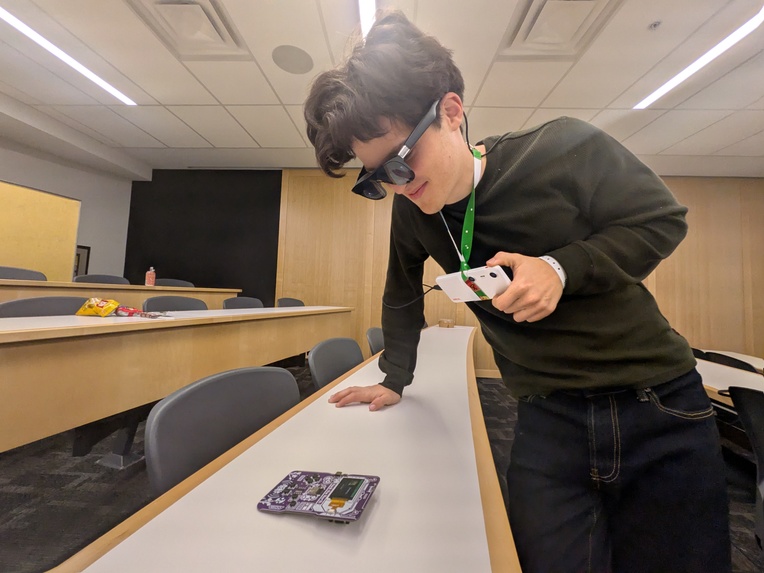
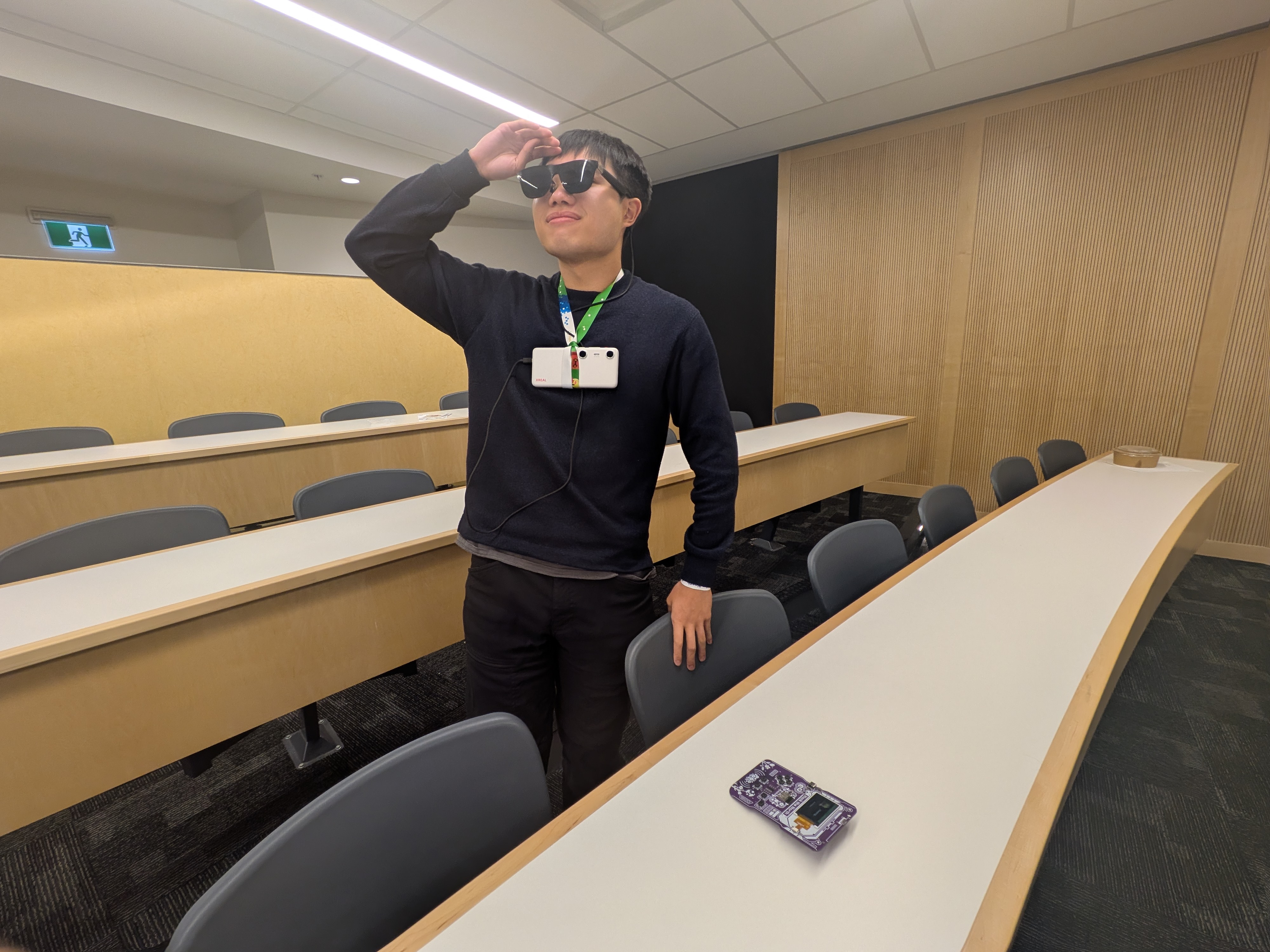
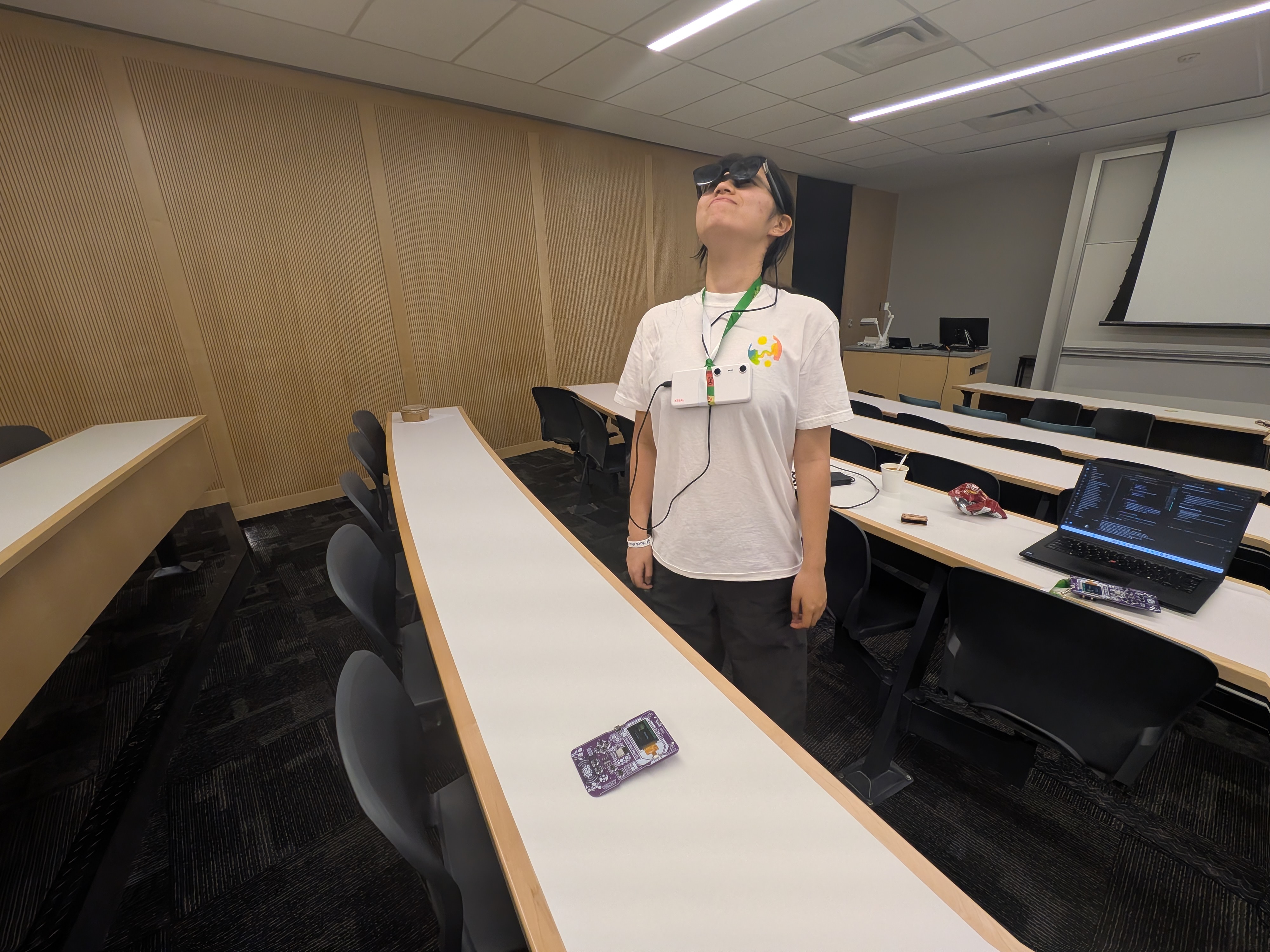
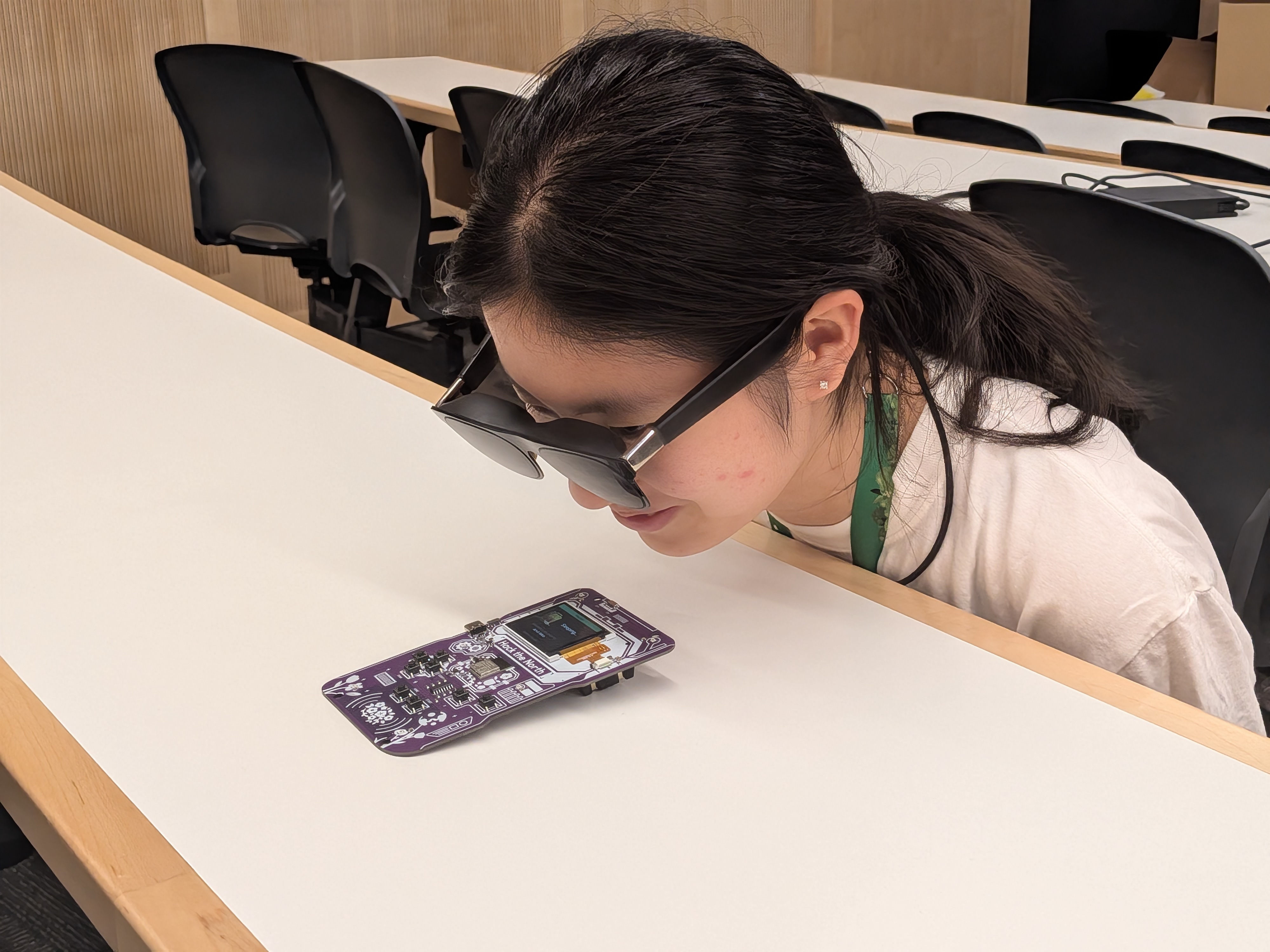
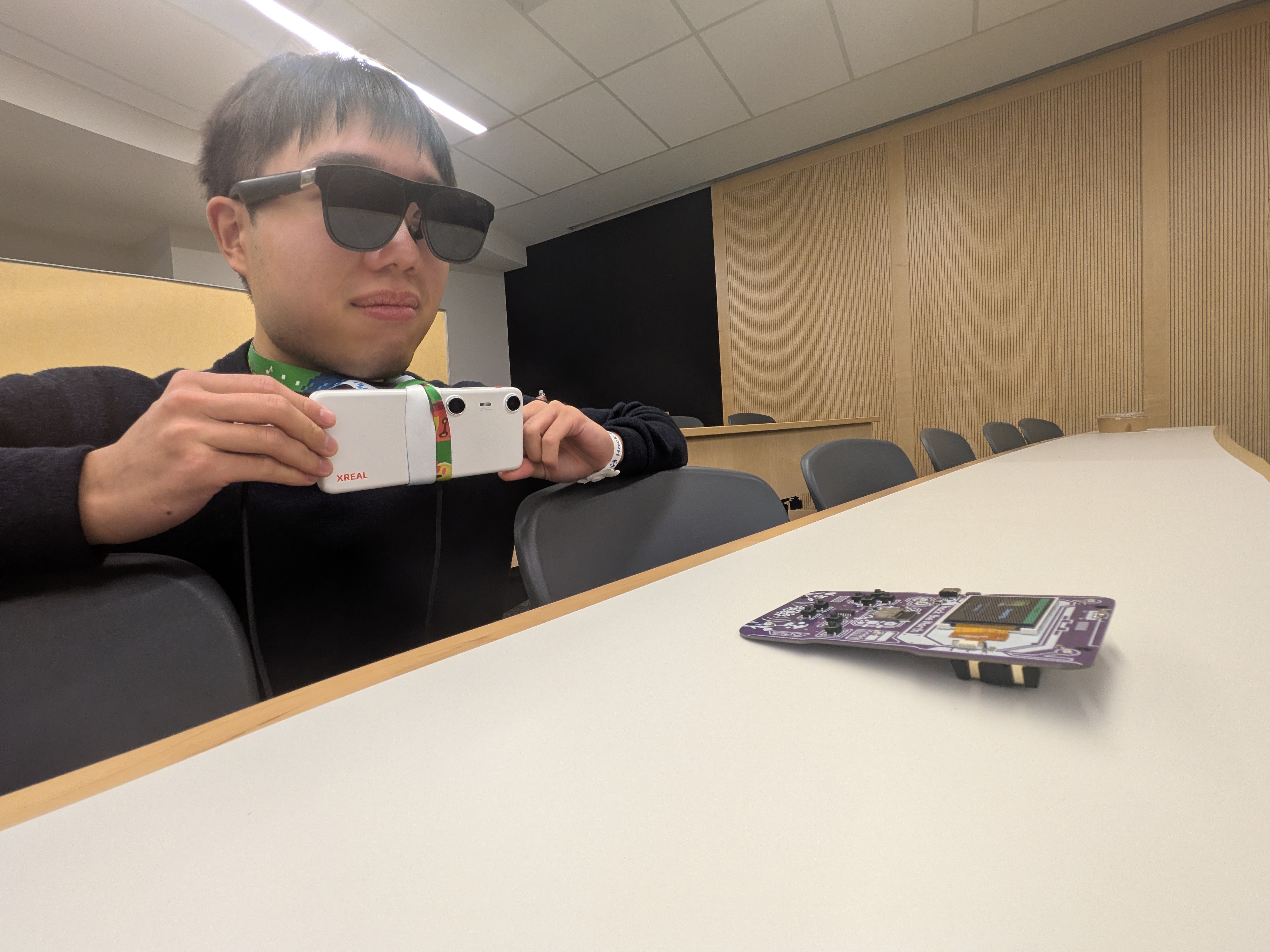
Trying to find our hacker badge!
-
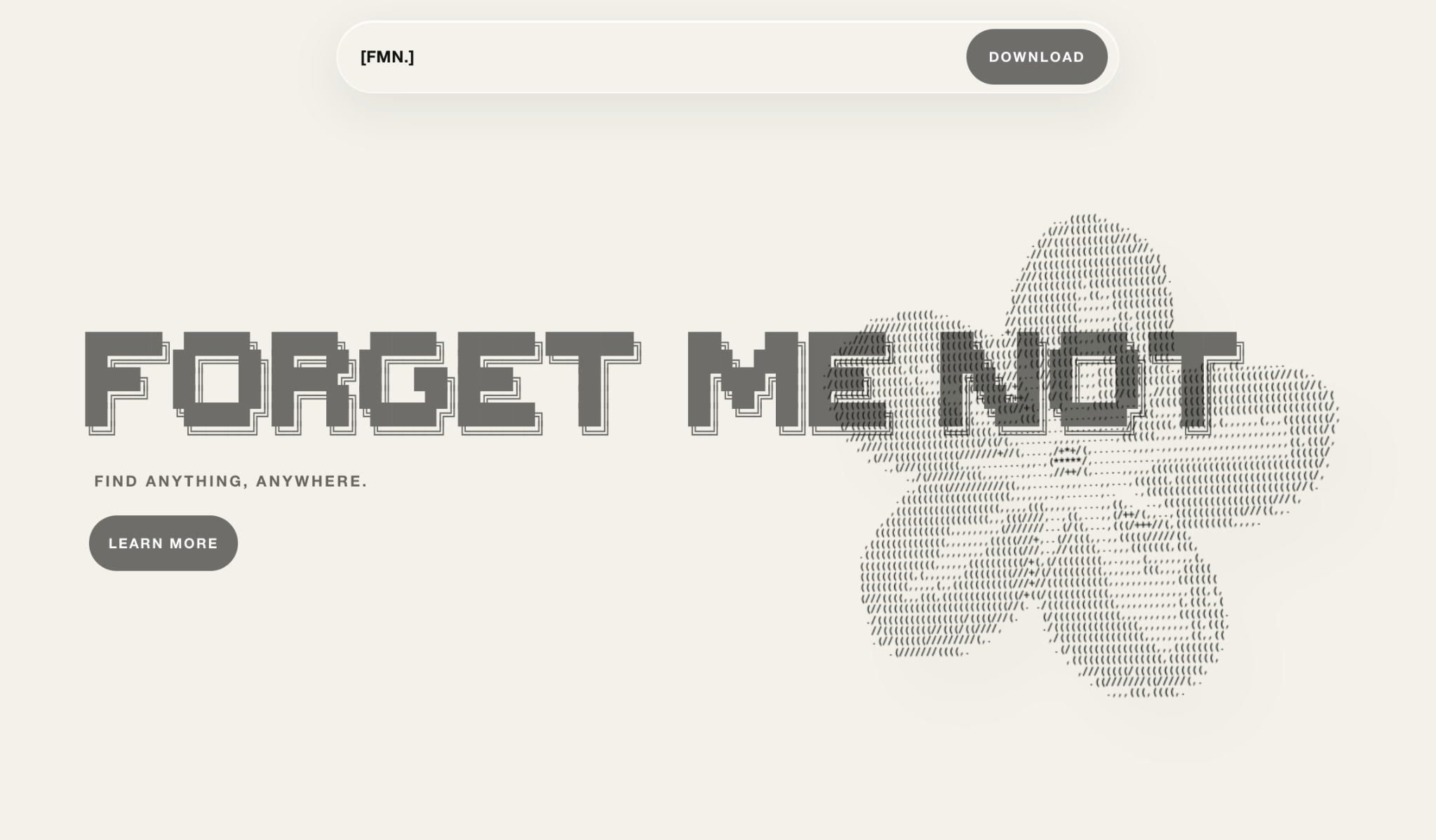
Landing page!
-
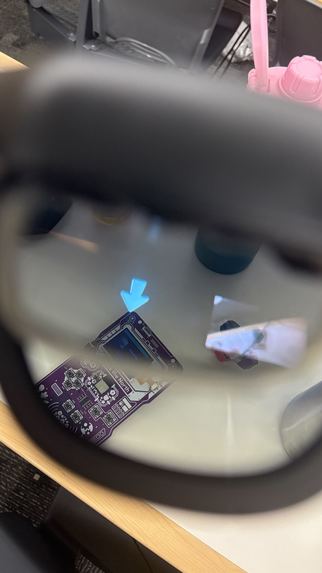
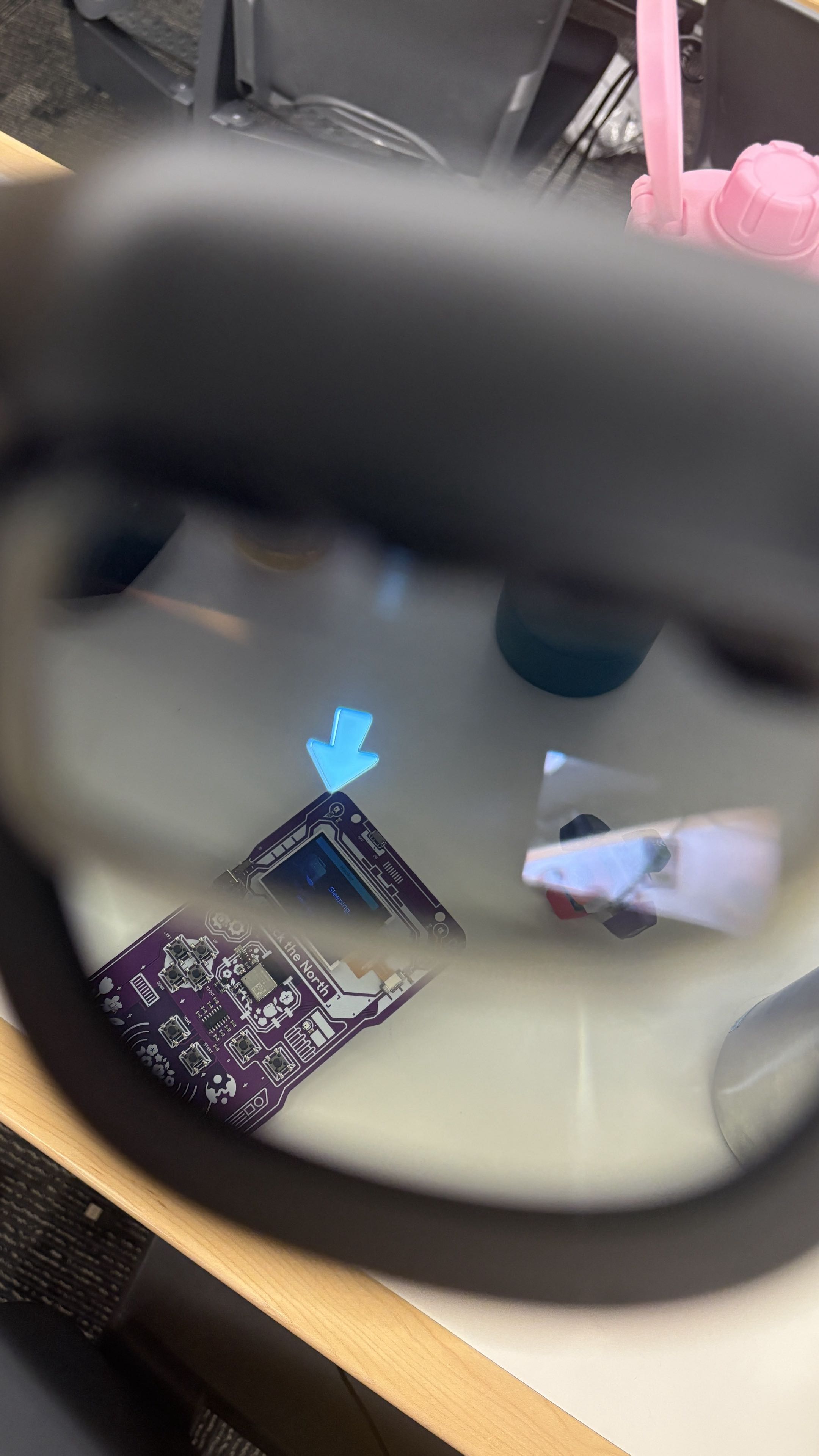
picture through the lens.
-
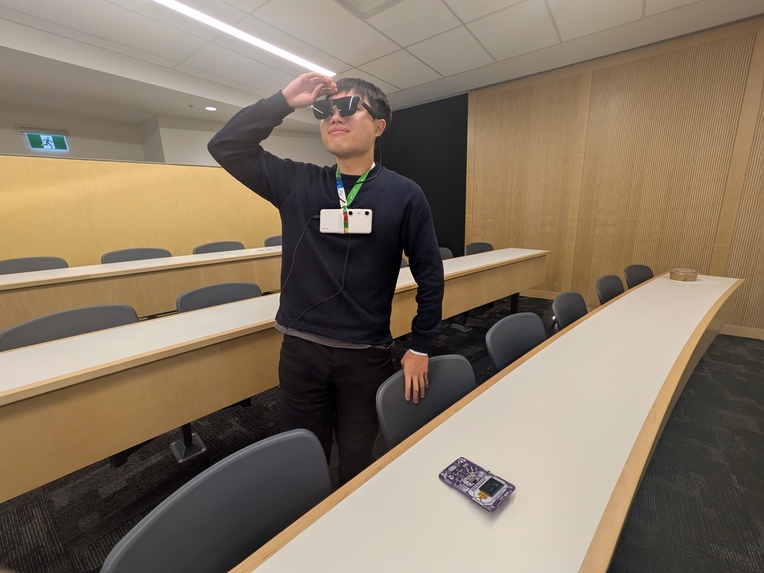
I do not see it.
-
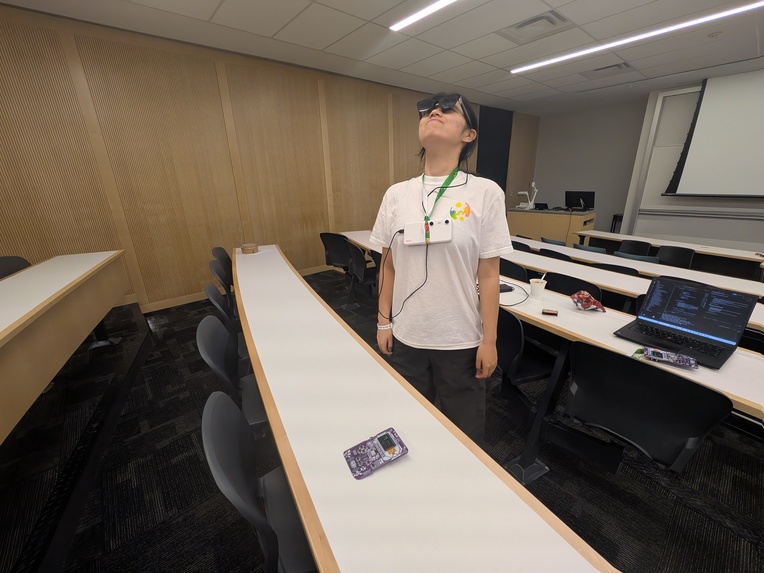
Where could it be?
-
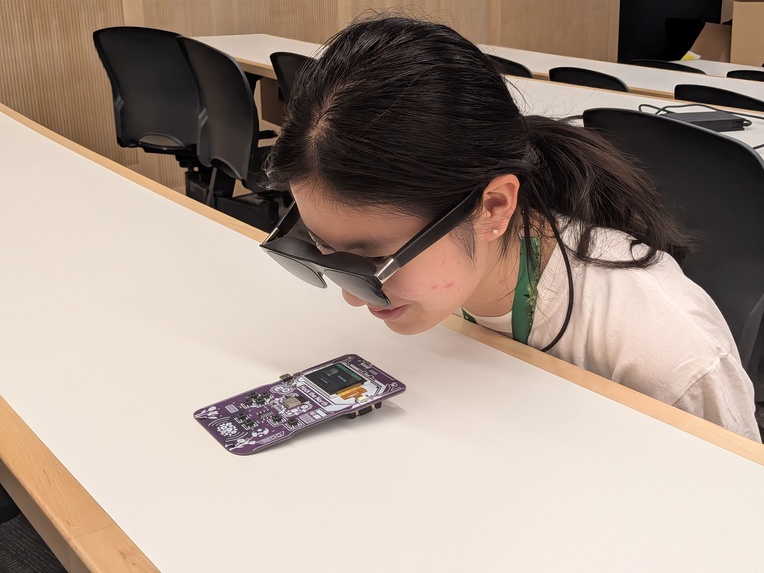
Trying to find our hacker badge!
-
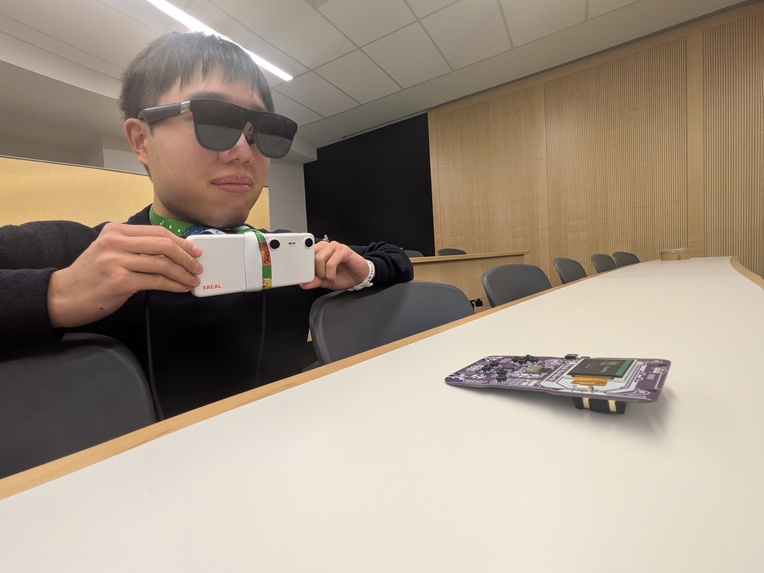
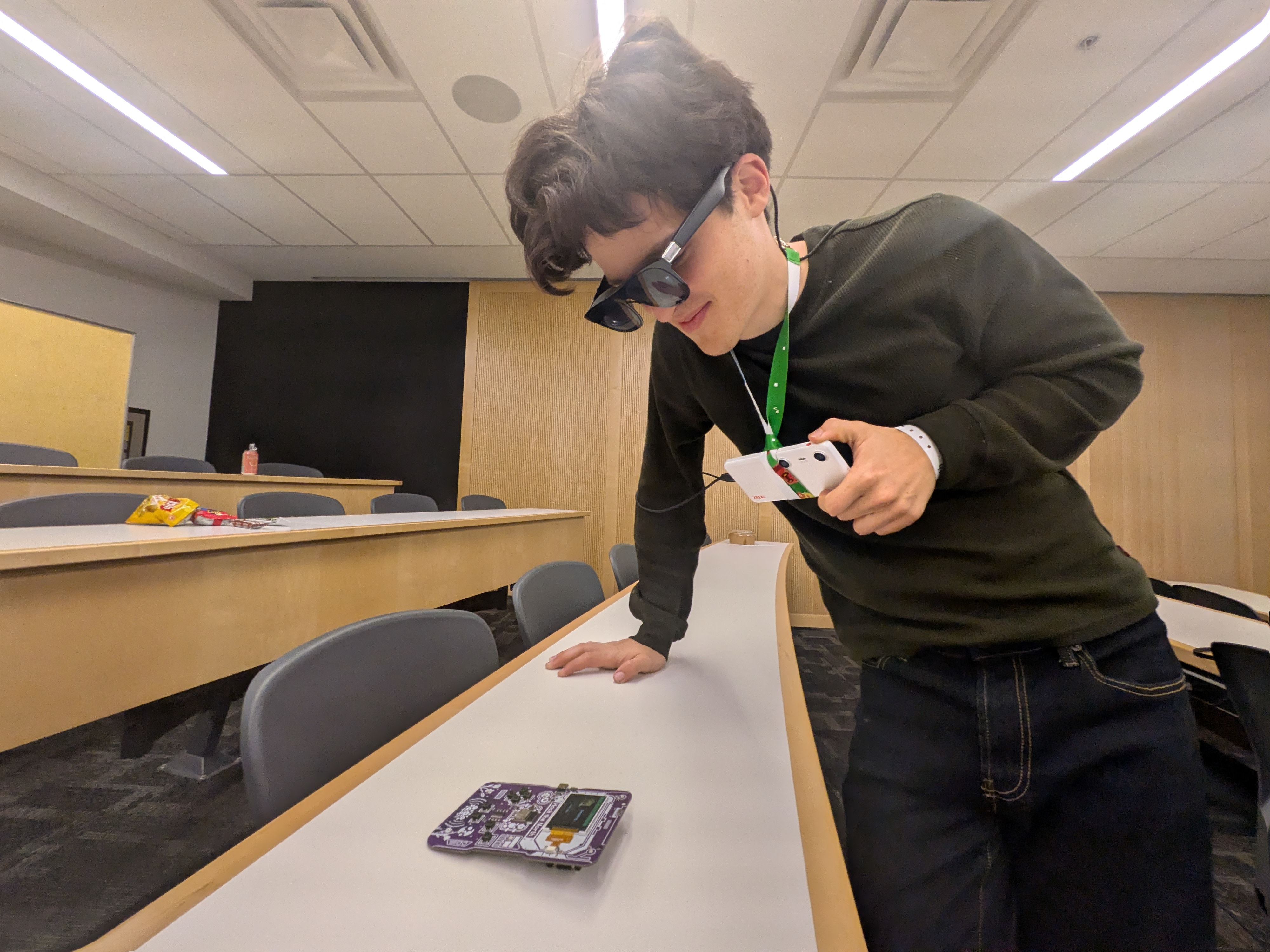
My glasses have lead us to the target.
Inspiration
I lose my keys. You lose your keys. We all lose our keys. I don't even know where my student card is right now. So what if you had a handy-dandy pair of glasses to lead you to them whenever you needed? We wanted to explore how a camera-based assistant could make the physical world easier to understand without requiring a person to stop and search through it manually. The project started with a simple question: can a lightweight computer-vision system provide useful context about nearby objects in real time?
What it does
Forget Me Not detects objects from still images or a webcam and returns their labels, confidence scores, bounding boxes, and centers in a consistent JSON format. It can filter results to a target object such as a cell phone, backpack, bottle, or a custom hacker card.
The prototype can also estimate approximate distance using monocular depth, or use a calibrated known-size card for a simpler and steadier distance demo. A desktop harness makes it possible to test the same detection flow before deploying it through the Android and Unity bridge toward an XREAL Beam Pro + XREAL One Glasses experience.
How we built it
We built Forget Me Not as a computer-vision pipeline that could be tested on a desktop before being connected to the XREAL One glasses. The Python prototype uses OpenCV to capture webcam or still-image frames, NumPy for image processing, and MediaPipe's int8 EfficientDet-Lite0 model to detect the 80 COCO object classes. Every result is converted into a shared format containing the class name, confidence, bounding box, and center point, so the desktop and wearable sides can use the same detection contract. For objects that are not included in COCO, we trained a custom single-class YOLO model to recognize our hacker cards!
We annotated phone photos, normalized their EXIF rotation, removed metadata, split the dataset while keeping burst photos together, converted the annotations from COCO to YOLO format, and exported the trained checkpoint to ONNX for Android. To estimate distance, we experimented with YOLO monocular depth and also built a more reliable known-size calibration path that uses a card held at a measured distance to estimate later distances from its detected size. On the wearable side, we used the XREAL SDK, Android development, Unity AR/VR, and CAD modeling to connect the camera and display experience. The Android adapter letterboxes RGBA frames to 640x640, runs the ONNX model with ONNX Runtime, decodes the YOLO output, applies non-maximum suppression, and passes the resulting detections through the same JSON-style contract as the Python prototype.
The Unity and Android bridge is the foundation for displaying the detected object and its direction in the glasses despite working with 3DOF tracking.
Challenges we ran into
This would have been much easier with the XREAL Eye module since it has 6DOF, except HTN did not provide one. Instead, we had to make do with 3DOF tracking on the XREAL One glasses and the phone. We hacked together a custom object detector to recognize the hacker cards, along with a distance sensor and calibration system to estimate how far away they are. Things were not looking good until about 2 hours before the submission deadline.
Accomplishments that we're proud of
We’re especially proud of getting an end-to-end computer vision pipeline working across a surprisingly large stack of technologies. We trained our own custom object detector for objects outside the standard COCO classes, built a data-processing pipeline to turn our phone photos into a usable training dataset, and actually got the resulting model running through ONNX Runtime on Android.
We also had to learn Unity and XR development from scratch to connect our computer vision pipeline to the XREAL One glasses. Getting detections from a Python prototype all the way to something that could be displayed through a wearable device was a huge learning experience, especially while working around the limitations of 3DOF tracking.
Distance estimation was another challenge we’re proud of figuring out. We experimented with monocular depth, but found that it was difficult to make reliable enough for our use case.
Most importantly, we’re proud that we kept iterating when things were very much not working. We went from a desktop object detector, to custom-trained models, to Android inference, to Unity, to a wearable prototype, and somehow got the pieces together before the deadline.
What's next for Forget Me Not
Right now, Forget Me Not can tell you that an object is there. The fun part would be getting it to actually remember where it is.
We want to support multiple objects, make detection and distance estimates more reliable, and test the system in messier environments instead of carefully positioning everything for the demo. We also want to make the glasses experience feel more natural, less “here is a bounding box” and more “your keys are over there.”
The biggest thing we want to tackle is 6DOF tracking. Right now, we’re working with 3DOF, which makes it difficult to keep track of where an object actually is when the user starts walking around. With reliable 6DOF, we could build a spatial map of the room, remember where we last saw an object, and guide the user back to it later.


Log in or sign up for Devpost to join the conversation.