-
-
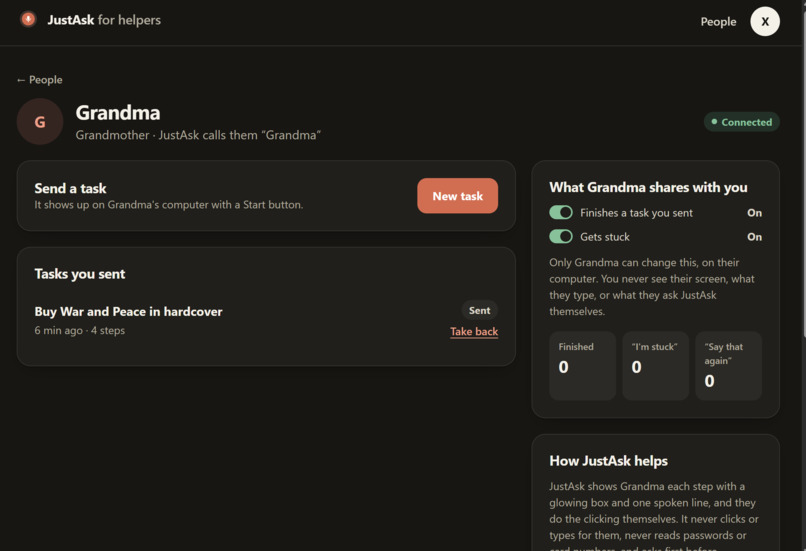
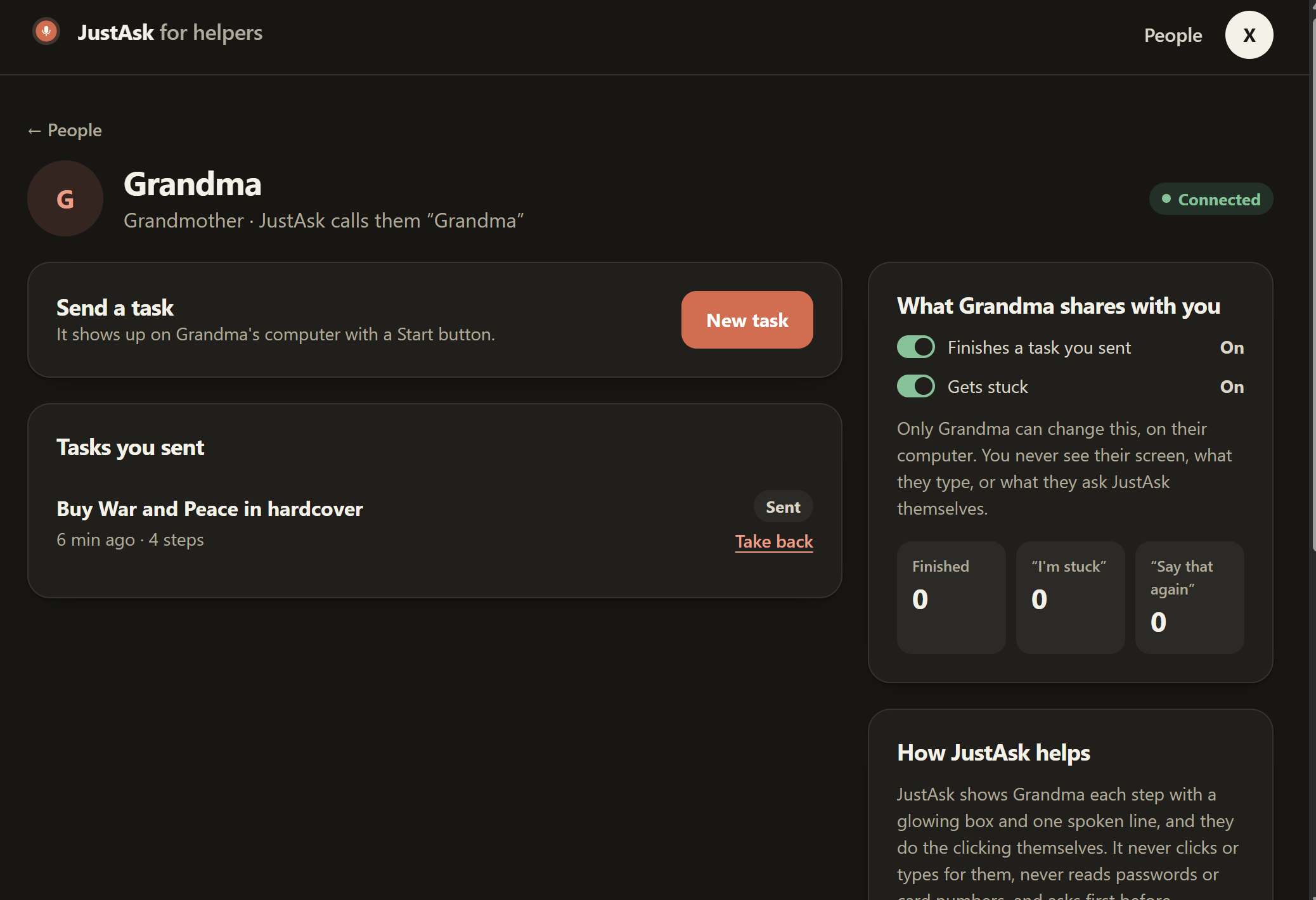
Helper overview page
-
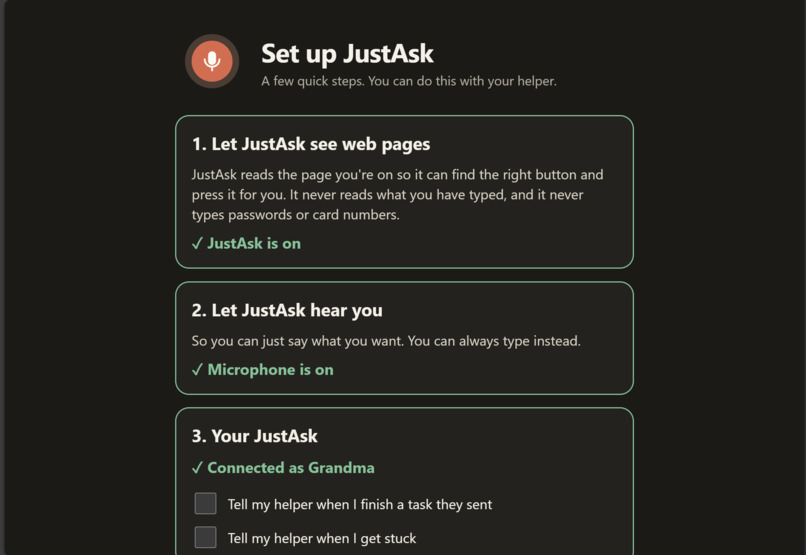
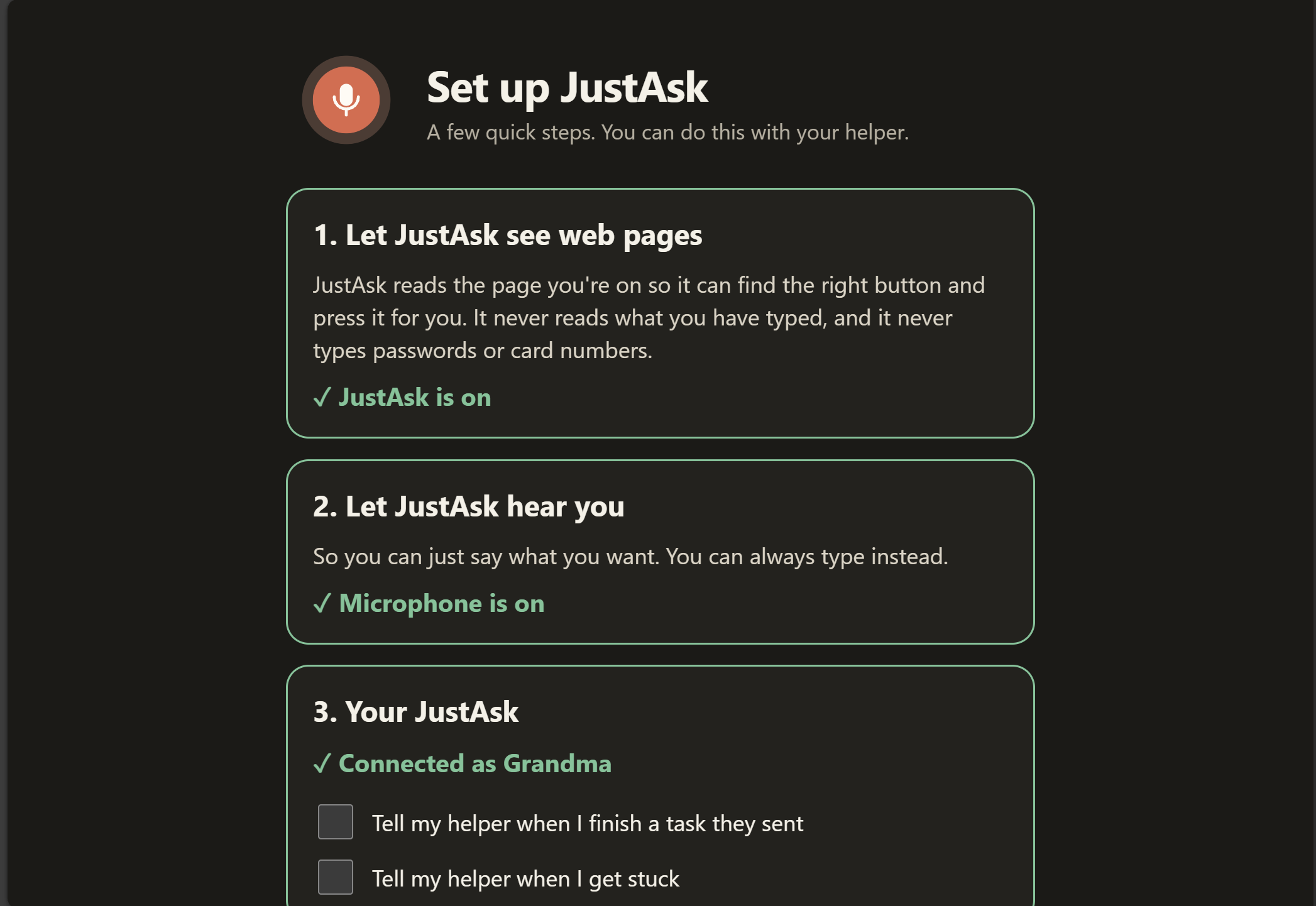
Extension setup
-
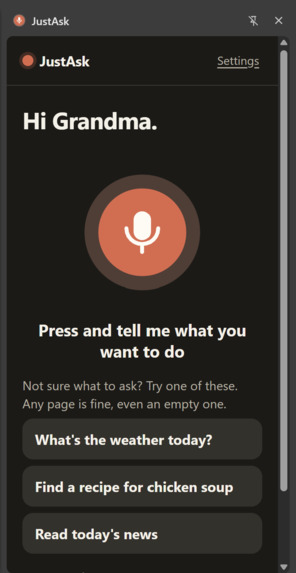
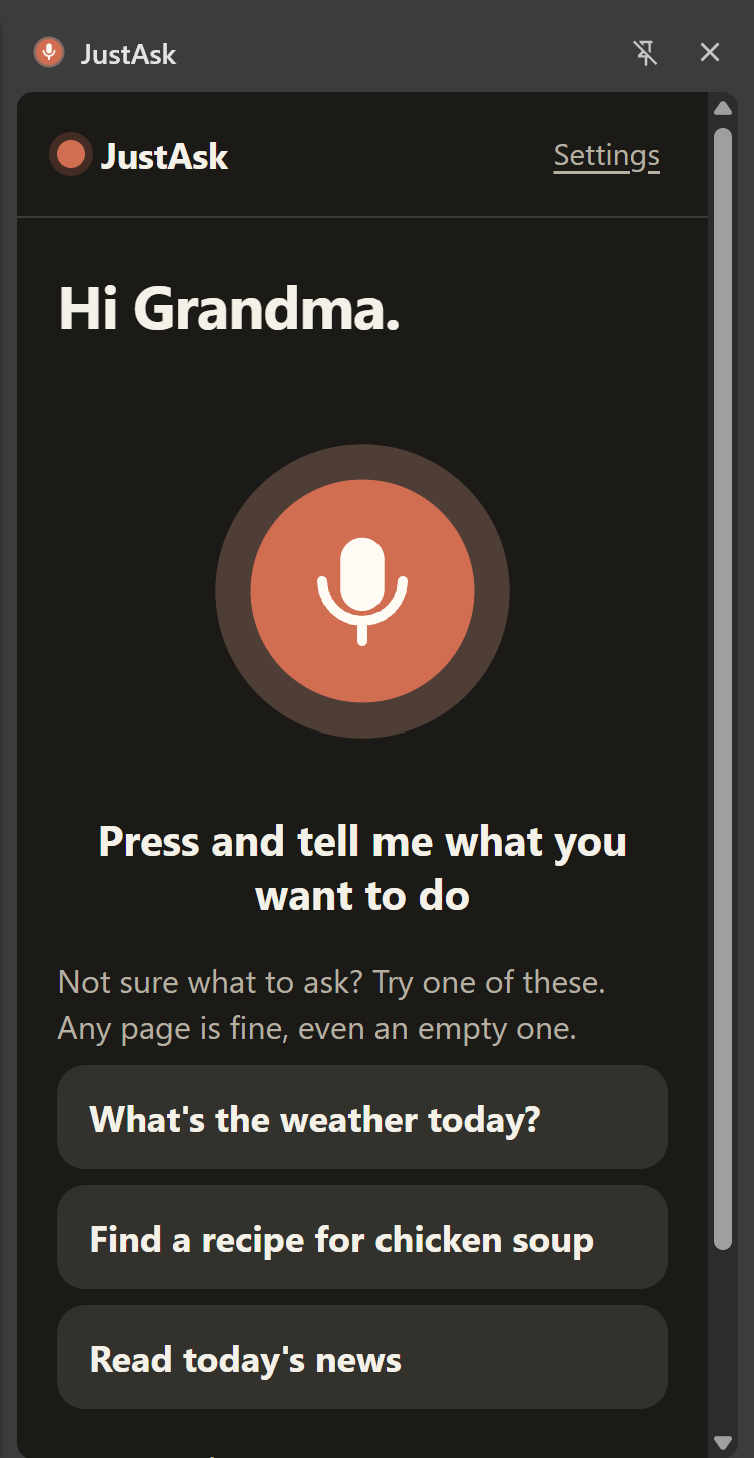
Extension sidebar
Inspiration
All of us have spent time helping our grandparents and older relatives navigate tech. It's usually small things, but they add up, and the help isn't always there when they need it.
The internet isn't slowing down. With AI, it's changing faster than ever: new layouts, new logins, new "smart" features every month. Three in four seniors say they need someone to show them how to use a new device (Pew, 2016 survey), and people 60+ reported about $7.7 billion in online fraud losses in 2025 (FBI IC3, as summarized by AARP).
We kept coming back to one idea: nobody should feel left behind by technology that's supposed to make life easier. A chatbot can explain the steps, but you still have to find them on a screen you can't read confidently. We wanted something that walks beside you while you do them.
What it does
JustAsk is a Chrome extension. You press one big button and say what you need, like: "help me refill my prescription." JustAsk reads the page, puts a glowing box around the one thing to use next, and says one short line in a calm voice, like: "Click the big blue Refill button." You click. JustAsk sees it and gives the next step, until "All done, you did it!"
You always do the clicking. JustAsk never does. It never reads passwords or card numbers, asks first before anything that spends money, and pauses when a request looks like a common scam.
A family member or caregiver can send a task from a web app. Claude asks them follow-up questions until the task is clear ("Which book? On Amazon or the library app?"), and they get a note when it's done, only if the older adult agrees.
How we built it
- Claude (Opus 5.5) plans every step. Each turn it gets the request, the steps so far, an optional caregiver recipe, and a numbered list of what's on screen. It returns structured JSON: one element number, never a selector, plus one sentence to say.
- Deterministic safety gates run in code, not in the model: the number must exist in this snapshot, sensitive fields are never read, money and account steps ask first, suspicious pages block, and page text is wrapped as untrusted data.
- Cartesia is the voice: Sonic streams every spoken line at a slower, adjustable speed, and Ink turns speech into text, for both older adults and caregivers. The API key stays on the server; browsers get 10-minute tokens.
- Convex holds accounts, pairing codes, tasks, consent and events, and proxies Claude and Cartesia so no keys ever reach the browser.
- Built with Claude Code, with a monorepo of shared Zod schemas, 424 unit tests and Puppeteer end-to-end tests against a mock pharmacy.
Each step is one loop:
$$\text{read page} \rightarrow \text{number elements} \rightarrow \text{Claude picks } n \rightarrow \text{safety check} \rightarrow \text{highlight + speak} \rightarrow \text{your click}$$
Claude only ever answers with a number n from the current list of N on-screen elements. Before anything is highlighted, code checks that the reply is for that same page snapshot and that n is a valid number for this page. A bad answer gets one retry; then JustAsk stops instead of guessing.
Challenges we ran into
- Do it for them, or show them how? We built a "drive mode" that clicked for the user, then cut it. Letting someone learn by doing it themselves is safer and more respectful, and it answers the first question every judge asks: "what if it clicks Buy?"
- Real websites are messy. Buttons get rebuilt while you're looking at them, controls hide in iframes and shadow DOM, and pages keep loading after they look finished. We had to re-find elements by fingerprint and wait for pages to settle.
- Privacy by construction. We never send what someone typed, only whether a box "has text." That made it harder for Claude to help, and it was worth it.
- Vague tasks. A caregiver typing "get the new book" left the older adult stuck. Now Claude asks the caregiver short questions until the task is clear, and it can't be sent before that.
- Speed. Speech to text, then Claude, then speech again adds up, so we stream audio and keep each request small.
What we learned
- The best accessibility feature is patience: one step, one sentence, and "say that again" always works.
- Large language models are most trustworthy when they choose from a short list and plain code checks the choice.
- Designing for older adults made the product better for everyone: bigger targets, plainer words, fewer surprises.
What's next
Testing with more older adults, a Chrome Web Store release, scam checks on every answer (not just the first request), and more caregiver recipes for everyday tasks.
Built With
- cartesia
- claude
- clayzo
- convex
- css
- happy-dom
- html
- node.js
- puppeteer
- react
- typescript
- vercel
- vite
- vitest
- websockets
- wxt
- zod


Log in or sign up for Devpost to join the conversation.