-
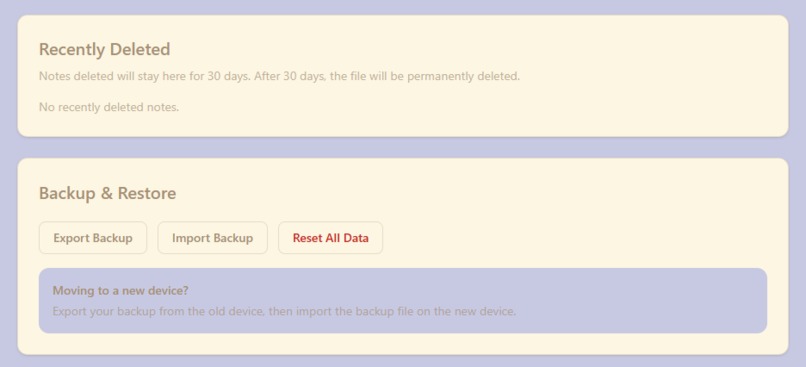
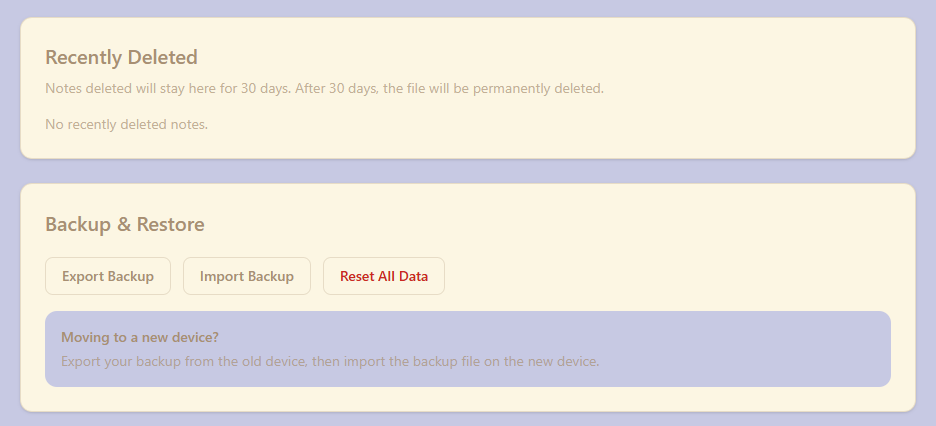
Settings Page's recovery panel and backup & restore panel
-
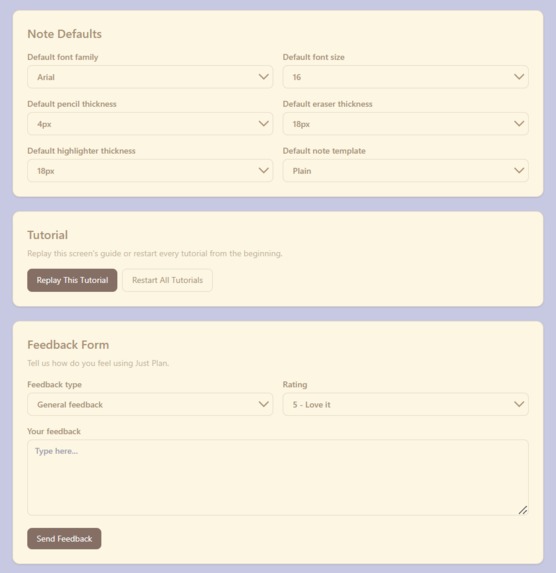
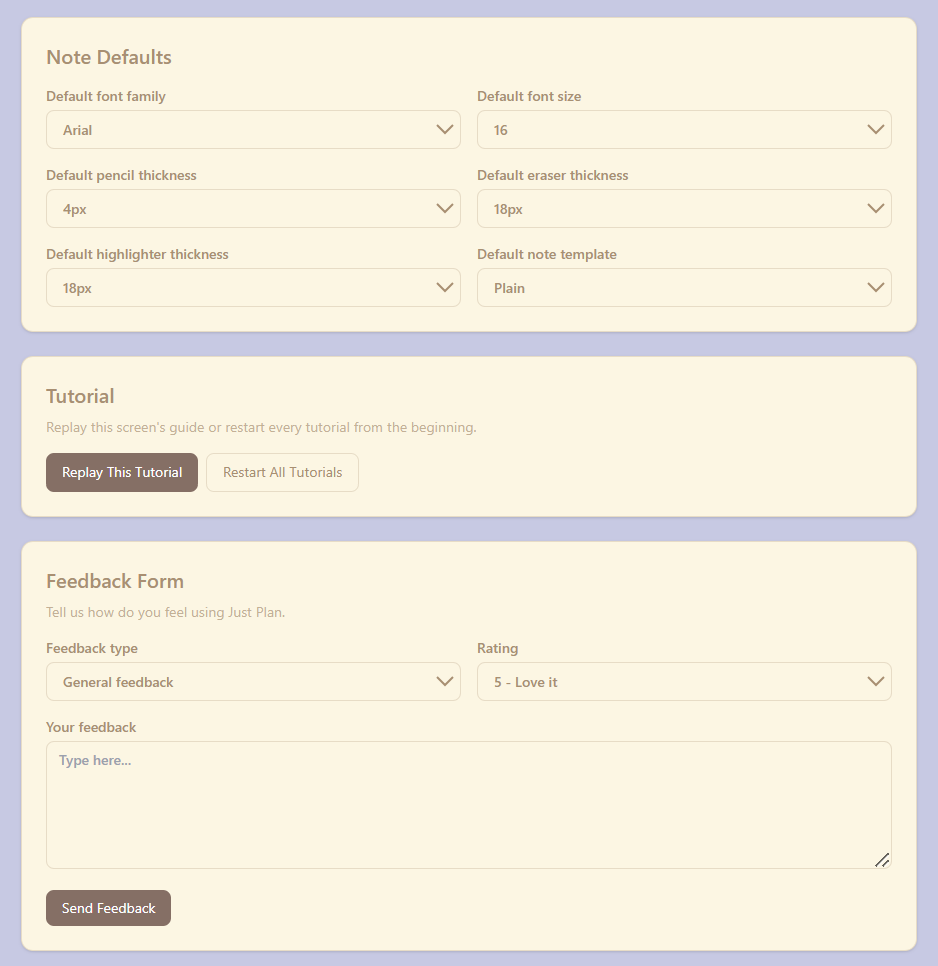
Settings Page's default note editor preference, tutorial option and feedback panel
-
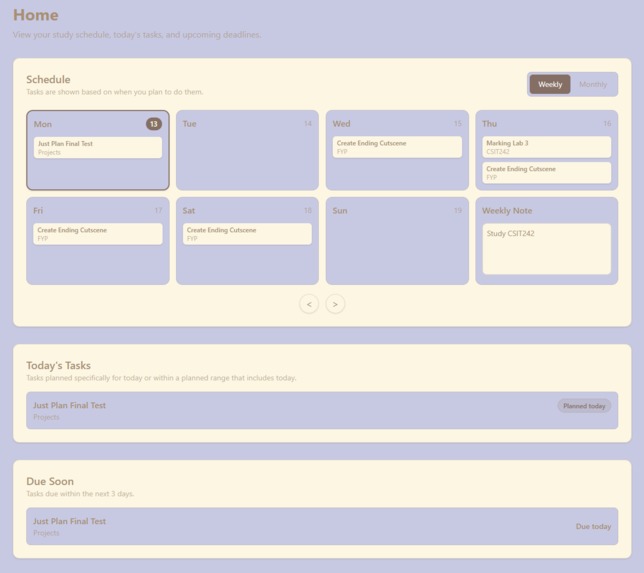
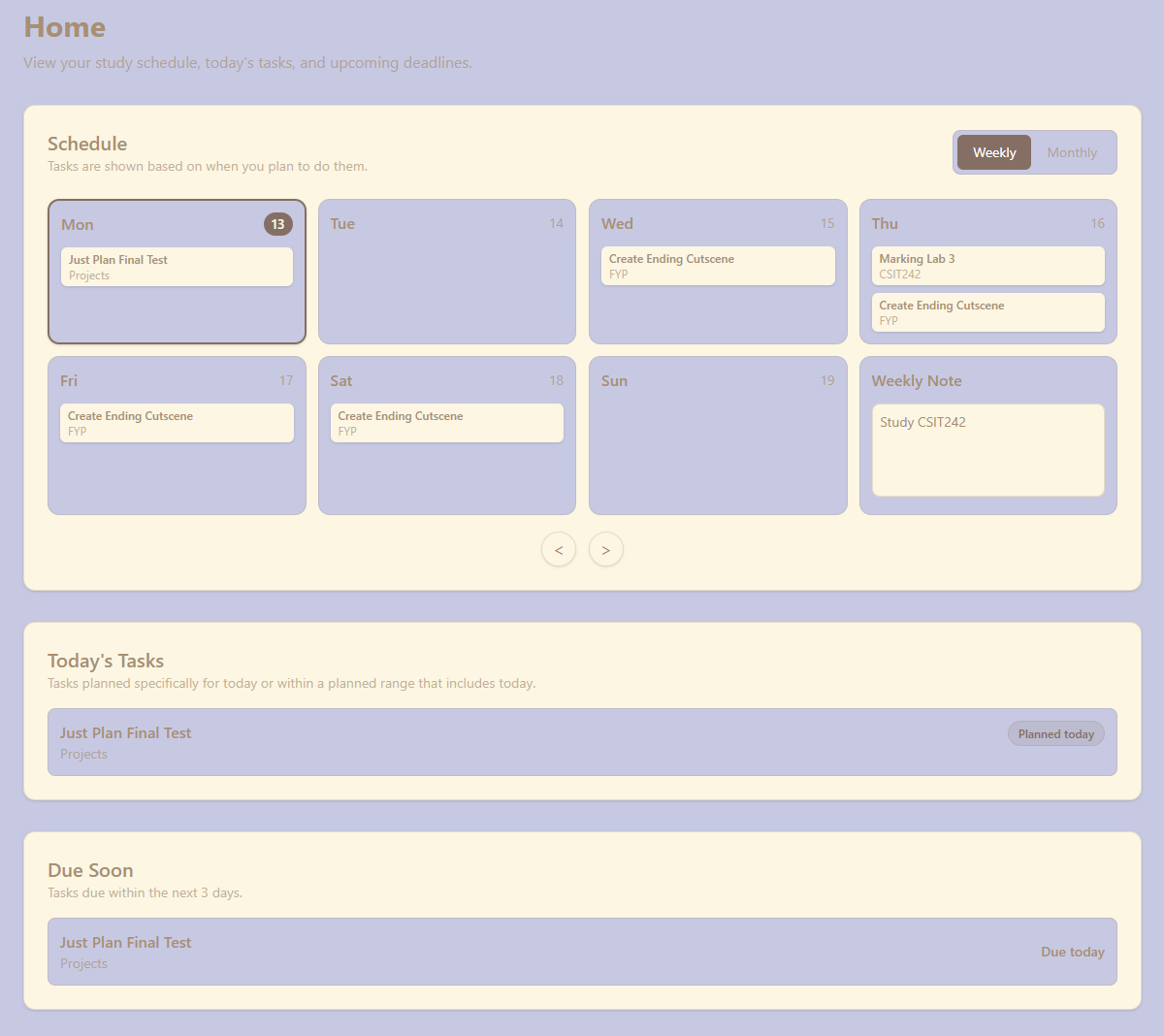
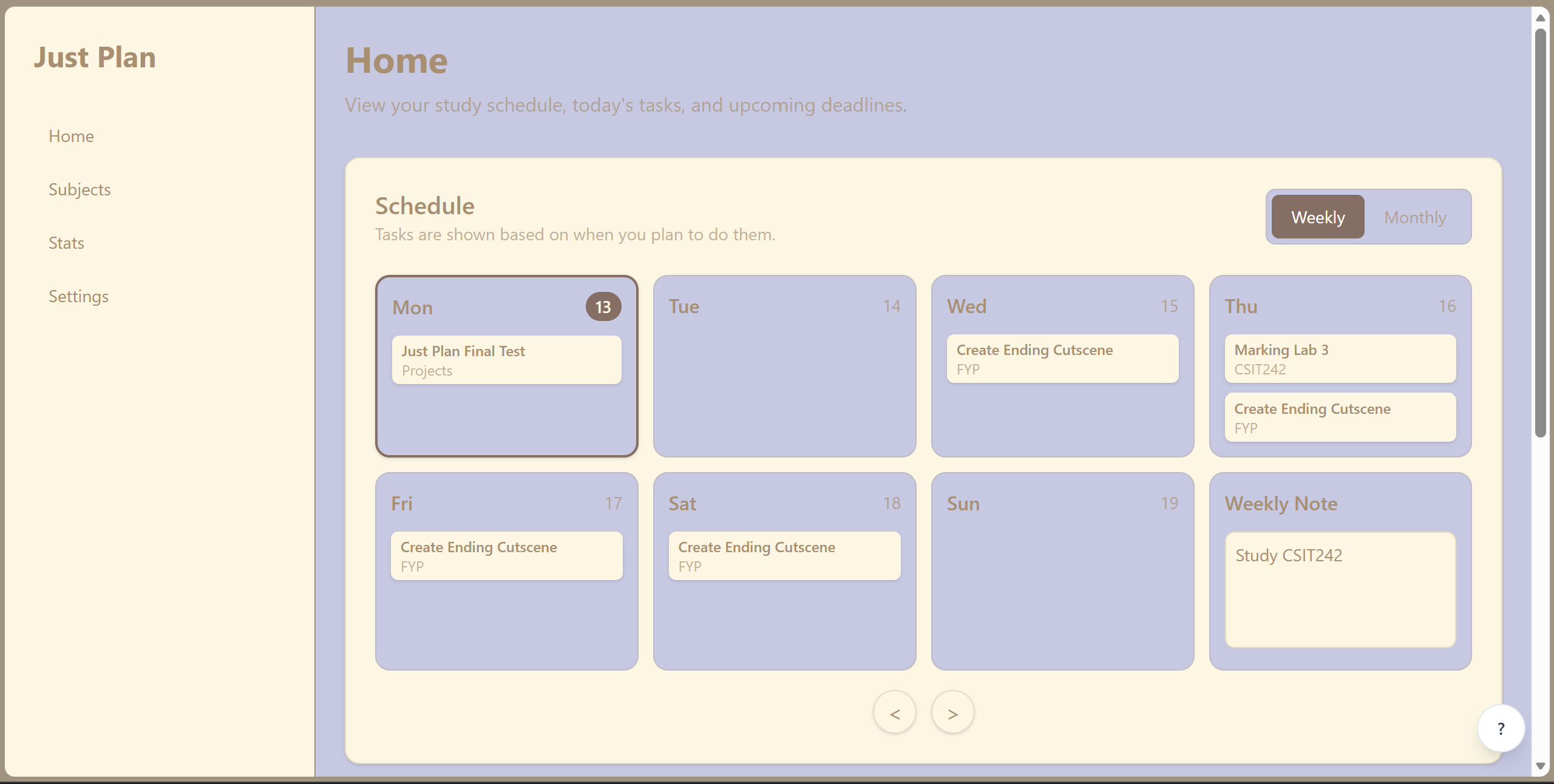
Home page
-
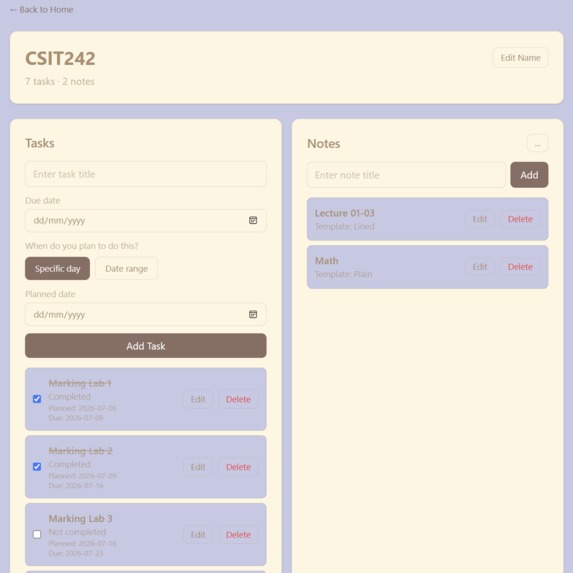
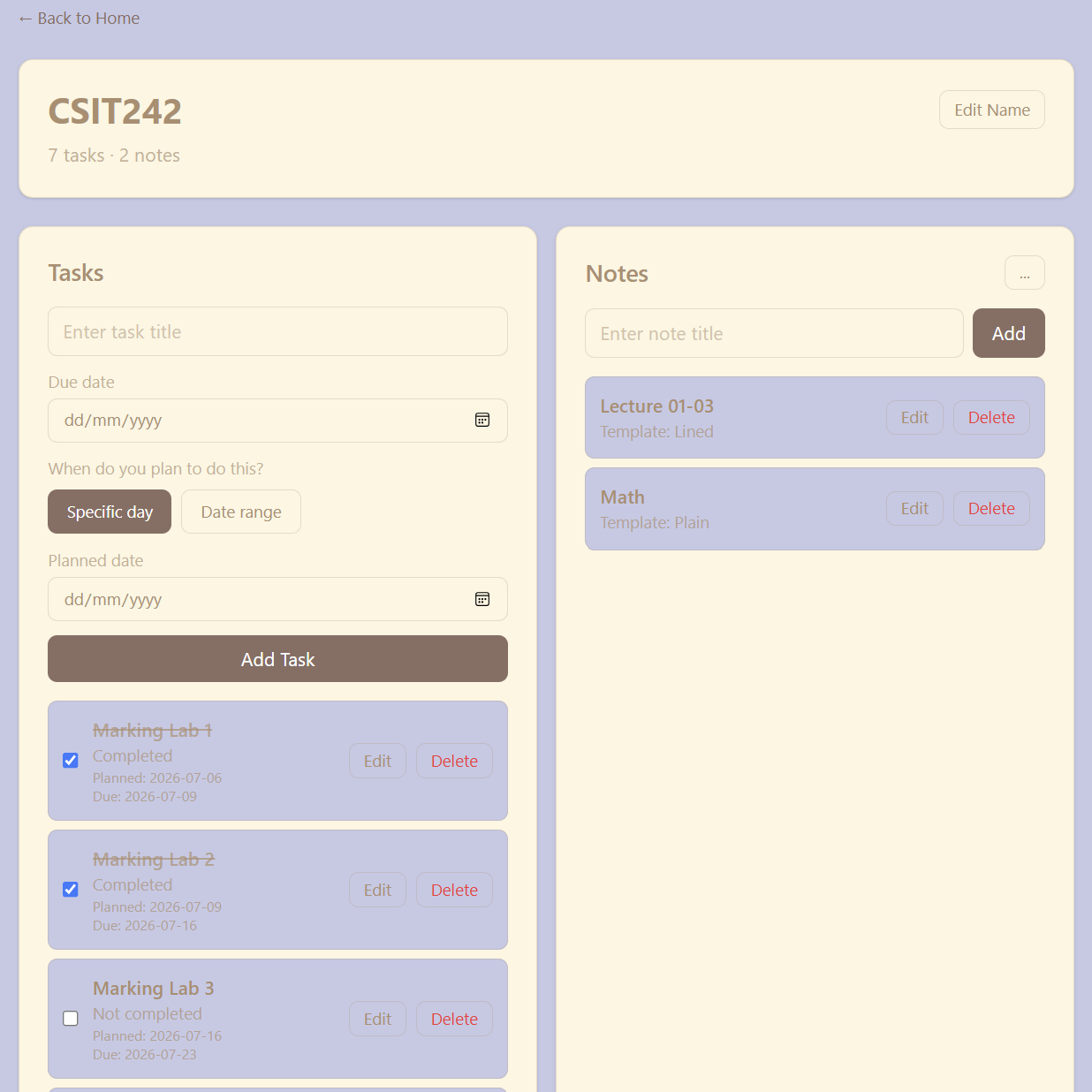
Subject's task and note page
-
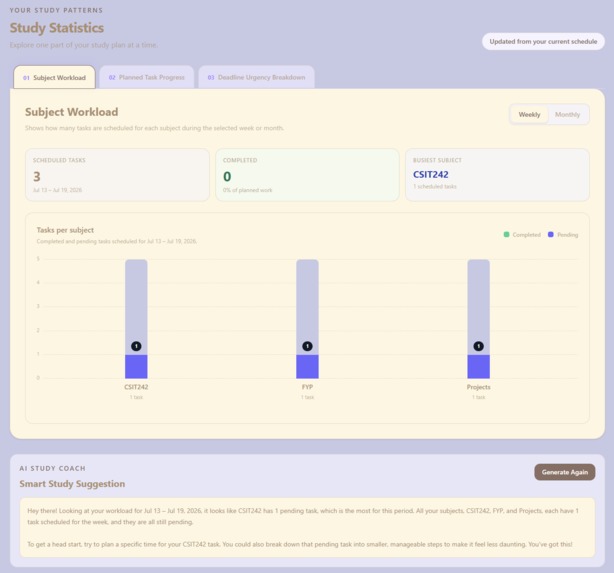
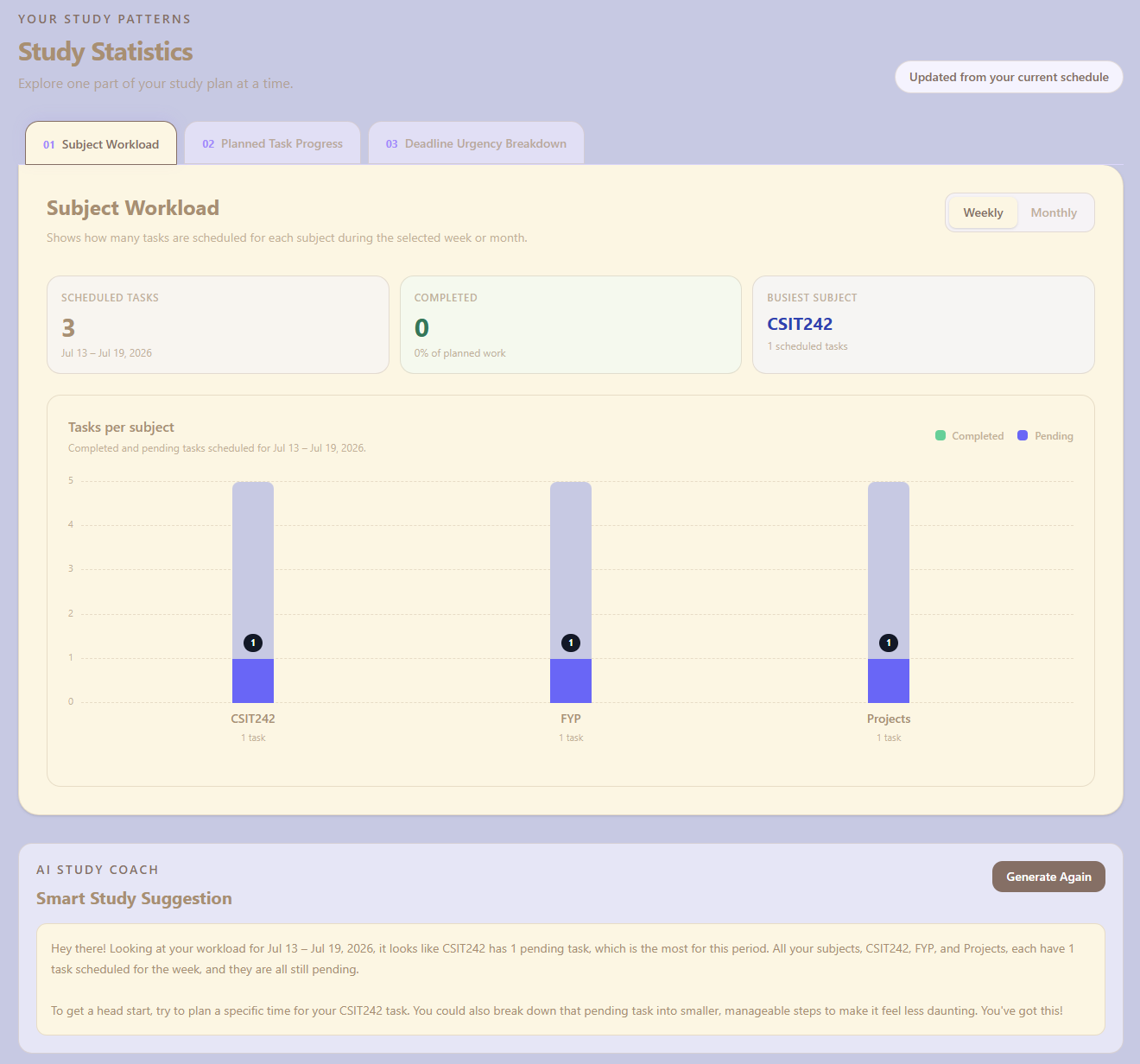
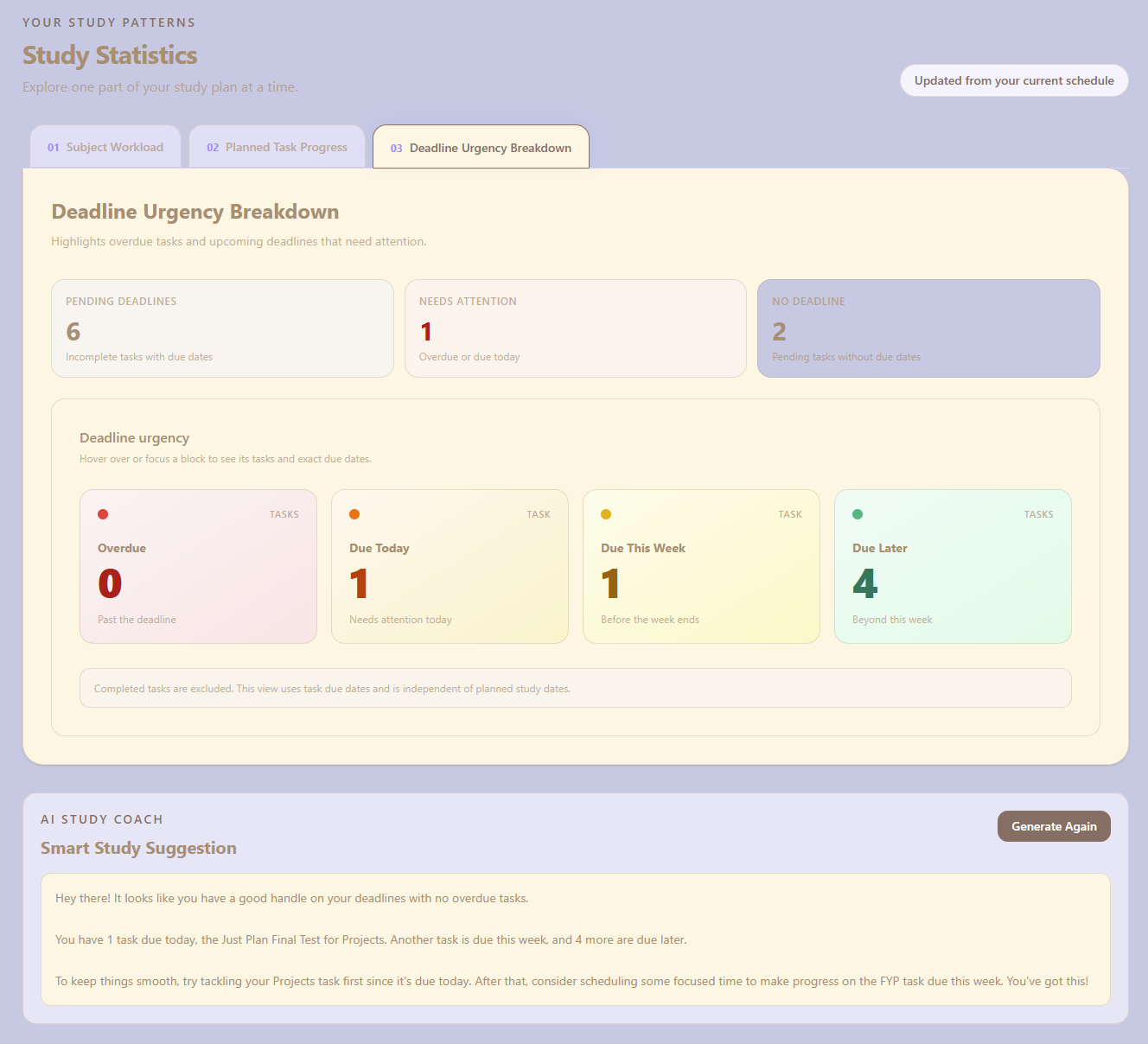
Statistic page feature 1
-
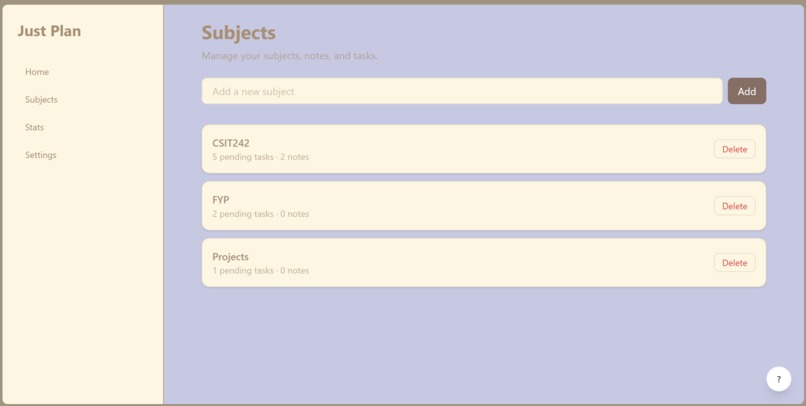
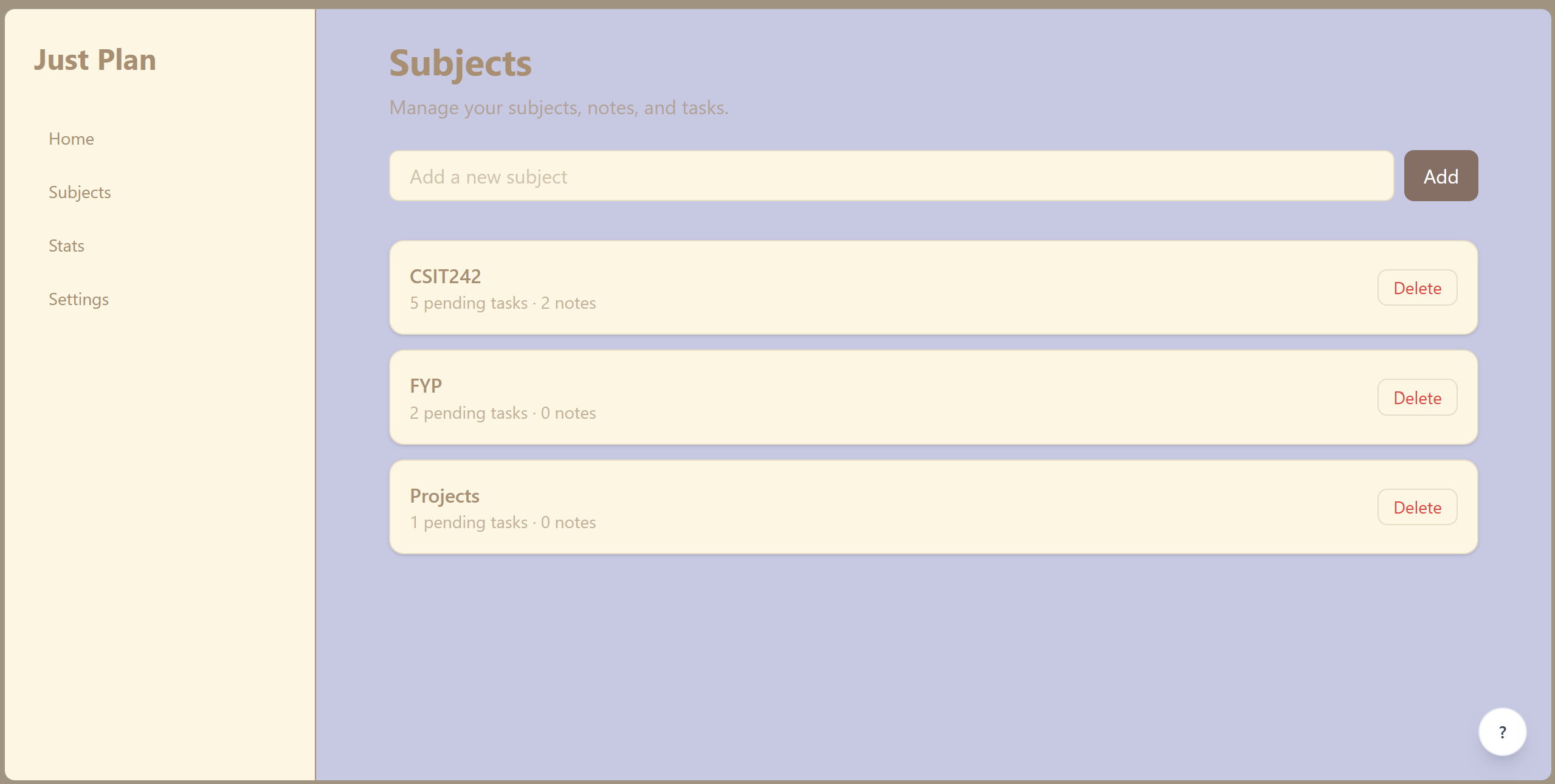
Subject page
-
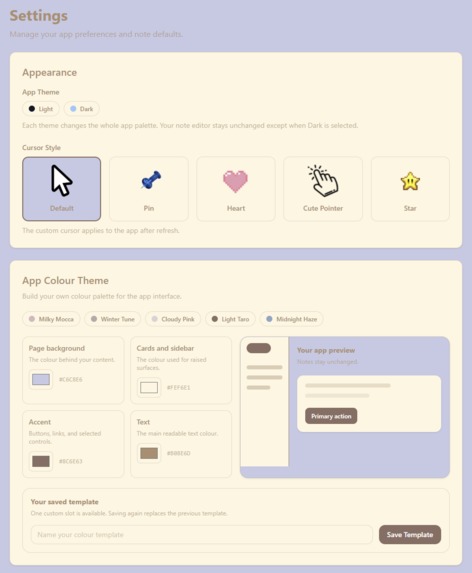
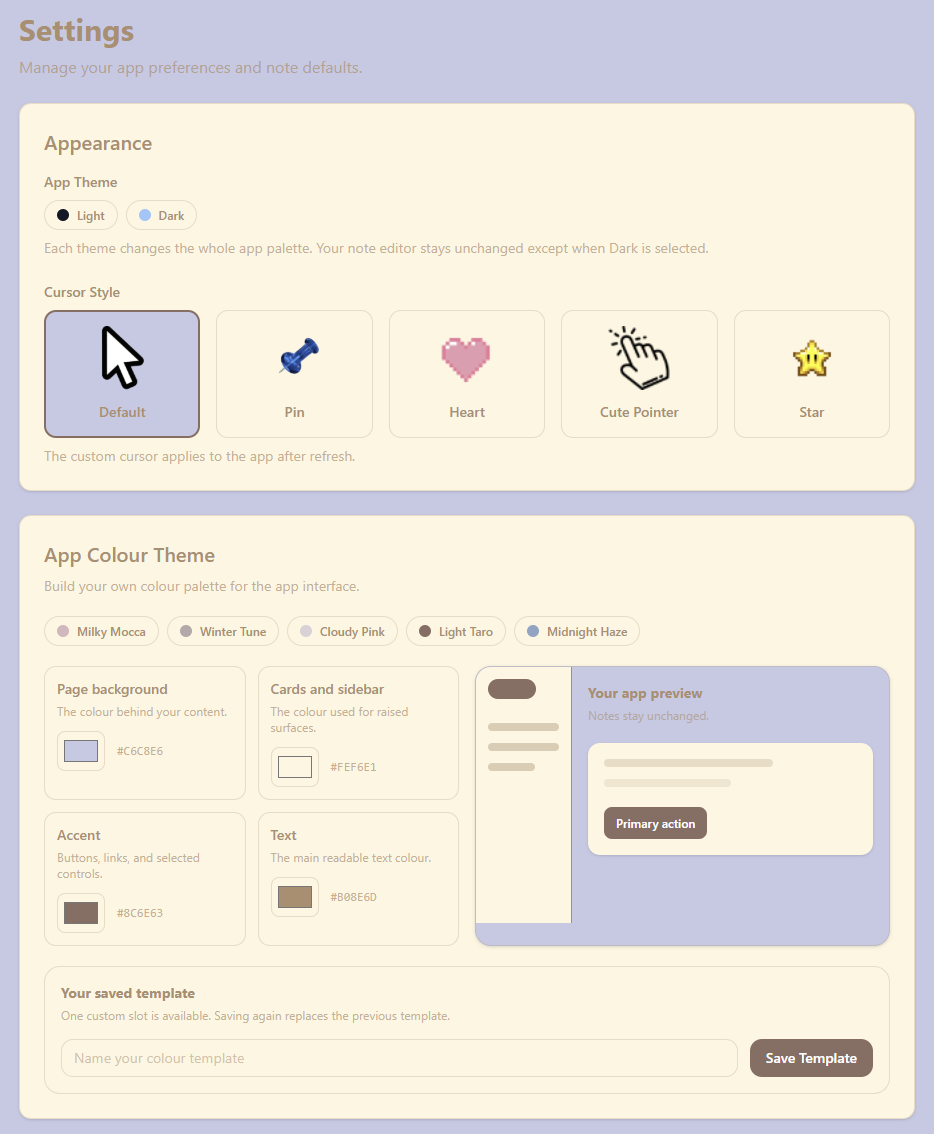
Settings Page's customization panels
-
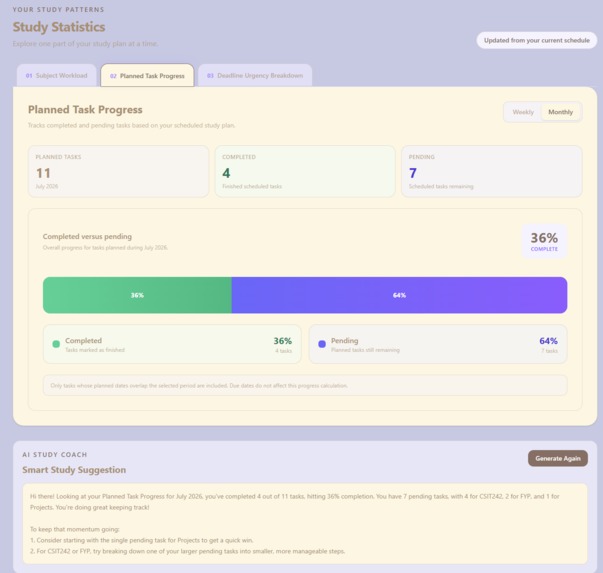
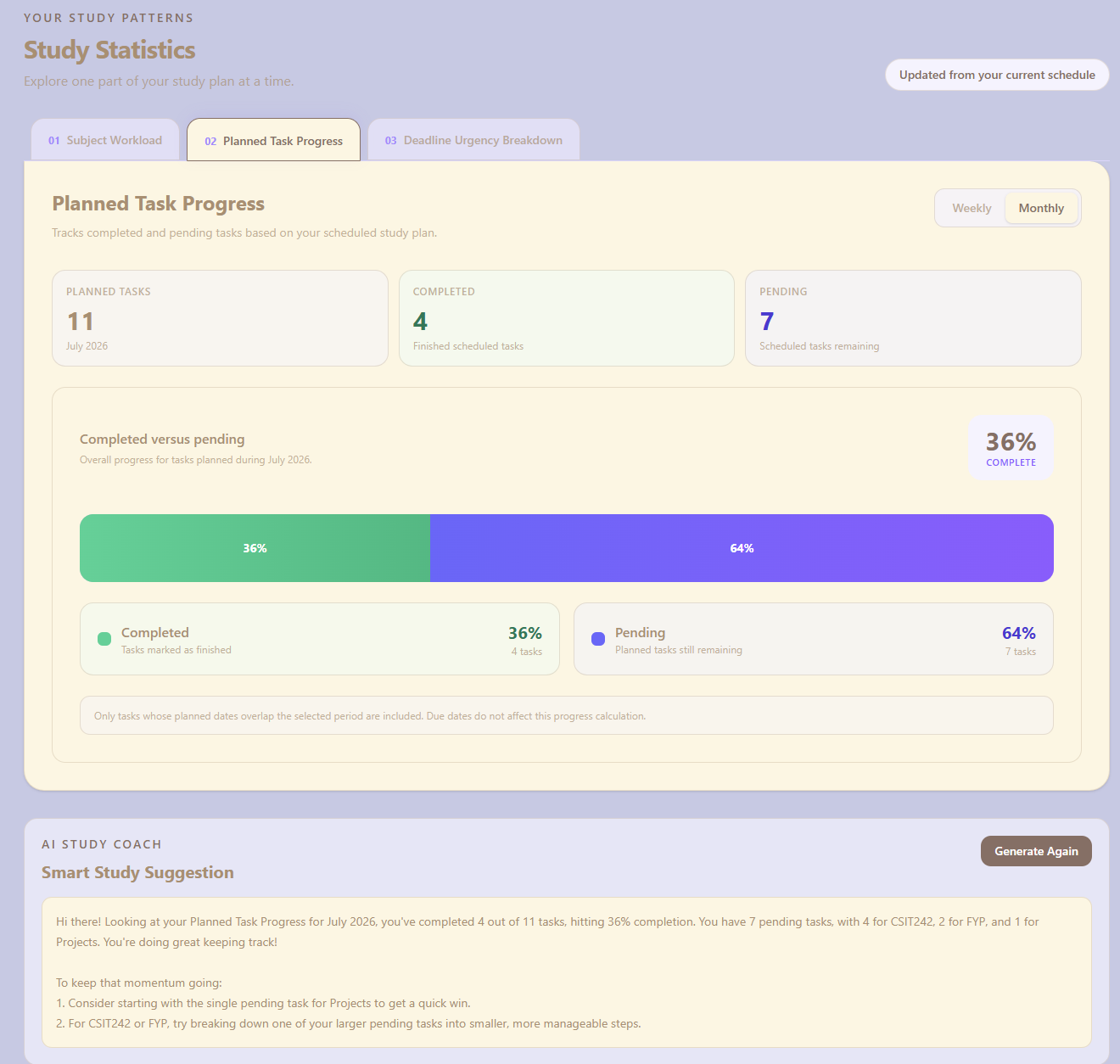
Statistic page feature 2
-
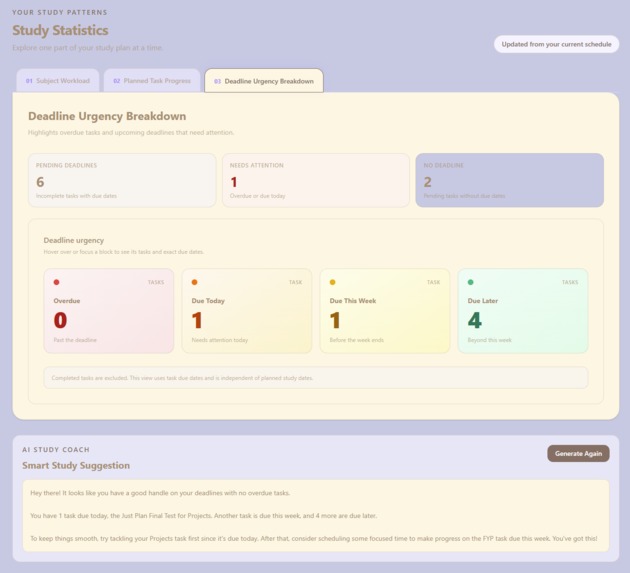
Statistic page feature 3
-
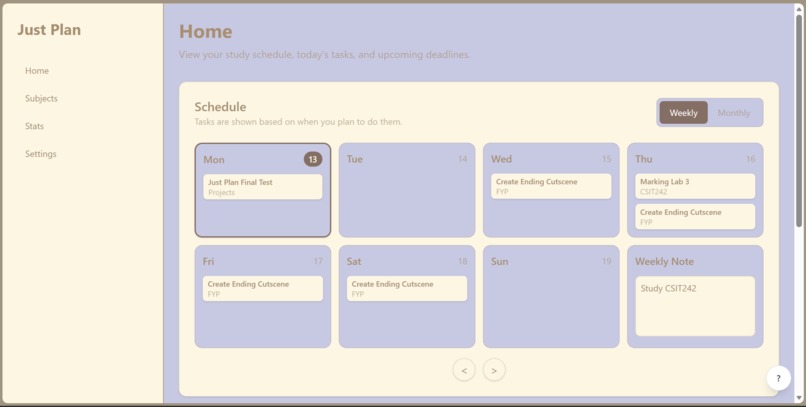
Side panel
-
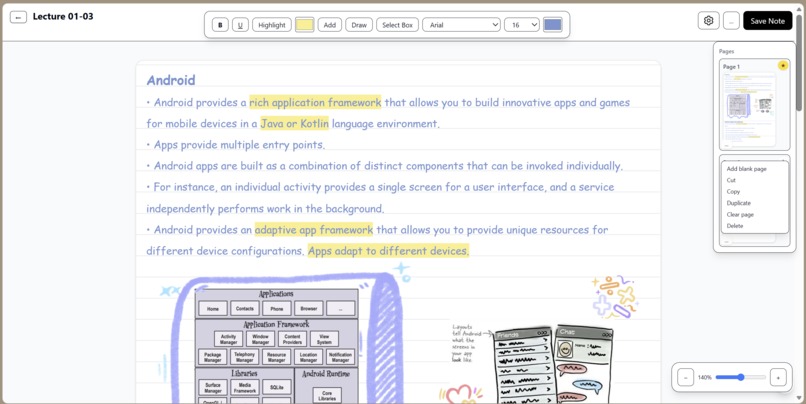
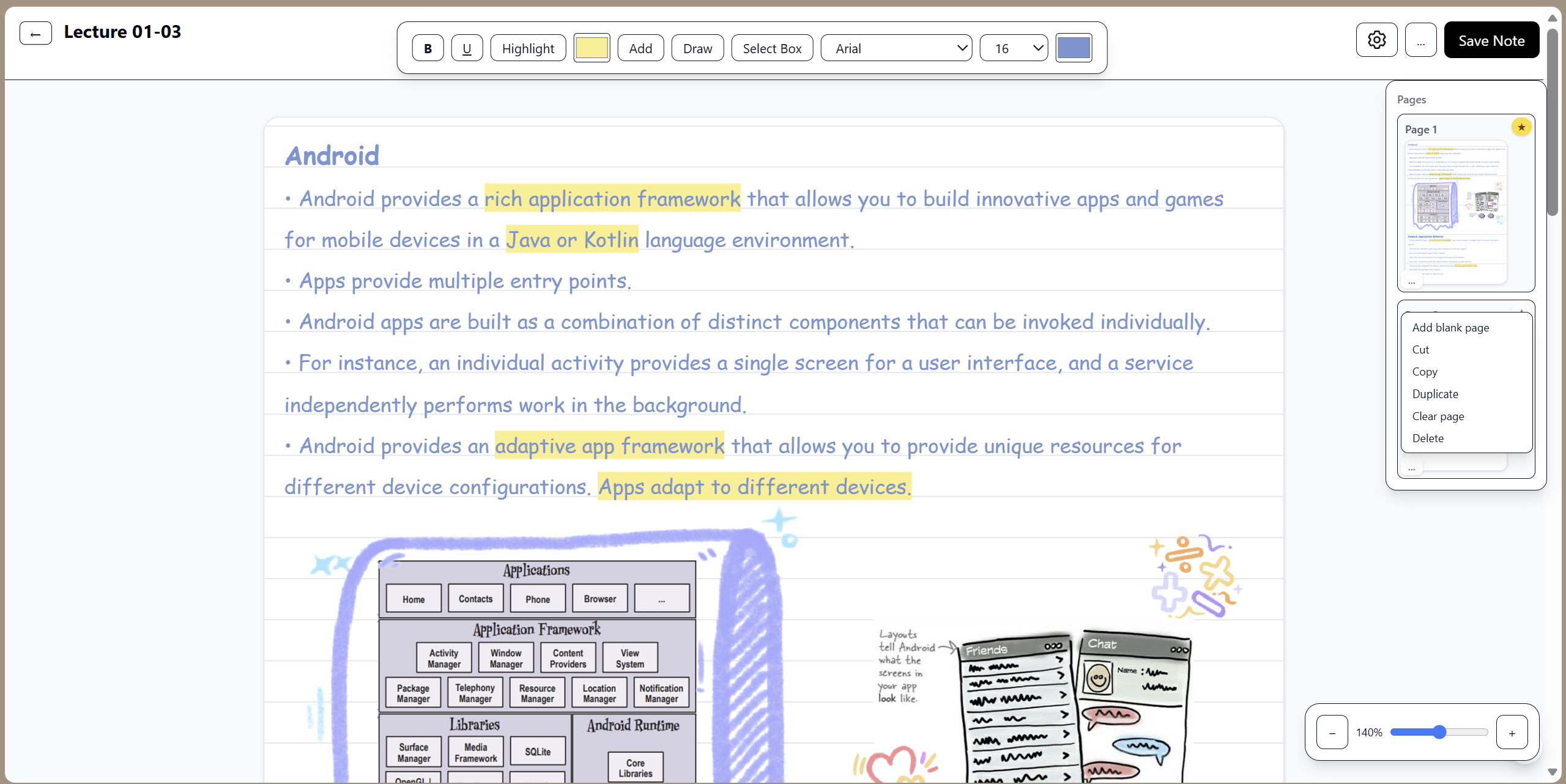
Note example 1 using laptop
-
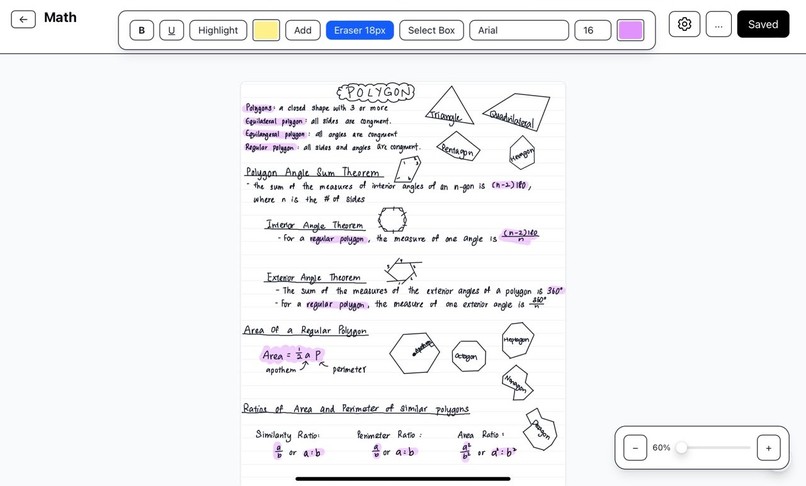
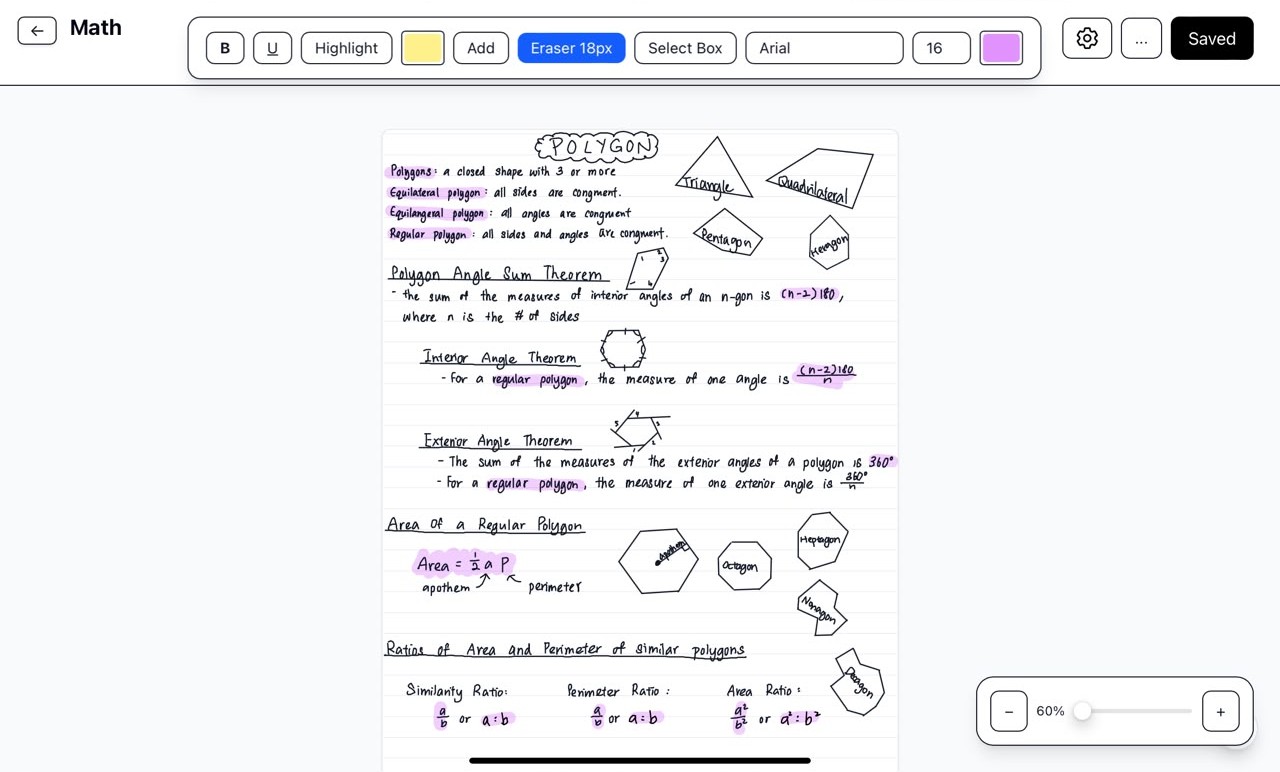
Note example 2 using tablet and stylus
Inspiration
I've always struggled with busy schedules and especially when it's exam period. I kept juggling between studying and keeping tasks completed on time, which can be quite stressful. Furthermore, I've been creating handwritten notes since middle school, causing a bump on my finger but I can't abandon the traditional way of creating notes due to how convenient it is. Yet, it's tiring. Using a stylus to complete notes for each lesson then summarize them for the final exam, it's so tedious. I noticed this way of studying pulled down my efficiency and productivity, and I felt burnt out easily. So, this trouble of mine inspired me to create an application which solves all my problems in one place, Just Plan.
What it does
You can create subjects and add tasks and notes into them. The created tasks will appear in the weekly/monthly schedule in the home page so you can take a quick glance what's on your to do list this week/month. Create notes on both tablets and laptops. You can choose to either write/draw your notes or type them. An AI study coach that gives you suggestion for each statistic that breaks down your workload and efficiency.
How we built it
This application is built using TypeScript and React. The AI coach uses Gemini's AI model (api), but a fallback model Ollama is added as well just in case Gemini's AI model has reached its prompt limit.
Challenges we ran into
Many issues were encountered during the development of the note editor. As someone who has OCD, I needed the words to lie perfectly on the lines no matter its font and size. Furthermore, the most challenging problem faced was handling stylus and finger input simultaneously. I wanted users to draw with stylus while using their finger to scroll the page, but browsers often treat both inputs similarly. This issue caused conflicts where the eraser would interfere with scrolling, especially when erasing vertically using a stylus. Another challenge faced was from the initial development stage of the note editor. Since the editor started as a rich text editor instead of a drawing canvas, every pen stroke was stored as text content, making it impossible to erase only part of a drawing. Eventually, I redesigned the editor to support separate text and drawing modes. Other challenges including input and rendering issues were faced as well. Missed pen strokes when writing, unreliable undo behaviour (instead of undoing the latest stroke, it undo every stroke instead). Solving these problems required multiple iterations, extensive testing across different devices, and a deeper understanding of browser pointer events and canvas rendering.
Accomplishments that we're proud of
A study application is built successfully that combines task management, note-taking, scheduling, and AI-powered study guidance into a single application. I am very proud of building a cross-device note editor that supports both handwriting and typing, as well as integrating an AI study coach that provides personalized suggestions based on users' productivity and workload. And of course, building a tool that is inspired by my own struggles as a student, making it practical for everyday use rather than just a hackathon project.
What we learned
I learned that creating a seamless digital handwriting experience is far more complex than it initially appears. I gained hands-on experience with browser pointer events, canvas rendering, and cross-device input handling for stylus and touch interactions. I also learned how to integrate AI APIs with fallback models for improved reliability, and the importance of designing around real user pain points instead of simply adding features.
What's next for Just Plan
I plan to turn Just Plan into a dedicated productivity application for both laptops and tablets. While the core features such as task planning, scheduling, note-taking, and AI-powered study assistance will remain the same, each version will be more tailored and optimized for its primary input and as well as enhance offline support and introduce cloud synchronization to create a smoother and more reliable study experience across devices. The laptop version will focus on keyboard and mouse productivity, while the tablet version will deliver a more natural stylus-based note-taking experience. You are welcome to visit my GitHub repo to understand more of what my application can do and try Just Plan out yourself! Feel free to provide feedback under the Feedback section in the Settings page.
Built With
- geminiapi
- ollama
- react
- typescript
- vercel

Log in or sign up for Devpost to join the conversation.