-
-
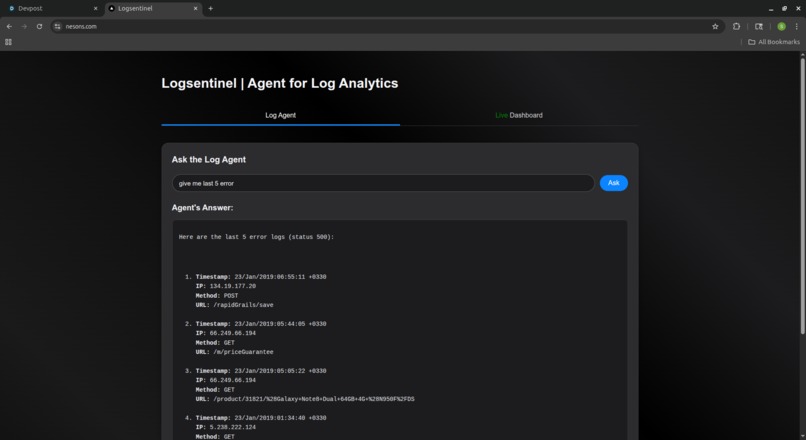
Log Agent
-
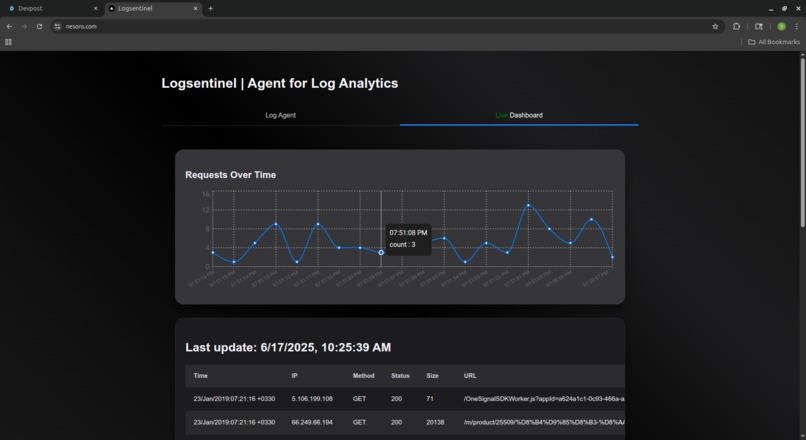
Live dashboard
Inspiration
Modern web applications generate millions of log entries daily, but parsing through logs to find issues is still manual and time-consuming. I wanted to build a system that makes logs conversational — letting developers and operators ask questions in natural language and instantly get answers backed by real data.
What it does
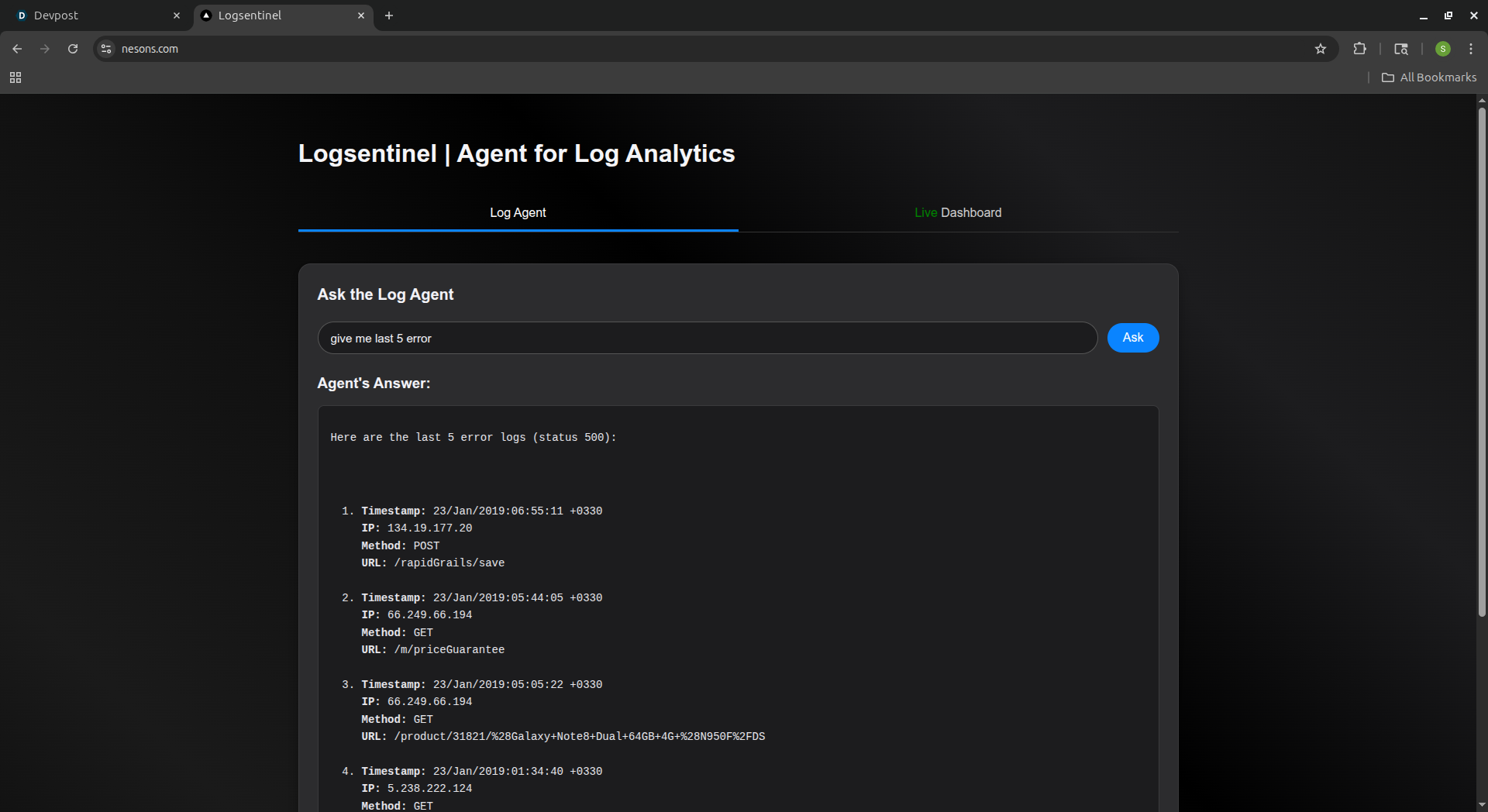
LogSentinel is an AI-powered log analytics agent. It ingests server access logs into MongoDB, indexes them with vector search, and allows users to query insights through a natural language interface. Ask it things like "Show all 500 errors from the last 30 minutes" or "Which IPs made the most POST requests today?" and it will respond with structured, real-time results.
How we built it
- MongoDB Atlas to store and index logs using CSV imports and full-text/vector search.
- LangChain to create a reactive retrieval-augmented agent.
- Google Gemini API to power the natural language understanding and response generation.
- Next.js to deliver a fast, responsive UI for interacting with the system.
- LangChain tools to bridge user prompts with query generation and result rendering from MongoDB.
Challenges we ran into
- Structuring unstructured logs to allow precise filtering and aggregation.
- Creating a robust fallback mechanism for ambiguous or malformed queries.
- Getting the agent to reliably convert natural language into MongoDB-compatible queries.
- Designing a UI that feels intuitive for both querying and interpreting log data.
Accomplishments that we're proud of
- Fully functional natural language interface over raw server logs.
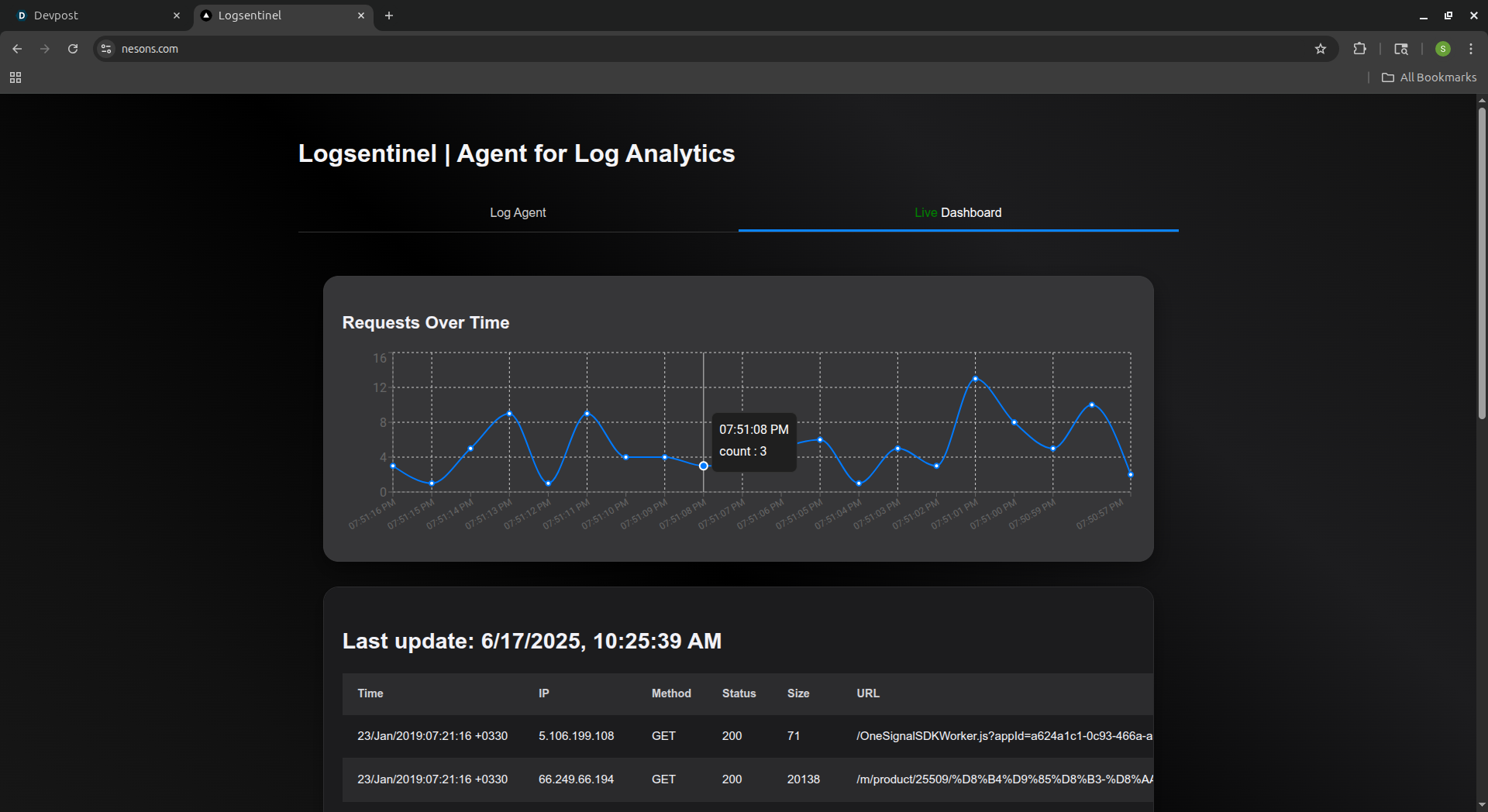
- Fast, responsive dashboard with live log visualization.
- Seamless user experience combining chatbot and real-time metrics in a unified view.
- Agent can disambiguate between multiple interpretations and clarify user intent.
What we learned
- How to combine RAG (retrieval-augmented generation) with structured database querying.
- Deep integration of LangChain tooling with a production-grade MongoDB setup.
- Best practices for building real-time analytics dashboards in Next.js.
- Techniques to handle ambiguity and validation in language-based agents.
What's next for LogSentinel
- Add authentication and user-based log scoping.
- Enable natural language filtering of structured logs (e.g., custom JSON logs).
- Export insights to Slack or email alerts.
- Add anomaly detection for proactive alerting.
- Expand dataset coverage to include application logs, database logs, etc.
- Interactive UI for agent response
Dataset Used
This project uses a cleaned and structured version of the Web Server Access Logs Dataset from Kaggle.
Columns parsed from the logs:
timestamp— Date and time of the request (Apache format).ip— Client IP address.method— HTTP method (e.g., GET, POST).url— Requested URL path.status— HTTP status code returned.size— Response size in bytes.

Log in or sign up for Devpost to join the conversation.