-
-
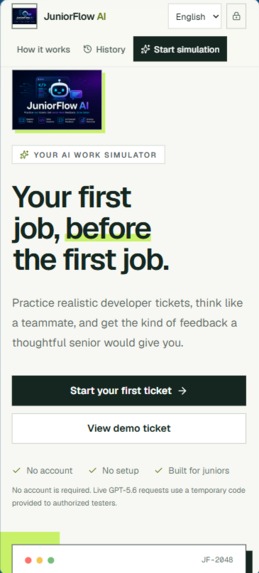
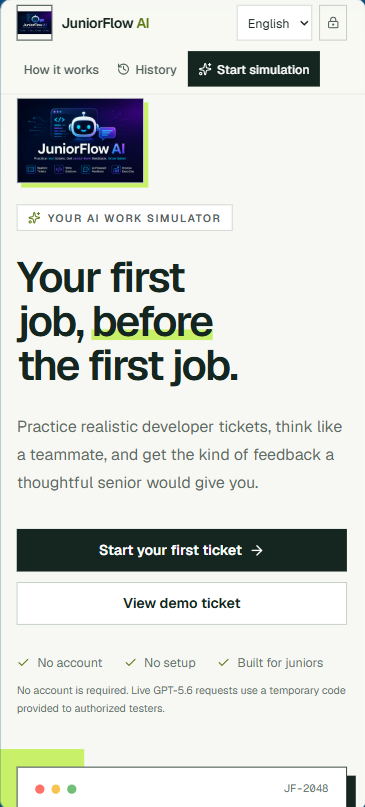
Responsive mobile experience
-
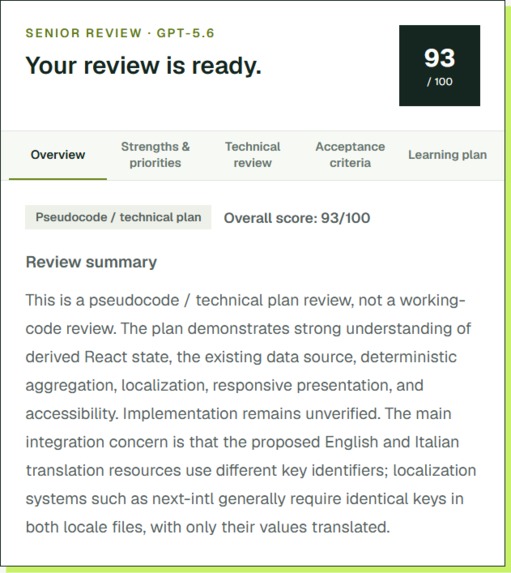
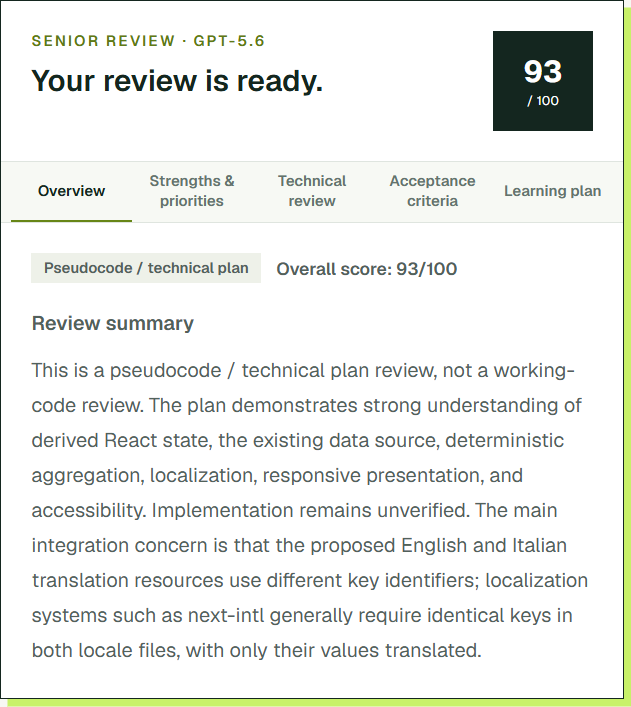
Structured senior review
-
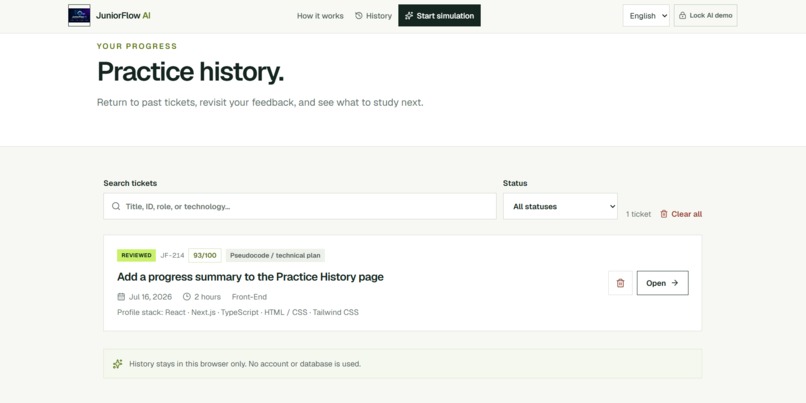
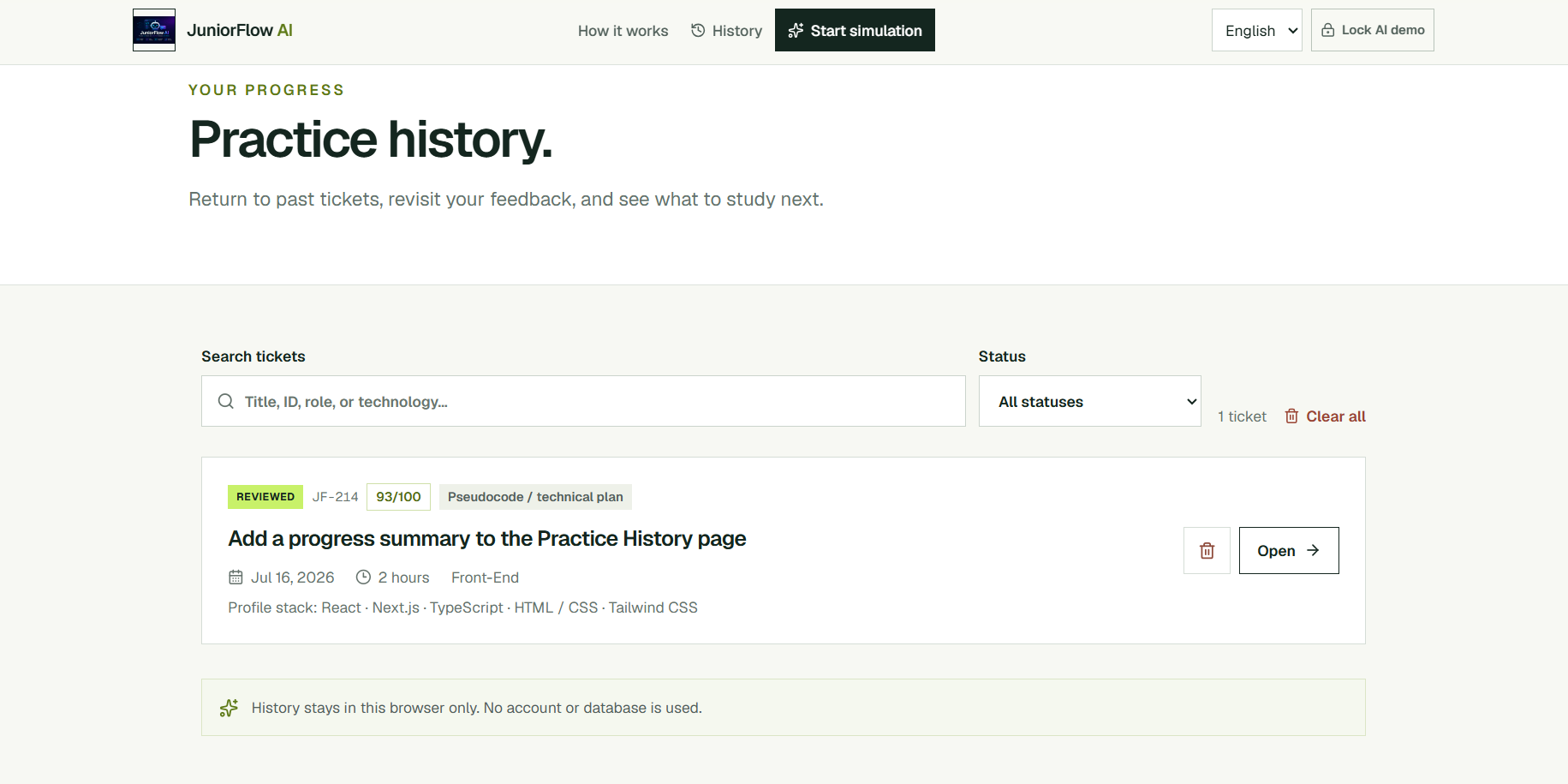
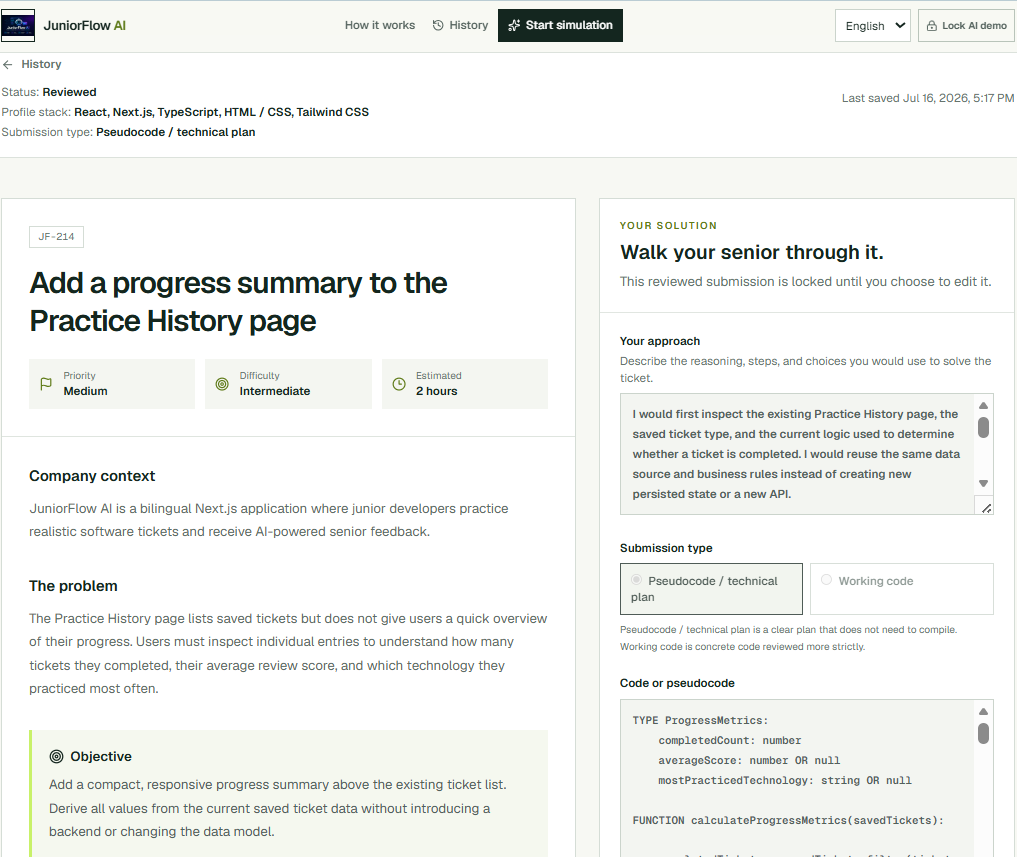
Practice History
-
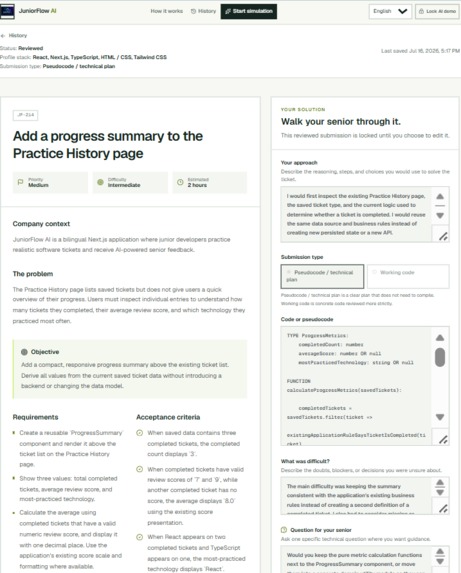
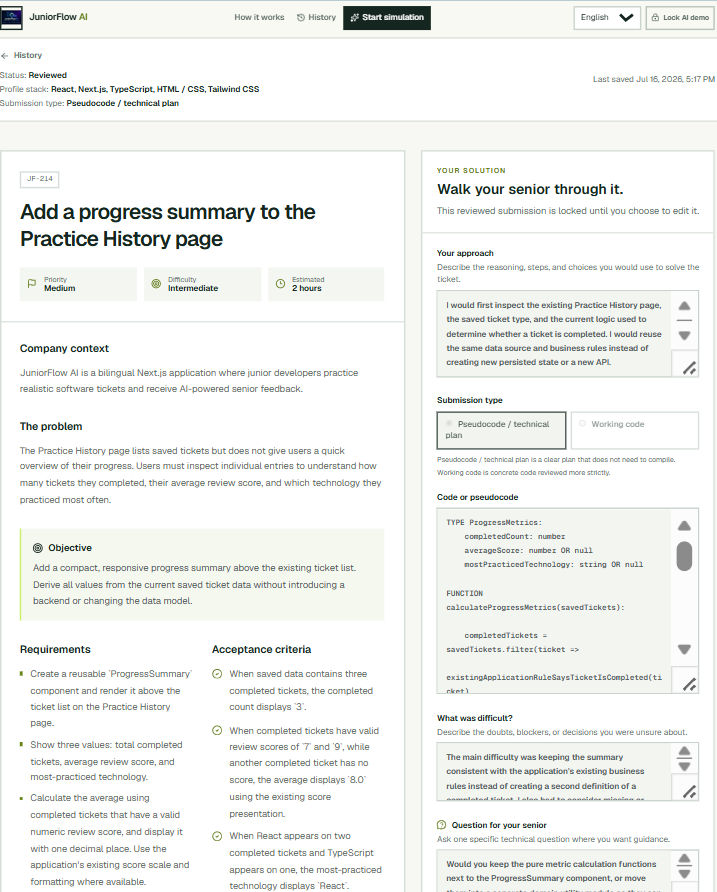
Realistic GPT-5.6 development ticket
-
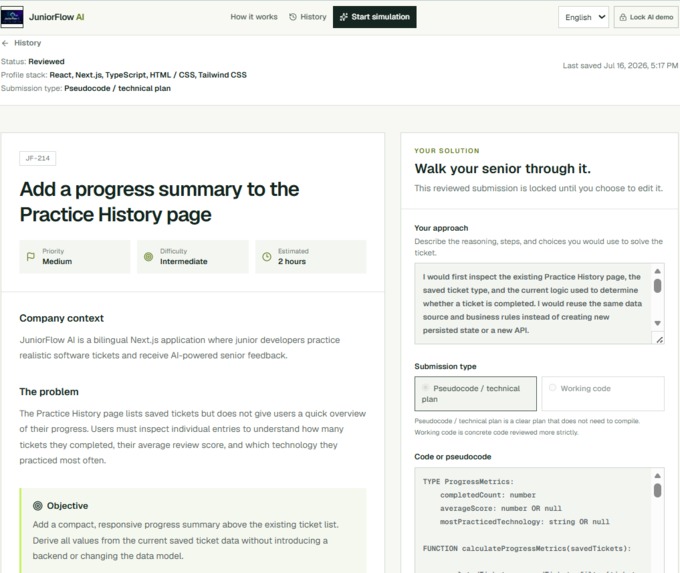
Junior solution workspace
-
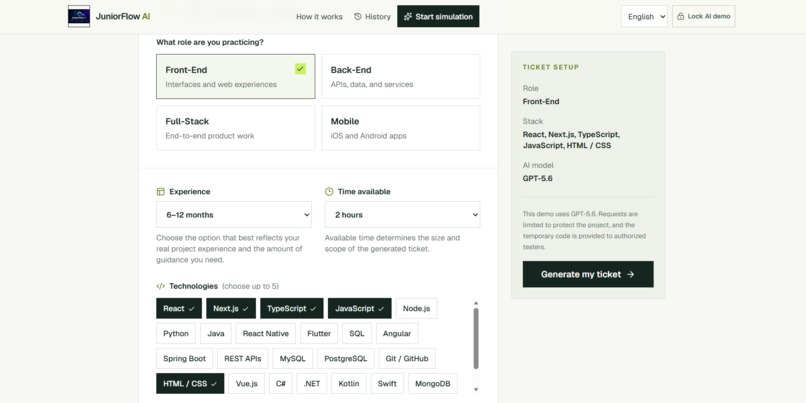
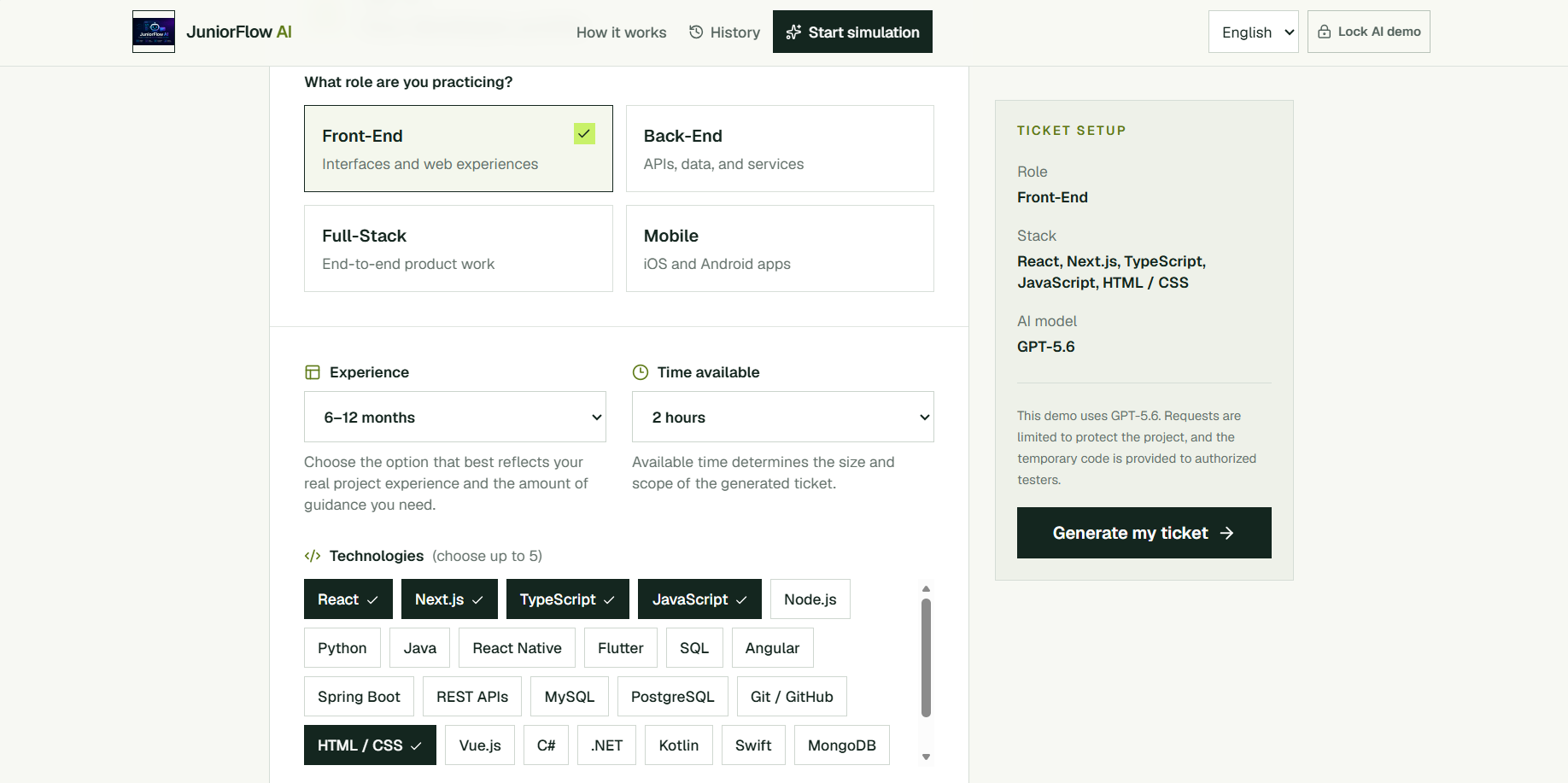
Personalized learner profile
-
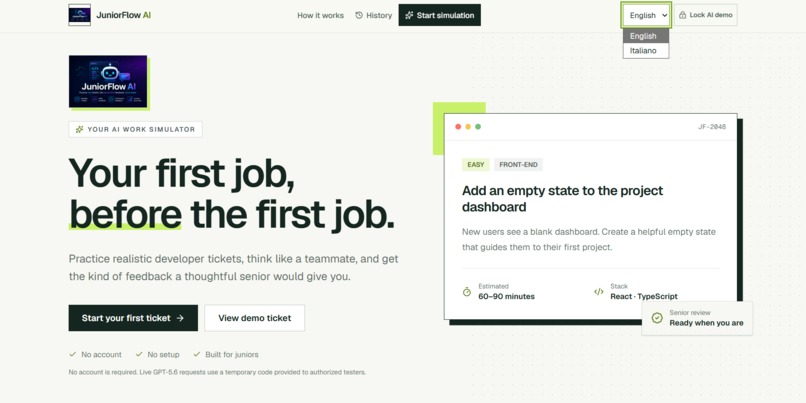
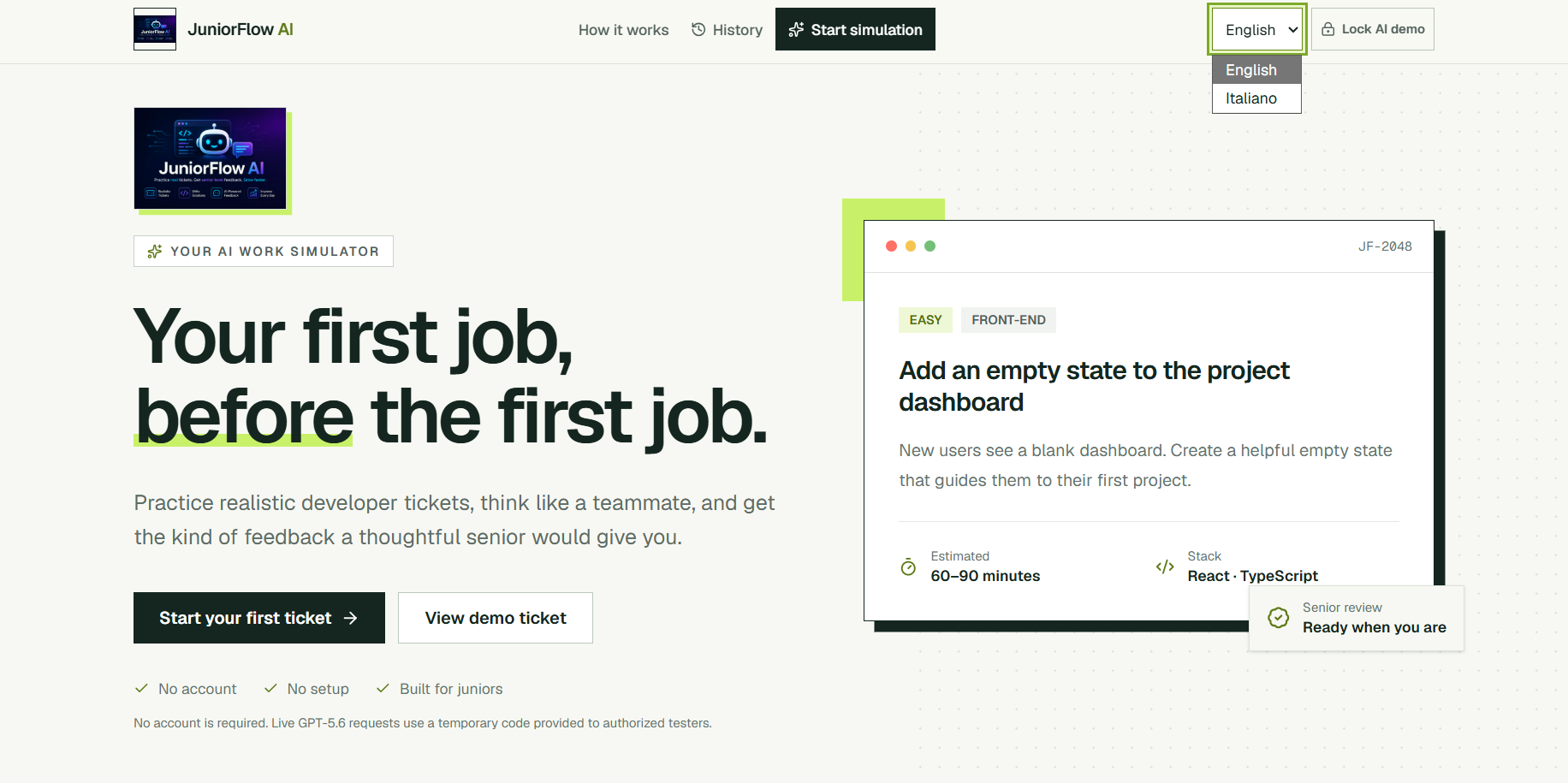
Instant bilingual experience
-
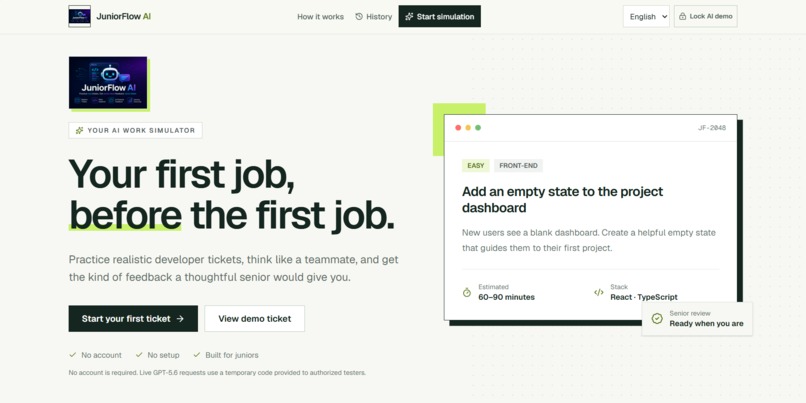
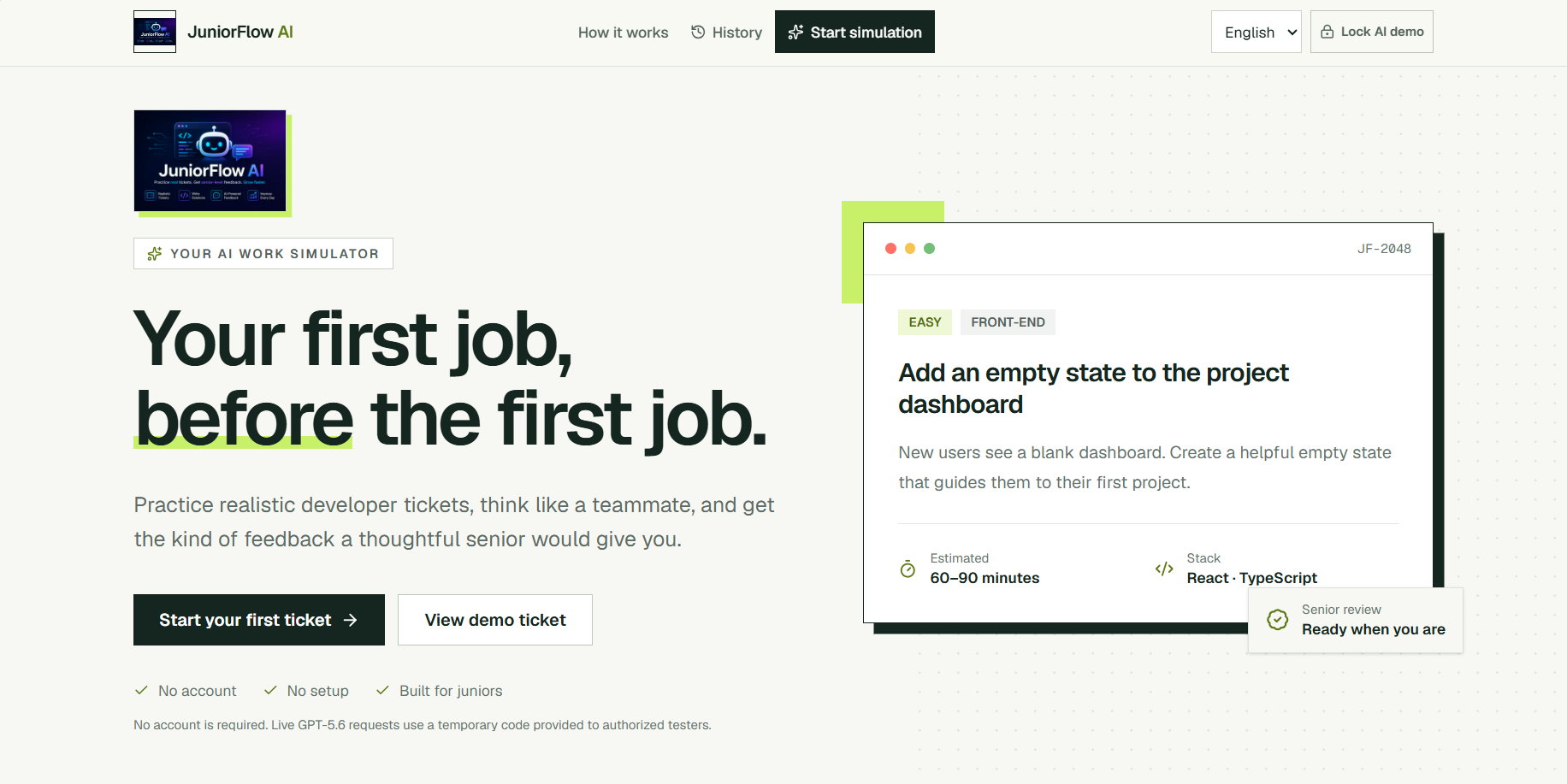
JuniorFlow AI homepage
Inspiration
Many aspiring software developers learn syntax, frameworks, and isolated coding exercises, but reach their first internship or junior role without knowing how to approach a real ticket, interpret acceptance criteria, communicate technical decisions, or respond to a senior review.
JuniorFlow AI was created to bridge the gap between learning how to code and learning how software work actually happens.
While preparing for junior developer roles, I realized that knowing programming languages and frameworks was not enough. I also needed a safe way to practice tickets, acceptance criteria, technical decisions, and senior feedback before entering a real team. That personal need inspired JuniorFlow AI.
What it does
JuniorFlow AI is a bilingual AI-powered work simulator for aspiring software developers.
The learner configures a professional profile by choosing a role, experience level, available time, technology stack, and project context. GPT-5.6 then generates a realistic development ticket containing business context, requirements, acceptance criteria, suggested files, practical guidance, and common mistakes.
The learner submits an approach, code or technical plan, describes the most difficult part, and asks a focused question. GPT-5.6 responds with a structured senior review covering strengths, improvement priorities, bugs, security, acceptance criteria, an ideal solution, and a personalized learning plan.
Every completed simulation is stored in Practice History.
Why it is different
JuniorFlow AI is not a generic chatbot and not simply a coding-exercise generator.
It simulates the complete professional workflow:
Profile → Ticket → Reasoning → Submission → Senior Review → Learning Plan.
English and Italian versions of tickets and reviews are generated together in the same request. Language switching is therefore immediate and does not require a second AI call.
How it was built
JuniorFlow AI was built with Next.js, React, TypeScript, Tailwind CSS, shadcn/ui, Zod, the OpenAI Responses API, GPT-5.6, Vitest, Playwright, and Vercel.
GPT-5.6 uses Structured Outputs to return validated bilingual ticket and review objects. The application includes signed HttpOnly access sessions, server-side validation, rate limiting, idempotency protection, explicit loading and error states, responsive design, keyboard accessibility, a static demonstration, and local Practice History.
How I used Codex
Codex supported the complete engineering workflow rather than one isolated coding task.
I used it for architecture, implementation, bilingual data modelling, UI and UX refinement, accessibility improvements, security reviews, automated testing, browser-based quality assurance, debugging, release auditing, and deployment verification.
I remained responsible for the product direction, feature selection, learning experience, key engineering decisions, testing requirements, and final validation.
I reviewed every major change, tested the application myself, and decided which Codex suggestions to keep, revise, or reject.
How GPT-5.6 is used
GPT-5.6 is the core runtime intelligence behind JuniorFlow AI.
It adapts each ticket to the learner's role, experience, available time, technology stack, and project context. It also evaluates the learner's reasoning and produces a detailed senior-style review.
Both English and Italian versions are produced in the same structured request, reducing cost and latency while enabling instant language switching.
Challenges
The main challenge was creating a truly bilingual AI experience without doubling API calls, latency, or cost.
Other challenges included handling long generations without false timeouts, preventing duplicate requests, protecting the public AI demo, validating structured responses, preserving user work, and creating reliable unit and browser-based tests for AI-driven flows.
Accomplishments
JuniorFlow AI became a complete production experience rather than a technical prototype.
The final release includes real GPT-5.6 ticket and review generation, a judge-friendly static demo, protected AI access, responsive design, keyboard accessibility, Practice History, bilingual structured data, and a fully green automated pipeline.
The final release passed 94 Vitest tests, 6 Playwright tests, TypeScript validation, ESLint, the production build, and a runtime dependency audit with zero identified vulnerabilities.
What I learned
I learned how to design an AI feature around a specific user problem instead of treating the model itself as the product.
I also learned how to use Structured Outputs, design bilingual data models, coordinate client and server timeouts, test AI workflows without unnecessary real API calls, protect a public demo, and use Codex as an engineering collaborator across the full development lifecycle.
What's next
Future versions could add cloud accounts, cross-device progress tracking, repository-based ticket generation, team workspaces, richer learning analytics, adaptive skill paths, and configurable senior-review styles.
The current release focuses on proving the core idea: helping aspiring developers practice the job before they get the job.
Built With
- api
- codex
- css
- gpt-5.6
- next.js
- openai
- outputs
- playwright
- react
- responses
- shadcn/ui
- structured
- tailwind
- typescript
- vercel
- vitest
- zod

Log in or sign up for Devpost to join the conversation.