-
-
Logo
-
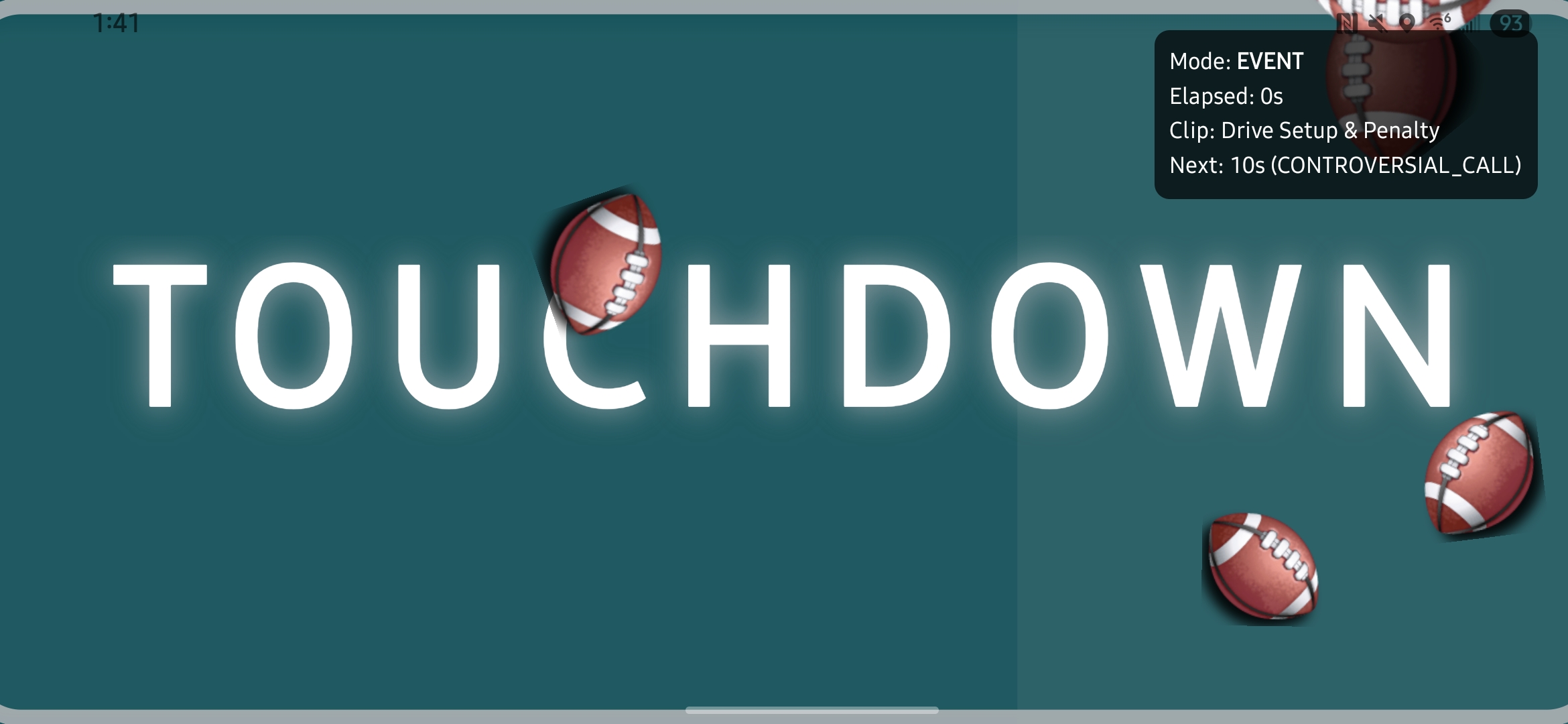
Touchdown
-
Live Like Battle
-
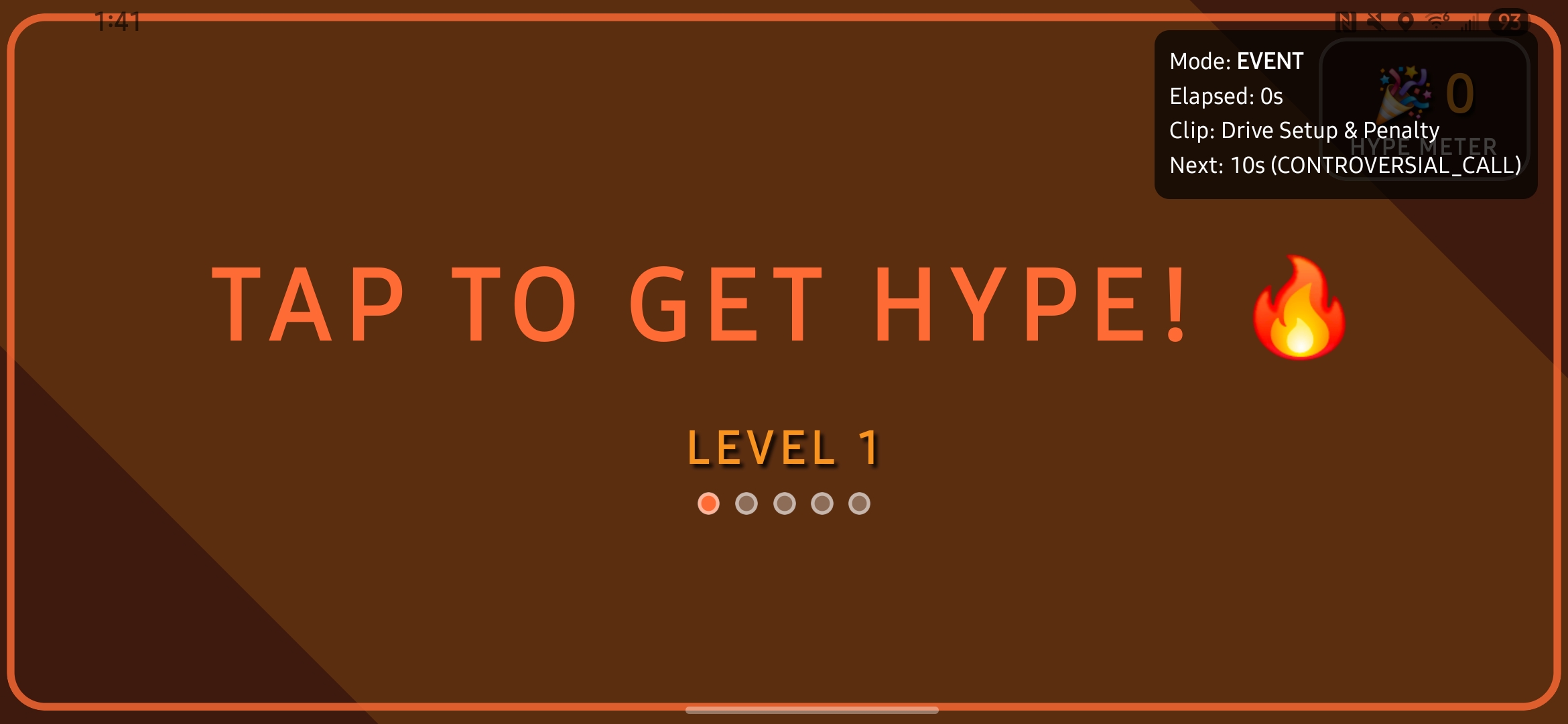
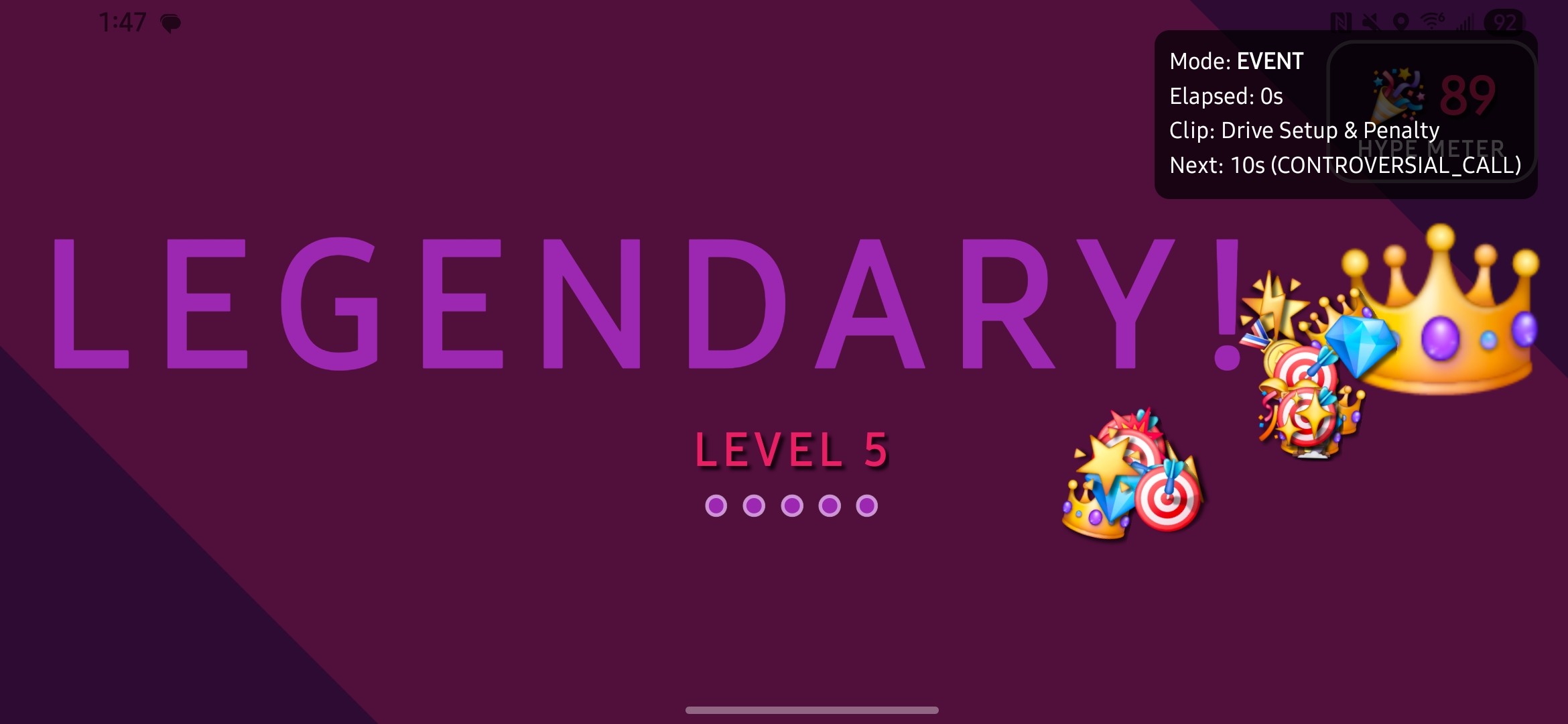
Tap for Hype
-
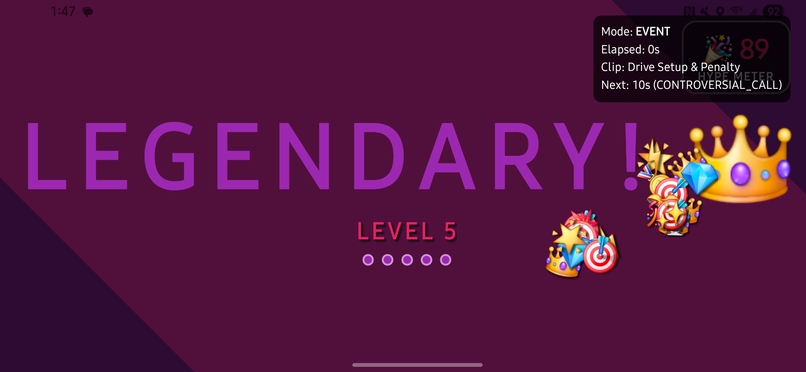
Tap for Hype!!!
-
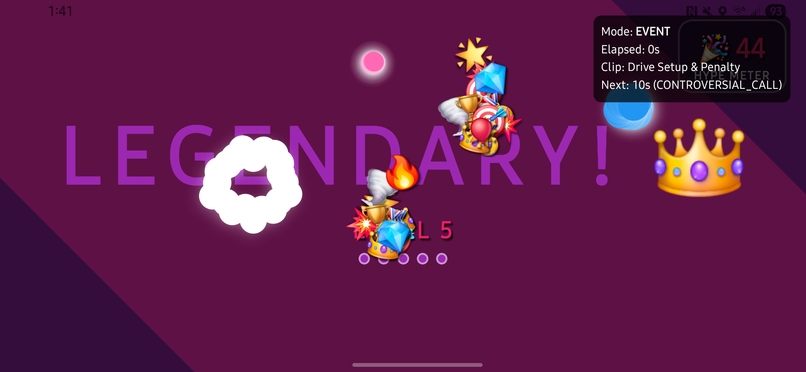
TAP FOR HYPE!!!!!
-
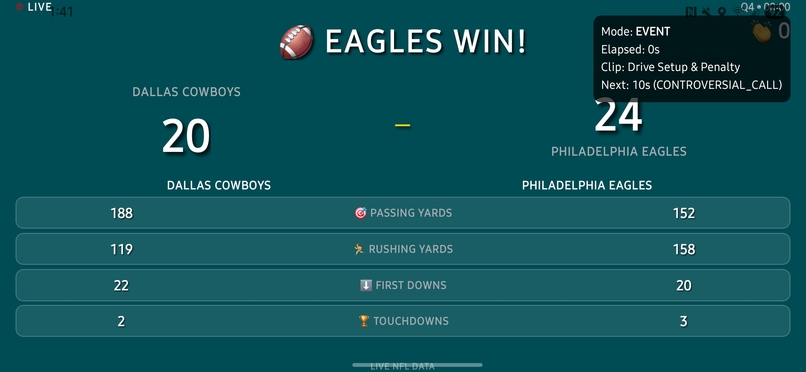
Game Summary
🌟 Project Story
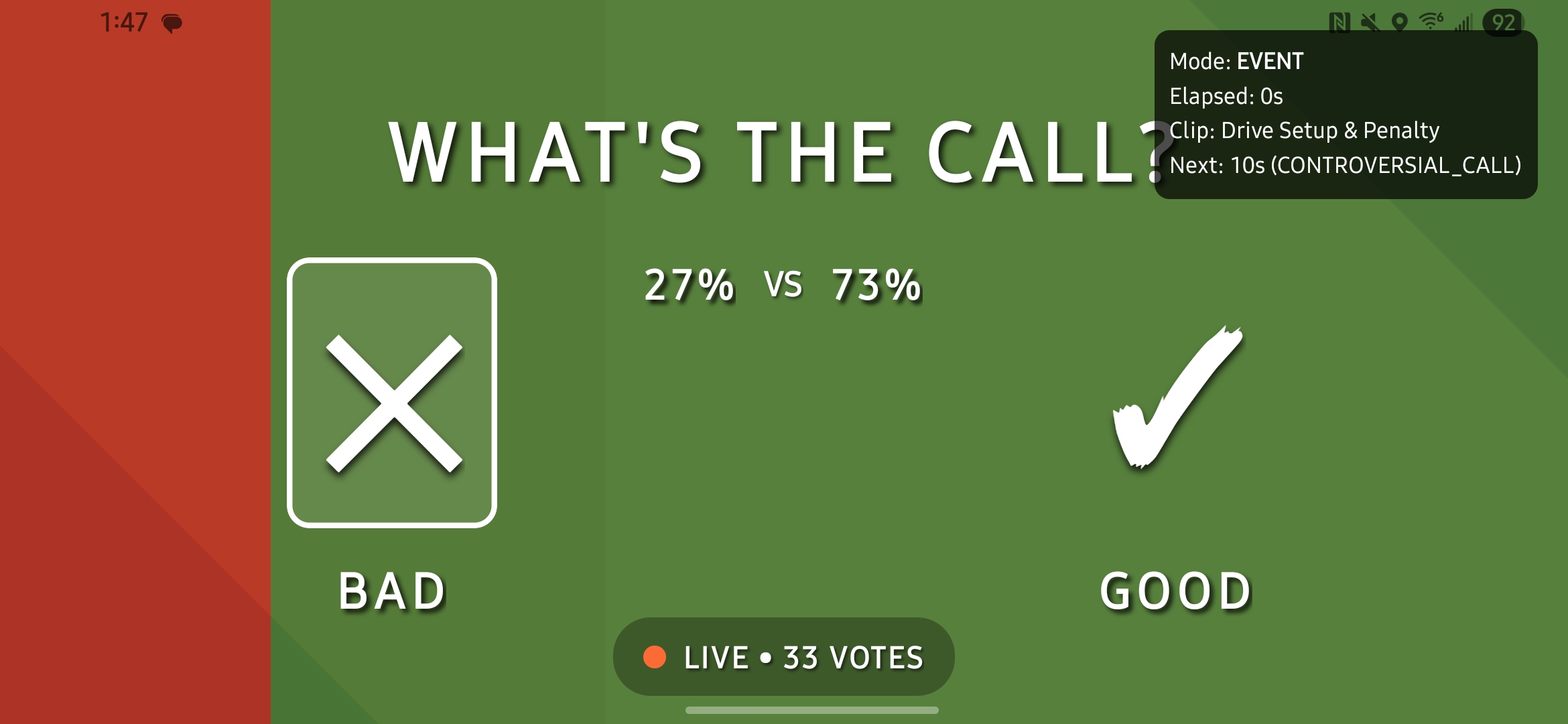
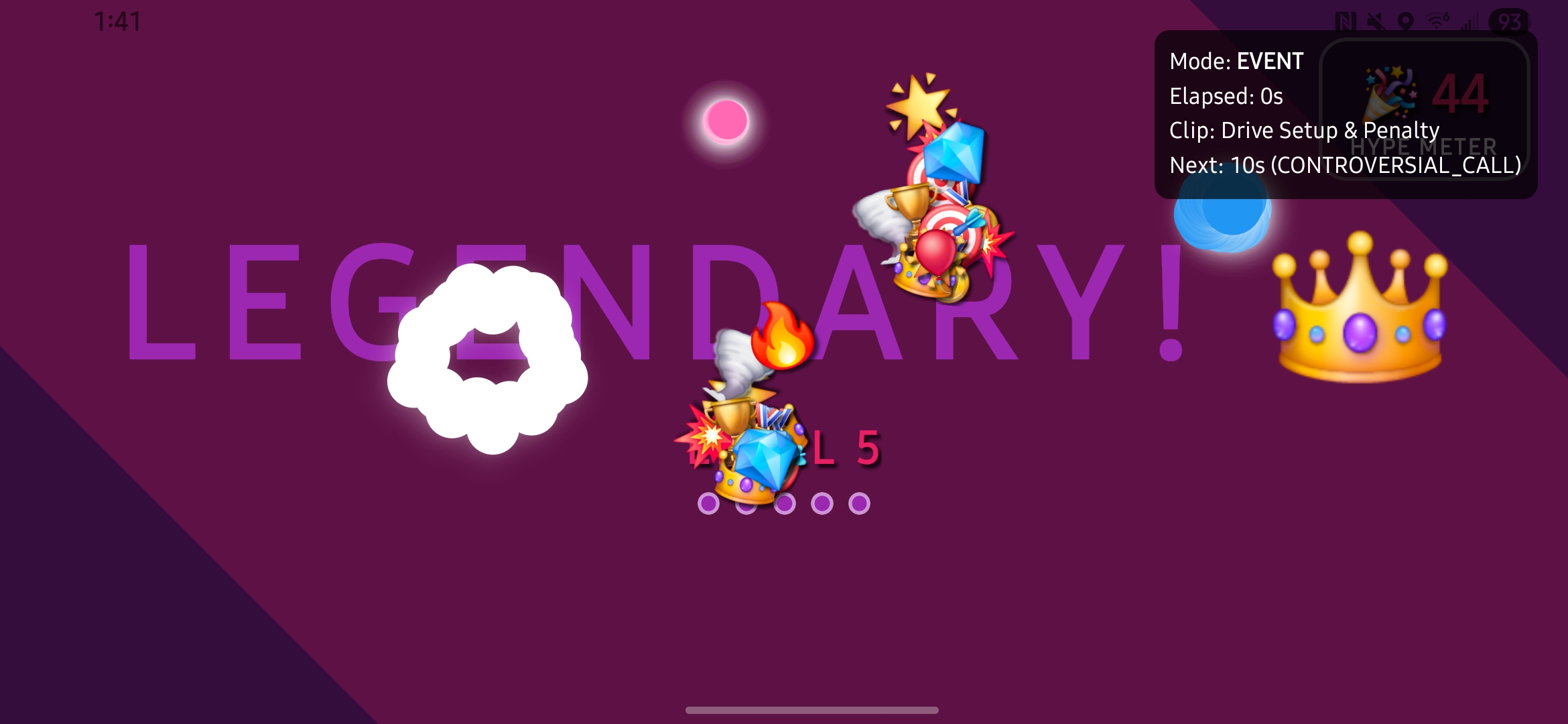
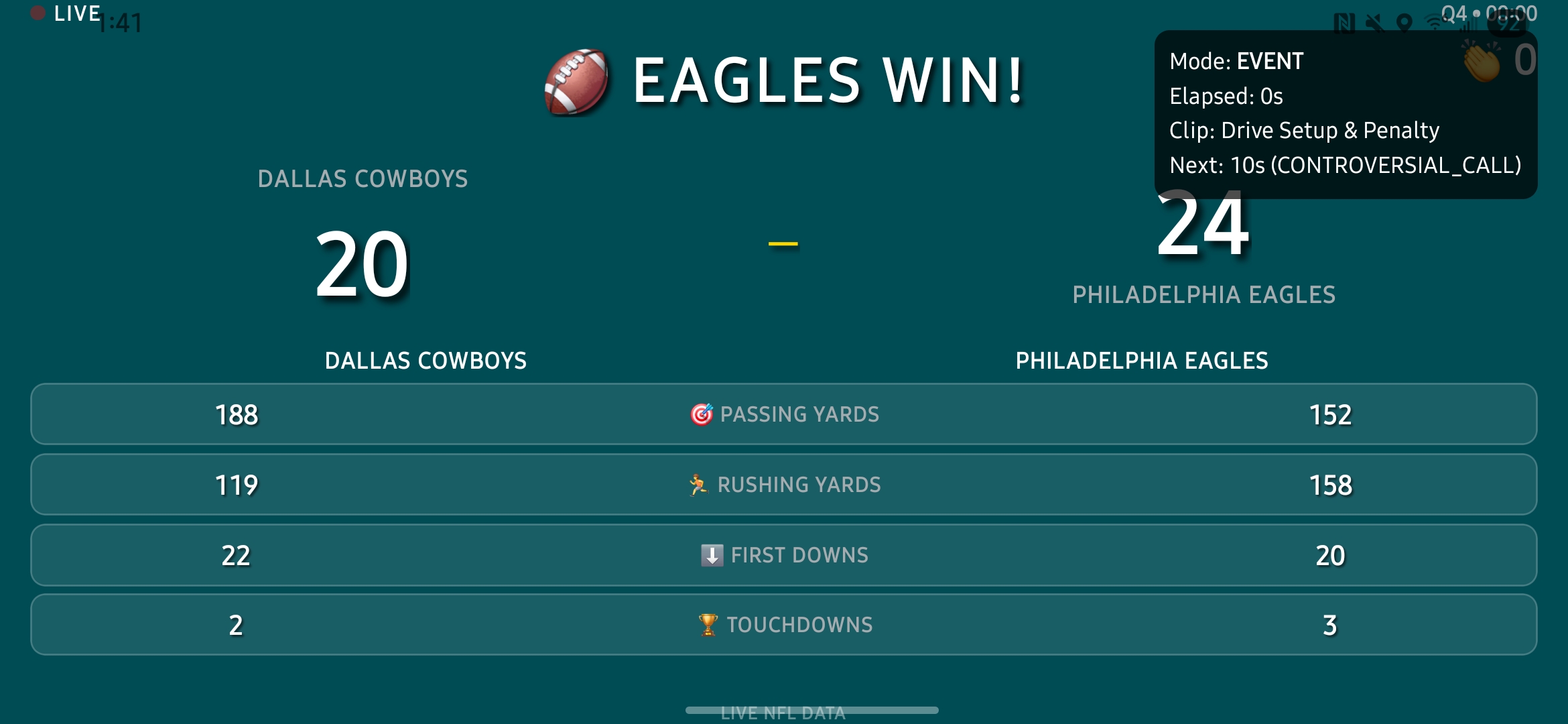
At modern sports events, Jumbotrons create incredible energy and excitement, but that experience is limited to being physically in the stadium. We built Jumbotron: Pocket Edition to bring that same energy and fan engagement to your mobile device - creating a personal jumbotron experience that you can carry anywhere.
The Inspiration
Experiencing the thrill of the Georgia Tech vs Clemson home game and talking to people around us, we realized how much energy and passion exists in the stadium that never makes it to the big screen. Fans have incredible insights, reactions, and stories that could enhance everyone's game experience if there was a way to capture and share them. This sparked our idea: what if we could bring that personal, social stadium experience to a pocket-sized platform that connects fans and displays their collective energy?
What We Learned
This project pushed us to explore:
- React Native development for cross-platform mobile experiences
- Expo framework for rapid mobile app development and deployment
- Interactive animations and celebration effects for engaging user experiences
- Mobile UI/UX design for sports and entertainment applications
- Real-time fan engagement and social interaction patterns
How We Built It
- Mobile Foundation: Built a React Native app using Expo for cross-platform compatibility
- Interactive Features: Integrated confetti cannons and celebration effects for fan moments
- Navigation Design: Implemented smooth screen transitions and gesture handling
- Visual Polish: Added linear gradients and engaging visual effects
- Fan Experience: Created jumbotron-style interactions optimized for mobile devices
Challenges We Faced
- Mobile Performance: Ensuring smooth animations and effects on various devices
- User Experience: Creating intuitive interactions that capture stadium energy
- Cross-Platform: Making the app work seamlessly on both iOS and Android
- Engagement Design: Translating the large-scale jumbotron experience to mobile screens
🚀 About the Project
Jumbotron: Pocket Edition brings the stadium experience to your mobile device with:
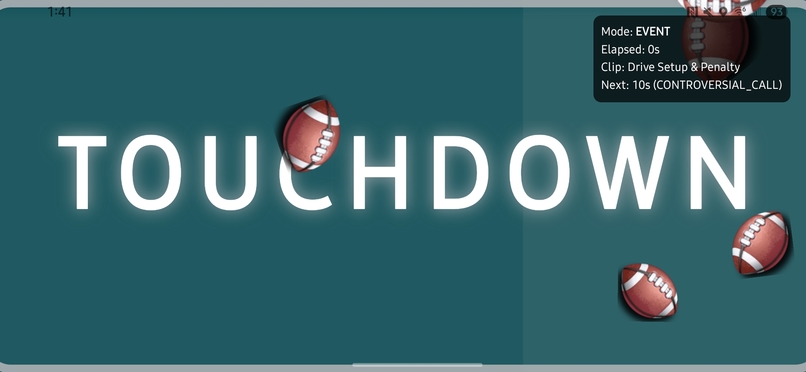
- Interactive celebration effects and confetti animations
- Smooth navigation and gesture-based interactions
- Cross-platform mobile app built with React Native and Expo
- Engaging visual effects including linear gradients and animations
- Fan-focused user experience designed for sports enthusiasm
Key Features
- Celebration Effects: Interactive confetti cannons for celebrating big moments
- Mobile-First Design: Optimized for both iOS and Android devices
- Smooth Animations: Fluid transitions and gesture handling for engaging interactions
- Visual Polish: Beautiful gradients and effects that capture jumbotron energy
- Fan Engagement: Interactive features designed to amplify fan excitement
🛠 Tech Stack
Mobile App
- React Native: Cross-platform mobile app framework
- Expo SDK 54: Development platform and runtime for React Native
- React Navigation: Navigation library for screen transitions
- React Native Gesture Handler: Advanced gesture recognition and handling
- React Native Screens: Native screen management for better performance
Interactive Features
- React Native Confetti Cannon: Celebration effects and animations
- Expo Linear Gradient: Beautiful gradient backgrounds and effects
- Expo Status Bar: Status bar styling and management
- React Native Reanimated: High-performance animations (via dependencies)
Development Tools
- Expo CLI: Development server and build tools
- Metro: JavaScript bundler for React Native
- Node.js: JavaScript runtime for development tools
🏃♂️ Getting Started
Prerequisites
node >= 18.0.0
npm >= 9.0.0
# iOS: Xcode (for iOS development)
# Android: Android Studio (for Android development)
Installation & Setup
1. Clone the Repository
git clone https://github.com/williamli12/HackGT-2025-AI-Jumbotron.git
cd HackGT-2025-AI-Jumbotron
2. Set Up the Mobile App
# Navigate to the app directory
cd second-screen

# Install dependencies
npm install

# Install Expo CLI globally (if not already installed)

npm install expo
npm install -g @expo/cli
3. Start the Development Server
# Start the Expo development server
npx expo start
4. Run on Device/Simulator
- iOS: Press
iin the terminal or scan QR code with Camera app - Android: Press
ain the terminal or scan QR code with Expo Go app - Web: Press
win the terminal to open in browser
Development Notes
The app includes celebration effects and interactive features designed for the mobile jumbotron experience. The source code files may need to be restored from your development environment as only the dependencies and configuration are currently in the repository.
📁 Project Structure
HackGT-2025-AI-Jumbotron/
├── second-screen/                      # React Native Mobile App
│   ├── .expo/                          # Expo configuration and cache
│   │   ├── settings.json               # Expo development settings
│   │   └── devices.json                # Connected devices info
│   ├── node_modules/                   # Dependencies (installed packages)
│   └── [source files]                  # App source code (to be restored)
├── hackgt2025-main/                    # Third-party NFL Mock API (not part of main project)
├── demo_jumbotron_data.py             # Demo script using the mock API
├── test_api.py                        # API testing script
└── README.md                          # This file
🎯 Use Cases
- Fan Engagement: Interactive mobile experience for sports fans to celebrate and engage
- Stadium Experience: Bring jumbotron-style excitement to personal devices
- Event Applications: Use celebration effects for any live event or sports viewing
- Mobile Entertainment: Engaging animations and interactions for sports apps
- Social Sports Apps: Features that amplify fan excitement and community engagement
📄 License
This project is licensed under the MIT License - see the LICENSE file for details.
👥 Team
- [Zarah Khan] - UI/UX Design, Data Analysis
- [William Li] - Backend Architecture, Data Analysis
- [Luke Hartzell] - UI/UX, Frontend, Product
- [Alexis Almeida] - UI/UX Design, Data Analysis
🙏 Acknowledgments
- HackGT 2025 for the opportunity to build this project
- The NFL for providing the inspiration for comprehensive sports data modeling
- The open-source community for the excellent tools (Flask, VCR.py, Swagger) that made this possible
- PrizePicks for inspiring this project and Tim for being a chill guy
📬 Contact
Project Link: https://github.com/williamli12/HackGT-2025-AI-Jumbotron
API Documentation: Open hackgt2025-main/hackgt2025-main/swagger.html for interactive API exploration
Built with ❤️ for HackGT 2025
Built With
- expo.io
- flask
- javascript
- node.js
- pulse-mock-api
- python
- react-native
- sportradar-api
- typescript


Log in or sign up for Devpost to join the conversation.