
Inspiration
After owning my EV for nearly a year, and keeping track of costs for fun using a spreadsheet, the spreadsheet began becoming harder to use and the fact they're not very user friendly when on mobile. SO I decided to build an app instead for it for personal use at first, but I then decided to give it up for public release on the App Store after a bit of feedback and when I started adding extra features that I thought would make it more useful for users.
What it does
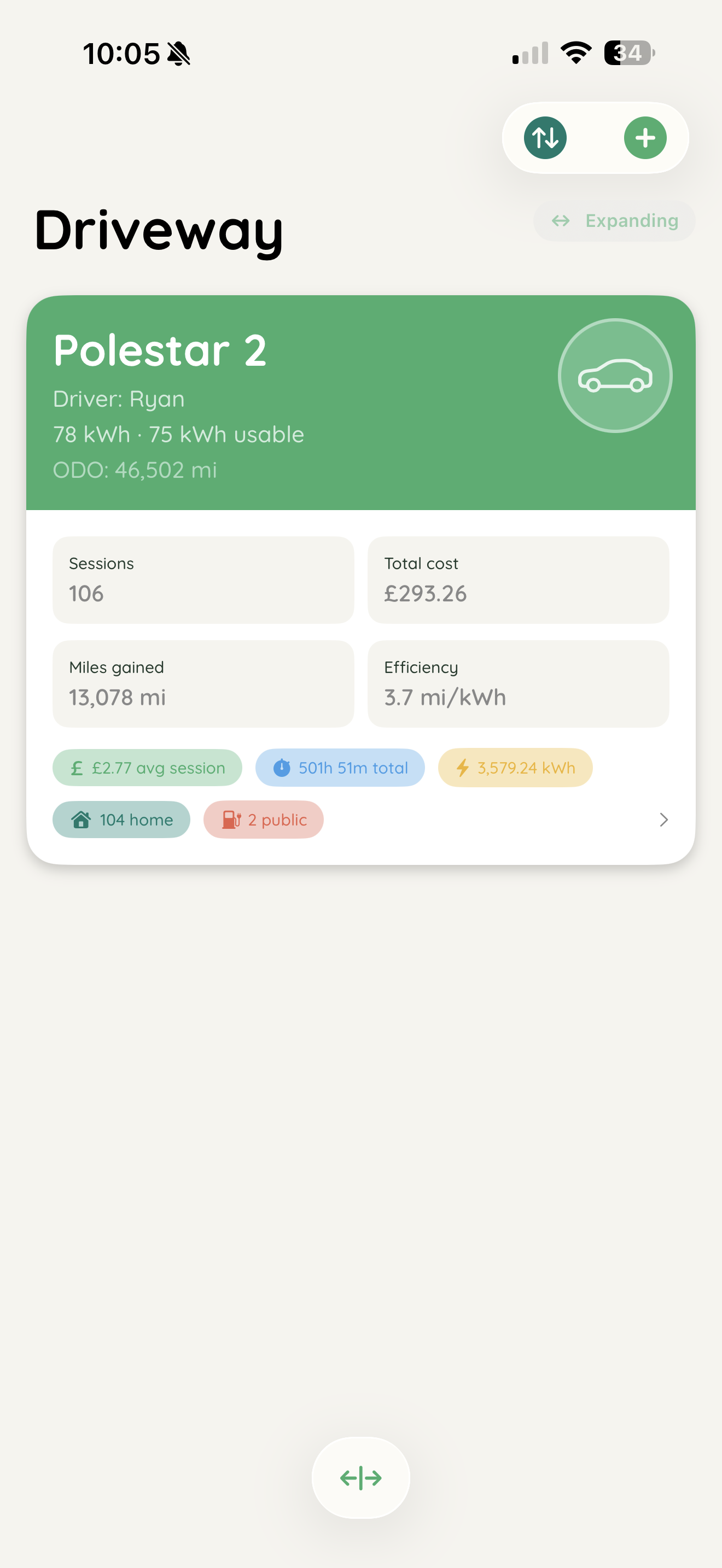
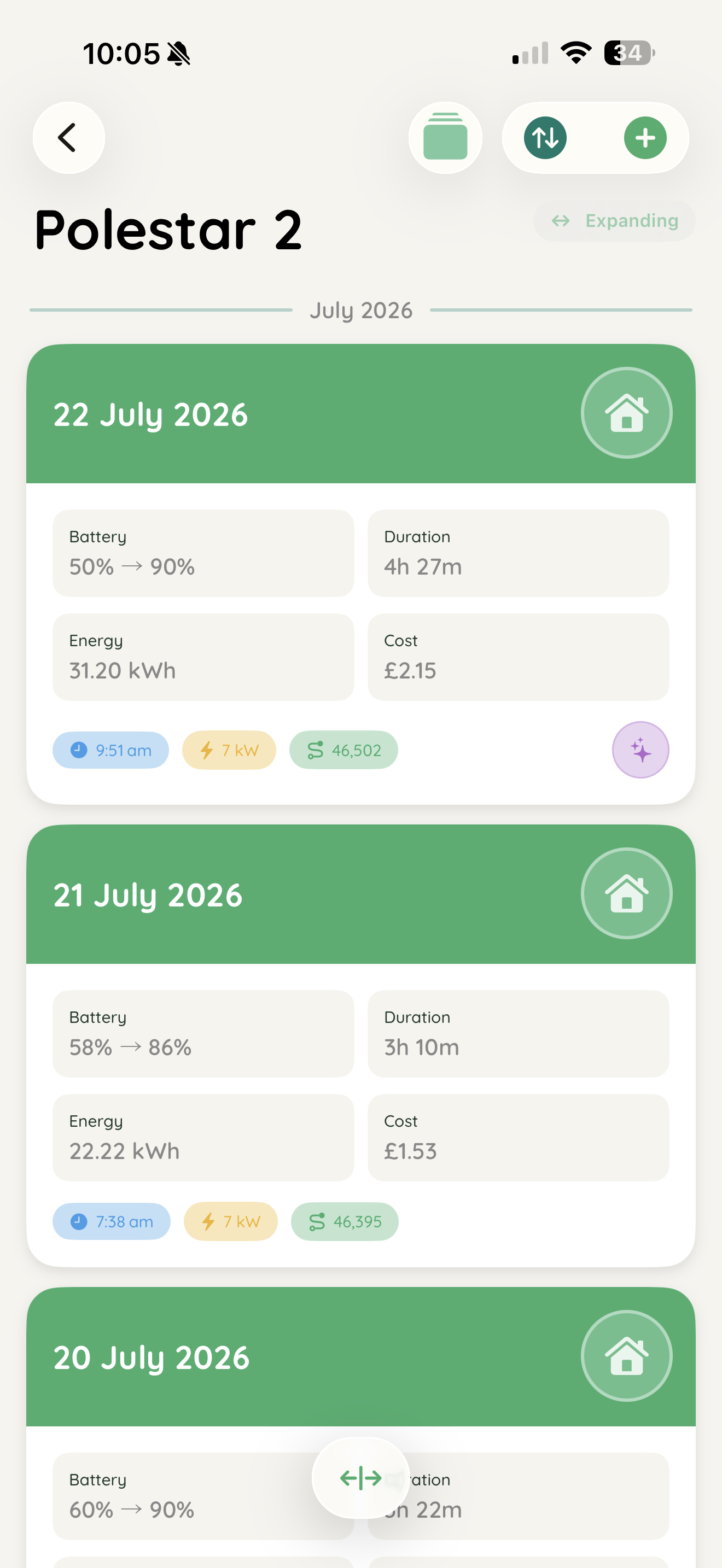
You register your vehicle, enter its manufacturer, model, battery capacity and your name if you want. Then you add charging session data like energy used, charging speed and price per kwh and the app does all the calculations for you.
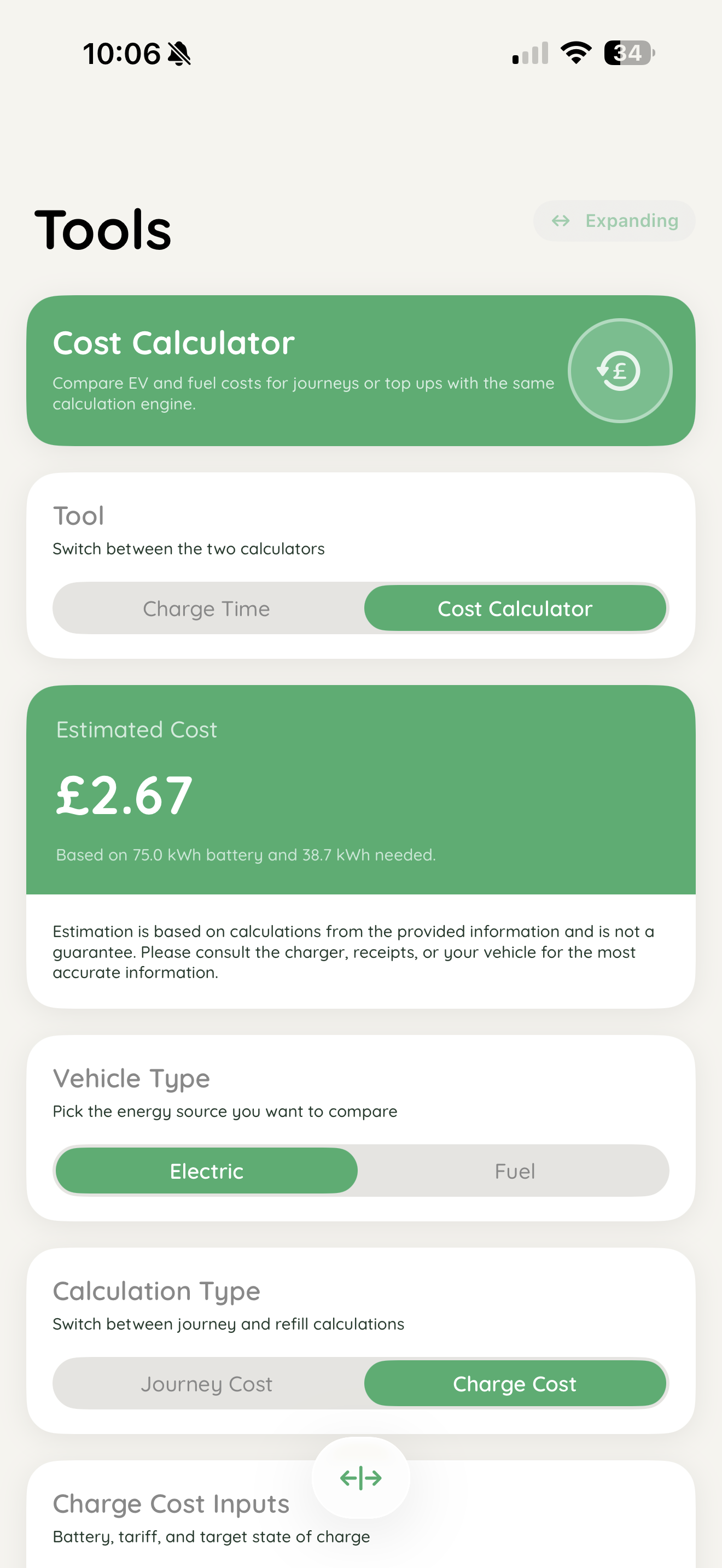
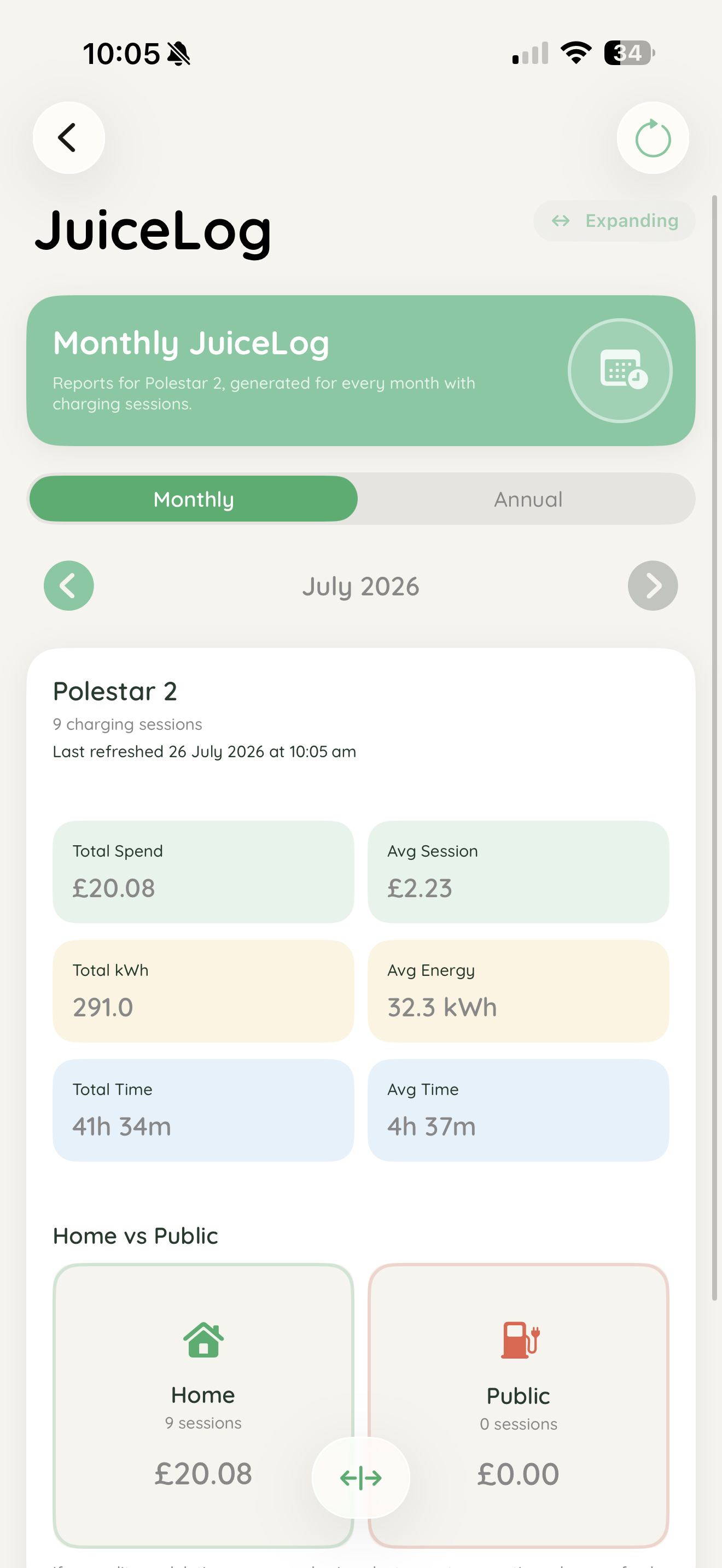
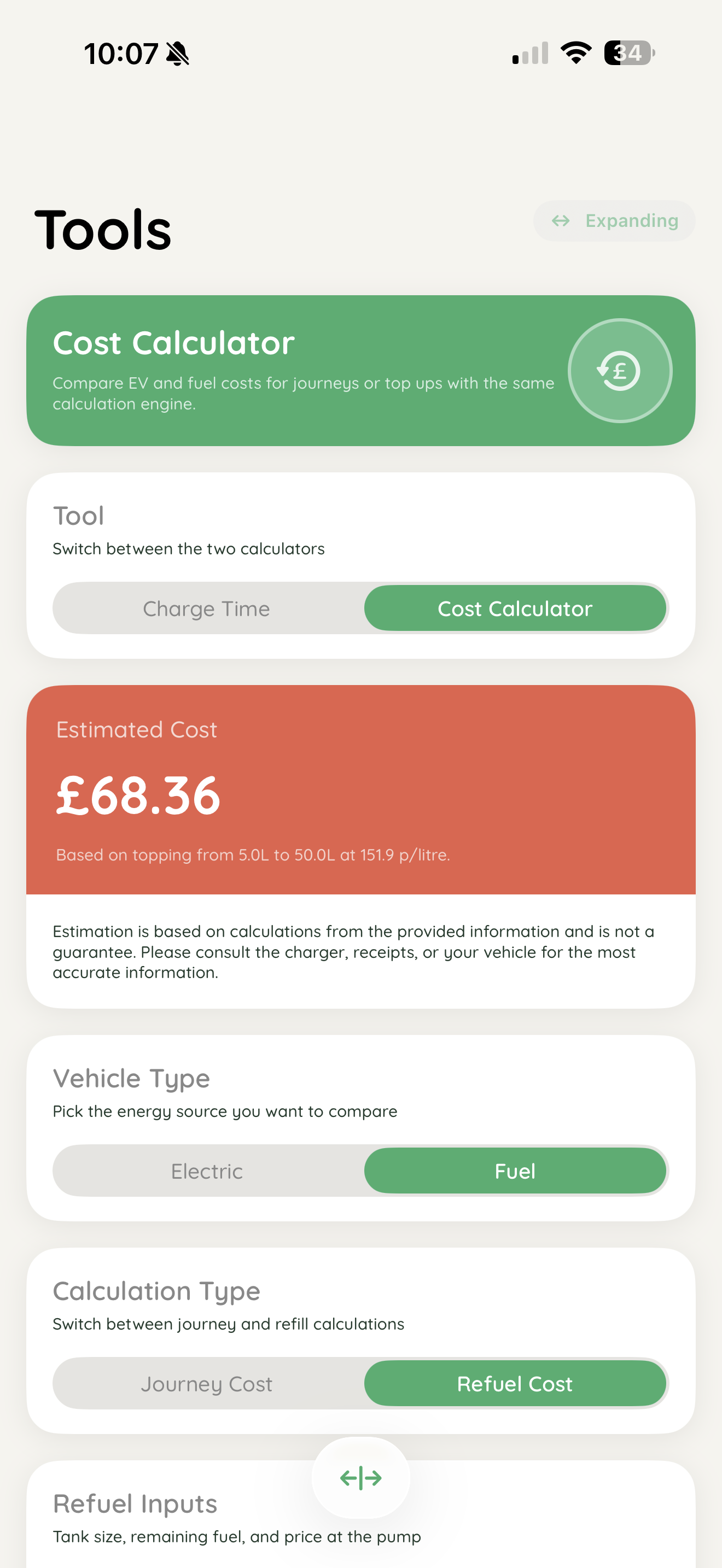
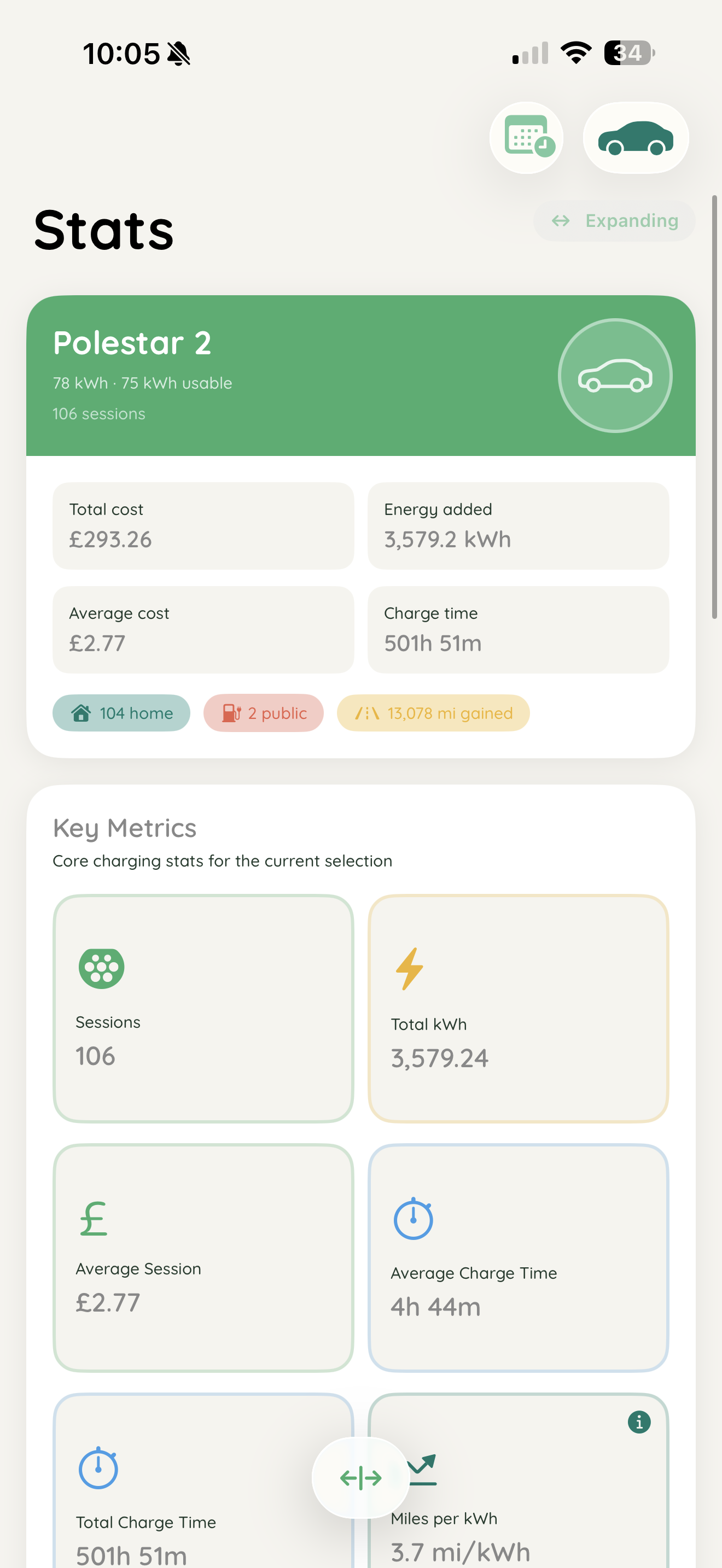
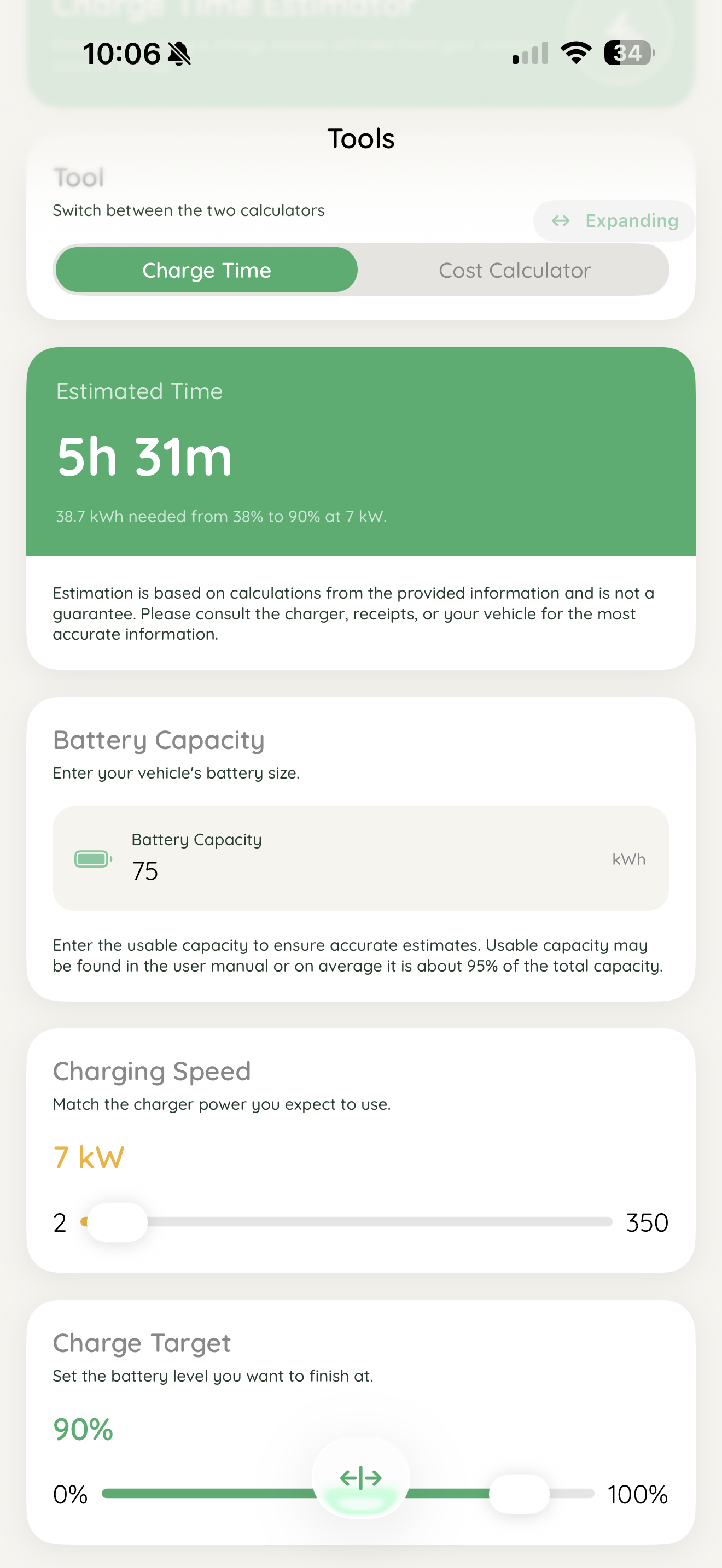
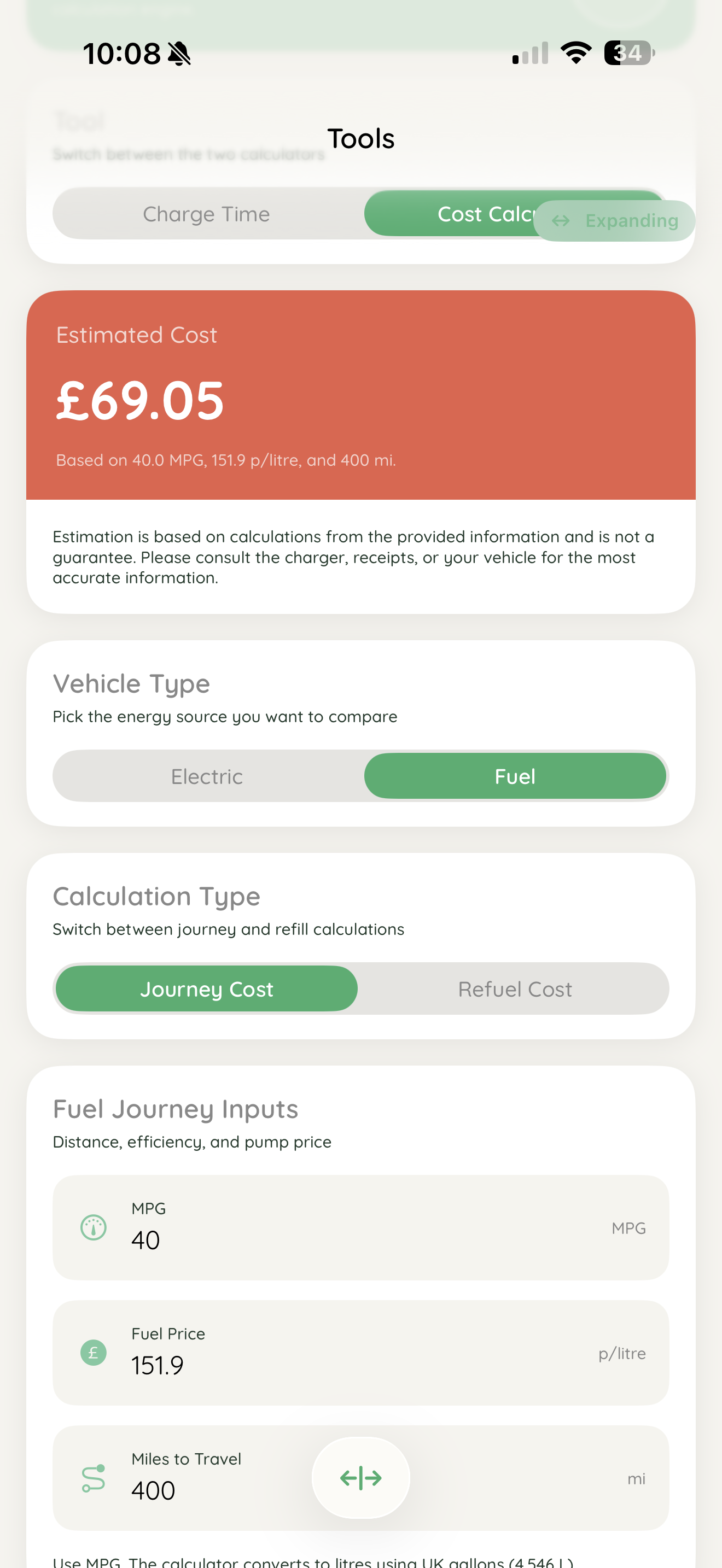
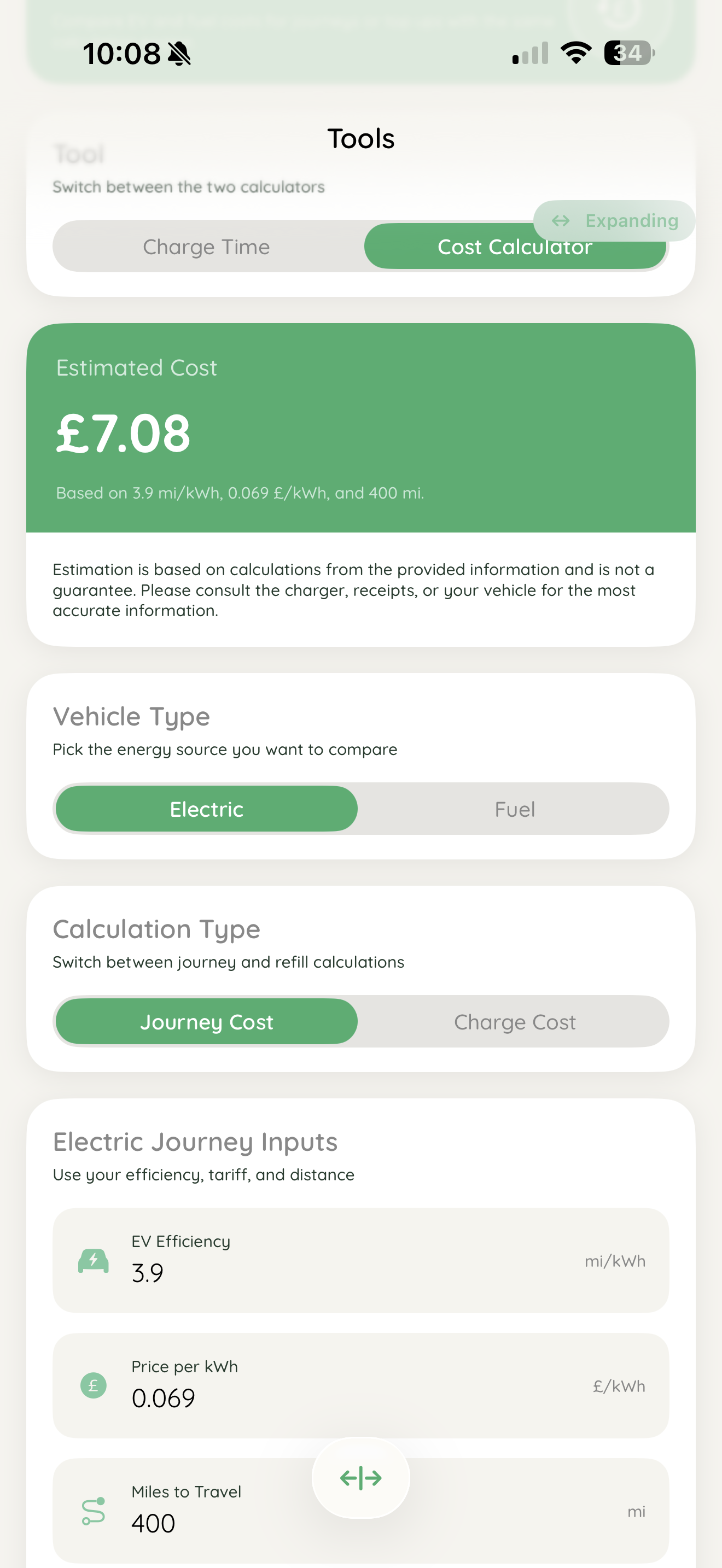
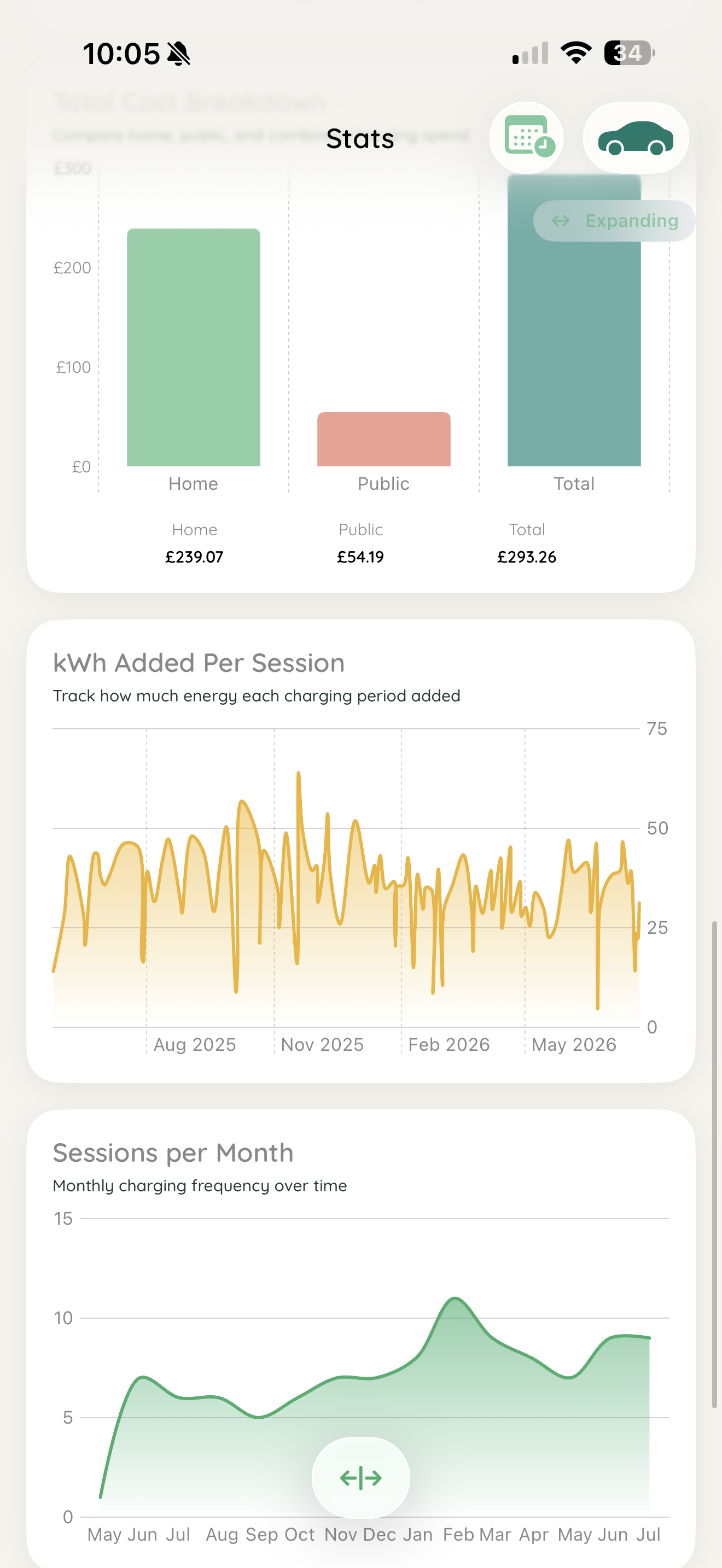
JuiceBox also incudes useful estimation calculators for charging times, costs and a way to compare journey costs or refuelling costs between EV and ICE vehicles. All your stats, metrics and charging costs are neatly showcased via graphs, charts and reports in monthly and annual terms.
How I built it
JuiceBox is completely built in native Swift and SwiftUI
Challenges I ran into
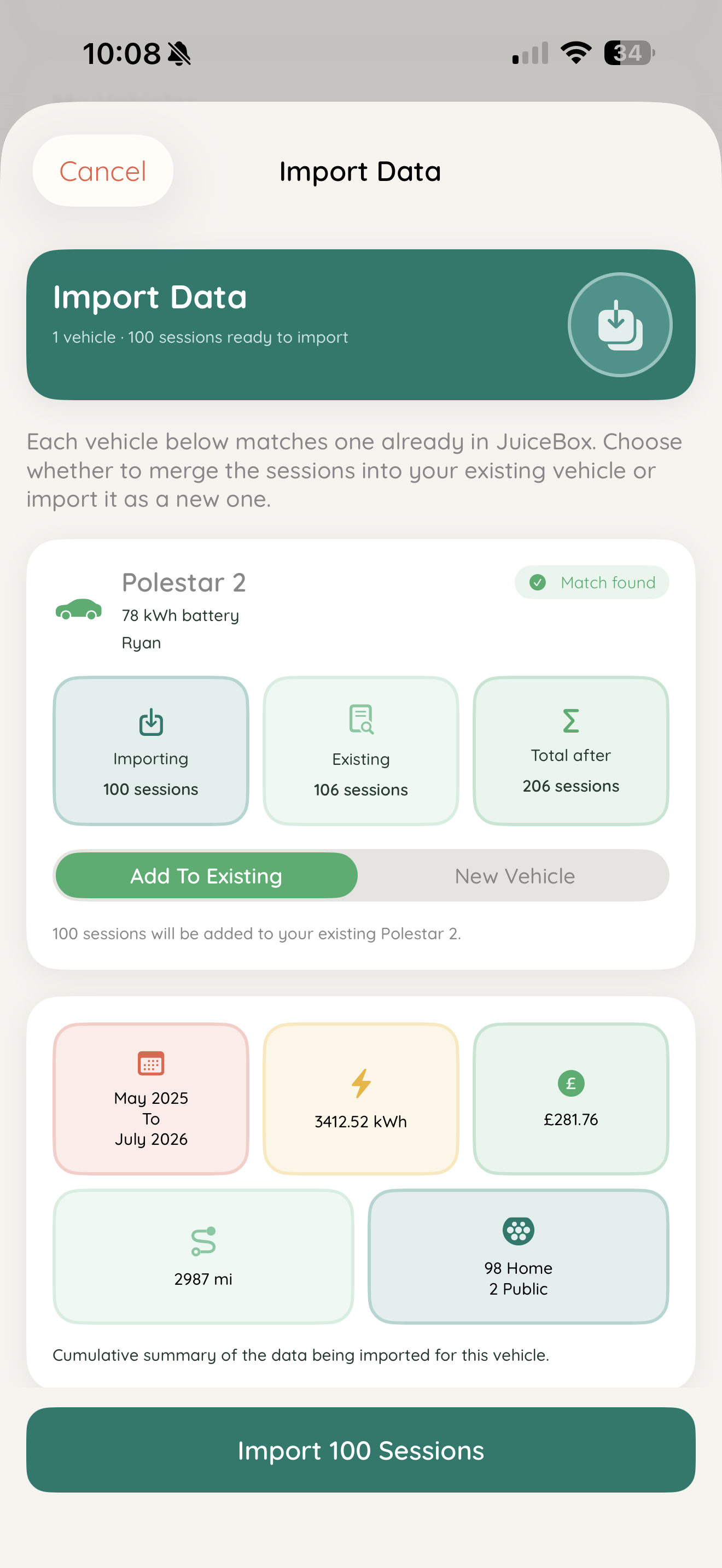
The calculation algorithms for various metrics and stats had several issues because of possible edge cases like users not providing mileage readings in every session they log. Data import and export features have needed several implementations and updates in order to make them easier and fool proof for users to import charging data they may have from external sources.
Apple Watch and widget capabilities were very difficult and confusing getting to work effectively and properly. It even took many AI prompts to help with debugging, and code generation to get them both working as expected.
Accomplishments that I'm proud of
After 4 months of development it was fully ready for version 1.0 and to be published to the App Store. After nearly 2 months of being released it has nearly 100 downloads, around 80 DAUs and 3 paying users for the full JuiceBox experience.
What I learned
Being my most ambitious app I have developed so far, I have learnt that Apple Watch integration requires a lot more effort than necessary so probably won't be doing that again in a hurry.
AI while being a great tool to help develop and debug, it is not a complete replacement and not perfect every time.
What's next for JuiceBox: EV Charging Log
Version 1.3 will bring a more seamless data import experience for users. Users will be able to scan public charger screens to auto-insert data for when logging a new session.
1.4 will introduce an iPad compatible version that makes use of the space and capabilities more as well as some Apple Watch and widget enhancements.
Built With
- posthog
- revenuecat
- swift
- swiftui

Log in or sign up for Devpost to join the conversation.