-
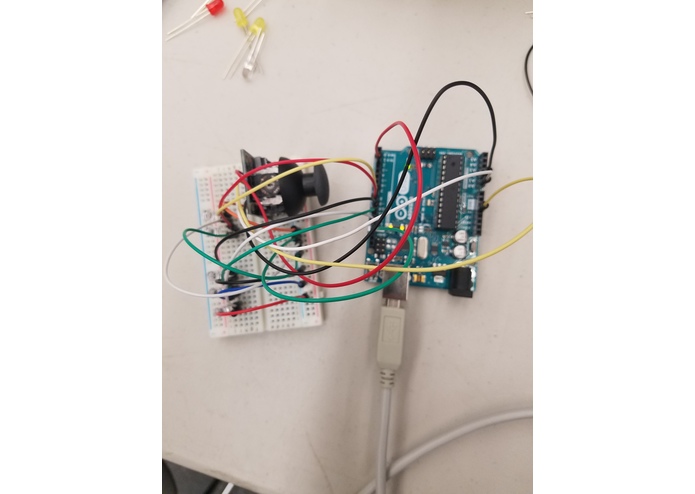
Joystick LED

As a first Arduino project, we wanted to make something that would challenge our basic knowledge, so we thought that by working and experimenting with a joystick sensor we could make something exciting happen.
The Arduino takes input from the joystick in the form of the x, y, and z coordinates of the joystick. The Arduino then processes the information and sends it to one of five LEDs at a single time.
We used Arduino Uno as a microprocessor, the Arduino IDE to program it, and a breadboard to house the joystick and the five LEDs.
One of the biggest challenges that we faced was that when the joystick was triggered in the downward x-direction, the respective LED would light and then stay lit no matter which direction the joystick was moved. It was also our very first time working with Arduino, so we were still learning how the processor worked and how to correctly interface everything.
We're proud of the fact that we were able to complete our project given that it was our first time working with Arduino.
We learned that programming Arduino is quick, relatively simple, and gives tangible, interesting sensory feedback. It seems perfect for experimentation.
The next step would be figuring out how to fade LEDs into one another given less rigid directional data.
Built With
- adruino
- breadboard
- joystick
- led


Log in or sign up for Devpost to join the conversation.