Joy Assist
The Why, the How, and the What:
Why: To improve accessibility and quality of user input experience. How: Through a minimalistic design; providing assistive accommodations for users that were previously overlooked. What: An input device system that allows a user to simulate a mouse and keyboard using a joystick and button.
How We Built It:
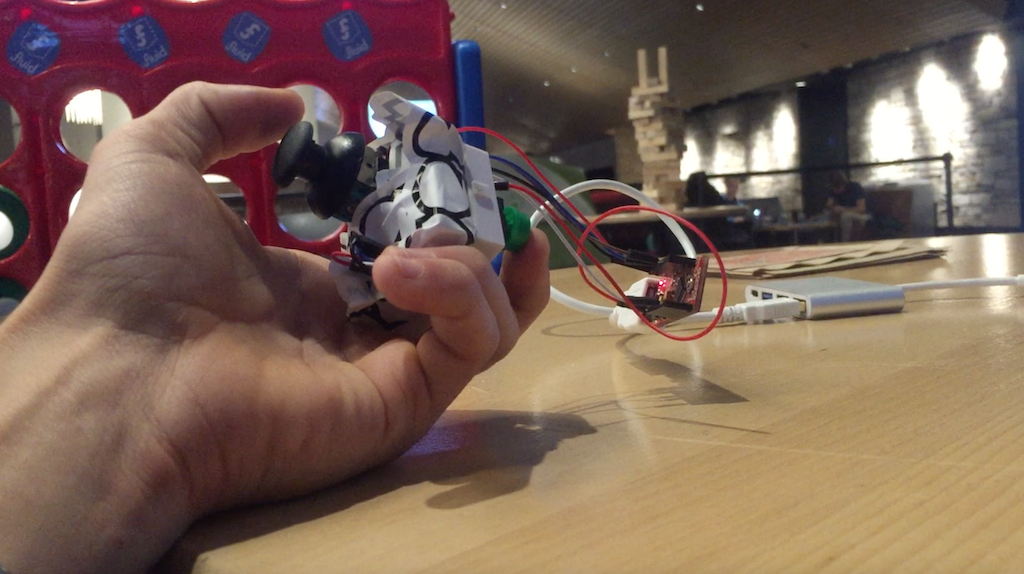
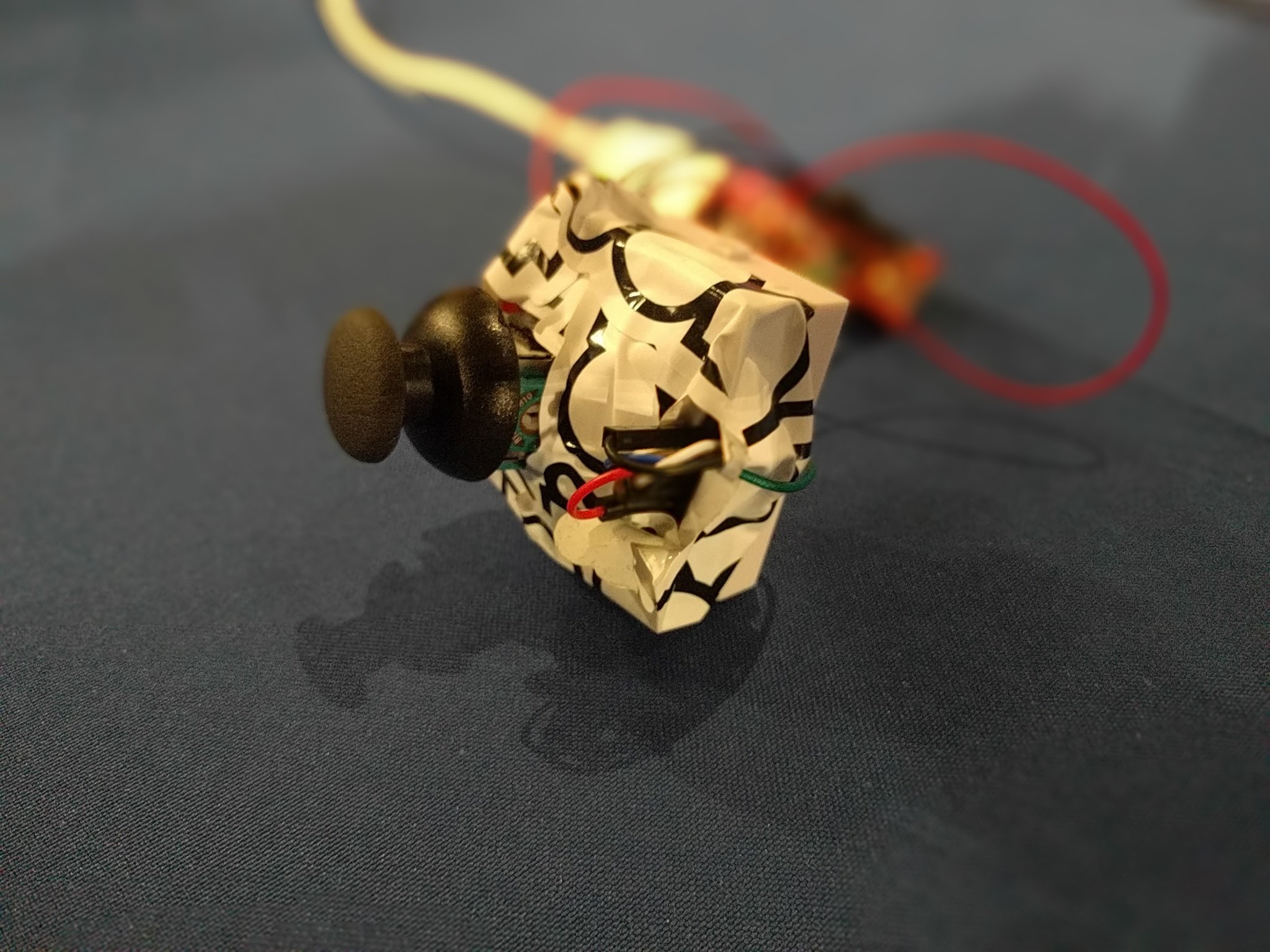
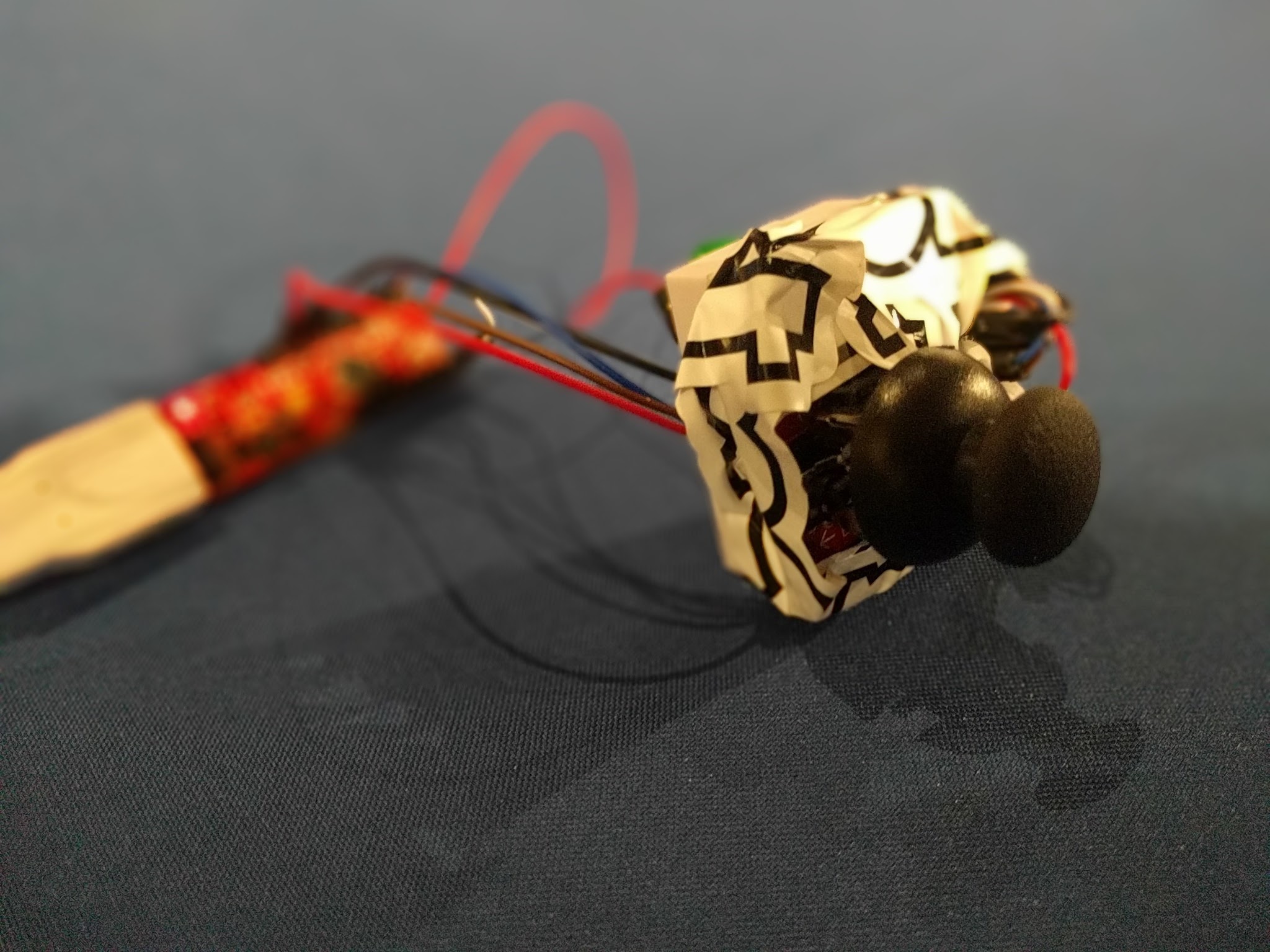
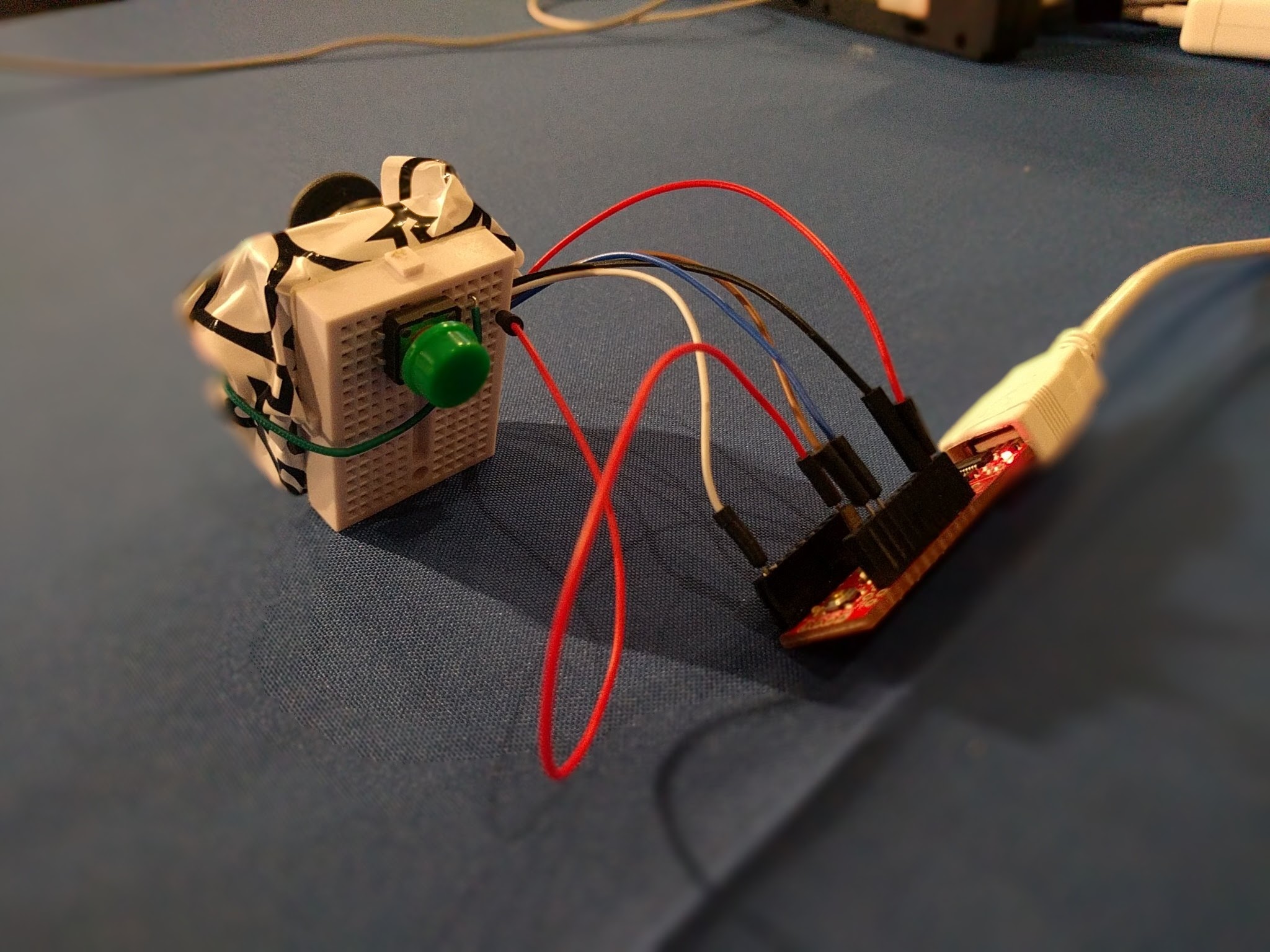
The hardware we utilized was a Sparkfun joystick, redstick, breadboard, push button, and breadboard jumper cables. Two main programs were created: first, a program sent data from the joystick over USB serial--this code runs directly on the hardware. A second program interprets this data and makes mouse or keystrokes accrordingly while also using a character and word prediction algorithm to improve accessibility.
The User Experience:
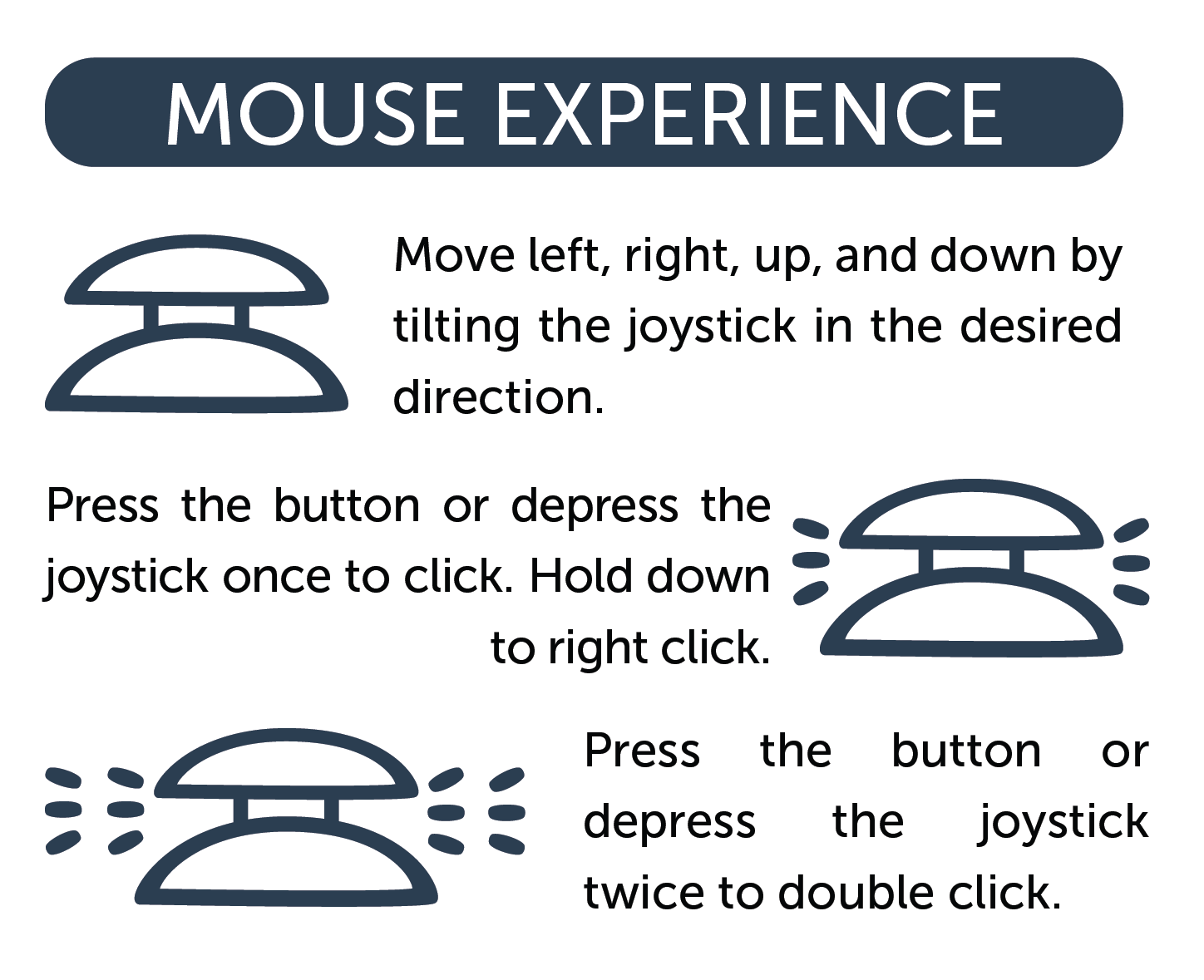
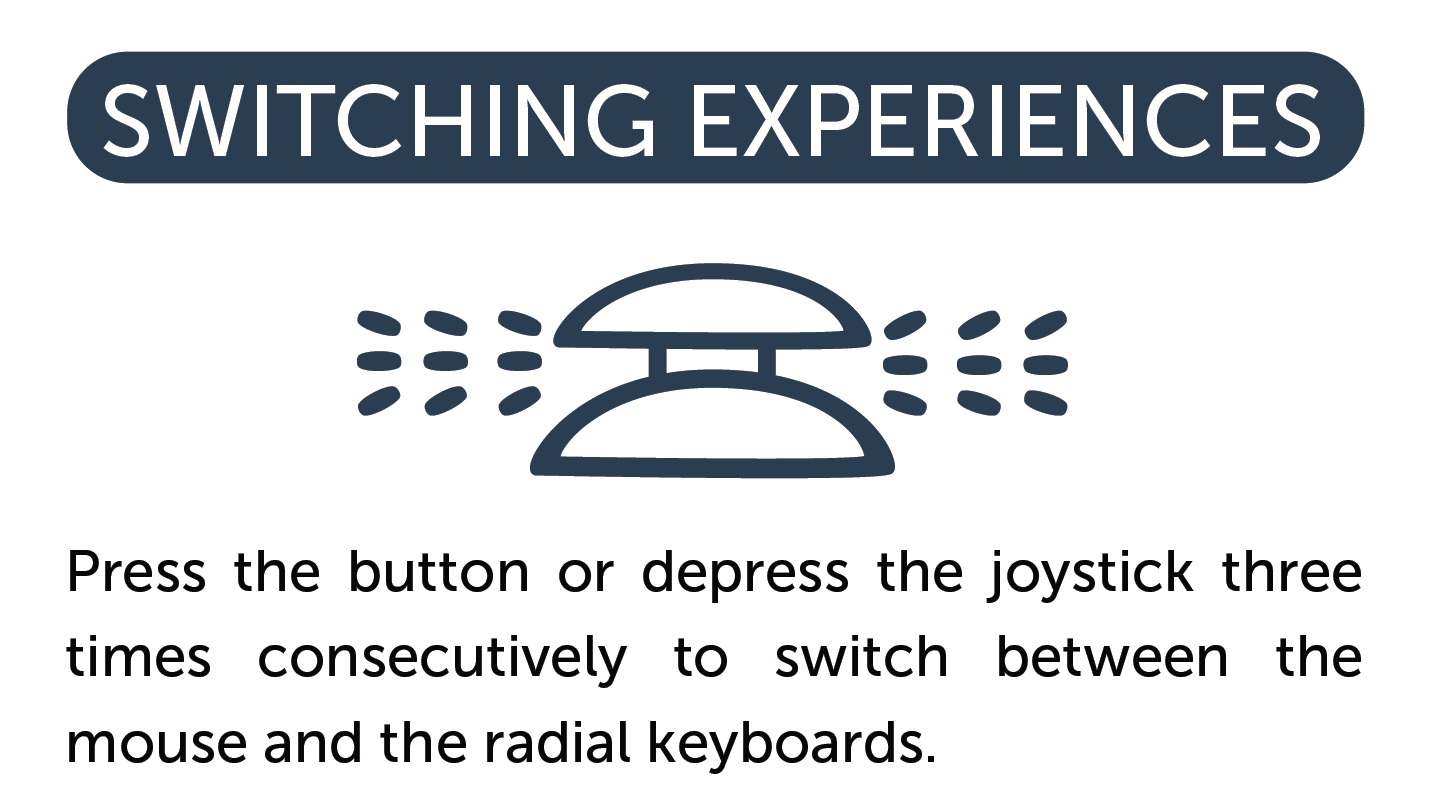
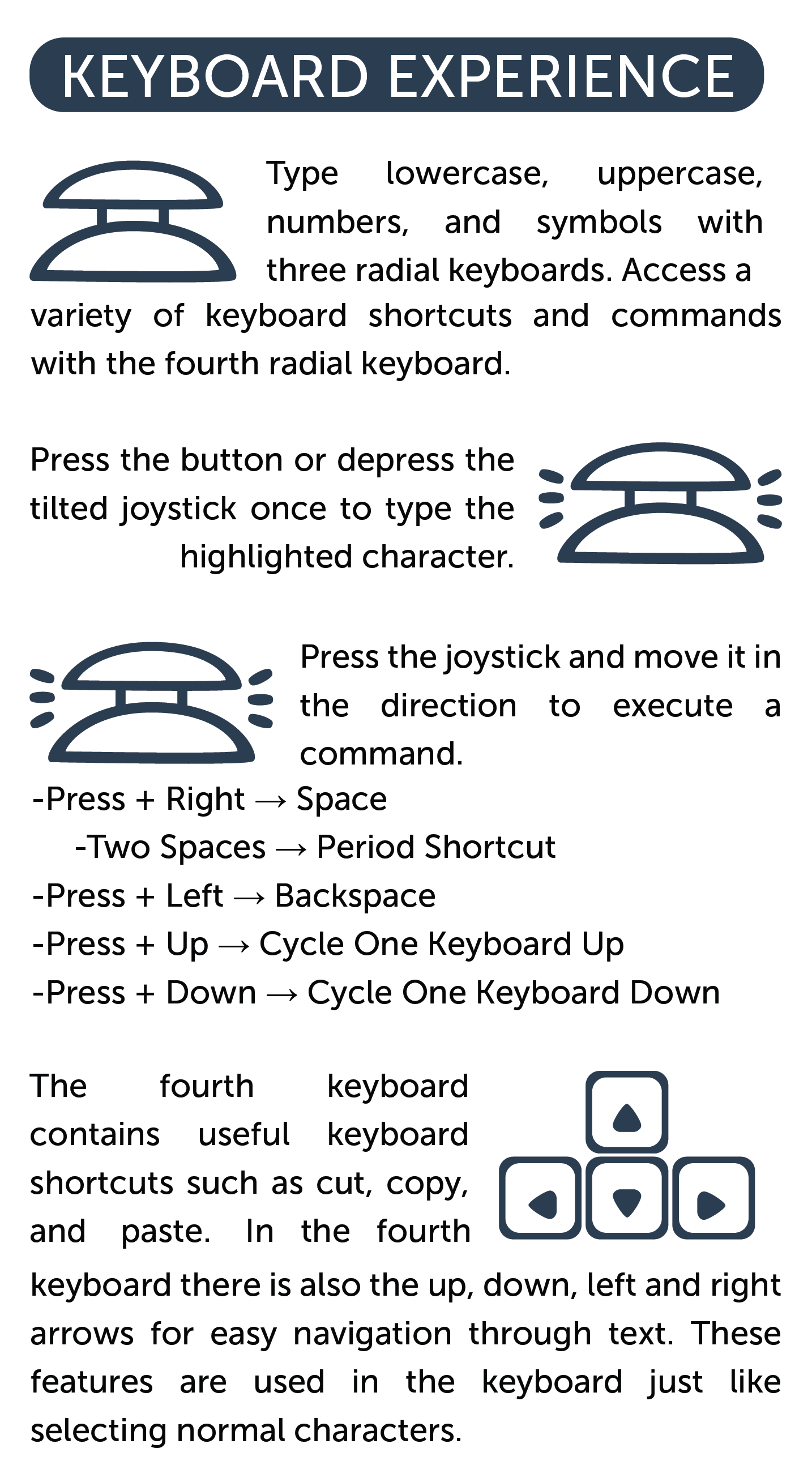
The user can use the joystick to simulate a mouse. They can then click, double, or right click by pressing the joystick or pushing the button on the back of the controller. By triple clicking, the user can then switch the joystick to control a radial keyboards with four different layers of functionality. While in keyboard mode, the user types by highlighting a character and then pressing the joystick or pushing the button to select that character. The user can rotate through the four keyboards by pressing the joystick in the rest position and then tilting up or down. The first keyboard is lowercase, the second uppercase, the third numbers and symbols, and the fourth provides useful keyboard shortcuts.
Challenges We Ran Into:
- Utilizing and adapting to the available hardware and tools
- Creating a full user experience with simple x-y motion and one button
- Designing for a user with specialized and specific needs
- Bugs, bugs, bugs
Accomplishments that We're Proud Of:
- Paying it forward by creating a device that makes technology more accessible by all users
- Creating an assistive device with simple, inexpensive materials
What We Learned:
Not all devices are equal for all people with the same disability. Each person interacts differently with their device as well as varying mental and physical capacities. Also, the quality of these devices is directly related to its ability to be accessed by the consumer; often many assistive devices are too costly or rare to be feasibly accessed by all of the individuals who can benefit from them.
Future Improvements to Joy Assist:
We hope to expand our outreach by becoming compatible with tablets, mobile devices, and screen readers. We plan to increase our responsive dictionary and spell check to include a multitude of languages. Finally we hope to improve our current user experience by shifting to a graphic interface and offering a variety of on screen keyboard formats.


Log in or sign up for Devpost to join the conversation.