-
-
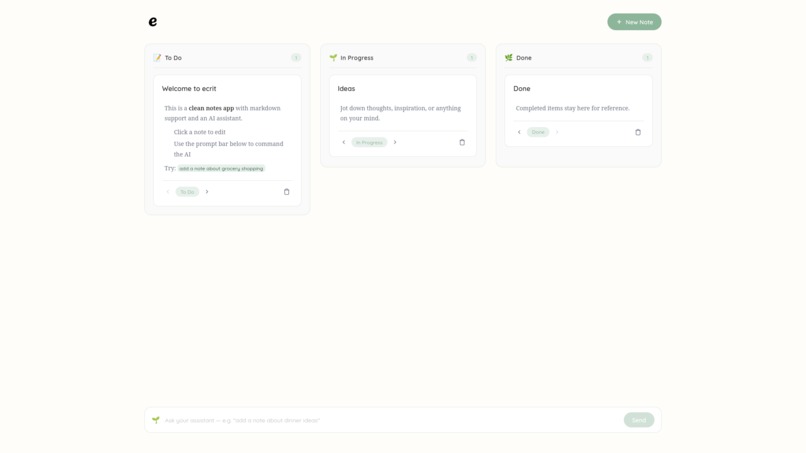
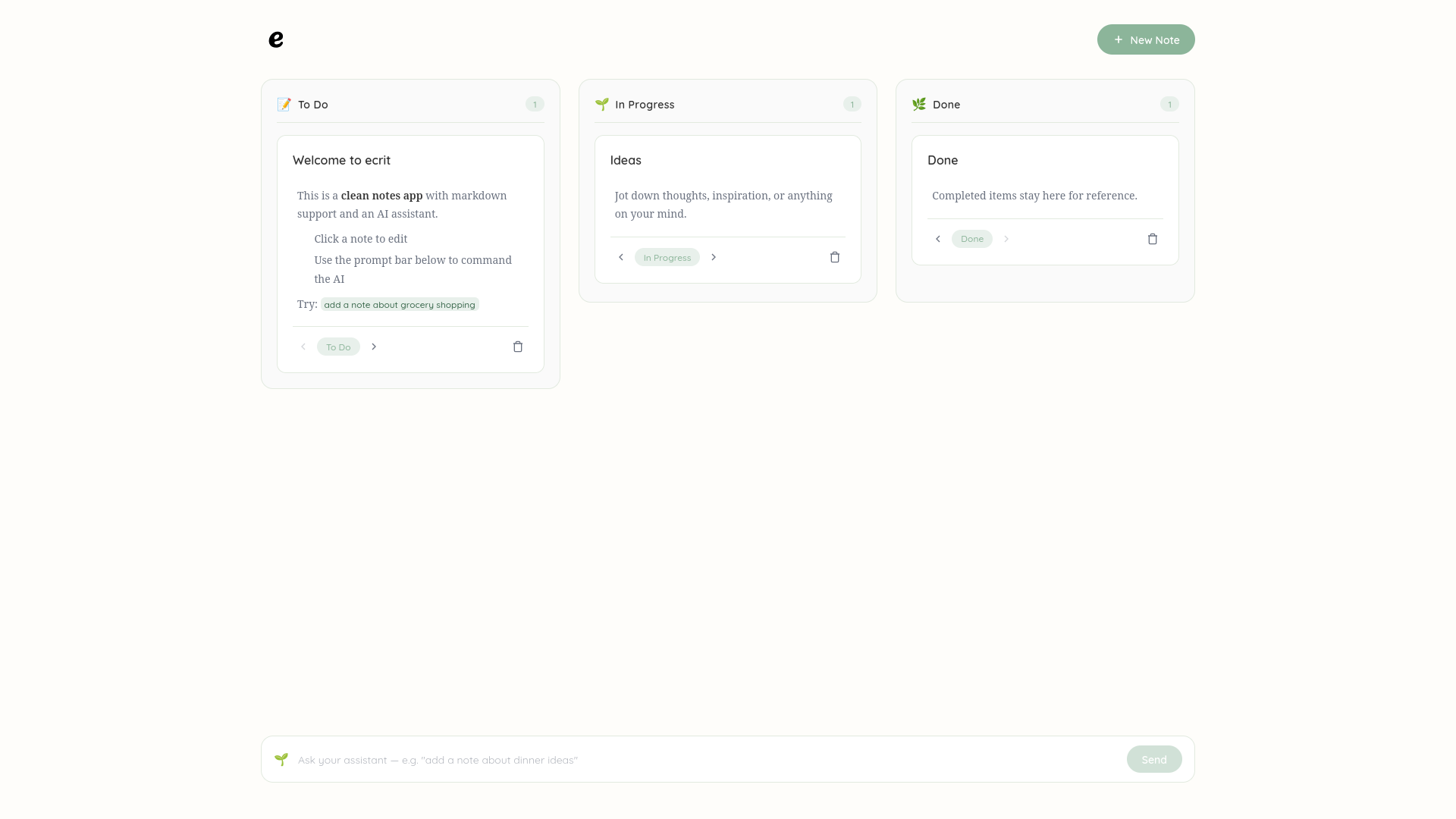
Introducing to ecrit
-
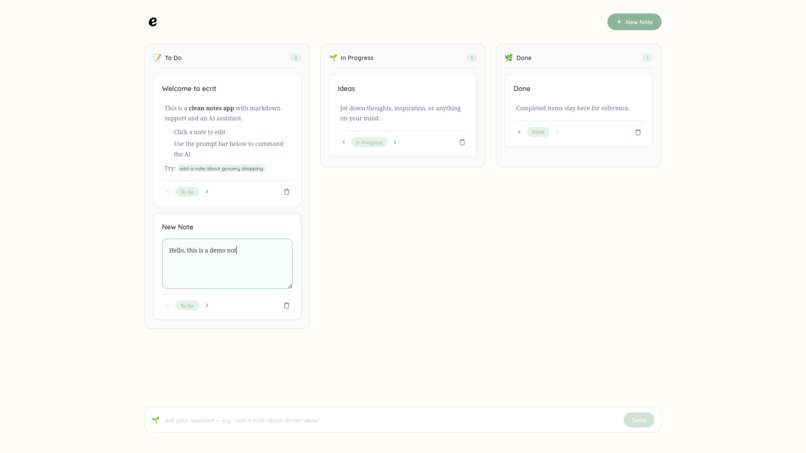
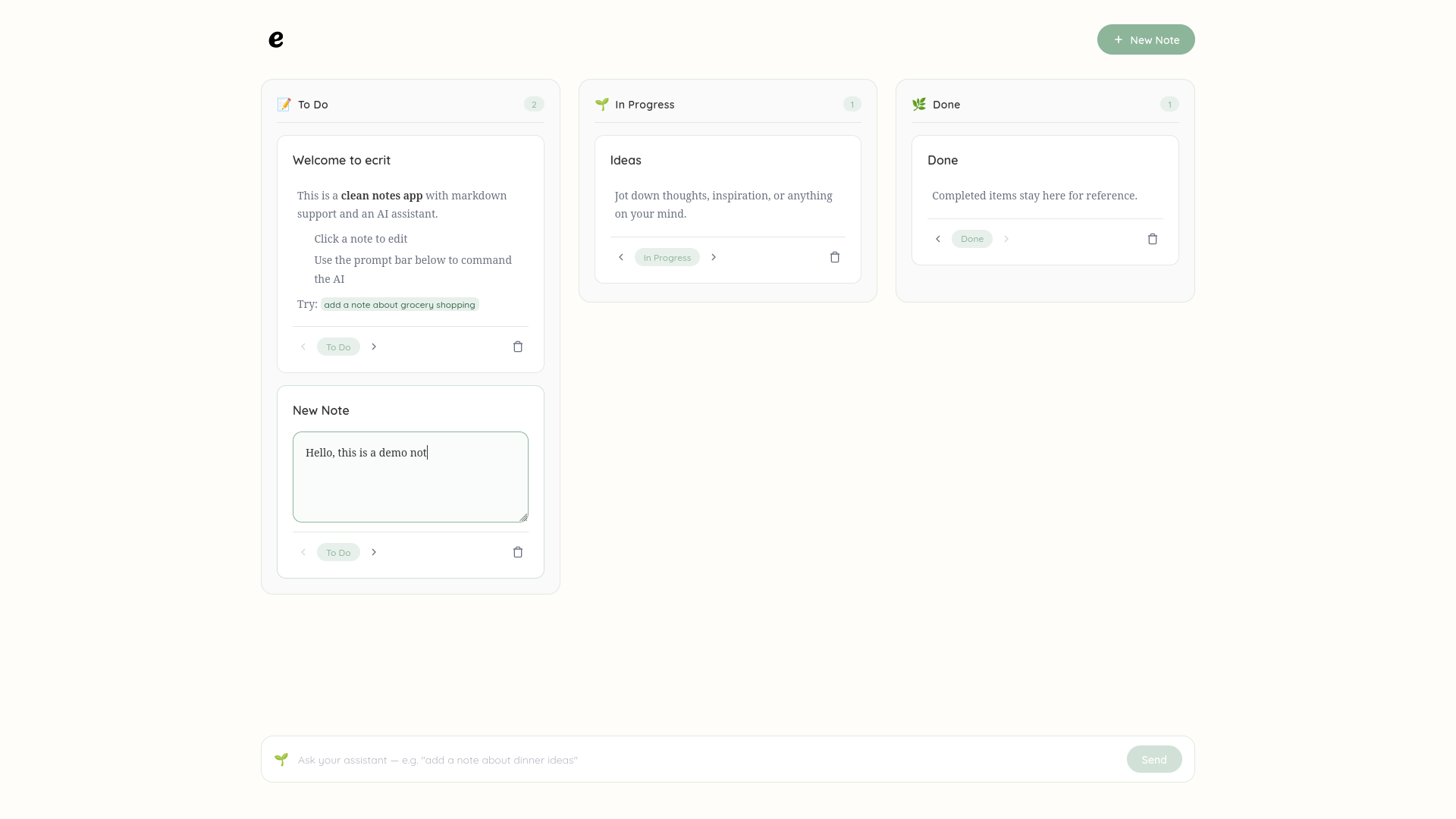
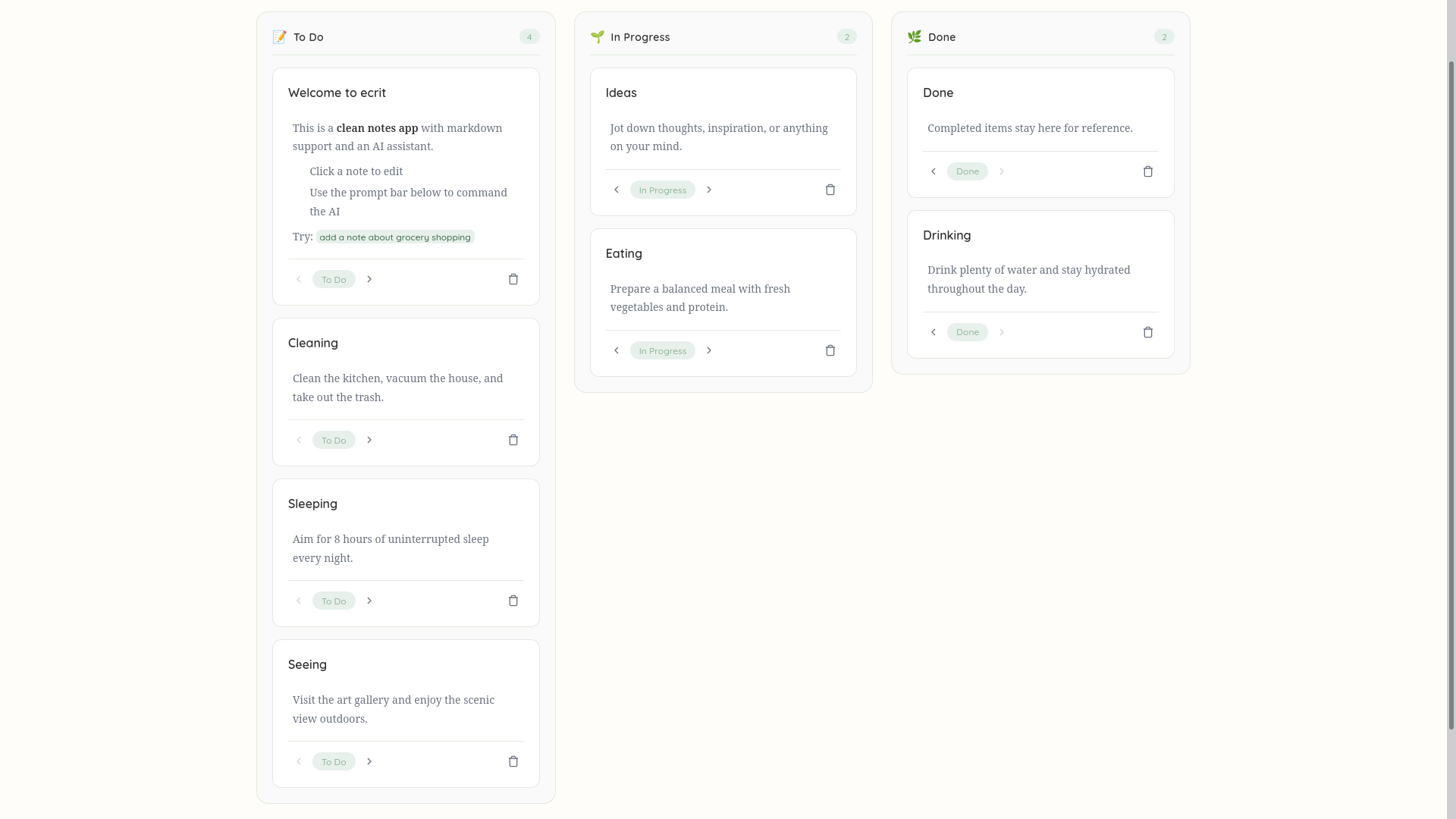
Where you can write notes
-
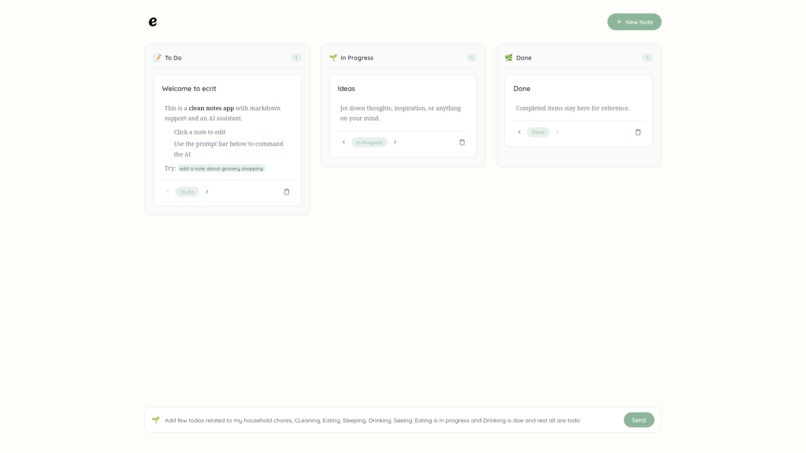
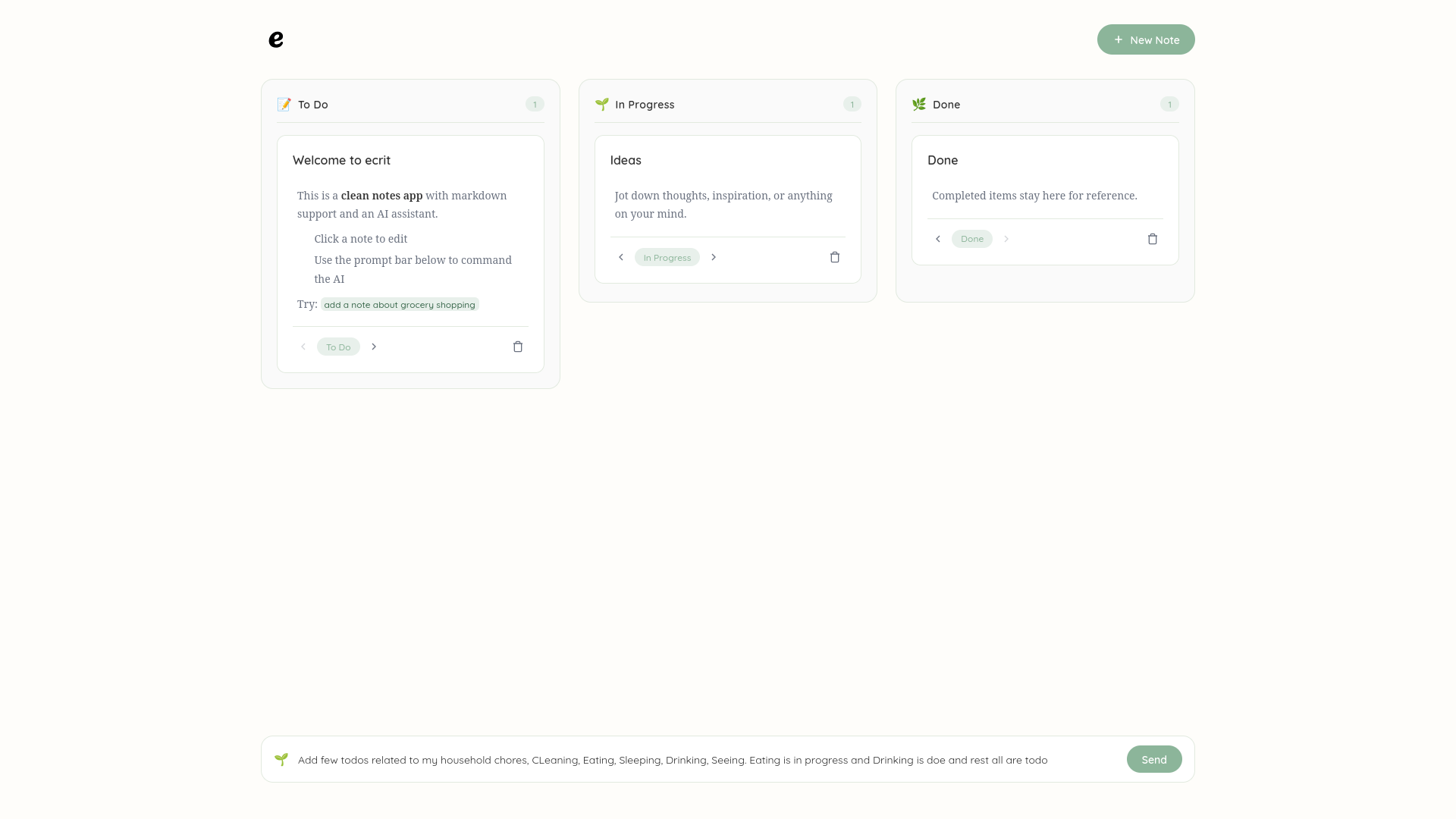
Or let AI write them for you
-
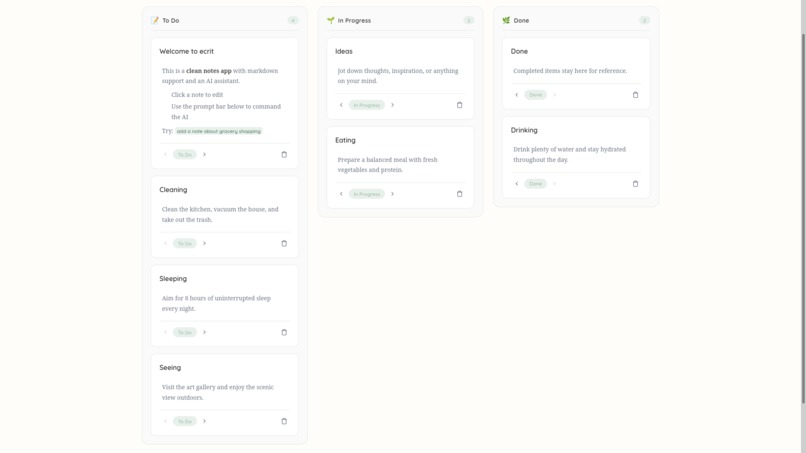
Also with descriptions you ask it
-
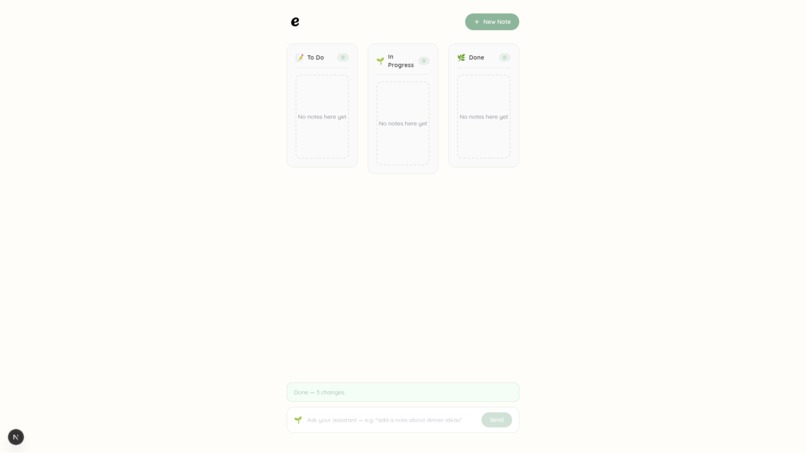
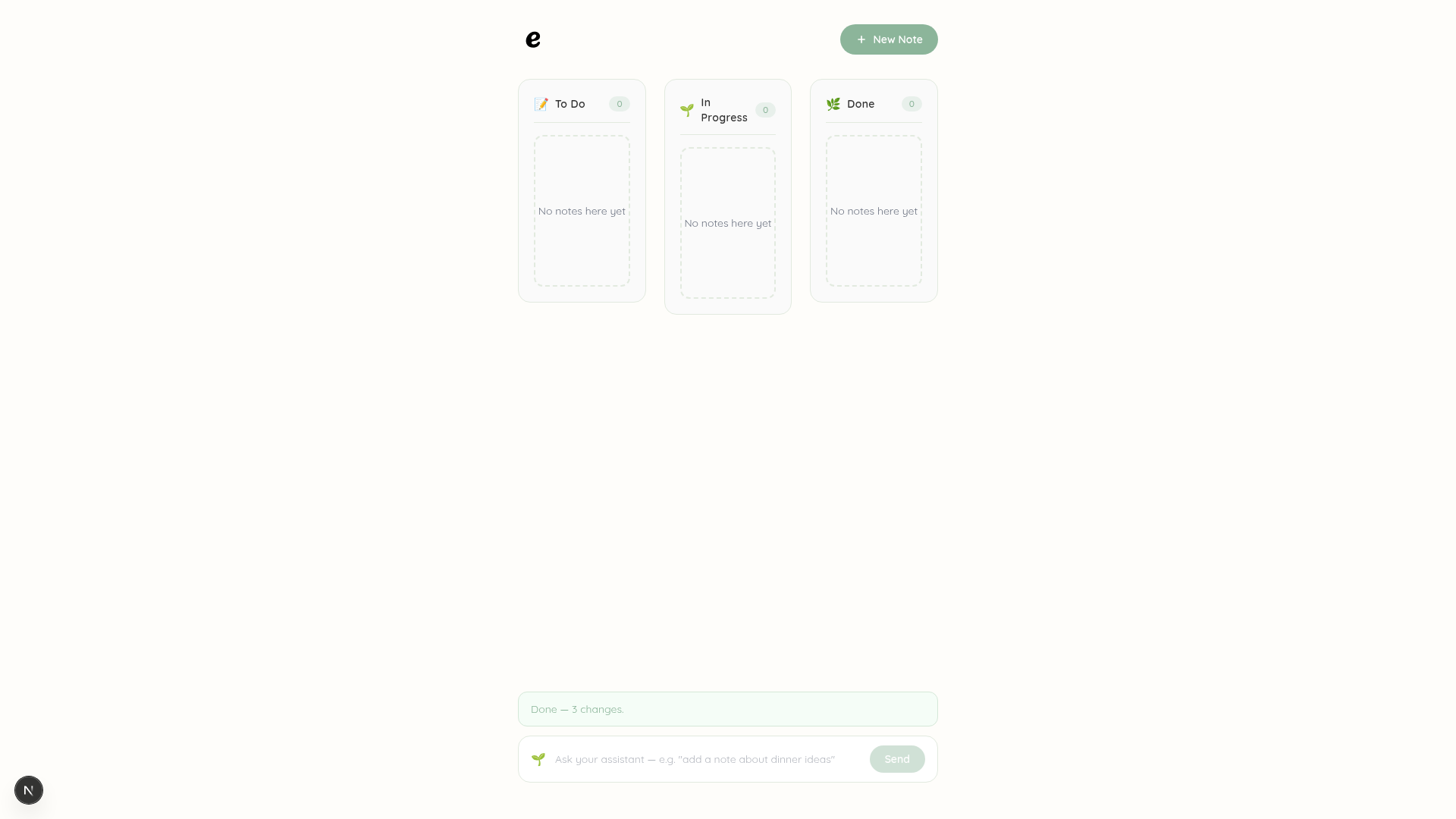
Deleted!
-

Or delete everything with giving permission

Inspiration
We wanted note-taking to feel effortless when working alongside AI. Right now, most AI feel isolated from the apps we actually use—they sit in a side panel, completely blind to what's happening on your screen unless you copy-paste text back and forth.
When the WebMCP open standard was announced, we realized web apps could finally give AI agents structured "hands" to help users directly inside the UI. We set out to build Ecrit—a cozy, distraction-free notes workspace where you and your agent can read, organize, and edit your board together without getting in each other's way.
What it does
Ecrit is a soft, paper-themed note app designed for both humans and AI agents.
- Works with your AI agent: Instead of copy-pasting notes, your AI assistant can directly create cards, organize columns, search your notes, or edit markdown text using clean background commands.
- Keeps you in control: The app includes human-in-the-loop protection. For sensitive actions—like deleting a note—the AI cannot bypass your permission; it triggers a friendly prompt asking for your confirmation first.
- Clean workspace: Uses a calming "Cactus & Paper" design system with readable typography so writing always feels natural.
How we built it
We built Ecrit using modern, fast web standards designed for agent-native interactions:
- Frontend: Built with Next.js (App Router) and Tailwind CSS to keep the UI fluid and responsive.
- WebMCP Integration: We used
@mcp-b/globalto register 7 custom browser tools directly tonavigator.modelContext. This allows browser agents (like ChatGPT's in-app browser) to instantly detect what Ecrit can do. - Markdown Rendering: Integrated
markedso your notes support rich text, checklists, and code snippets smoothly. - Security & Guardrails: Built strict input sanitization and length limits into every tool handler to stop prompt injection attacks from messing up your board.
Challenges we ran into
- Teaching DevTools to detect WebMCP: Early on, browser flags and polyfills didn't always play nicely together during Next.js client hydration. We had to carefully structure our client component mounts inside a clean
useEffectlifecycle to ensurenavigator.modelContextwas exposed reliably to Chrome DevTools. - Balancing cute design with structure: Finding the right balance between a soft, friendly "cactus and paper" aesthetic without making the Kanban board feel cluttery or misaligned took several UI iterations.
- Preventing rogue actions: Ensuring AI agents couldn't accidentally wipe out user data required setting up a clear split between "read-only" search tools and "write" operations that require explicit user consent.
Accomplishments that we're proud of
- 7 fully functional WebMCP tools: We successfully exposed a complete set of CRUD and search actions (create, move, edit, rename, delete, search, summarize) without relying on fragile web scraping.
- A polished, human-centered UI: Created an aesthetic that feels warm, calm, and approachable—completely avoiding cold, overly complex dark-mode terminal tropes.
- Built-in security: Successfully defended tool handlers against prompt injections and stored XSS attacks right out of the box.
What we learned
- The future of web apps is agent-native: Building with WebMCP showed us how much smoother web apps become when AI agents have explicit APIs instead of guessing their way through raw HTML elements.
- Safety needs to be built into the UI: Human-in-the-loop confirmations are essential for building trust between users and automated agents.
What's next for Ecrit
- Real-time Collaboration: Allowing multiple human users and AI agents to edit the exact same markdown card simultaneously.
- Custom tags & board filtering: Exposing tag-based tool filtering so agents can organize complex projects automatically based on priority.
- Offline sync: Saving all your paper notes and board history locally so Ecrit works seamlessly offline without needing a constant network connection.
Built With
- ai-agents
- developer-tools
- kanban
- markdown
- next.js
- notes
- openai
- opensource
- productivity
- security
- tailwindcss
- typescript
- ux/ui
- webmcp

Log in or sign up for Devpost to join the conversation.