-
-

Title Page
-
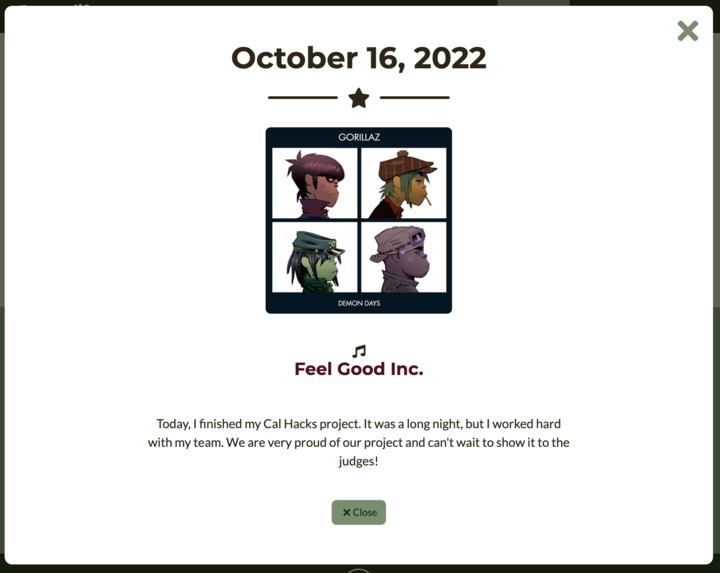
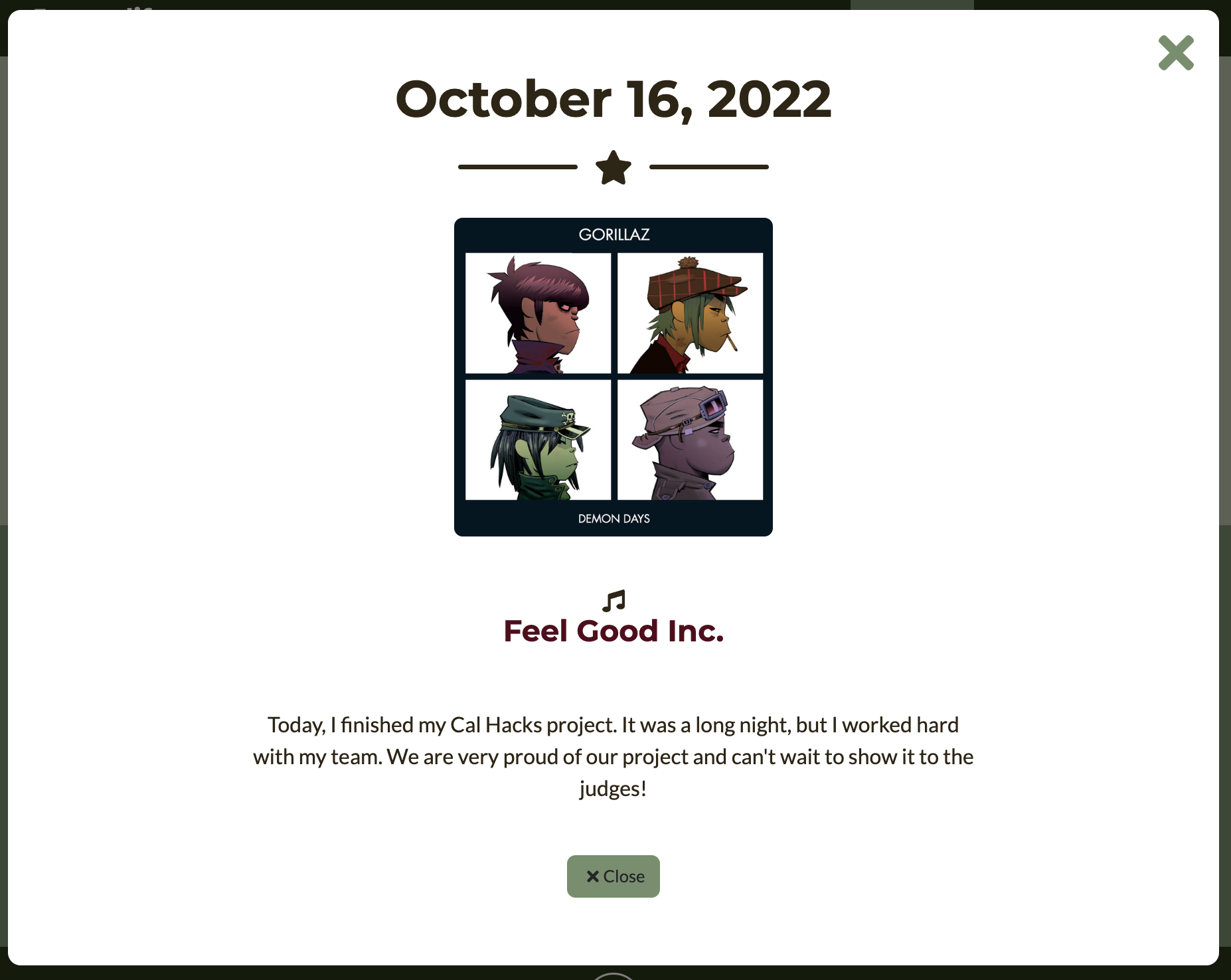
Song Suggestion Page
-
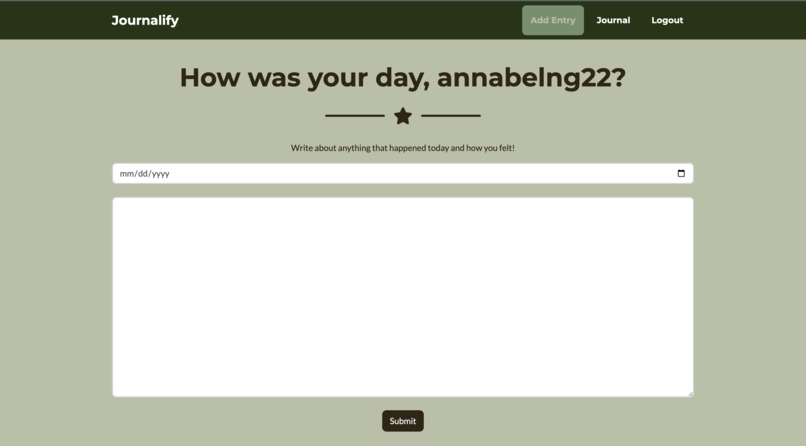
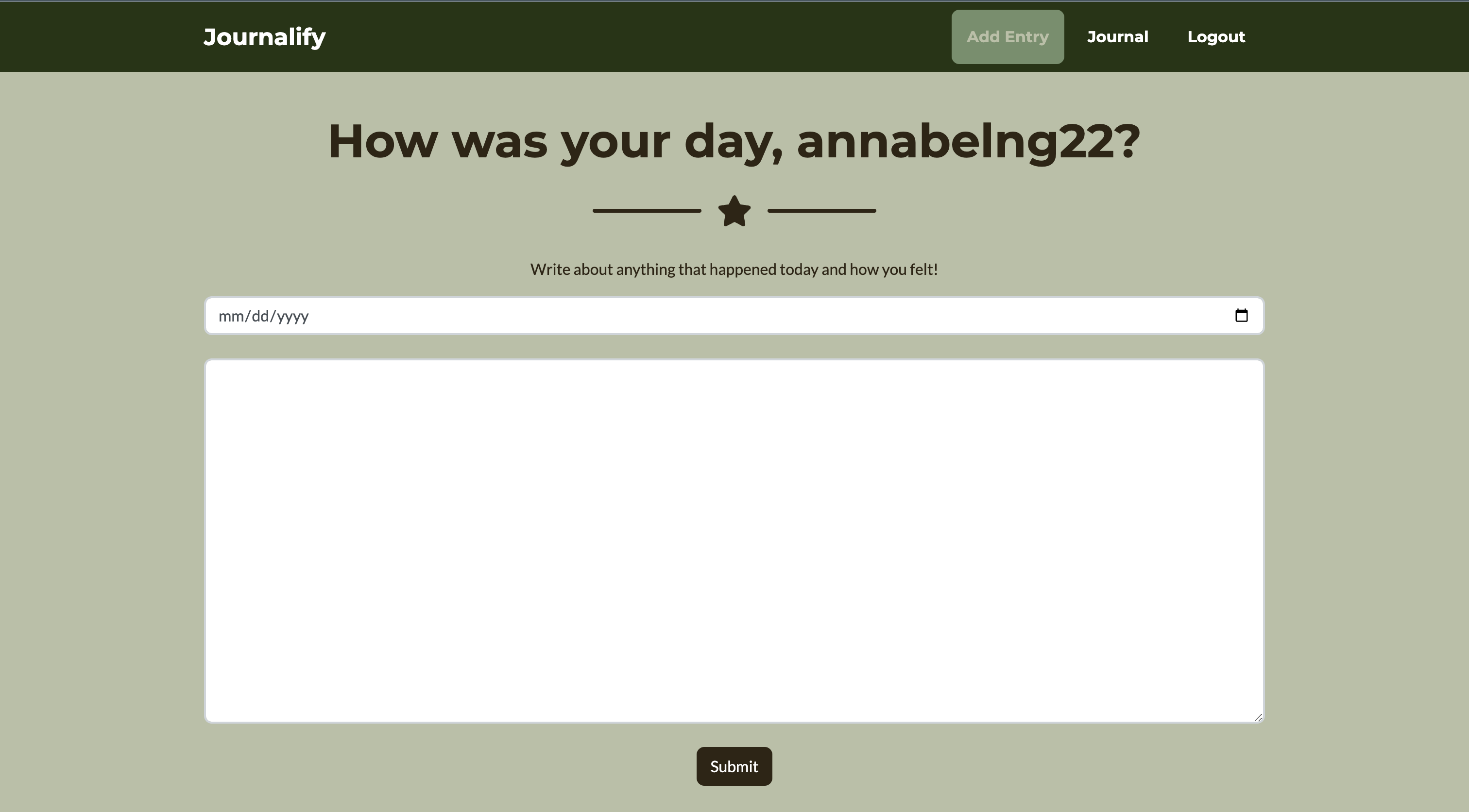
Journal Entry Page
-
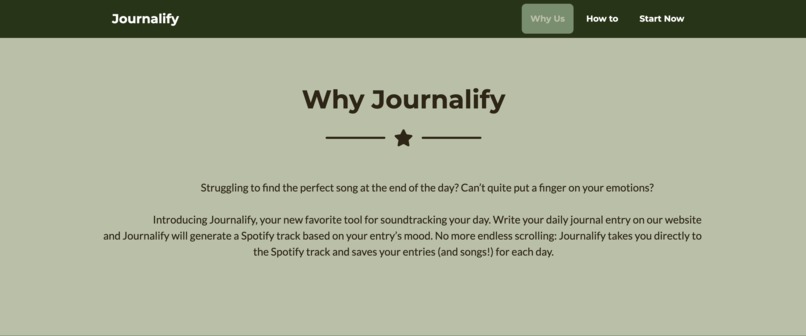
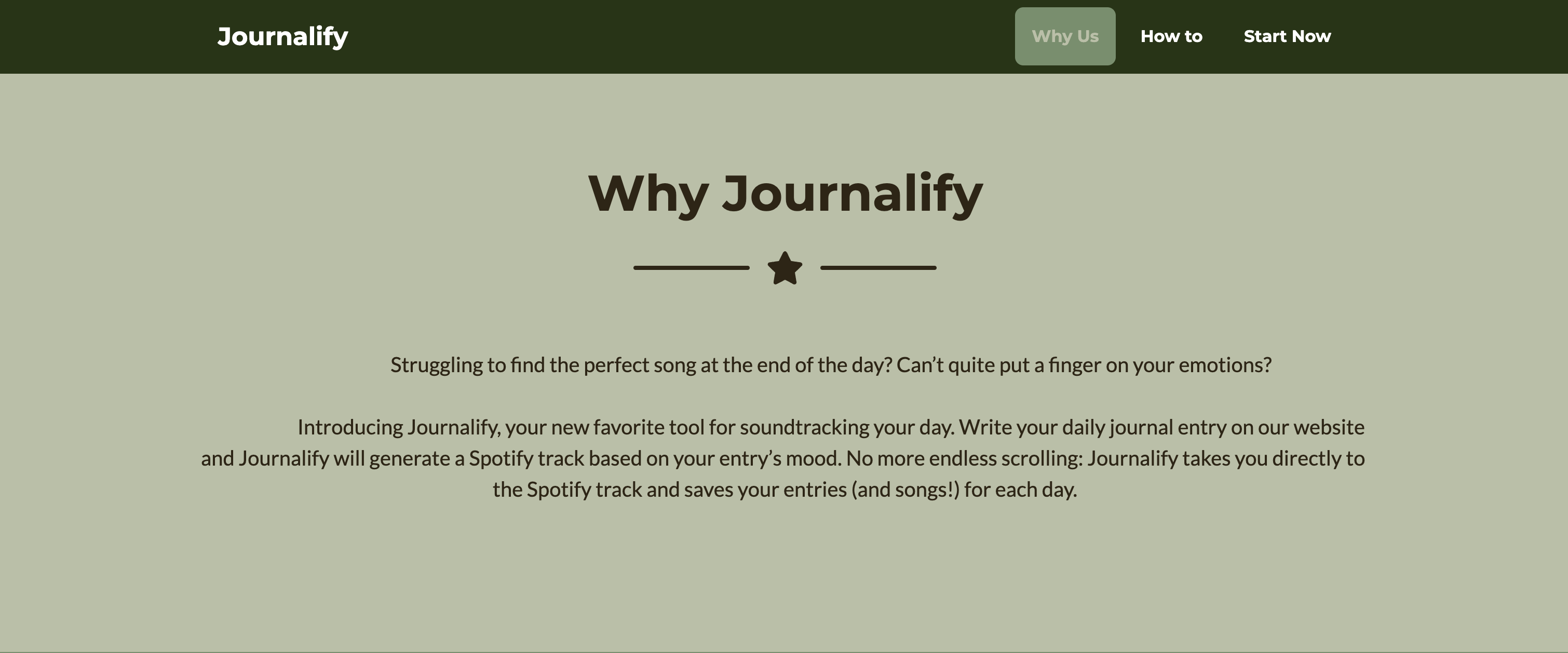
Why Journalify
-
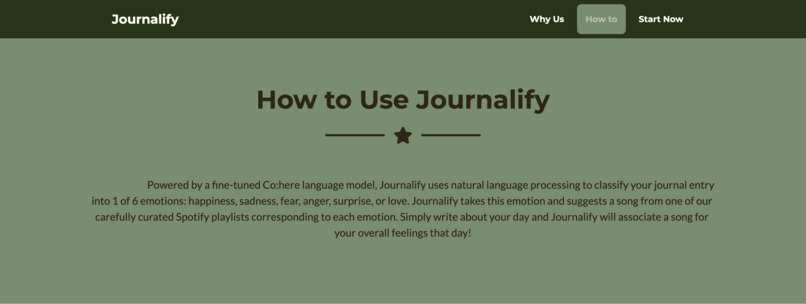
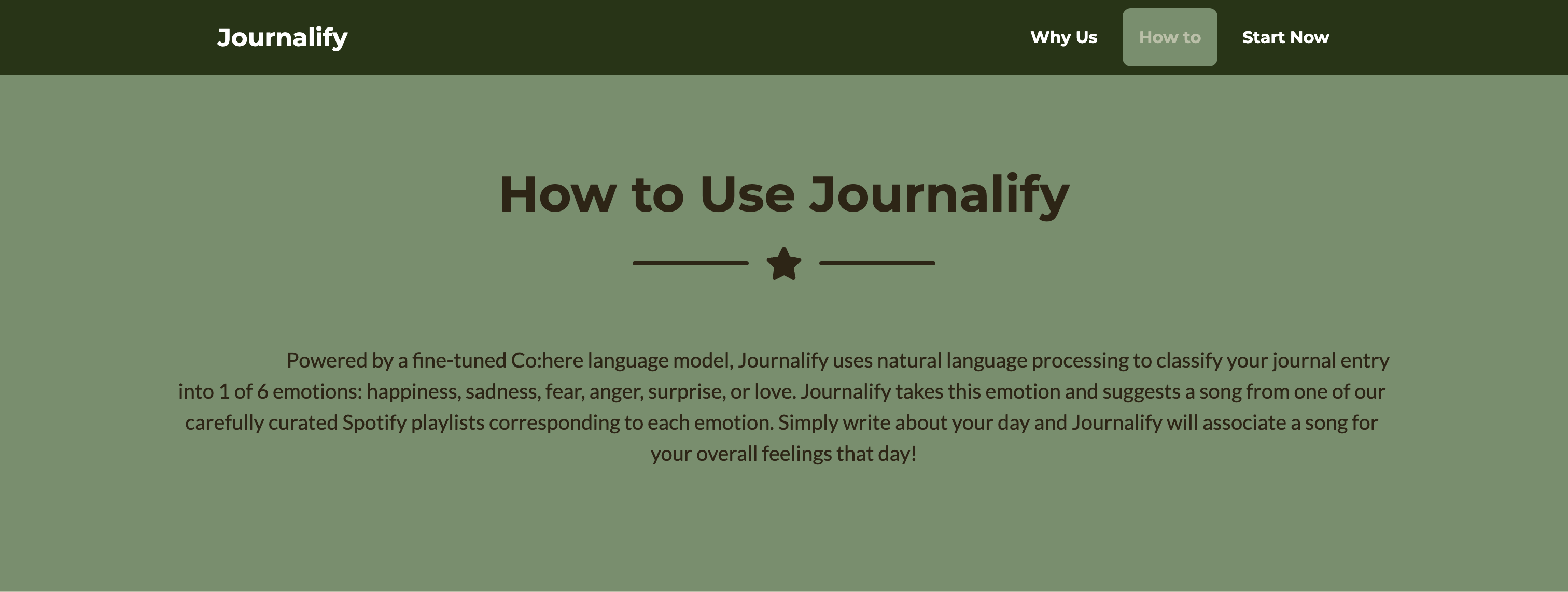
How to Use Journalify
-
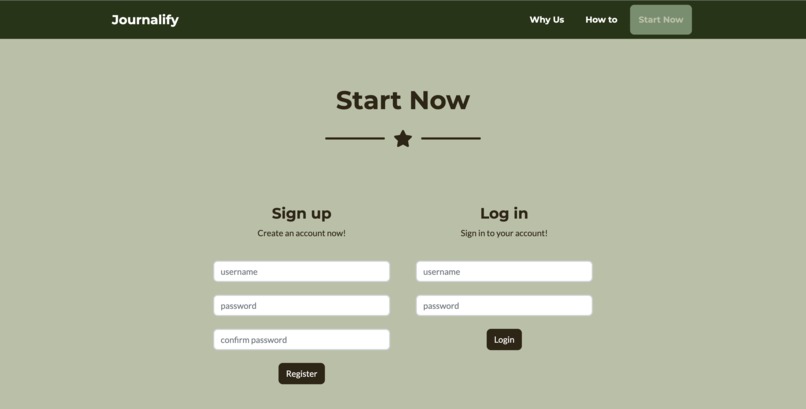
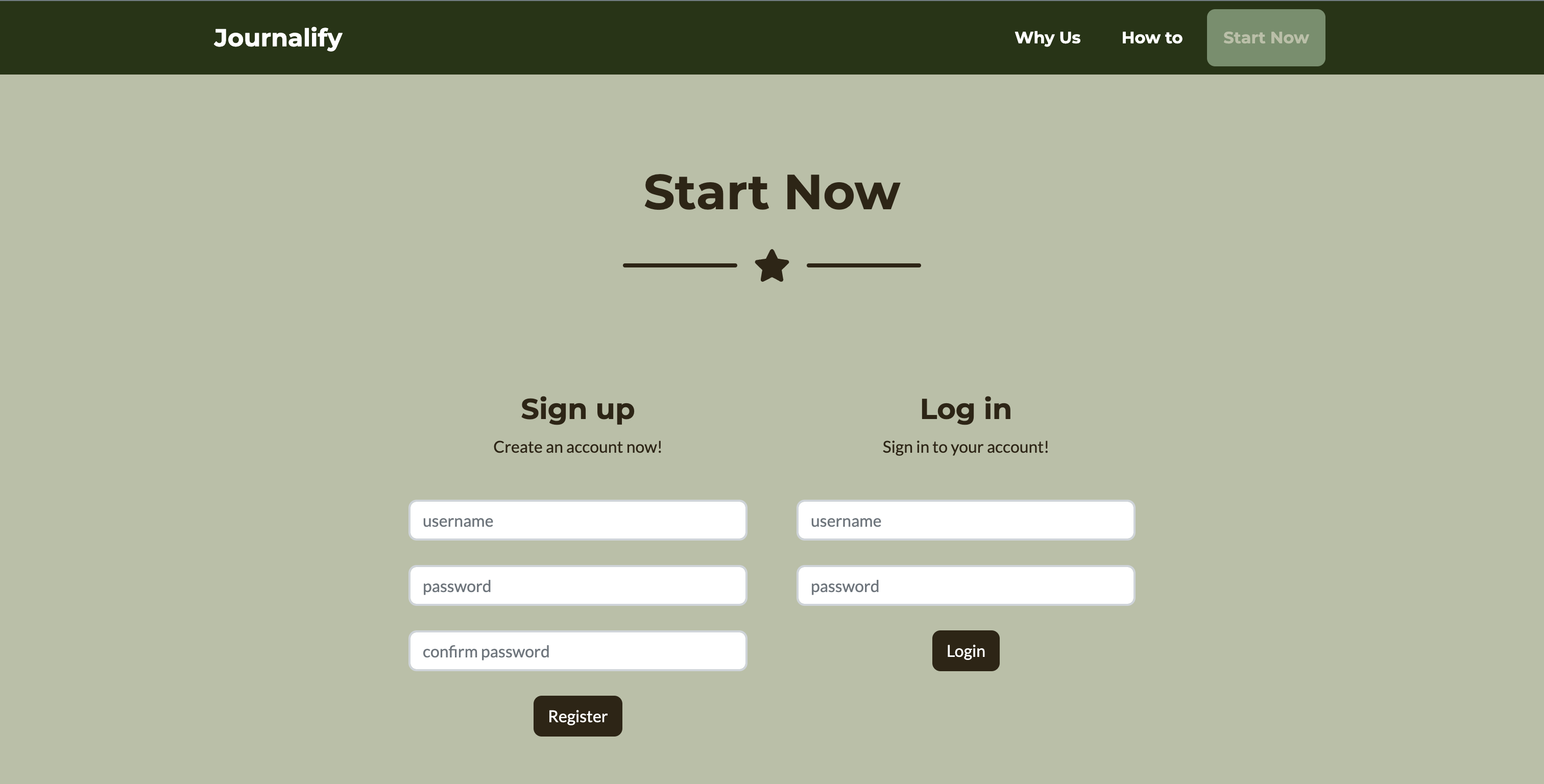
Log-In Page
-
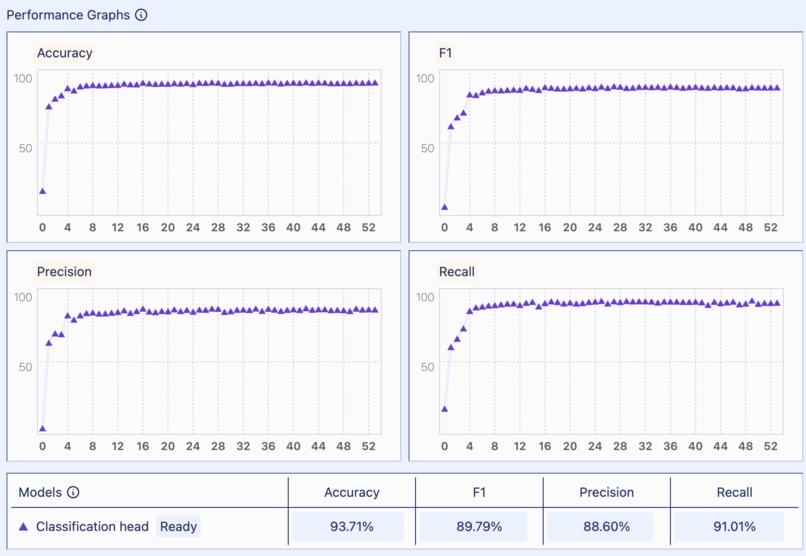
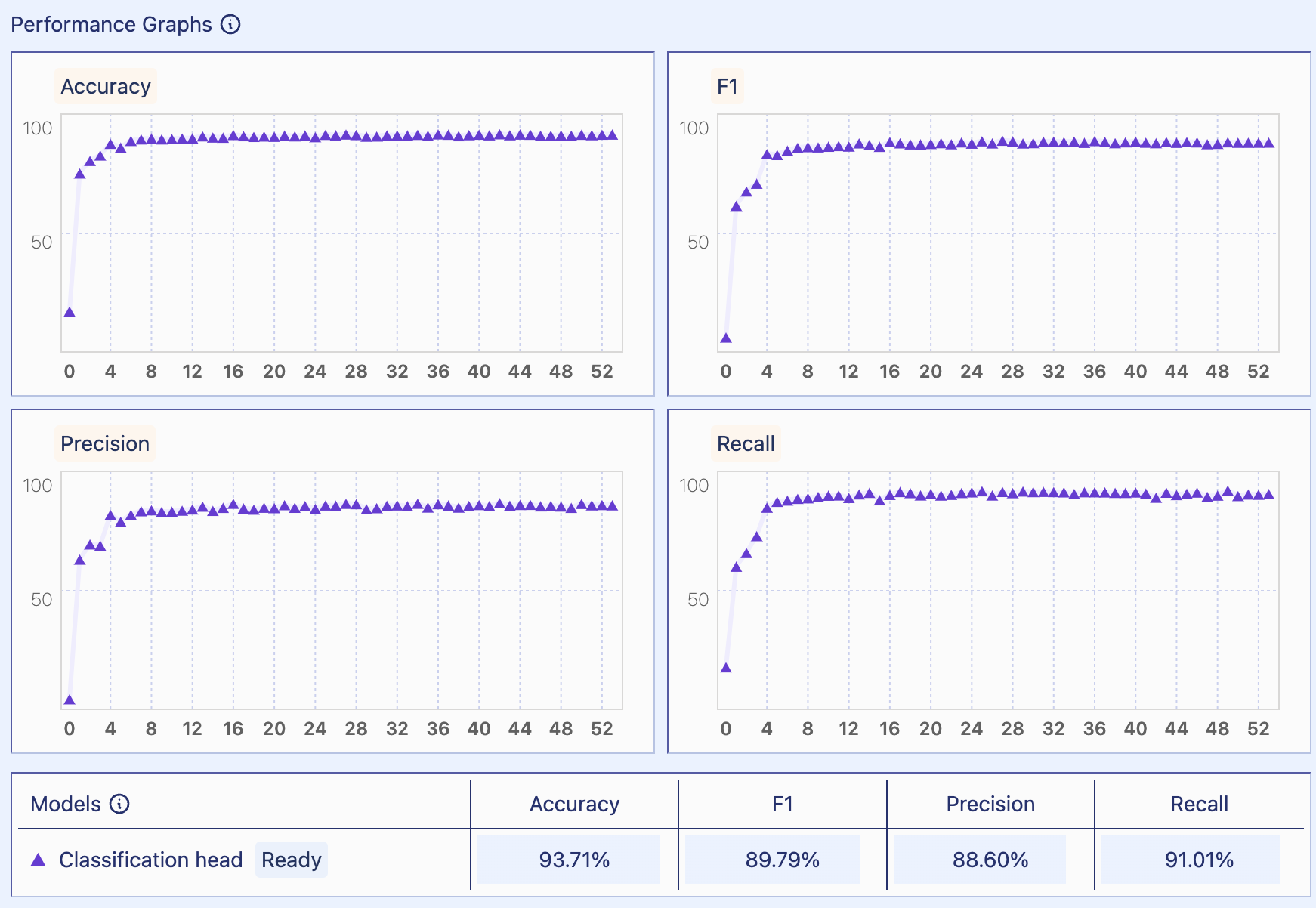
Fine-tuned sentiment analysis model metrics

Inspiration 🎶
Having journaled every day and having spent hours trying to choose what song to listen to to wrap up our day, we knew Journalify would be perfect. It generates a track from your thoughts to save you the trouble of browsing through Spotify only to end up not knowing what to play. With Journalify, soundtrack your life, one day at a time.
What it does 🎶
Powered by a fine-tuned co:here language model, Journalify uses natural language processing to classify your journal entry into 1 of 6 emotions: happiness, sadness, fear, anger, surprise, or love. Journalify takes this emotion and suggests a song from one of our carefully curated Spotify playlists corresponding to each emotion.
How we built it 🎶
For the frontend of the website, we used HTML, CSS, and Javascript. Flask helped us deliver user inputs to the SQL database, storing the song outputted by the Spotify API after running sentiment analysis on each entry.
For the machine learning model, we used a Kaggle dataset of text labeled with 6 emotions. We used this dataset to finetune a medium co:here baseline model. Our fine-tuned model produced an accuracy of 0.9871, a precision of 0.8860, and a recall of 0.9101. We retrieved data from the API results by inputting the key word emotion that was predicted by the fine-tune model as an argument.
Challenges we ran into 🎶
One of the first challenges we ran into was finding a dataset to fine-tune our model on since we needed enough textual data labeled with sufficient emotions. The first dataset we found (and ended up using) had 21,405 examples with 6 different labels, but we found another dataset specific to journal entries with 18 labeled emotions. However, this second dataset had multiple labels per journal entry, making it a multi-label classification problem. We tried training a separate model for each emotion, but the model performance was not as strong as the original dataset, so we ended up sticking with the original dataset with a smaller scope of emotions. This decision process was a challenge for us, since we had to weigh the pros and cons of having more emotions with poorer performance.
We also ran into issues regarding the framework of the Spotify API. At first, when we ran the code for our Spotify API, we kept running into errors about not having a client ID to pull the information from. However, after looking into user authorization and how to register apps in the Spotify Developer to retrieve the client credentials needed to make authorized calls, we were able to retrieve elements including our playlist IDs, the track URLs, the titles of the suggested songs, and the cover images of the albums that the songs were from.
Accomplishments that we’re proud of 🎶
We didn’t have any experience with using sentiment analysis, but we were proud of how our model was able to accurately identify the tone behind the journal entry texts. Using API’s to retrieve songs from a certain playlist was something we thought was a great accomplishment because we had little to no experience in using public APIs for projects. It was also very cool to see the website functioning smoothly and seeing how the suggested songs actually matched our journal entries. Lastly, we were very proud of how we divided and conquered because everything fit together smoothly.
What we learned 🎶
We learned how to use the spotify (and spotipy) APIs. We also figured out how to fine-tune a classification model on co:here and deploy the fine-tuned model through an API. We also learned how to manipulate datetime objects in Python to sort them and store them in any format as a string.
What’s next for Journalify 🎶
Journalify’s next steps include hosting our site on a server instead of locally on our computers. We also want to fine-tune our model on a bigger dataset with a broader scope of emotions beyond our current six. Beyond suggesting individual songs, we hope to generate custom playlists for users. Another feature we plan on implementing is suggesting songs by matching song lyrics with the journal entry through sentiment similarity.


Log in or sign up for Devpost to join the conversation.