Inspiration
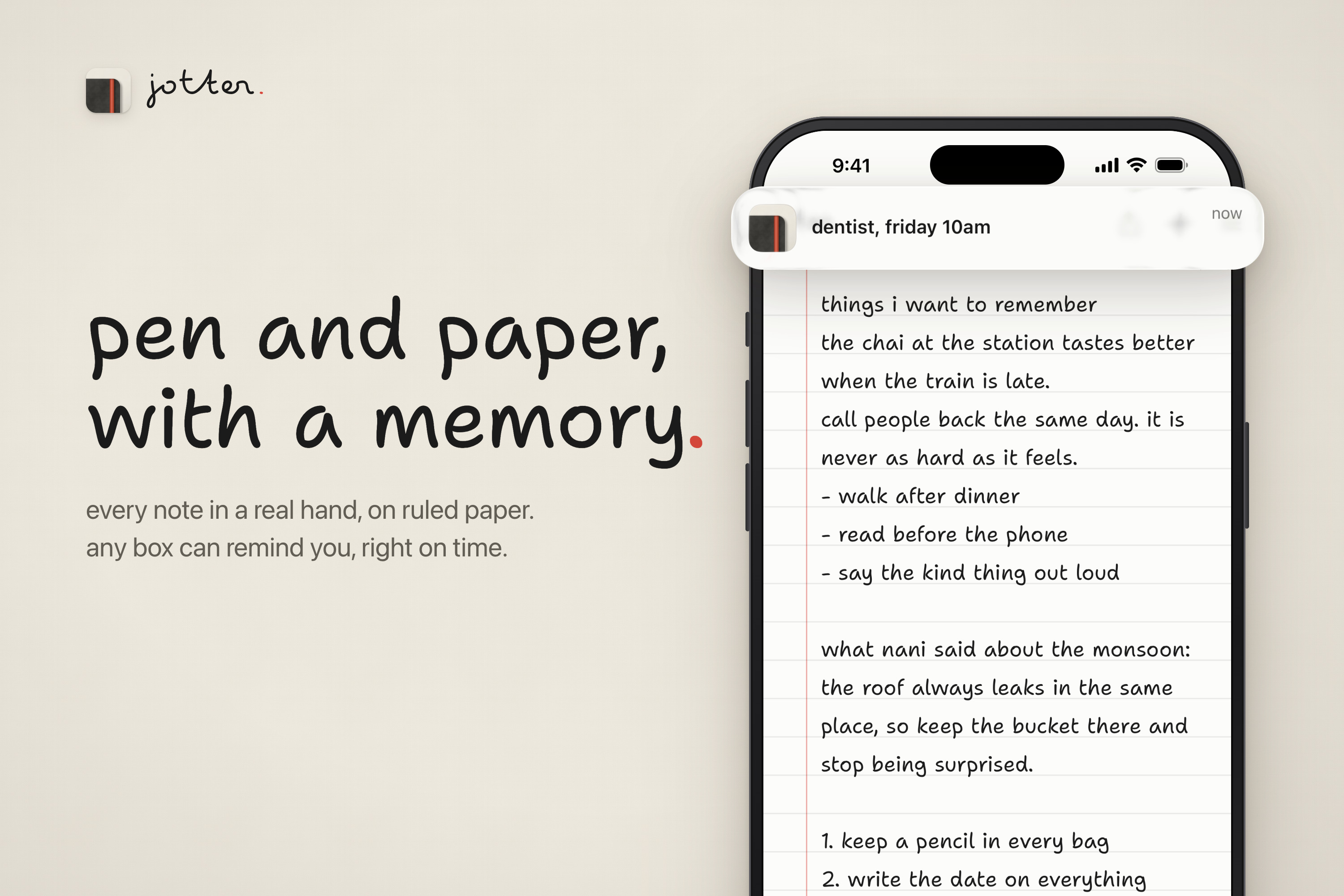
paper is still the best notes app. it just can't find anything, set a reminder, or sync. so we kept the paper and quietly added the software underneath.
What it does
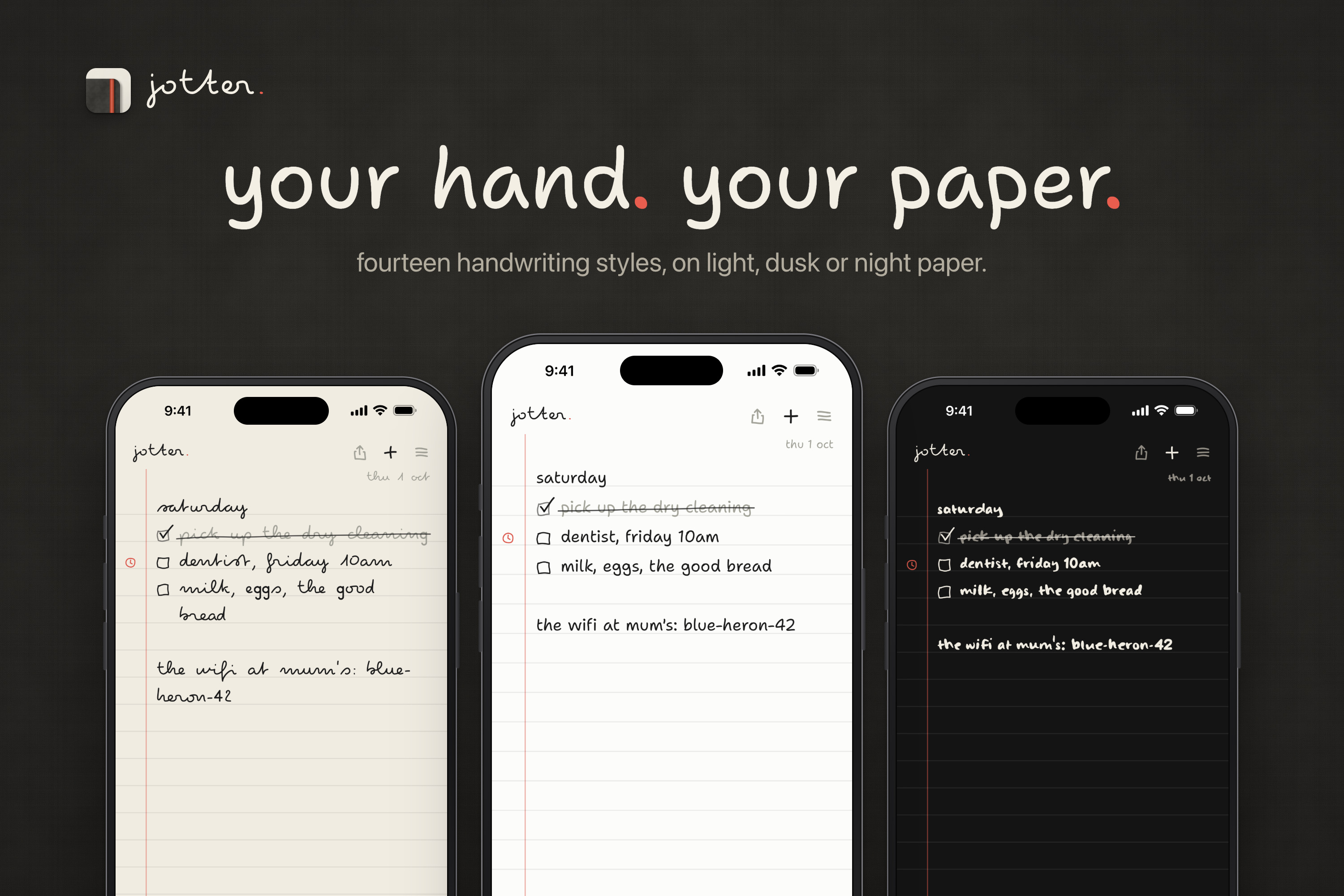
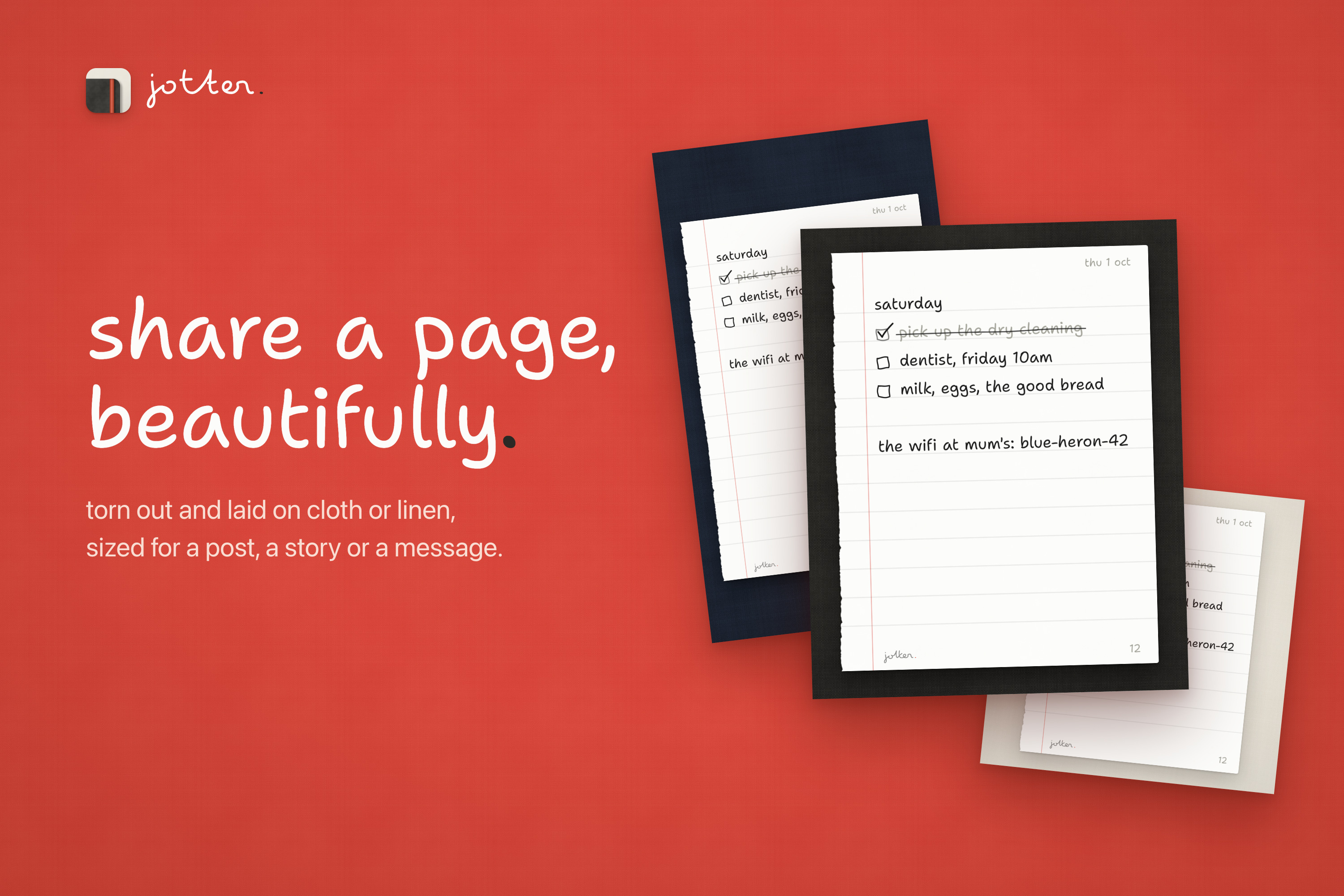
a notebook for your iphone that writes in your own chosen handwriting. you flip pages sideways and tap a box to tick it, and a pencil line crosses the words out. type "dentist friday 10am" and it offers to remind you. it syncs through icloud, searches every page, and shares a page as a torn-out sheet lying on linen. no ai, no account, no folders.
How we built it
swiftui and textkit, with fourteen handwriting fonts and a real pencil sound. sync runs on cksyncengine and merges changes line by line. nsdatadetector reads the dates, so there's no ai involved. there are widgets, siri, spotlight and a control center button. revenuecat handles pro, and we leaned hard on claude code.
Challenges we ran into
- making typed text feel handwritten without losing what makes it text: search, select, copy
- two phones editing the same page at once without either one losing words
- making sure a sync can never wipe out a notebook
- hindi, thai and japanese still had to look hand-drawn
- sizing a shared page so the handwriting is as big as possible and never breaks a line in a new place
Accomplishments that we're proud of
- it feels like paper until you need it not to
- you can just start writing: no titles, no setup
- there's no blank-page clutter, since a page only exists once it has a word on it
- the paywall never shows up uninvited
- shared pages actually look good
What we learned
restraint is a feature. every button we didn't add made it feel more like paper. also, sync is 10% code and 90% thinking about how things can go wrong.
What's next for jotter: pen and paper
- apple pencil, so you can write on the page for real
- ipad, two pages open like a real notebook
- more papers and more hands
- stickers? maybe. we're still arguing about it
Built With
- metal
- swift
- swiftui

Log in or sign up for Devpost to join the conversation.