Inspiration
As students, we have very limited time due to school work, extracurricular activities, and other commitments. When time is this scarce, studying efficiently becomes more and more important so that you can free up some time for other work or hobbies. As a solution to this very common issue, we made Jotter.
What it does
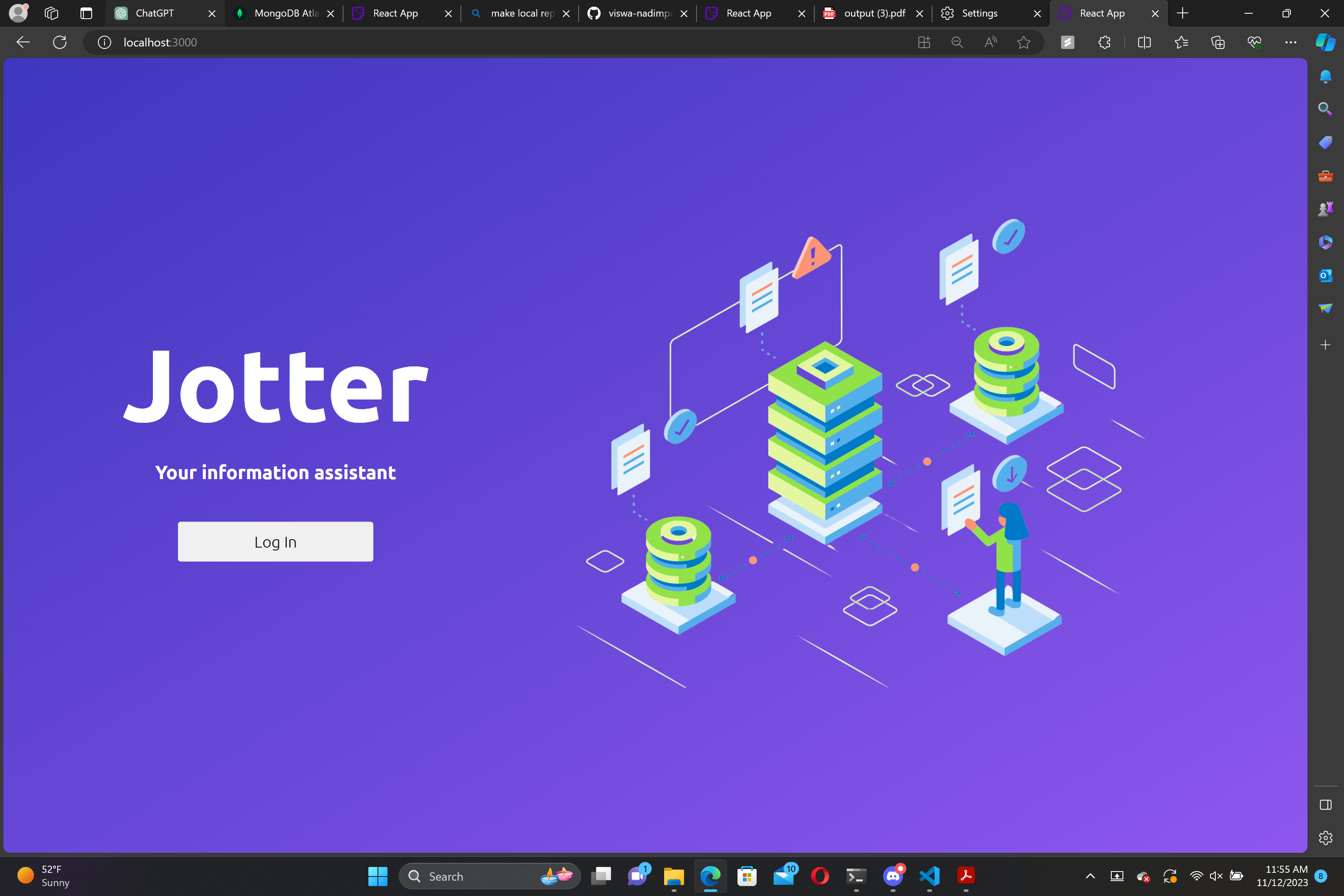
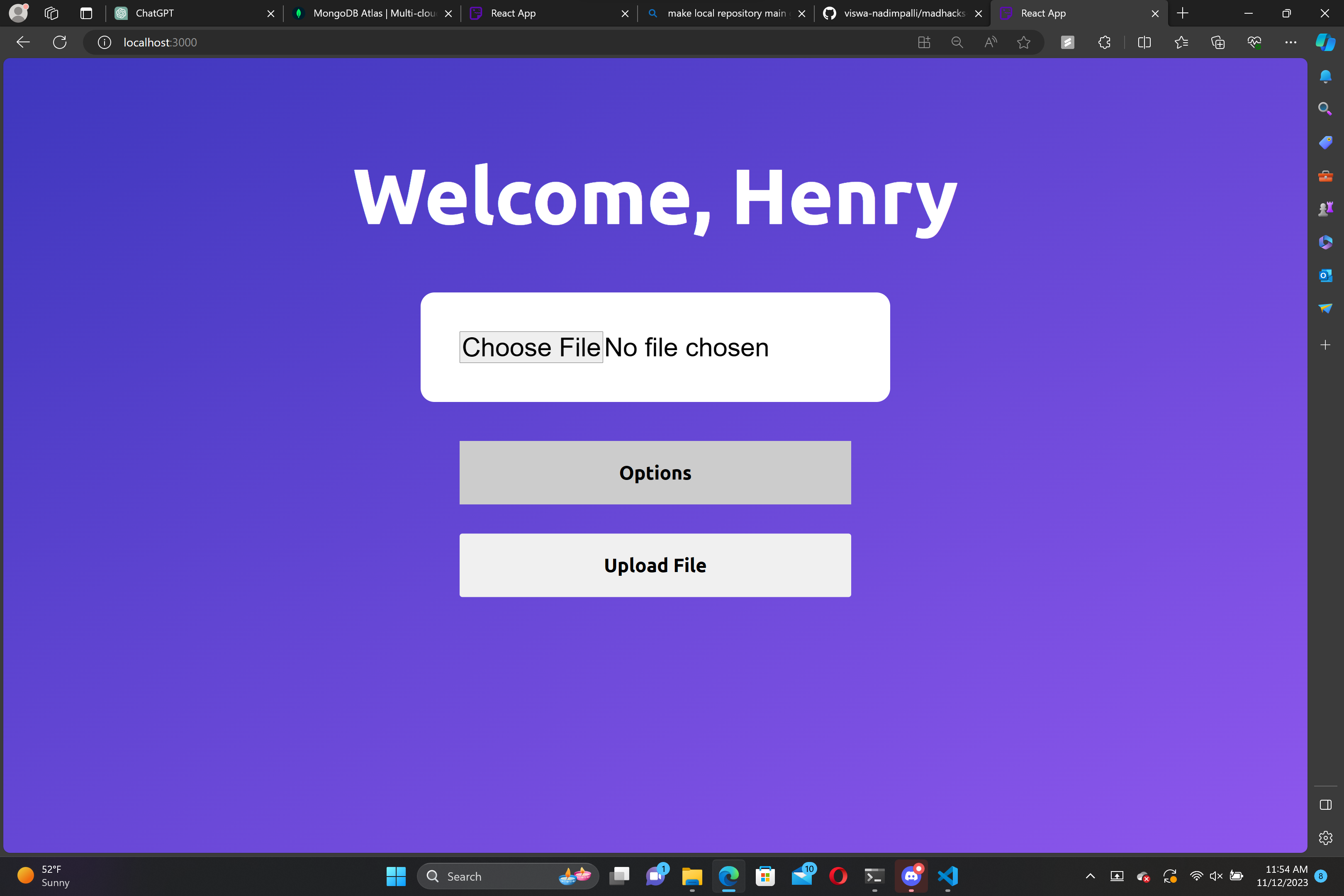
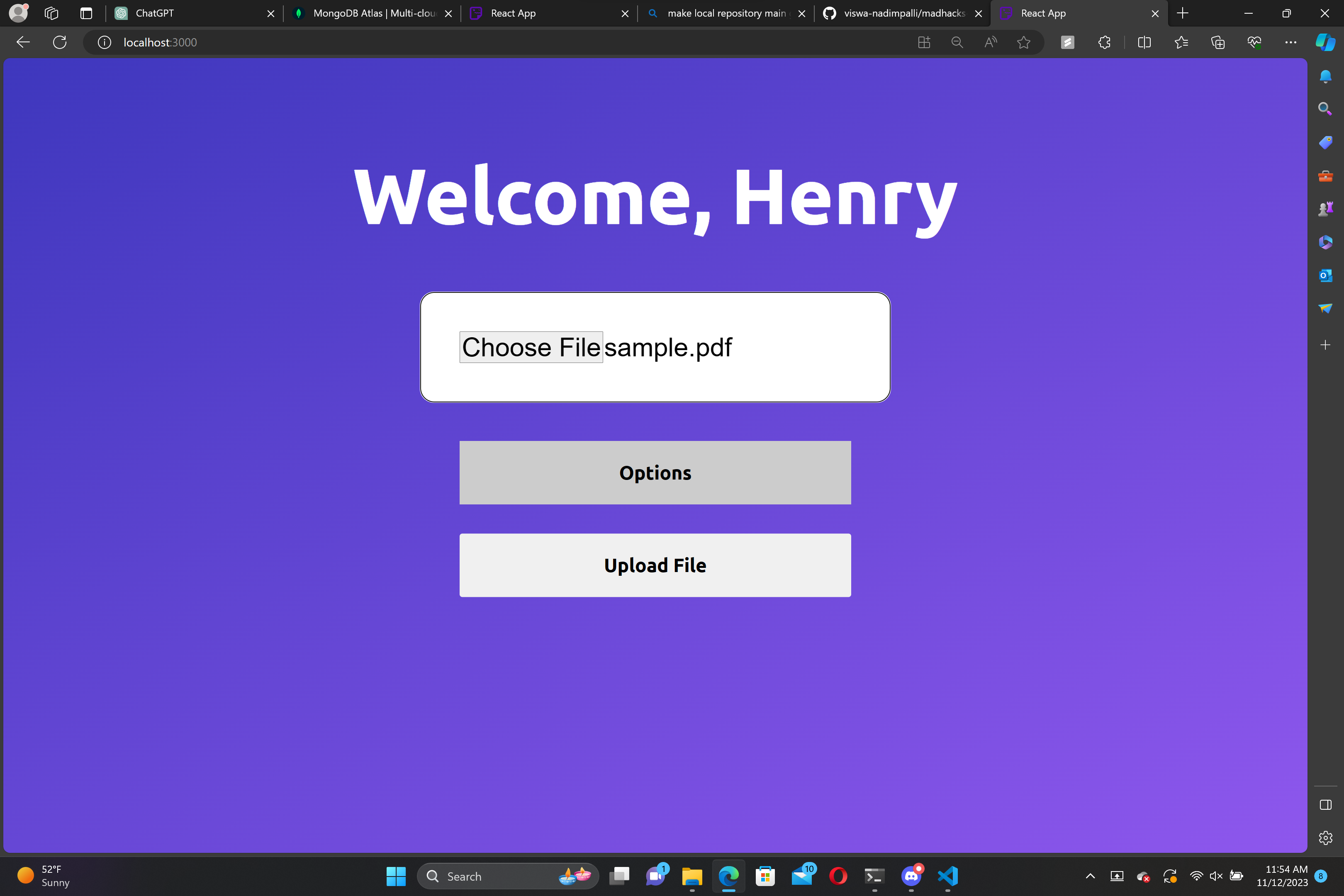
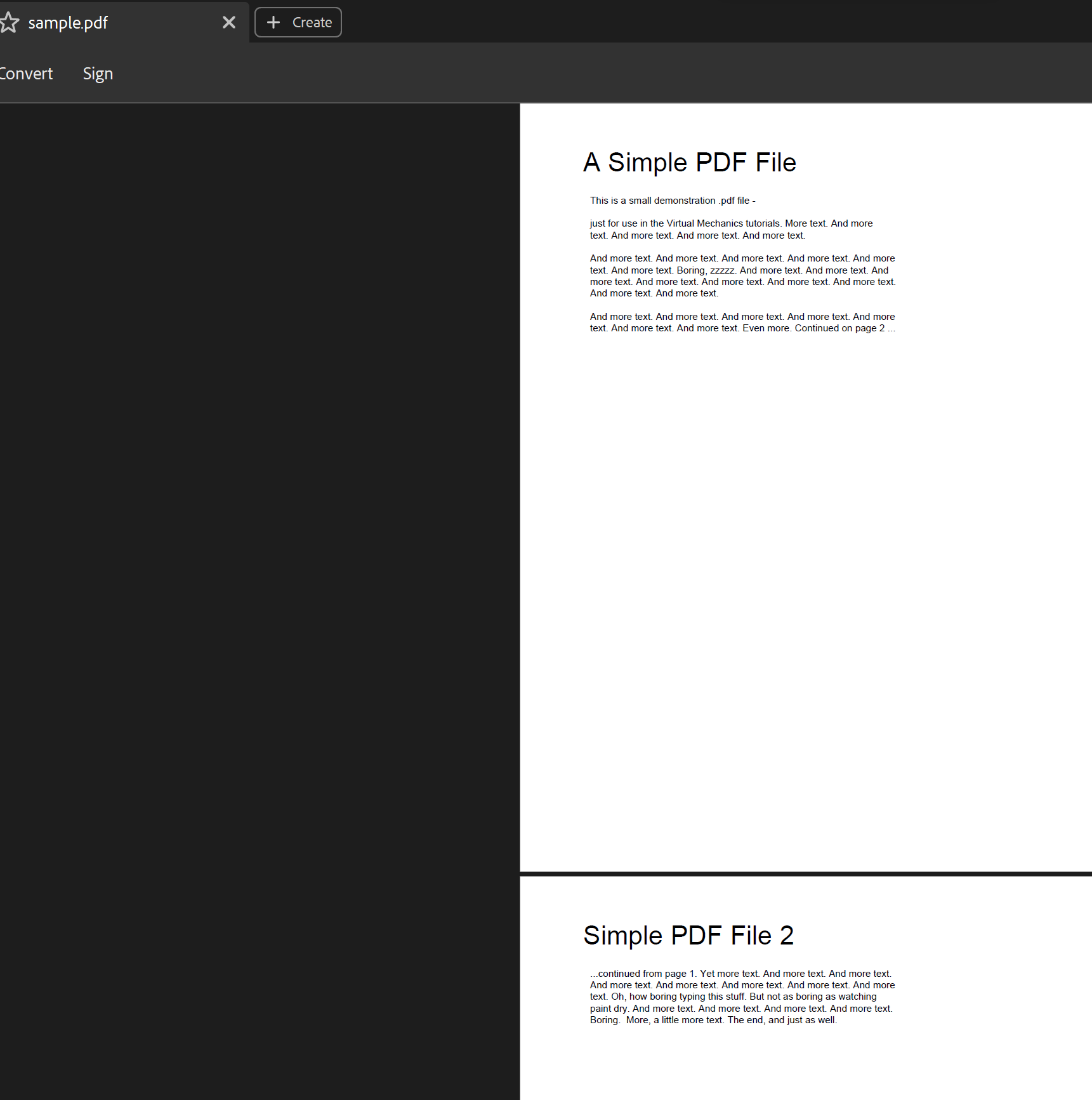
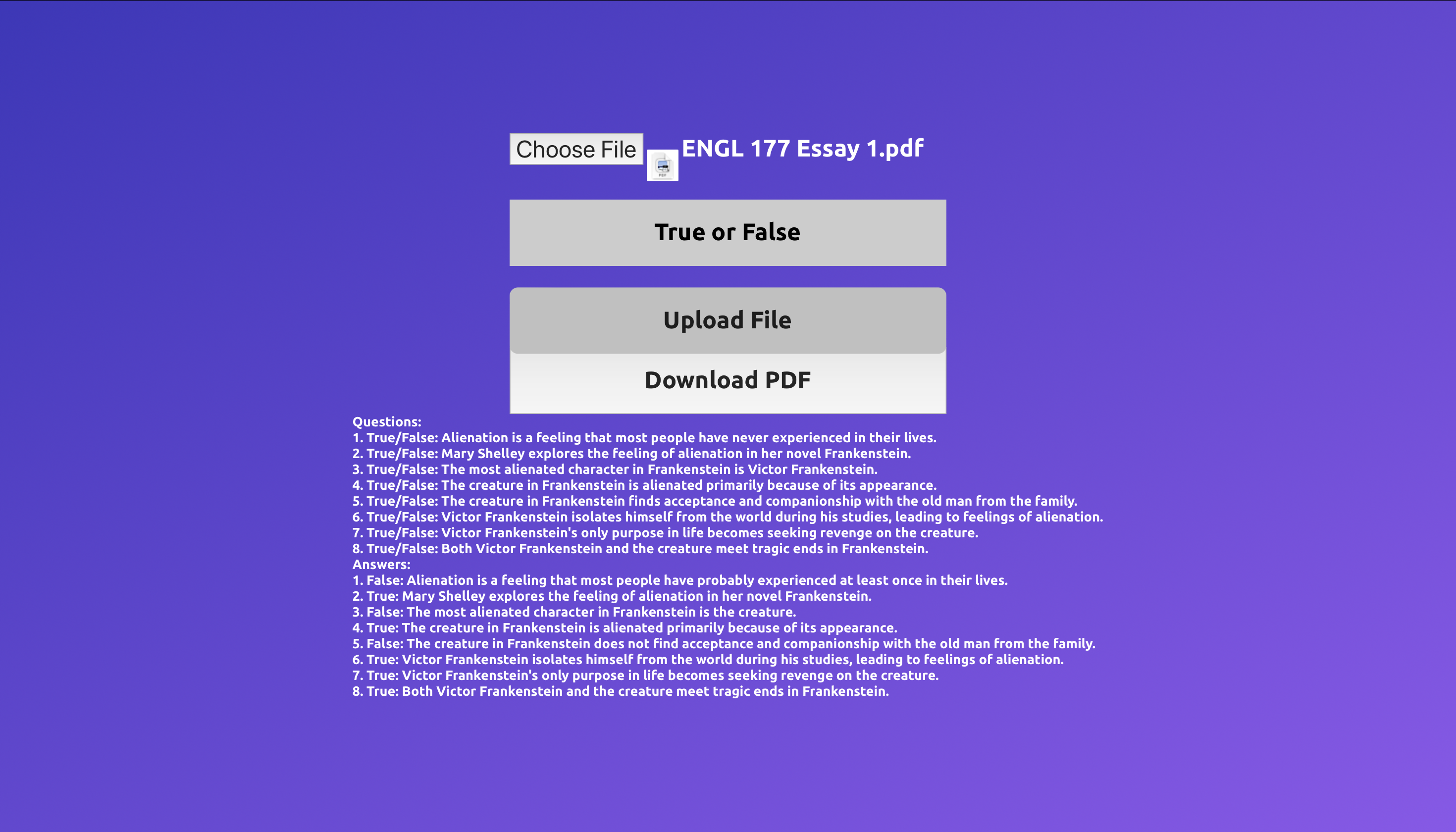
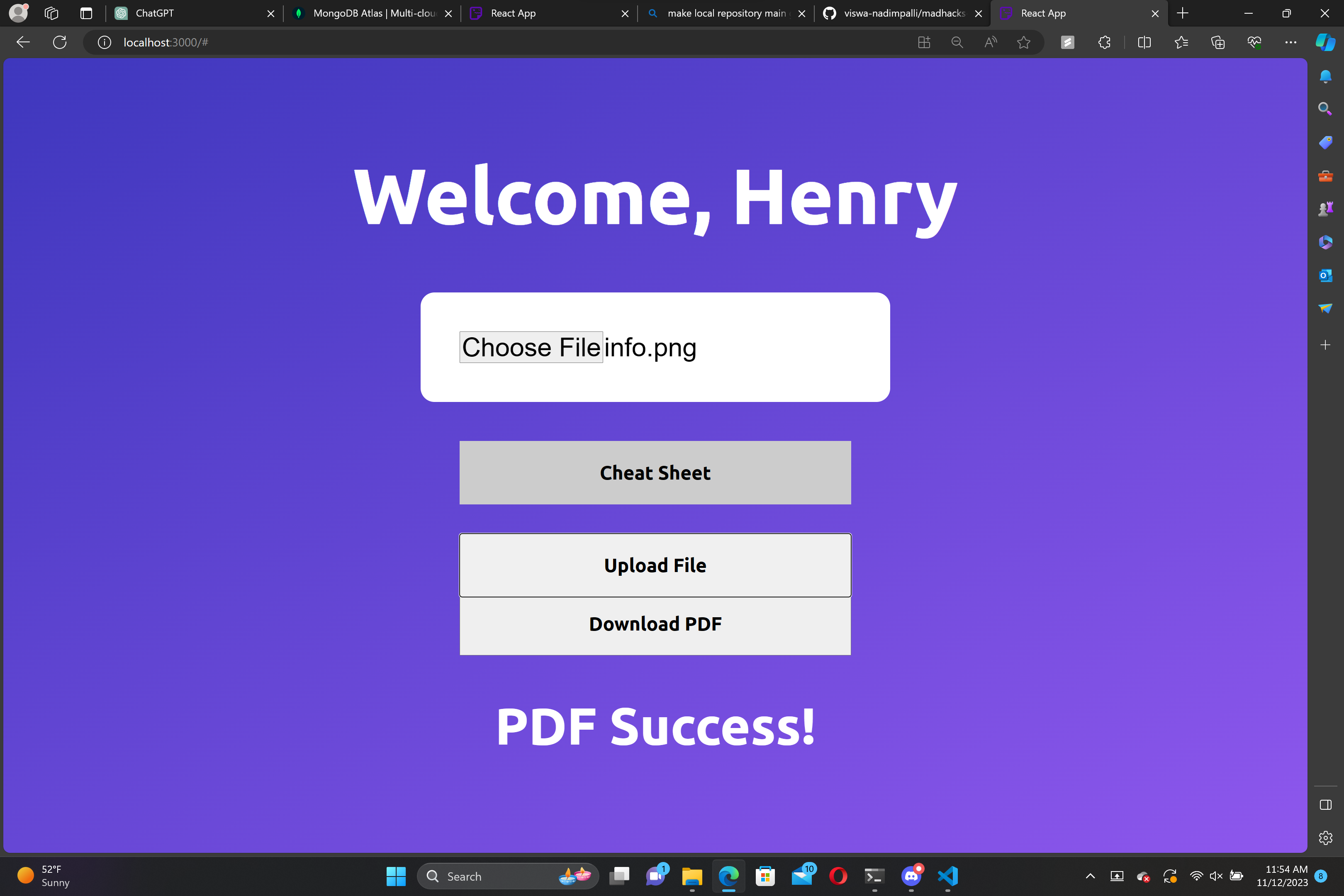
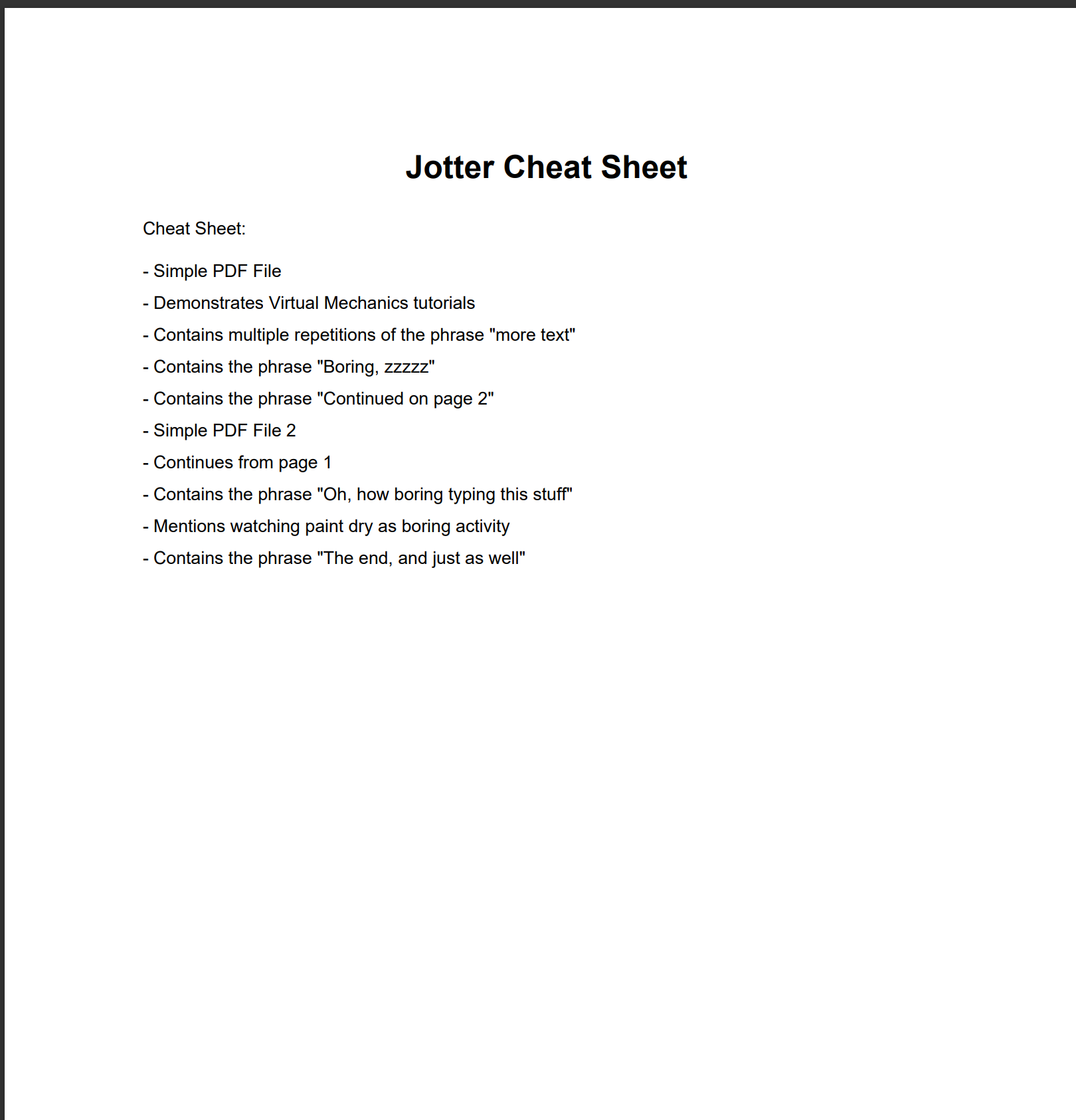
Jotter is a web app that allows users to upload images of PDFs, and get custom dynamic quizzes based on the information provided to test their knowledge. Jotter is also capable of creating cheat sheets to summarize key points and condense information to help you study faster.
How we built it
We built Jotter using React for the frontend and Flask for the backend.
Challenges we ran into
- One of the challenges we ran into was getting the cheatsheet pdf to the front end so that the user would be able to download it. This was difficult to implement because we weren't sure how to send the pdf to the frontend using API endpoints.
- Implementing our front end took a lot of time, and we ran into many issues getting it all to work together smoothly. ## Accomplishments that we're proud of
- Successfully created the web app which had the functionality we planned on implementing. Although it didn't turn out exactly how we wanted it, we are happy and proud of the end result.
- Have to read text from an input image or pdf and display questions about it or generate a cheat sheet ## What we learned
- We learned about how to use an LLM API to generate responses from LLMs ## What's next for Jotter
- Deployment
- Improve UI
- Generate Flashcards


Log in or sign up for Devpost to join the conversation.