Inspiration
Every day, people have hundreds of small ideas, reflections, and reminders—but these thoughts get scattered across Notes, Reminders, Messages, and sticky notes. There’s no single place that captures how your day actually felt or what ran through your mind. We wanted a seamless, frictionless way to capture and understand our thoughts without breaking the flow of life. That’s what inspired JotDown.
What it does
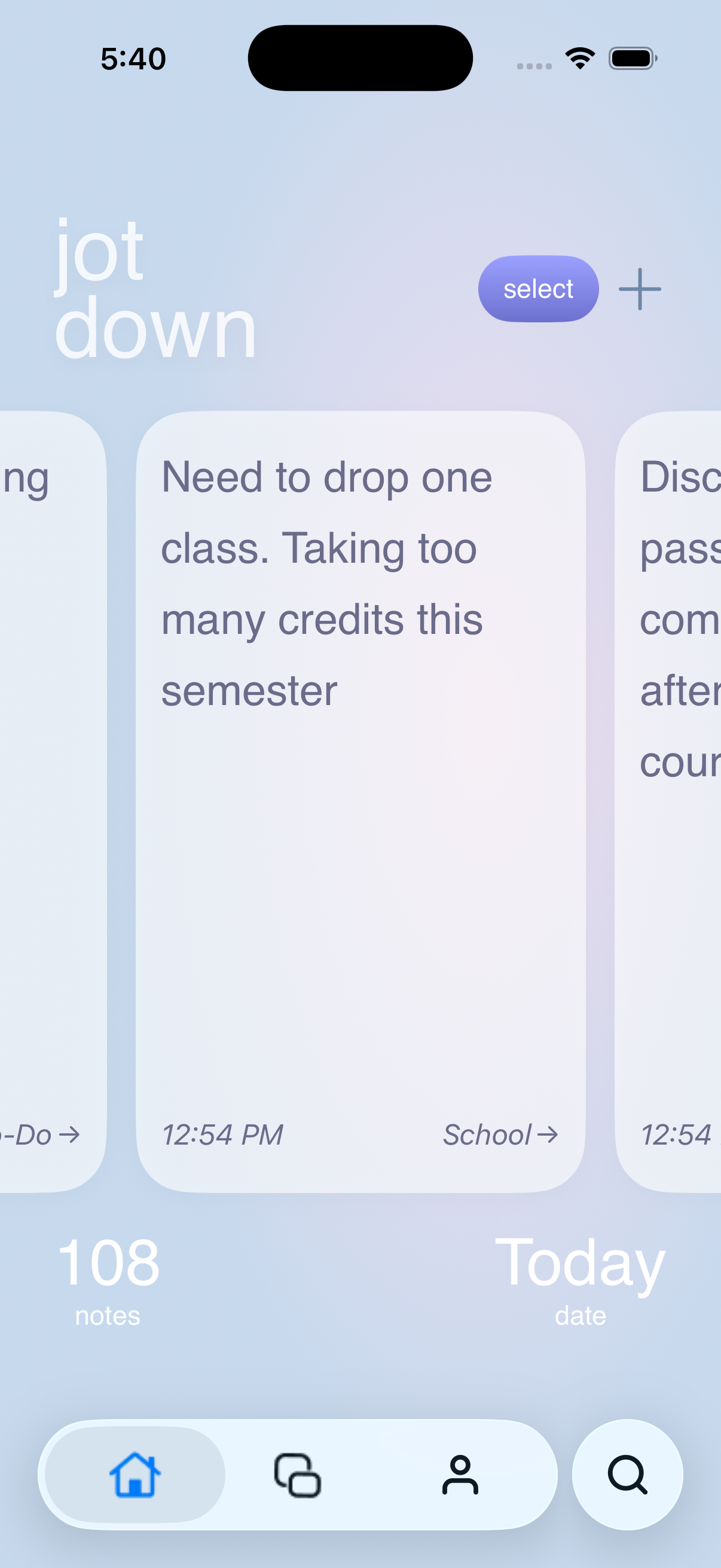
- JotDown is an end-to-end, cross-device thought-capture and reflection experience.
- It lets users jot down ideas from iPhone, Mac, Apple Watch, Siri, or Shortcuts—instantly and without friction.
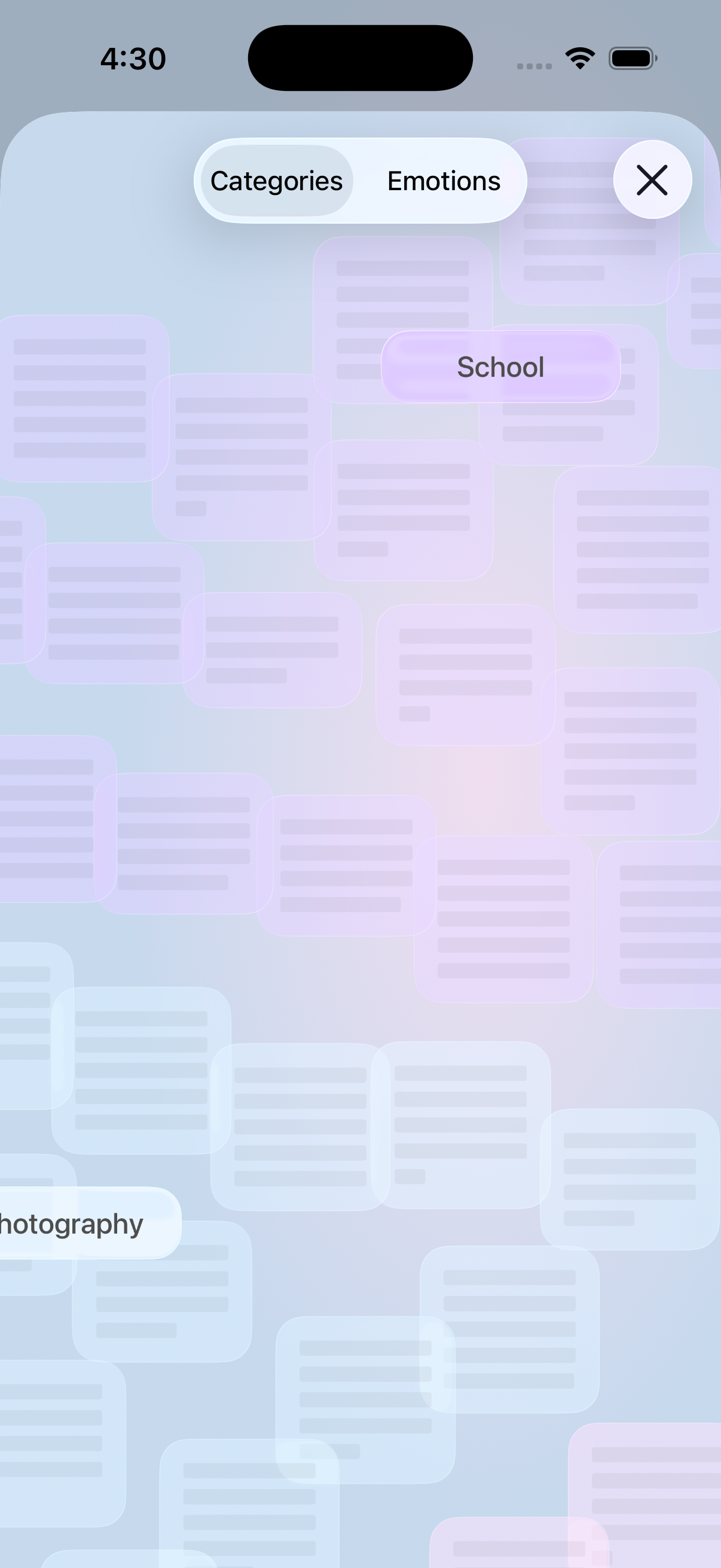
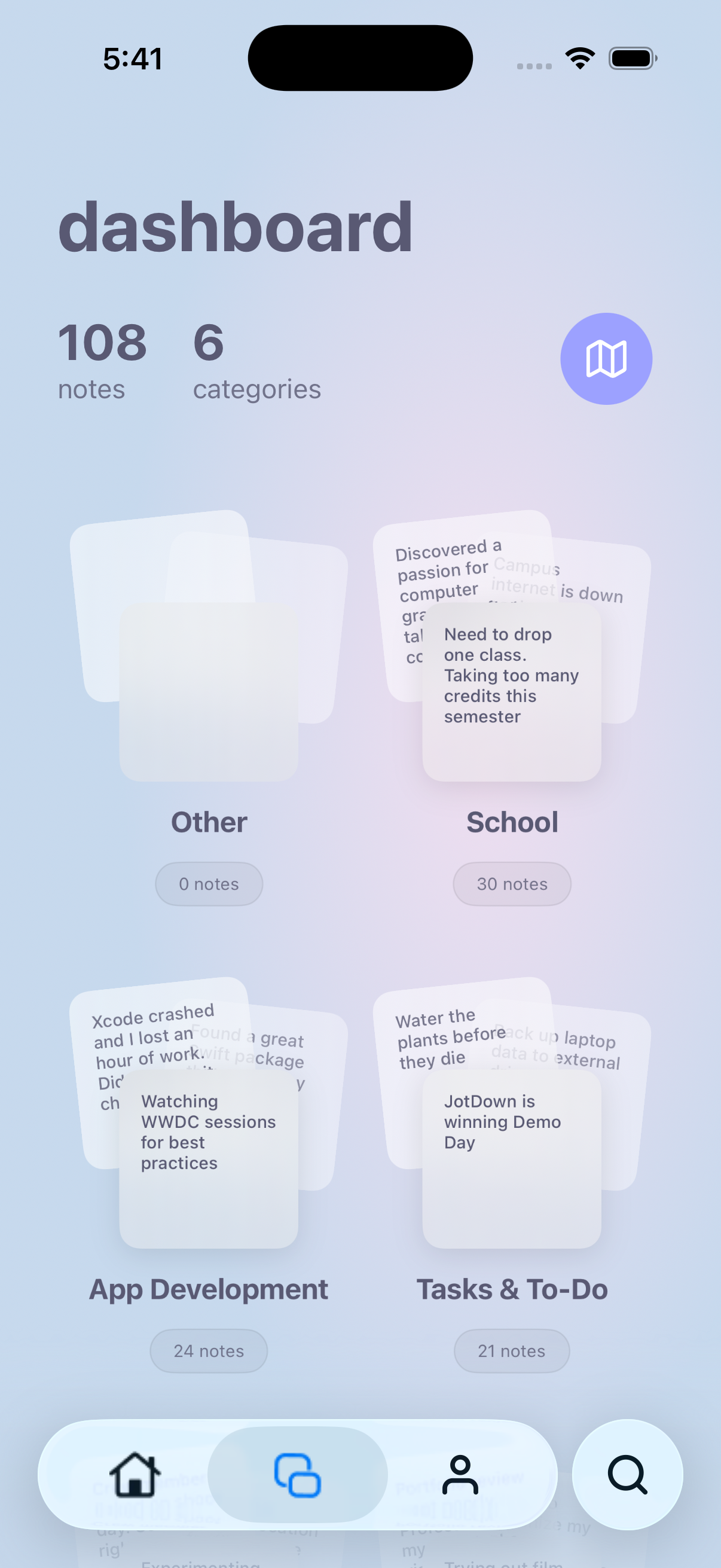
- Thoughts are automatically categorized using personalized on-device foundation models.
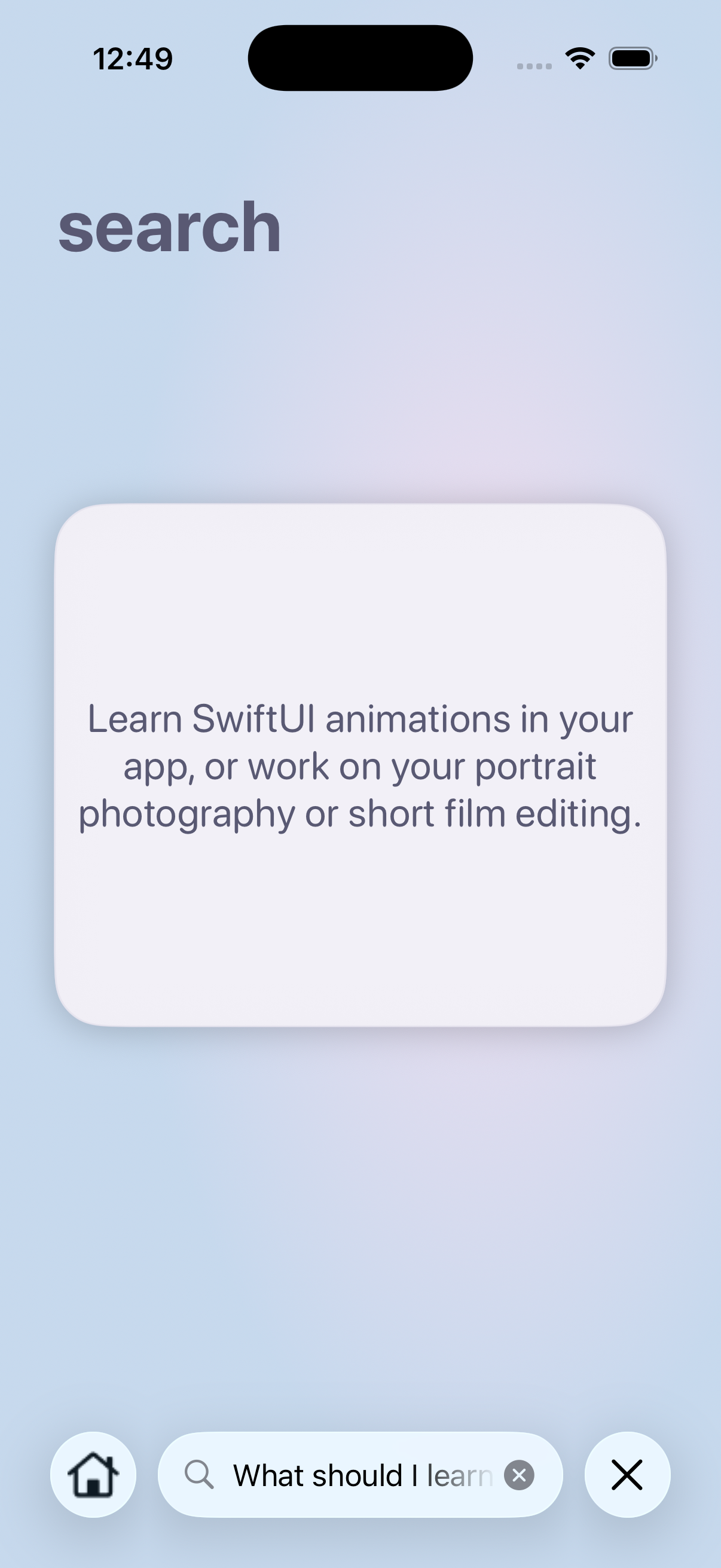
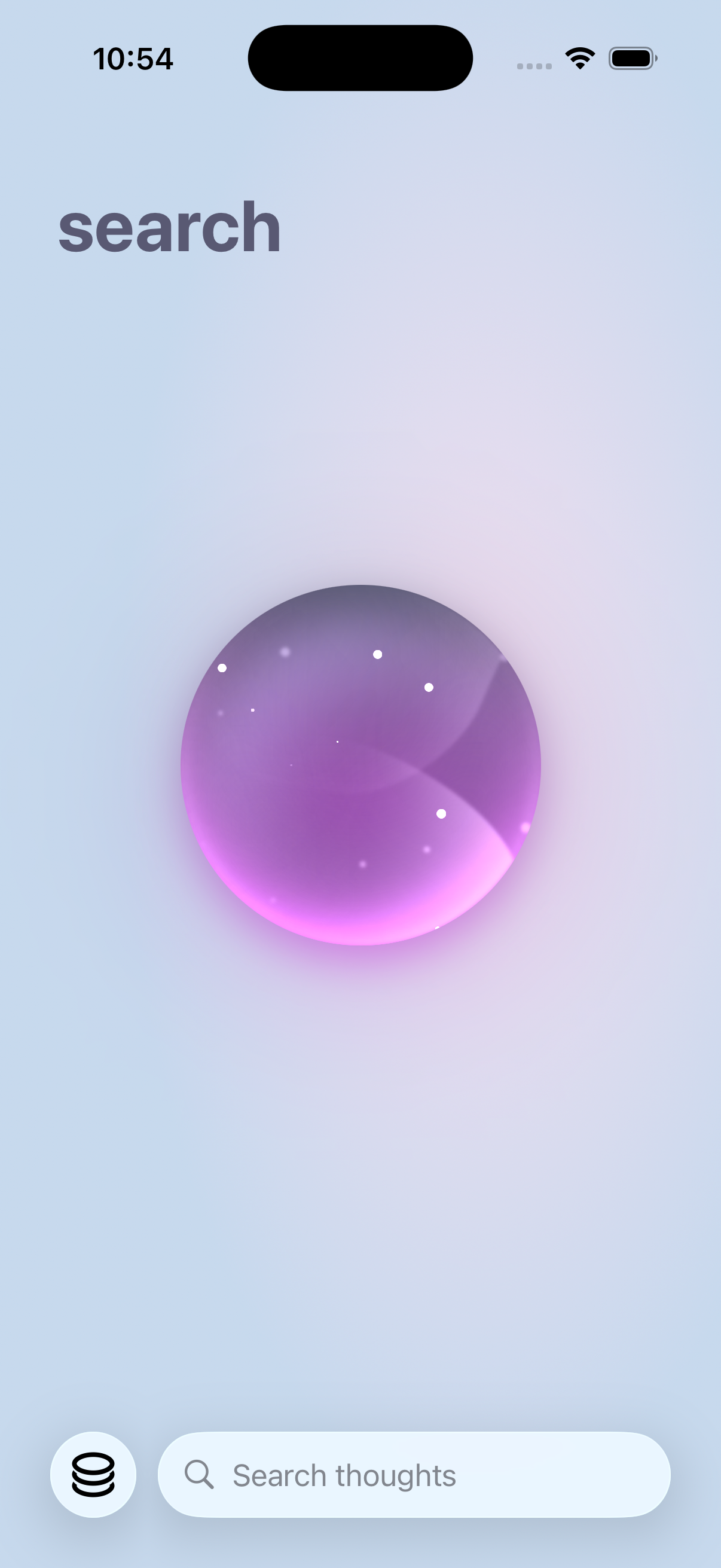
- Smart Search uses RAG and on-device intelligence to surface answers to natural questions like “What should I focus on this weekend?”
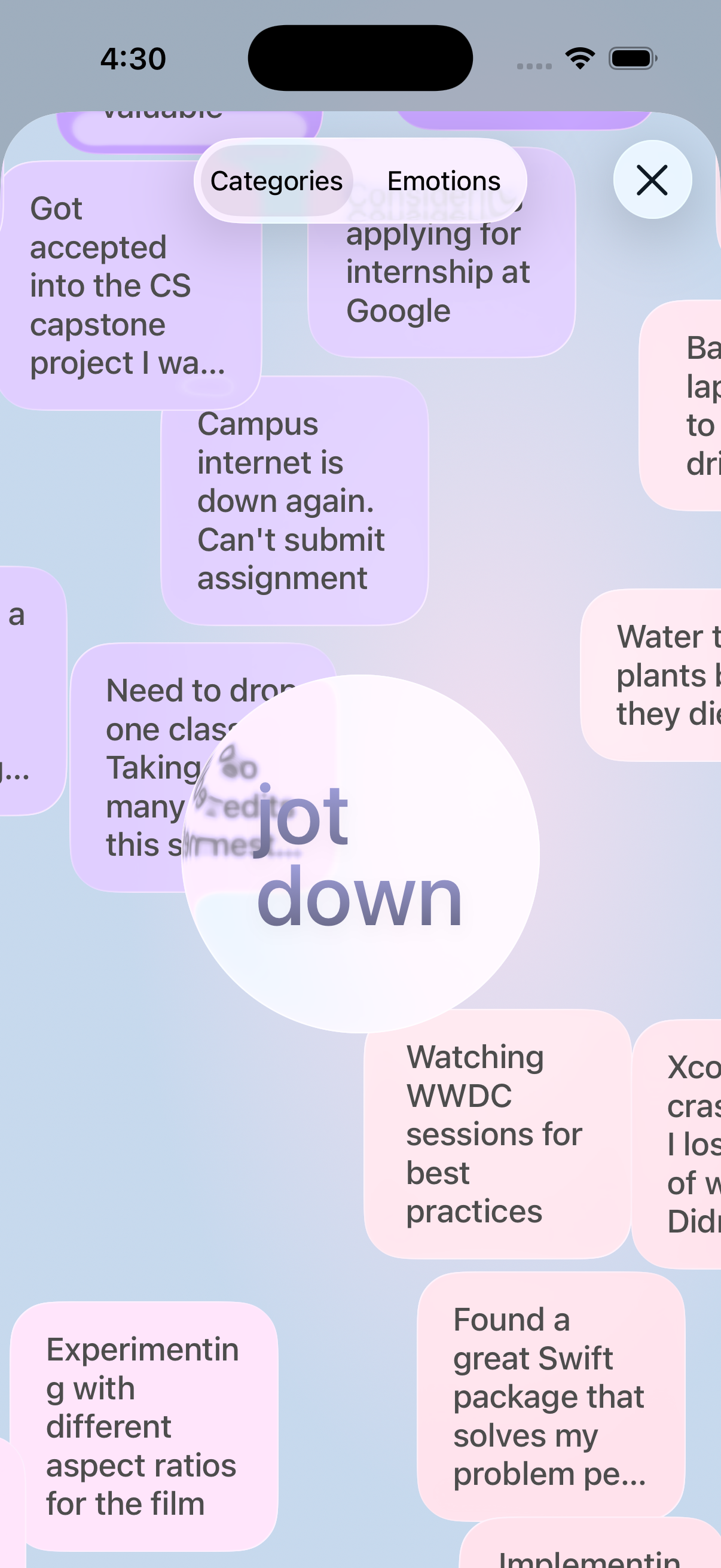
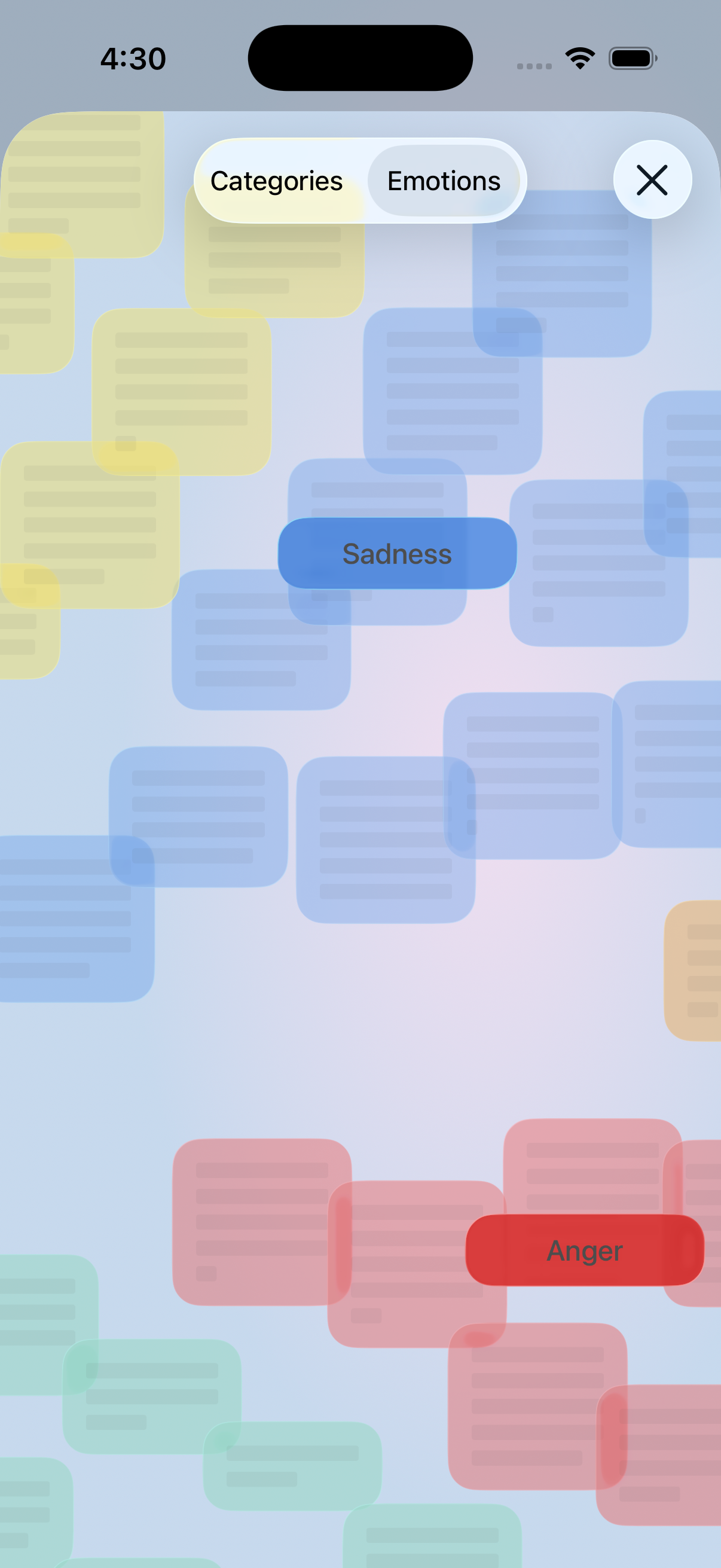
- Users can visualize their thoughts and emotions using an interactive experience
How we built it
- On-device Foundation Models Framework for personalized categorization and Smart Search.
- RAG pipeline that retrieves the top semantically relevant thoughts and uses them as context for foundation-model responses.
- Swift Data to securely store all user thoughts locally on device.
- Siri and Shortcuts integration, widgets, and fast thought input.
- Minimalist Mac app with Spotlight and menu-bar input for frictionless note-taking during work or class.
- Apple Watch app for quick note input, search, and viewing recent thoughts.
- Visualization system mapping thoughts to Plutchik’s emotions and presenting them interactively.
Challenges we ran into
- Using new Foundation Models Framework and working with cross platform apps
- Implementing a unique but minimalist design for the app
Accomplishments that we're proud of
- Seamless cross-device thought input (iPhone, Mac, Apple Watch, Siri, Shortcuts, widgets).
- Fully on-device AI for categorization and Smart Search, ensuring privacy and reliability.
- Building a unified and frictionless experience that mirrors how thoughts naturally occur throughout the day.
- Creating intuitive visualizations that help users understand and reflect
What we learned
- Using new Apple Frameworks like App Intents and Foundation Models
What's next for JotDown
- Creating more flexible categories and making the personal assistant even more useful.
Built With
- swift
- swiftui

Log in or sign up for Devpost to join the conversation.