-
-
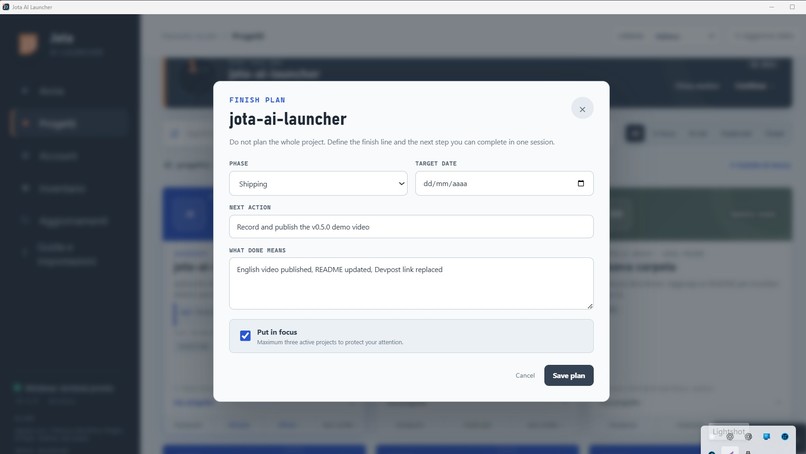
Built with Codex and GPT-5.6 Sol: from a Windows launcher to project memory, security checks, macOS support, and a public landing.
-
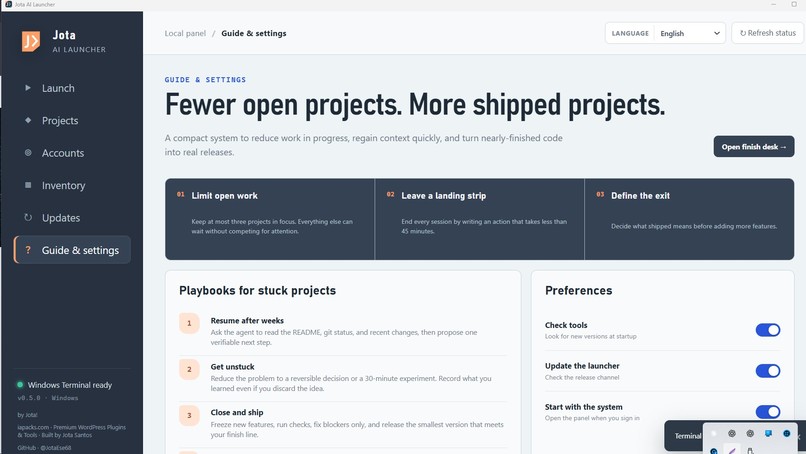
Local by design: limited metadata, users' own accounts, visible terminals, public code, checksums, SBOM, and build provenance.
-
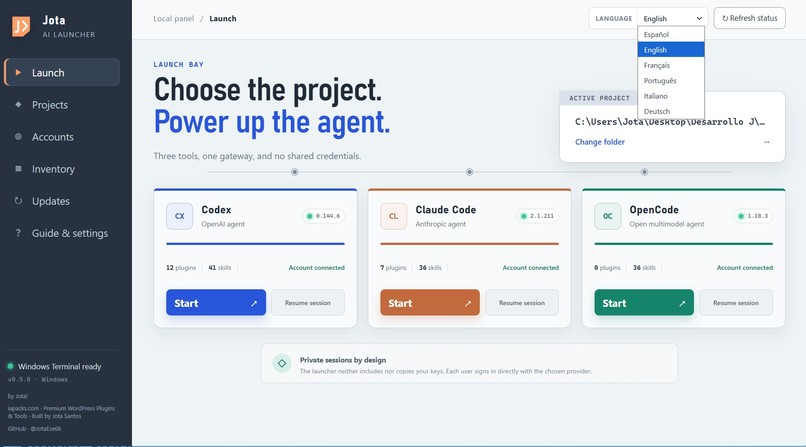
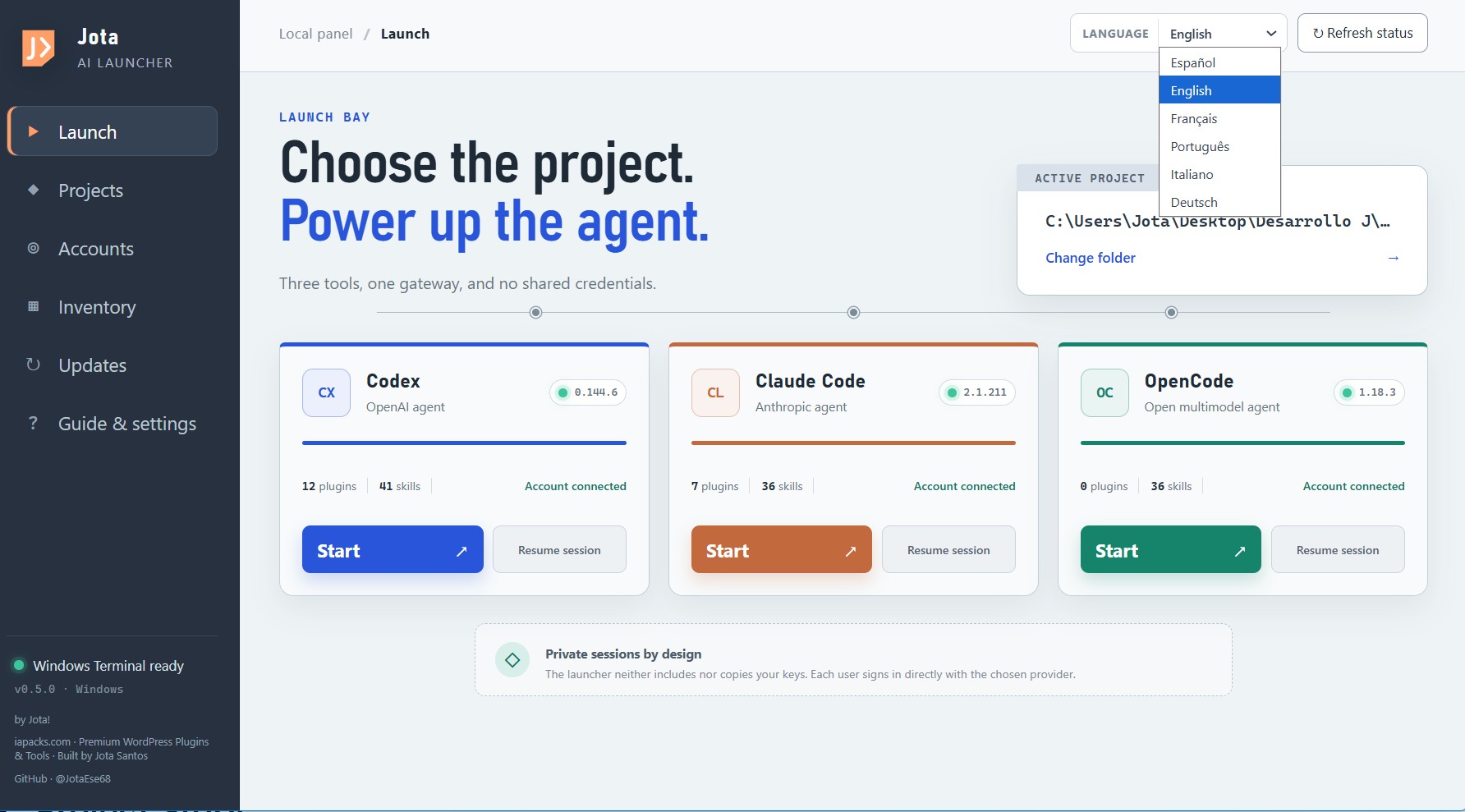
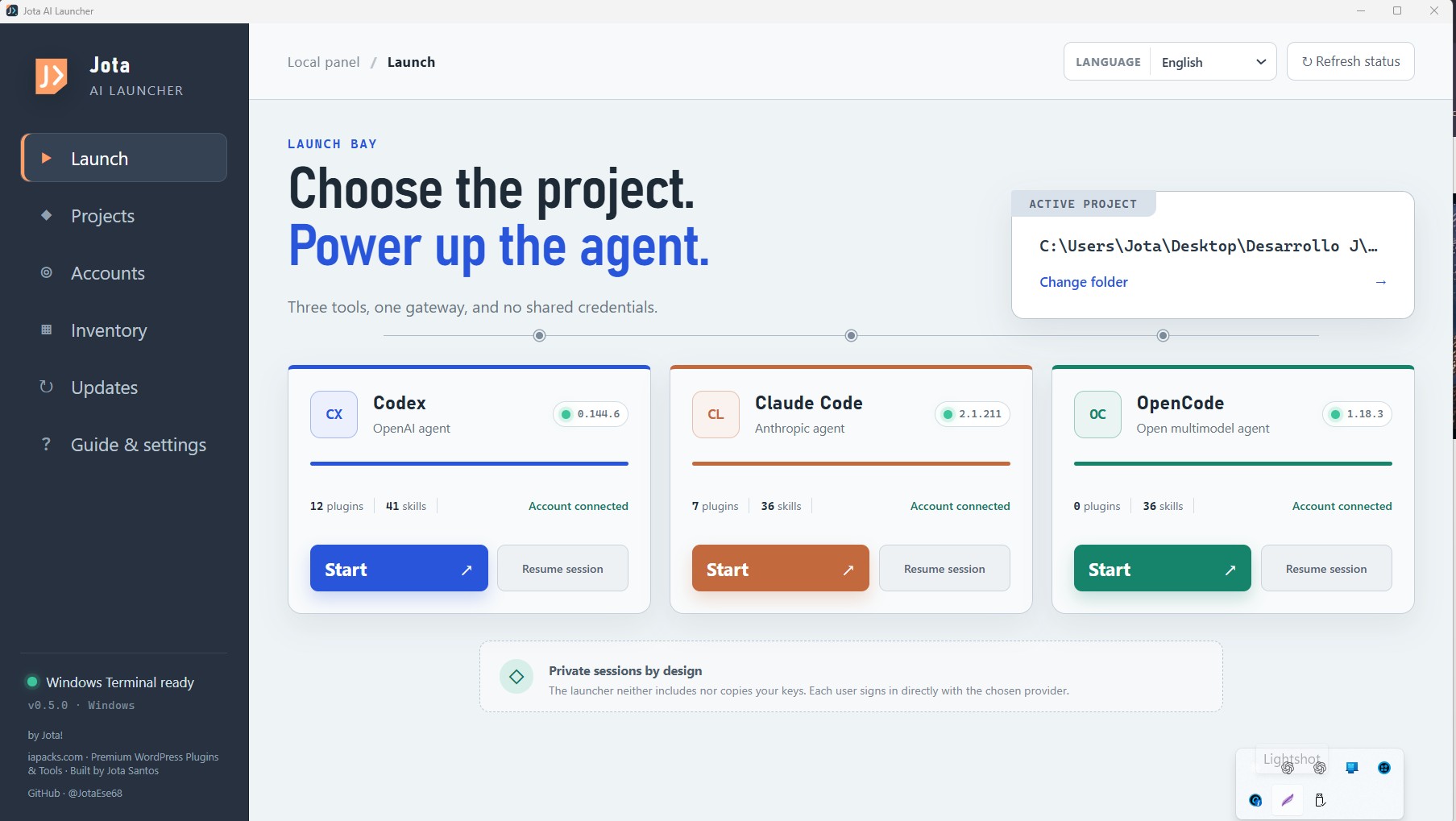
Choose the project, then start Codex, Claude Code, or OpenCode in the correct folder with a visible terminal.
-
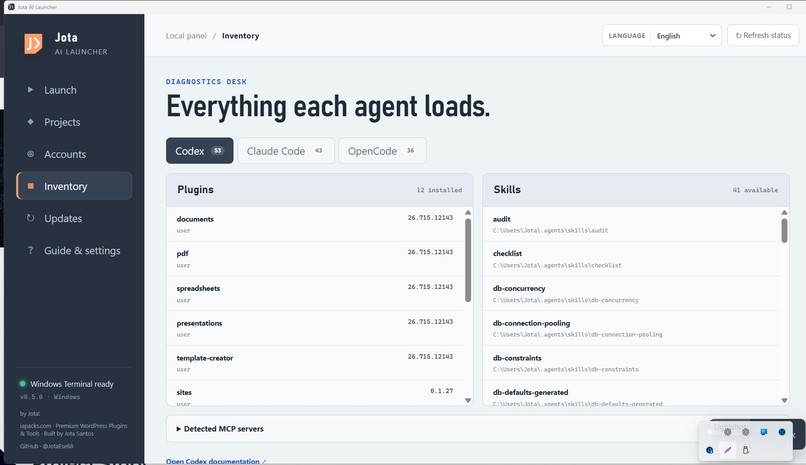
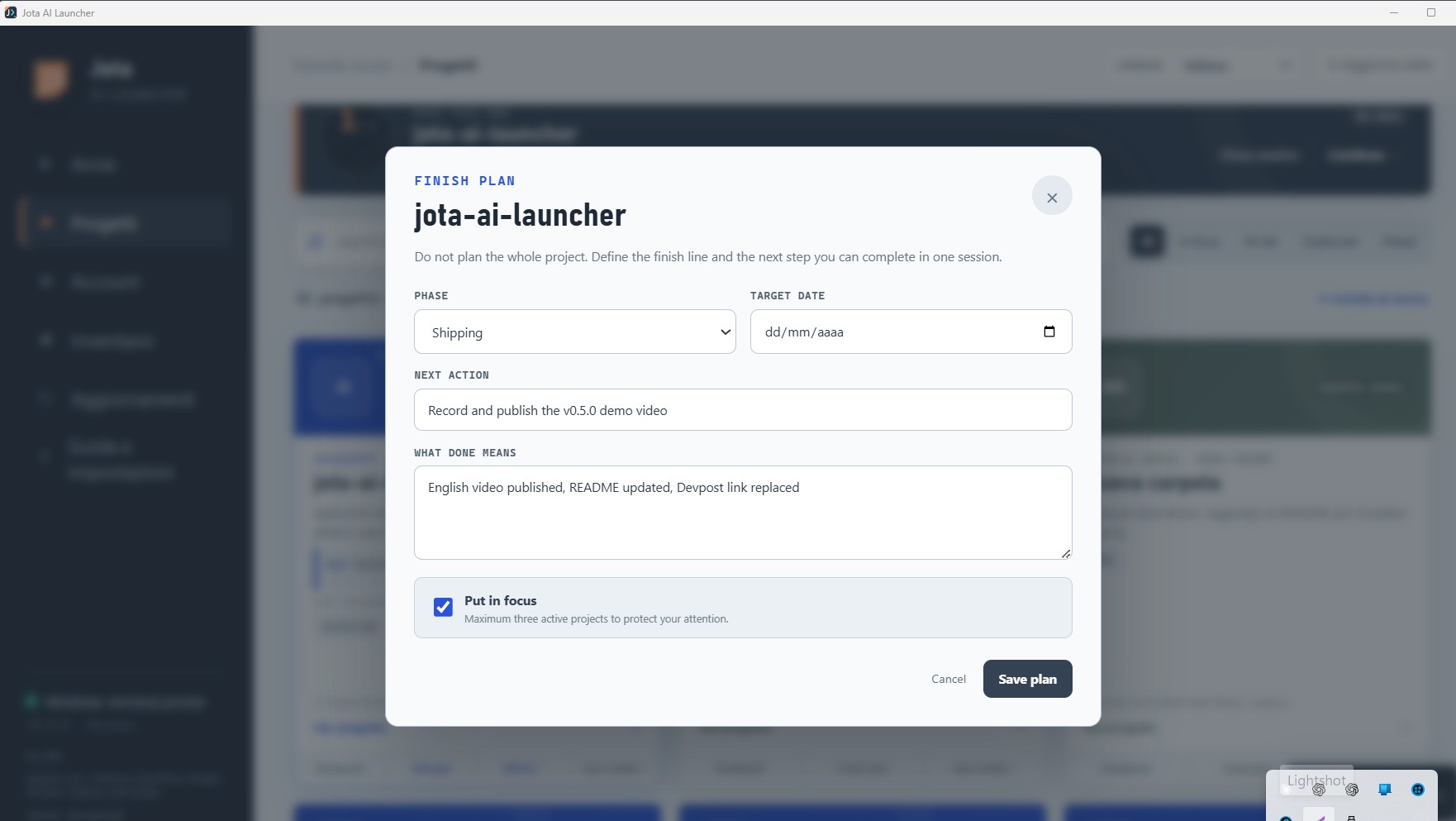
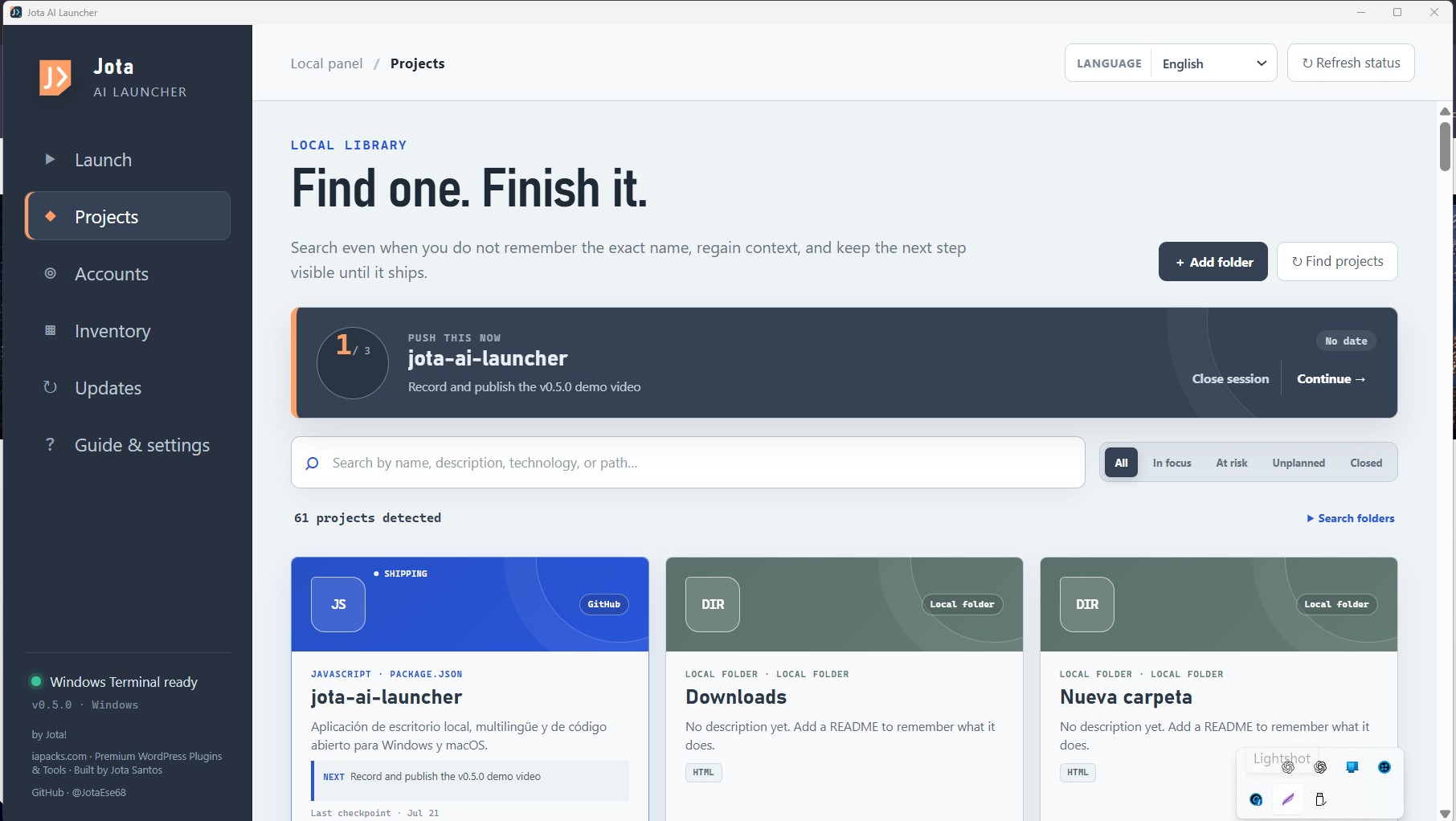
The project library restores context with README summaries, stack, GitHub, deployment services, and local-only work.
-
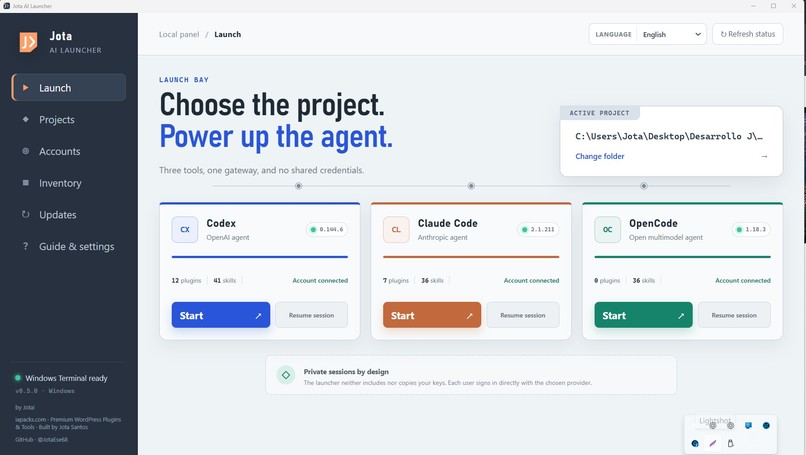
Jota AI Launcher: project memory for AI builders to select a project, launch an agent, and continue with context.
-
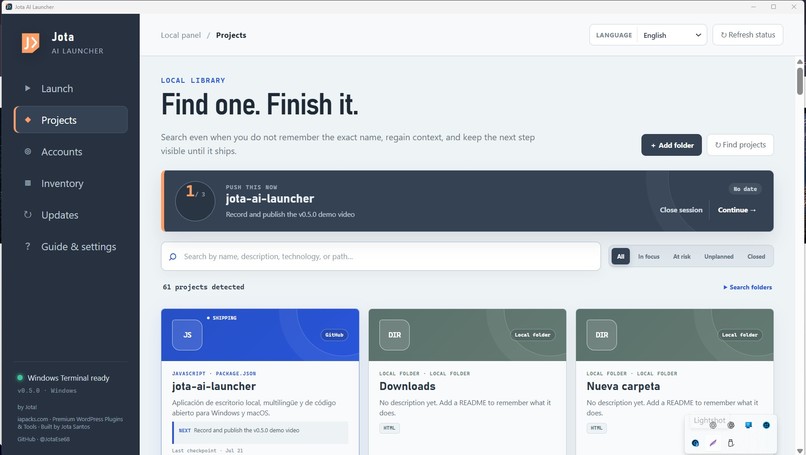
The problem it solves: too many AI-built projects and too little context to remember what they do or how to continue.
## Inspiration
I build a lot of projects with AI, and after a few weeks I often have the same problem: I remember building something useful, but I do not remember where it is, which stack it uses, where it was deployed, or how to continue working on it.
My first idea was much simpler: create three buttons to open Codex, Claude Code, or OpenCode in the correct folder. While building it, I realized that launching an agent was the easy part. Recovering the context of an old project was the real problem. That is why I built Jota AI Launcher.
## What it does
Jota AI Launcher is a local desktop application that finds the projects stored on my computer and turns them into a visual library. For each project, it can show a short description, the technologies it uses, its GitHub repository, and services such as Vercel, Netlify, Supabase, Render, or Docker. I can select a project and launch Codex or another installed coding agent directly inside the correct folder.
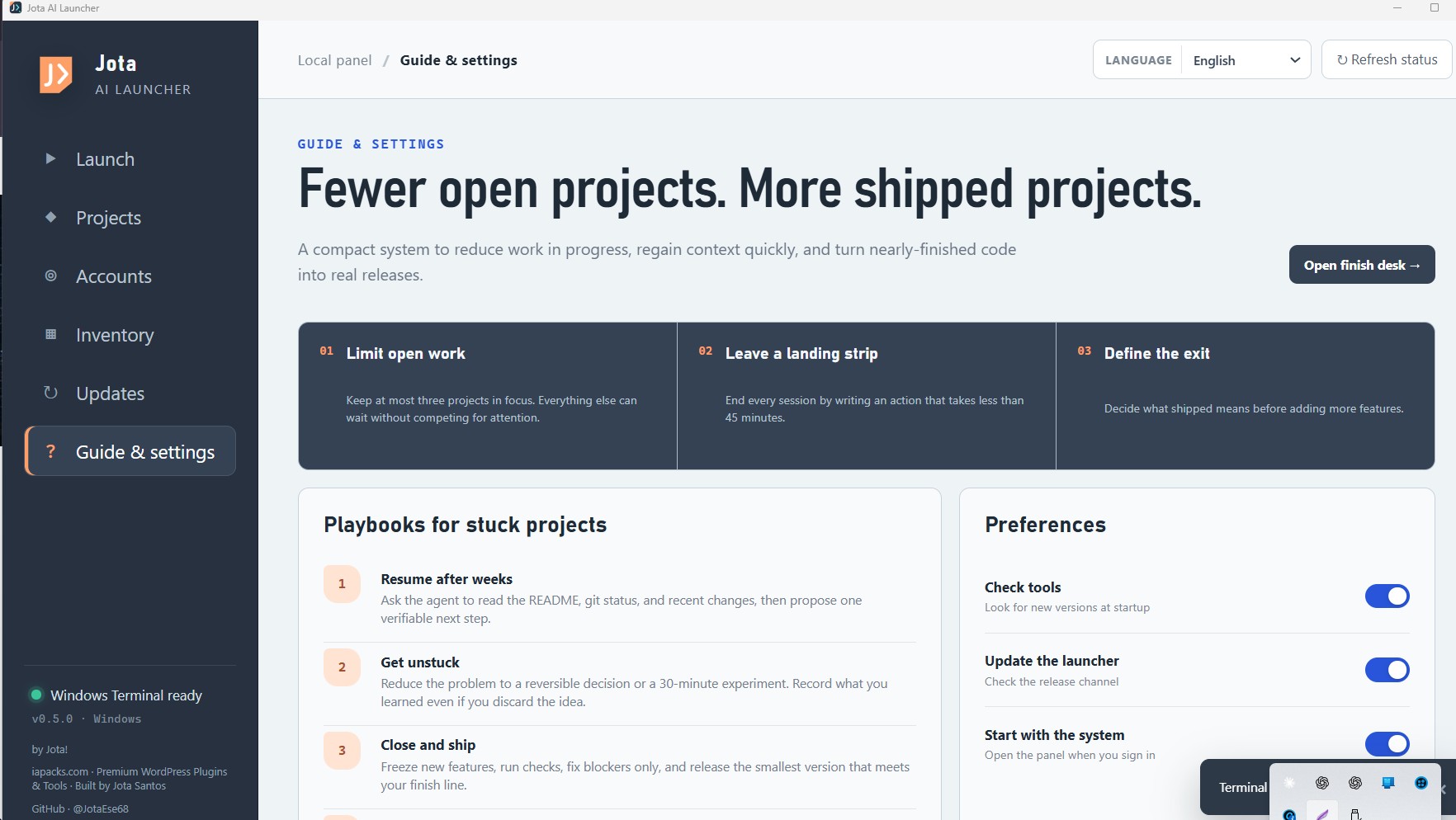
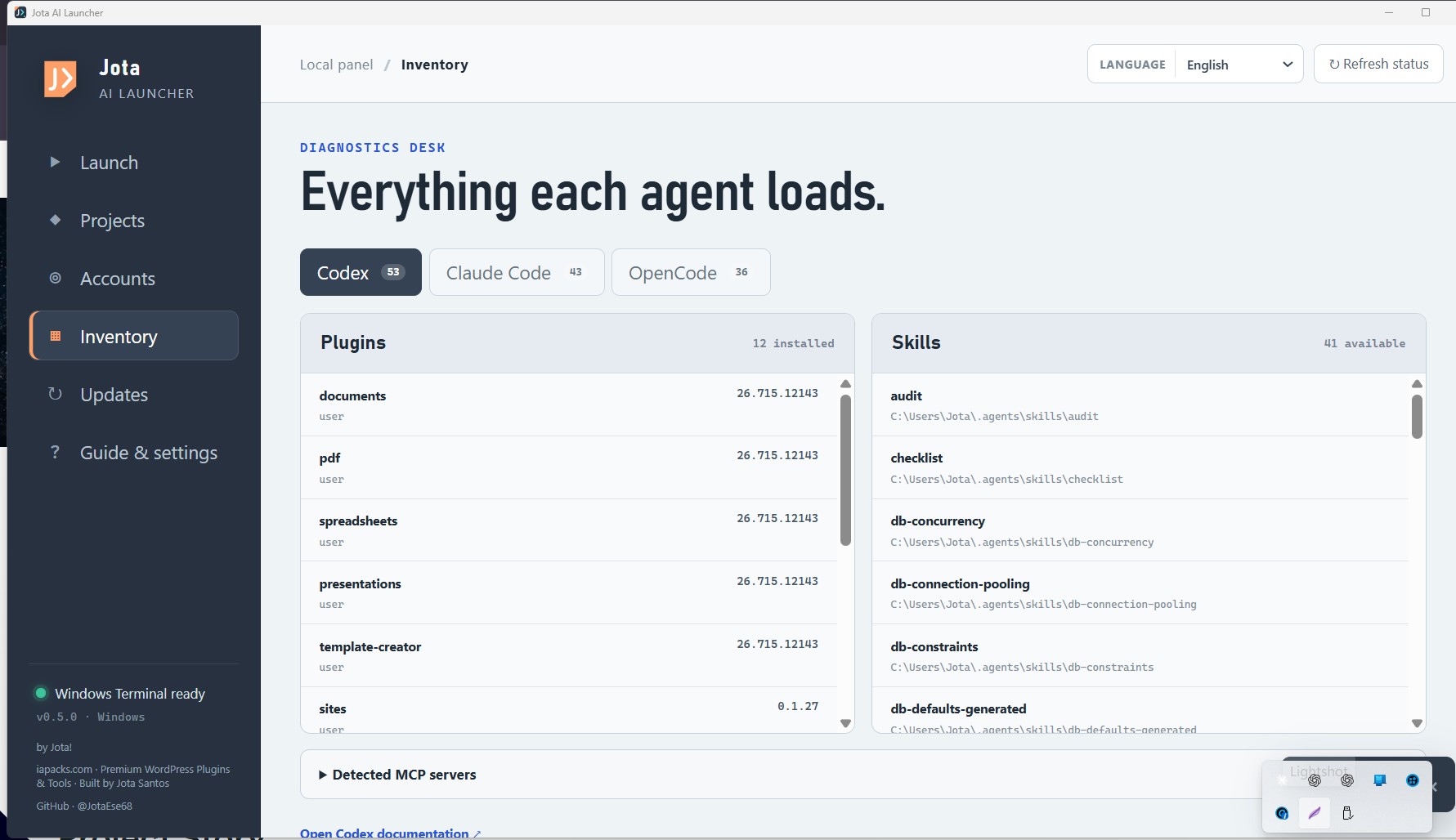
The application also displays installed versions, accounts, plugins, skills, and MCP servers. It supports Spanish, English, French, Portuguese, Italian, and German. Everything is processed locally. The launcher does not contain accounts, passwords, API keys, analytics, or a private backend.
How I built it with Codex and GPT-5.6
I built the project during OpenAI Build Week with Codex using GPT-5.6 Sol and high reasoning. I supplied the original problem, product direction, priorities, supported languages, and acceptance decisions. Codex helped me transform those decisions into an Electron, React, TypeScript, and Vite application.
It also helped me design the security boundary between the interface and the operating system, implement project detection, write tests, investigate a CodeQL warning, prepare Windows and macOS releases, and document how the application works. GPT-5.6 was most useful when one change affected several parts of the product at once, such as the interface, operating-system behavior, security, testing, and distribution.
Challenges
The hardest part was allowing a desktop application to interact with folders and terminals without giving the interface unrestricted access to the computer. Another challenge was detecting useful projects without reading or uploading their complete source code. The launcher therefore reads only limited local metadata such as README files, manifests, filenames, and Git remotes.
What I learned
I learned that the visible request is not always the real problem. I originally wanted a faster way to open Codex, but what I actually needed was a way to remember what I had built and continue without starting from zero. I also learned that trust is part of a desktop product. Publishing the source code, tests, checksums, SBOM, security review, and build provenance was as important as polishing the interface.
## What's next
I want to add personal project notes, better project-state detection, more deployment integrations, code signing, and a “Project Rescue” workflow that helps recover the current state of an unfinished project
Language note
English is not my first language. I used Google Translate to help prepare some of the English descriptions, so certain phrases may sound unusual or contain translation, grammar, or syntax errors. I apologize for any confusion this may cause, and I appreciate your understanding.
Atte. Jota!
Built With
- ai
- codeql
- developer-tools
- electron
- github-actions
- macos
- node.js
- open-source
- project-management
- react
- typescript
- vite
- windows

Log in or sign up for Devpost to join the conversation.