Inspiration
Most people know they're being tracked online, but tracking is invisible, and privacy advice is usually a wall of jargon. I wanted to flip that: make the unseen visible, then give people something to do about it.
The name comes from the Jorōgumo, the spider yōkai of Japanese folklore that lures its prey into a web. It fits ad-tech well. Every page you visit spins another thread. For the HyperBloom UI/UX hackathon, I built a world where you stop being the prey and become the hunter.
What it does
Jorogumo is an interactive, simulated privacy experience.
- Pick a scenario: a news site, a shop, or a social network. Each has its own illustrative tracking ecosystem.
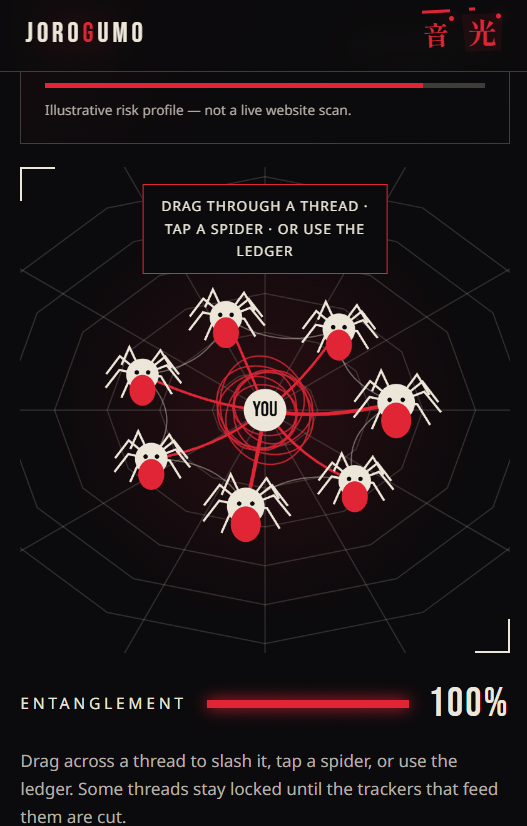
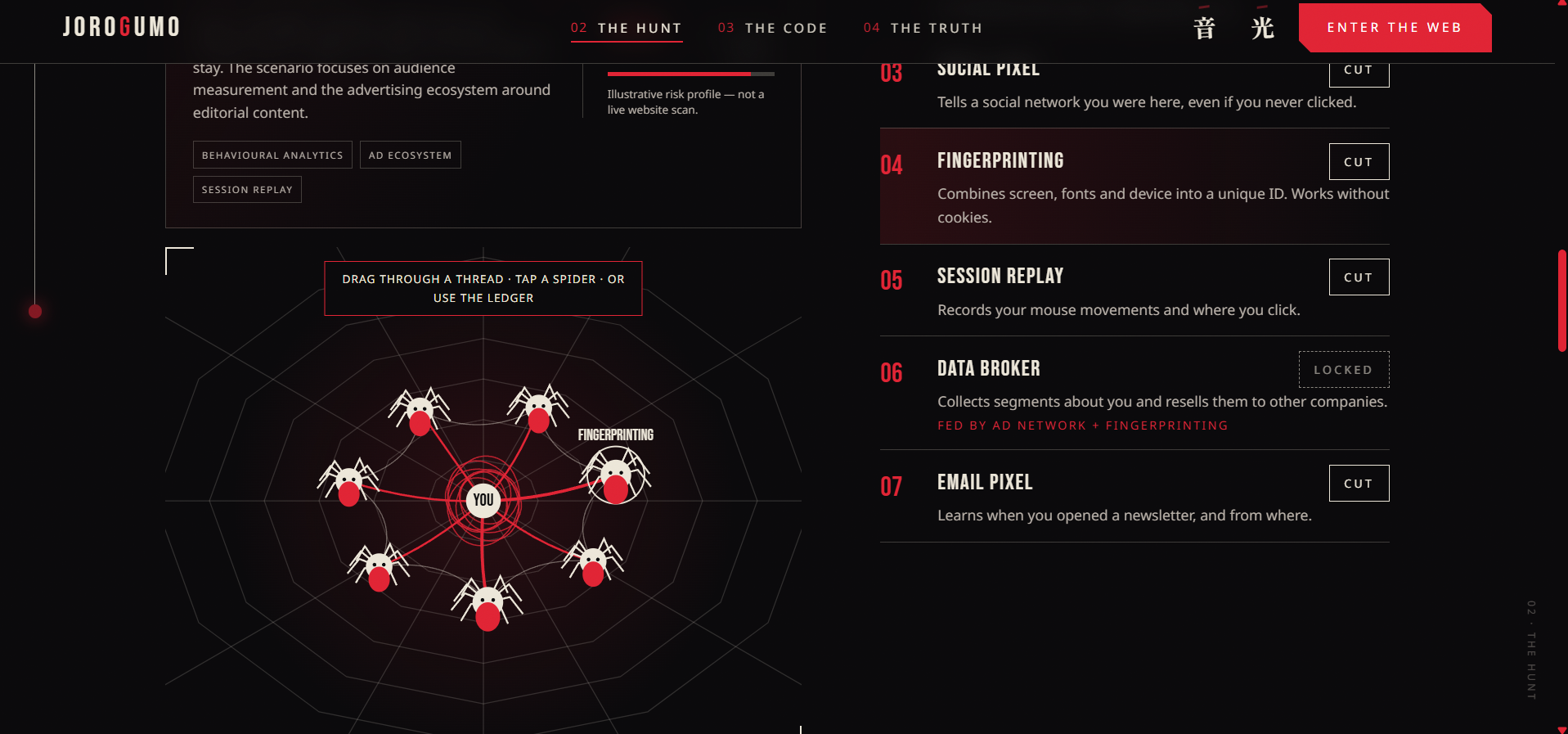
- See the web: every tracker (traffic analytics, ad networks, social pixels, fingerprinting, session replay, data brokers, email pixels) shows up as a spider on a living web.
- Cut the threads: drag through a thread, tap a spider, or use the "field ledger". Some threads are locked until the trackers feeding them are cut, so you learn how tracking systems depend on each other.
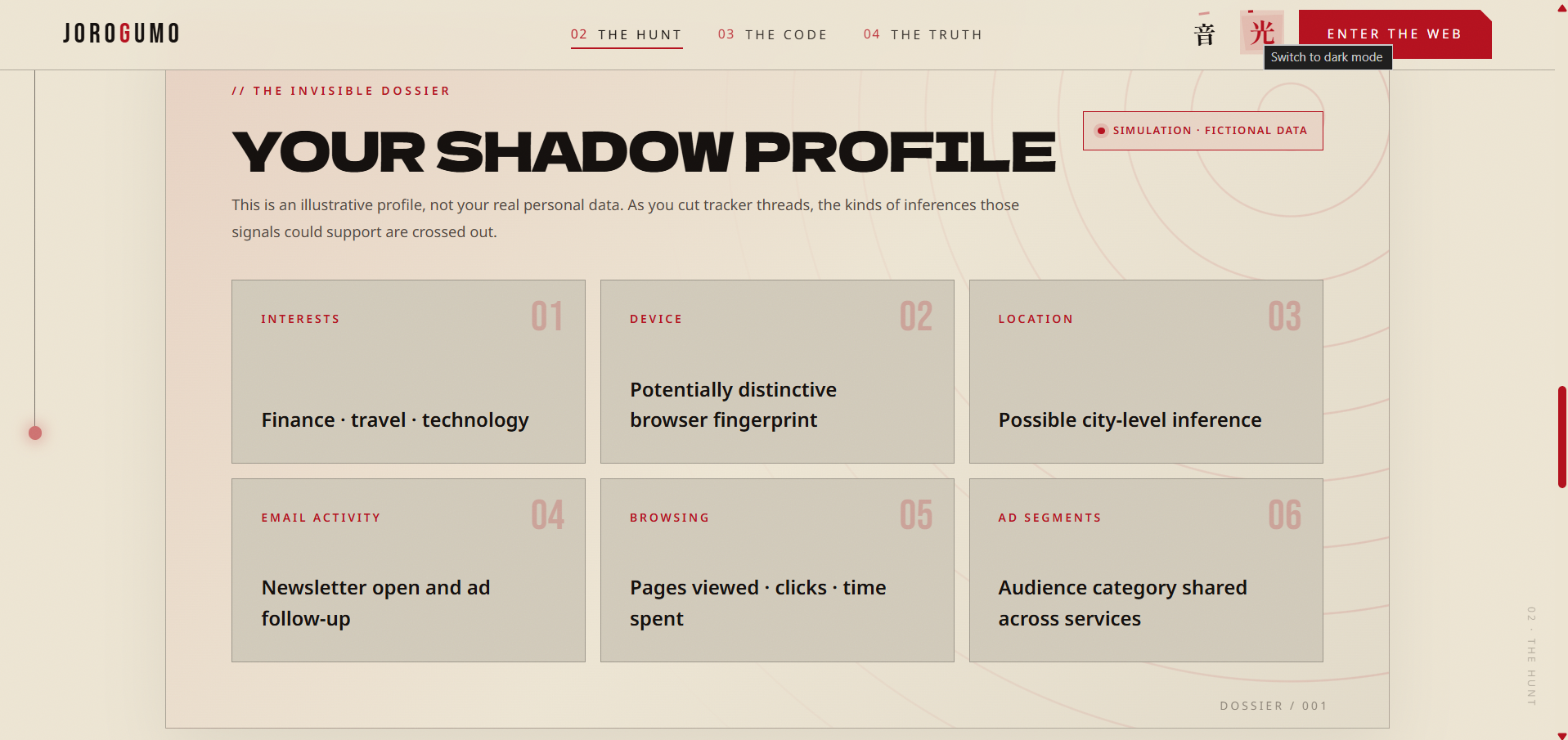
- Watch the consequences: an Exposure Index and Entanglement % drop as you cut. Your fictional shadow profile (interests, device fingerprint, location, email activity, browsing, ad segments) gets struck through, one inference at a time.
- Take it home: every cut reveals a practical defence, such as content blockers, Global Privacy Control, fingerprinting protection and blocking email image loading. At the end you can copy a personal checklist.
The scenarios are curated, educational models. They are not a live scan, and the page says so. For real audits, I point people to Blacklight and Privacy Badger.
How I built it
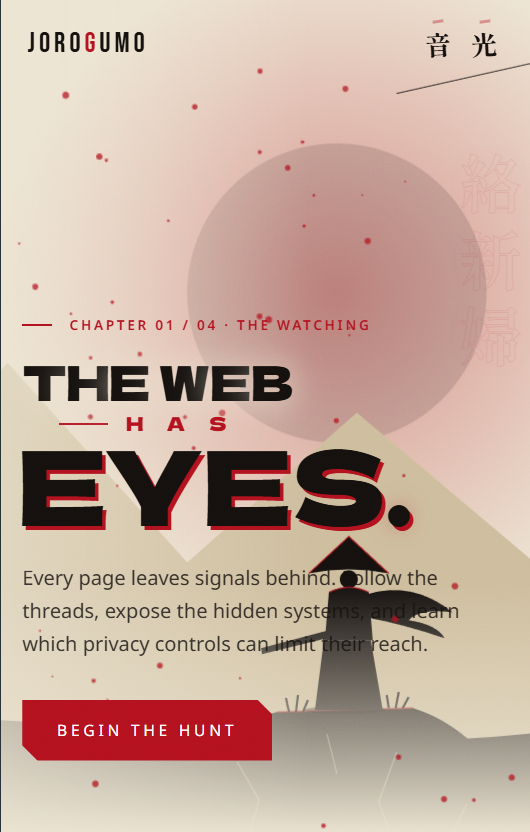
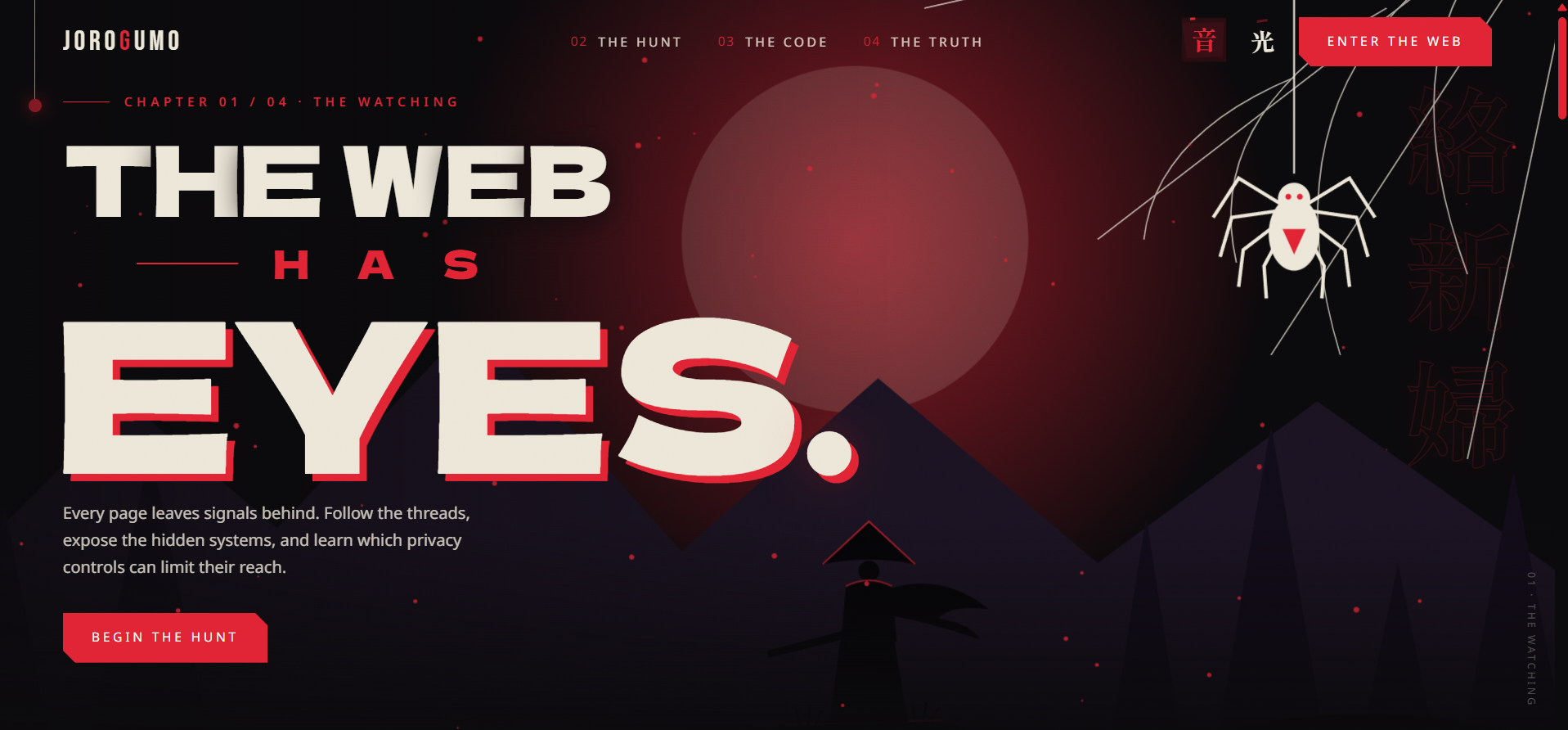
I designed it as a cinematic story in four chapters (The Watching, The Hunt, The Code, The Truth). The look is original, inspired by Taishō-era Japan and anime key art. It uses bold condensed type, crimson and ink-black on aged paper, a rising red sun, and a dark/light "lantern" toggle.
The interaction is built around one gesture: slashing a thread. The same action also works by tapping a spider or using the ledger, so the experience never depends on one input method. The locked-dependency logic, the exposure score and the shadow-profile strike-throughs all update from one shared state, so every cut visibly changes everything at once.
Challenges
- Making privacy feel fun without being misleading. I labelled everything as simulated and fictional, and ended with real, actionable advice.
- Accessibility vs. spectacle. A slash-to-cut game is naturally pointer-heavy. I made sure every interaction also works with a keyboard, a screen reader and reduced-motion settings.
- Teaching dependencies. Locked threads were hard to get right. They had to feel like a puzzle, not a bug.
- Doing it all solo. Design, illustration, interaction and copy all came from one person, so I had to be ruthless about scope.
What I learned
Good privacy education is mostly good UX: make the invisible visible, give clear feedback for every action, and always end with something people can do today.
What's next
More scenarios (health, banking, streaming), a "compare your browser setup" mode, and localised defence checklists.
Built With
- css3
- figma
- google-fonts
- html5
- javascript
- netlify
- svg
- web-audio-api

Log in or sign up for Devpost to join the conversation.