-
-
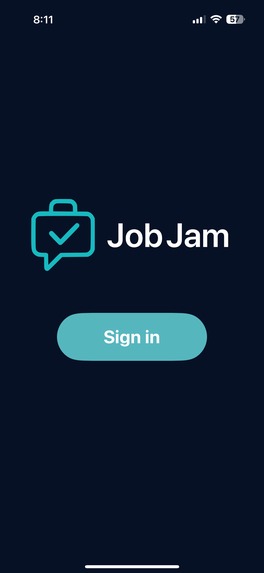
Sign In page
-
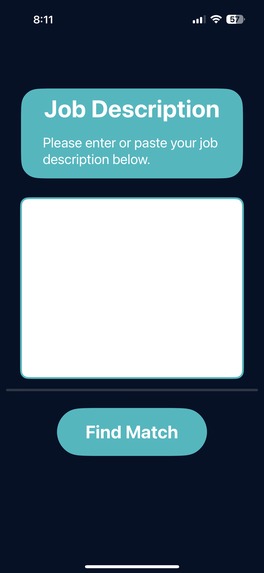
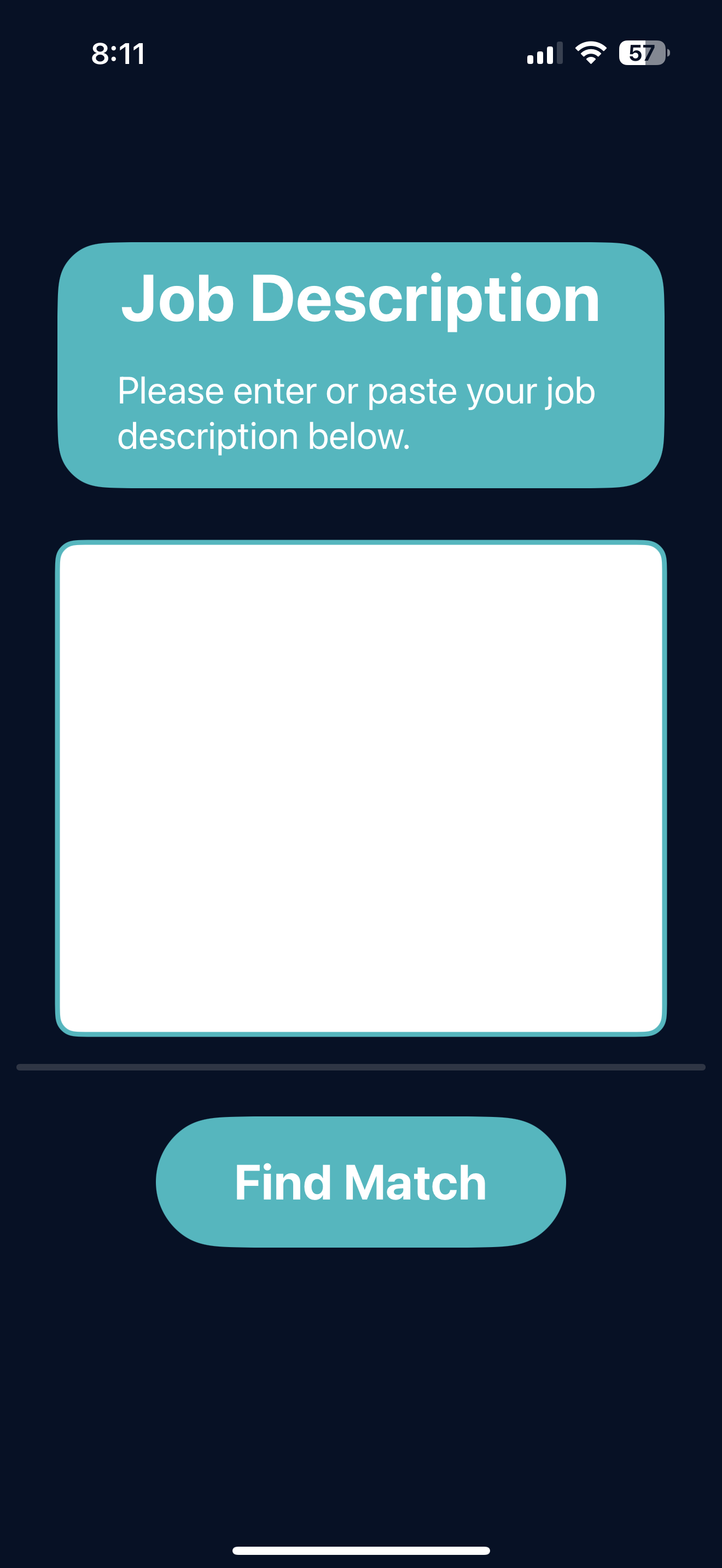
Job Description Page
-
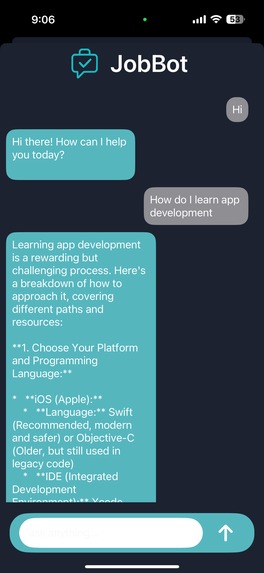
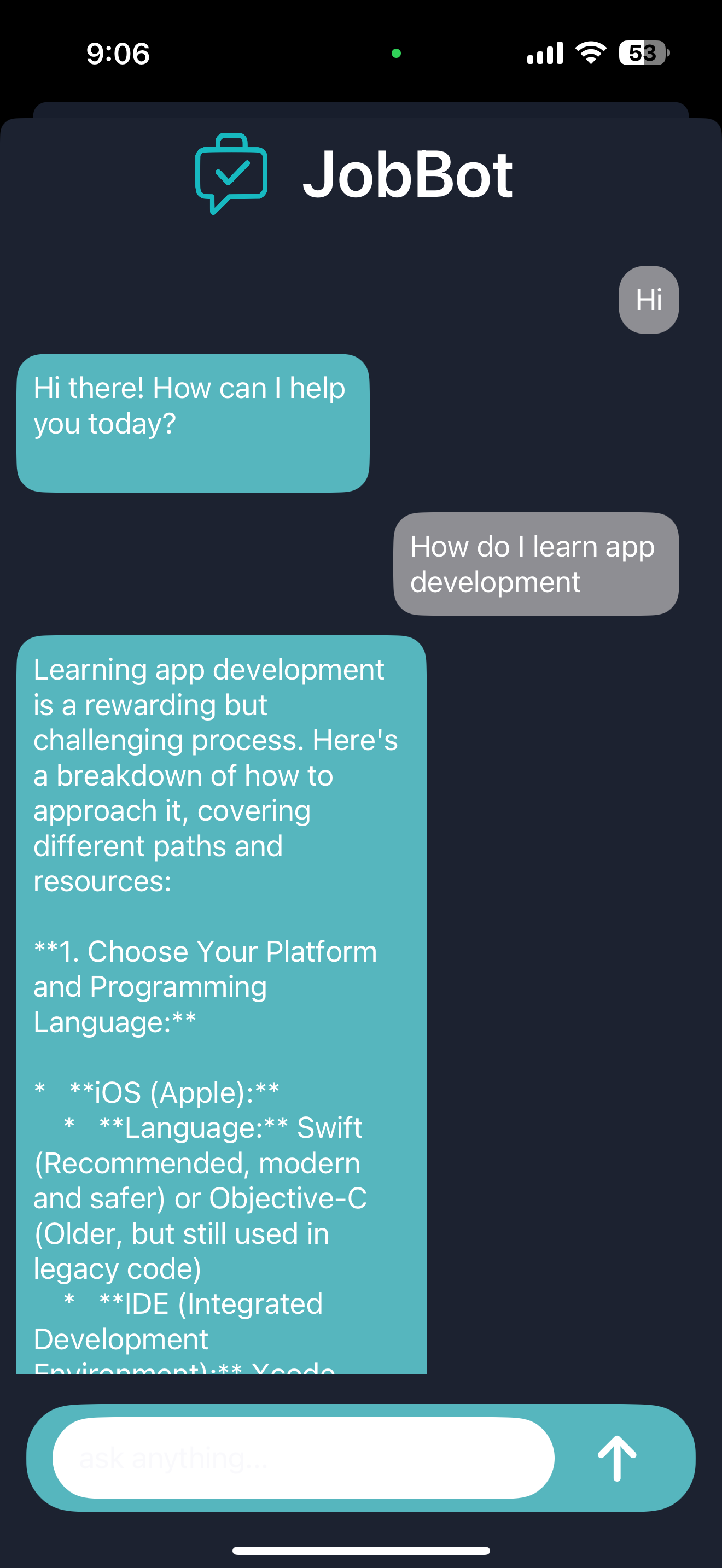
Chat Bot View
-

Call View
-

App Logo


About JobJam: Technical Overview
Motivation
Career prep tools often focus on AI-driven feedback but lack human connection. JobJam bridges this gap by connecting users with similar goals for real-time, anonymous video calls, allowing them to practice networking, interviews, and public speaking with actual humans rather than just AI simulations.
System Architecture
JobJam is built using:
- Frontend: SwiftUI
- Backend & Database: Firebase Authentication & Firestore
- Video Calls: Agora with token server hosted on Render
- AI & Matching: Hugging Face model
intfloat/e5-large-v2for embeddings, Gemini for JobBot - Matching Algorithm: Cosine similarity of embeddings
The system workflow:
- User Authentication: Users sign in anonymously via Firebase.
- Input Processing: Users enter a job description (d).
- Embedding Generation: The description is converted into a vector embedding (\mathbf{v}_d \in \mathbb{R}^n) using the Hugging Face model.
- Storage: The embedding is stored in Firestore and added to a matchmaking queue.
- Similarity Matching: Users are matched based on cosine similarity.
Cosine Similarity
To match users, we compute the cosine similarity between embeddings:
[ \text{similarity}(\mathbf{v}_i, \mathbf{v}_j) = \frac{\mathbf{v}_i \cdot \mathbf{v}_j}{|\mathbf{v}_i| |\mathbf{v}_j|} ]
Where:
- (\mathbf{v}_i, \mathbf{v}_j \in \mathbb{R}^n) are the embeddings of two users’ job descriptions.
- (\mathbf{v}_i \cdot \mathbf{v}_j) is the dot product of the two vectors.
- (|\mathbf{v}_i|) is the Euclidean norm of (\mathbf{v}_i).
A pair is matched if:
[ \text{similarity}(\mathbf{v}_i, \mathbf{v}_j) \geq \theta ]
where (\theta) is a tunable threshold representing how closely aligned two users’ career interests are.
Real-Time Video Integration
Once a match is found:
- Token Generation: The app requests a temporary Agora token from a server hosted on Render.
- Video Call Setup: Users are connected in a peer-to-peer or group call depending on future features.
- In-Call Features: Mute/unmute audio, disable video, leave call, access JobBot AI assistant.
AI Assistant: JobBot
JobBot is powered by Gemini and allows users to:
- Ask career-related questions in real time.
- Practice interview prompts during calls.
- Receive instant feedback or suggestions.
Challenges & Learnings
- Designing anonymous yet meaningful matchmaking.
- Ensuring low-latency vector comparisons for real-time pairing.
- Handling asynchronous API calls while maintaining a smooth user experience.
- Integrating video streams and AI services simultaneously without blocking the UI.
Next Steps
- Local Audio Recording: Capture user audio during calls.
- Transcription & Evaluation: Use AssemblyAI for post-call analysis.
- Personalization: Improve JobBot with tailored prompts and suggestions.
- Scalability: Optimize matchmaking for large queues while maintaining speed.

Log in or sign up for Devpost to join the conversation.