-
-
2. Explore More Page
-
1. Home Dashboard Page
Inspiration
Quickbase no code platform which helps to make a large project in very little time is one of the reasons to participate in this hackathon.
On another platform we don't know about the below questions: How many job roles are available in the Job Portal? In which location are more company is located? How many people are Employed/Unemployed/Serving Notice Period? Which company is providing more job roles? Which roles are in more demand? Whether the job is available or not as compared to Job Seekers?
With the help of Dashboard and other features of QuickBase, we can overcome all these problems.
What it does
With the help of the Job Portal, companies can register themselves and Job seekers can apply for a job in it.
There are 2 main pages:
Home Dashboard
Explore More
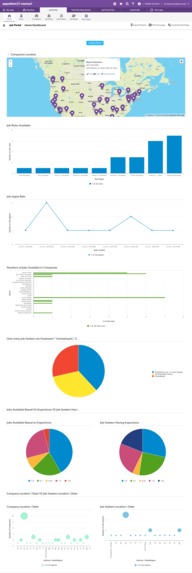
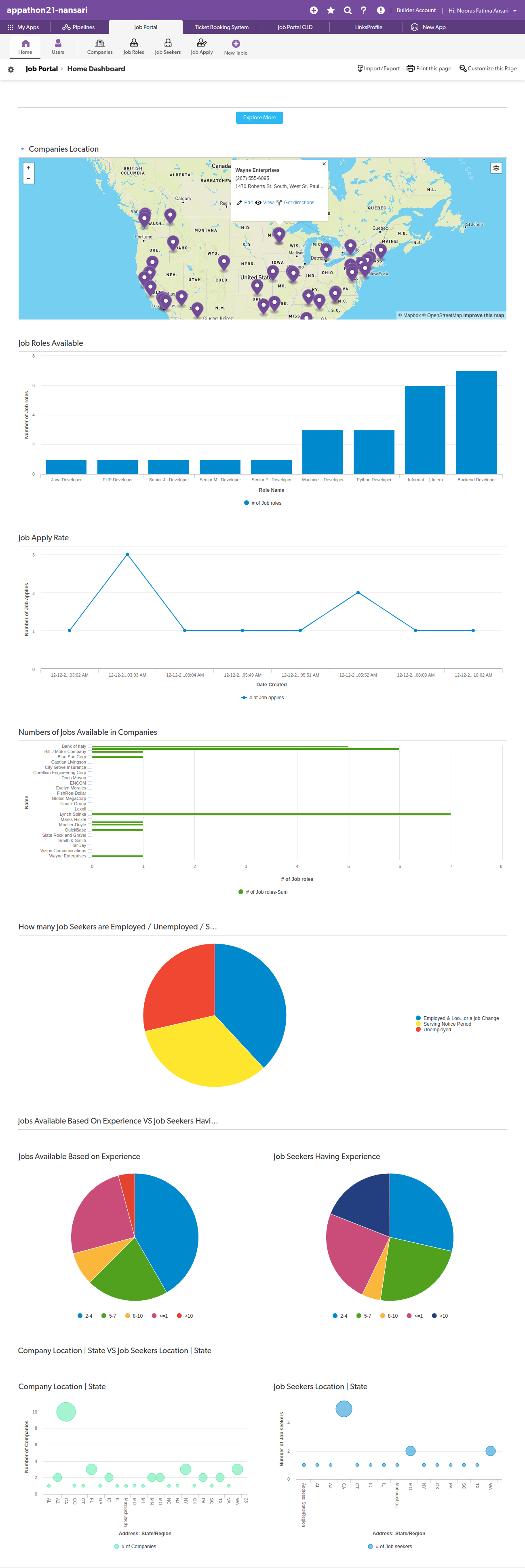
Home Dashboard
It shows lots of different Graphs.
- Companies Locations - Maps: It shows in which location the company is located.
- Job Roles Available: With the help of Bar graph its shows which kind of job roles have higher demand.
- Job Apply Rate: With the help of the Line chart it shows the job apply rate on the site. With the help of this, we can manage site load.
- Numbers of Jobs available in Companies: It shows how many job roles are available in each company.
- How many Job seekers are employed/unemployed/serving Notice Period?: The Pie charts show how many peoples are employed/unemployed/serving Notice Period. By this, we will know the Employment/unemployment ratio.
- Jobs Available Based On Experience VS Job Seekers Having Experience: The Pie charts difference shows how much experience the company required vs job seekers having experience.
- Company Location | State VS Job Seekers Location | State: This shows company Location VS Job seekers location based on state.
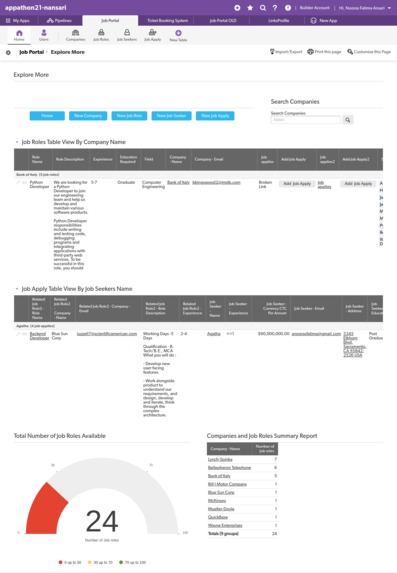
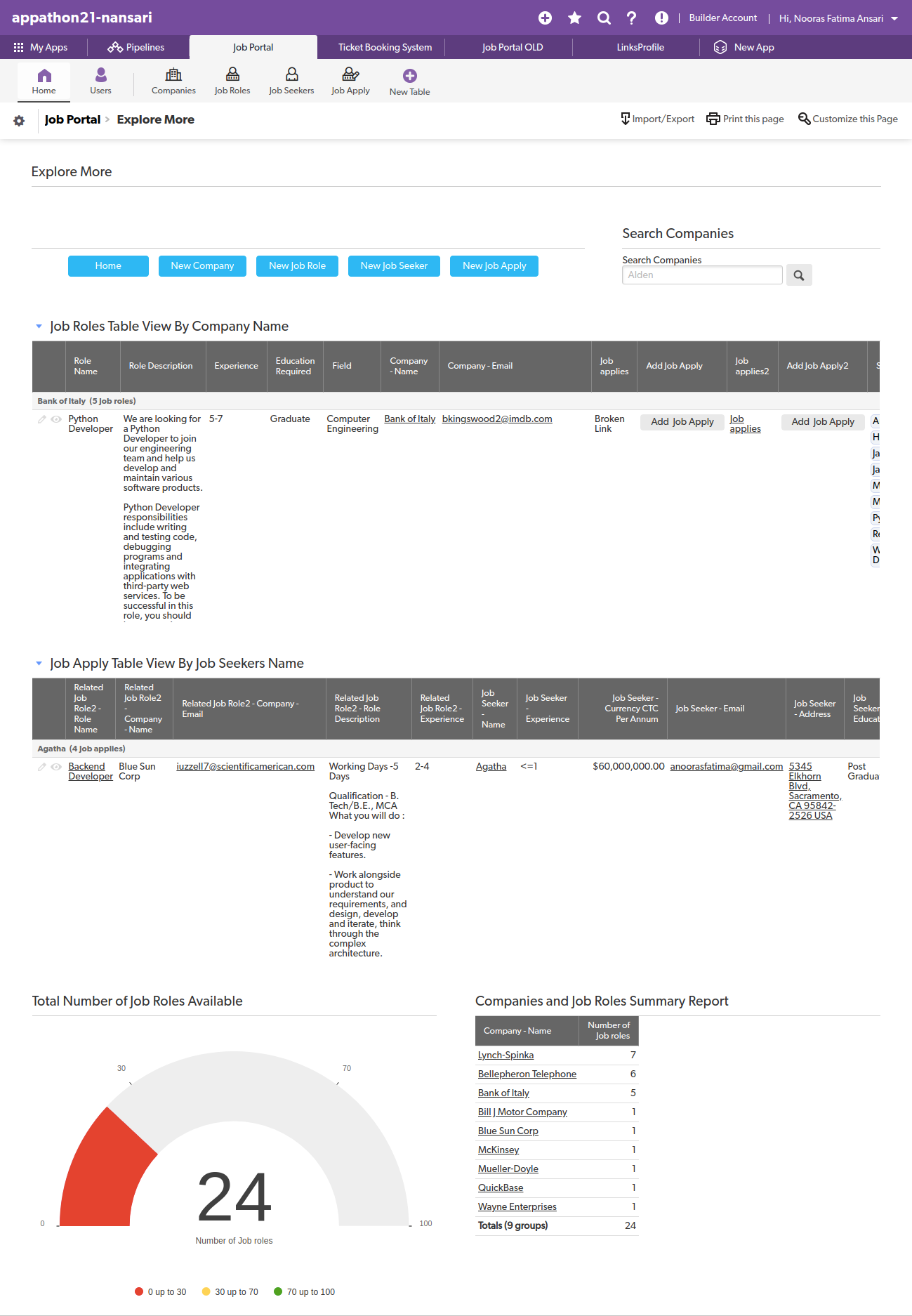
Explore More Page
- Buttons: Different buttons are available through which we can add Companies/Job Roles/Job Seekers/Apply for the job.
- Search Companies: We can search for companies and apply for a job in them.
- Job Roles Table View By Company Name
- Job Apply Table View By Job Seekers Name
- Total Number of Job Roles Available
- Companies and Job Roles Summary Report
Notification: On applying new job, Job Seekers will get a notification mail.
How we built it
With the help of QuickBase (Unified no-code platform. Limitless workflows.) I built this solution.
Challenges we ran into
Adding relationships(One to many) in tables faced some issues. At last, somehow I managed. The QuickBase platform is new for me. Initially, it took some time to learn later I managed to build some applications using QuickBase.
Accomplishments that we're proud of
Able to build a project in very little time and less effort.
What we learned
With Quickbase no-code platform we can actually build a large application in very little time and less effort. Which helps to increase productivity and deliver solutions quicker.
What's next for Job Portal For Companies & Job Seekers
- We can integrate ML/AI to recommend jobs to Job Seekers as per skills or locations.
- Suggest skills that are in high demand.
- Job seekers can track application status.

Log in or sign up for Devpost to join the conversation.