-
Jira Forge App
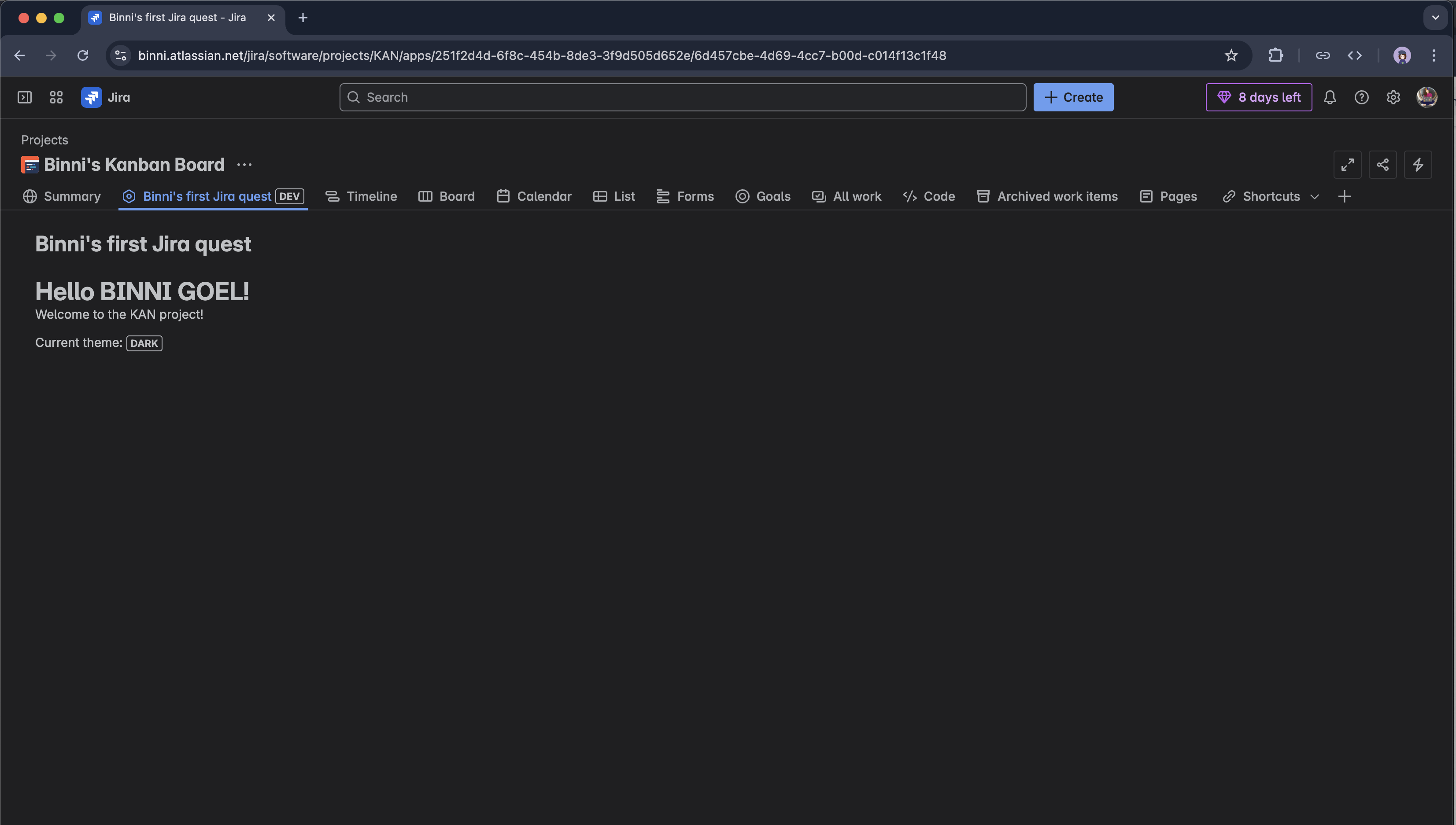
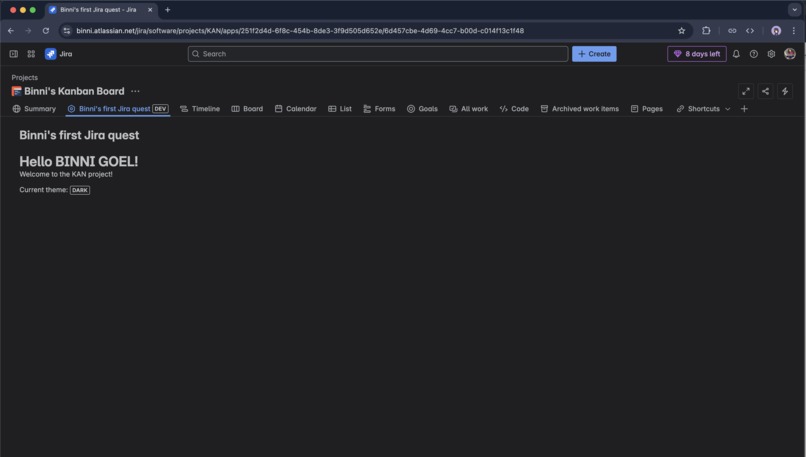
Jira Welcome App, launched from the Jira Apps menu, displays a "Hello World!" or "Hello Name" heading in the main content area, followed by a "Loading..." message until the "Welcome to the [projectkeyname] project!" text appears. It also shows the Current Theme and a "Dark" lozenge below, built using Forge’s jira:projectPage module for seamless Jira integration.
Features and Functionality
JiraWelcomeApp is a simple "hello world" application built for Atlassian Jira using the Forge platform. The app adds a custom UI panel to the Jira kanban board view, displaying a welcoming message to users. The app leverages Forge’s UI kit to ensure seamless integration with Jira’s interface, providing a lightweight and user-friendly experience.
What I Learned from Using the Forge Platform
I learned to use the Forge CLI for efficient app setup, deployment, and testing with commands like forge deploy, forge install, and forge tunnel. The manifest.yml file simplified resource configuration, and React with the UI Kit made building the frontend intuitive.
Building this app was my first experience with Atlassian’s Forge platform, and I learned how to create a basic app using the Forge CLI and UI kit. The process of setting up the development environment and deploying the app to Jira was straightforward, thanks to the guided tutorial. I gained insights into Forge’s architecture and how it simplifies integrating custom UI components into Atlassian products.


Log in or sign up for Devpost to join the conversation.